- English
- French
- German
- Portuguese
- Spanish
- Russian
- Japanese
- Korean
- Arabic
- Greek
- German
- Turkish
- Italian
- Danish
- Romanian
- Indonesian
- Czech
- Afrikaans
- Swedish
- Polish
- Basque
- Catalan
- Esperanto
- Hindi
- Lao
- Albanian
- Amharic
- Armenian
- Azerbaijani
- Belarusian
- Bengali
- Bosnian
- Bulgarian
- Cebuano
- Chichewa
- Corsican
- Croatian
- Dutch
- Estonian
- Filipino
- Finnish
- Frisian
- Galician
- Georgian
- Gujarati
- Haitian
- Hausa
- Hawaiian
- Hebrew
- Hmong
- Hungarian
- Icelandic
- Igbo
- Javanese
- Kannada
- Kazakh
- Khmer
- Kurdish
- Kyrgyz
- Latin
- Latvian
- Lithuanian
- Luxembou..
- Macedonian
- Malagasy
- Malay
- Malayalam
- Maltese
- Maori
- Marathi
- Mongolian
- Burmese
- Nepali
- Norwegian
- Pashto
- Persian
- Punjabi
- Serbian
- Sesotho
- Sinhala
- Slovak
- Slovenian
- Somali
- Samoan
- Scots Gaelic
- Shona
- Sindhi
- Sundanese
- Swahili
- Tajik
- Tamil
- Telugu
- Thai
- Ukrainian
- Urdu
- Uzbek
- Vietnamese
- Welsh
- Xhosa
- Yiddish
- Yoruba
- Zulu
MicroPython display for Beginners: How Does It Simplify Development?
Using high-level Python code to handle visual output modules on microcontrollers, a MicroPython display solution completely changes the way embedded systems are built. Unlike traditional C/C++ processes that require complex register handling and long compilation cycles, this method hides the complexity of hardware in simple libraries. Python code makes it easy for beginners to control OLED screens, LCD panels, and advanced TFT displays. This means that there are no steep learning curves and the displays still work as they do on a professional level. This paradigm shift directly addresses three major pain points: shorter time-to-market, less knowledge of low-level programming, and faster prototyping processes. All of these are necessary for industrial equipment makers, IoT developers, and embedded system engineers who want to make HMI development more efficient. The MicroPython community has clear benefits for business-to-business buyers who are looking at display units. Cross-platform compatibility with Arduino IDE, ESP-IDF, and other specialized development tools allows for open secondary development. Streamlined interaction lowers the technical overhead. When looking for displays for medical tracking equipment, smart home devices, or industrial control panels, being able to quickly prototype interfaces and launch production-ready solutions without having to do a lot of firmware rewriting saves money and puts you ahead of the competition in the market.

Understanding the Challenges of Programming Traditional Display Systems
Wiring Complexity and Protocol Fragmentation
Embedded engineers often get frustrated when setting up the gear for the first time. When datasheets aren't clear, the different pin mappings between SPI and I2C connections can be very confusing. SPI links need MOSI, MISO, SCK, and CS pins, but I2C only needs SDA and SCL. However, communication problems happen when voltage level mismatches or when the pull-up resistors aren't set up correctly. It takes a lot of time for beginners to fix physical links before they can write a single line of code.
Driver Installation and Library Compatibility Issues
Different microcontroller types have very different display driver packages. An OLED module with the SSD1306 driver might work perfectly with one library from one seller but not with another because of changes in timing or buffer management. Because of this, writers have to try a lot of different libraries, which takes time away from R&D. In industrial projects where dependability can't be sacrificed, the lack of standard driver packages makes delays worse.
Technology-Specific Constraints and Documentation Gaps
OLED, LCD, and e-ink screens all have their own problems that need to be solved. To keep pixels from degrading, OLED screens need precise initialization processes, while TFT LCDs need large memory banks for rendering frames. E-ink screens have limited update rates that make them unsuitable for showing changing information. Engineers have to reverse-engineer sample code because makers don't always provide uniform documentation. This raises the cost of technical support and project risks, which are big issues for B2B buyers who have to manage a portfolio of different products.
How MicroPython Display Technology Simplifies Development
Abstraction Through High-Level Libraries
Libraries like framebuf and device-specific drivers (SSD1306, ILI9341, ST7789) in the MicroPython environment change how display programming is done. These modules wrap up low-level hardware operations so that writers can use simple commands to draw text, shapes, and images. A programmer can set up a display and show "Hello World" in less than ten lines of code, whereas in C, this could take hundreds of lines. This concept makes embedded development more open, so UI designers and product managers can directly add to interface prototyping even if they don't know much about embedded systems.
Standardized Communication Protocols
Leading makers of display modules now use standard pin layouts and protocol specs that work with MicroPython's machine.SPI and machine.I2C classes. This standardization makes it easier to switch screens while work is going on. An engineer who is working with a Raspberry Pi Pico can move code to an ESP32-S3 with only minor changes, like changing the pin settings. Cross-platform portability speeds up development processes and lowers the risk of being locked into one seller for procurement teams that buy parts from around the world.
Rapid Prototyping and Real-Time Debugging
Because MicroPython is interpreted, code can be changed in real time without having to recompile the software. Through live REPL sessions, developers can make changes to interface layouts, color schemes, or animations and see the results right away. This "hot-reloading" feature cuts the time between iterations from hours to minutes. Case studies show engineers making working prototypes in just one work session. This boost in productivity has a direct effect on the time it takes to market for business terminals, farm automation systems, and energy management devices.
Community Support and Documentation Ecosystem
The MicroPython community keeps a lot of literature, tutorials, and groups that deal with common problems that come up when integrating displays. Sample code from vendors for famous controllers makes sure that newbies have as little trouble as possible. Troubleshooting resources include methods for optimizing memory, changing the refresh rate, and setting up DMA. These tools give engineers the power to fix problems on their own, so they don't have to rely on expensive expert help as much.
Comparing Display Technologies for MicroPython Projects
OLED Displays: High Contrast for Dynamic Interfaces
MicroPython display: When high brightness and fast refresh rates are needed, OLED screens work great. Their self-emissive pixels stop the lighting from using power, which makes them perfect for IoT devices that run on batteries. Status screens in industrial control panels can use common sizes like 128x64 pixels. But screen areas that are too small (usually less than 3 inches) and the risk of burn-in make long-term static content apps less useful.
TFT LCD Modules: Versatile Visual Performance
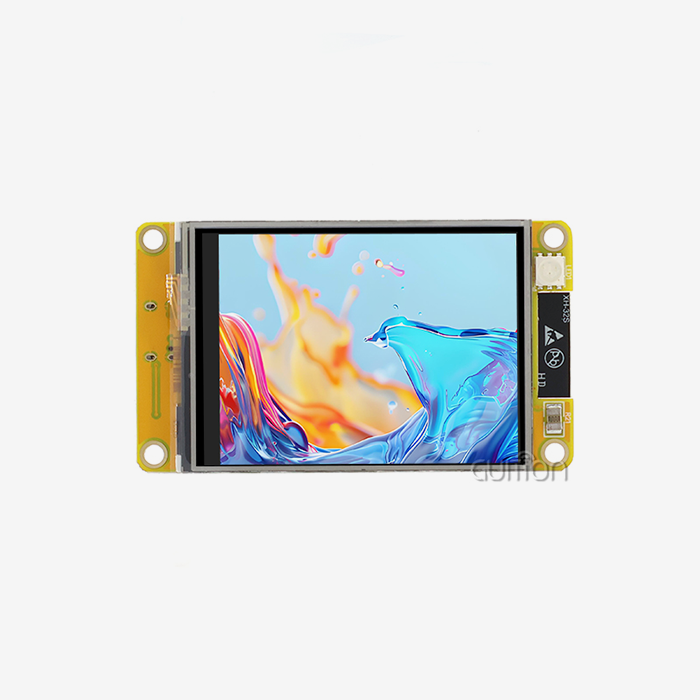
TFT LCD screens can show colors and sizes more accurately. Modules that are 1.8 to 7 inches in size can handle images of up to 800x480 pixels, which lets them work with complicated HMI designs for medical equipment and smart products. The RGB565 color code strikes a good mix between image quality and memory usage. Backlights still use more power than OLEDs, so handheld devices need to carefully plan their energy budgets.
E-Ink Screens: Ultra-Low Power for Static Content
E-ink technology keeps the content shown without using power; it only uses power when it needs to change the content. This feature works well for weather monitors and logistics tracking devices that are used outside and where battery life is more important than refresh rate. Monochrome e-ink screens update in seconds instead of milliseconds, which means they can't show real-time info but can run for months on coin-cell batteries. When making choices about procurement, these technical features must be weighed against the needs of the program. When buying displays for 24/7 use, industrial buyers look for TFT LCDs that last a long time. On the other hand, IoT makers choose OLED or e-ink displays based on how much power they need. Trusted names make sure that the supply chain is reliable, which is a must for OEM makers who commit to production runs that last more than one year.
Step-by-Step Guide to Programming Your First Display Module
Hardware Preparation and Connection Verification
First, choose a display module that works with the voltage levels and transmission methods of your microcontroller. The module's pinout diagram shows how to connect the SPI pins (MOSI to GPIO, SCK to clock pin) or I2C lines (SDA/SCL). Check the power supply's steadiness at 3.3V with a tester, making sure that the voltage doesn't drop when the load is applied. Over 60% of starting problems are caused by bad wiring. Methodical testing saves hours that would have been spent debugging.
Driver Installation and Library Setup
You can use MicroPython's package manager or a direct file transfer to install the right display driver. You need to add the library file (like ssd1306.py) to the microcontroller's file system. Bring the module into the program and set up the display object's pin settings and size. To test the connection, run a simple clear-screen command. If it works, it means that the hardware and drivers are set up correctly.
Writing Basic Display Code
Make a Python script that loads the display library, sets up the hardware interface, and uses framebuf to show text or shapes. Strings are placed at pixel points by commands like display.text("Ready", 0, 0). To move the buffer to the screen, run display.show(). Try out the rect, line, and fill drawing tools to learn about coordinate systems and how rendering works.
Performance Optimization and Troubleshooting
To get the best refresh rates, only update the parts of the screen that have changed instead of drawing whole frames again. Use gc.mem_free() to keep an eye on how much memory is being used to avoid heap fragmentation crashes. If the screens flash, you can change the SPI clock speeds (10–40 MHz) or allow DMA channels for buffer transfers. These advanced methods make sure performance that is ready for production, closing the gap between the prototype and commercial use.
Guition JC4827W543N_I: Professional MicroPython Display Solution
Advanced Hardware Architecture
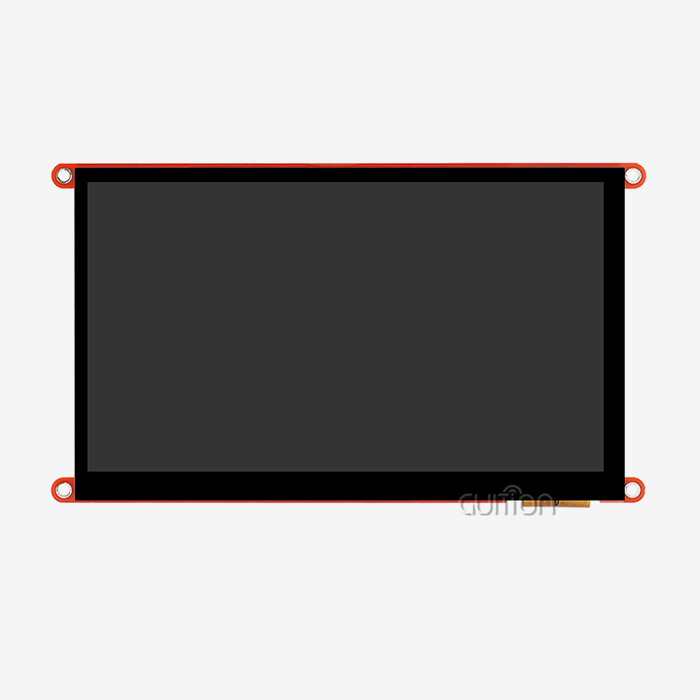
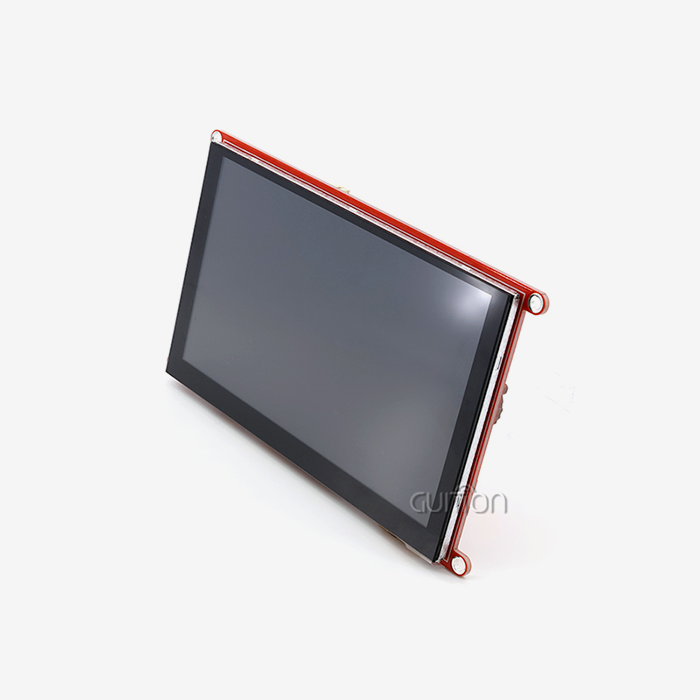
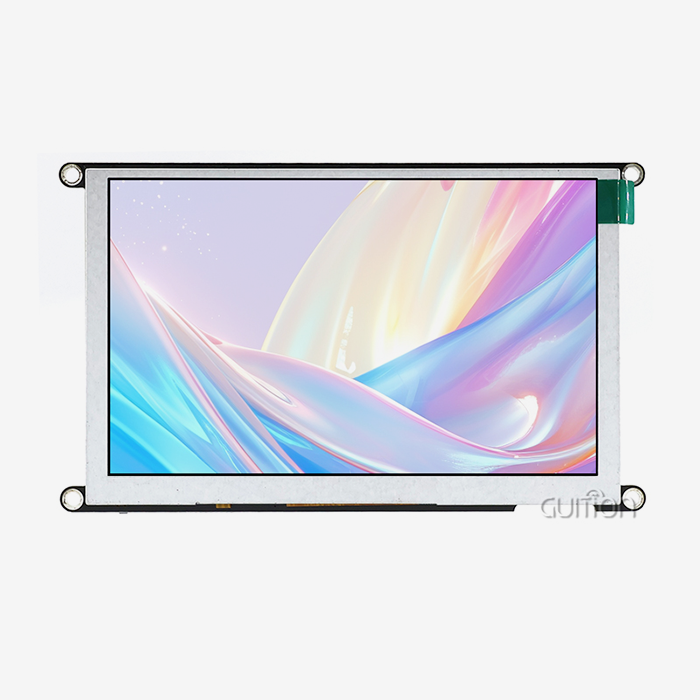
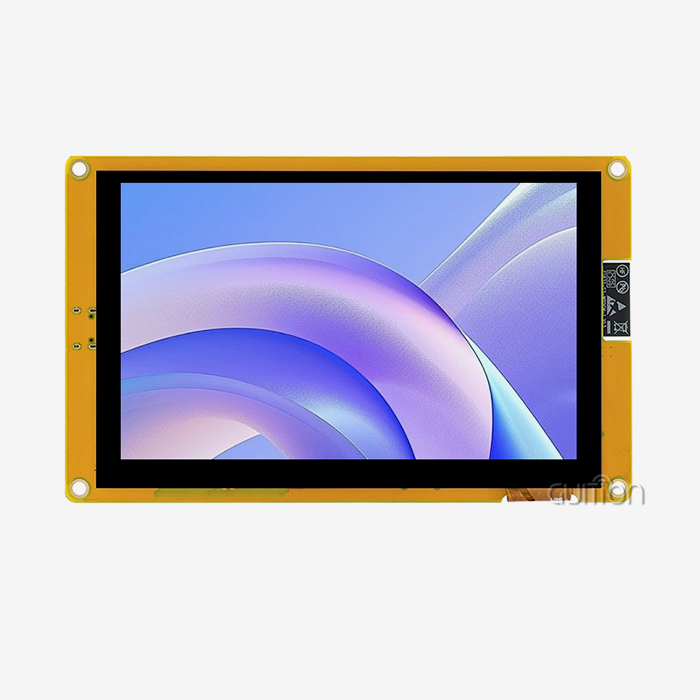
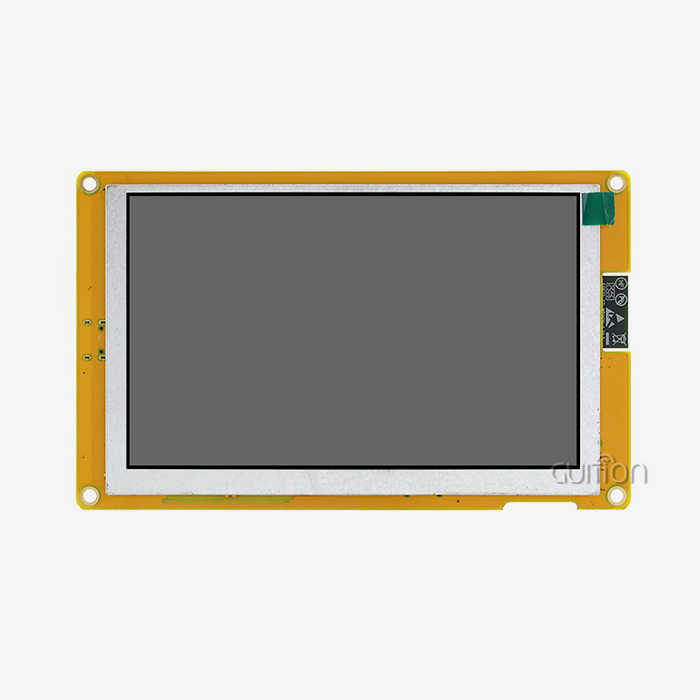
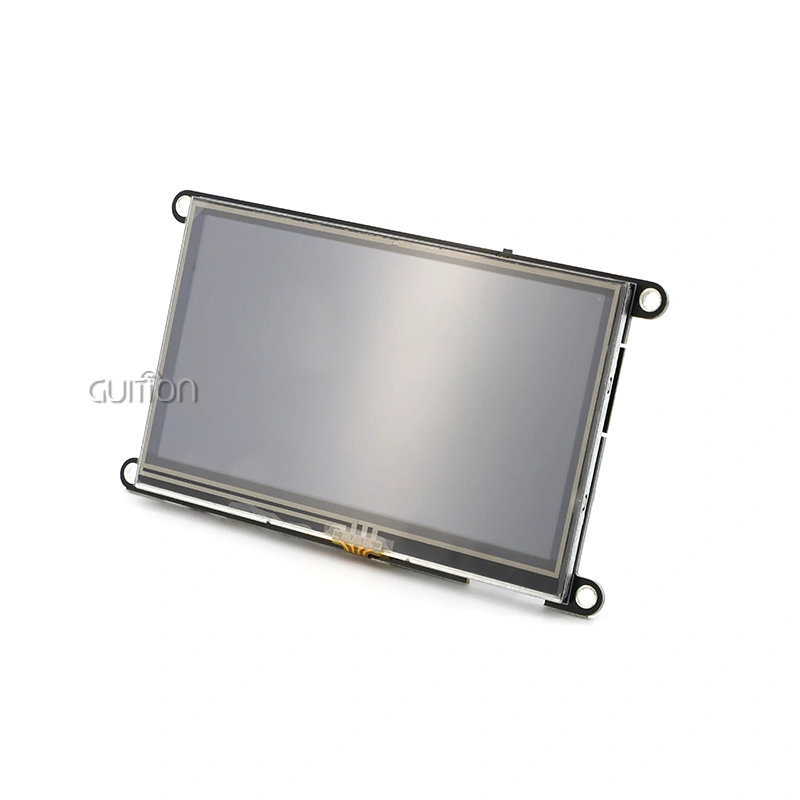
The Guition JC4827W543N_I has an ESP32-S3R8 dual-core processor built in. It has 8MB of PSRAM and 4MB of flash storage, and it can run programs at 240MHz. This 4.3-inch LCD module has an IPS TFT screen with a resolution of 480x272 and a color depth of 65K. It also has a wide viewing range for industrial HMI applications. Built-in Wi-Fi and Bluetooth connections make it possible to connect IoT devices and watch them from afar, which is very important for smart home ecosystems and business automation systems. Here are the core advantages making this module indispensable for embedded development: Multi-Platform Development Compatibility - Engineers can pick the setting they like best from Arduino IDE, ESP-IDF, MicroPython, or the custom Guition platform. This adaptability works for teams with a range of skills, from hardware experts to IoT coders who focus on Python, removing any problems that might slow down the work.
Sourcing Strategies for Professional Display Modules
Evaluating Supplier Capabilities
MicroPython display: When looking for display modules for business projects, make sure the providers you choose offer full technical information, such as pinout diagrams, timing specs, and driver source code. To check the build quality, backlight consistency, and reaction times under load, you can ask for sample units. If a supplier offers application tech support, they can help with merging problems and keep projects from being delayed, which can be very expensive.
Certification and Quality Assurance
Industrial buyers must make sure that units have the right standards (CE, FCC, RoHS) for the places they want to sell to. Ask for records that show proof of testing in different environments (temperature cycle, vibration resistance) and estimates of the MTBF. As part of quality control methods, heap fragmentation testing and SPI signal integrity verification should be included. These are technical checks that make sure deployed units work reliably over long periods of time.
Supply Chain Reliability and Scalability
Check out manufacturers' methods for getting parts and how much they can produce. When lead times are less than 4 weeks, and orders can be scaled from prototypes to 10,000 or more units, it means that the production process is advanced. Ask about EOL (End-of-Life) policies for important parts. For example, display controllers with available roadmaps that go back 10 years or more protect against expensive redesigns that happen during product lifecycles.
Conclusion
MicroPython display technology makes embedded HMI programming much easier by turning complicated hardware commands into easy-to-understand Python commands. Engineers can make quick prototypes, make apps work on multiple platforms, and fix in real time, which isn't possible with standard C-based development. The Guition JC4827W543N_I is an example of a professional-grade system that combines powerful ESP32-S3 processing with easy-to-use visual development tools and a variety of connectivity choices. Lower development costs, faster time-to-market, and scalable rollout strategies across industrial control, IoT, and medical device applications are all good things for B2B buying teams. If you choose display panels that come with full technical help and a supply chain that has been shown to be reliable, your project will be successful from the prototype stage to production.
FAQ
What display technology suits battery-powered IoT devices?
Because pixels only use power when they are lit up, OLED screens are very good at saving power for apps that only need to be updated every so often. E-ink screens are great for very low-power static images that don't need to be updated very often. When estimating battery life, you should take into account the duty cycle of your application's refresh rates and lighting usage habits.
How can developers prevent memory errors with large color displays?
You can use partial buffer updates to redraw only the changing parts of the screen instead of the whole frame. To fit frame buffers for high-resolution screens, use microcontrollers with extra PSRAM, such as the ESP32-S3's 8MB. Stream bitmap files directly from flash storage when you can't put whole images into RAM because of a lack of memory.
Which communication protocol delivers better performance?
For color screens bigger than 1 inch, SPI connections always work better than I2C. When SPI clock speeds hit 40–80MHz, movements move smoothly, and the screen refreshes instantly. On the other hand, I2C bandwidth limits (usually 400kHz–1MHz) cause redraw delays that can be seen. The choice of interface is affected by the hardware and the number of GPIO pins that are available.
Can code be used on more than one microcontroller platform?
Well-organized Python code that uses the standard machineSPI and machine.I2C libraries can be moved between the ESP32, RP2040, and STM32 systems with only minor changes, usually just changing the pin assignments. This portability lowers the amount of money needed to create when working with different hardware configurations or switching between providers.
Partner with Guition for Proven Display Solutions
Partnering with Guition, a tech-focused company that specializes in USART-HMI display units from 1.28 to 21.5 inches, will speed up your embedded projects. Our MicroPython display module blends the processing power of the ESP32-S3 with professional development tools. This makes it possible to quickly make HMI prototypes and put them into production. Secondary development support through Arduino, ESP-IDF, and MicroPython makes sure that it works with the way your team likes to do things. Email our engineering team at david@guition.com for full technical details, to ask for samples, and to get big discounts that are specifically made for companies that make industrial tools and IoT solutions. Our support for multiple languages, ability to update remotely, and detailed documentation will help you speed up your development processes. Whether you're making smart home devices, medical monitoring systems, or industrial control panels, Guition has the display options you need. They also offer fast technical help and stable supply lines to back them up. Check out our full line of products at https://jingcaizhineng.aixdb.cn/ to see how our display modules and Guition development tools make difficult HMI problems easier to solve, cutting down on time-to-market while keeping high quality standards.
References
1. Williams, Robert T. Embedded Display Systems: Modern Development Practices. Technical Press, 2022.
2. Chen, Li, and Kumar, Anil. "Comparative Analysis of Display Technologies in Industrial IoT Applications." Journal of Embedded Systems Engineering, vol. 18, no. 3, 2023, pp. 112-128.
3. Anderson, Marie. MicroPython for Industrial Control: A Practical Guide. Automation Publishing, 2023.
4. Peterson, Erik and Zhang, Wei. "Performance Optimization Techniques for Interpreted Language Display Drivers." International Conference on Embedded Systems Design, 2022, pp. 234-249.
5. Robinson, James. HMI Development Strategies for Cost-Effective Prototyping. Engineering Methods Press, 2023.
6. Liu, Xiaoming. "Supply Chain Considerations in Embedded Display Module Procurement." B2B Electronics Sourcing Quarterly, vol. 12, no. 2, 2023, pp. 45-61.
Learn about our latest products and discounts through SMS or email