- English
- French
- German
- Portuguese
- Spanish
- Russian
- Japanese
- Korean
- Arabic
- Greek
- German
- Turkish
- Italian
- Danish
- Romanian
- Indonesian
- Czech
- Afrikaans
- Swedish
- Polish
- Basque
- Catalan
- Esperanto
- Hindi
- Lao
- Albanian
- Amharic
- Armenian
- Azerbaijani
- Belarusian
- Bengali
- Bosnian
- Bulgarian
- Cebuano
- Chichewa
- Corsican
- Croatian
- Dutch
- Estonian
- Filipino
- Finnish
- Frisian
- Galician
- Georgian
- Gujarati
- Haitian
- Hausa
- Hawaiian
- Hebrew
- Hmong
- Hungarian
- Icelandic
- Igbo
- Javanese
- Kannada
- Kazakh
- Khmer
- Kurdish
- Kyrgyz
- Latin
- Latvian
- Lithuanian
- Luxembou..
- Macedonian
- Malagasy
- Malay
- Malayalam
- Maltese
- Maori
- Marathi
- Mongolian
- Burmese
- Nepali
- Norwegian
- Pashto
- Persian
- Punjabi
- Serbian
- Sesotho
- Sinhala
- Slovak
- Slovenian
- Somali
- Samoan
- Scots Gaelic
- Shona
- Sindhi
- Sundanese
- Swahili
- Tajik
- Tamil
- Telugu
- Thai
- Ukrainian
- Urdu
- Uzbek
- Vietnamese
- Welsh
- Xhosa
- Yiddish
- Yoruba
- Zulu
Knob Module vs Rotary Encoder: Which Fits Your Product?
A knob module fits best when you need a complete front-panel control that combines rotation, push action, and sometimes a display, ready to mount in your device. A rotary encoder fits best when your controller needs a bare sensing part that reports direction, speed, or position. Neither choice wins in every case. The right answer depends on your user experience goals, firmware plans, panel space, and lifetime cost. This article compares both options and then shows how the Guition JC3636K518C_I_YR works as a knob module with a 360x360 touch display.

Choosing the Right Rotary Input for Your Product
Why This Choice Matters
The spinning keyboard will be the main point of interest for your customer. It changes the code you need to write, the time, and the returns. Teams often have to start the panel over because the shaft, depth, or signal type doesn’t match when they pick a part based on name alone. The most expensive time to make these changes is during product testing or after the product has been sold. A knob module is often a good choice for OEMs that need a flexible power unit that does a lot of different things. If the system requires digital input, a custom resolution, or an interface to an existing driver, a rotary encoder is usually the best choice.
What Is a Knob Module?
You can embed a knob module directly into a product or control panel. It is already there: a rotary control unit. It may have a knob, encoder, potentiometer, push button, indicator ring, housing, shaft, socket, or even a screen, depending on the specs. When someone hits or turns the button, it receives a signal that your software can read. Knob modules are found in many applications such as medical equipment, audio equipment, home appliances, and car interfaces. They are good because they work all the time, and they are easier to build because they have more parts.
What Is a Rotary Encoder?
An electric signal is sent to a rotary encoder as the shaft turns. This signal tells a controller which way the shaft is turning, how fast it is turning, or where it is in space. An incremental encoder, if you look at it, will send two signals that are 90 degrees out of phase. These are called A/B quadrature pulses. The scheduler needs to know how many times the clock has run. An absolute encoder assigns a unique value to each position that the shaft moves to. This value does not change even if the power is cut off. Sometimes it's more work and more expensive to put things together. One kind of output technology is laser sensing. Another is magnetic recognition. Fifth is mechanical contacts, and last is serial communication. The best one depends on where you are, how long it lasts, how clear it is, and how well it works with other controllers.
Knob Module vs Rotary Encoder: Key Differences and Selection
Key Differences Between the Two
Both parts convert motion to signals. However, they have different design goals. Every now and then, a knob module is a larger part of a human-machine interface. A spinning encoder is essentially a sensing element. When selecting a detent, you should consider the feel, the type of signal it provides, the clarity of that signal, the arrangement of the sockets, and the relationship to controls. You also need to know how the person feels. The product can be used with a hand or backlighting, touch or push to select an action, etc. Arrange these side-by-side on a table, and it’s easy to tell whether your project calls for a finished front-panel control or a smart sensor that you can use to build a custom system.
How to Choose Between a Knob Module and Rotary Encoder
Start with what the user has to do, not the name of the component. You can change it all at once, in small steps, stay in place, press a button, see feedback, and be able to use one hand to control it. The next step is to decide how often the software runs, how fast it responds, and how clear it is. You should look at the wires, the depth of the panel where the PCB is, the size of the shaft, how it is mounted... where the PCB is. The last you want to look at is weather, humidity, dust, shaking, EMI, projected working cycles, and total cost of ownership. A part might work technically, but it may not sell if it requires more effort to assemble, test, or maintain. This is what you need to do before the sample request.
Recommended Decision Matrix
This simple matrix can be a useful tool for verifying the compatibility of the product design and control system. If you're looking for an easy-to-use front panel, a branded look, rotating and push features, or faster assembly, then a knob module is for you. If you need to know the digital position of something, set the resolution, get accurate readings, control motion, or connect to an existing controller, you need a rotary encoder. If you need an encoder input, lighting, waterproofing, an external knob with a brand name, a unique way to mount it, and custom wiring all at the same time, a custom hybrid might be your best option. Consider signal needs, life, environment, documentation, cost, and future supply before final approval.
When Each Option Is the Better Choice
When a Knob Module Is the Better Choice
A knob module is the ideal choice for an OEM needing a front-panel control that is ready to install and looks and feels the same. Combining parts that do more than one thing can help reduce the number of parts, wires, and time to set up. It also helps you to make sure that each item has the same knob shape, how it feels to turn, light design, branding, and how it works when pushed. Fits often include tools, HVAC controls, lab instruments, business devices, and industrial equipment with displays that show you how to use them. All features of the LED, line length, connecting structure, seals, and power output can be customised according to your needs. If the knob also has a screen and processor, one knob module can replace a separate display board and input part.
When a Rotary Encoder Is the Better Choice
If your control system requires accurate shaft information or digital data that can be changed quickly, a self-operating rotary encoder is more desirable. You are able to configure the speed, send directional pulses, set the sensitivity, or send location data to the software for your app to use if you want. It is used for indicating distance on test instruments, servo systems, motor controllers, and factory automation. Or they might use a standard control board, a pre-configured software package, or an encoder interface designed specifically for the purpose. Check the resolution, output format, signal levels, mechanical life, environmental rating, and compatibility with your current controller before buying. If you have mechanical contacts in your parts that bounce when they switch, you should plan for debouncing either in hardware or in software.
Choosing a Hybrid Knob Module with a Display
Some need both. Brand-name button. Touch. Rotational feedback. A screen could fit in there. They are used most of the time to connect music equipment, smart home screens, 3D printers, and small industrial HMIs. The trade-off is the firmware. It needs a processor that can do its job and software that enables the quick and easy creation of displays. Here, a display-based knob module can save time, since the processor, monitor, and input circuits already work together. If your team wants to reduce debugging and time to market, but you have limited UI development staff, I would suggest this route.
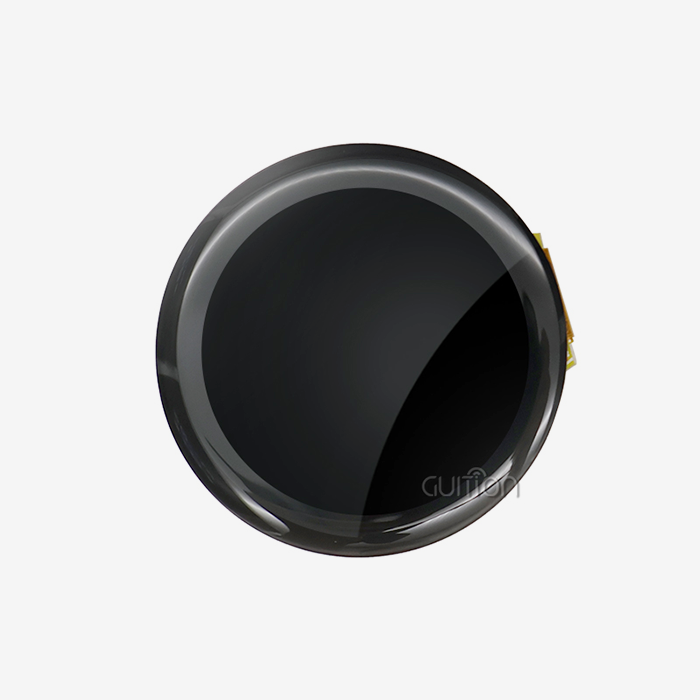
Guition JC3636K518C_I_YR: A Knob Module with a Touch Display
Hardware at a Glance
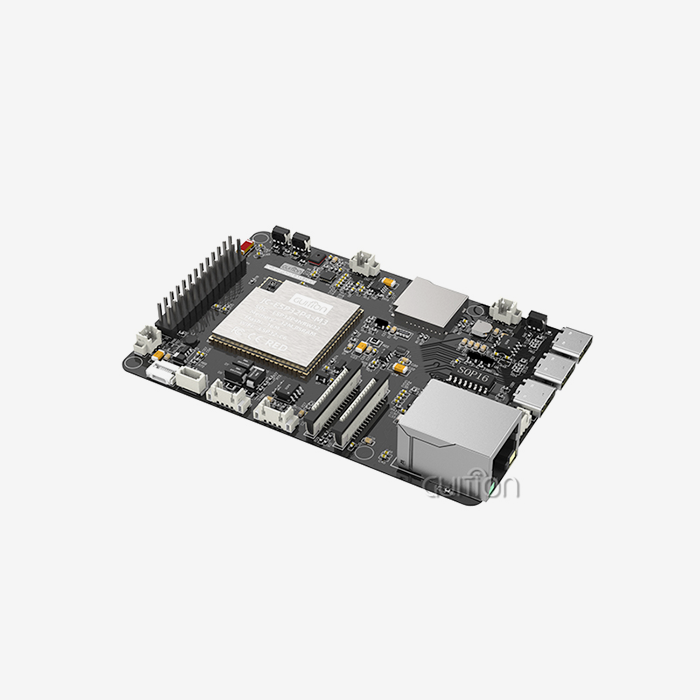
The guidance for JC3636K518C_I_YR Main Chip is ESP32-S3R8. It features two cores, can run at 240 MHz, and has integrated Wi-Fi and Bluetooth BLE 5.0. It has 16MB additional flash, 8MB PSRAM, 520KB SRAM, and 448KB ROM. It has a 360x360 IPS touchscreen. The brightness is handled by another chip on the knob module. There is also a microphone chip on the board, a speaker driver chip, and a TF card interface. Also, the chip controls the touchscreen. It has a built-in motor that vibrates to give feedback to nerves. Together, these parts combine a rotary interface, touchscreen, and sound in a single compact module.
Development Tools and Software
Development stays flexible. It can be programmed at the second level with the Arduino IDE, the ESP IDE, MicroPython, and the Guition platform. Engineers who prefer code can stay with IDF or Arduino. With the Guition UI tool, teams can speed up screen design. In a "what you see is what you get" layout, you can add a control with just one click and change its size, style, and position by dragging and dropping. Cross-platform web testing helps you locate problems quickly and lowers debugging costs. Guition solutions also support multi-language switching and remote upgrades of user projects, which reduces after-sales visits. We also release firmware updates that add functions over time.
Features and Applications
The module covers multimedia and PC use as well. It offers spectrum visualisation, Bluetooth music playback, MJPEG video playback, and an electronic photo frame. Built-in AIDA64 support turns it into a secondary display with 18 pre-loaded styles for system stats, and the wireless links let you manage computer volume. You can load custom photos, add MJPEG videos, or upload TXT books, and three anime-themed clocks come included. Listed applications include 3D printing, smart home control panels for lighting, climate, and entertainment, desktop tracking, audio equipment, medical devices like massage and beauty equipment, clocks and weather units, and small HMIs for industrial machine control.
Technical and Procurement Checklist for B2B Buyers
Technical and Procurement Checklist
Before you agree to any moving input, confirm the business, legal, long-term, technical, and electrical factors. For the mechanics, check dimensions, shaft type, mounting method, panel thickness, rotation angle, detent behaviour, load resistance, materials, and temperature range. For electrical data, ask about the voltage, current, output signal, resolution, contact grade, connector, pinout, and wiring diagram. Request functional life-test data, environmental test results, inspection standards, and traceability records. If sealing matters, find out which IEC 60529 IP code applies. For international procurement, also verify wait time, tooling charges, packaging, warranty, Incoterms, and engineering support.
Common Selection Mistakes and How to Avoid Them
Choosing only by unit price is the most common error. A cheaper part can cost more through extra assembly, PCB redesign, firmware work, testing, or field replacement. Teams also overlook dust, moisture, vibration, temperature, and chemical exposure, which leads to early failure. Too much resolution can make the control feel twitchy when the display or software cannot use it. Confirm electrical compatibility, debounce needs, EMI protection, and connector pinout early. Finally, a good sample does not prove mass-production consistency. Review tolerances, inspection procedures, change control, and supply continuity before you commit to volume.
How to Evaluate a Knob Module Supplier
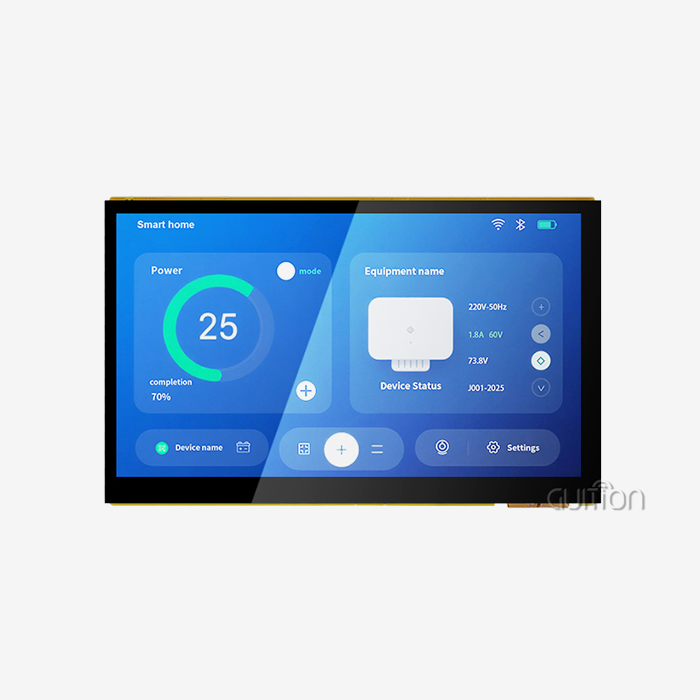
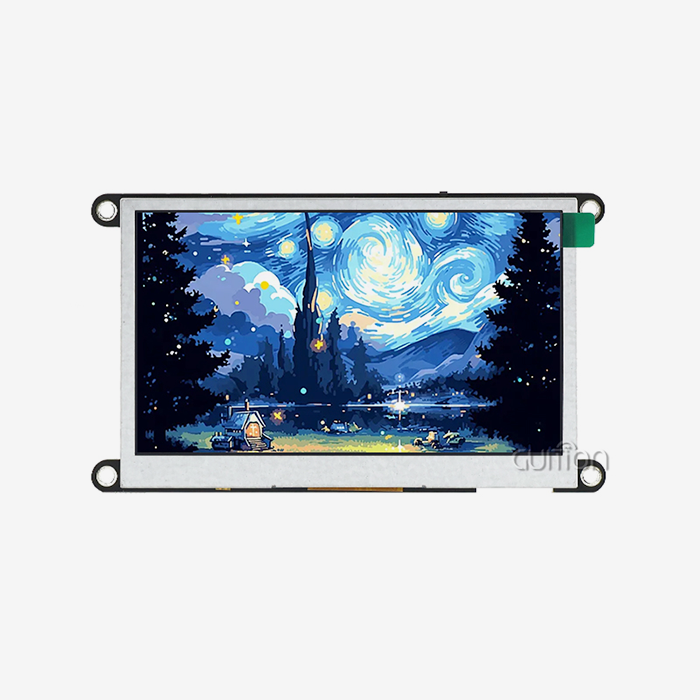
Evaluate a supplier on engineering competence, quality processes, documentation, communication, and production support. A good partner is able to change mechanical dimensions, electrical specifications, appearance, tooling, wiring, and mounting features. A good partner can advise you on design for manufacturing. Ask about incoming inspection, in-process controls, end-of-line testing, life-test validation, lot traceability, and corrective action procedures. Prior to mass production, please request functional samples, drawings, electrical data, installation instructions, packaging samples, and compliance documents. For display-based knob modules, also check the software documentation and supported development environments. Open communication reduces project and supply risk. Guition has display sizes from 1.28" to 21.5" with secondary development docs.
Conclusion
Although they serve different purposes, a knob module and a rotary encoder are both helpful. Up front, the Knob module is an integrated front-panel assembly that cuts part count, wiring, and installation time while giving a consistent look and feel. The rotary encoder is a sensing component suited to programmable resolution, digital position feedback, and links to an existing controller. Think about what the customer wants first, then resolution, mechanical limits, environment, expected life, and total cost of ownership. Common mistakes include buying on unit price alone and trusting a single sample. Matching the part to the product architecture lowers redesign risk.
FAQ
Q: Is a knob module the same as a rotary encoder?
A: No. There may be an encoder on a Knob module, but the module itself is what matters. Precision depends on the internal sensing technology, not the product name. The tracking system inside something, not its name, tells you how accurate it is.
Q: Which option suits industrial equipment?
A: Rotary encoders suit CNC equipment, robotics, servo systems, and motor controllers that need position data. Knob modules suit industrial panels that need a consistent operator interface. Many projects use both.
Q: What does a supplier need for an accurate quotation?
A: Share the application, drawings or dimensions, shaft and mounting needs, output signal, resolution, environment, target quantity, customisation goals, compliance needs, and delivery schedule. Review drawings, signal specifications, and samples before mass production.
Q: Which tools does the Guition JC3636K518C_I_YR support?
A: It works with MicroPython, Guition, Arduino IDE, and ESP IDE for extra development. The ESP32-S3R8 controller can connect to Wi-Fi and Bluetooth BLE 5.0, and the 360x360 display has capacitive touch.
Request a Suitable Knob Module or Rotary Encoder Solution from Guition.
Choosing between a knob module and a rotary encoder is easier with an engineer on your side. As a Knob module manufacturer and HMI display supplier, Guition can review your drawings, interface needs, and target volumes. Email david@guition.com with your application details, or visit https://jingcaizhineng.aixdb.cn/ to see the JC3636K518C_I_YR and our 1.28" to 21.5" display range. Send your inquiry today.
References
1. Espressif Systems, ESP32-S3 Series Datasheet, 2023
2. Espressif Systems, ESP-IDF Programming Guide, 2024
3. MicroPython Documentation, Quick Reference for the ESP32, 2024
4. Jack Ganssle, A Guide to Debouncing, The Ganssle Group, 2004
5. International Electrotechnical Commission, IEC 60529: Degrees of Protection Provided by Enclosures (IP Code), 2013
6. European Parliament and Council of the European Union, Directive 2011/65/EU on the Restriction of Hazardous Substances (RoHS), 2011
Learn about our latest products and discounts through SMS or email