- English
- French
- German
- Portuguese
- Spanish
- Russian
- Japanese
- Korean
- Arabic
- Greek
- German
- Turkish
- Italian
- Danish
- Romanian
- Indonesian
- Czech
- Afrikaans
- Swedish
- Polish
- Basque
- Catalan
- Esperanto
- Hindi
- Lao
- Albanian
- Amharic
- Armenian
- Azerbaijani
- Belarusian
- Bengali
- Bosnian
- Bulgarian
- Cebuano
- Chichewa
- Corsican
- Croatian
- Dutch
- Estonian
- Filipino
- Finnish
- Frisian
- Galician
- Georgian
- Gujarati
- Haitian
- Hausa
- Hawaiian
- Hebrew
- Hmong
- Hungarian
- Icelandic
- Igbo
- Javanese
- Kannada
- Kazakh
- Khmer
- Kurdish
- Kyrgyz
- Latin
- Latvian
- Lithuanian
- Luxembou..
- Macedonian
- Malagasy
- Malay
- Malayalam
- Maltese
- Maori
- Marathi
- Mongolian
- Burmese
- Nepali
- Norwegian
- Pashto
- Persian
- Punjabi
- Serbian
- Sesotho
- Sinhala
- Slovak
- Slovenian
- Somali
- Samoan
- Scots Gaelic
- Shona
- Sindhi
- Sundanese
- Swahili
- Tajik
- Tamil
- Telugu
- Thai
- Ukrainian
- Urdu
- Uzbek
- Vietnamese
- Welsh
- Xhosa
- Yiddish
- Yoruba
- Zulu
Is Your Hmi display screen Ready for Smarter Automation?
Whether you run an industrial plant, design a smart device, or control a complex system, your HMI display screen is the front-end interface between your people and your equipment. A slow, old, or poorly designed human-machine interface costs you time, money, and competitive advantage. The real question is: Can your current display module keep pace with today’s automation, or is it secretly holding your project back? This guide will take you through all you need to know to make an educated decision.

Understanding the Fundamentals of HMI Display Screens
An HMI display screen is a communications bridge between a human operator and an automated system such as a PLC or embedded controller. It transforms raw machine data into accessible visuals, live graphs, and interactive elements.
Touchscreen Technologies: Resistive vs. Capacitive
Resistive touch panels are responsive to pressure on the panel surface, making them appropriate for situations where the user is wearing gloves or working in an environment where liquids may be spilled on the monitor. They offer multi-touch gestures and give better optical clarity than capacitive touch screens (e.g., GUITION JC8048Q350C_I). Ideal for medical devices, smart home panels, and commercial kiosks.
Display Types and Connectivity Options
Today’s HMI panels are available in IPS, TFT-LCD, and OLED formats. IPS panels give wide viewing angles and consistent color, which is useful in industrial monitoring because the operators see the screen from different positions. Generally, connectivity options include RS232/485 serial connections, Ethernet, CAN Bus, and, increasingly, integrated WiFi and Bluetooth modules for wireless data transfer.
Industrial Protocol Compatibility
An HMI display has to be able to communicate with the existing control infrastructure, using protocols like Modbus RTU/TCP, Profinet, or OPC UA. Your display’s support for these protocols will influence how well it integrates with the PLCs, SCADA systems, and IoT gateways throughout your enterprise.
Evaluating Your Current HMI Setup: Is It Time to Upgrade?
Many facilities still use antiquated HMI display screen panels with 4-bit color screens, sluggish CPUs, and no wireless connectivity. A 2022 ARC Advisory Group analysis found that unexpected downtime costs industrial businesses an average of $260,000 per hour. Outdated interface gear is often a factor.
Signs Your Current Display Module Is Falling Behind
If you have an existing display module with screen latency, low color depth, or need on-site visits for firmware updates, these are all strong indicators your existing arrangement is no longer meeting operational needs. Bad touchscreen response on production floors immediately decreases operator trust and increases input mistakes.
What a Smarter HMI Brings to Your Operation
Moving to a current-generation HMI display panel provides quantifiable improvements. You also receive quicker screen rendering, a greater resolution for visualizing data, OTA (over-the-air) remote update capabilities, and multi-language interface support, all of which decrease support calls and on-site maintenance visits.
The Cost of Delaying an Upgrade
Every month a legacy interface panel is in the field, it costs debugging hours, after-sales support requirements, and slows down your product iteration cycle. Engineering teams that migrate to current HMI modules using drag-and-drop GUI tools greatly reduce time-to-market.
How to Choose the Best HMI Display Screen for Your Automation Needs
The first step in selecting an HMI display screen is to define your application environment. An outdoor EV charging station display requires optical bonding and 1000+ nits brightness. A medical monitoring device panel requires PCAP touch precision and antimicrobial housing. Every choice is based on your needs.
Comparing Development Ecosystems
Industrial HMI systems from brands such as Siemens and Allen-Bradley are proven, with extensive PLC integration, but they are expensive to license and restricted in terms of customisation at the hardware level. GUITION takes a different tack: the JC8048Q350C_I module supports Arduino, IDF, and the proprietary Guition drag-and-drop GUI development tool, allowing engineering teams to choose routes according to their current expertise.
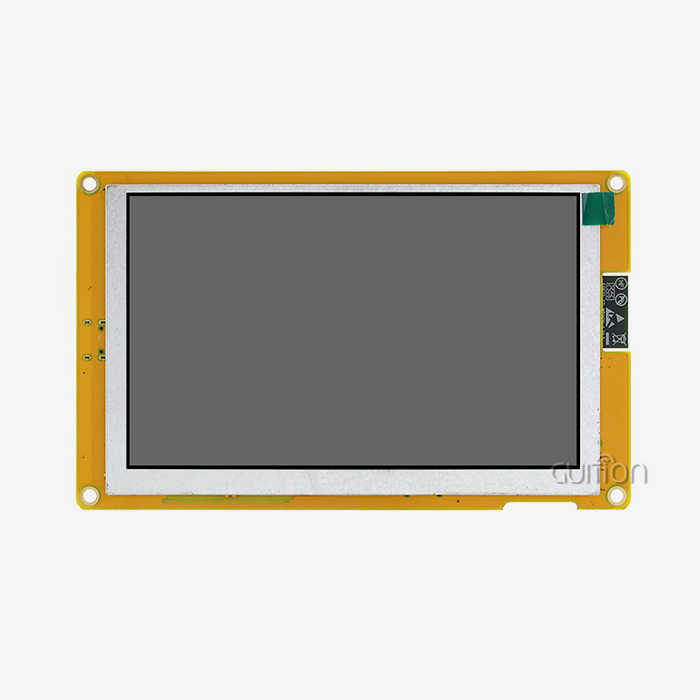
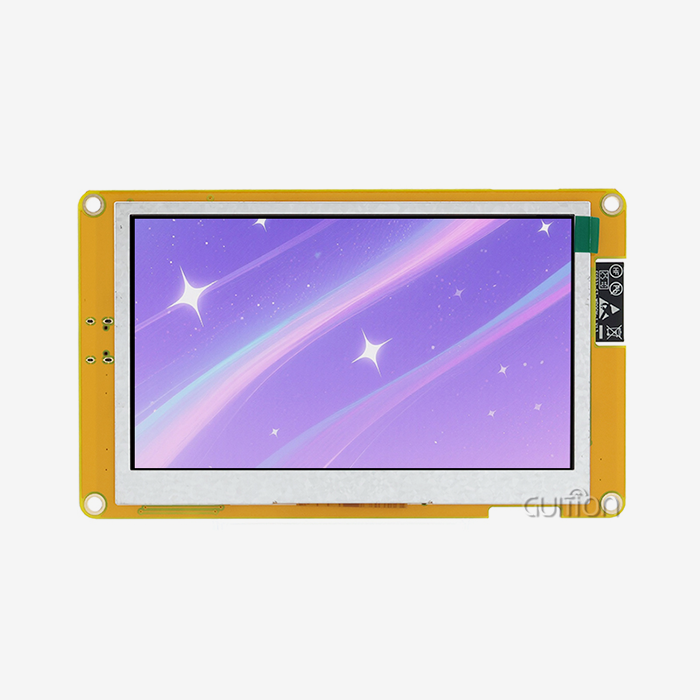
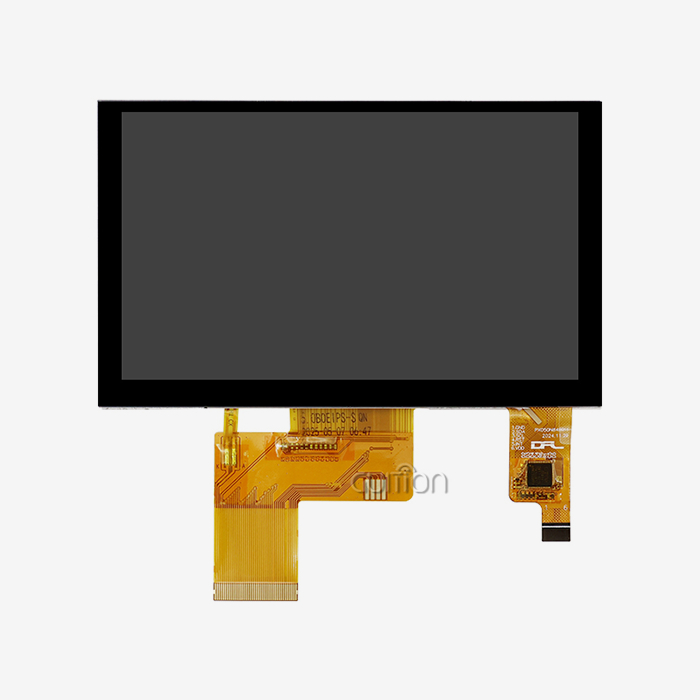
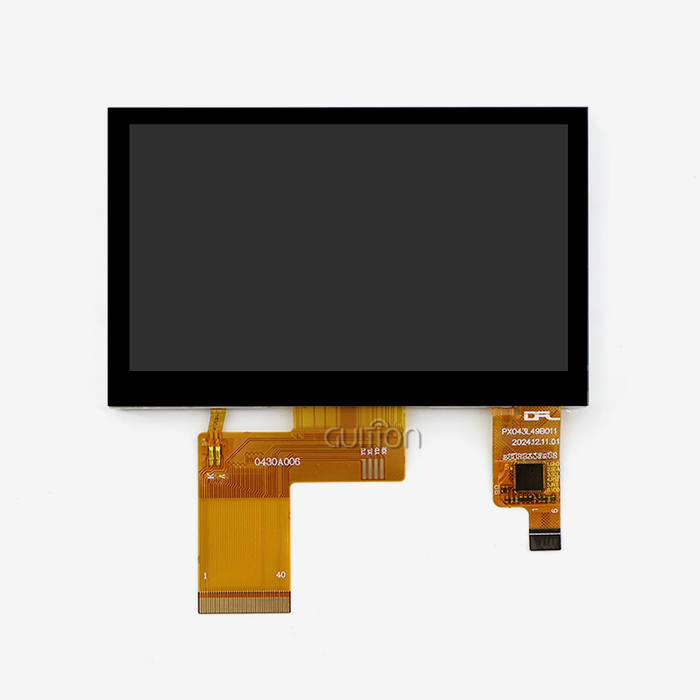
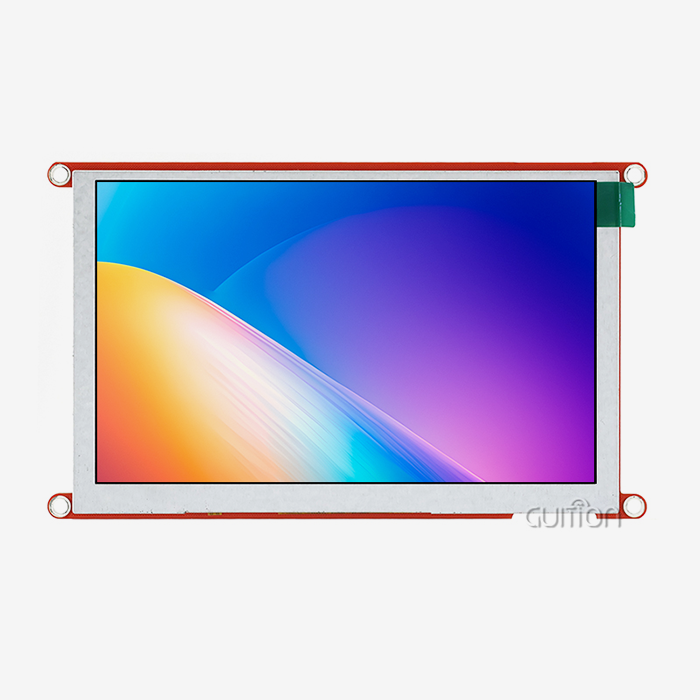
5.0 inch IPS Display Module 800×480 Resolution GUITION JC8048Q350C_I with 400MHz D121BBV Single Core MCU. Multimedia-heavy interfaces work without latency since it supports JPEG encoding at 1024×768@60fps and PNG at 1024×768@30fps. The module provides a lighting control circuit, extensible IO ports, a TF card slot, serial ports, and built-in WiFi and Bluetooth in one industrial-grade package.
Procurement Factors That Matter in B2B Projects
These are the most important variables to consider when choosing an HMI display screen provider, to be assessed by procurement managers and R&D teams:
- Display size range: GUITION ranges from 1.28” to 21.5”, supporting anything from small embedded panels to huge commercial terminals, removing the need to source from different suppliers.
- Software capability: Guition online GUI tool enables drag-and-drop control placement, UTF-8 multi-language encoding, and remote project updates – all without writing low-level code.
- Documentation and support quality: GUITION offers comprehensive secondary development interfaces and technical papers so that your engineers may start integrating immediately.
- Cross-platform compatibility: The module is compatible with Arduino, ESP-IDF, and Guition environments, lowering the learning curve for embedded engineers who are already acquainted with these platforms.
These variables directly affect project schedules, engineering effort, and overall deployment cost. A good HMI display screen provider removes the after-sales headache even before the product is sent.
Pricing, Lead Times, and After-Sales Service
Bulk order pricing, predictable lead times, and clear after-sales protocols are non-negotiable for large-scale deployments. GUITION's direct supply chain and factory-built test programs mean you can plug in and begin testing on arrival — no lengthy configuration required.
Maintenance and Troubleshooting for Long-Term HMI Reliability
A well-maintained HMI display panel has been known to run for 50,000+ backlight hours continuously. Most reliability concerns come from firmware neglect, physical contamination, or integration mismatches with attached PLCs or SCADA systems.
Cleaning and Hardware Inspection Protocols
Use lint-free cloths and alcohol-free solutions for cleaning IPS panels to prevent coating degradation. Quarterly inspection of IO port connections and lighting circuits. The GUITION JC8048Q350C_I has a modular architecture that makes hardware inspections a breeze and doesn’t need any additional equipment.
Resolving Common Display and Touch Issues
Static discharge or miscalibrated input drivers may frequently cause touchscreen non-responsiveness – both of which can be solved by ESD-protected circuit design and recalibration of the driver. Usually, display flickering is an indication of weak power connections or unsteady lighting management. GUITION's cross-platform online debugging tool allows engineers to find and isolate these errors remotely without needing to assign a professional.
Keeping PLC and SCADA Integration Stable
Verify protocol mappings between your HMI display screen and attached controllers periodically. When updating the PLC firmware, re-validate the communication settings. GUITION's OTA remote update functionality allows you to transmit revised firmware to deployed devices without physical access, which dramatically reduces field service expenses.
Future Trends and Innovations in HMI Display Screens
HMI display screen category is evolving rapidly. AI-assisted UI adaptation, predictive maintenance alerts based on sensor thresholds, and edge computing integration are currently migrating from idea to production implementation in top facilities.
AI-Driven Interfaces and Predictive Maintenance
AI integration allows HMI panels to tailor the data they show based on trends in operator behavior and automatically bring up the most relevant indicators. When a connected sensor reaches a specific threshold, predictive maintenance alerts are issued. By finding faults early, they reduce unplanned downtime and repair expenses.
IoT Connectivity and Wireless Communication
Today, HMI modules like GUITION JC8048Q350C_I come with built-in WiFi and Bluetooth. That implies devices may interact directly with cloud dashboards and remote monitoring platforms. This allows the elimination of wired networks in situations where wiring is not possible, such as in sites for farm automation and in transportable industrial equipment.
Cybersecurity in Connected HMI Systems
As HMI displays become networked, cybersecurity is a serious concern. Industrial-grade HMI vendors are including additional EMI shielding, encrypted communication channels, and secure OTA techniques into their hardware. By picking a supplier that includes these features in the design, you shield your automation system from external dangers.
Conclusion
Your HMI display screen panel is doing a lot more work than most engineers give it credit for. It affects how operators utilize equipment, how fast your team can iterate on product design, and how much your after-sales personnel spend on support. Panels are old school. It bogs things down. The GUITION JC8048Q350C_I tackles the real pain points: fast development with drag-and-drop tools, remote OTA updates, cross-platform compatibility, and a 400MHz CPU for demanding multimedia interfaces. If your current display module is not up to the requirements of your automation demands, it is time to consider a competent replacement.
FAQ
1. What is the difference between an HMI display screen and a PLC display screen?
A PLC display is typically a basic status indicator built into the controller. An HMI display screen is a dedicated graphical interface module that visualizes machine data, accepts operator input, and communicates with the PLC through protocols like Modbus or Profinet. HMI screens handle visualization and interaction; PLCs handle logic execution.
2. Which touchscreen technology suits industrial environments better?
Resistive touch works well in dirty, wet, or gloved environments because it responds to pressure. Capacitive touch, like that on the GUITION JC8048Q350C_I, delivers multi-touch precision and higher optical clarity, making it the right choice for medical devices, smart home interfaces, and commercial terminals where clean operation is standard.
3. How do I integrate a new HMI display screen with an existing SCADA system?
Verify that your HMI module supports the communication protocol your SCADA platform uses — typically Modbus TCP, OPC UA, or Ethernet/IP. The GUITION development environment provides complete secondary development documentation to guide protocol configuration and minimize integration time.
4. Can I upgrade deployed HMI devices without sending a technician on-site?
Yes. GUITION HMI modules support OTA remote upgrades. You can push updated firmware or revised UI projects to deployed devices over WiFi, which is particularly valuable for large-scale deployments in energy management or agricultural automation where on-site visits are costly.
Connect With Guition for Your Next HMI Display Screen Project
Guition supplies HMI display screen modules from 1.28" to 21.5" for industrial automation, medical devices, smart home systems, and commercial terminals. The GUITION JC8048Q350C_I is a proven HMI display screen solution with 400MHz processing, built-in WiFi/Bluetooth, and full drag-and-drop development support. Contact our team directly at david@guition.com to request a sample, discuss bulk pricing, or get technical support from a trusted HMI display screen manufacturer.
References
1. ARC Advisory Group. Industrial HMI and Operator Interface Technology Trends. ARC Advisory Group, 2022.
2. International Society of Automation. ANSI/ISA-101.01: Human Machine Interfaces for Process Automation Systems. ISA, 2015.
3. Electronics Industries Alliance. IEC 61000-4-2: Electromagnetic Compatibility — Electrostatic Discharge Immunity Test. IEC, 2008.
4. Manufacturing Enterprise Solutions Association (MESA International). Metrics That Matter: Reducing Unplanned Downtime in Manufacturing. MESA International, 2021.
5. National Institute of Standards and Technology. Guide to Industrial Control Systems Security (SP 800-82). NIST, 2015.
6. IHS Markit. Global HMI and Operator Interface Market Outlook. IHS Markit, 2023.
Learn about our latest products and discounts through SMS or email