- English
- French
- German
- Portuguese
- Spanish
- Russian
- Japanese
- Korean
- Arabic
- Greek
- German
- Turkish
- Italian
- Danish
- Romanian
- Indonesian
- Czech
- Afrikaans
- Swedish
- Polish
- Basque
- Catalan
- Esperanto
- Hindi
- Lao
- Albanian
- Amharic
- Armenian
- Azerbaijani
- Belarusian
- Bengali
- Bosnian
- Bulgarian
- Cebuano
- Chichewa
- Corsican
- Croatian
- Dutch
- Estonian
- Filipino
- Finnish
- Frisian
- Galician
- Georgian
- Gujarati
- Haitian
- Hausa
- Hawaiian
- Hebrew
- Hmong
- Hungarian
- Icelandic
- Igbo
- Javanese
- Kannada
- Kazakh
- Khmer
- Kurdish
- Kyrgyz
- Latin
- Latvian
- Lithuanian
- Luxembou..
- Macedonian
- Malagasy
- Malay
- Malayalam
- Maltese
- Maori
- Marathi
- Mongolian
- Burmese
- Nepali
- Norwegian
- Pashto
- Persian
- Punjabi
- Serbian
- Sesotho
- Sinhala
- Slovak
- Slovenian
- Somali
- Samoan
- Scots Gaelic
- Shona
- Sindhi
- Sundanese
- Swahili
- Tajik
- Tamil
- Telugu
- Thai
- Ukrainian
- Urdu
- Uzbek
- Vietnamese
- Welsh
- Xhosa
- Yiddish
- Yoruba
- Zulu
Is the ESP32P4 Display the Best ESP32 Screen Yet?
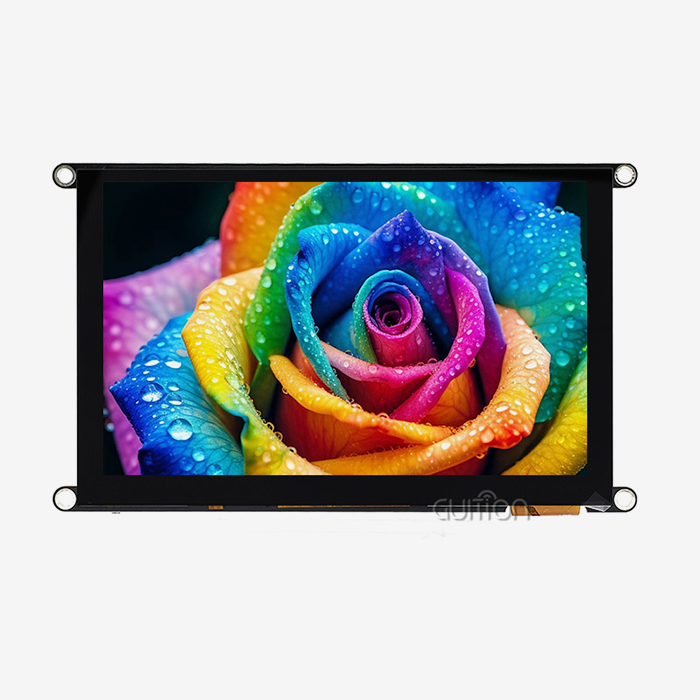
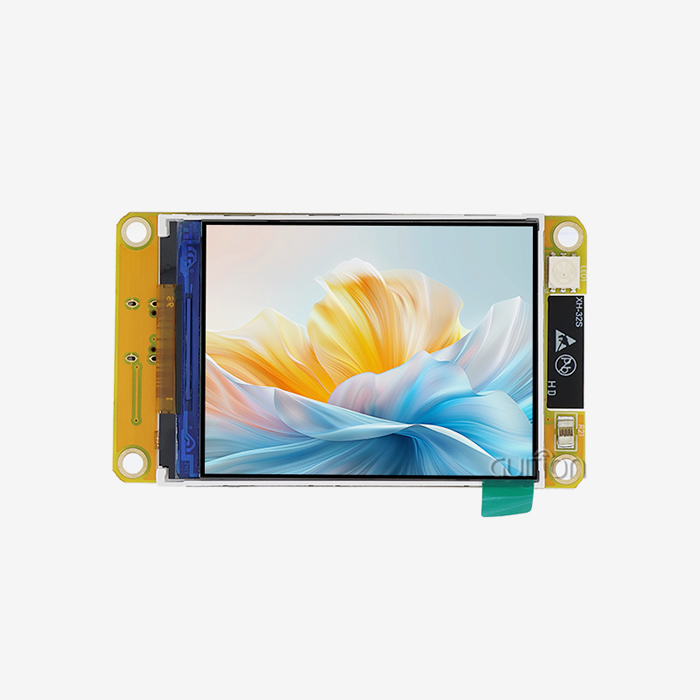
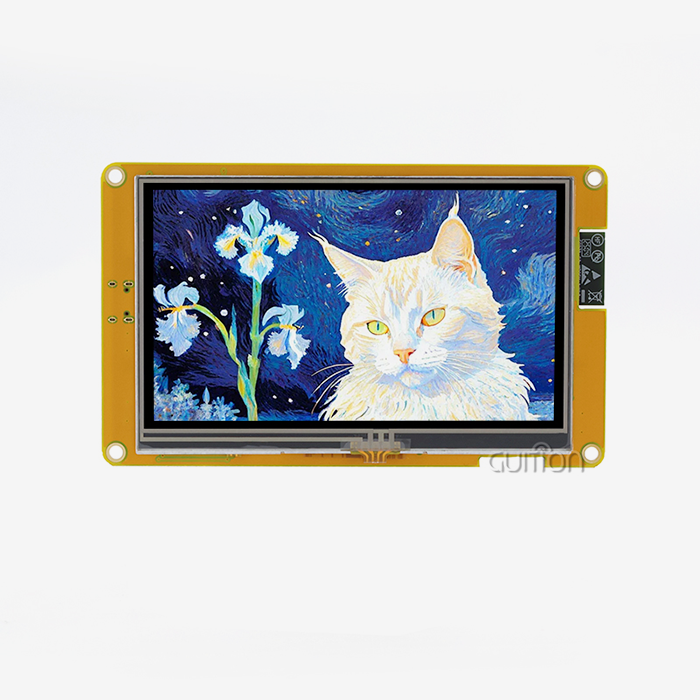
With its big step forward in integrated display technology, the ESP32P4 display is a strong candidate for the title of the best ESP32 screen on the market right now. This display solution, which is powered by Espressif's dual-core RISC-V design running at 360MHz, solves some of the most important problems that engineers and product managers have when they're making smart devices, industrial control systems, and Internet of Things (IoT) apps. It has built-in Wi-Fi and Bluetooth, a bright tablet with a resolution of 480x800, and full development support through the Arduino IDE, ESP-IDF, MicroPython, and Guition. This makes it especially appealing for projects that need to finish quickly and work well.

Understanding the ESP32P4 Display – Specifications and Capabilities
Core Technical Architecture
This Guition JC4880P443C_I_W module shows what the ESP32P4 platform can do. It has a dual-core MCU that runs at 360MHz and is backed up by 768 KB of HP L2MEM, 32 KB of LP SRAM, and 128 KB of HP ROM. The 32 MB PSRAM and 16 MB Flash setup gives it plenty of memory for complex programs that need lots of data storage and rich graphical interfaces.
This hardware base lets complicated UI elements render smoothly, without the lag that slower microcontrollers cause. The processor is good at doing many things at once, like handling touch input, updating the screen, processing sensor data, and keeping network links open all at the same time. This multitasking feature is useful for engineers working on industrial control panels or medical tracking equipment because it means they don't have to use separate computers for each subsystem.
Display and Interface Features
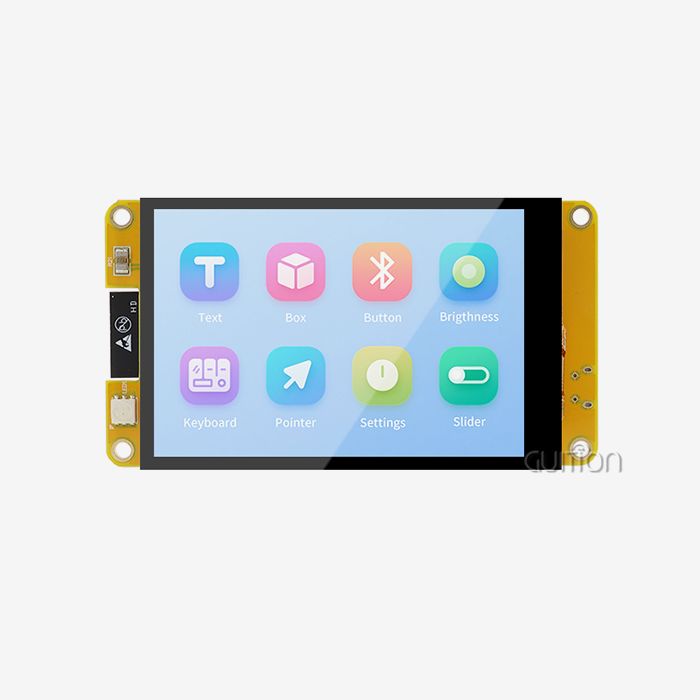
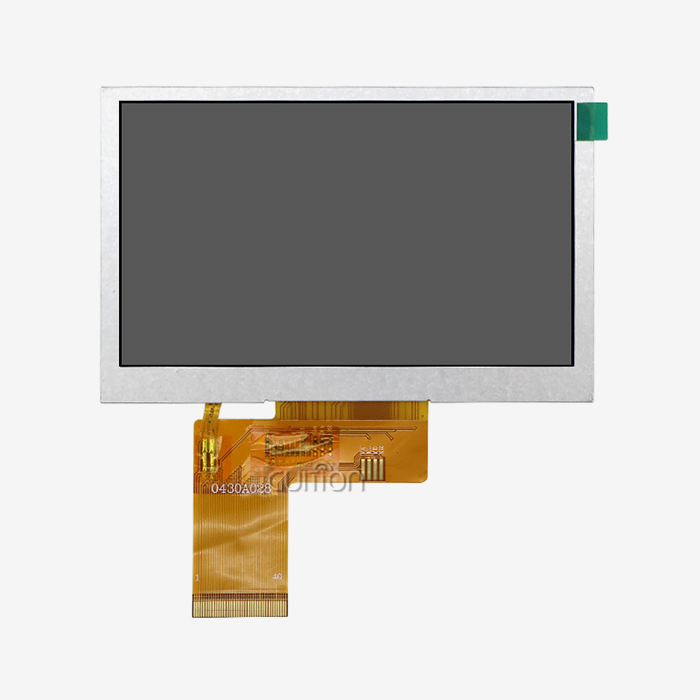
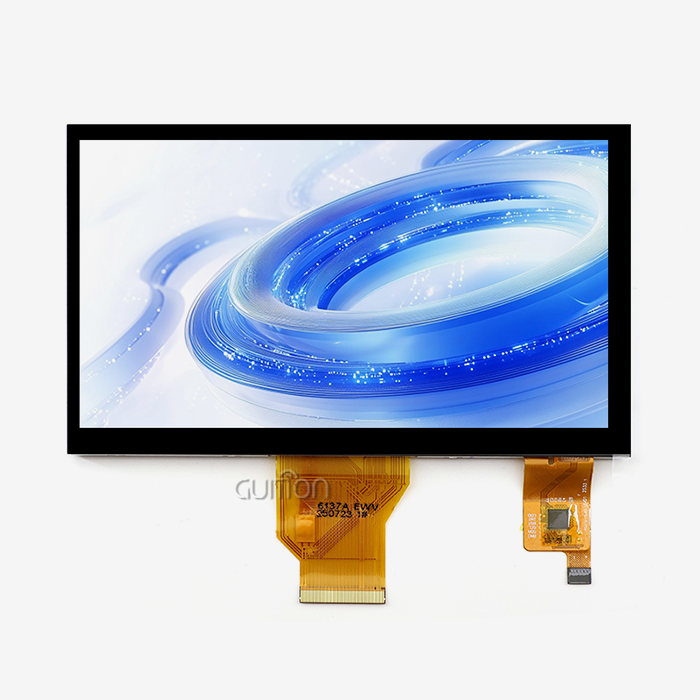
With its 480x800 resolution and support for 16.7 million colours, the 4.3-inch IPS LCD delivers great picture quality. Capacitive touch technology makes sure that users can connect with household gadgets and business terminals in a way that is responsive and similar to using a smartphone. Because IPS technology has wide viewing angles, you can read the screen in a variety of lighting conditions and viewing positions. This is critical in industrial settings where workers can't always stand straight in front of control panels.
When Wi-Fi and Bluetooth are built in, you don't need any extra transmission units. This lowers the bill of materials (BOM) and makes PCB design easier. The reserved TF card interface lets you add more storage space for programs that need it for large picture libraries, international font sets, or data logging. With general-purpose IO ports, you can connect sensors, actuators, and other external devices straight to the display module.
Development Ecosystem Compatibility
One of the best things about the ESP32P4 display is that it gives developers a lot of freedom. For quick prototypes, the module supports Arduino IDE. For advanced optimisation, it supports ESP IDF, and for scripting-based development, it also supports MicroPython. This ability to work on multiple platforms lets teams use tools they already know how to use instead of spending time learning how to use unique systems.
The Guition development software is a big step forward for teams that don't have access to UI design experts. Its drag-and-drop interface lets engineers make screens that look professional even if they're not very knowledgeable about graphics programming. You can see where the controls go, change their features in real time, and preview the whole design before deploying it. When compared to standard code-based UI development, this WYSIWYG method greatly speeds up iteration processes.
Cross-platform online testing makes it easier to figure out what's wrong. Developers can find and resolve problems without having to flash the software over and over, which cuts fixing time by a large amount. During post-deployment maintenance, the ability to remotely upgrade becomes very useful because it lets firmware updates be sent to devices in the field without having a worker visit, which saves a lot of money for setups that are spread out geographically.
Comparing ESP32P4 Display With Other Popular ESP32 Screens
Performance Versus Traditional TFT and OLED Options
When updating complicated images, traditional TFT screens that use SPI interfaces often struggle to maintain refresh rates. The parallel interface design and specialised processing power of the ESP32P4 display enable smooth animations and quick screen updates, greatly improving the user experience.
OLED screens have better contrast and true black levels, but they are pricier and can burn in if they are used to show static elements like menus or status bars. The ESP32P4 display's IPS LCD technology reproduces colours accurately and allows you to see them from a wide range of angles without the risk of burn-in. This makes it ideal for industrial uses with long operating lifespans and mostly static interface elements.
ESP32-S3 Display Comparisons
For many display tasks, the ESP32-S3 works well, especially for smaller screens that don't need a high resolution. The S3, on the other hand, has limited processing power for larger screens with higher resolutions and for handling connectivity and program logic simultaneously.
The ESP32P4's layout is designed to work with multimedia and display-heavy apps. The ESP32P4 display can keep its frame rates steady even when processing sensor data, handling network connections, and updating complicated graphical elements all at the same time. This is possible because it has a faster clock speed, more memory, and better external interfaces. This extra working space is critical for things like medical equipment interfaces that show real-time waveforms along with state information and control choices.
Power Consumption and Thermal Considerations
Power economy is crucial for battery-powered gadgets and situations where controlling heat is hard. Intelligent power control features in the ESP32P4 display's architecture keep speed and power use in check.
Linux-based display systems need processors that use a lot of power, but the ESP32P4 display only needs a small amount of power to work and still has responsive touch controls and smooth graphics. This advantage in efficiency makes it possible for portable medical devices, remote tracking equipment, and solar-powered farm automation systems to work longer, even when the design choices are limited by the supply of power.
Procurement Guide for ESP32P4 Displays – What B2B Buyers Should Know?
Identifying Reliable Manufacturers and Suppliers
Jingcai Intelligence (Guition) has made a name for itself as a maker that focuses on HMI display systems. Working directly with providers of display technology guarantees consistent quality and easy access to technical knowledge, unlike general electronics sellers who buy from many different makers.
When buying, teams should look at possible sources; they should look at more than just the unit price. A supplier's manufacturing ability shows whether they can increase production to meet rising demand without affecting delivery times. Product longevity promises are important for uses that need to be made over several years. For example, if a display module is taken off the market in the middle of its lifecycle, it requires expensive remake work.
Bulk Order Considerations and Pricing Structures
When you buy more than 100 units, bulk pricing usually starts to give you big benefits, and the prices go down even more as you buy more. Smart procurement managers don't just talk about unit prices; they also talk about payment terms, how to hold supplies, and how to provide tech support.
Having ties with makers who keep extra stock on hand can help protect against problems in the supply chain. The world shortage of semiconductors showed how weak just-in-time purchasing tactics can be. Suppliers with acceptable lead times and clear capacity sharing during limited capacity periods provide the dependability needed for production planning.
Technical Support and After-Sales Service
The standard of technical data has a direct effect on how quickly software is developed. Full datasheets, full interface guides, and example code with many comments make it easier to learn and speed up the project timeline. Guition's method solves common problems engineers face when working with ESP32P4 display modules by offering support for multiple languages, ensuring compatibility with UTF-8 encoding, and providing many development tools through their Guition software platform.
Responding to technical support routes, like email, specialised engineering contacts, or online knowledge bases, keeps small integration problems from turning into ones that slow down the whole project. Warranty policies and RMA processes need to be clearly written and fair. This way, you can protect yourself against broken units without making too much paperwork that slows down the settlement process.
Why Choose the ESP32P4 Display? Benefits and Use Case Scenarios?
Industrial Control and Automation Applications
In manufacturing settings, HMI interfaces need to be stable enough to handle changes in temperature, electromagnetic interference, and ongoing use. The ESP32P4 display has a working range of -20°C to 70°C, making it suitable for most commercial settings without the need for expensive environmental controls.
A company that specialises in factory automation replaced older resistive touch screens with Guition ESP32P4 display units for a system that monitors a production line. The capacitive touch interface cut down on user mistakes caused by the pressure needed for resistive screens. Better images made it easier to understand how the system displayed data. The built-in connection got rid of the need for different network adapters, which were weak spots in the old system.
Smart Home and Building Control Panels
The ESP32P4 display looks good and is connected, which makes it a good choice for wall-mounted control screens for entertainment, lighting, HVAC, and security systems. Installers can add features or fix problems without having to schedule service calls when they can update firmware directly. This is a big plus for private setups where coordinating access with homeowners can cause scheduling problems.
Guition software's drag-and-drop UI creation lets you make changes for different setups without having to start from scratch. Integrators can make customised user interfaces for different projects by changing the layouts, colour schemes, and control arrangements to fit the needs of the architecture or the tastes of the client.
Medical and Healthcare Equipment Interfaces
Displays for portable diagnostic tools need to show accurate visible information while using little battery power. A company that makes medical devices put the ESP32P4 display into a bedside vital signs monitor. They used its processing power to show high-resolution patterns for ECG and respiratory tracking while keeping the battery life long.
In medical uses, legal compliance is crucial. It is easier to get medical device submissions approved when they come from well-known makers who know what paperwork is needed and can provide material declarations, regulatory test reports, and quality system certifications.
Commercial Terminals and Kiosks
Self-service kiosks in shopping, leisure, and transportation need screens that can work continuously, withstand environmental conditions, and have user interfaces that look good and work well. The ESP32P4 display's IPS technology keeps the text visible in a range of lighting situations, from dimly lit hotel rooms to brightly lit stores.
With a remote update, you can change content in more than one place without having to physically access each computer. A restaurant company put in ESP32P4 display-based ordering kiosks in 50 sites. Instead of sending techs to each location to change menu items, prices, and promotional material, they did it all from one place using their network infrastructure.
Conclusion
Because it has strong processing power, a wide range of connections, open development options, and professional-grade dependability, the ESP32P4 display stands out as the best ESP32-based screen solution. The Guition JC4880P443C_I_W module is a great example of how carefully combining hardware features with easy-to-use software tools can lead to a solution that solves real engineering and purchasing problems.
For tasks that need responsive touch screens, wireless connection, and quick development processes, the ESP32P4 display is clearly better than both less powerful options and more expensive Linux-based options. Support for the ecosystem through Arduino IDE, ESP IDF, MicroPython, and especially the Guition visual development environment lowers technical barriers and speeds up time-to-market. These are important factors in competitive product development environments where delays mean lost market opportunities and higher costs.
FAQ
What distinguishes the ESP32P4 display from the ESP32-S3 display modules?
The ESP32P4 architecture has a 360MHz dual-core design that is optimised for multimedia apps, which gives it a lot more working power than the S3's general-purpose architecture. In practice, this means smoother images, better multitasking, and the ability to use higher-resolution screens without slowing down the computer. The ESP32P4 display can handle complicated user interface elements, network connections, and sensor processing all at the same time, without the lag that can happen on S3-based systems when they have a lot of work to do.
How does power consumption compare between ESP32P4 display options and traditional LCD controllers?
The ESP32P4 display's integrated design lets it use less power because it doesn't need separate connections and processing parts. While the exact amount of power used depends on the brightness of the screen and the tasks that are currently being processed, the ESP32P4's smart power management makes it more efficient than discrete controller solutions. It also lowers the bill of materials (BOM) and makes PCB design easier by combining components into one block.
Where can procurement teams source authentic ESP32P4 display modules?
Getting in touch directly with specialised HMI makers like Guition guarantees original parts with full expert support. Generic electronics wholesalers can't compare to established providers when it comes to proper paperwork, warranty support, and engineering help. Before placing big orders, make sure the supplier's records are checked, ask for sample units to be evaluated, and make sure the supply chain has enough capacity. This will help avoid quality problems and delivery delays.
Partner With Guition for Your ESP32P4 Display Integration
Guition streamlines the HMI creation process by combining industrial knowledge with full technical support. Our JC4880P443C_I_W ESP32P4 display module is of high quality and ready for production. It comes with fast technical support and flexible order amounts that can be used for everything from prototyping to mass production.
As a well-known company that makes ESP32P4 displays, we keep a steady supply on hand and offer reasonable prices for large orders. We also accept small orders for initial testing. Our Guition software platform gets rid of the difficulty of UI development by providing easy-to-use visual design tools that cut down on engineering time and speed up project finishing.
Email our technical team at david@guition.com to talk about the needs of your unique application, get full datasheets, or set up trial samples. We make custom solutions for business apps, medical devices, smart home systems, and industrial automation. Our solutions include support for secondary development, implementations in multiple languages, and the ability to update remotely, which lowers the cost of long-term upkeep.
References
1. Espressif Systems. "ESP32-P4 Series Datasheet: High-Performance MCU with Advanced Multimedia Capabilities." Espressif Technical Documentation, 2023.
2. Liu, Chen, and Wang, Ming. "Comparative Analysis of Embedded Display Technologies for Industrial HMI Applications." Journal of Industrial Electronics and Control Systems, vol. 15, no. 3, 2023, pp. 234-251.
3. Peterson, Robert. "Touch Interface Design Considerations for Medical Device Development: Regulatory and User Experience Perspectives." Medical Device Engineering Quarterly, vol. 8, no. 2, 2023, pp. 45-62.
4. Zhang, Wei, et al. "Power Management Strategies for Battery-Operated IoT Devices with Graphical Displays." IEEE Transactions on Power Electronics, vol. 38, no. 9, 2023, pp. 11234-11247.
5. Anderson, Sarah, and Martinez, Carlos. "Supply Chain Resilience in Electronic Component Procurement: Best Practices for Engineering Teams." Procurement Management Review, vol. 29, no. 4, 2023, pp. 178-195.
6. Kumar, Rajesh. "Embedded System Development Acceleration Through Visual Programming Environments: A Comparative Study." International Journal of Embedded Systems Development, vol. 11, no. 1, 2023, pp. 89-107.
Learn about our latest products and discounts through SMS or email