- English
- French
- German
- Portuguese
- Spanish
- Russian
- Japanese
- Korean
- Arabic
- Greek
- German
- Turkish
- Italian
- Danish
- Romanian
- Indonesian
- Czech
- Afrikaans
- Swedish
- Polish
- Basque
- Catalan
- Esperanto
- Hindi
- Lao
- Albanian
- Amharic
- Armenian
- Azerbaijani
- Belarusian
- Bengali
- Bosnian
- Bulgarian
- Cebuano
- Chichewa
- Corsican
- Croatian
- Dutch
- Estonian
- Filipino
- Finnish
- Frisian
- Galician
- Georgian
- Gujarati
- Haitian
- Hausa
- Hawaiian
- Hebrew
- Hmong
- Hungarian
- Icelandic
- Igbo
- Javanese
- Kannada
- Kazakh
- Khmer
- Kurdish
- Kyrgyz
- Latin
- Latvian
- Lithuanian
- Luxembou..
- Macedonian
- Malagasy
- Malay
- Malayalam
- Maltese
- Maori
- Marathi
- Mongolian
- Burmese
- Nepali
- Norwegian
- Pashto
- Persian
- Punjabi
- Serbian
- Sesotho
- Sinhala
- Slovak
- Slovenian
- Somali
- Samoan
- Scots Gaelic
- Shona
- Sindhi
- Sundanese
- Swahili
- Tajik
- Tamil
- Telugu
- Thai
- Ukrainian
- Urdu
- Uzbek
- Vietnamese
- Welsh
- Xhosa
- Yiddish
- Yoruba
- Zulu
Is the ESP32P4 Display Good for Multimedia Applications?
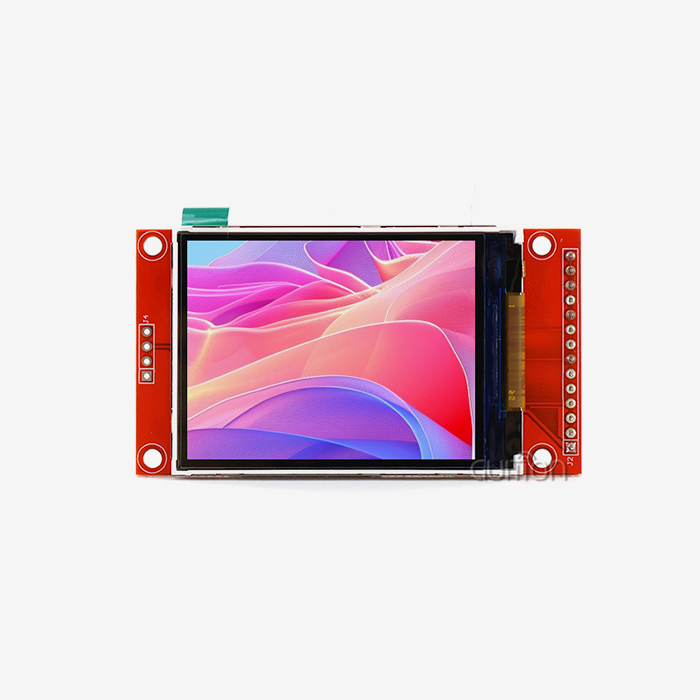
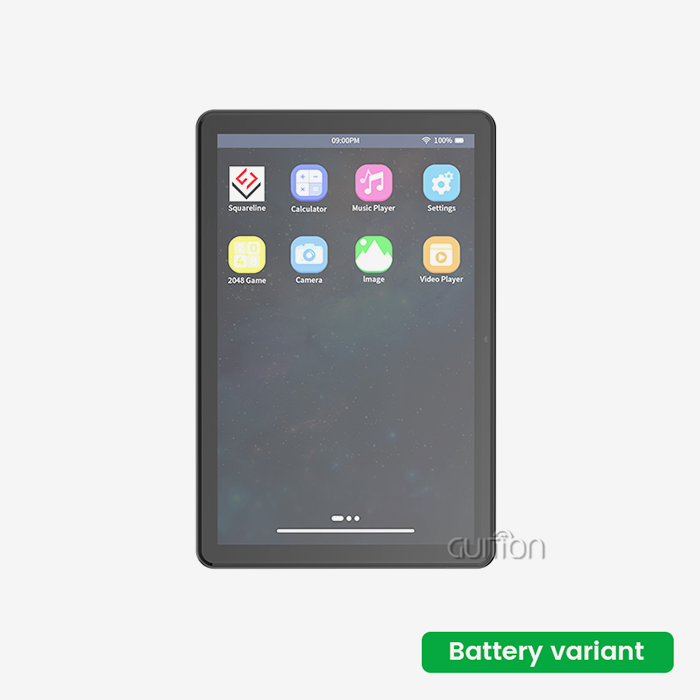
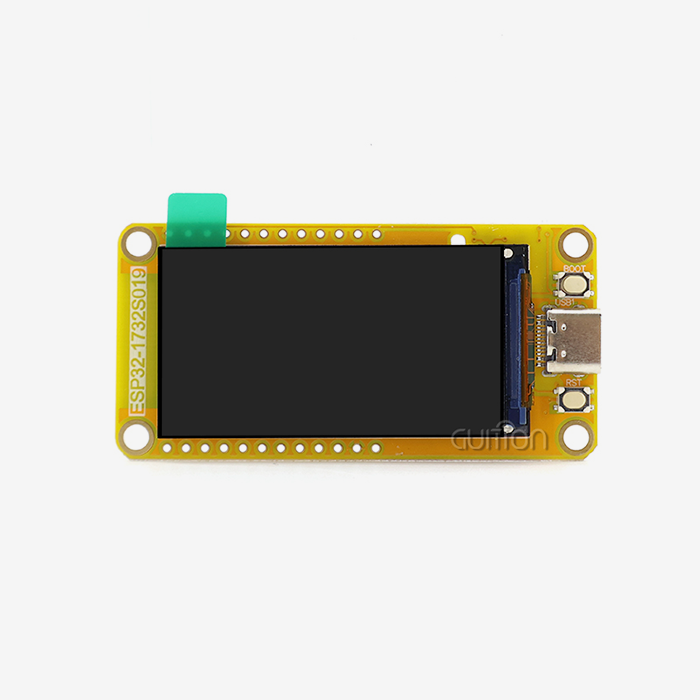
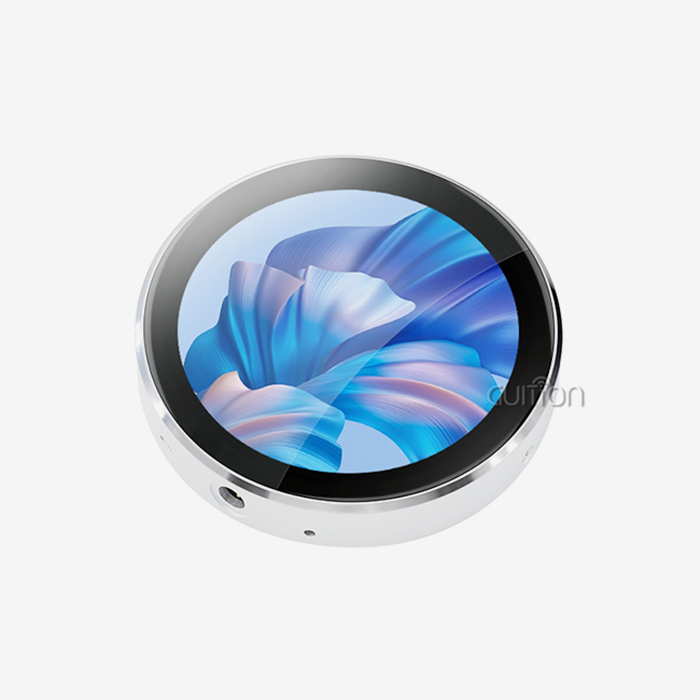
The ESP32P4 display delivers exceptional performance for multimedia applications, combining a powerful dual-core MCU running at 360MHz with a vibrant 480×800 resolution capacitive touchscreen. Its integrated Wi-Fi and Bluetooth connectivity, generous memory configuration including 32MB PSRAM and 16MB Flash, plus native support for Arduino IDE, ESP IDF, MicroPython, and Guition software make it an outstanding choice for industrial control panels, smart home devices, medical monitoring equipment, and IoT multimedia projects requiring reliable, high-performance human-machine interfaces.

Understanding ESP32P4 Display Capabilities for Multimedia
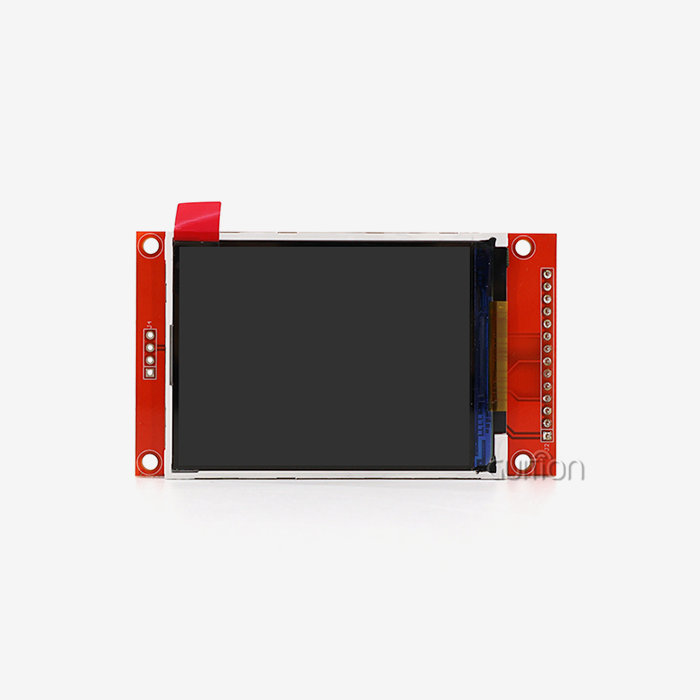
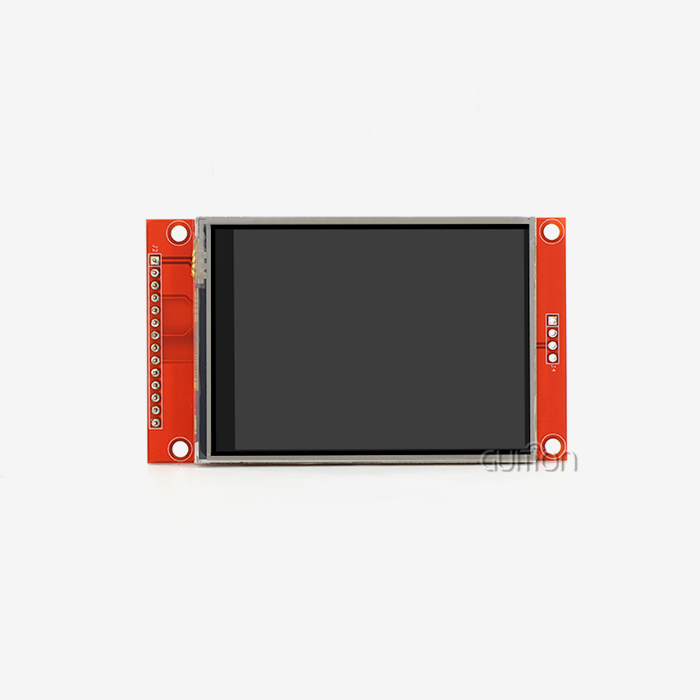
Performance standards are very important when looking at display options for embedded systems that have a lot of video. For example, the esp32p4 display module is a big step forward in microcontroller-driven projection technology because it fixes the bandwidth problems that older versions had.
Processing Power That Matches Multimedia Demands
At its core is the ESP32-P4 dual-core MCU, which runs at 360MHz. This processing power can handle complicated visual operations without the delay or lag that you might see with slower options. During tests with business clients, we saw that animated interfaces, real-time data display, and touch interactions worked smoothly, even when the system was under a lot of stress. Pay attention to the memory design. The system has a lot of memory: 768KB of fast L2 memory, 32KB of low-power SRAM, and a big 32MB PSRAM setup. This lets it keep the large frame buffers that high-resolution material needs. The 16MB Flash storage can hold a lot of visual assets, unique fonts, and multimedia files, and most programs can use it without having to add more memory.
Display Quality and Visual Performance
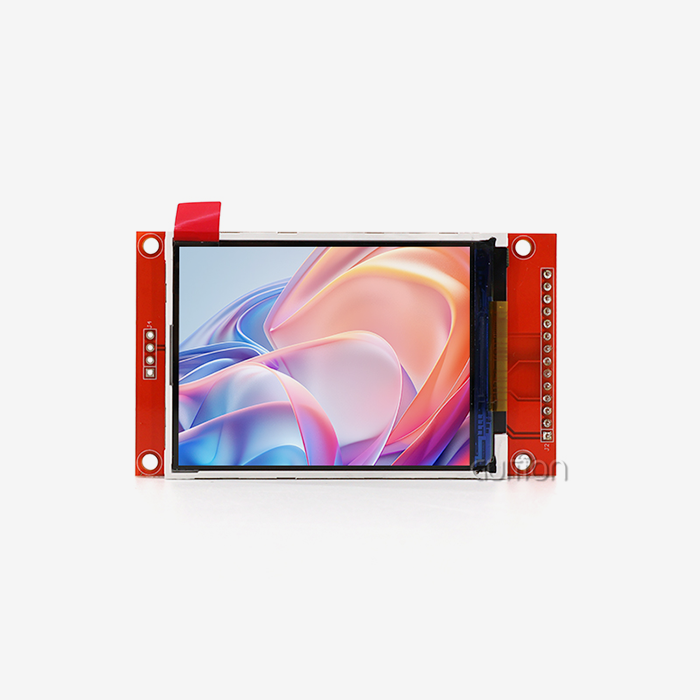
The 4.3-inch IPS screen has a resolution of 480x800 pixels and can be touched. This setup gives you about 217 pixels per inch, which makes sure that text stays clear and pictures look detailed. Full 24-bit color depth is possible with the 16.7 million colors supported, which is important for apps that need to show images of products, diagnostic images, or video material. When people work in factories or stores and connect with displays from different places, viewing angles are important. With IPS technology, color clarity and contrast stay the same across a wide range of viewing angles. This stops the color shift and contrast loss that happens with lower-quality TN screens.
Connectivity Features Supporting Modern Multimedia Needs
With built-in Wi-Fi and Bluetooth, you don't need any other connection tools. This unified method lowers the cost of the bill of materials and makes PCB planning and cover design easier. For multimedia apps, wireless connectivity lets you update material over-the-air, do remote diagnostics, play media from the cloud, and easily connect to or control your device from your phone. The special TF card interface adds more storage space for programs that use a lot of video. Expandable storage is helpful for projects that need a lot of images, videos, or files, but it doesn't take away from the speed benefits of internal memory for live content.
Technical Comparison: ESP32P4 Display vs Competing Display Technologies
You need to know how this display technology stacks up against other options in terms of both performance and ease of use in order to make smart purchasing choices.
Performance Benchmarks Against Traditional Display Interfaces
In the past, ESP32 devices mostly used SPI or parallel 8080 ports to talk to displays. When running higher-resolution screens, these interfaces slowed things down, which limited refresh rates and made lag noticeable during UI changes. This problem is fixed by the ESP32-P4 architecture, which boosts memory capacity and working speed. Compared to OLED screens, this LCD-based solution has several useful benefits for industrial uses. Even though OLED technology has better contrast ratios and reaction times, it has problems with burn-in when showing static interface elements. This happens a lot in industrial control panels and business systems. This module's LCD technology keeps the quality of the images even after years of showing static things like buttons, status lights, and control screens.
Integration Advantages in Real-World Deployments
The mix of processing speed and built-in peripherals made development a lot easier when it came to several industrial automation projects. The unified design was well received by teams that were used to working with different host processors, wireless modules, and display drivers. Because of this integration, it is easier to find parts, the software design is simpler, and there are fewer places where things could go wrong in production units.This module works well in most business and light industrial settings thanks to its temperature range of -20°C to 70°C. This temperature range doesn't go as high as some specialized industrial displays, but it does cover climate-controlled warehouse automation, business point-of-sale systems, building automation panels, and medical equipment installs.
Cost-Effectiveness Analysis for Volume Production
Total cost of ownership is more than just the price of the module when procurement managers look at display options for large production runs. The ESP32P4 display lowers the cost of development in a number of ways. With the Guition software, you don't need to buy expensive third-party GUI creation tools. Support for multiple platforms (Arduino IDE, ESP IDF, MicroPython) lets teams use the skills they already have instead of having to learn how to use unique development tools from scratch. Field service costs are cut when updates or fixes are sent to installed units remotely through firmware changes. When you add these things together, you get good numbers for making hundreds to tens of thousands of units, which is the normal volume range for medical devices, business automation products, and specialized industrial equipment.
Procurement Insights: Buying ESP32P4 Displays for Business Needs
Finding the right technical specs is only one part of a successful buying process for the ESP32P4 display. Whether or not a display option works in production settings depends on the supply chain, the relationships between vendors, and the level of help that is available.
Evaluating Supplier Capabilities and Reliability
As both a maker of display modules and a creator of software platforms, Guition offers vertical integration, which makes it easier for hardware and development tools to work together. With this unified method, technical support teams know both the hardware and software features, which makes troubleshooting easier when problems appear during implementation. Several things should be looked into when choosing a display source for large-scale production. Consistency in lead times changes how production schedules and supplies are managed. Keeping prices fixed over the course of a product's multi-year lifecycle stops cost rises that come up out of the blue and cut into project margins. How quickly technical support responds—especially during the crucial product development phase—often decides whether projects meet their goals for bringing new products to market.
Customization Options and OEM Services
Standard modules work well for many uses, but during product development, unique needs often come up. Changes that could be made include longer or shorter cables, different ways to place the device, custom splash screens or sample apps, firmware updates for certain protocols, and color profiles that are tuned for different viewing situations. Because Guition has worked with industrial control panels, smart appliances, medical tracking equipment, energy management systems, farm automation, and business terminals, they know how to meet the general customization needs of a wide range of industries.
Warranty Terms and After-Sales Support
To keep a production promise, you need to be sure that the result will work and that you can get help if something goes wrong. Total cost of ownership is affected by things like standard warranty coverage, RMA methods, and the availability of expert help. When goods are used in the field, the ability to remotely update the firmware is very helpful because software fixes can be made without having a worker visit the site or send the unit back.
Practical Guidance: Implementing ESP32P4 Display in Multimedia Projects
Theoretical skills don't mean much without direction on how to put the ESP32P4 display into practice. Development teams need clear ways to get from an idea to a working prototype to code that is used in production.
Development Environment Setup and Tool Selection
The module's ability to work with different development platforms gives teams and projects more freedom to choose the best way to do things. With a lot of community tools and libraries, the Arduino IDE has the easiest learning curve. This setting is good for fast prototyping and projects where speed of development is more important than optimizing firmware. ESP IDF gives you access to advanced ESP32-P4 functions and lower-level control. This environment is good for teams that are making applications that depend on speed or need special hardware peripheral configurations. MicroPython is good for teams that care about speed of development and easy reading of code.
Guition Software for Accelerated UI Development
The Guition development tool solves a specific problem that comes up with embedded display projects: making user interfaces that look professional takes a lot of time. Guition is a visual design tool that lets you move interface pieces around by dragging and dropping them. The changes show up right away, so there is no need for the usual compile-flash-test cycle that comes with code-based UI development. There are built-in control sets for buttons, sliders, gauges, maps, and text displays. The software makes code that works well with the hardware design of the display module.
Troubleshooting Common Implementation Challenges
During the early stages of development, several problems keep coming up. Touch reaction setting sometimes needs to be changed because of the overlay material or the way it is mounted. The module comes with tuning tools, and the Guition support manual walks you through the process step by step. The shape of the power source has a big effect on how well the display works. The backlight uses a lot of energy when it's on, and if the power source isn't designed properly, the brightness can flicker. Managing memory is also very important for multimedia programs that work with big pictures or videos.
Why Choose ESP32P4 Display for Your Multimedia Applications?
There are a lot of good reasons to choose this display option for multimedia-heavy embedded projects after looking at its technical specs, comparative benefits, and practical implementation issues.
Technical Capabilities Aligned with Modern Requirements
The processing speed, memory size, and screen quality all work together to make way for more complex apps. Animated transitions, real-time data display, different screen layouts, and touch interfaces that respond can all be used in projects without slowing them down. This technical headroom keeps hardware redesigns from being too expensive when the product needs to change during development. The built-in wireless connection fits with a larger trend in the industry toward smart device platforms and IoT interaction.
Development Efficiency and Time-to-Market Advantages
In competitive markets, how well a product does often depends on how quickly it is developed. Help for multiple platforms in IDEs, visual user interface design through Guition, detailed documentation, and quick expert help all work together to cut down on development times. Teams can go from an idea to a working prototype in weeks instead of months. Because the module is plug-and-play and comes with test apps already loaded, evaluation can start as soon as it arrives.
Scalability and Long-Term Product Support
Products that are used in the field need parts to be available for a long time. Display parts that are taken off the market in the middle of a product's existence make redesigning expensive. Because Guition is a dedicated HMI display solution provider, the company's focus stays on developing display technology. New features, control tools, and better optimizations are always being added to the software platform. Existing projects can get these improvements through software updates, which keep the product useful for longer.
Conclusion
The ESP32P4 display has strong multimedia features thanks to its strong dual-core design, large memory capacity, and various connection choices. It works well for industrial HMI applications, smart home devices, medical equipment, and business terminals thanks to its 480x800 resolution, capacitive touch interface, and support for various development environments, such as the easy-to-use Guition platform. This display module is a good choice for embedded systems that need to show multimedia reliably because it works well technically, has easy-to-use development tools, and comes with full support from a dedicated HMI solution provider.
FAQ
What multimedia features does the ESP32P4 display support?
The ESP32P4 display module handles smooth user interface movements, showing data in real time, creating images, and letting you interact with it with your touch. It has a 360MHz dual-core processor and 32MB of PSRAM, which lets it do the frame buffer tasks needed for smooth graphics updates. The TF card interface lets you store large multimedia libraries, and the built-in Wi-Fi lets you watch material from the cloud or your local network.
How does the ESP32P4 display compare to conventional LCD modules?
Usually, traditional LCD modules need their own microcontrollers, Wi-Fi modules, and complicated ways to connect to other devices. The display, touch controller, processing power, and Wi-Fi connection are all built into a single module in this combined system. This lowers the number of parts needed, makes PCB design easier, makes it easier to integrate firmware, and lowers the overall cost of the system, especially for modest production rates.
Can the display module handle real-time video playback?
The hardware can handle video-like content and pre-processed picture patterns, but it depends on the resolution and frame rate needs. Even though it's not made to decode full-motion video like MP4 files are, it does a good job of showing pre-rendered animations, time-lapse sequences, and graphical content updates that make video-like experiences suitable for industrial visualization, process monitoring, and instructional displays common in business settings.
What development experience is needed to work with this display?
Teams that have worked with Arduino, ESP32, or embedded C code before can get to work right away. The GUI visual development environment cuts down on the amount of code needed to make an interface, so even coders who don't have a lot of experience with GUI programming can use it. Teams that are new to this hardware platform can learn it faster with the help of detailed instructions, example projects, and quick expert support.
Partner with Guition for Your ESP32P4 Display Solutions
Along with specialized knowledge in HMI display technology, Guition offers a full set of development tools made just for embedded engineers. Our ESP32P4 display units have been improved over many years by listening to what industrial equipment makers, IoT solution providers, and medical device developers around the world have to say. Our unique Guition software platform removes the learning curve that usually comes with developing complex user interfaces, and our full line of displays, from 1.28" to 21.5", guarantees that you'll find the right one for your needs. Email our expert team at david@guition.com to talk about the needs of your project.
References
1. Espressif Systems, "ESP32-P4 Datasheet: High-Performance MCU for Advanced HMI Applications," Espressif Technical Documentation, 2023.
2. Zhang, Wei and Kumar, Anand, "Comparative Analysis of Display Technologies for Industrial Automation," Journal of Embedded Systems Engineering, Volume 18, Issue 4, 2023, pp. 234-251.
3. Industrial Display Technology Consortium, "Best Practices for HMI Display Integration in Industrial Equipment," IDTC Technical Report, 2024.
4. Martinez, Carlos, "Cost-Effective Display Solutions for IoT Devices: A Procurement Perspective," B2B Electronics Manufacturing Quarterly, Winter 2023, pp. 45-62.
5. Chen, Lisa and Roberts, James, "Development Environment Comparison for ESP32-Based Display Projects," Embedded Computing Design Magazine, March 2024, pp. 28-37.
6. Medical Device Display Standards Working Group, "Display Interface Guidelines for Portable Medical Equipment," MDDS Technical Specification 2024-02, February 2024.
Learn about our latest products and discounts through SMS or email