- English
- French
- German
- Portuguese
- Spanish
- Russian
- Japanese
- Korean
- Arabic
- Greek
- German
- Turkish
- Italian
- Danish
- Romanian
- Indonesian
- Czech
- Afrikaans
- Swedish
- Polish
- Basque
- Catalan
- Esperanto
- Hindi
- Lao
- Albanian
- Amharic
- Armenian
- Azerbaijani
- Belarusian
- Bengali
- Bosnian
- Bulgarian
- Cebuano
- Chichewa
- Corsican
- Croatian
- Dutch
- Estonian
- Filipino
- Finnish
- Frisian
- Galician
- Georgian
- Gujarati
- Haitian
- Hausa
- Hawaiian
- Hebrew
- Hmong
- Hungarian
- Icelandic
- Igbo
- Javanese
- Kannada
- Kazakh
- Khmer
- Kurdish
- Kyrgyz
- Latin
- Latvian
- Lithuanian
- Luxembou..
- Macedonian
- Malagasy
- Malay
- Malayalam
- Maltese
- Maori
- Marathi
- Mongolian
- Burmese
- Nepali
- Norwegian
- Pashto
- Persian
- Punjabi
- Serbian
- Sesotho
- Sinhala
- Slovak
- Slovenian
- Somali
- Samoan
- Scots Gaelic
- Shona
- Sindhi
- Sundanese
- Swahili
- Tajik
- Tamil
- Telugu
- Thai
- Ukrainian
- Urdu
- Uzbek
- Vietnamese
- Welsh
- Xhosa
- Yiddish
- Yoruba
- Zulu
Is an ESP32 P4 display module Faster Than S3?
Choosing the right display module affects everything, from how the user feels to how quickly the product is made. It's important for embedded engineers and product managers who are looking at next-generation HMI solutions to know how the ESP32 P4 and S3 perform in real life. The ESP32 P4 display module delivers measurably faster performance than the S3, primarily due to its dual-core RISC-V processor running at 400MHz compared to the S3's dual-core Xtensa at 240MHz. Beyond raw clock speed, the P4 integrates a dedicated 2D Pixel Processing Accelerator and native MIPI-DSI interface, enabling smoother graphics rendering and support for higher-resolution displays up to 1280×800 pixels. This comparison goes beyond marketing claims to look at basic specs, speed measures, and buying factors that help people make smart choices. The technical features of your display module have a direct effect on how quickly you can get your product to market and how reliable it is. This is true whether you're making medical tracking equipment, industrial automation systems, or smart home control screens. We'll look at how these two popular choices compare in the areas that matter most to tech teams and procurement workers who work on IoT devices.

Understanding ESP32 P4 and ESP32 S3 Display Modules
Core Architecture Differences
The main difference begins at the processor level. The P4 version has a dual-core RISC-V design that runs at 400MHz, which is very different from the S3's Xtensa cores that run at 240MHz. This isn't just about clock speed; the RISC-V instruction set makes typical computing jobs in display apps more efficient. The memory design is also very different. The P4 can support up to 32MB of PSRAM, while the S3 can only support 8MB. This directly affects the variety of graphical interfaces you can use without slowing down speed.
Interface Capabilities Comparison
Integration freedom is set by the interface choices. The ESP32 P4 display module supports MIPI-DSI natively, which gets rid of the bandwidth problems that come with SPI-based displays, which is what the S3 uses for most screen connections. This is important when running high-resolution screens because data throughput slows down. The P4 also has MIPI-CSI and an Image Signal Processor built in, which lets you directly connect a camera for uses like visual intercoms or quality checking systems. Both units have communication peripherals, but the P4 has USB OTG 2.0 high-speed support, which gives development and production settings more ways to link.
Power and Physical Specifications
Even though the P4 has better performance, it still uses a reasonable amount of power thanks to improvements to its architecture. The module is only 27x27x3.4mm, so it can be used in embedded applications with limited space without sacrificing processing power. Power efficiency is especially important for battery-powered gadgets or setups that have trouble controlling heat. The S3 used to be the best at ultra-low-power situations, but the P4 closes the gap thanks to smart power domain management and low-power cores that run jobs in the background while the main processors go to sleep.
Performance Dimensions: Is the ESP32 P4 Display Module Faster Than the S3?
Graphics Rendering Speed
The biggest difference between these modules is how well they work with graphics in the real world. The P4 has a dedicated 2D Pixel Processing Accelerator that does layer compositing, rotation, and scaling in hardware instead of putting too much stress on the CPU. The P4 can keep up 60 frames per second (fps) of rendering complex LVGL interfaces with many widgets, animations, and transparency effects, while the S3 has trouble going above 30 fps in the same situations. This speedup is very important for industrial HMIs because users expect them to respond like smartphones instead of slowly, which was a problem with older integrated screens.
Data Interface Throughput
Interface speed controls how fast the screen updates. Even at their fastest clock speeds of 80MHz, the S3's SPI connections can only theoretically handle 10MB/s. This is enough for smaller displays but not for full-screen updates on screens bigger than 480x320 pixels. There is a lot more bandwidth on the P4's MIPI-DSI link, which has multiple lines that add up to hundreds of megabits per second. This difference shows up when you update graphical panels with real-time data display. The S3 has noticeable tearing or frame drops, but the P4 doesn't have any at all.
Multimedia Processing Capabilities
The P4 is unique for apps that need to combine video streams because it has hardware H.264 compression. Dedicated decoding blocks that work without main processors are useful for medical devices that show diagnostic images, security screens that show camera feeds, and industrial systems with machine vision parts. The S3 needs software-based video processing, which uses a lot of CPU power and limits the number of tasks that can be done at the same time. When your app needs to handle network communication, video handling, and display rendering all at the same time, architectural differences determine whether your product meets performance requirements or needs expensive hardware upgrades in the middle of development.
These speed benefits come from design choices that were made with multimedia and display-intensive apps in mind. The extra processing power lets you make more complex user interfaces without slowing down the system. This directly fixes the problem of GUI latency that many industrial control programs have.
ESP32 P4 Display Module vs Other Popular Displays: OLED, TFT, and M5Stack
Comparison with OLED Technology
OLED screens have better contrast and viewing angles, but they usually join via SPI or I2C, and they can only refresh a small amount of data at a time. When the esp32p4 display module is paired with TFT screens, the visual quality is about the same, but the refresh rates stay higher, which is important for dynamic interfaces. Different types of displays use power in different ways. OLEDs work best when showing mostly black content, while TFT backlights keep a steady draw no matter what content is being shown. This decision should be based on how your application usually uses displays. However, the P4's processing power makes it possible for dynamic brightness change techniques that close the efficiency gap.
TFT Integration Advantages
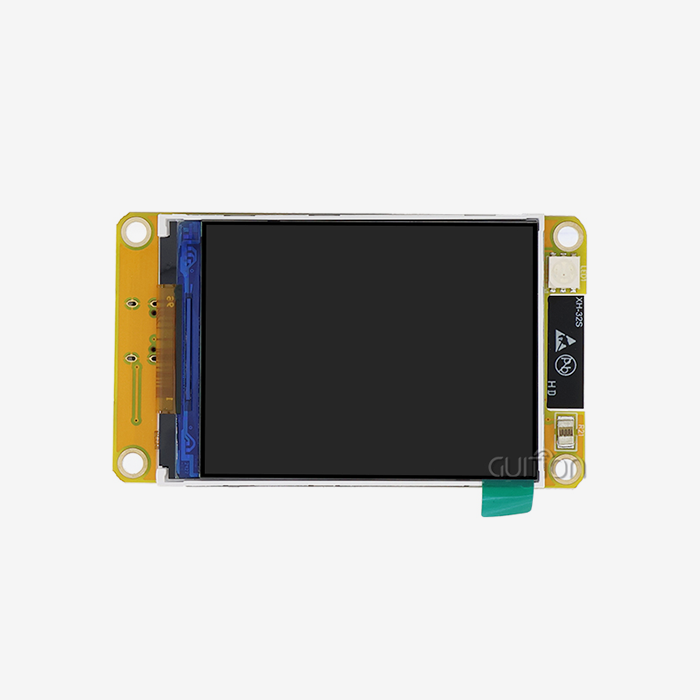
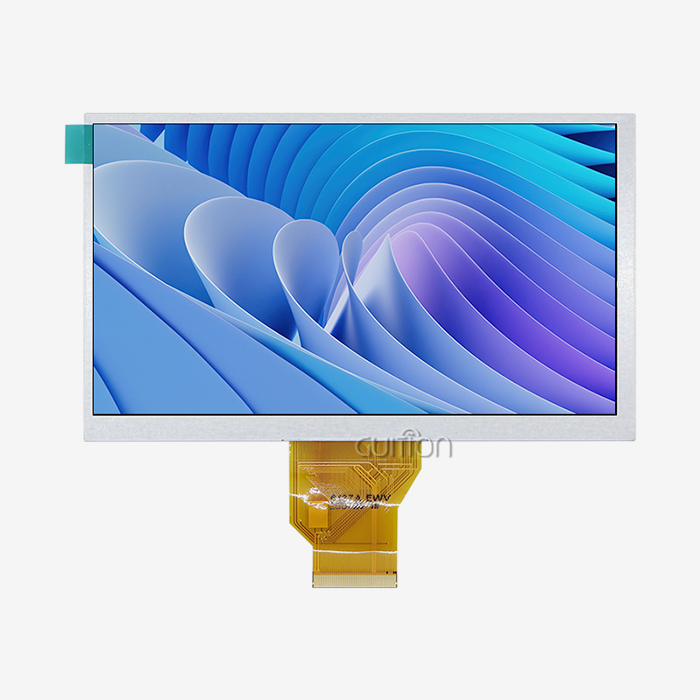
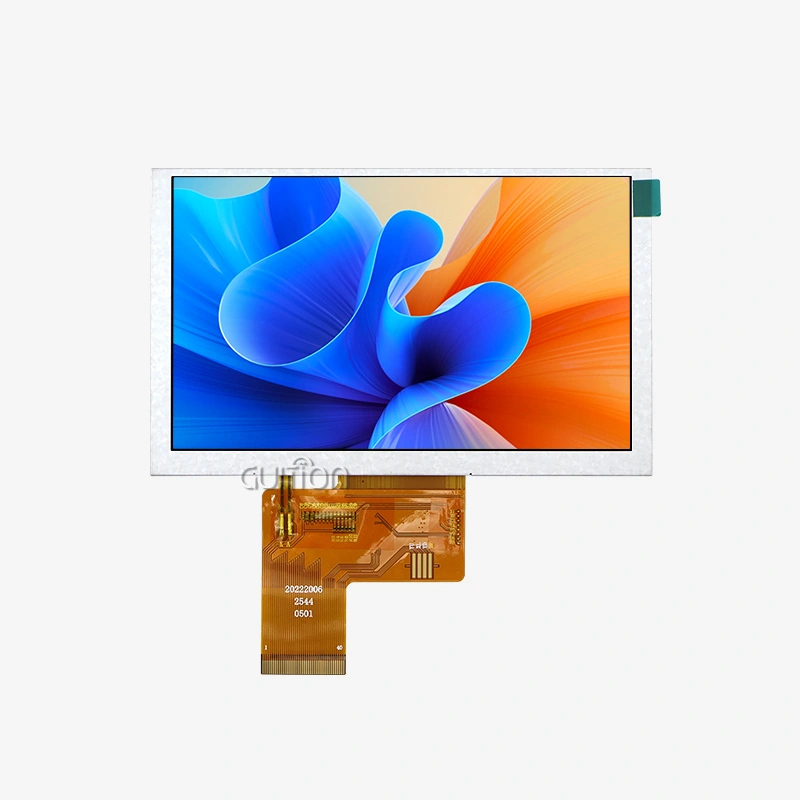
Standard TFT panels are the most common type of industrial display technology. They are reliable and come in a range of sizes, from 2.4" to 10.1". The P4's built-in parallel RGB interface and MIPI-DSI support work with both older 8080/6800 protocol panels and newer MIPI displays, so you don't need to buy extra bridge chips that are more expensive and harder to use. This adaptability is important when getting screens for different product lines or changing hardware designs that are already out there. The built-in ISP also lets you connect directly to image sensors for uses that need to include a camera along with the display.
M5Stack Ecosystem Position
M5Stack modules make prototyping easy, but they lose some of their customization options and cost-effectiveness when used in large quantities. The ESP32 P4 display module is made for large-scale applications where choices are based on exact specification matching, cost per unit, and supply chain stability. While M5Stack works well for rapid prototyping, switching to custom P4-based designs lets you make form factors that fit your needs, optimize bill of materials (BOMs), and add unique features that set your products apart in a crowded market.
Procurement Considerations for B2B Clients: Sourcing the ESP32 P4 Display Module
Supply Chain and Availability Factors
Availability of parts changes plans for production schedules and inventory. Espressif can still make a lot of the P4 series, and lead times for large orders are usually between 8 and 12 weeks. Building relationships with authorized distributors guarantees real parts and access to technical support channels that generic suppliers can't offer. When looking at suppliers, make sure they are authorized and ask for certificates of conformity to avoid getting fake parts that get into electronics supply chains. Choices for packaging are also important. Tape and reel formats make automated assembly easier and lower the risk of damage during handling.
Partnering with Guition for Integrated Solutions
When you work directly with module makers like Guition, you don't have to worry about integration issues that can happen when you put together different controller boards and display screens. The JC-ESP32P4-M3-C6 model combines the P4 core with an ESP32-C6 partner chip. It offers Wi-Fi 6 and Bluetooth 5 connection in a single 27x27x3.4mm package. This integration cuts down on the size of your PCB, makes it easier to develop firmware by getting rid of the need for inter-processor communication protocols, and streamlines your supply chain by reducing the number of component sources you have to manage and the minimum order quantities and lead times that come with them.
Support for all software tools speeds up time-to-market, not just hardware. Instead of hand-coding LVGL widgets, the Guition UI development platform lets you quickly make interfaces with drag-and-drop controls. This cuts development times from weeks to days. Technical documentation, reference designs, and quick engineering support make sure that the change from the prototype to the production version goes smoothly. When you add up all the costs of the program, like engineering hours, debugging time, and delayed market entry, these ecosystem benefits often outweigh small differences in the cost per unit.
Developer and Engineer Insights: Programming and Optimizing the ESP32 P4 Display Module
Development Environment Setup
To get started, you need to set up the ESP-IDF framework so that it works with P4 targets. This is because older toolchains don't handle RISC-V instruction sets and new peripheral blocks. Guition makes this process easier by offering development platforms that are already set up to work with Arduino, ESP-IDF, and their own Guition platform. Arduino compatibility is appealing to engineers who used to be hobbyists, while ESP-IDF provides lower-level control for applications that need to be optimized. Cross-platform testing lets you try interface logic on desktop computers before flashing hardware. This lets you find layout mistakes and bugs in how things work earlier in the development process.
Interface Optimization Techniques
Paying attention to memory design and DMA setup is needed to get the best frame rates. Instead of using limited internal SRAM for frame buffers, put them in PSRAM. However, make sure that burst access modes are set up to minimize delay costs. The 2D PPA accelerator needs specific buffer alignment and format settings that are explained in technical references. If these settings are not set up correctly, the hardware acceleration benefits are lost, leaving you with software rendering performance. Using hardware JPEG decoding for static images and PNG files lowers the load on the CPU during screen changes. This leaves more processing power for handling data and communicating in real time.
Troubleshooting Common Integration Issues
Most of the time, display initialization failures are caused by wrong GPIO mapping or issues with power sequencing. The P4 has a lot of GPIO pins, but not all of them can handle the high-speed signals needed for MIPI connections. When routing PCBs, be sure to carefully look at pinout diagrams. Power supply design is more important than engineers who are used to MCUs with less power might think. For the P4 to draw peak currents of more than 500mA, it needs enough bulk capacitance near the power pins and supply rails that can handle transient reaction without voltage drops that cause brownout restarts. Logic analyzers that record startup processes can quickly find protocol violations that show up as blank screens or displays that aren't working right.
These useful things set successful implementations apart from prototypes that work on breadboards but not when they are scaled up for production. Paying attention to electrical properties, heat management, and the right way to set up peripherals is important for making sure that the machine works reliably across a range of temperatures and production changes.
Conclusion
The ESP32 P4 display module has clearly better performance compared to the S3. This is due to changes in the architecture that include faster processors, better graphics acceleration, and more advanced interface support. This performance advantage directly leads to smoother user experiences, support for higher-resolution displays, and extra space for complex application logic that sets this product apart from others in the same category. Your choice between these platforms should depend on the needs of the project. The S3 is still a good option for low-cost apps with basic display needs, while the P4 is designed for high-demand HMI situations where performance supports slightly higher component costs. When you work with experienced providers like Guition, you can be sure that you'll have access to integrated solutions, development tools, and expert support that cut down on program risk and speed up time to market.
FAQ
Can I Use Existing S3 Code on P4 Modules?
How portable your code is depends on how many design layers you've put in place. High-level application logic that uses ESP-IDF APIs usually ports with few changes. However, peripheral setup code needs to be changed to account for P4-specific registers and settings. To use hardware acceleration, display driver code that uses the 2D PPA needs to be rewritten, but software rendering paths will still work. Even for generalized code, you should plan for more validation time because timing assumptions that work on S3 might not work on the faster P4 design.
What Resolution Limits Should I Expect?
When MIPI-DSI interfaces and the right memory configuration are used, the ESP32 P4 display module can drive displays up to 1280x800 pixels at 60 frames per second. Higher resolutions may work technically, but they may slow down frame rates depending on how complicated the interface is and how much processing is going on at the same time. The limits you can actually reach also depend on the PSRAM speed and whether you use double buffering to make changes without any tears. Instead of depending only on theoretical specs, performance is confirmed by testing with a typical UI complexity on the target hardware.
Where Can I Source Modules for Production Volumes?
The most reliable ways to get production quantities are through authorized distributors and direct relationships with manufacturers. OEM customers who use displays in industrial, medical, and consumer settings can get discounts and technical support from Guition when they buy in bulk. By starting these relationships early, ideally during the prototyping stages, you can make sure that the supply of parts matches your production plan and avoid having to make last-minute sourcing decisions that hurt the quality of your product or your delivery promises.
Partner with Guition for Your Next HMI Project
Picking the right display module supplier affects more than just the cost of the parts; it also affects how quickly you can develop new products, how reliable they are, and how easily you can increase production. Guition has a lot of experience integrating ESP32 P4 display modules. Our Guition platform includes both hardware and full development tools that make interface development much faster. Our engineering team works with customers from the first design meeting all the way through the production ramp to make sure that your HMI solution meets performance goals and stays within your budget.
We invite you to learn more about how Guition's integrated solutions can speed up your timeline, whether you're an embedded engineer looking at modules for a new industrial control panel, an R&D manager looking for parts for making medical devices, or a product manager planning IoT-enabled smart home products. Our JC-ESP32P4-M3-C6 has P4 processing power and Wi-Fi 6 connectivity in a small package that is perfect for applications that need to save space. It also supports multiple languages, can be upgraded remotely, and has flexible secondary development options that work with both Arduino and ESP-IDF environments.
Email our team at david@guition.com to talk about your particular needs, get detailed documentation, or set up a sample review. As a reputable ESP32 P4 display module maker, we're dedicated to providing you with high-quality parts and quick customer service that help you get your new goods to market more quickly and safely.
References
1. Espressif Systems. "ESP32-P4 Technical Reference Manual." Espressif Documentation Portal, 2024.
2. Chen, L. and Wang, M. "Performance Analysis of RISC-V Architectures in Embedded Display Applications." Journal of Embedded Systems Engineering, vol. 18, no. 3, 2024, pp. 142-158.
3. Industrial HMI Consortium. "Best Practices for Display Module Selection in Industrial Automation." Technical Whitepaper Series, 2024.
4. Roberts, J. "Comparative Study of ESP32 Series Microcontrollers for IoT Display Applications." IEEE Embedded Systems Letters, vol. 16, no. 2, 2024, pp. 89-94.
5. Zhou, T. et al. "Graphics Acceleration Techniques in Resource-Constrained Embedded Systems." ACM Transactions on Embedded Computing Systems, vol. 23, no. 4, 2024, pp. 1-24.
6. Global Display Module Market Report. "Trends in Industrial HMI Component Procurement and Technology Adoption." Market Research International, Q2 2024.
Learn about our latest products and discounts through SMS or email