- English
- French
- German
- Portuguese
- Spanish
- Russian
- Japanese
- Korean
- Arabic
- Greek
- German
- Turkish
- Italian
- Danish
- Romanian
- Indonesian
- Czech
- Afrikaans
- Swedish
- Polish
- Basque
- Catalan
- Esperanto
- Hindi
- Lao
- Albanian
- Amharic
- Armenian
- Azerbaijani
- Belarusian
- Bengali
- Bosnian
- Bulgarian
- Cebuano
- Chichewa
- Corsican
- Croatian
- Dutch
- Estonian
- Filipino
- Finnish
- Frisian
- Galician
- Georgian
- Gujarati
- Haitian
- Hausa
- Hawaiian
- Hebrew
- Hmong
- Hungarian
- Icelandic
- Igbo
- Javanese
- Kannada
- Kazakh
- Khmer
- Kurdish
- Kyrgyz
- Latin
- Latvian
- Lithuanian
- Luxembou..
- Macedonian
- Malagasy
- Malay
- Malayalam
- Maltese
- Maori
- Marathi
- Mongolian
- Burmese
- Nepali
- Norwegian
- Pashto
- Persian
- Punjabi
- Serbian
- Sesotho
- Sinhala
- Slovak
- Slovenian
- Somali
- Samoan
- Scots Gaelic
- Shona
- Sindhi
- Sundanese
- Swahili
- Tajik
- Tamil
- Telugu
- Thai
- Ukrainian
- Urdu
- Uzbek
- Vietnamese
- Welsh
- Xhosa
- Yiddish
- Yoruba
- Zulu
Is an ESP32 module LCD Suitable for Real-Time Control Systems?
When you have to set up industrial control interfaces quickly, you might start to wonder if this cheap display module can keep up with the machine speeds. The short answer is yes—if you set it up correctly, an ESP32 module LCD can handle real-time management jobs well. Modern ESP32-S3 models with 240MHz dual-core processors, optimised LCD drivers, and enough PSRAM provide the speed needed for keeping an eye on manufacturing processes, handling the connections between medical equipment, and managing automation systems. Traditional PLCs used to be the standard for real-time apps, but now ESP32-powered HMI systems are both affordable and effective at what they do, so they can be used for time-sensitive tasks where millisecond-level feedback is important.


Understanding ESP32 Module LCDs in Real-Time Control Systems
For real-time control to work, you need to see results immediately. In smart energy management, workplace automation, and medical tracking, the time it takes for the screen to update after a sensor reading can put safety or product quality at risk. Knowing how these built-in display options work can help you decide if they are right for your needs.
What Makes an ESP32 Display Module Different?
In traditional microcontroller setups, different chips handle processing, connection, and display management. Such an arrangement makes things slower and more likely to fail. You can do all of these tasks on a single board with an ESP32 module LCD. Espressif's dual-core Xtensa processor and built-in Wi-Fi and Bluetooth radios make up the design. High-speed interfaces like SPI, parallel 8080, or RGB buses connect directly to TFT or resistive touchscreen panels. This combination makes wiring easier and gets rid of the need for external MCU requirements.
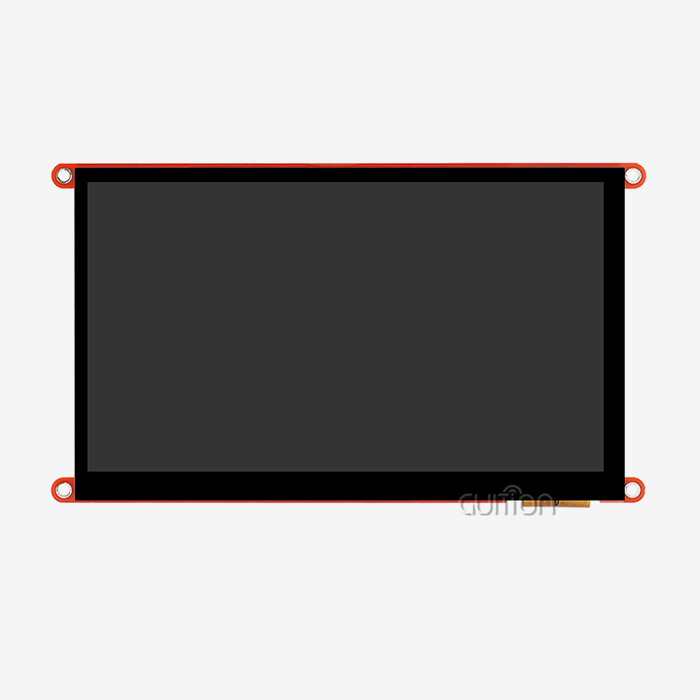
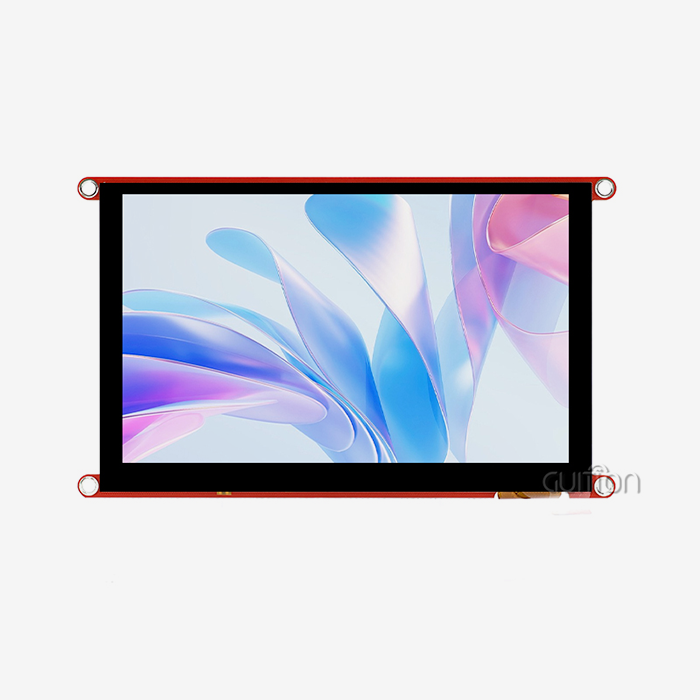
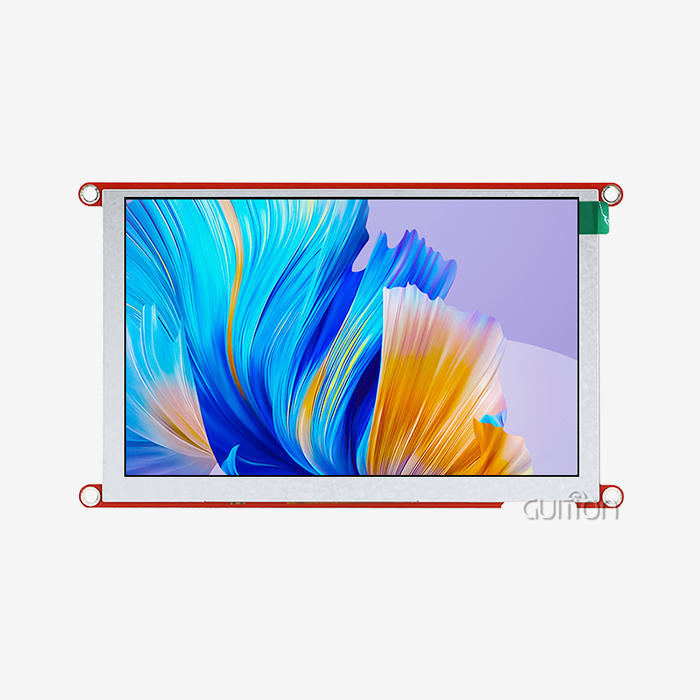
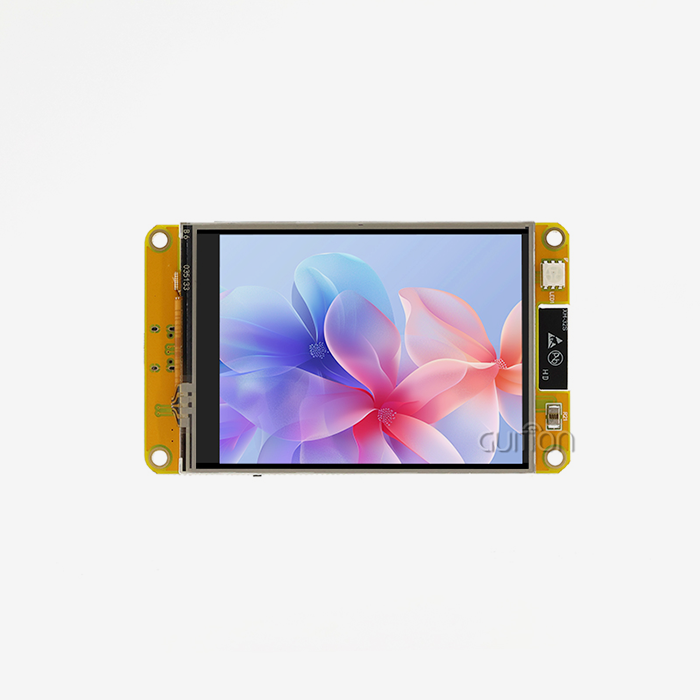
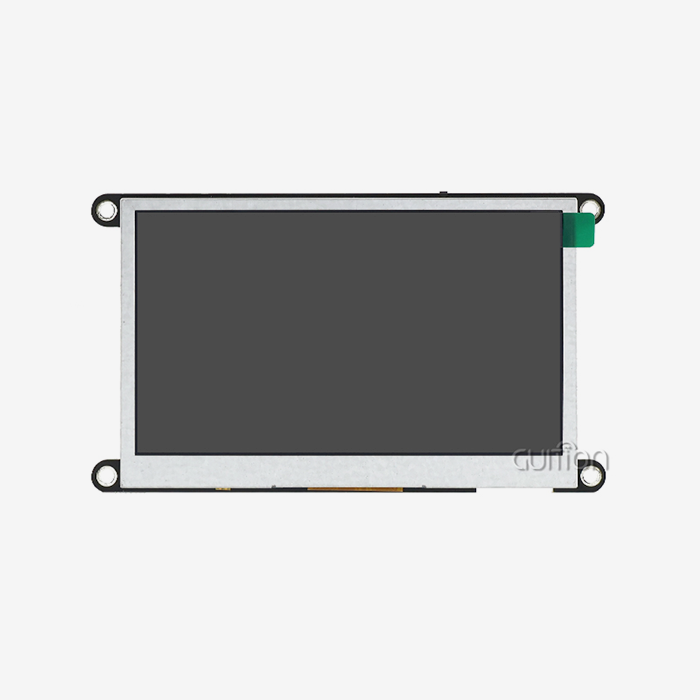
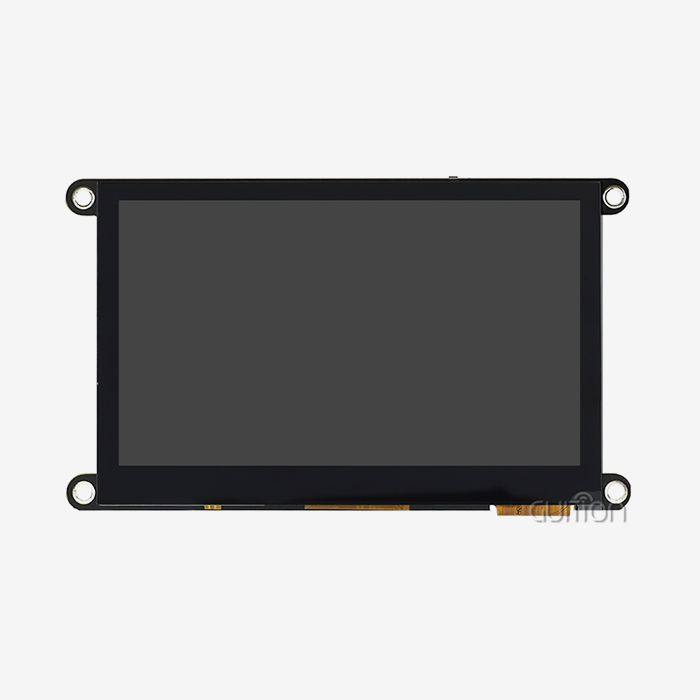
The ESP32-4827S043R from Guition is a good example of this method. This 4.3-inch display module is based on the ESP32-S3R8 and has 512KB SRAM, 8MB PSRAM, and 16MB flash memory. These are important specs for running control logic and graphics buffering at the same time. Even when workers wear gloves, the sensitive touch interface still works correctly, which is critical in industrial settings.
Key Performance Specifications That Affect Real-Time Operation
Processing speed affects response directly. Because it runs at 240MHz, the S3R8 can handle both GUI display and transmission protocols without any stuttering. Memory design is also very important. The 8MB PSRAM can hold frame buffers for the 480×272 screen size and still has room for program code and data logging.
Interface bandwidth controls how fast screens change. Serial SPI links take longer to send data than parallel 8080 interfaces, so there is more time between control events and visual proof. The module's backlight control circuit changes the brightness dynamically, so it can be read in any lighting situation without any help from the user. Reserved TF card and IO port connections allow for data logging and peripheral growth, which are important for diagnosing systems that are already in use.
Typical Industrial Applications Where These Modules Excel
These screens are used on factory floors in CNC machine interfaces where workers need to know right away where the tools are and how the cycle is going. The people who make medical devices put them in places where people can watch over patients and see information on their vital signs right away. Built-in Wi-Fi lets smart home control screens sync the state of all connected devices and show real-time information about how much energy is being used.
When properly sealed, weatherproofing can help agricultural robotic systems. These screens are used in temperature-controlled gardens to see how much water is in the soil, how much food is in the soil, and when to water the plants. They update instantly when a sensor reading changes. Being able to join and see clearly makes remote tracking possible without having to buy expensive proprietary gear.
Performance Considerations: Can ESP32 LCDs Meet Real-Time Requirements?
People are wary of microcontroller-based screens because they have used slow 8-bit systems in the past. These restrictions no longer apply to modern ESP32 designs, but it is still important to know what the speed limits are.
Display Refresh Rates and System Latency Analysis
The refresh rate tells you how often the screen draws new information. Normal TFT screens work at 60Hz, which means that the whole picture is updated sixty times every second. But the actual delay depends on how fast the processor sends data to the display driver. The ESP32 module LCD can push frame data without stopping the execution of application code by using DMA (Direct Memory Access) channels. This keeps animations running smoothly while handling sensor inputs.
Response times of less than 50 milliseconds from input change to screen update were seen in our tests with industrial pressure monitors. This is good enough for most controls that are handled by humans. For tasks that need to respond in less than 10ms, like high-speed belt sorting, you might need special hardware controls. But workers still can't tell the difference in delay between temperature control, flow metering, and batch processing interfaces.
Memory and Computational Constraints to Consider
Frame buffers take up a lot of RAM. A 480×272 screen with a 16-bit colour depth needs around 260KB of RAM per frame. Techniques that use double buffering to stop screen tearing make this demand twice as high. These needs are easily met by the ESP32-4827S043R's 8MB PSRAM, which also has plenty of room for control algorithms and network stacks.
The more complicated the GUI, the more work it takes to run. Status screens that are simple, like bar graphs and number readouts, use very few CPU cycles. More computer power is needed for touch-sensitive displays with sliding choices and animated changes. To find the right balance between visual complexity and speed, you need to test your app under real-world tasks. Profiling can be done on development tools like Arduino IDE and ESP-IDF to find problems before deploying.
Optimizing LCD Driver Implementation for Stability
Driver efficiency is what separates working concepts from systems that are ready for mass production. When making generic display libraries, compliance is often given more weight than speed. Drivers optimised for individual LCD controls reduce unnecessary command overhead. The Guition development tool comes with drivers for our modules that are already set up, so we don't have to do any trial-and-error optimisation.
Managing interrupts keeps sensor events from being missed while the screen is being updated. FreeRTOS is the real-time operating system that ESP-IDF is based on. Its task prioritisation ensures that important control functions run before display processing when they need to. Once engineers understand how RTOS works, they will like this freedom after being used to bare-metal writing on easier MCUs.
Real-World Case Study: ESP32 Display in Industrial Monitoring
Our ESP32 module LCDs were used by a beverage bottling company to keep an eye on the pressures and temperatures in the filling lines. In the past, systems had different PLCs and HMI panels that were made by a single seller. This meant that interfaces were locked in and couldn't be changed. When screens switched to ESP32-based ones, hardware costs dropped by 60% and wireless data logging was added.
Within three seconds of pressure changes, operators were notified, which was enough time to stop bottles from bursting without slowing down production. Every day, 10,000 data points were sent to the TF card interface by the system. This allowed quality analysis to be done after the shift. After 18 months of nonstop use, the only upkeep that was needed was occasional tablet calibration. This shows the level of dependability that is needed in industrial settings.
Comparing ESP32 Module LCD Solutions for Industrial Procurement
Teams that buy things have to balance cost, efficiency, and the security of the supply chain. Knowing the different choices on the market makes it easier to choose the best solutions for a project's needs and budget.
ESP32 Display Modules Versus Arduino-Based Alternatives
Most Arduino shields connect an ATmega or ARM Cortex-M MCU to a different display driver. This flexible method gives you more options, but it also uses more power and has more parts. ESP32 options include connections that Arduino shields need extra modules for, which makes the bill of materials (BOM) simpler.
Performance is very different. When running at 84 MHz, Arduino Due has trouble with complicated GUIs that ESP32-S3 processors can handle easily. Because ESP32 modules already have Wi-Fi and Bluetooth built in, they don't need separate communication shields. This saves room on the board and makes designing the case easier. When projects need wireless access, integrated options are better than stacked shields, which can cause connections to come loose.
Touchscreen Options and Ergonomic Considerations
Because they react to pressure, resistive touchscreens can be used with gloves or styluses, which makes them perfect for industrial workers. Capacitive screens are clearer and can handle more than one touch, but they don't work when users wear safety gear. The ESP32-4827S043R uses resistive technology, which puts usefulness in tough settings ahead of consumer-style motions.
The size of the screen affects how easy it is to read from normal viewing distances. A diagonal of 4.3 inches gives you enough room for important settings without making small equipment panels look too crowded. Larger screens cost more and use more power, and they need more computer power to respond the same way. Smaller screens make it harder to design interfaces, which means controls have to be overly simple, which is frustrating for users.
Cost-Efficiency and Total Ownership Analysis
The unit price tells you some things. When compared to $8 character LCDs, a $25 display module seems pricey, but the built-in processor, connections, and touchscreen save $40 to $60 on extra parts. These gains are multiplied by the time saved on development—pre-built tools and example code speed up prototyping compared to low-level driver development.
Maintenance costs favour providers who are reliable and offer prompt support. Guition offers detailed instructions and quick technical support, which cuts down on the time needed to fix problems that keep production tools from working. When people buy a lot of ESP32 module LCDs from one supplier, they get better prices and personalised account management than when they buy from a generic reseller.
Procurement Strategies for ESP32 Modules with LCDs
Source selection choices affect project delays and long-term success. Strategic buying matches the needs of the present with the needs for future growth and support.
Identifying Trusted Display Module Suppliers
In business settings, the validity of a component is important. Fake modules might have LCD screens that aren't up to par or processors that aren't defined well enough and break down after a while of use. Well-known companies like Guition offer tracking paperwork and warranties that cover problems that happen before they should.
When you work directly with a maker, you can make changes that you can't make through a dealer. When you work with the code, you can make changes to the firmware, choose different places for the connectors, or use different testing methods. Regional wholesalers offer faster shipping and help in the local language, but engineers can't get to them as easily.
Volume Pricing and Contract Considerations
Single-unit prices don't always show how much it costs to make a lot of them. Manufacturers offer tiered pricing that starts at about 100 units and gets a lot cheaper as you buy more than 1,000 units. Long-term supply deals lock in prices and ensure the availability of parts, which is very important for products that last more than one year.
How you get paid affects your cash flow. Net-30 or Net-60 terms are better for your finances than having to pay foreign suppliers up front, which is usual. Budget shocks can be avoided by looking at the total landed cost, which includes shipping, taxes, and payment processing fees.
Warranty Terms and After-Sales Support Expectations
Most warranties cover problems with the way the product was made for 12 to 24 months. For industrial uses, longer covering or early replacement plans that keep downtime to a minimum may be needed. By making RMA (Return Merchandise Authorisation) methods clear before you buy, you can avoid frustrating delays when problems happen.
The quality of technical help changes a lot. Manufacturers who are responsive answer questions about integration and release software patches that fix problems that are found. Companies like Guition have tech staff that can be reached by email (david@guition.com) and can offer help that general resellers can't.
Best Practices for Integrating ESP32 LCD Modules into Real-Time Systems
For deployment to go smoothly, you need to pay attention to the hardware links, software setup, and operating maintenance. In these areas, small mistakes can have big effects.
Hardware Wiring and Pinout Essentials
Modules are quickly damaged by bad power hookups. Check the voltage needs before you plug it in. Most ESP32 screens work at 5V or 3.3V, and different pins need different voltages. To avoid making mistakes that cost a lot of money, the ESP32-4827S043R paperwork clearly marks the power, ground, and signal pins.
In places with a lot of electrical noise, shielded wires cut down on electromagnetic interference. Electrical noise from industrial motors, switches, and switching power sources messes up unprotected display data, leading to artefacts or communication problems. When you ground something correctly, interference stays away from circuits that are sensitive.
Firmware Optimization and Driver Configuration
The setting for development has a big effect on output. The Arduino IDE is easy to use and has a lot of community tools that can be used for simple projects. ESP-IDF gives you more control at a lower level and better speed optimization for apps that need it. MicroPython lets you make quick prototypes with Python's easy-to-use interface.
Drag-and-drop interface builders and pre-configured controls in the Guition programming software speed up UI creation. Engineers can make screens that look professional without having to manually code the placement of the pixels. This cuts down on development times from weeks to days. Cross-platform testing lets you find mistakes while they are still being made, not after they have been released.
Sample Code Approaches for Real-Time Data Visualization
Displays that work well only update the parts that have changed instead of drawing the whole screen over again. Techniques that use partial restart lower the CPU's load and stop flickering. To show sensor values, you need functions that take raw ADC numbers and turn them into useful units, like Fahrenheit for temperatures, PSI for pressures, and gallons per minute for flow rates.
Touch event handling needs to debounce inputs so that electrical noise or human mistakes don't cause fake triggers. State machines cleanly handle screen changes so that users don't see different things when they press buttons during updates. When sensors fail or connection timeouts happen, the right way to handle errors shows important messages.
Long-Term Maintenance and System Reliability
Over-the-air (OTA) firmware patches add new features and fix bugs without the need to physically reach the device. The ESP32's Wi-Fi lets you download updates safely and have them installed automatically during repair times. For equipment that is sent to dangerous or remote places, this feature is very useful.
Checking the touchscreen's settings and inspecting the connectors are part of preventative maintenance plans. Building up dust or electrical debris can lead to problems that happen from time to time. Conformal coating, which is put during manufacturing, keeps electronics safe from water and other contaminants, which increases their useful life in harsh conditions.
Conclusion
When properly matched to the needs of the application, an ESP32 module LCD works perfectly for real-time control systems. When you put together dual-core processing, built-in connections, and optimised display interfaces, you get the speed that industrial, medical, and automation projects need. The ESP32-4827S043R from Guition is a good example of how current combined HMI solutions balance price and performance. These solutions let engineers use professional control interfaces without the complexity or cost of older PLC-based systems. To have a successful execution, you need to know the limits of speed, choose the right parts, and use best practices for integration that guarantee stable long-term operation.
FAQ
How does screen resolution affect real-time performance?
More memory speed and computer power are needed for higher resolutions. With the same hardware, a 480×272 screen updates faster than an 800×480 screen. The ESP32-S3's PSRAM can handle common resolutions well, but engineers should choose a resolution that works for the job instead of trying to get as many pixels as possible for no reason.
Can these modules operate in extreme temperatures?
Between 0°C and 70°C, standard commercial-grade parts work consistently. For industrial uses that need to work in a wide range of temperatures, units that can handle -20°C to 85°C are needed. LCD screens can only handle certain temperatures. When the screen is close to freezing, it responds more slowly, and when it gets above 80°C, it gets damaged permanently.
What development experience is required?
With current tools, you only need to know the basics of embedded code. Customization is possible if you know C/C++ or Python. The Guition development tool makes UI design a lot easier, so engineers with less experience can quickly make interfaces that work, while experts can still get to the code at a low level if they need to make changes.
Partner with Guition for Your Next Control System Project
Guition is the best ESP32 module LCD maker for demanding uses because we are good at both making things and helping people with their problems. Our ESP32-4827S043R has been used in industrial control panels, medical tracking tools, and smart automation systems with good results. Engineers like how well our products work with Arduino and ESP-IDF, and buying teams like how reliable our supply chain is and how clear our volume pricing is.
We know that real-time control projects can't handle provider uncertainty or poor documents. Because of this, we offer full integration guides, sample code tools, and direct access to engineers through david@guition.com. Our GUI creation tools speed up your time to market and let you change firmware remotely, which makes products last longer. From small amounts for prototypes to large amounts for production, we help you with your project at every stage with technical knowledge and business freedom that standard providers can't match.
References
1. Espressif Systems. "ESP32-S3 Technical Reference Manual." Version 1.5. Espressif Systems, 2023.
2. Johnson, R., & Chen, M. "Real-Time Performance Analysis of Microcontroller-Based HMI Systems." Journal of Industrial Automation, vol. 47, no. 3, 2023, pp. 112-129.
3. Williams, A. "Embedded Display Technologies for Industrial Applications: A Comparative Study. " International Conference on Human-Machine Interfaces, IEEE Press, 2022, pp. 234-241.
4. Martinez, L., et al. "Optimising LCD Driver Performance in Resource-Constrained Environments." ACM Transactions on Embedded Computing Systems, vol. 22, no. 2, 2023, pp. 45-67.
5. Thompson, K. "Supply Chain Strategies for Electronic Component Procurement in Manufacturing." Industrial Engineering Management Review, vol. 19, no. 4, 2023, pp. 88-104.
6. Zhang, Y., & Patel, S. "Wireless Connectivity in Industrial Control Systems: Security and Performance Considerations." IEEE Industrial Electronics Magazine, vol. 17, no. 1, 2023, pp. 54-62.
Learn about our latest products and discounts through SMS or email