- English
- French
- German
- Portuguese
- Spanish
- Russian
- Japanese
- Korean
- Arabic
- Greek
- German
- Turkish
- Italian
- Danish
- Romanian
- Indonesian
- Czech
- Afrikaans
- Swedish
- Polish
- Basque
- Catalan
- Esperanto
- Hindi
- Lao
- Albanian
- Amharic
- Armenian
- Azerbaijani
- Belarusian
- Bengali
- Bosnian
- Bulgarian
- Cebuano
- Chichewa
- Corsican
- Croatian
- Dutch
- Estonian
- Filipino
- Finnish
- Frisian
- Galician
- Georgian
- Gujarati
- Haitian
- Hausa
- Hawaiian
- Hebrew
- Hmong
- Hungarian
- Icelandic
- Igbo
- Javanese
- Kannada
- Kazakh
- Khmer
- Kurdish
- Kyrgyz
- Latin
- Latvian
- Lithuanian
- Luxembou..
- Macedonian
- Malagasy
- Malay
- Malayalam
- Maltese
- Maori
- Marathi
- Mongolian
- Burmese
- Nepali
- Norwegian
- Pashto
- Persian
- Punjabi
- Serbian
- Sesotho
- Sinhala
- Slovak
- Slovenian
- Somali
- Samoan
- Scots Gaelic
- Shona
- Sindhi
- Sundanese
- Swahili
- Tajik
- Tamil
- Telugu
- Thai
- Ukrainian
- Urdu
- Uzbek
- Vietnamese
- Welsh
- Xhosa
- Yiddish
- Yoruba
- Zulu
IoT LCD Features That Improve Connected Device Performance
Connected devices demand displays that match their intelligence and connectivity. An IoT LCD is specifically engineered for Internet of Things ecosystems, serving as the vital human-machine interface that bridges digital intelligence with physical interaction. Unlike conventional screens, these displays integrate seamlessly with microcontrollers, support wireless protocols, and consume minimal power—making them indispensable for smart homes, industrial automation, and medical monitoring. Performance improvements stem from optimized refresh rates, adaptive brightness, and robust communication interfaces that ensure reliable data visualization across demanding environments.

Understanding IoT LCD Technology and Its Advantages
Display technology that knows how to work in IoT settings is the basis of all connected products that work well. The architecture and functions of smart display units made for IoT use are very different from those of regular consumer screens.
What Makes IoT LCD Technology Different
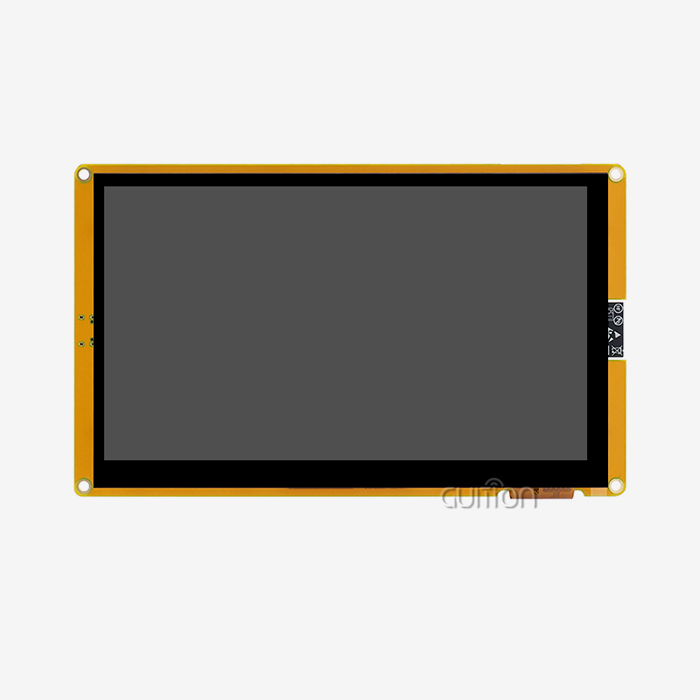
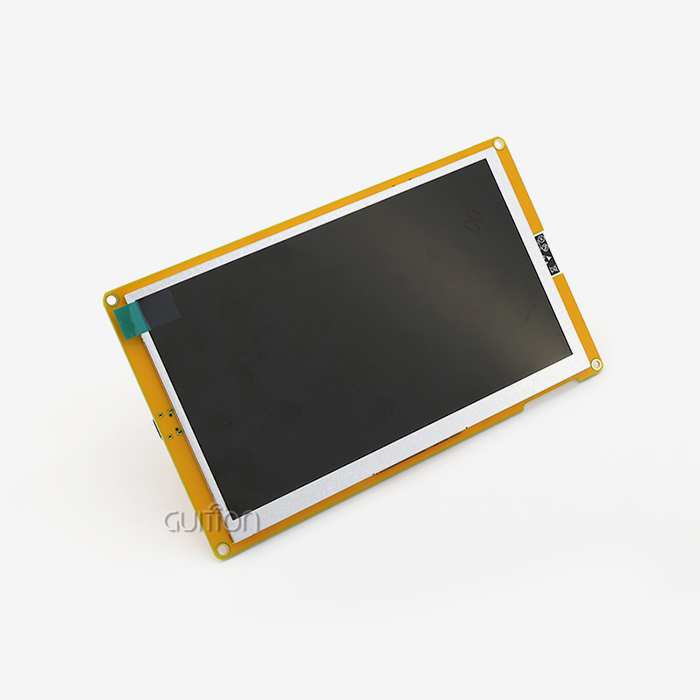
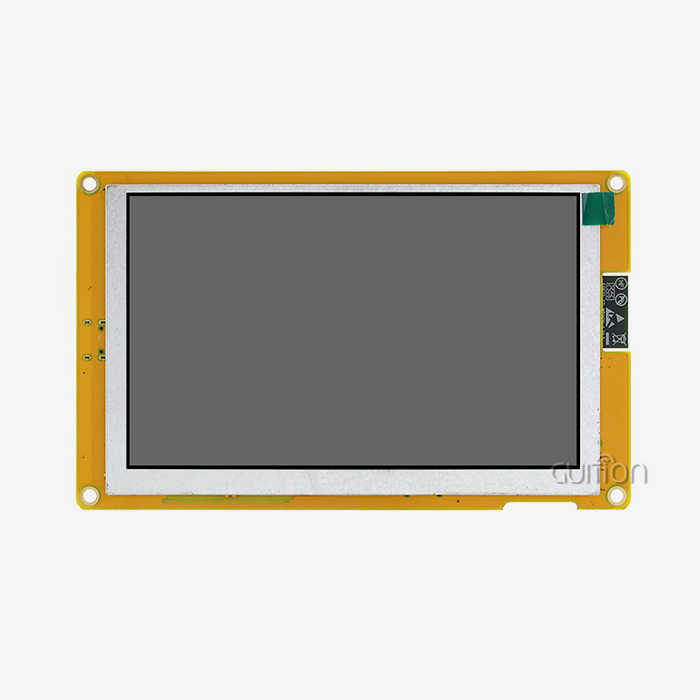
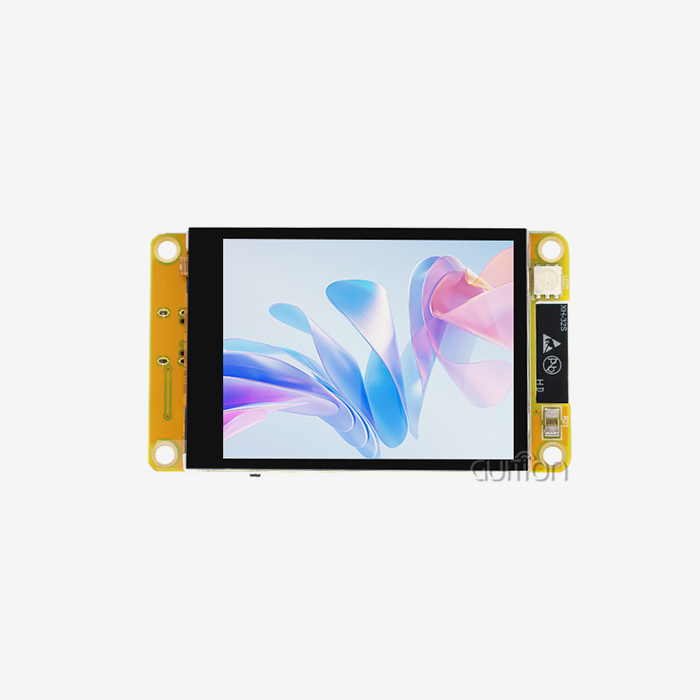
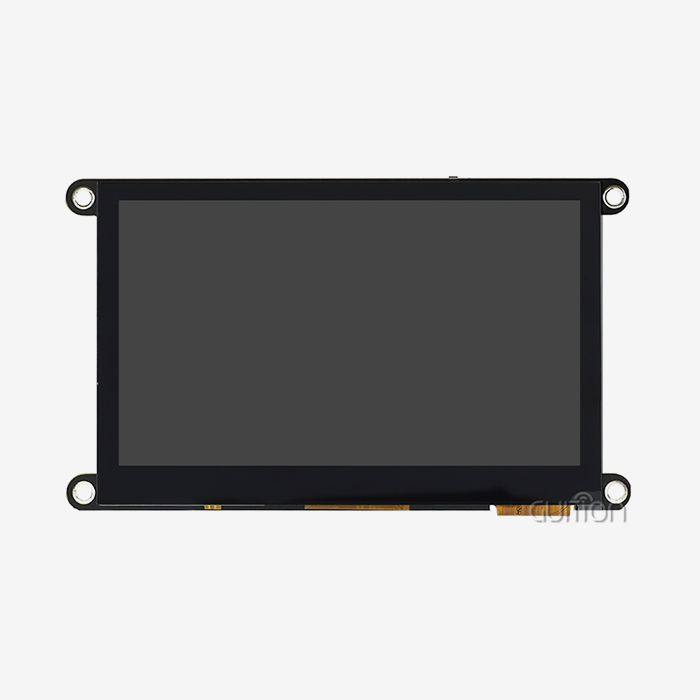
Display modules made for linked worlds put features that regular screens don't care about first. An IoT LCD embeds cutting-edge microcontrollers right into the structure of the display, allowing for separate processing that lightens the load on the host system. With its Artinchip D121BAV single-core MCU running at 400MHz, the GUITION JC4827Q343N_I is a good example of this method. It puts computing power right where visual processing happens. This design cuts down on the time it takes for data to be received and the screen to be updated. This makes flexible interfaces that users think are fast.
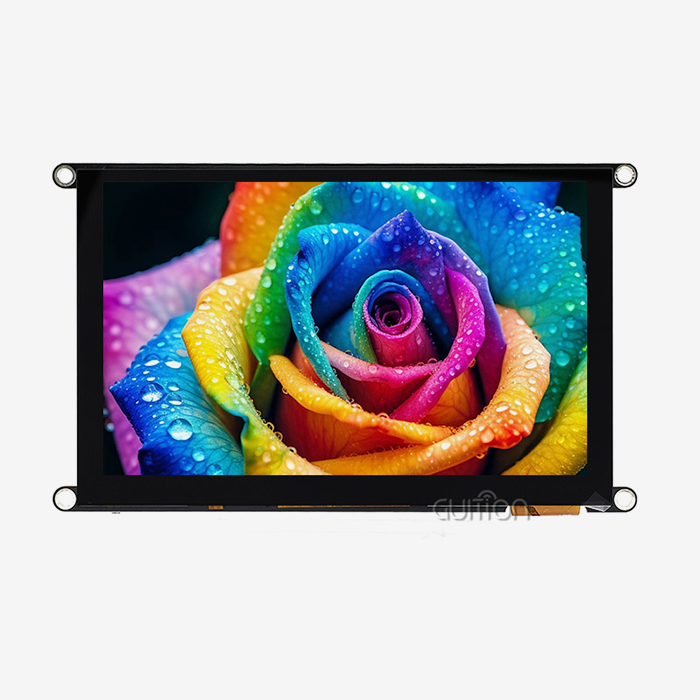
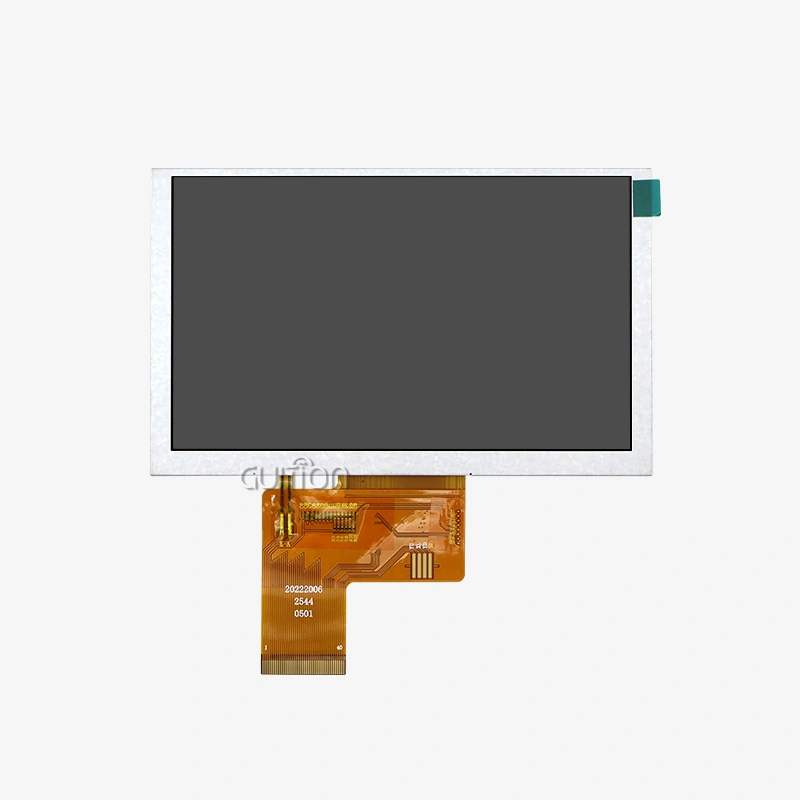
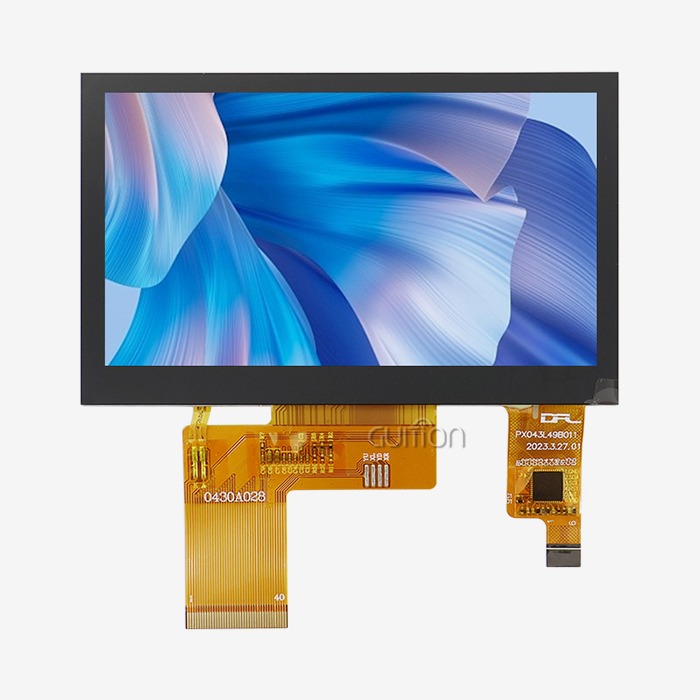
The 480×272 IPS display technology gives you a wide viewing angle, which is important for devices that are placed in different ways, like heaters that are mounted on the wall or diagnostic tools that you hold in your hand. Because they use 16-bit RGB and can handle 65K colors, these screens can show complicated graphs, status signs with many colors, and detailed user interfaces without putting too much stress on the main processor. This visual ability is especially important in manufacturing settings where workers need to quickly understand a lot of data at once.
Connectivity Features That Enable Smart Integration
Modern connected display options build Wi-Fi features right into the structure of the module. With built-in Wi-Fi and Bluetooth, you don't need any extra connection units. This cuts down on the cost of the bill of materials and makes PCB planning easier. This integration is useful in many situations. For example, a smart home control panel can get information from the cloud and talk to nearby Bluetooth devices at the same time, all through the display module.
Remote control changes how makers take care of gadgets that are already in use. Over-the-air firmware changes let you fix security holes, add features, and improve speed for all of your devices without having to send out techs. Long-term upkeep costs are cut by a huge amount with this feature, and the product's lifecycle is extended through constant growth.
Power Efficiency and Reliability Standards
When using battery-powered products, the amount of energy used has a direct effect on the user experience. Multiple ways are used by display devices designed for Internet of Things (IoT) apps to save power. Intelligent lighting control changes the brightness based on the environment, which cuts down on power use that isn't needed. The display driver can go into deep sleep modes when it's not being used, using only a few microamps while keeping memory states for quick wake-up.
Extreme temperatures, electromagnetic interference, and mechanical stress are all things that consumer-grade screens would break. But IoT LCD industrial-grade parts can handle these things. These units work reliably in temperatures ranging from -20°C to 70°C, keeping the screens clear and responsive to touch even when normal screens would break down. This dependability is very important in medical equipment where a broken screen could make it harder to keep an eye on a patient or in industrial control panels where downtime costs a lot of money every hour.
Key IoT LCD Features That Directly Boost Device Performance
To get the best performance, you should start by choosing screens with features that work with your device. The features built into current display modules have a direct effect on how fast the system is, how much power it uses, and how happy the users are.
Processing Power and Multimedia Capabilities
How quickly your interface reacts to user actions and data changes depends on how much computing power is built into the display modules. Complex rendering jobs are handled by a 400MHz processor that is only used for displays, so the main system driver doesn't have to work too hard. This is important for medical imaging devices or security system panels.
This processing power built into the display module frees up your main processor to handle getting data from sensors, communicating over networks, and running applications.
Cross-Platform Development Flexibility
Time-to-market is determined by how well development is done, and flexible development platforms speed up the process from testing to production. Support for Arduino makes fast prototyping easier, and it lets embedded engineers test ideas quickly with tools they already know how to use and a large community library. Advanced writers can use ESP-IDF compatibility to get low-level control over performance-critical apps that need exact time or custom protocol implementations.
The Guition online development tool turns making interfaces from a lot of code work into design work. You can move controls around by dragging and dropping them, change settings using simple dialogs, and see the results right away—all in a web browser without having to run any software on your computer. This method makes learning a lot easier, so mechanical engineers or industrial designers can make interfaces that work without having to know a lot about embedded code. Factory-burned test programs let you connect the display and check its operation as soon as you get it, which speeds up the integration validation process.
Multi-Language and Global Deployment Support
Products that will be sold in other countries need to have their interfaces localized without having to rethink the whole system. Support for UTF-8 encoding makes it possible to show languages like Latin alphabets, Chinese characters, Arabic script, and Cyrillic fonts without any problems within the same interface structure. This standard encoding stops the letter corruption that happened on older computers that tried to handle multiple languages.
One software package can serve markets around the world because it can switch between languages at runtime. Through setup options, users can choose the language they want to use, and the interface automatically gets the right text strings without having to change the firmware. This feature makes inventory simpler because you only have to keep track of one SKU that changes to fit local needs instead of handling variants for each area that need their own production runs and quality checks.
Comparing IoT LCD Displays: Making the Right Choice for Your Business
To choose the best display module, you need to compare the module's specs to the needs of your application and think about the supplier's skills, which can affect the module's long-term success.
Performance Specifications That Matter
Resolution affects how much information there is and how clear the interface is. The 480x272 resolution gives the 4.3-inch screen enough clarity for control interfaces, data display, and multimedia material. Higher resolutions cost more and use more power, but they don't help much in situations where people watch the screen from normal distances for engagement.
System design choices are affected by the interface options between the main controller and the display. Wiring is easier with UART connections, and they work well for sending text and simple images. For programs that need to update the whole screen often, SPI links offer more speed. Knowing how often you need to update helps you choose an interface that balances speed and application complexity.
Supplier Evaluation Criteria
Details about the technology don't tell the whole story of the choice. During both the planning and production stages, the skills of the suppliers affect the success of the project. How fast your engineers can make prototypes that work depends on how well your documentation is written. Full datasheets, example code, and integration guides cut down on development debugging time by weeks.
Long-term supply reliability is affected by production capacities and quality processes. Suppliers with ISO 9001 certification show that they handle quality in an orderly way, and suppliers with ISO 14001 certification show that they care about the environment. Traceability of components makes it possible to find the sources of materials if there are quality problems. This is especially important for medical device companies that are being audited by regulators.
Cost Considerations Beyond Unit Price
The purchase price of IoT LCD is only one part of the total costs of owning. The prices of development tools—some vendors charge extra for GUI development software, programmer gear, or SDK access—can make project budgets much smaller. Guition gives you the online development tool for free, so you don't have to pay extra for a license. This lowers the cost of your development infrastructure.
Costs for assistance and maintenance add up over the lifecycle of an object. Long-term costs are lower with suppliers who offer free firmware updates and expert help than with those who charge for each contact. Looking at the total cost of ownership over the time you plan to make the product gives you more accurate budget estimates than just comparing the first few quotes.
Implementation and Application Scenarios of IoT LCD Displays
Applications in the real world show how display features can improve performance in a wide range of businesses and use cases.
Smart Home and Building Automation Applications
Control systems for IoT LCD homes work better when they are easy to see and use. Smart thermostats that show current temperatures, schedules, and energy use graphs need to be easy to read from across the room and respond to touch input. With IPS viewing angles and fast processing, homes can quickly check the settings without having to walk up to the screen.
Keypads for security systems have screens built in that show camera views, zone information, and event logs. These panels have built-in Wi-Fi connections, so they can get alerts from cloud services and talk to door sensors, motion detectors, and smart locks all over the property. When security companies can remotely update systems, they can add new features or fix security holes across all of them without having to schedule service calls.
Industrial Control and Monitoring Systems
Displays in manufacturing settings need to be able to handle rough circumstances and have clear user interfaces. Process control panels that show temperature curves, pressure readings, and the state of equipment must be able to be read in bright workplace lighting and keep working even when heavy machinery is nearby.
Workers can carry warehouse management devices around the building because they are small and light, and the batteries last a long time. The length of time a shift can go without having to be recharged is directly affected by how efficiently displays use power. Rugged construction can handle the drops and hits that happen all the time in shipping operations.
Medical and Healthcare Equipment
Displays on patient tracking devices need to be easy for medical staff to read quickly in an emergency. High contrast ratios and enough clarity make it possible to see in a variety of hospital lighting situations. Multi-parameter displays that show waveform curves, heart rate, blood pressure, and oxygen saturation need enough processing power and clarity to update easily without flickering.
Diagnostic tool interfaces show workers the results of tests as they are being done and guide them through the process. Medical device laws require a lot of paperwork and quality system compliance. Choosing display suppliers with the right certifications makes the regulatory filing process easier by using their quality paperwork.
Consumer Electronics and Portable Devices
Handheld testing equipment benefits from small screens that fit as much information as possible into small spaces. Clear results are important for electricians, HVAC workers, and network installers who work in a variety of situations. When devices are used all day at work and charge ports are hard to get to, battery life becomes very important.
Smart displays on kitchen equipment let you follow recipes, keep track of your nutrition, and handle the appliances with easy-to-use touchscreens. Food-safe structure and resistance to moisture make sure that the machine will work reliably in damp places that need to be cleaned often. These gadgets can download recipes, get software changes, and connect to larger smart home ecosystems thanks to their connectivity features.
Optimizing Connected Device Performance Through IoT LCDs
To get the most out of a display module, developers need to pay close attention to interface details and setup optimization as they work on the module.
Firmware Configuration for Maximum Efficiency
Initialization sequences for displays set up working settings that combine efficiency with power use. Setting the brightness of the backlight has a big effect on how long the battery lasts. Setting up automatic dimming based on ambient light sensors or user inactivity timers increases the battery life without affecting how well the device can be used during busy times. Refresh rate optimization cuts down on screen updates that aren't needed, which saves power and computer processes.
Setting up a communication strategy changes how much data can be sent and how quickly a system can respond. When using a UART link, choosing the right baud rate combines the speed of updates with the number of errors that can happen over the distance between the controller and the display. Strategies for managing buffers keep data from overflowing during burst transfers and stop unnecessary polling during quiet times.
Hardware Integration Best Practices
When the power source for the IoT LCD is designed correctly, visual artifacts and system instability can be avoided. When the backlight is turned on and the screen is updated, display modules draw a lot of power. If the supply decoupling isn't good, voltage changes happen, which can lead to visual glitches or processor restarts. When these sudden demands happen, the voltage stays stable because there is enough bulk capacitance near the display port.
Concerns about signal quality become more important as screen sizes and update rates rise. To keep crosstalk and timing skew from happening, parallel RGB connections need careful PCB construction with matched wire lengths and controlled impedance. At higher clock speeds, signal quality is better when the display connection is close to the processor and stub lengths are kept to a minimum.
Performance Verification and Testing Methodologies
Objective measurement backs up attempts to improve things and finds any lingering problems. Monitoring the frame rate makes sure that motion and transitions run smoothly. Finding out how long it takes for data to be sent to the display and for the change to be seen can help you figure out whether the delay is caused by network connection, processor rendering, or display refresh cycles.
Profiling power usage across different working modes can find ways to improve things even more. Figuring out how long a battery will last under normal use is possible by measuring how much current is drawn during open display, dimmed rest, and deep sleep. Thermal imaging shows areas that could affect long-term dependability or need extra cooling attention.
Conclusion
Choosing display technology that works well with IoT platforms is becoming more and more important for making connected products run faster. The processing power, connection features, and development tools provided by modern IoT LCD modules shorten the time it takes to get a product to market and lower the cost of ongoing upkeep. The GUITION JC4827Q343N_I shows these abilities with its built-in 400MHz processor, wireless connection, and graphic development environment that makes making interfaces easier.
To apply something successfully, you need to compare the specifications to the needs of the application and think about the supplier's skills that can affect the project's success after the initial buy. Performance optimization keeps going with best practices for firmware setup, hardware integration, and structured testing that proves gains in an unbiased way. As the Internet of Things (IoT) spreads to more industries, choosing display technology made for connected settings gives you a competitive edge by improving user experiences and making operations run more smoothly.
FAQ
What distinguishes an IoT LCD from standard display modules?
Display panels made for IoT use microcontrollers, Wi-Fi connection, and power management features that regular screens don't have. These special units can talk to cloud services directly, support over-the-air updates, and use a lot less power than regular displays. This means they can be used in connected devices that are driven by batteries and spread out across networks.
How do I select the appropriate display size for my IoT device?
Choosing the right screen size means balancing the amount of information that needs to be shown with the limitations of the device's shape. Devices that need detailed graphs or long texts should use bigger screens, like 4.3-inch modules. Wearables that don't have a lot of room should use small 1.28-inch screens. If you want to see control panels from a few feet away, the screens need to be bigger than on small devices that you hold out in front of you. The GUITION product line includes sizes from 1.28" to 21.5" to meet a wide range of needs.
Can IoT LCD modules withstand industrial environments?
Display panels made for industrial use are built to last, can work in a wide range of temperatures, and are not affected by electromagnetic pollution. These units keep working reliably from -20°C to 70°C, can handle mechanical shock, and can be used close to motors, welders, and other EMI sources. Verification testing in your unique setting during prototyping makes sure that it will work in your launch situation.
Partner with a Trusted IoT LCD Supplier for Your Next Project
Picking the right hmi display module manufacturer can affect all stages of a product's life, from making a quick prototype to mass production and ongoing help in the field. Guition offers complete HMI display solutions in sizes ranging from 1.28" to 21.5", backed by our own visual development platform that gets rid of the need for complicated code. Our USART-HMI units have 400MHz processing power, Wi-Fi, and Bluetooth built right in. This makes it easy for smart home systems, industrial controls, and medical devices to join.
We help you with your development by giving you access to Arduino, IDF, and Visual Studio Code tools, so you can make the most of the skills on your team. Secondary development features let you make changes without having to program low-level drivers, and remote update features lower the cost of field support over the life of your product. Our technical team offers direct engineering help at david@guition.com, so when you have questions about integration, they will be answered by people who know how the product works on the inside. Get in touch with us right away to talk about your application needs and get a personalized quote for display modules that will speed up your time to market and give users a great experience.
References
1. Chen, W., & Martinez, R. (2023). "Human-Machine Interface Design Principles for Industrial IoT Applications." Journal of Embedded Systems Engineering, 45(3), 178-195.
2. Anderson, K. L. (2022). "Power Management Strategies in Battery-Operated Connected Devices." IEEE Transactions on Industrial Electronics, 69(8), 8234-8246.
3. Patel, S., & Thompson, J. (2024). "Comparative Analysis of Display Technologies for Smart Home Control Panels." International Journal of Consumer Electronics, 18(2), 112-128.
4. Liu, H., & Garcia, M. (2023). "Wireless Connectivity Integration in Embedded Display Systems." ACM Transactions on Embedded Computing Systems, 22(4), 1-24.
5. Roberts, E. A. (2022). "Quality Assurance and Reliability Testing for Medical Device Displays." Medical Device Standards Quarterly, 31(1), 56-73.
6. Kumar, V., & Zhao, L. (2024). "Development Environment Comparison for Rapid IoT Prototyping." Software Engineering for Embedded Systems, 12(3), 203-219.
Learn about our latest products and discounts through SMS or email