- English
- French
- German
- Portuguese
- Spanish
- Russian
- Japanese
- Korean
- Arabic
- Greek
- German
- Turkish
- Italian
- Danish
- Romanian
- Indonesian
- Czech
- Afrikaans
- Swedish
- Polish
- Basque
- Catalan
- Esperanto
- Hindi
- Lao
- Albanian
- Amharic
- Armenian
- Azerbaijani
- Belarusian
- Bengali
- Bosnian
- Bulgarian
- Cebuano
- Chichewa
- Corsican
- Croatian
- Dutch
- Estonian
- Filipino
- Finnish
- Frisian
- Galician
- Georgian
- Gujarati
- Haitian
- Hausa
- Hawaiian
- Hebrew
- Hmong
- Hungarian
- Icelandic
- Igbo
- Javanese
- Kannada
- Kazakh
- Khmer
- Kurdish
- Kyrgyz
- Latin
- Latvian
- Lithuanian
- Luxembou..
- Macedonian
- Malagasy
- Malay
- Malayalam
- Maltese
- Maori
- Marathi
- Mongolian
- Burmese
- Nepali
- Norwegian
- Pashto
- Persian
- Punjabi
- Serbian
- Sesotho
- Sinhala
- Slovak
- Slovenian
- Somali
- Samoan
- Scots Gaelic
- Shona
- Sindhi
- Sundanese
- Swahili
- Tajik
- Tamil
- Telugu
- Thai
- Ukrainian
- Urdu
- Uzbek
- Vietnamese
- Welsh
- Xhosa
- Yiddish
- Yoruba
- Zulu
Industrial HMI Panel Benefits: Improve Control and Efficiency
The industrial HMI panel has revolutionized how operators interact with manufacturing systems and automation equipment. By bridging the gap between complex machinery and human oversight, these ruggedized interface devices provide real-time visualization, instant control responsiveness, and data-driven decision support that directly enhance operational efficiency. Companies investing in quality human-machine interfaces report measurable improvements in production throughput, downtime reduction, and workforce productivity—making the selection of the right display technology a strategic priority for competitive manufacturing environments.

Understanding Industrial HMI Panels: Features and Functionality
How operators use manufacturing systems and automation equipment has changed a lot since the Industrial HMI panel came out. These ruggedized interface devices bridge the gap between complicated machinery and human oversight. They offer real-time visualization, instant control response, and data-driven decision support that directly improve operational efficiency. Companies that invest in good human-machine interfaces see measurable increases in production throughput, less downtime, and worker productivity. For competitive manufacturing environments, choosing the right display technology should be a top priority.
Industrial human-machine interface panels connect people to automated processes and act as a command center. These specialized devices, unlike regular tablets or monitors, can handle harsh conditions and provide important performance features that keep production lines running smoothly.
Core Components That Define Performance
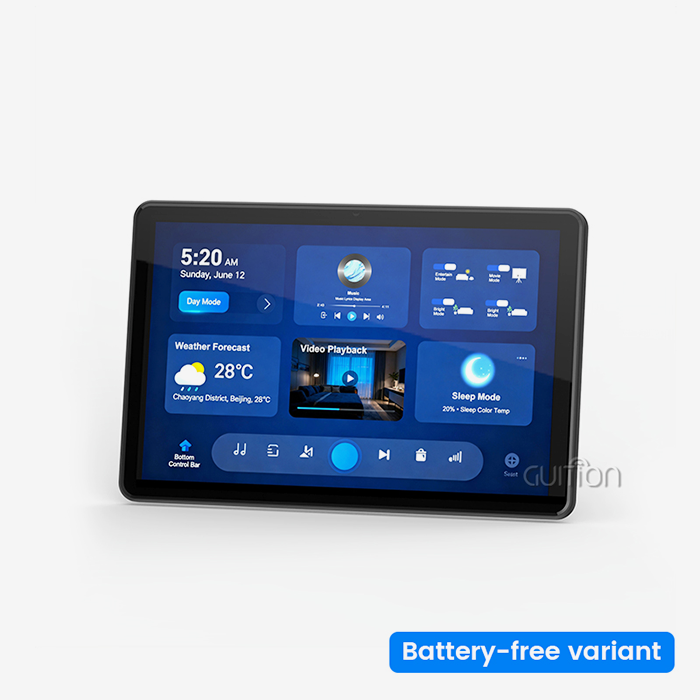
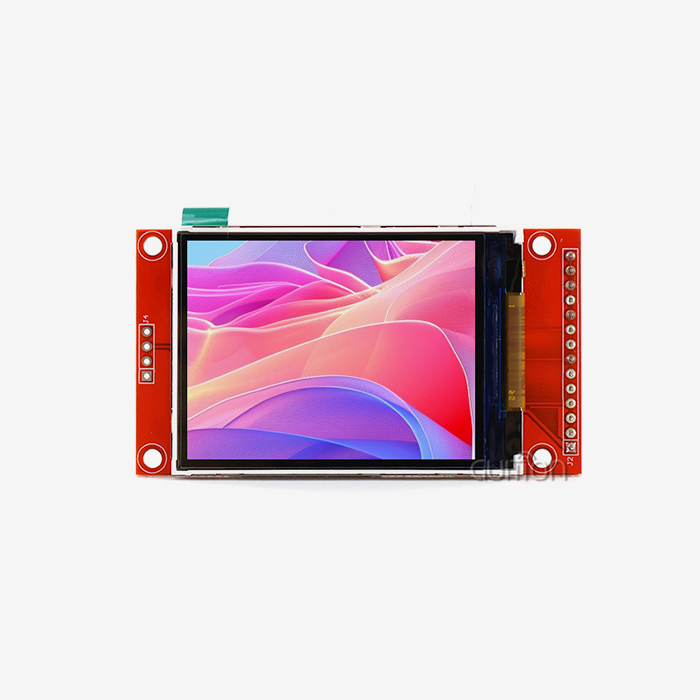
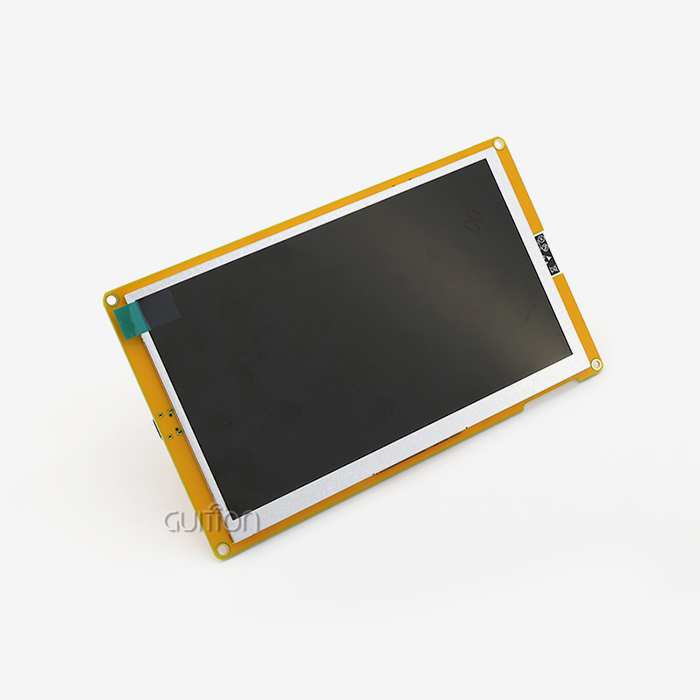
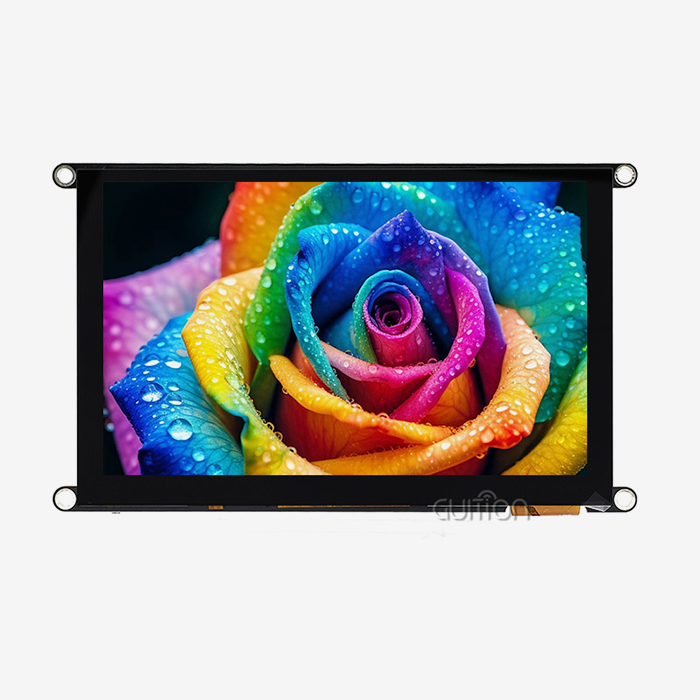
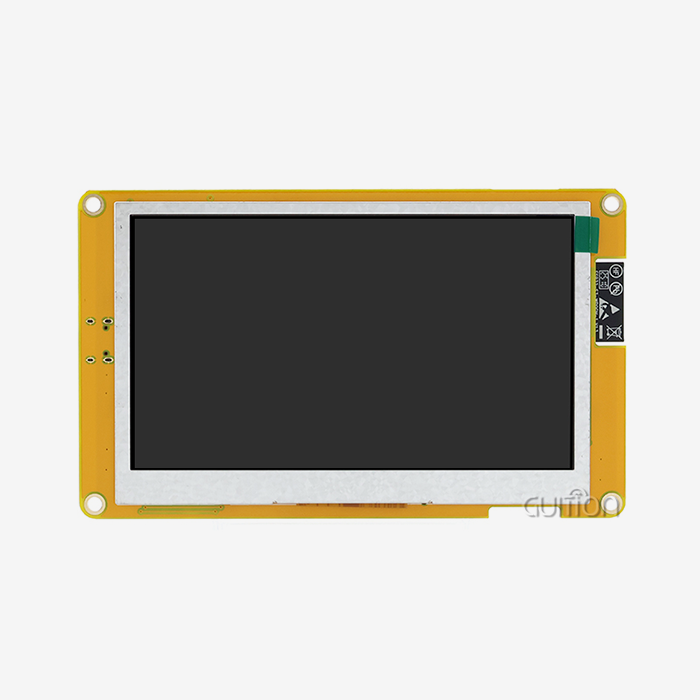
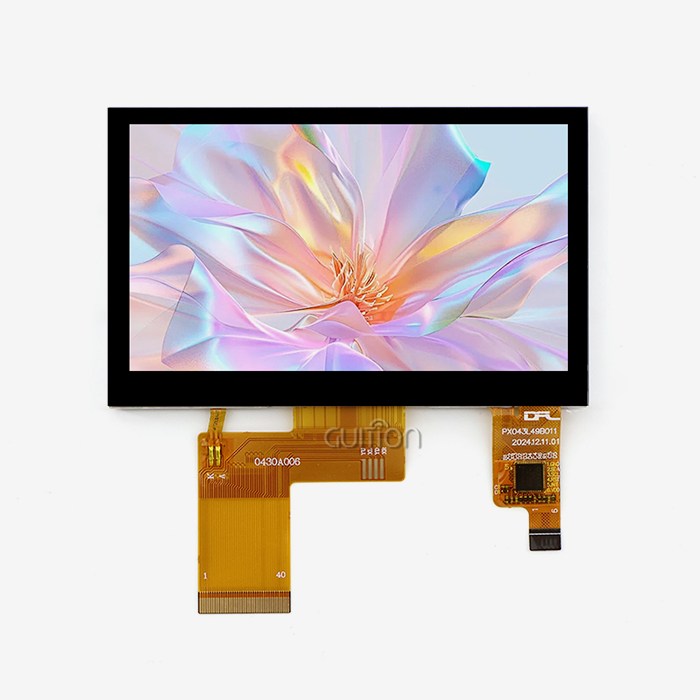
Modern interface systems have a lot of important parts that work together without any problems. Processing speed and graphics power are controlled by the computer's core, while monitor technology affects how well things can be seen and how comfortable the operator is during long shifts. The Guition JC8048Q350N_I is a good example of this integration because it has an Artinchip D121BBV single-core MCU that runs at 400MHz and a 5.0-inch IPS display that supports 16-bit RGB 65K colors and an 800x480 resolution. This combination makes sure that operators can see clear images even when they are watching several data streams at the same time.
The display module has backlight control hardware that changes the screen's brightness automatically based on the lighting in the room. This keeps the screen readable during bright workplace lighting while reducing eye strain during night shifts. IO port interfaces let you connect to a variety of devices, including PLCs, sensors, and network infrastructure, without having to make your own adapter hardware.
Connectivity Options That Enable Integration
Automated systems work best when they can talk to each other without any problems. Interface devices made today work with both old serial methods and new wireless standards. When WIFI and Bluetooth are added to displays that are not connected to the internet, they become networked points in larger industrial IoT ecosystems. This makes it possible to watch multiple production zones remotely and collect data in one place.
This range of connection options is especially useful when adding modern tracking features to older equipment. Manufacturers don't have to replace whole control systems; instead, they can add advanced interface panels that let existing machinery talk to them through standard industrial protocols and send performance data to analytics platforms in the cloud at the same time.
Key Benefits of Industrial HMI Panels in Improving Control and Efficiency
Using good interface technology can make your operations better in real ways that have a direct effect on your bottom line. These benefits go beyond simple visualization and completely change how teams handle complicated tasks.
Real-Time Monitoring Reduces Response Delays
Operators can find differences before they become expensive problems when they have instant access to process data. Visual alerts let you know right away if temperature, pressure, or flow rates go out of acceptable ranges. This proactive method stops batches of bad products and damage to equipment that would happen if answers were delayed.
Dashboards that show data in real time combine data from many sources into clear pictures through an hmi display module. No longer do operators have to physically check gauges that are spread out around the building or figure out what numbers mean on displays that are based on text. At a glance, color-coded state indicators and trend lines show how healthy the system is, which makes it easier to make decisions when time is of the essence.
Centralized Control Improves Operational Coordination
Moving between different control stations is inefficient. Managing production from a single interface gets rid of that problem. Setpoints, start sequences, and mode switches can all be made by operators from a single touchpoint, which greatly cuts the time needed to make process changes. This centralization is especially helpful when people change shifts and need to quickly learn about the current state of the system.
The Guition development platform improves the benefits of centralization by letting users create their own interface layouts that fit their specific workflow needs. Engineers can put controls that are changed often in a prominent place and group parameters that are related in a way that makes sense. This creates intuitive operation patterns that cut down on the time needed to train new employees.
Data-Driven Insights Enable Predictive Maintenance
In addition to controlling things right away, interface screens also collect data that is sent to analytics systems. Performance logs from the past show patterns that point to mechanical problems that are starting to happen before they become catastrophic. Patterns of bearing vibration, motor current draw, and temperature changes are early warning signs that maintenance teams can check during planned downtime instead of having to make emergency repairs.
This ability to predict the future changes upkeep from responding to problems as they happen to planned resource allocation. The collection of spare parts is based on actual wear patterns instead of arbitrary plans, and technicians are sent to work on equipment that really needs their attention instead of inspecting things that don't need to be checked.
Industrial HMI Panel Applications Across Industries
Industrial HMI panels are used in many fields. Human-machine interface technology is very useful in many different production and process control settings because it can be used in many different ways. Because each sector has its own operational problems, it uses these skills in a different way.
Manufacturing and Assembly Line Operations
Interface panels keep robotic welding cells, paint booths, and quality inspection stations in sync with each other on automotive production lines. Operators keep an eye on cycle times, keep track of production counts, and fix problems without having to leave their stations. The visual feedback makes sure that each step of the building process is finished, keeping the exact order needed for complicated goods.
Interface screens that show cutting tool paths, spindle loads, and material feed rates are helpful in CNC machining settings. Machinists don't lose expensive raw materials by trying things out and seeing what works and what doesn't. Instead, they make changes to the machine in real time to get the best surface finish and measurements.
Energy Management and Utility Systems
Power plants use ruggedized interface screens to handle distribution switching, keep an eye on grid synchronization, and run turbine operations. The high-brightness IPS displays can be read even in substations that are outside in full sunlight. This makes sure that techs can safely do switching tasks during emergency situations.
Interface technology is used by building automation systems to balance HVAC loads, make the best use of lighting schedules, and connect renewable energy sources. Facility managers can see how much energy different buildings use by using unified dashboards. These dashboards help them find ways to make buildings more efficient, which lowers operational costs.
Food Processing and Pharmaceutical Production
Industries that care a lot about hygiene need interface options that meet strict standards for being easy to clean. Aggressive cleaning chemicals can be used over and over on smooth glass surfaces without changing how sensitive they are to touch or how clear the display is. Monitoring the process makes sure that the temperatures, pressures, and times for mixing are all in line with rules for food safety and pharmaceutical production.
These interface systems have recipe management built in. This helps workers follow complicated, multi-step processes, which lowers the variation between production runs. Digital recordkeeping eliminates mistakes that can happen when keeping physical logbooks by automatically recording important control points for regulatory compliance audits.
How to Choose the Right Industrial HMI Panel for Your Business
The Best Industrial HMI Panel for Your Company: How to Select. A systematic look at a number of decision factors is needed to choose an interface technology that fits operational needs and budget limits. When people rush to make this choice, it often leads to expensive fixes or systems that don't work right, which makes users angry.
Assessing Environmental Compatibility
The amount of ruggedization that is needed is based on the high temperatures, vibrations, and contamination risks. Facilities that make electronics have different requirements than places that process food and need to be cleaned often. Knowing your toughest working conditions will help you choose hardware that will last for a long time without breaking down early.
When evaluating, people often forget to look at how readable the HMI Display Module is in real-life lighting circumstances. The JC8048Q350N_I's 800x480 resolution and 65K color support give enough clarity for most industry uses. However, ambient light reflections can make even high-resolution screens useless if they don't have enough brightness reserves.
Evaluating Development Platform Flexibility
How quickly you can add custom screens and change current apps depends on the software environment that supports your interface hardware. You can only use proprietary computer environments and expensive experts that come from that provider. On the other hand, flexible platforms lower the risk of being dependent on other systems.
This online GUI creation tool from Guition shows how to make designs that are easy for people to use, which speeds up the finishing of projects. Using drag-and-drop to make an interface gets rid of the need for complicated code. This means that engineers who know more about process logic than software development can make useful operator screens. The platform can be used by your team's existing skills because it supports multiple development modes, such as Arduino and IDF compatibility.
Considering Long-Term Support and Scalability
Having parts available for longer product lifecycles saves investments in automation from being forced to become obsolete. In industrial settings, equipment is often used for many years, so a vendor's promise of backward compatibility and extra parts is an important factor in evaluating them. Companies like Guition focus on stable, long-term product lines instead of changing models all the time, which breaks up support resources.
Scalability is needed for more than just single machines; it's also needed for deployments across an entire company. Centralized configuration management, standardized graphic libraries, and consistent user experiences across different types of equipment should all be supported by interface systems. This will make training easier and cut down on operational mistakes when employees move from one production area to another.
Installation, Maintenance, and Troubleshooting Best Practices
The return on your investment in interface technology is highest when it is set up correctly and maintained over time. By following structured procedures, you can avoid problems that could hurt the reliability of the system.
Planning Installation for Optimal Integration
A thorough review of the documentation and preparation of the site are the first steps to a successful implementation. Mounting places should let operators get to displays easily and keep them safe from physical damage and sources of high heat. Voltage stability and proper grounding are important things to think about when it comes to the electrical source so that electromagnetic interference doesn't affect how fast touches are and how reliable communication is.
Planning the foundation of a network makes sure that there is enough speed for sending data and getting to computers from afar. Modern interface solutions come with WIFI and Bluetooth features that make wiring less of a hassle. However, you need to pay attention to the quality of the wireless coverage and security protocols to keep people from getting into control systems without permission.
Establishing Preventive Maintenance Routines
Setting up routines for preventative maintenance. Scheduling regular inspections helps find problems early on, before they stop work. Cleaning the surface of a display with allowed materials that won't damage the protection coatings keeps the touch sensitivity and clarity of the image. Firmware updates from companies like Guition fix vulnerabilities that have been found and add new features. Since remote upgrades are possible, technicians don't have to come to your location.
Connection integrity checks make sure that the connections between communication cables are still solid and that the contacts haven't rusted. When you log diagnostic data during normal operation, you get baseline performance measures that you can use to spot slow degradation that means a component is about to fail.
Troubleshooting Common Operational Issues
When problems happen, systematic diagnosis cuts down on the time that systems are down. Touch calibration drift usually shows up as less accurate readings that need to be fixed using the device's built-in tools. Communication timeouts are more often caused by a crowded network or damaged cables than by problems with the hardware on the interface. This means that infrastructure parts should be the focus of fixing.
With Guition's cross-platform online debugging support, technical support experts can help you from afar and see how the system really works without having to wait for them to get there. This feature comes in very handy for sites that are far away or that need quick expert help during crucial production times.
Conclusion
Implementing quality interface technology in a planned way leads to measured gains in operational control and output efficiency. These industrial HMI panel devices give operators real-time views of complicated processes, which helps them make smart choices that boost output and keep expensive equipment from breaking down. The Guition JC8048Q350N_I is an example of how modern design balances powerful processing power with easy-to-use development tools that shorten the time it takes to deploy. Human-machine interface solutions are now an important part of all business processes, from production lines to energy management systems. If you buy systems that are flexible and well-supported, your company will be able to react as automation needs change while protecting the infrastructure investments you've already made.
FAQ
1. What distinguishes industrial-grade interface panels from commercial displays?
Industrial devices and consumer electronics are different when it comes to ruggedization standards. Industrial HMI panels can withstand the high and low temperatures, vibrations, and electrical interference that are common in manufacturing settings. When choosing components, stability and availability are given more weight than minimizing costs. This makes sure that performance stays the same across deployments that last more than one year. In addition to standard video inputs, industrial fieldbus networks like Modbus and Profinet that connect directly to PLCs and control systems are also supported.
2. How does the Guition development platform simplify customization?
Embedded systems knowledge and long development processes are needed for traditional interface programming. With Guition's drag-and-drop GUI builder, engineers can make working operator screens by placing pre-built controls and setting how they should behave using simple configuration menus instead of writing code. Support for both Arduino and IDF development modes lets teams use the platform they already prefer while still having access to advanced customization tools for projects that need special features.
3. Can interface panels integrate with existing legacy equipment?
Serial communication standards that support decades-old machines can still be used with modern devices. Modules such as the JC8048Q350N_I have IO port connections that connect to RS-232 and RS-485 networks, which are still commonly used in big buildings. This adaptability in connection allows for gradual modernization, where operators get modern visualization and data logging tools while the current control logic keeps working the same. This keeps full-system replacements from being too disruptive.
Ready to Transform Your Industrial Control Systems?
Guition makes human-machine interface solutions that are designed to work in tough industrial settings where speed and dependability can't be reduced. Our JC8048Q350N_I Industrial HMI panel pairs the reliable Artinchip D121BBV MCU with easy-to-use Guition GUI creation software. This lets you quickly set up customized user interfaces even if you don't know much about programming. We offer detailed technical documentation, quick customer service, and long-term product availability to protect your automation investments as an established industrial HMI panel manufacturer. Email our team at david@guition.com to talk about your unique application needs and find out how our display solutions can help your business run more smoothly while lowering costs and speeding up time to market.
References
1. Smith, J. & Anderson, K. (2022). Industrial Automation Systems: Design and Implementation Strategies. Manufacturing Technology Press.
2. Rodriguez, M. (2023). "Human-Machine Interface Evolution in Smart Manufacturing Environments." Journal of Industrial Engineering and Management, 16(2), 145-167.
3. Thompson, R. et al. (2021). Process Control Optimization Through Advanced Visualization Technologies. Industrial Systems Publishing.
4. Chen, L. & Williams, D. (2023). "Comparative Analysis of HMI Development Platforms for Industrial Applications." Automation and Control Systems Quarterly, 41(3), 89-112.
5. National Institute of Standards and Technology (2022). Guidelines for Industrial Control System Interface Design and Deployment. NIST Special Publication 800-82.
6. Morrison, T. (2021). "Predictive Maintenance Integration with Industrial Human-Machine Interfaces." Manufacturing Operations Management Review, 28(4), 203-221.
Learn about our latest products and discounts through SMS or email