- English
- French
- German
- Portuguese
- Spanish
- Russian
- Japanese
- Korean
- Arabic
- Greek
- German
- Turkish
- Italian
- Danish
- Romanian
- Indonesian
- Czech
- Afrikaans
- Swedish
- Polish
- Basque
- Catalan
- Esperanto
- Hindi
- Lao
- Albanian
- Amharic
- Armenian
- Azerbaijani
- Belarusian
- Bengali
- Bosnian
- Bulgarian
- Cebuano
- Chichewa
- Corsican
- Croatian
- Dutch
- Estonian
- Filipino
- Finnish
- Frisian
- Galician
- Georgian
- Gujarati
- Haitian
- Hausa
- Hawaiian
- Hebrew
- Hmong
- Hungarian
- Icelandic
- Igbo
- Javanese
- Kannada
- Kazakh
- Khmer
- Kurdish
- Kyrgyz
- Latin
- Latvian
- Lithuanian
- Luxembou..
- Macedonian
- Malagasy
- Malay
- Malayalam
- Maltese
- Maori
- Marathi
- Mongolian
- Burmese
- Nepali
- Norwegian
- Pashto
- Persian
- Punjabi
- Serbian
- Sesotho
- Sinhala
- Slovak
- Slovenian
- Somali
- Samoan
- Scots Gaelic
- Shona
- Sindhi
- Sundanese
- Swahili
- Tajik
- Tamil
- Telugu
- Thai
- Ukrainian
- Urdu
- Uzbek
- Vietnamese
- Welsh
- Xhosa
- Yiddish
- Yoruba
- Zulu
How to Verify Compatibility Before Replacing an NMminer display?
Replacing an NMminer display without checking compatibility first is one of the most common—and costly—mistakes in industrial procurement. To verify compatibility, you need to confirm the display's resolution, connector type, voltage requirements, firmware support, and communication protocol against your existing hardware specifications. For equipment like the GUITION JC2432W328C, which runs on an ESP32 dual-core processor with a 240x320 capacitive touch panel, matching these parameters precisely prevents integration failures. This guide walks procurement teams, embedded engineers, and R&D managers through a structured process to get it right before committing to any NMminer display purchase.

Understanding the NMminer Display and Its Role
The NMminer display is more than just a screen; it's how people talk to their mining or industrial equipment. What does it really mean? That's the first thing you need to do to make a safe new choice.
What Makes an NMminer Display Different
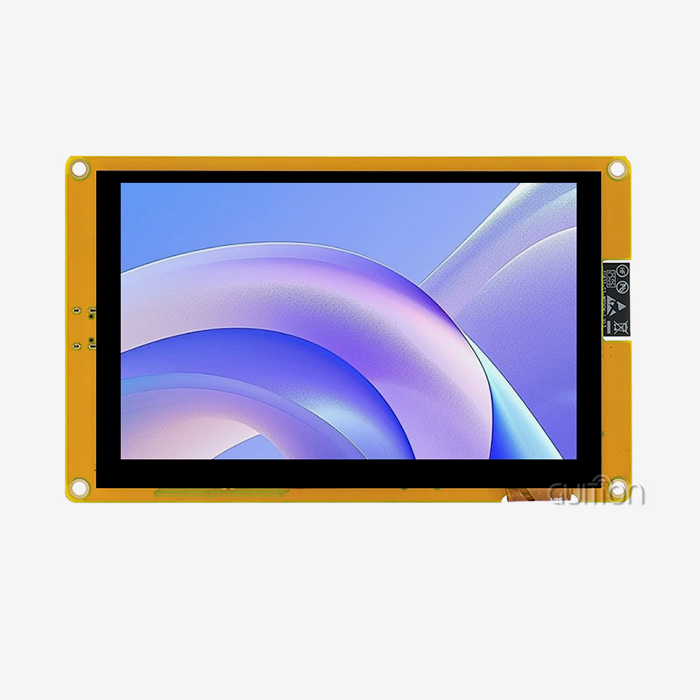
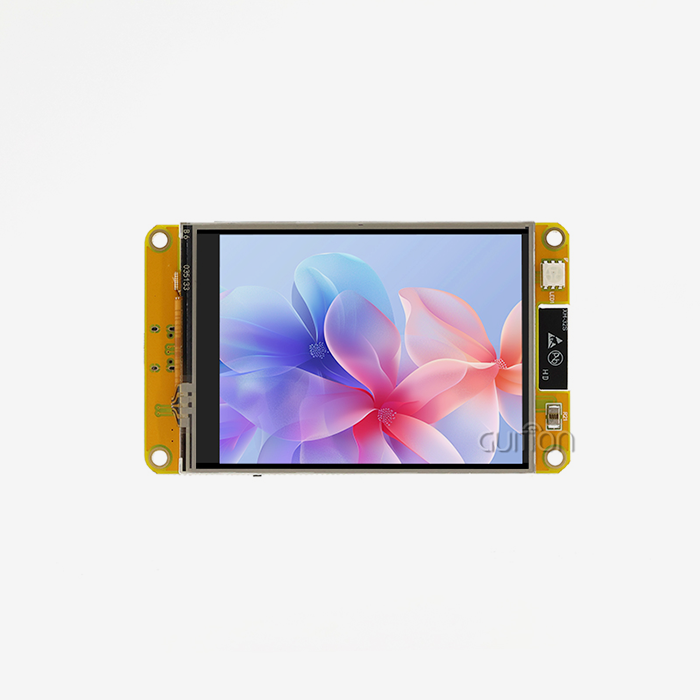
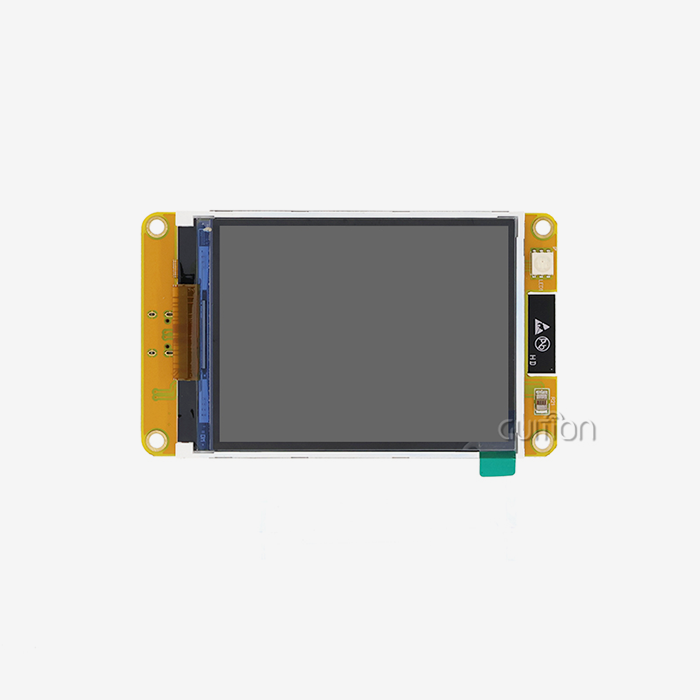
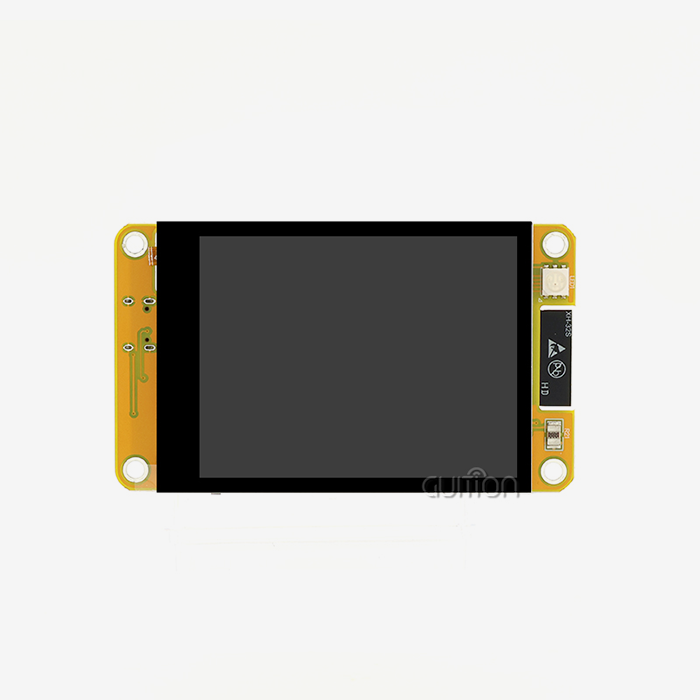
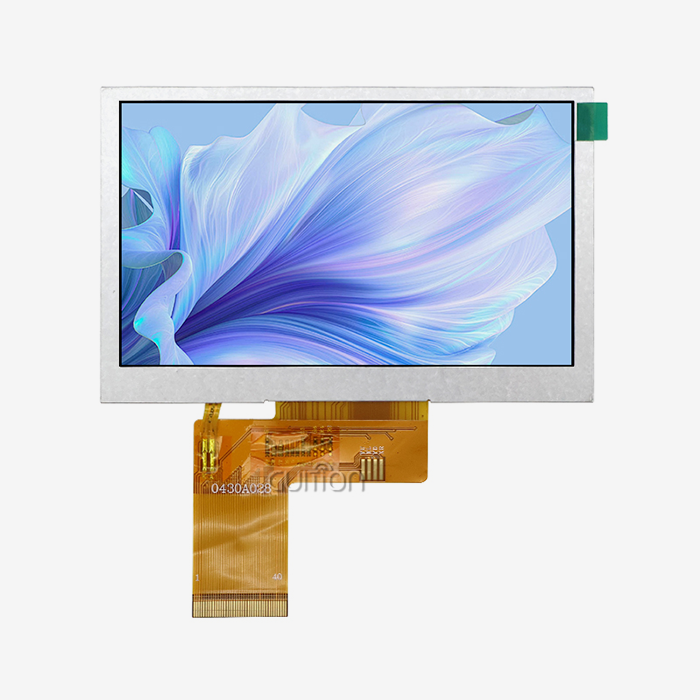
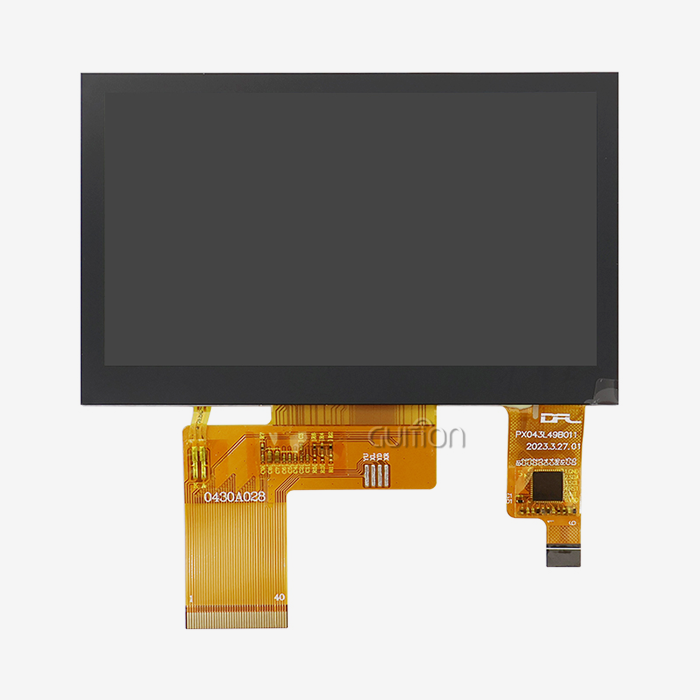
Consumer screens are not the same as NMminer monitors because they are not meant to be turned off. There is an ESP32 dual-core MCU in the GUITION JC2432W328C that can run at up to 240MHz. It also has 520KB SRAM, 448KB ROM, and 4MB Flash. It has Wi-Fi and Bluetooth built in, so it's not just a passive screen but a fully connected HMI module.
Key Hardware Parameters You Must Know
The capacitive touch interface and 240x320-pixel panel decide how the module talks to software and the user. The module has a TF card slot, a driver for sound and RGB LEDs, a DHT11 temperature and humidity sensor interface, and a circuit for controlling the lights. All of these things could make compatibility worse.
Why Model Variations Matter in B2B Procurement
Each type of NMminer display has its own set of electrical profiles and link pinouts. If people only look at size, they will often find that the other option doesn't work at the program or signal level. Not only the sizes, but also the OEM document and model number should always be looked at.
Common Compatibility Challenges When Replacing NMminer Displays
It's not always that the part is hard to get; sometimes the wrong one was bought. If you know why mistakes happen, you can stay away from them.
Resolution and Signal Mismatches
Images won't work right or the screen won't turn on if the quality is off, even by a small amount. Please update the code if you use a 320x480 panel instead of the 240x320 one that comes with the JC2432W328C. If you don't, you will get bad output or a blank screen.
Connector and Pin Configuration Errors
Even though two connectors look the same, they can send and receive very different signals. It's important to look at both the OEM papers and the new module's datasheet to see which pin diagrams are correct. If you don't line up one pin correctly, it could damage the control board or stop the NMminer display from working.
Firmware and Driver Incompatibility
A lot of the time, the firmware in mining equipment is aimed at a certain display driver IC. Even if the new screen is the same size, the software won't be able to talk to it properly if it has a different driver chip. Make sure you know what kind of driver IC the new NMminer display has before you order it.
Step-by-Step Verification Process for NMminer Display Compatibility
With a structured process, you don't have to guess what to do. Here are the steps you should take to make sure that any change of a work display is safe.
Step 1 — Retrieve and Review the Original OEM Datasheet
Begin with the first piece of paper. As well as the model number, resolution, voltage of the power source, type of touch (capacitive vs. resistive), and data interface (SPI, UART, RGB, or MIPI), get the right voltage. There are serial ports for a TF card and a DHT11 sensor on the JC2432W328C's interface. The same things must be in any replacement.
Step 2 — Validate Electrical Parameters
Check the power and current draw of the screen before turning it off. The JC2432W328C can work with standard ESP32 power supplies. Any switch that needs different voltage rails but doesn't change the power path could damage connected parts. Keep track of real numbers with a multimeter while it is under load.
Step 3 — Run a Pilot Test Before Full Deployment
Ask for a sample unit and test it in a safe place before you buy a lot of it. The latest update should be loaded, the screen should be set up properly, and you should be able to touch the whole screen. The JC2432W328C can be programd in the Arduino IDE, ESP-IDF, MicroPython, and Guition. This makes it simple to test on well-known systems.
When done in this order, these three steps make up a good way to check something before you buy it. If you don't do any of them, you might have to pay a lot to return something, your system might crash, or your warranty might not cover it.
Tools and Resources to Support Your Verification
Having the right papers and tools at hand speeds up the whole process. These tools are the most important.
Diagnostic Hardware
It is possible to check for voltage, current, and continuity with a good multimeter. To make sure the signals going between the MCU and the screen are correct, it should be used with either a logic analyzer or a display signal tester.
OEM Documentation and Supplier Technical Support
The best sources in this case are the official datasheets, reference schematics, and application notes for the NMminer display from the monitor maker. This guide tells you everything you need to know about the JC2432W328C's technical side. There are schematics, driver source code, and example projects for both Arduino IDE and ESP-IDF in it.
Cross-Platform Development Tools
Because it works with many development environments, the JC2432W328C lets engineers test firmware in Arduino, IDF, and MicroPython without having to write new code. Because the Guition UI development tool has a drag-and-drop panel, the evaluation process goes much faster.
Best Practices for NMminer Display Procurement
To make good choices about what to buy, you need to pay attention to the details and pick a good source.
Source From Authorized Channels
If you buy something from someone who isn't authorized to sell it, you might get a fake one and lose the guarantee. A lot of markets for industrial parts have fake units that look like the real thing but break when they are stressed. The NMminer display market is no different. It is important to always ask your provider for proof of conformity and batch tracking.
Plan for Long-Term Firmware Compatibility
A lot of mining gear only lasts five to ten years. Pick out a display module that still has a development environment going strong. The JC2432W328C works better with Guition's unique software toolchain because it lets updates happen over-the-air (OTA). This helps if you want to put equipment somewhere that can't be serviced by hand.
Evaluate Total Cost, Not Just Unit Price
A lower unit price for a screen that needs to be tested and put together for three days is not a savings; it is a transfer of cost. Before choosing an NMminer display provider, you should think about the engineering time needed, the testing methods, and any downtime that might happen.
You can build connections with sellers that last for the whole lifecycle of a product, not just the current order, by following these steps.
Conclusion
Before you change the old NMminer display, you need to make sure that the new one will work. If you don't do this, you might end up with a costly system failure instead of a smooth hardware restart. Make sure the resolution, link pinouts, electrical parameters, and software driver compatibility are all correct before you place your order. This will protect your equipment investment and your working plan. There is a lot of information about the GUITION JC2432W328C solution. It works with many platforms and has built-in support for Wi-Fi, Bluetooth, and over-the-air (OTA) updates. It's a lot easier to go through the verification process if your supplier gives you all the technical details you need.
FAQ
Why can't I use a generic display as a direct replacement?
Generic displays may match the physical dimensions but differ in driver IC, resolution, or communication protocol. These differences prevent the firmware from initializing the screen correctly. An NMminer display replacement should always match the original module's driver chip, interface type, and resolution.
What are the first signs that a replacement display is incompatible?
Common early indicators include a blank screen on power-up, distorted or misaligned graphics, unresponsive touch zones, or initialization errors in the serial debug log. If you see any of these symptoms in a pilot test, stop and re-verify the display driver and connector configuration before proceeding.
How do firmware updates affect display compatibility?
Firmware updates sometimes change the display initialization sequence or modify the communication baud rate. If a firmware update is applied without a matching display driver update, the new firmware may no longer communicate with the installed screen. Always cross-check firmware release notes against the display module datasheet after each update cycle.
Does the GUITION JC2432W328C support multi-language interfaces?
Yes. The Guition development environment supports multi-language switching and UTF-8 encoding, which allows global deployment without hardware changes.
Partner With Guition for Your Next NMminer Display Order
Guition, operated by Shenzhen Jingcai Intelligent Co., Ltd., offers the JC2432W328C as a verified NMminer display supplier with full documentation, multi-platform support, and OTA upgrade capability. Our product range spans 1.28" to 21.5", covering a wide range of industrial and commercial HMI applications. Contact our team at david@guition.com or visit https://jingcaizhineng.aixdb.cn/ to request a sample, download technical documentation, or discuss your specific project requirements.
References
1. Espressif Systems. ESP32 Series Datasheet. Espressif Systems, 2023.
2. Society for Information Display. Display Technology Fundamentals: Resolution, Interface, and Driver Architecture. SID Journal, 2022.
3. IPC Association. IPC-A-610: Acceptability of Electronic Assemblies. IPC, 2020.
4. MIL-STD-810H. Environmental Engineering Considerations and Laboratory Tests. U.S. Department of Defense, 2019.
5. IEEE Standards Association. IEEE 1394: Interface Standards for Embedded Display Modules in Industrial Applications. IEEE, 2021.
6. International Electrotechnical Commission. IEC 62368-1: Audio/Video, Information and Communication Technology Equipment Safety Requirements. IEC, 2023.
Learn about our latest products and discounts through SMS or email