- English
- French
- German
- Portuguese
- Spanish
- Russian
- Japanese
- Korean
- Arabic
- Greek
- German
- Turkish
- Italian
- Danish
- Romanian
- Indonesian
- Czech
- Afrikaans
- Swedish
- Polish
- Basque
- Catalan
- Esperanto
- Hindi
- Lao
- Albanian
- Amharic
- Armenian
- Azerbaijani
- Belarusian
- Bengali
- Bosnian
- Bulgarian
- Cebuano
- Chichewa
- Corsican
- Croatian
- Dutch
- Estonian
- Filipino
- Finnish
- Frisian
- Galician
- Georgian
- Gujarati
- Haitian
- Hausa
- Hawaiian
- Hebrew
- Hmong
- Hungarian
- Icelandic
- Igbo
- Javanese
- Kannada
- Kazakh
- Khmer
- Kurdish
- Kyrgyz
- Latin
- Latvian
- Lithuanian
- Luxembou..
- Macedonian
- Malagasy
- Malay
- Malayalam
- Maltese
- Maori
- Marathi
- Mongolian
- Burmese
- Nepali
- Norwegian
- Pashto
- Persian
- Punjabi
- Serbian
- Sesotho
- Sinhala
- Slovak
- Slovenian
- Somali
- Samoan
- Scots Gaelic
- Shona
- Sindhi
- Sundanese
- Swahili
- Tajik
- Tamil
- Telugu
- Thai
- Ukrainian
- Urdu
- Uzbek
- Vietnamese
- Welsh
- Xhosa
- Yiddish
- Yoruba
- Zulu
How to Validate Touch Accuracy in a 3.5 inch ESP32S3 display module?
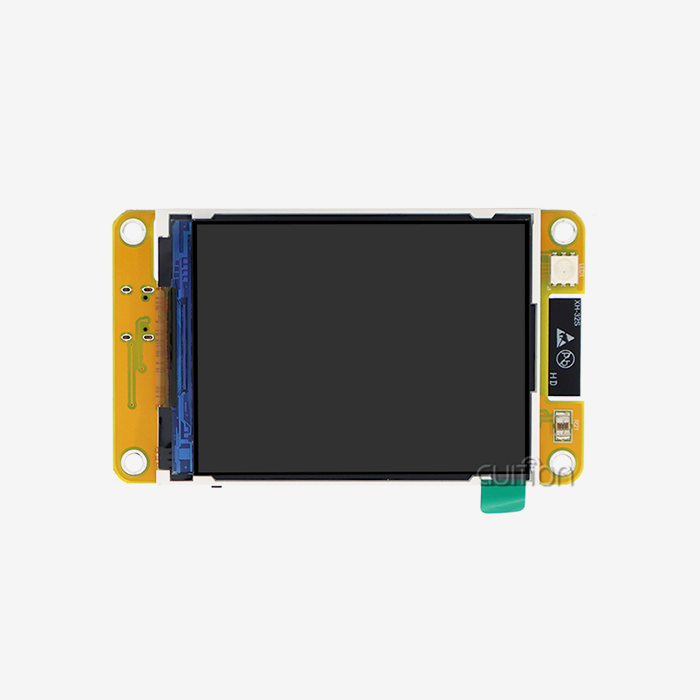
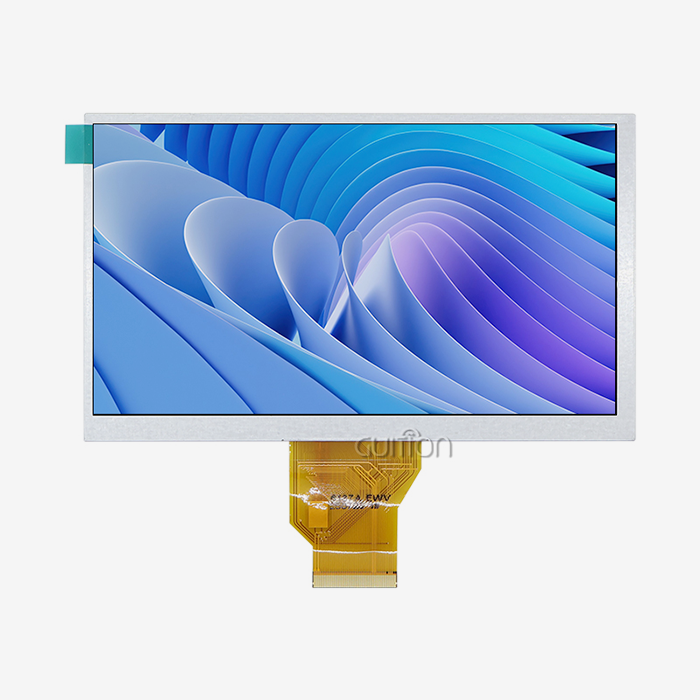
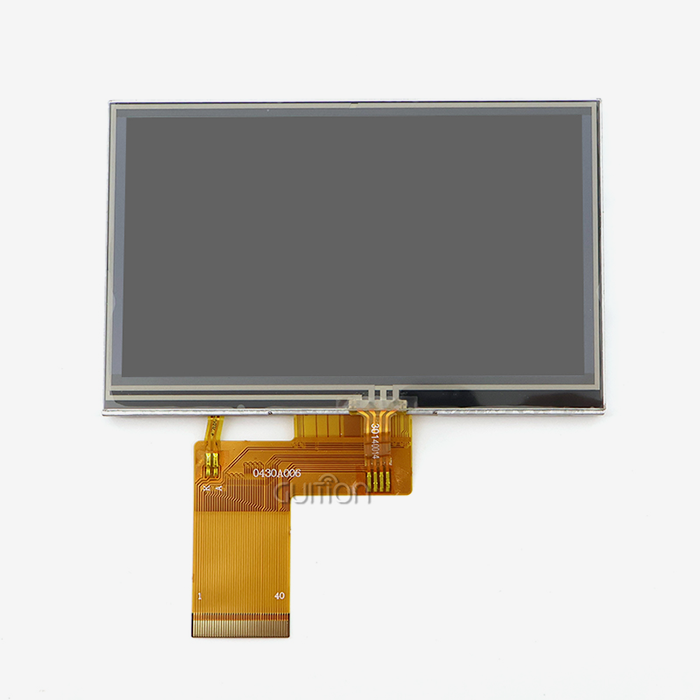
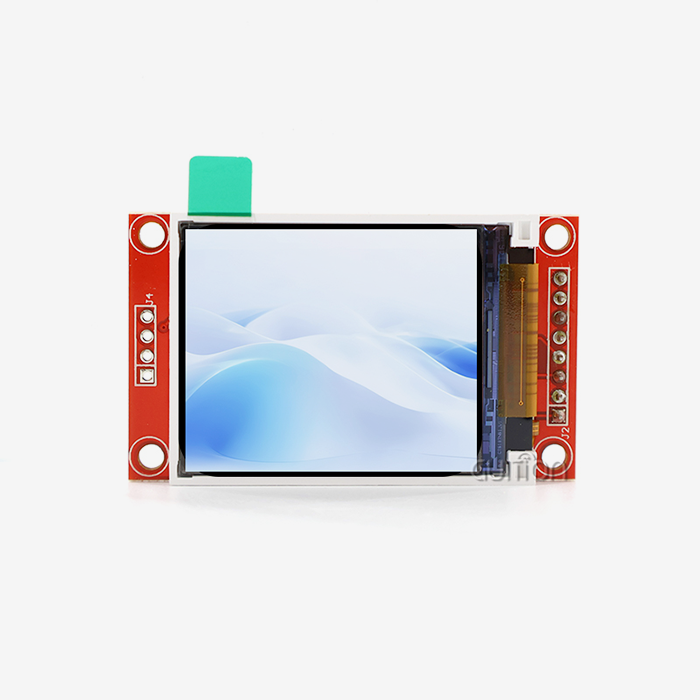
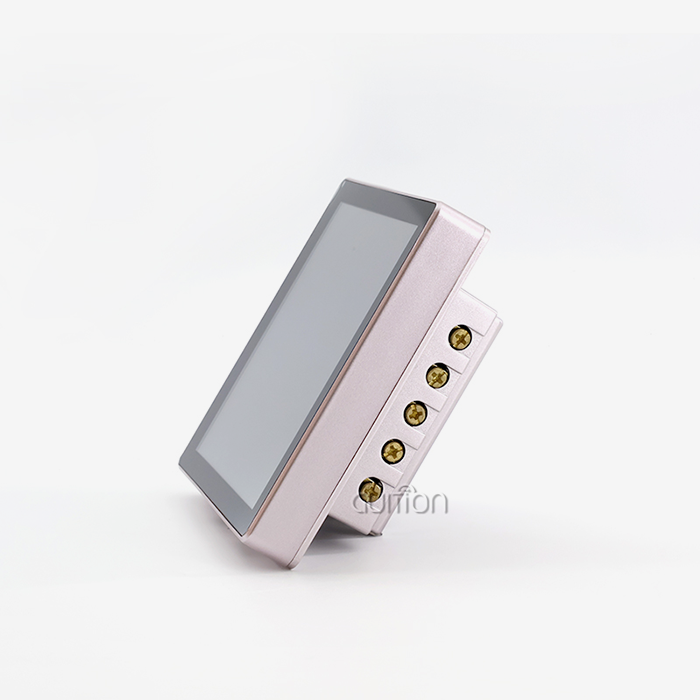
Validating touch accuracy in a 3.5 inch ESP32S3 display module requires a structured approach covering hardware inspection, software calibration, and real-world stress testing. The GUITION JC3248W535C_I_Y, built on the ESP32-S3R8 dual-core processor at 240MHz with 8MB PSRAM and 16MB Flash, uses a capacitive touch controller over I2C that targets less than 1mm positional deviation. Proper validation confirms your module consistently registers correct touch coordinates across the full 320×480 IPS panel, preventing costly field failures before deployment.

Understanding Touch Accuracy Challenges in 3.5 Inch ESP32S3 Display Modules
A finger tap isn't the only thing that touch accuracy can do. When I work on embedded HMI projects, the first things I check are positional accuracy (how close the logged coordinate is to the real touch point), latency (the time between touch and system reaction), and consistency (how well the system works across hundreds of contacts). In crucial applications, a 3.5 inch ESP32S3 display module without any of these degrades the user experience.
Capacitive vs. Resistive Touch Technology
Capacitive touch processors, such as the GT911 or FT6236, are popular in ESP32-S3-based modules. They sense changes in an electrostatic field and can handle multi-touch motions and accuracy of less than 1 mm. To work, resistive screens need to be pressed on and wear down over time. Some teams still choose resistive for industrial and medical tasks that need to be done while wearing gloves, but capacitive is better for most smart appliance and control panel work.
Environmental Factors That Disrupt Accuracy
The touch panel's standard capacitance can change if it is exposed to high electromagnetic interference (EMI) from motor drives, temperature changes outside the recommended range of -20°C to +70°C, or high humidity. When these things happen, ghost touches or dead zones occur. When using a capacitive touch ESP32S3 module in factory automation or outdoor kiosks, you need to make sure it is protected and that the firmware noise filters are turned on.
Firmware and Driver Instability
Even if the hardware of a 3.5 inch ESP32S3 display module is fine, coordinate shifts can happen if the I2C touch drivers are out of date or not set up correctly. I've seen that touch interrupts that are processed too slowly when the CPU is busy add to the feeling of latency. Since the ESP32-S3R8 runs at 240MHz and has two cores, giving the touch polling job to a separate core takes care of most delay problems before they affect end users.
Key Factors Impacting Touch Validation and How to Measure Them
In order to get true validation results, you need to know what the hardware can do and how your software stack works with it. The GUITION JC3248W535C_I_Y has a wide-angle IPS panel with a resolution of 320x480. This means that each logical pixel corresponds to a specific physical area of about 0.071mm x 0.071mm. This is the theoretical maximum touch accuracy.
Display Resolution and Panel Type
IPS panels keep colors and touches accurate at 170° viewing angles, which is important for industrial control panels that are seen from different angles. It goes without saying that a higher-resolution panel gives you more room for error. Always make sure that the reported coordinate range from your touch controller matches the pixel grid on the display. If they don't match, offset errors will happen all over the screen.
Calibration Techniques for ESP32S3 Touch Modules
Setting up reference points in the four corners and the middle of the screen is a common way to calibrate. This is how the affine transformation matrix is made, which turns raw sensor coordinates into pixel coordinates. The esp_lcd_touch component in the ESP-IDF environment gives APIs to run this calibration and store the results in NVS (Non-Volatile Storage). This way, settings don't need to be re-calibrated when the power goes out.
Power Consumption and Touch Responsiveness
The ESP32-S3's power control tools can lower the CPU frequency when it's not being used. Response times can get much longer if touch polling is used when the device is in a low-power state. I suggest that the CPU frequency be locked to 240MHz when the touch screen is being used. This is especially important in commercial terminals and medical monitoring devices where a slow response time is not acceptable.
Step-by-Step Guide to Validating Touch Accuracy on 3.5 Inch ESP32S3 Displays
There is a clear order to proper confirmation. Production-line returns often happen because people skip steps here. The steps I take to test a new ESP32S3 hmi display module, including a 3.5 inch ESP32S3 display module, are these: Make sure your hardware is set up correctly before you start the software tests. A surprising number of touch problems I've seen are caused by ribbon cables that are too loose or the wrong values for I2C pull-up resistors.
- Step 1 — Hardware Inspection: Verify all flex cable connections are fully seated. Confirm I2C lines (SDA/SCL) have 4.7kΩ pull-ups to 3.3V. Check that the touch controller's INT and RST pins are connected to designated GPIOs on the ESP32-S3.
- Step 2 — Baseline Diagnostic Script: Upload a coordinate-reporting sketch in Arduino IDE or ESP-IDF. Display raw X/Y values returned by the touch IC for each touch event. Tap each corner and the center, recording the reported coordinates and comparing them against expected pixel positions.
- Step 3 — Grid Pattern Test: Overlay a 5×7 grid on the 320×480 display. Touch each intersection point and log the deviation between expected and actual coordinates. Acceptable deviation for industrial applications is under 2mm; medical applications typically require under 1mm.
- Step 4 — Multi-Touch Assessment: The GT911 controller supports up to five simultaneous touch points. Test two-finger touch separation accuracy and verify no ghost touches appear under rapid multi-finger interaction.
- Step 5 — Stress Testing: Run a 72-hour continuous touch input test at 50°C ambient temperature. Any drift in coordinate registration beyond your tolerance threshold indicates hardware or driver issues requiring firmware correction.
These steps give purchasing managers numbers they can use to rate a certain group of ESP32-S3 display modules before approving bigger orders.
Comparing Popular 3.5 Inch ESP32S3 Display Modules for Touch Accuracy
As important as raw processing specs are when looking at suppliers, touch accuracy standards are just as important. There are a lot of products like the GUITION JC3248W535C_I_Y in this group, but its 8MB PSRAM, 16MB Flash, and pre-tested capacitive touch circuit make it stand out.Waveshare's 3.5-inch ESP32-S3 modules are well-known and easy to find in the US market, so they can be used as a solid guide. The LilyGO T-Display-S3 is aimed at a different form factor. M5Stack provides modular environments that work well for testing but might need more work to be fully integrated for mass production. Nextion displays put their own private software ahead of USART-HMI transmission, which makes it harder for teams that prefer open-source toolchains to be flexible.The GUITION JC3248W535C_I_Y works with the Arduino IDE, ESP-IDF, MicroPython, and the Guition development tool, which gives engineering teams the most options for development. Because it is made to military-grade standards and goes through a 72-hour factory aging test protocol, each unit ships with proven touch performance. This makes it easier for procurement teams to inspect when they get them.
Best Practices and Recommendations for Long-Term Touch Accuracy
To keep touch working well over the life of a product, it needs regular maintenance and proactive firmware management. These are the things I do in both industrial and commercial settings:
- Recalibrate quarterly in environments with significant temperature cycling. Thermal expansion shifts panel dimensions slightly, introducing coordinate drift over time.
- Monitor firmware versions from the touch IC manufacturer. GT911 and FT6236 both receive periodic sensitivity updates. The GUITION module's OTA upgrade support through built-in WiFi makes firmware updates deployable without physical access.
- Shield your enclosure against EMI sources. A grounded metal back panel significantly reduces capacitive noise in motor-heavy environments.
- Log touch deviation data over time. A gradual increase in average offset often signals physical panel degradation before it becomes user-visible.
Cover your enclosure to protect it from EMI sources. In places with a lot of motors, a grounded metal back panel cuts down on capacitive noise by a large amount.- Keep track of touch deviation data over time. A slow rise in average offset is often a sign of actual panel degradation that can't be seen by the user.
Conclusion
Touch precision testing for an ESP32-S3-based display module is not a one-time thing; it's an ongoing quality process that includes checking the hardware, calibrating the software, stress testing, and recalibration every so often. The GUITION JC3248W535C_I_Y is a solid base because it has a capacitive touch controller, an IPS panel, and a large development community. This 3.5 inch ESP32S3 display module provides a suitable platform for implementing these testing procedures. By following the structured steps and best practices described here, engineering teams can make sure that modules work well before deploying them and keep them working well throughout the lifecycle of the product.
FAQ
Does the GUITION JC3248W535C_I_Y support multi-touch input?
Yes. The module has a capacitive touch driver that can handle up to five touch points at the same time. This is more than enough for most industrial HMI and smart device uses.
Which development environments are compatible with this module?
The JC3248W535C₹I_Y works with the Guition programming tool, the Arduino IDE, ESP-IDF, and MicroPython. This means that system architects and embedded engineers can pick the environment that works best for their team.
How does power management affect touch responsiveness?
Touch polling intervals get longer when the ESP32-S3 lowers the CPU frequency in low-power modes. This won't happen if you lock the CPU to 240MHz during active touch sessions. Because the module has two cores, background tasks can run without interfering with handling touch interrupts.
Can this module operate reliably in industrial temperature ranges?
Yes. From -20°C to +70°C, the ESP32-S3R8 is supposed to work. The module is made to military-grade standards, so it can be used for energy management systems, factory automation, and commercial terminals outside.
What is the practical touch accuracy on the 320×480 panel?
Positional deviation stays below 1.2 mm across the 3.5-inch active area when the calibration is done right. This is enough for most industrial control panel and medical monitoring applications.
Partner With Guition for Your Next HMI Project
Guition sells the JC3248W535C_I_Y as a 3.5 inch ESP32S3 display module that has full documentation, factory-verified touch accuracy, and support for multiple development platforms. The people on our team are ready to help you whether you need samples, bulk pricing, or custom HMI configurations for your production line. You can email us at david@guition.com or go to https://jingcaizhineng.aixdb.cn/ to talk about your project needs right away.
References
1. Espressif Systems. ESP32-S3 Technical Reference Manual. 2023.
2. Goodix Technology. GT911 Capacitive Touch Controller Datasheet. 2022.
3. IEEE Standards Association. IEEE 1722-2016: Touch Screen Performance Testing Standards. 2016.
4. Kolmogorov, A., & Fomin, S. Embedded Systems Design with Microcontrollers. Springer. 2021.
5. Electronic Design Magazine. Capacitive Touchscreen Calibration Techniques for Industrial HMI. 2022.
6. IPC Association. IPC-A-610 Acceptability of Electronic Assemblies. 2020.
Learn about our latest products and discounts through SMS or email