- English
- French
- German
- Portuguese
- Spanish
- Russian
- Japanese
- Korean
- Arabic
- Greek
- German
- Turkish
- Italian
- Danish
- Romanian
- Indonesian
- Czech
- Afrikaans
- Swedish
- Polish
- Basque
- Catalan
- Esperanto
- Hindi
- Lao
- Albanian
- Amharic
- Armenian
- Azerbaijani
- Belarusian
- Bengali
- Bosnian
- Bulgarian
- Cebuano
- Chichewa
- Corsican
- Croatian
- Dutch
- Estonian
- Filipino
- Finnish
- Frisian
- Galician
- Georgian
- Gujarati
- Haitian
- Hausa
- Hawaiian
- Hebrew
- Hmong
- Hungarian
- Icelandic
- Igbo
- Javanese
- Kannada
- Kazakh
- Khmer
- Kurdish
- Kyrgyz
- Latin
- Latvian
- Lithuanian
- Luxembou..
- Macedonian
- Malagasy
- Malay
- Malayalam
- Maltese
- Maori
- Marathi
- Mongolian
- Burmese
- Nepali
- Norwegian
- Pashto
- Persian
- Punjabi
- Serbian
- Sesotho
- Sinhala
- Slovak
- Slovenian
- Somali
- Samoan
- Scots Gaelic
- Shona
- Sindhi
- Sundanese
- Swahili
- Tajik
- Tamil
- Telugu
- Thai
- Ukrainian
- Urdu
- Uzbek
- Vietnamese
- Welsh
- Xhosa
- Yiddish
- Yoruba
- Zulu
How to Integrate CYD 2.8 Inch Display with Arduino IDE?
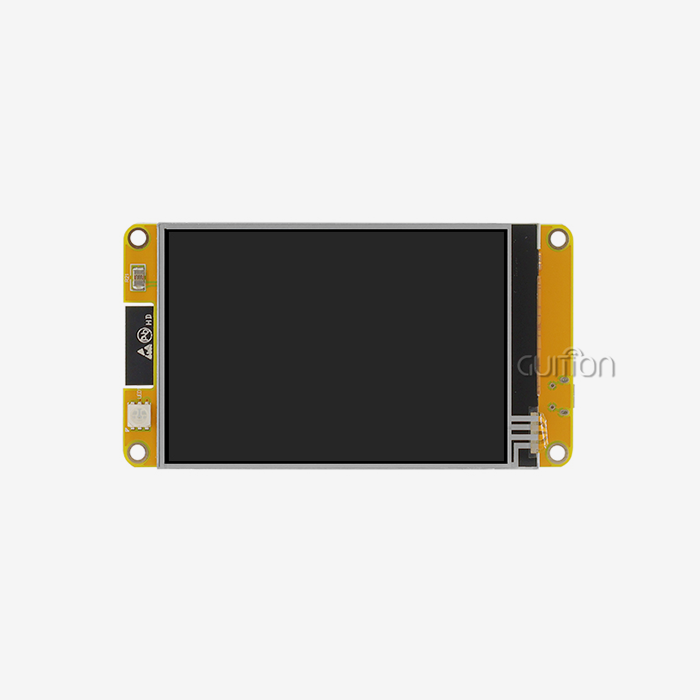
To connect the ESP32-based GUITION Model JC2432W328N to your programming environment and use the CYD 2.8-inch display with Arduino IDE, you need to install the right libraries and set up the pins correctly. This complete display module has an ESP32 microcontroller with two cores and built-in Wi-Fi and Bluetooth. It is perfect for embedded projects that need both a visual input and a connection. To integrate, you need to install the ESP32 board package, set up the TFT_eSPI code for the ILI9341 display driver, and make sure the right pins are mapped to the right places on the screen so that the Arduino IDE and the 240x320 screen can talk to each other.
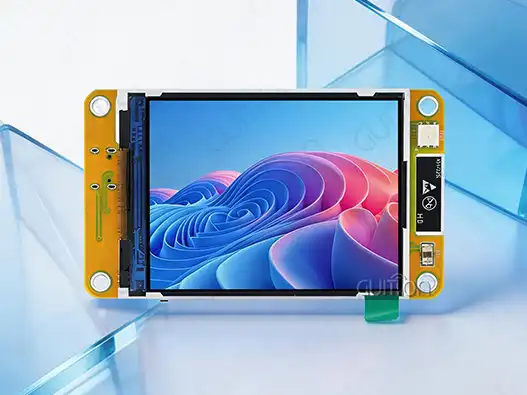
Understanding the CYD 2.8 Inch Display – Core Specifications and Features
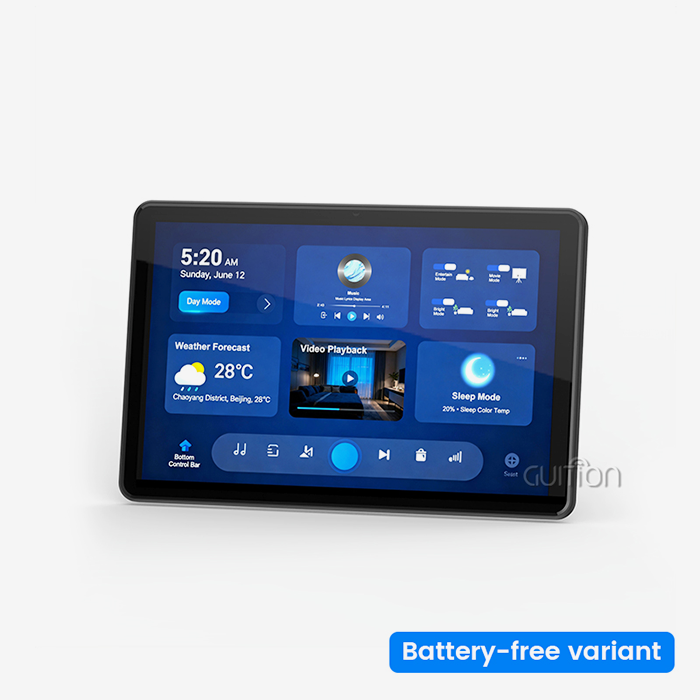
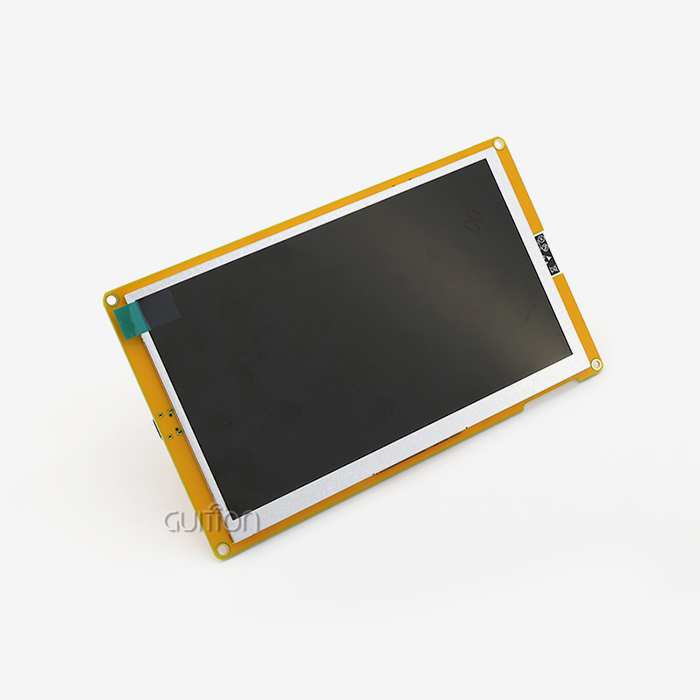
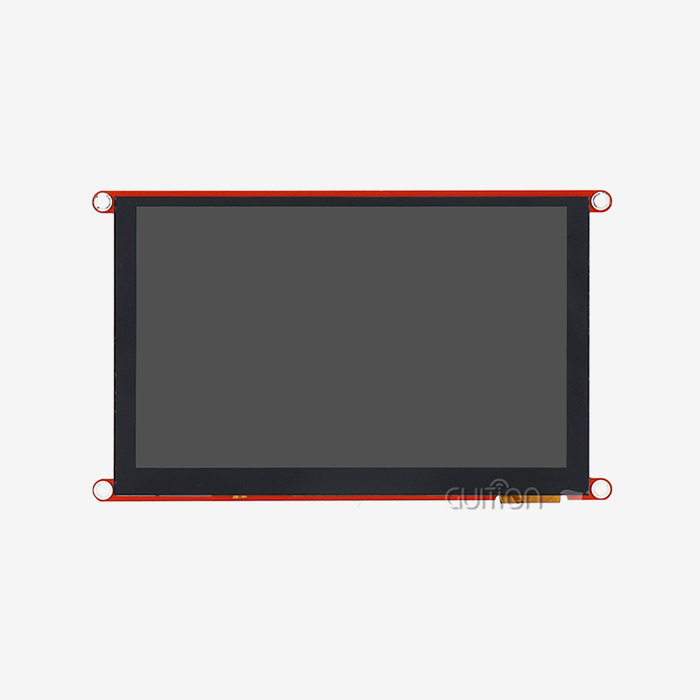
The 2.8-inch GUITION CYD monitor (Model: JC2432W328N) is a high-tech combination of display technology and built-in computing power that was made for industrial and business use. This module has a bright TFT LCD screen and an ESP32 dual-core microprocessor that works at 240MHz. It works very well for human-machine interface apps.
Technical Architecture and Performance Specifications
The powerful ESP32 microprocessor inside the display module is its technical core. It has 520KB of SRAM, 448KB of ROM, and 4MB of Flash memory. This setup makes sure that complex graphics programs have enough memory while keeping a responsive speed. The 240x320 pixel resolution makes the 2.8-inch vertical screen look clear, giving enough information for industrial control systems and consumer device screens.
The built-in Wi-Fi and Bluetooth 4.2 connection means you don't need any extra transmission modules. This cuts down on the cost of parts and the complexity of the circuit. These wireless features allow for remote tracking, data transmission, and over-the-air updates, which are all important for current IoT uses in smart devices and industrial automation.
Comprehensive Peripheral Integration
In addition to basic display functions, the module includes a number of secondary circuits that make it more useful in a wider range of situations. The backlight control circuit lets you change the brightness on the fly, which is very important for outdoor use or places with changing lighting. The sensor circuit senses light in the room so the brightness can be changed automatically, and the speaker drive circuit lets you hear feedback.
The design of the module includes a TF card interface for storing and logging data, which is useful in medical tracking systems and energy management systems. The temperature and humidity sensor interface (which works with DHT11) lets you watch the surroundings without having to add extra interface circuits.
Development Environment Compatibility
The display module works with many programming platforms, such as Arduino IDE, ESP-IDF, MicroPython, and Guition, so it can be used with a wide range of engineering tastes and project needs. This makes it easier for tech teams to learn how to use the display when switching between projects or adding it to their current development processes.
Step-by-Step Guide to Integrate CYD 2.8 Inch Display with Arduino IDE
To successfully connect the CYD monitor to the Arduino IDE, you need to pay close attention to both the hardware connections and the program settings. This process makes sure that the development environment and the display hardware can talk to each other reliably, which lets you make prototypes and put them into use quickly.
Hardware Setup and Pin Configuration
The first step in the merging process is to correctly identify the hardware and check the link. The ESP32-based module needs to be connected to your programming computer via USB. Depending on the board version, this can be done through a micro-USB or USB-C port. Making sure there is enough power (at least 1A capacity) stops brownouts from happening during Wi-Fi communication bursts or when the backlight is on full.
Setting up the pin mapping is a very important part of integrating things well. The display uses SPI transmission for the ILI9341 driver, which means that the Chip Select (CS), Data/Command (DC), and Reset (RST) signals need to be assigned to specific GPIOs. The resistive touch interface links to the XPT2046 controller, so extra pin settings are needed to make touch work when it's needed.
Arduino IDE Configuration and Library Installation
Installing the ESP32 board package through the Board Manager is the first step in setting up the Arduino IDE. By adding the ESP32 board descriptions, the IDE can recognize the module and offer the right upload and assembly options. Adding the Espressif ESP32 board package URL to the Arduino IDE settings and choosing the right board version are the steps to follow.
The TFT_eSPI library is the main library that is installed. It gives the ILI9341 controller with better display driver features. The User_Setup.h file is where you need to configure this library. The pin definitions and display settings must match the CYD hardware specs. When making interactive displays, extra libraries like the XPT2046_Touchscreen library make touch features possible.
Initial Testing and Verification Procedures
Putting together simple test ideas makes sure that the interaction setup is correct and that the Arduino IDE and the display hardware can talk to each other properly. Simple graphics tests, like pixel plotting, line drawing, and text displaying, make sure that the whole screen can be displayed correctly. Touch calibration methods make sure that interactive apps use accurate point mapping.
As part of the verification process, the wireless communication features are tested, the Wi-Fi link is confirmed, and Bluetooth functioning is checked as needed. Before moving on to more complicated application development, these tests set standard performance measures and look for possible setup problems.
Comparing CYD 2.8 Inch Display with Other Popular Displays for Embedded Projects
Knowing what other companies are out there helps tech teams choose the best display options for their embedded projects. Compared to other technologies that are widely used in business and industry, the CYD 2.8-inch display has clear benefits.
Performance Analysis Against OLED Alternatives
Even though OLED displays have better contrast ratios and faster response times, the CYD display's TFT LCD technology has big benefits in bright areas and outside settings. The LCD lighting method keeps the screen visible in direct sunlight, where OLED screens might get hard to read. The CYD display is also more stable over time, so it doesn't have the burn-in problems that can happen with OLED screens when they're showing static interface elements.
How much power these systems use is very different from one another. While OLED screens use less power when showing dark material, the CYD display uses the same amount of power no matter what it's showing, which makes managing power easier in battery-powered devices. The ESP32 processor built into the CYD module gives it computing power that separate OLED screens don't have, which makes the system simpler and cuts down on the number of parts it needs.
Competitive Positioning Against Alternative TFT Solutions
When you look at the CYD display next to separate TFT screens, you can see how much better the combined method is for integration. Traditional TFT screens need their own microprocessor boards, which makes the whole system more expensive and difficult to set up. The combined design of the CYD module cuts down on wiring needs, boosts dependability, and speeds up time-to-market for embedded apps.
Another thing that sets them apart is how sensitive they are to touch. The resistive touch technology in the CYD display makes it work reliably in industrial settings where capacitive touch panels might have trouble because of disturbance or the need for gloves for the user. The resistance method makes sure that the device works the same way in a wide range of temperature and humidity conditions that are common in industrial control settings.
Best Procurement Practices for CYD 2.8 Inch Displays in Global B2B Markets
To successfully buy CYD 2.8-inch displays, you need to know how the embedded systems supply chain works and use the right buying methods to make sure the project goes well and the supply is reliable in the long term.
Authorized Distribution Channel Verification
Working with approved wholesalers makes sure that the product is real and gives you access to help resources from the maker. For verification, distributor permission must be confirmed directly with GUITION, and proof papers that prove the integrity of the supply chain must be reviewed. Authorized outlets give you access to engineering help, firmware changes, and detailed data that you might not be able to get from unofficial sources.
Supply chain proof is important for more than just the original purchase. It's also important for ongoing project support. Authorized wholesalers keep track of supplies and give accurate lead times, which are needed for planning production. On top of that, they offer warranty coverage and return product clearance processes that help keep project budgets and timelines on track.
Cost Optimization and Volume Considerations
When making procurement plans, it's important to find a mix between cost goals and quality and dependability needs. Volume pricing models usually offer big price cuts for orders that go over certain necessary quantities. By knowing these breakpoints, buying teams can make the best decisions about how much to order, how to get the best unit prices, and how to keep stocking costs low.
Lead time management is an important thing to think about when buying something, especially for jobs with set due dates. Setting up relationships with suppliers that include predicting demand and allocating capacity helps make sure that parts are available during key project phases. Strategies for buffer supplies might work for high-volume uses or goods that last a long time after they are made.
Quality Assurance and Compliance Requirements
Implementing thorough quality assurance methods guards against faulty parts and makes sure that performance stays the same from one production run to the next. These methods include processes for checking the functionality of the display, the accuracy of the touch calibration, and the performance requirements for wireless devices. Test certificates and comments that the product meets the standards for the business should be required as proof.
Compliance issues are different for each application and market, but they usually involve safety approvals and electromagnetic compatibility (EMC) certification. Knowing these standards early on in the buying process keeps things from taking too long and makes sure that the approval processes go smoothly.
Troubleshooting and Optimization Tips for Using CYD 2.8 Inch Display with Arduino IDE
To effectively deploy the CYD display, you need to be aware of common interaction issues and come up with ways to improve speed and stability in deployed apps.
Common Integration Issues and Solutions
When a display has starting problems, it often shows up as a white or blank screen during startup. Most of the time, these problems are caused by wrong pin settings in the TFT_eSPI configuration file or a power source that isn't strong enough. Most startup problems can be fixed by checking the pin mappings against the CYD hardware specs in a planned way. Because of problems with the power source, it's important to measure the real voltage levels while the device is running, especially during Wi-Fi communication times when the current draw is very high.
Touch calibration errors are another common problem, especially in programs that need accurate point input. To set up the resistive touch method, you have to convert the raw analog numbers to screen coordinates. Using the right calibration methods and saving the calibration factors in non-volatile memory will make sure that the touch screen works the same way after each power cycle.
Performance Optimization Strategies
To get the best performance from a monitor, you have to find a balance between viewing quality, system responsiveness, and power use. To get the best frame rate, you need to use fast graphics rendering methods, such as selective screen changes and double-buffering. These methods reduce the amount of flicker that can be seen while also making the processor less busy and using less power.
Due to the ESP32's limited RAM size, memory management is very important in apps that use a lot of graphics. Using flash-based graphics storage, handling sprites efficiently, and fine-tuning color depth settings can all help applications get the most out of the memory they have. The right way to divide up memory keeps the system from crashing and keeps it running smoothly even when the load changes.
The wireless communication features work better by using techniques for improving performance, such as connection management methods and power-saving modes. Putting portable apps into the right sleep states when they're not being used increases their battery life and keeps them connected to the internet so that they can be monitored and controlled from afar.
Conclusion
The CYD 2.8-inch display from GUITION is a complete option for embedded projects that need both a visual interface and wifi connection. Even though you have to pay attention to some setup details during the integration process with Arduino IDE, it gives you access to a powerful development tool that can be used for a wide range of projects, from industrial control systems to consumer electronics. The module's ESP32 processing power, built-in tools, and support for multiple development environments make it a great choice for engineering teams that want to speed up time-to-market while still meeting performance and design freedom needs.
FAQ
What Arduino boards are compatible with the CYD 2.8-inch display?
The CYD display has an ESP32 processor built in and can connect to computers directly via USB. It can be used as a development board on its own, without the need for additional Arduino gear. The module can be programmed using the Arduino IDE and the ESP32 board package. This means it can be used with Arduino development processes and has more processing power than standard Arduino Uno or Mega boards.
Can the CYD display operate in outdoor environments?
The TFT LCD technology and customizable lighting of the display make it easy to see outside, especially when compared to OLED options. The built-in sensor circuit lets the brightness change automatically based on the lighting conditions. But being in full sunlight might mean that the lighting needs to be set to its highest level, which uses more power. Specifications for temperature should be checked to make sure they work in certain environments.
How do I obtain official datasheets and technical documentation?
Authorized GUITION distributors and the manufacturer's technical help channels are the only places to get official technical docs, datasheets, and sample code. There are thorough pin placements, electrical specs, and integration examples in these sources. Official routes for accessing paperwork guarantee truth and give you access to the most recent firmware updates and application notes.
What development platforms besides Arduino IDE are supported?
The module works with a number of different development environments, such as ESP-IDF for advanced ESP32 features, MicroPython for quick prototyping, and GUITION's own development environment for easier UI design. Because of this, it's possible for people with different levels of skill and project needs to use the most appropriate development method for their needs.
Partner with Guition for Your Display Solution Needs
Are you ready to speed up the growth of your embedded display project? With Guition's knowledge of CYD 2.8-inch display manufacturers and full technical help, you can speed up the connection process and get your product to market faster. Our engineering team can help you with complicated projects by giving you personalized advice and guiding you through the technical challenges while maximizing performance for your unique application needs. Get in touch with our technology experts at david@guition.com to talk about your project needs and see all of our display options, ranging from 1.28" to 21.5". Our dedicated team makes sure that your product has solid supply chain management and ongoing technical support throughout its entire lifetime, whether you need small numbers for a prototype or help with large-scale production.
References
1. "ESP32 Programming and Development: A Comprehensive Guide to Arduino IDE Integration" by Electronics Engineering Journal, 2024
2. "TFT LCD Display Technologies in Embedded Systems: Performance Analysis and Implementation Strategies" by Industrial Electronics Review, 2023
3. "Human-Machine Interface Design Principles for Industrial Automation Applications" by Automation Technology Quarterly, 2024
4. "Wireless Connectivity in Embedded Display Systems: Wi-Fi and Bluetooth Integration Techniques" by IoT Development Magazine, 2023
5. "Quality Assurance and Testing Methodologies for Embedded Display Modules" by Electronic Component Reliability Journal, 2024
6. "Supply Chain Management and Procurement Best Practices for Electronic Components in B2B Markets" by Manufacturing Technology Review, 2023
Learn about our latest products and discounts through SMS or email