- English
- French
- German
- Portuguese
- Spanish
- Russian
- Japanese
- Korean
- Arabic
- Greek
- German
- Turkish
- Italian
- Danish
- Romanian
- Indonesian
- Czech
- Afrikaans
- Swedish
- Polish
- Basque
- Catalan
- Esperanto
- Hindi
- Lao
- Albanian
- Amharic
- Armenian
- Azerbaijani
- Belarusian
- Bengali
- Bosnian
- Bulgarian
- Cebuano
- Chichewa
- Corsican
- Croatian
- Dutch
- Estonian
- Filipino
- Finnish
- Frisian
- Galician
- Georgian
- Gujarati
- Haitian
- Hausa
- Hawaiian
- Hebrew
- Hmong
- Hungarian
- Icelandic
- Igbo
- Javanese
- Kannada
- Kazakh
- Khmer
- Kurdish
- Kyrgyz
- Latin
- Latvian
- Lithuanian
- Luxembou..
- Macedonian
- Malagasy
- Malay
- Malayalam
- Maltese
- Maori
- Marathi
- Mongolian
- Burmese
- Nepali
- Norwegian
- Pashto
- Persian
- Punjabi
- Serbian
- Sesotho
- Sinhala
- Slovak
- Slovenian
- Somali
- Samoan
- Scots Gaelic
- Shona
- Sindhi
- Sundanese
- Swahili
- Tajik
- Tamil
- Telugu
- Thai
- Ukrainian
- Urdu
- Uzbek
- Vietnamese
- Welsh
- Xhosa
- Yiddish
- Yoruba
- Zulu
How Reliable Are Industrial HMI Panels in Automation?
Industrial HMI panels are now an important part of modern control systems because they connect people who are operating complicated machines to each other. The dependability of these human-machine communication devices has a direct effect on the safety of operations, the continuity of production, and the general usefulness of the equipment. In tough industrial settings, where downtime can cost thousands of dollars per hour, an Industrial HMI panel needs to work reliably in all kinds of situations, such as changing temperatures, vibrations, dust, and continuous operation cycles. These days, automation-grade display units have toughened parts, advanced communication protocols, and smart diagnostics to make sure they work perfectly in places like pharmaceutical labs, industrial floors, and process control rooms.

Understanding Industrial HMI Panels and Their Role in Automation
Industrial HMI panels turn raw data lines from programmable logic controllers and industrial equipment into information that can be used. They do this by acting as the control and visualization layer in automated systems. These special display interfaces let operators keep an eye on production data, change process parameters, respond to alarms, and fix problems with equipment without having to physically reach the control hardware.
Defining Industrial HMI Technology
A ruggedized, purpose-built display device made just for controlling machines and seeing how they work is called an Industrial HMI panel. Unlike consumer-grade tablets or TVs, these devices can handle harsh working conditions while still letting you see and touch things clearly. The panels have special controls built in that talk to automation equipment using industrial standards like Modbus, Profinet, and EtherCAT to share data in real time.
Types of Industrial HMI Display Technologies
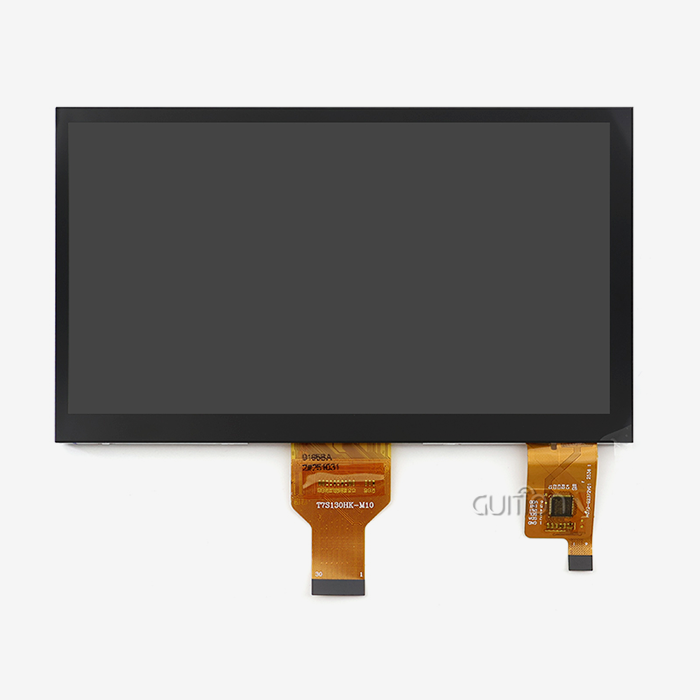
Choosing between capacitive and resistive touchscreen technologies has a big impact on how reliable they are in different situations. Any item can put pressure on a resistive touchscreen, which makes it great for places where people wear gloves or where the surface is dirty. Capacitive screens have better visual clarity and can handle multiple touches, but you have to touch them directly with your skin or use a special stylus. There are different types of display panels, ranging from simple segment LCDs for simple tasks to full-color TFT screens with IPS viewing angles for showing complicated processes.
Integration with Automation Controllers
Serial interfaces like RS-232 and RS-485, as well as Ethernet-based protocols, are used by Industrial HMI panels to interact with PLCs and distributed control systems. This connection lets data flow both ways: the display module gets sensor readings, equipment state, and alarm conditions; it also sends user orders back to the control hardware. Modern screens can link to multiple devices at the same time, so a user can see and handle different areas of equipment on a production line from a single input. This ability to integrate is shown by the GUITION JC8048Q350N_I, which has flexible I/O port interfaces and development modes that are compatible with Arduino and ESP-IDF frameworks. This makes it easier to connect to a variety of controller environments.
Application Examples Across Industries
At assembly stations where people put together cars, rugged HMI displays let workers keep an eye on robotic welding settings and material handling routines. Food making plants use screens made of stainless steel that can handle being washed often and keep track of recipes and batches. For regulatory compliance, pharmaceutical production needs Industrial HMI panels that have been tested and keep audit logs and electronic signatures. Small display units are built into packaging machines so that they can be quickly switched between tasks and performance can be tracked. Industrial screens are used by energy management systems to see how much power is being used and to handle HVAC equipment across building networks.
Evaluating the Reliability of Industrial HMI Panels
Metrics for reliability show if an Industrial HMI panel display module can keep working the same way for as long as it's supposed to under real-world situations. Understanding the factors that affect long-term performance helps developers choose the right tools for each application.
Environmental Resistance Standards
Industrial display screens have to be able to handle temperatures that range from very cold (below zero) to very hot (processing areas). The ingress protection grades IP65 and IP67 make sure that dust can't get inside shelters and protect against water jets and short-term immersion. Vibration resistance keeps screens from going blank on mobile devices or near heavy machines. In reliable panels, the inside parts use conformal coating on circuit boards, semiconductors that can handle high temperatures, and physically secured connections that don't come free even after being exposed to constant shaking.
Component Quality and Design Architecture
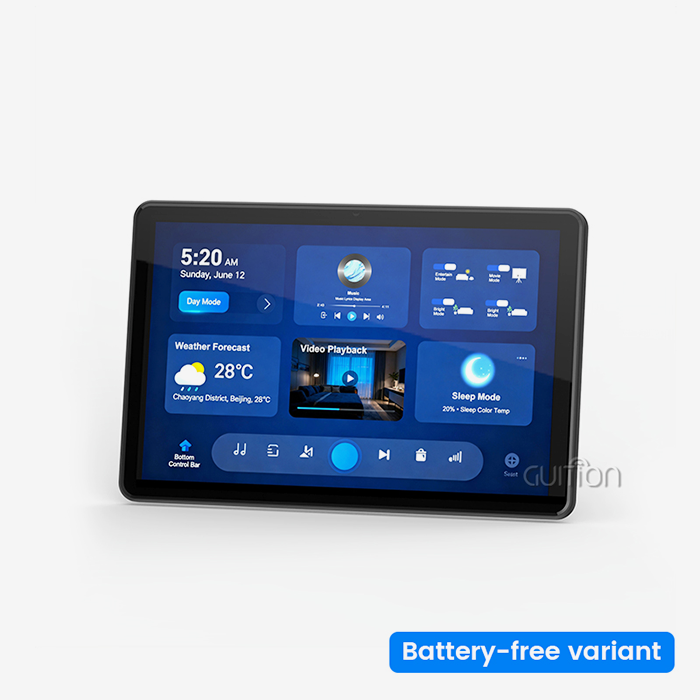
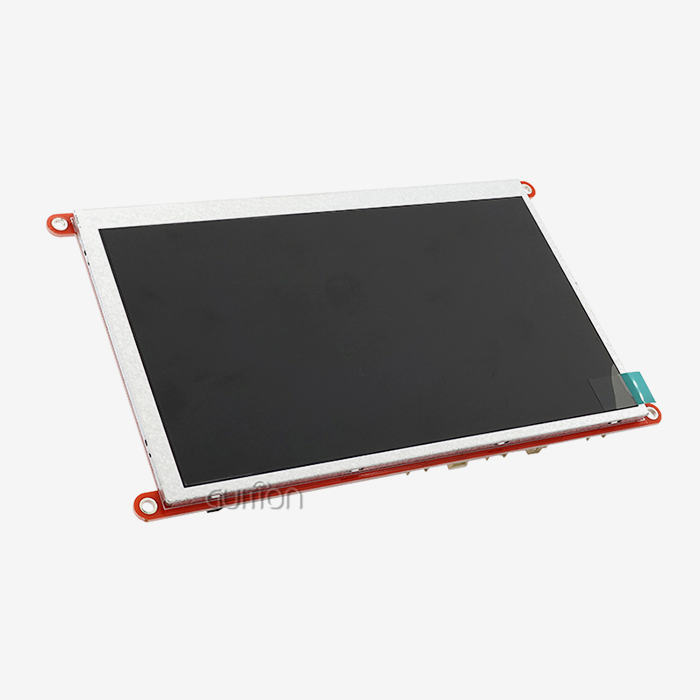
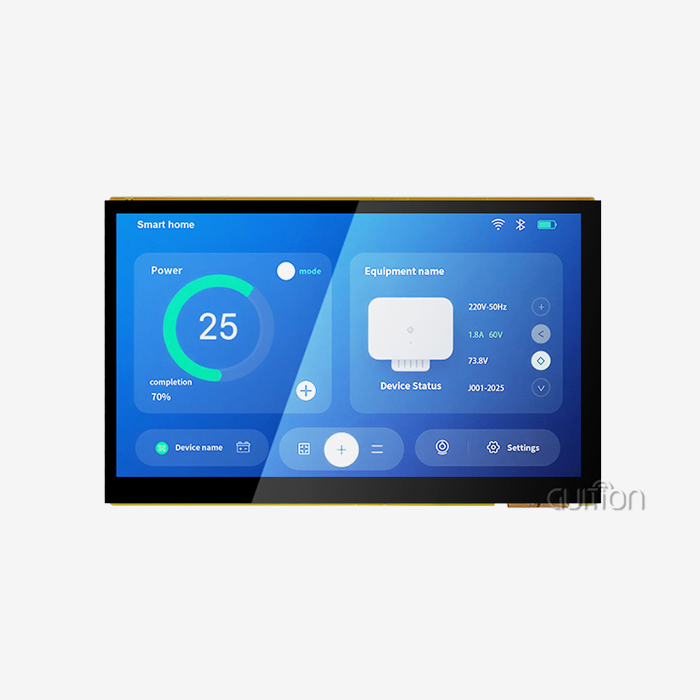
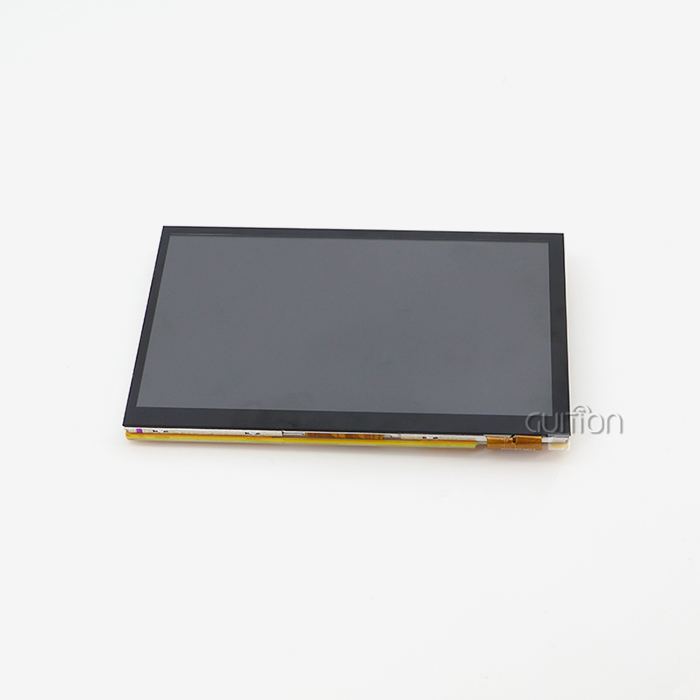
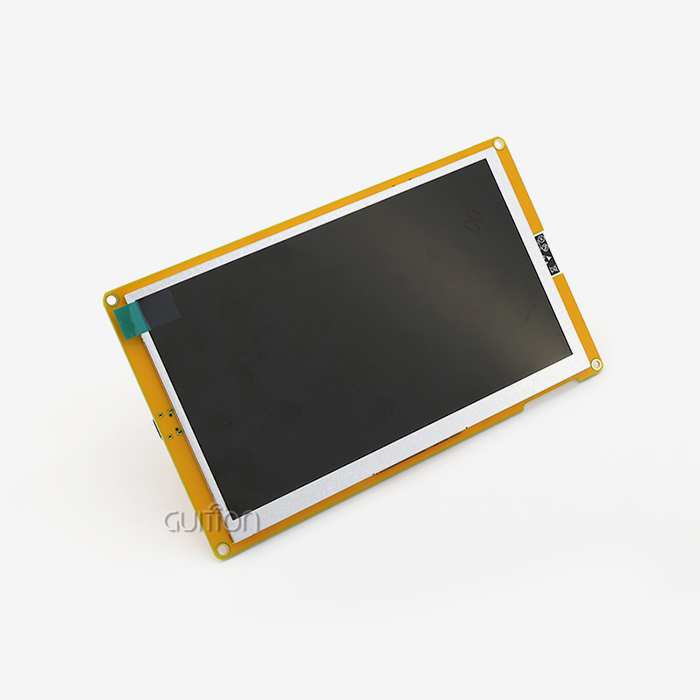
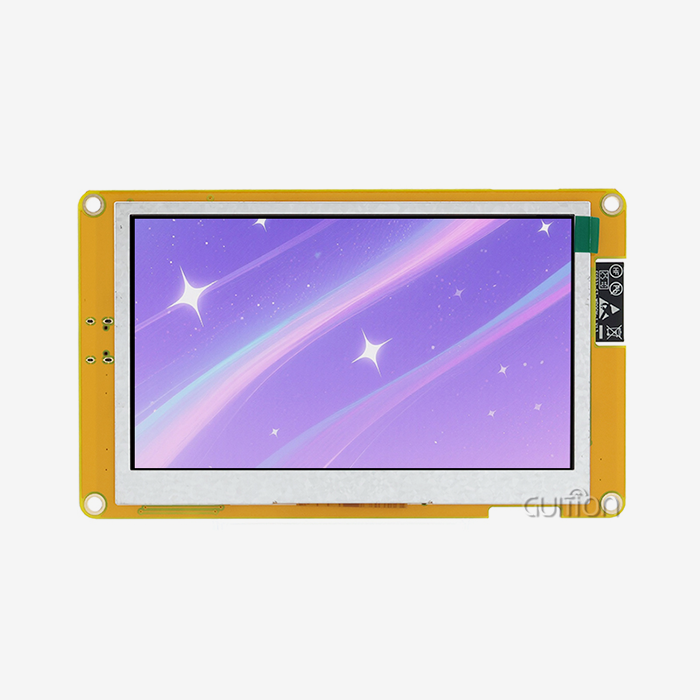
How reliable an Industrial HMI panel is relies on the parts that are used and how the circuit is designed. High-quality screens use industrial-grade LCD panels with backlighting that lasts longer, usually LED systems that are rated to work for 50,000 hours or more. The processing design is very important. The GUITION JC8048Q350N_I uses the Artinchip D121BBV single-core MCU running at 400MHz, which gives it enough processing power to handle complicated graphics rendering without slowing down. This 5.0-inch display panel has an 800×480 IPS screen and supports 16-bit RGB 65K colors, so process data and control elements can be seen clearly. Despite changes in the environment, the built-in lighting control circuit keeps the brightness constant and increases the service life of the LEDs.
Thermal failures can be avoided by choosing parts that are designed for industrial temperature ranges of -20°C to +70°C or higher. Stability of the whole system is improved by using good capacitors, voltage regulators, and transmission transceivers. Electrical noise that is common in industrial settings can be stopped by making sure that the PCB layout includes enough grounding planes, trace spacing, and EMI filters.
Common Failure Modes and Prevention
One of the most common types of failure is touchscreen decline, especially in high-use situations. Repeatedly pressing a pen on a resistive screen can cause dead zones, while touching a dirty capacitive surface can make it less sensitive. Keeping your tablet clean and using screen covers will make it last longer. When the display module and controls can't talk to each other, it's usually because of loose connections, the wrong protocol setup, or interference from electrical noise. Many transmission problems can be avoided by using twisted-pair wire, properly shielding the cables, and making sure that the termination resistors are set up correctly. Most of the time, backlight breakdowns are caused by issues with the power source or the LED driver circuit. Keeping an eye on the backlight's current draw and making sure it stays at the right temperature helps prevent early failures.
Maintenance Best Practices
Schedules for proactive repair make Industrial HMI panels last a lot longer. By checking wire connections regularly, you can find loose terminals before they cause random breakdowns. Cleaning touchscreens with approved methods stops germs from building up. Monitoring working temperatures with thermal imaging can find problems with the cooling system before they damage any parts. Firmware patches fix bugs that have been found and make the system more stable. Configurations for backups allow for quick repair after replacing a component. The GUITION platform can be upgraded remotely, so software updates and project changes can be made without having to physically reach panels that are already installed. This lowers the cost of maintenance and keeps production running as smoothly as possible.
Comparing Industrial HMI Panels with Other Control Interfaces
Knowing how HMIs connect to other automation parts makes their unique role in control system designs clearer and helps choose the right technology.
HMI Panels Versus PLCs and SCADA Systems
Programmable logic controllers run control methods in real time, taking care of I/O inputs, processing sensor data, and setting up safety interlocks. SCADA systems collect past data and make production reports while keeping an eye on multiple sites at a management level. The local operator interface is provided by Industrial HMI panels, which display data from PLCs and SCADA systems in graphical form and take user inputs. Multiple Industrial HMI panels at different control points could be linked to the same PLC. The HMI doesn't replace the PLC; instead, it works with it by adding features like visualization and interaction that standard controls don't have.
Capacitive Versus Resistive Touch Technologies
In industrial areas where workers wear protective gloves or where water, oil, or dust often get on the screen, resistive touchscreens work very well. Any type of input works on these pressure-sensitive screens, and they usually cost less than capacitive screens. Capacitive touchscreens have better visual clarity, brighter displays, and the ability to handle multiple touches for easy-to-use interfaces. They are more resistant to scratches, but you have to use your fingers or special styluses to use them. The choice depends on the needs of the application. For example, resistive technology works best in food processing or outdoor settings, while capacitive interfaces work better in clean rooms and modern control rooms.
Display Module Integration Options
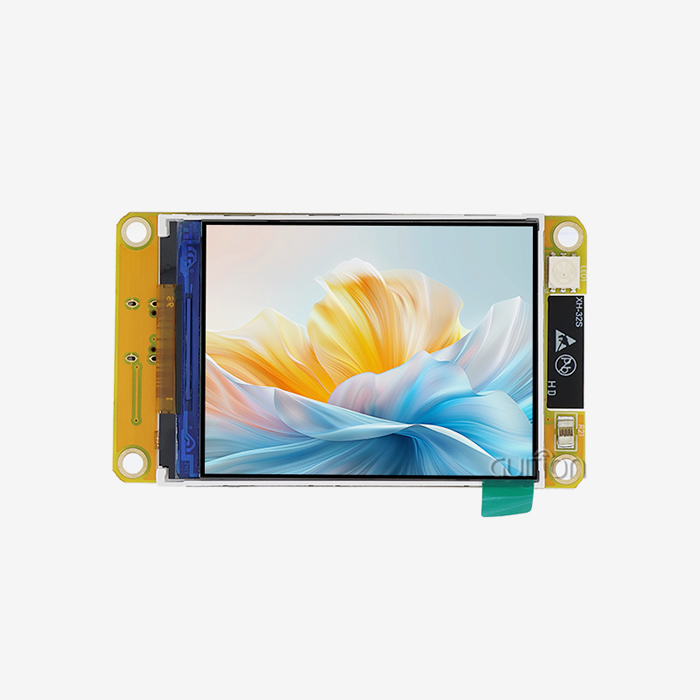
Panel-mount HMI screens usually go right into control cabinets or machine cases, making the interface completely sealed. Equipment makers who want to add graphics to custom goods have more options with modular display solutions like the GUITION JC8048Q350N_I. These display units include the LCD screen, driver, and communication ports. They also let original equipment manufacturers (OEMs) make their own cases and add extra features. When compared to building display electronics from the start, this modular method speeds up the development process and lowers the cost of engineering.
How to Choose the Most Reliable Industrial HMI Panel for Your Automation Needs
To choose the right Industrial HMI panel, you need to look at a lot of technical specs, environmental needs, and business concerns. This is to make sure that the option you choose meets both your current needs and your future growth needs.
Critical Technical Specifications
The amount of information that can be shown at once and the clarity of graphics are directly related to the display quality. The 800×480 resolution of the GUITION JC8048Q350N_I screen gives you enough pixels per inch for a 5.0-inch screen, so you can see process images and text clearly without having to zoom in too much. The choice of screen size matches the amount of mounting space that is available with the amount of information that needs to be shown. Smaller displays work well in situations where space is limited, while larger panels help workers keep an eye on multiple process zones.
Support for communication protocols decides how well it works with current automation equipment. Universal protocols, such as Modbus RTU and Modbus TCP, make sure that a lot of devices can talk to each other. Specialized protocols, such as Profinet or EtherNet/IP, work better in certain environments. Guition display modules offer wireless connection through WiFi and Bluetooth, which lets you choose where to put them and supports mobile tracking apps. Processing power affects how quickly a system responds and how well images can be rendered. When the CPU works well, screen changes don't lag, which is annoying for workers and causes response times to be slow.
Development Environment Considerations
The software community around an Industrial HMI panel has a big effect on how quickly and easily it can be maintained over time. To design a traditional HMI, you need to know how to use ladder logic or a proprietary scripting language. This creates knowledge gaps and makes development take longer. This way of thinking is changed by the Guition online GUI development tool, which lets you make drag-and-drop interfaces without having to know a lot about code. Engineers can add controls with just one click, place parts exactly where they need to be, and see how interfaces will look in real time.
This platform supports different development modes, such as Arduino, ESP-IDF, and native Guition settings, so it can work with a variety of engineering styles and codebases. Cross-platform online debugging lets engineers try to improve interfaces from afar, which speeds up troubleshooting and cuts down on the time needed for on-site execution. These development savings directly lead to shorter time-to-market and lower engineering costs over the lifetime of the product.
Vendor Evaluation Criteria
A company's brand name and market position show how committed they are to long-term product support and part availability. Well-known companies like Siemens, Allen-Bradley, and Advantech offer a lot of information, training materials, and help networks around the world. New companies that are driven by technology, like Guition, bring new ideas and low prices while also building up support systems.
How quickly engineers can set up and fix problems with display solutions depends on how well the technical paperwork is written. Full datasheets, interface guides, sample code, and application notes speed up development and lower the need for support. How quickly after-sales technical help responds affects how long problems last when they happen. Looking at the support methods, reaction times, and technical staff's knowledge can help you guess how the support will go. Protection against early fails and production flaws is provided by warranties and replacement plans.
Procurement and Total Cost Considerations
The initial buying price is only one part of the total costs of owning. A fuller picture of costs can be seen by looking at how much time is saved on creation, how much upkeep is needed, and how long the product is expected to last. Display units that need a lot of special programming may be cheaper at first, but they will cost more in the long run in engineering costs. Tools for fast development shorten the time it takes to get a product on the market, which means that money starts coming in sooner. The amount of energy used affects the cost of running big systems with many displays. When compared to older CCFL-backlit screens, LED backlighting and good power control make displays use less electricity. Production plans are affected by how reliable the supply chain is and how long lead times are. Having ties with several qualified providers helps reduce supply disruptions.
Case Studies and Success Stories: Real-World Reliability of Industrial HMI Panels
By looking at real-life examples, we can see that choosing and using the right Industrial HMI panel can lead to measured changes in reliability and business benefits.
Automotive Assembly Line Uptime Improvement
A company that makes cars had a lot of display problems at robotic welding stations because of the strong vibrations from nearby pressing presses. Over the course of 18 months, replacing consumer-grade touchscreens with industrial-grade hmi display module panels with stronger mounts and vibration-resistant parts cut down on display-related downtime by 73%. Even after being exposed to vibrations that were faster than 2G acceleration for a long time, the ruggedized screens kept their touch accuracy and visual clarity. This rise in reliability led to 340 more work hours each year, which paid for the display update within seven months through higher output.
Pharmaceutical Production Compliance and Continuity
A company that makes medicines needed proven HMI systems that could keep full audit trails for FDA compliance while running all the time in cleanrooms. Using industrial screens with front panels made of IP65-rated stainless steel allowed for frequent cleaning without harming the electronics. The screens recorded all of the operator's actions with timestamps that couldn't be changed, which met the standards for regulatory paperwork. During their three years of use, the Industrial HMI panels were up 99.7% of the time and passed multiple regulatory checks. This shows that choosing the right industrial display can help with both reliability and compliance goals.
Food Processing Washdown Environment
A food processing plant needed display screens that could handle being washed every day with harsh cleaning solutions and high-pressure hot water. Standard screens broke within weeks after getting wet and being exposed to chemicals. Using NEMA 4X-rated stainless steel Industrial HMI panels with IP69K protection made it possible for equipment to handle being cleaned directly with water. The screens didn't break even after being washed many times over the course of two years, so there were no replacement costs or production delays due to broken screens. This case shows how long-term dependability is ensured by matching environmental protection scores to real-world working conditions.
Conclusion
How well an automation system works, how long production can go on, and how much it costs to run depend on how reliable the Industrial HMI panels are. By choosing screens that are designed to work in industrial settings—with the right environmental safety, high-quality parts, and strong communication features—you can avoid costly downtime and extend the life of your equipment. Modern display modules, such as the GUITION JC8048Q350N_I, mix stable hardware with cutting-edge development tools that speed up execution and make engineering less difficult. The best way to choose a monitor is to look at technical specs and also consider vendor support, development communities, and total purchase costs. As automation systems get more complex, reliable human-machine interfaces become more important for keeping manufacturing processes competitive and having long-term success with automation.
FAQ
What is the typical lifespan of an industrial HMI panel?
Under normal conditions, a good Industrial HMI panel should work effectively for 7 to 10 years, and LED backlights are rated for 50,000 hours of constant use. The actual length depends on the surroundings, how often it is used, and how well it is maintained. Displays that are used in tough conditions or 24 hours a day, seven days a week may need to change parts more often, while displays that are kept in controlled conditions usually last longer than expected. Regular maintenance and working conditions that are just right greatly increase the useful life of a product beyond its original specs.
How do I troubleshoot common industrial HMI panel issues?
Communication problems are often caused by wrong protocol settings, broken wires, or issues with the termination resistor. Inspect the wire continuity and make sure that the setup parameters match the settings on the remote. If your touchscreen isn't responding properly, you may need to recalibrate it in the display settings menu or clean up any dirt or dust that has built up. A dim display could mean that the backlight is wearing out or that there are problems with the power source. Check the input voltage and lighting current draw. Intermittent operation is often a sign of broken connections or temperature-related component failures that need to be checked on all terminal blocks, and the working environment must be evaluated.
Can industrial HMI panels integrate with existing automation equipment?
Modern Industrial HMI panels work with most PLCs and controllers because they handle common industrial protocols like Modbus RTU/TCP, Profinet, EtherCAT, and others. The GUITION display units have flexible I/O interfaces and work with well-known development platforms such as Arduino and ESP-IDF, which makes it easier to connect them to a wide range of automation environments. When direct protocol support isn't available, protocol translators and bridges make it possible to connect. This lets displays be added to almost any automation system.
Partner with Guition for Reliable Industrial Display Solutions
Guition specializes in providing industrial-grade HMI display units designed for tough automation settings where uptime has a direct effect on your bottom line. The Artinchip D121BBV MCU, the 800×480 IPS display, and a wide range of connectivity choices make up our JC8048Q350N_I. It is the perfect combination of strong hardware design and easy-to-use software tools. We know that your tech team needs to get jobs done faster without lowering the quality. The Guition online GUI development tool lets you make interfaces with simple drag-and-drop actions, and it works with Arduino, ESP-IDF, and native development modes. Industrial HMI panel makers and system integrators have real problems that need to be solved. Our built-in WiFi and Bluetooth connection, remote update features, and support for multiple languages all help with these issues. Talk to David at david@guition.com about how our display solutions and development community can speed up your next automation project and make sure it works reliably for a long time.
References
1. Smith, J. & Williams, R. (2021). "Industrial Human-Machine Interface Design and Reliability Engineering." Automation Technology Press.
2. International Society of Automation (2022). "Standards and Practices for Industrial Display Systems in Process Control Environments." ISA Technical Report 101.3.
3. Chen, L., Martinez, D., & Thompson, K. (2020). "Comparative Analysis of Touchscreen Technologies in Industrial Applications." Journal of Manufacturing Systems, 57(4), 234-248.
4. European Committee for Standardization (2023). "Environmental Testing and Reliability Standards for Industrial Electronic Displays." EN 60068 Series.
5. Anderson, M. & Patel, S. (2022). "Total Cost of Ownership Analysis for Industrial HMI Systems." Industrial Engineering Quarterly, 18(2), 112-127.
6. Global Manufacturing Research Institute (2023). "Industrial Automation Interface Technology: Market Analysis and Reliability Benchmarking Study." Technical White Paper Series, Volume 8.
Learn about our latest products and discounts through SMS or email