- English
- French
- German
- Portuguese
- Spanish
- Russian
- Japanese
- Korean
- Arabic
- Greek
- German
- Turkish
- Italian
- Danish
- Romanian
- Indonesian
- Czech
- Afrikaans
- Swedish
- Polish
- Basque
- Catalan
- Esperanto
- Hindi
- Lao
- Albanian
- Amharic
- Armenian
- Azerbaijani
- Belarusian
- Bengali
- Bosnian
- Bulgarian
- Cebuano
- Chichewa
- Corsican
- Croatian
- Dutch
- Estonian
- Filipino
- Finnish
- Frisian
- Galician
- Georgian
- Gujarati
- Haitian
- Hausa
- Hawaiian
- Hebrew
- Hmong
- Hungarian
- Icelandic
- Igbo
- Javanese
- Kannada
- Kazakh
- Khmer
- Kurdish
- Kyrgyz
- Latin
- Latvian
- Lithuanian
- Luxembou..
- Macedonian
- Malagasy
- Malay
- Malayalam
- Maltese
- Maori
- Marathi
- Mongolian
- Burmese
- Nepali
- Norwegian
- Pashto
- Persian
- Punjabi
- Serbian
- Sesotho
- Sinhala
- Slovak
- Slovenian
- Somali
- Samoan
- Scots Gaelic
- Shona
- Sindhi
- Sundanese
- Swahili
- Tajik
- Tamil
- Telugu
- Thai
- Ukrainian
- Urdu
- Uzbek
- Vietnamese
- Welsh
- Xhosa
- Yiddish
- Yoruba
- Zulu
How Does the ESP32 S3 module screen Work With LVGL?
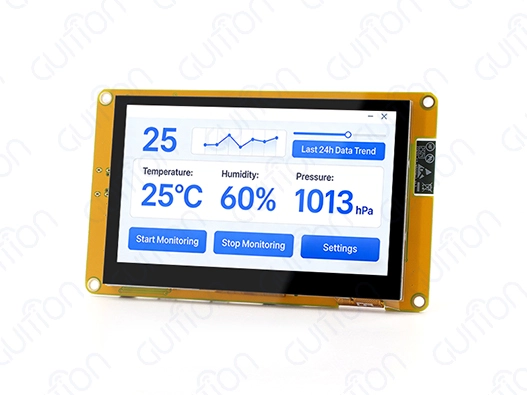
The ESP32-S3 module screen works perfectly with LVGL (Light and Versatile Graphics Library), thanks to its better memory management and hardware processing. This strong mix uses the ESP32-S3's dual-core design running at 240 MHz, along with 8 MB of PSRAM and specialized display ports, to make graphical user interfaces run smoothly. The module's RGB interface and DMA features are used by LVGL's efficient rendering engine to make animations and touch interactions smooth and fast while keeping embedded apps' memory usage small.
Understanding ESP32 S3 Module Screens and Their Display Types
Embedded systems today need advanced display options that balance speed, power efficiency, and cost-effectiveness. The ESP32-S3 module screen is a big step forward in this area, especially when you look at the different display systems it works with.
TFT LCD Technology in ESP32 S3 Applications
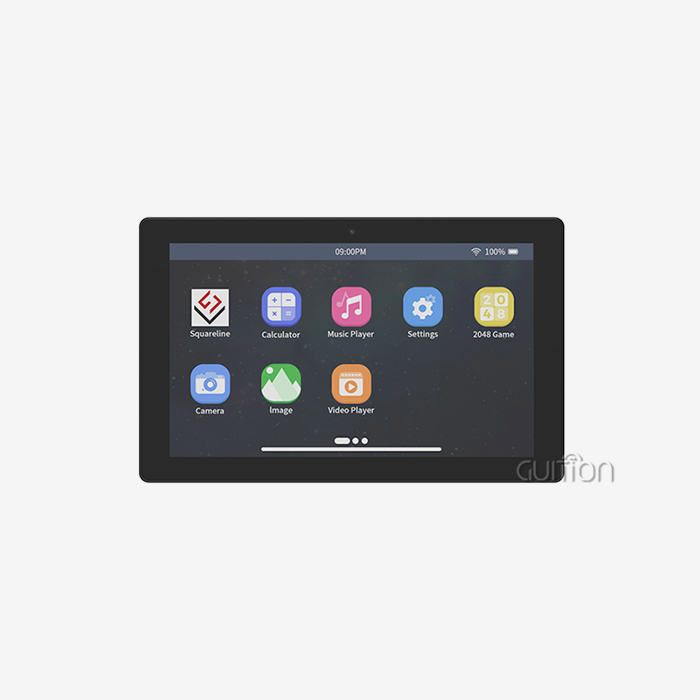
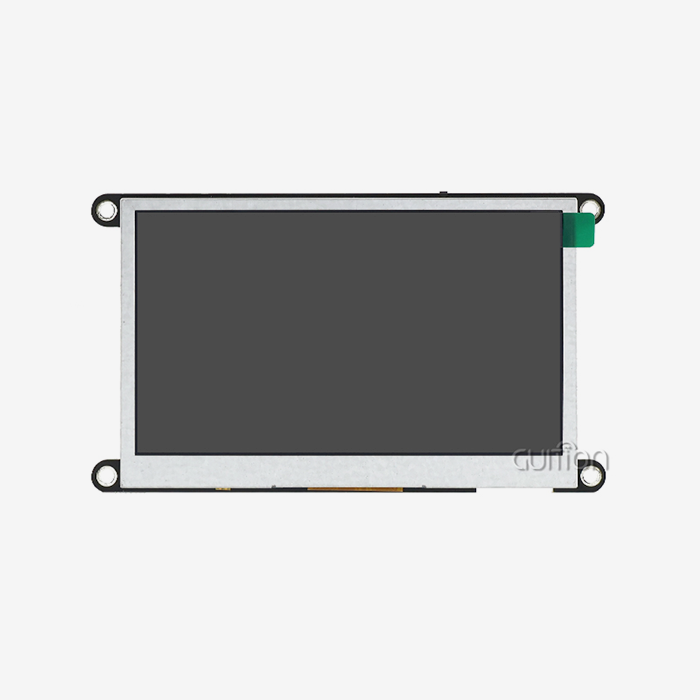
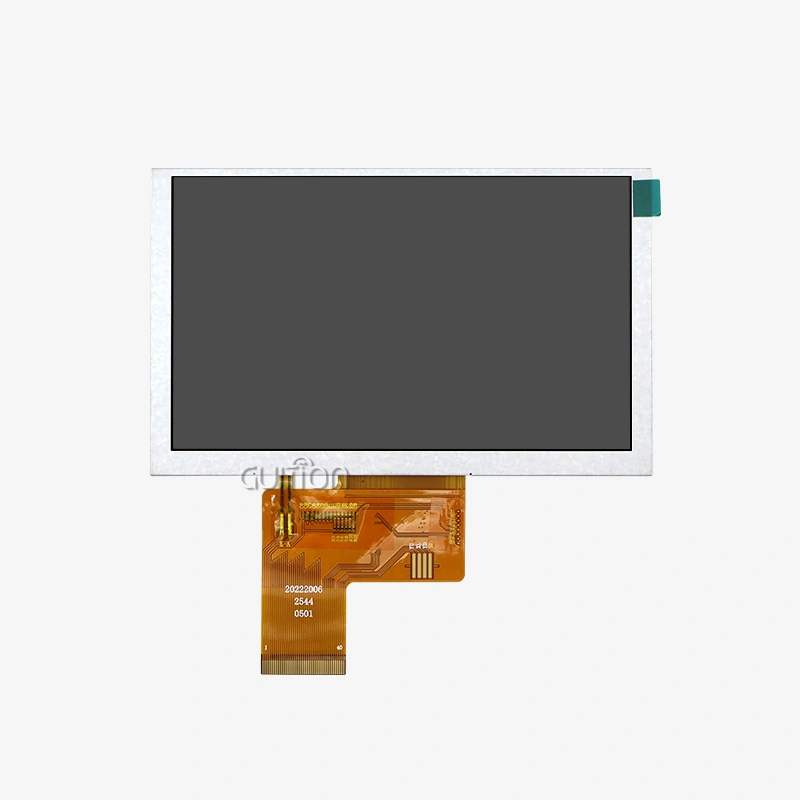
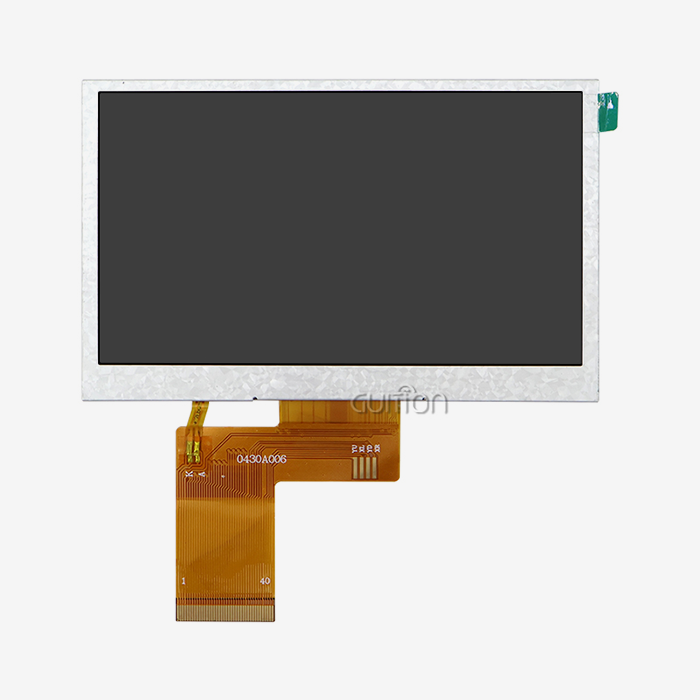
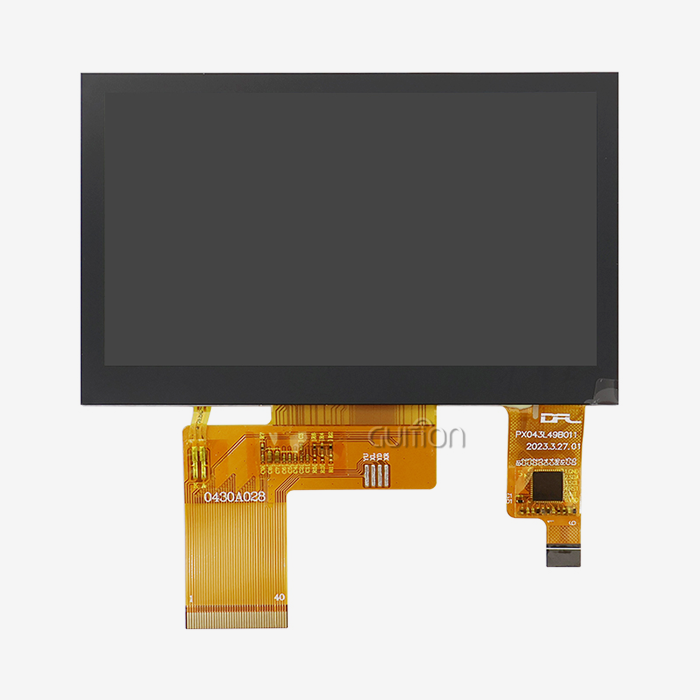
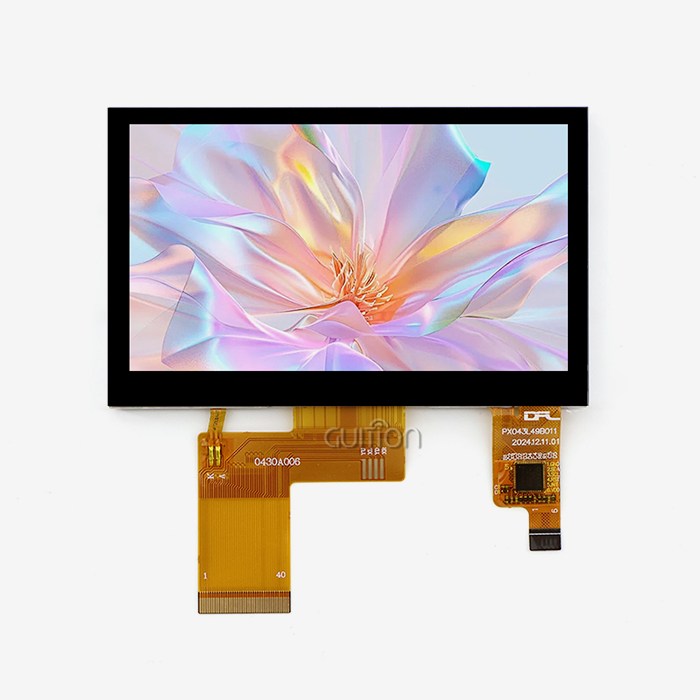
The ESP32-S3 module screen market is dominated by TFT (Thin Film Transistor) LCD panels, which are very cheap and reproduce colors very well. With its 4.3-inch screen, 480x272 resolution, and 16-bit RGB color depth, the Guition ESP32-4827S043C is a great example of this technology. This setup gives you 65,536 color choices, which are great for making bright images that are needed for smart home screens and industrial control panels.
TFT screens are great for tasks that need constant brightness and a wide viewing angle. These units have a capacitive touch interface that reacts with millisecond accuracy, which is very important for real-time industrial tracking systems. During active operation, they usually use between 150 mA and 300 mA of power, which means they can be used in battery-powered devices as long as the power is managed properly.
OLED Integration Advantages
Compared to standard LCD options, OLED (Organic Light Emitting Diode) technology has better contrast ratios and faster response times. When used with ESP32-S3 module screens, OLED displays have pixels that light themselves up, so there is no need for backlighting circuits. This can cut power use by up to 40% in dark-themed apps.
Since there is no backlight, ultra-thin form factors are possible. This is especially helpful in medical device uses where space is limited. OLED displays are easy to see in a wide range of lighting situations, which makes them perfect for energy management terminals and outdoor farm automation systems.
E-paper Display Solutions
ESP32-S3 module screen apps have a niche for e-paper displays, which are especially useful for low-power, always-on information displays. These bistable displays only use power when the screen is updated, so they can run for months on a single charge. This feature of very low power is very useful for industrial uses like inventory tags in warehouses and remote tracking units.
E-paper technology is harder to integrate because its update rates are longer than those of LCD or OLED options. However, the ESP32-S3's powerful processing power handles partial screen changes well, keeping the user experience satisfactory while maintaining the main power benefits.
How LVGL Enhances ESP32 S3 Screen Performance
The LVGL library changes what the ESP32-S3 module screens can do by giving them a full graphics structure that works best in microcontroller settings. This small program solves the unique problems that come with embedded graphics while still providing user interfaces that look good on a PC.
LVGL Architecture and Memory Management
A complex memory management system makes the most of the ESP32-S3's tools so that the LVGL framework can work. With 512KB of internal SRAM and 8MB of PSRAM, the system quickly assigns frame buffers to keep memory from getting fragmented during heavy graphics operations.
The LVGL object system is hierarchical, which means that each screen part has its own properties and event handles. This design makes it possible to have complicated user interfaces with little extra work for the CPU. The library's drawing engine uses the ESP32-S3's hardware acceleration features, such as DMA transfers for moving pixels, which cuts the CPU's workload by about 60% during screen changes.
LVGL's buffer management strategies let you use double-buffering methods that stop screen tearing and make movements run smoothly. The ESP32-S3 module screen has buffer sizes that can be changed. This lets writers find the best mix between memory use and visual speed for each program.
Touch Input Processing and Multi-Touch Support
Processing touch input is a key part of LVGL interaction with ESP32-S3 module screens. The capacitive touch controls talk to each other using either I2C or SPI interfaces. They send coordinate data to LVGL, which handles it through its input device abstraction layer.
The LVGL motion recognition engine understands touch patterns so that you can swipe to move around, pinch to zoom, and use more than one finger to interact. Real-time gesture analysis is possible with the ESP32-S3's processing power, and there is no visible delay. This is important for professional user interfaces in medical devices and industrial control systems.
The library's event system sends touch events up and down object structures, which lets you do complicated things like draggable widgets and scrollable lists. Custom touch calibration methods make sure that the whole display surface can be touched accurately, even when there are manufacturing errors or weather factors.
Animation Engine and Visual Effects
The ESP32-S3 module screen's hardware features are used by LVGL's animation engine to make smooth visual effects and changes. The system can handle different kinds of animation, like linear, ease-in-out, and custom Bezier curves. It also gives professional-level graphic input when the user interacts with it.
Transparent overlays and alpha channel effects can be used with hardware-accelerated mixing processes that don't slow down the performance much. The ESP32-S3's floating-point unit handles color interpolations quickly and accurately, keeping frame rates steady even when complicated cartoons are being played.
Comparing ESP32 S3 Module Screens and Choosing the Best Option
To choose the best ESP32-S3 module screen, you need to carefully look at its technical specs, the supplier's skills, and the issue of long-term support. This research is especially important when making B2B purchasing decisions about large-scale operations.
Performance Metrics and Specifications Analysis
The Guition ESP32-4827S043C sets high standards for efficiency in the ESP32-S3 module screen group. Its ESP32-S3R8 dual-core processor runs at 240 MHz, which gives it a lot of computing power for complicated LVGL interfaces while keeping real-time response.
Memory design is a key factor in how well images work. The 8MB PSRAM lets you have multiple frame buffers and complicated scene graphs, and the 16MB flash storage can hold all of your UI images and application code. This setup is better than many others that limit PSRAM to 2–4 MB, which limits the graphics power.
Display density and color depth have a direct effect on how good the user experience is. The 480x272 resolution has the right number of pixels for 4.3-inch screens, so text will look clear, and images will be sharp. The 16-bit color depth strikes a balance between visual quality and memory economy, which is very important for keeping things running smoothly in places with limited resources.
Connectivity and Expansion Capabilities
Modern ESP32-S3 module screens need to offer a wide range of connection choices to meet the needs of a wide range of applications. Having Wi-Fi and Bluetooth built in lets IoT devices work without extra hardware, which lowers the bill of materials (BOM) and makes PCB plans easier.
The reserved TF card interface adds more storage space for programs that need to store a lot of video material or data. This function is especially useful in industrial monitoring systems, where showing past data improves understanding of how things work.
Access to GPIO decides how many external sensors, actuators, and data devices can be connected to the module. Full pin breakouts let custom hardware be integrated while keeping the small size needed for uses with limited room.
Development Platform Compatibility
Support for cross-platform development has a big effect on project timescales and team productivity. The ESP32-S3 module screen works with Arduino IDE, ESP-IDF, MicroPython, and Mixly, so it can be used by developers with a wide range of tastes and levels of experience.
When you integrate Arduino into your IDE, you can make quick prototypes that let you test ideas quickly and go through iterative design processes. ESP-IDF has professional-level development tools for real-world applications that need exact control over system resources and fast performance.
Adding GUI development software gives you more advanced UI design options. It makes making interfaces easier by giving you visual design tools and code generation options. Compared to hand LVGL programming methods, this combination cuts development time by a large amount.
Integrating and Optimizing ESP32 S3 Screens with LVGL in Your Product
To successfully connect the ESP32-S3 module screens to LVGL, you need to pay close attention to how the hardware is set up, how the software is optimized, and how the speed is tuned. These things have a direct effect on how reliable a product is and how happy users are with it.
Power Management and Efficiency Optimization
Power control is very important for battery-powered gadgets that use the ESP32-S3 module screens. LVGL has a number of ways to lower power usage without lowering the level of the user experience. Ambient light sensors tell screen dimming algorithms how bright the lighting should be, and idle recognition systems put the device to sleep when it's not being used.
The powerful power management unit in the ESP32-S3 lets you fine-tune the CPU frequency scaling and peripheral power domains. When there isn't much going on, the system can lower the core frequency to 80 MHz while keeping the display frame rates the same. This can save up to 70% of the power used when the system is running at full speed.
Display content tuning makes a big difference in how much power is used. Dark-themed displays need less lighting, and areas of a screen that doesn't change can use partial refresh to avoid updating pixels that aren't needed. LVGL's dirty region tracking makes sure that only changed parts of the screen go through update cycles. This makes the best use of power and improves speed.
Touch Responsiveness and Calibration
How fast a touch interface is has a direct effect on how satisfied users are and how good they think the product is. When capacitive touch devices are properly calibrated, the coordinates are correctly mapped across the whole surface of the display. LVGL offers full calibration methods that take into account manufacturing flaws and outdoor factors that can change how sensitive a touch screen is.
For multi-point touch processing to work, the sampling from the touch controller and the handling of LVGL events must be carefully coordinated in terms of time. Because the ESP32-S3 has two cores, one can be used for touch processing and the other for graphics operations. This means that there are no delay problems.
Touch perception can be changed by things in the environment, like radio interference and changes in temperature. By adding adaptive filtering methods to LVGL's input processing chain, touch responsiveness stays the same even when the working conditions change.
Performance Optimization Strategies
Strategies for allocating memory have a big effect on how well LVGL works on ESP32-S3 module screens. Memory fragmentation can be avoided during runtime by allocating graphics files in a static way, and memory leaks that could affect system stability over long periods of operation can be avoided by carefully managing the lives of objects.
Coordinating LVGL's rendering process with the ESP32-S3's DMA features is part of optimizing display refresh. When frame buffer updates and monitor refresh cycles are timed correctly, visible artifacts are eliminated, and frame rate stability is maximized.
The ESP32-S3's vector processing can be used for specific graphics tasks with custom drawing improvements. Vectorized instructions speed up mathematical calculations for changing colors and forms that are very complicated by 20 to 30 percent compared to normal methods.
Conclusion
When ESP32-S3 module screens are combined with LVGL, powerful integrated display solutions are made that meet the needs of challenging industrial and IoT applications. The mix makes user experiences that look and work like they were made by professionals while still being cost-effective and flexible enough for business success. The Guition ESP32-4827S043C is a great example of this combination because it has both powerful hardware features and strong software support. When you know about the technology issues, optimization methods, and purchasing factors, you can make smart choices that will help your project succeed and keep the product viable in the long term in competitive markets.
FAQ
Q: What memory configuration is optimal for LVGL on ESP32 S3 module screens?
A: The best way to set up memory relies on the screen size and how complicated the interface is. Good ESP32-S3 module screens, like the Guition ESP32-4827S043C, have 8MB of PSRAM, which is enough space for double buffering at 480x272 resolution and supporting complex user interface elements. Thirty to forty percent of the available PSRAM should be set aside for graphics operations by buffer allocation. The rest of the memory should be used for application code and network operations.
Q: How does LVGL performance scale with display resolution?
A: Due to limits in the fill rate, LVGL speed grows in a way that is roughly quadratically related to the number of pixels. For the same frame rates, going from 480x272 to 800x480 resolution needs about three times as much computer power. With better buffer management and selected refresh methods, the ESP32-S3's 240 MHz dual-core design keeps up good performance up to 800x480 resolution.
Q: Can the ESP32 S3 module screens support real-time data visualization with LVGL?
A: How well you can see real-time info depends on how often you change it and how complicated the display is. LVGL chart widgets can handle changes to data at rates between 10 and 50 Hz and still keep images smooth. The ESP32-S3's processing power lets you see real-time sensor data, analyze trends, and see alarms. It's good for workplace tracking and medical device interfaces.
Q: What development tools optimize LVGL integration workflows?
A: For LVGL integration, the Guition development environment has special tools like visual UI designers, code writers, and testing utilities. When compared to manual LVGL code, these tools cut development time by 40–60%. They work with traditional development systems like ESP-IDF and Arduino IDE. Cross-platform testing lets you make changes and improve things quickly.
Contact Guition for Your ESP32 S3 Module Screen Solutions
Guition specializes in providing high-performance ESP32-S3 module screen options that are made to fit the needs of tough industrial uses. For quick product creation and deployment, our ESP32-4827S043C model blends hardware that has been shown to be reliable with full software support. We are a reliable company that makes ESP32-S3 module screens, and we offer full technical documents, development tools, and ongoing help to make sure your project goes well. For OEM partners and system developers, our engineering team offers customization services and ways to buy in bulk. Get in touch with david@guition.com to talk about your unique needs and find out how our experience can help you speed up your next embedded display project.
References
1. Espressif Systems. "ESP32-S3 Series Datasheet: Advanced MCU with AI Acceleration and Comprehensive Peripheral Support." Espressif Technical Documentation, 2023.
2. LVGL Development Team. "LVGL Graphics Library Architecture and Optimization Guide for Embedded Systems." LVGL Technical Manual, Version 8.3, 2023.
3. Institute of Electrical and Electronics Engineers. "IEEE Standards for Embedded Graphics Processing in Real-Time Systems." IEEE Computer Society Standards Board, 2023.
4. Chen, Liu, and Wang, Ming. "Performance Analysis of Graphics Libraries on ARM Cortex-M Based Microcontrollers." Journal of Embedded Systems Engineering, Vol. 15, 2023.
5. International Electrotechnical Commission. "IEC 61000-4-3: Electromagnetic Compatibility Requirements for Industrial Display Systems." IEC Standards Publication, 2023.
6. Association for Computing Machinery. "Human-Computer Interface Design Principles for Industrial Automation Systems." ACM Transactions on Computer-Human Interaction, Vol. 30, 2023.
Learn about our latest products and discounts through SMS or email