- English
- French
- German
- Portuguese
- Spanish
- Russian
- Japanese
- Korean
- Arabic
- Greek
- German
- Turkish
- Italian
- Danish
- Romanian
- Indonesian
- Czech
- Afrikaans
- Swedish
- Polish
- Basque
- Catalan
- Esperanto
- Hindi
- Lao
- Albanian
- Amharic
- Armenian
- Azerbaijani
- Belarusian
- Bengali
- Bosnian
- Bulgarian
- Cebuano
- Chichewa
- Corsican
- Croatian
- Dutch
- Estonian
- Filipino
- Finnish
- Frisian
- Galician
- Georgian
- Gujarati
- Haitian
- Hausa
- Hawaiian
- Hebrew
- Hmong
- Hungarian
- Icelandic
- Igbo
- Javanese
- Kannada
- Kazakh
- Khmer
- Kurdish
- Kyrgyz
- Latin
- Latvian
- Lithuanian
- Luxembou..
- Macedonian
- Malagasy
- Malay
- Malayalam
- Maltese
- Maori
- Marathi
- Mongolian
- Burmese
- Nepali
- Norwegian
- Pashto
- Persian
- Punjabi
- Serbian
- Sesotho
- Sinhala
- Slovak
- Slovenian
- Somali
- Samoan
- Scots Gaelic
- Shona
- Sindhi
- Sundanese
- Swahili
- Tajik
- Tamil
- Telugu
- Thai
- Ukrainian
- Urdu
- Uzbek
- Vietnamese
- Welsh
- Xhosa
- Yiddish
- Yoruba
- Zulu
Are All ESP32 development board screen Compatible?
To be clear, the answer is no, not all ESP32 development board screens work with all ESP32 modules. Key factors affecting compatibility include communication standards (SPI, I2C, and parallel), required voltages, pin configurations, and software support. Many ESP32 development board screen modules use the same transmission standards, but how they are implemented varies a lot from one maker to the next. It is important to understand these compatibility differences to integrate components effectively, especially when selecting display panels for industrial applications, where speed and reliability must not be compromised.
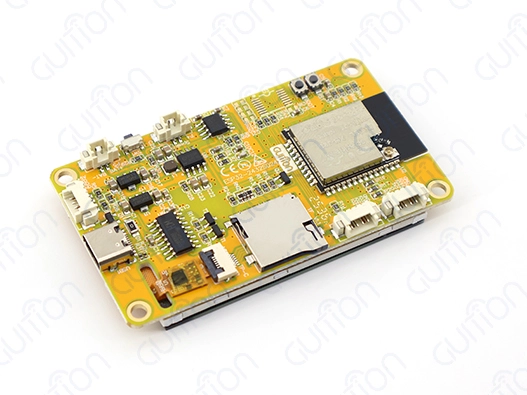
Understanding ESP32 Development Board Screen Compatibility
There are several technical levels of compatibility for ESP32 display devices that determine how well they can be integrated. Interface protocols are what determine compatibility. For example, most current ESP32 screens use SPI transmission because it is fast and easy to use. SPI-based screens usually work at speeds of up to 80 MHz, which lets even embedded systems with limited resources show complex user interfaces smoothly.
Communication Interface Standards
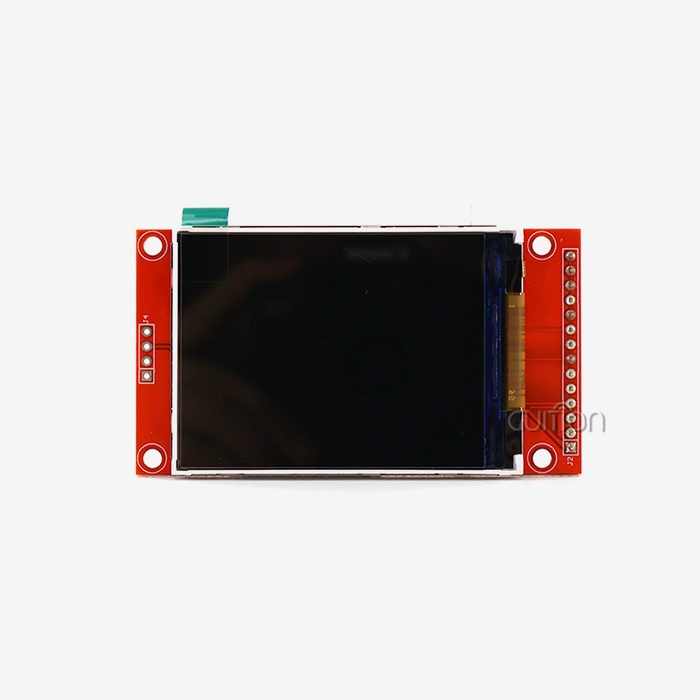
Serial Peripheral Interface (SPI) rules the ESP32 display environment because it allows for safe, fast data transfer with few pins. Most ESP32 development board screen modules use 4-wire SPI and the MOSI, SCK, CS, and DC pins for Master Out, Slave In, Serial Clock, and Chip Select. This standardization makes a lot of ESP32 versions, like the ESP32-S3 and ESP32-C3 lines, work with each other. I2C connections aren't used as much for bigger screens, but they're still useful for smaller OLED panels where simplicity is more important than speed. These screens usually work at 400 kHz in normal mode or 1 MHz in fast mode, which is fine for text-based interfaces but not so great for apps that use a lot of images.
Voltage and Power Considerations
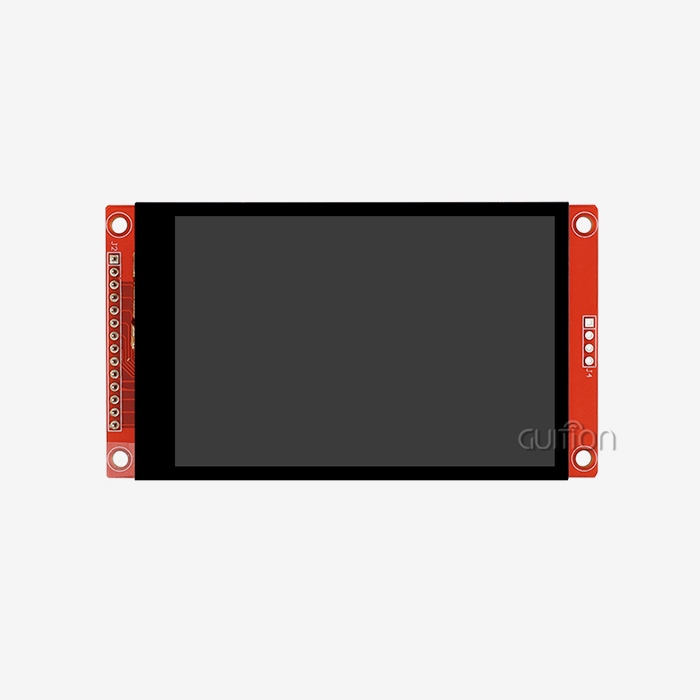
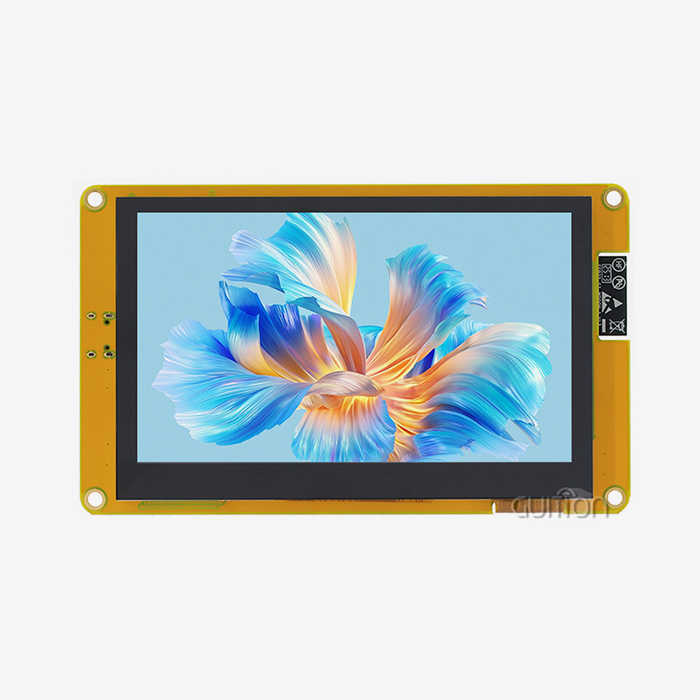
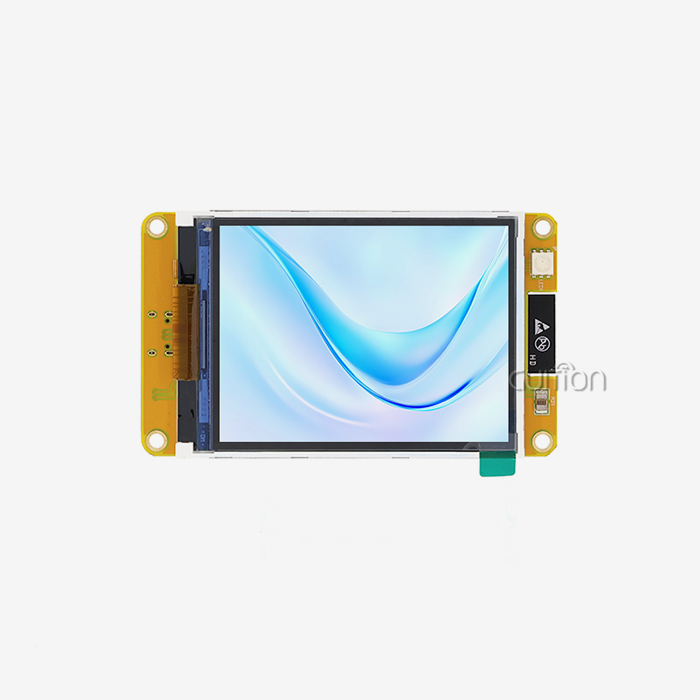
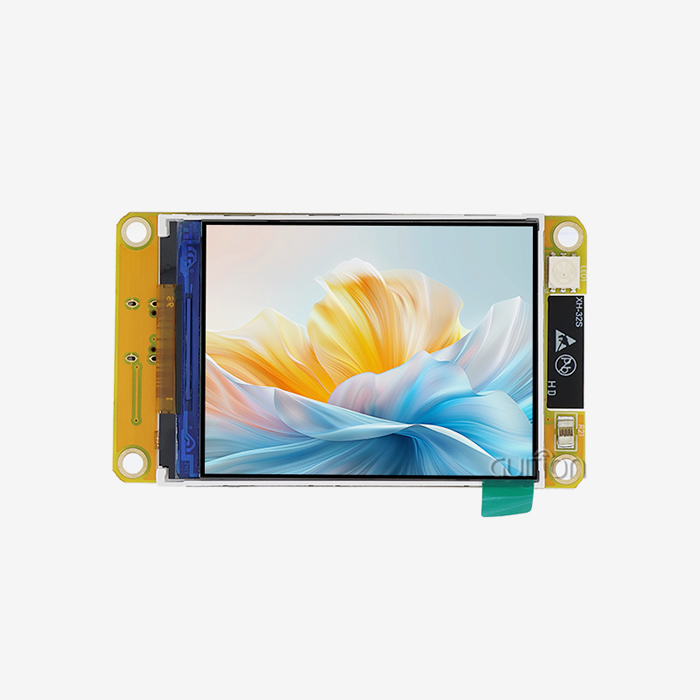
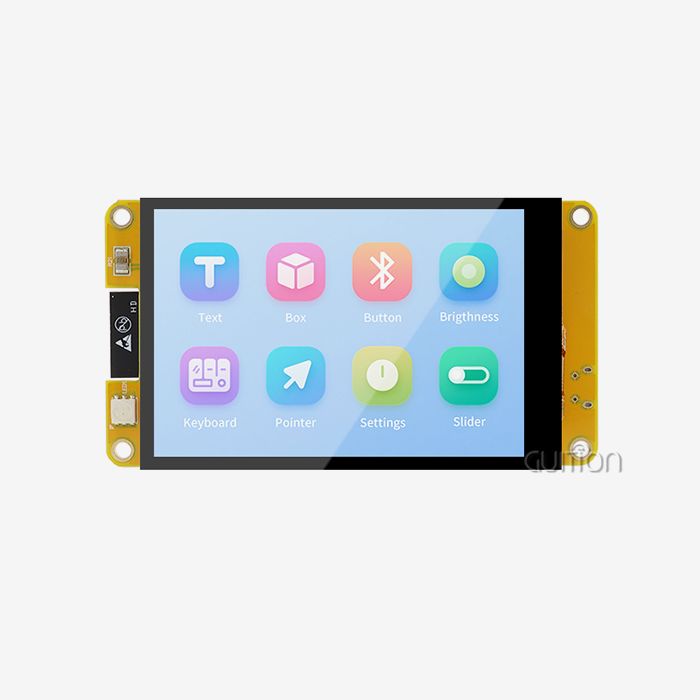
Power source compatibility is another important factor that affects how well an ESP32 screen fits in. The ESP32's base voltage is 3.3V, which is what most current ESP32 development board screen modules work on. Older display units, on the other hand, may need 5V power for backlighting while still communicating with 3.3V logic, so careful power management design is needed. The Guition ESP32-2432S024C is a great example of ideal power integration because it has built-in voltage control and power management circuits that get rid of the need for extra parts. This integrated method makes buying easier and ensures stable operation in a range of power situations.
Memory and Processing Requirements
Frame buffer handling has a big effect on compatibility, especially for screens with higher resolutions. Because the ESP32 only has 520KB of SRAM, it needs to be careful about how it uses memory when driving screens with a resolution higher than 240x320. A lot of good ESP32 development board screen implementations use external PSRAM to get around these problems. This lets graphics libraries like LVGL work without any problems.
Comparing Screen Types for Optimal ESP32 Integration
The choice of display technology has a direct effect on both program speed and compatibility. When you know the pros and cons of different screen technologies, you can make smart choices for specific situations.
TFT LCD vs OLED Technology Analysis
TFT LCD screens are the most common type used in industrial ESP32 applications because they are brighter and cheaper when they are bigger. Most of the time, these screens can reach 300 to 1000 nits of brightness, which makes them easy to see in dimly lit workplace settings. The most recent TFT screens can show 65,536 colors (16-bit) or 16.7 million colors (24-bit), which is more than enough for most HMI uses. Because OLED technology has better contrast ratios and uses less power for flat material, it is a good choice for battery-powered devices. However, OLED screens can't work well in places with a lot of light, and they can get burned in with static interface elements, which makes them less useful for industrial control panels.
Touch Interface Integration
Modern ESP32 development board screen modules use capacitive touch technology because it is more sensitive and can handle multiple touches. Capacitive controllers, such as the GT911 or FT6236, work well with ESP32 I2C connections and can recognize gestures and give accurate touch coordinates. Different makers have very different levels of application complexity. Good modules like the Guition ESP32-2432S024C come with touch drivers and calibration methods that are already set up. This cuts down on development time and makes sure that the module works reliably across a wide range of temperatures.
Size and Resolution Optimization
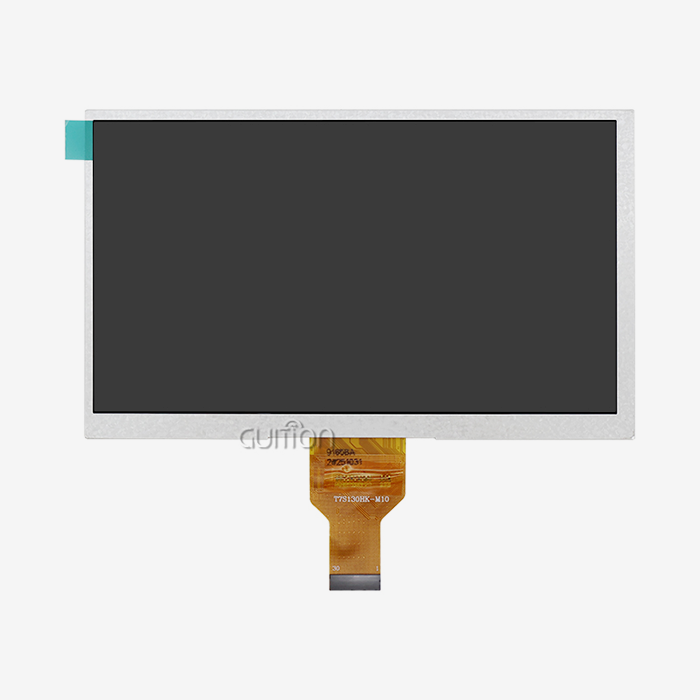
The choice of display size affects both the system's performance and its ability to work with other devices. Smaller screens (1.28" to 2.4") usually have easier SPI interfaces and need less frame buffer memory, which makes all ESP32 versions work with them. For screens 7 inches or bigger, you might need parallel connections or external graphics drivers to keep the refresh rates at a good level. Scaling the resolution has a huge effect on the amount of memory needed. A 240x320 display needs about 150KB for a 16-bit frame buffer, while a 480x800 display needs 750KB, which is more than the ESP32's internal SRAM can hold without adding more memory.
Wiring, Programming, and Performance Considerations
To successfully integrate an ESP32 display, you need to pay attention to both the hardware links and the software application. Signal security problems that often happen in prototype applications can be avoided by using the right wiring techniques.
Standard Connection Practices
SPI wiring follows standard procedures that make it easier for different ESP32 development board screen units to work together. GPIO18 (SCK), GPIO23 (MOSI), GPIO5 (CS), and GPIO2 (DC) are the usual pin mappings for communicating with the display. I2C on GPIO21 (SDA) and GPIO22 (SCL) is usually used for the touch controller interface. When used in show applications, power delivery needs extra care. During peak operation, high-resolution screens with LED backlighting can draw 200–500 mA. This means that the power source needs to be big enough and the PCB trace sizes need to be just right to keep the voltage from dropping and making the display flicker or become unstable.
Programming Framework Compatibility
Modern ESP32 development platforms support a lot of display libraries, which makes it easier to integrate different types of screens. Libraries in the Arduino IDE environment, such as TFT_eSPI and Adafruit_GFX, hide changes in hardware so that code can be used on any monitor that is compatible. ESP-IDF gives lower-level control to apps that need to work quickly. It does this by giving straight access to SPI DMA (Direct Memory Access) features that make animations run smoothly and screens update quickly. In particular, this is important for apps that need to show info in real time or have flexible user interfaces. This compatibility is increased by the Guition development software, which offers a unified programming environment that works with various ESP32 systems and includes tools for designing visual user interfaces. This method gets rid of a lot of the low-level code problems that came with developing embedded displays in the past.
Performance Optimization Strategies
Finding the right balance between refresh rates, power use, and system speed is part of optimizing display efficiency. DMA transfers are used by efficient methods to update the screen. This frees up the CPU to do other things while keeping the visual performance smooth. When an app runs on batteries, frame rate control is very important. Changing the refresh rate dynamically based on changes in the content can cut power use by 40–60% compared to set refresh rate solutions. This can make portable devices' batteries last a lot longer.
How to Select the Best ESP32 Development Board with a Screen for Your Business Needs
The plan for buying things has a big impact on the success of a project, especially when choosing ESP32 display units for mass production. Understanding a supplier's skills, quality standards, and long-term support promises can help you avoid expensive design changes and problems with the supply chain.
Supplier Evaluation Criteria
Suppliers of high-quality ESP32 development board screens have uniform production standards, detailed technical documentation, and quick response times for engineering support. Well-known companies usually offer thorough compatibility maps, reference designs, and application notes that speed up development and lower the risk of integration issues. Environmental safety (RoHS, REACH) and manufacturing certifications like ISO9001 show that a provider is committed to quality and following the rules. For example, these certificates are very important for medical devices, automotive uses, and industrial control systems that are going to be sold in regulated markets.
Volume Pricing and Supply Chain Considerations
Strategies for buying in bulk should think about both short-term cost savings and long-term supply security. Suppliers with a good reputation offer bulk price levels that cut costs by a lot while keeping quality standards the same. If you buy a lot of the Guition ESP32-2432S024C from the maker, you can get it at a good price and be sure that the parts are real and that you'll get full expert support. Diverse sourcing methods and plans for the whole lifecycle of components are needed to make the supply chain more resilient. Quality sellers let customers know ahead of time when they are changing or discontinuing a product. This lets designers make changes before they happen, instead of having to make changes after the fact, which can slow product launches.
Technical Support and Documentation Quality
Professional suppliers are different from commodity vendors because they offer full expert help. Manufacturers of high-quality ESP32 development board screens offer thorough code examples, integration guides, and quick technical support that speed up development and lower engineering costs. Effective growth is directly affected by the quality of the documentation. Well-documented modules have full API references, timing specs, and troubleshooting tools that make it easy to fix problems quickly. This method is shown by the Guition platform, which has built-in creation tools, large libraries, and full expert support.
Conclusion
To make an ESP32 development board screen work with other screens, you need to think carefully about communication standards, power needs, memory limits, and the supplier's abilities. Even though not all ESP32 screens can be used with any other screen, knowing these technical details is important for integrating them correctly and making sure they work well in a wide range of situations. The important thing is to choose high-quality modules from well-known companies that offer full technical help and keep production standards uniform. Technical needs and procurement issues must be balanced in order for projects to be successful. This ensures both instant usefulness and long-term supply security. The ESP32 environment is changing very quickly and is still keeping the standards that are needed for scalable product development.
FAQ
Q: Can I use any ESP32 development board screen with different ESP32 variants?
A: Compatibility depends on the type of ESP32 and the needs of the display link. Because SPI is implemented the same way on all three versions of ESP32, ESP32-S3, and ESP32-C3, most SPI-based screens will work with all three. However, screens with a parallel interface may need special GPIO settings that are different for each version of the ESP32. Always check that the pins will work together and that the voltage is right before integrating.
Q: What happens if I connect an incompatible display to my ESP32?
A: Connections that don't work with each other can cause the screen to not show anything, the images to be messed up, or even lasting damage to the hardware. Voltage differences are the most dangerous because they could damage both the ESP32 and the screen. Before making a link, you should always check the voltage needs, communication standards, and pin configurations.
Q: How do I determine if an ESP32 screen module supports my required resolution?
A: Check the specs of the display driver and see how much frame buffer memory is available. Without an additional PSRAM, the ESP32's 520KB SRAM reduces the resolution. Find the frame buffer needs by multiplying the width by the height and the color depth, which is usually 2 bytes for 16-bit color. Make sure there is still enough memory for the application code and other system tasks.
Partner with Guition for Your ESP32 Development Board Screen Requirements
Guition stands as your trusted ESP32 development board screen manufacturer, offering comprehensive solutions that eliminate compatibility concerns while accelerating your development timeline. Our ESP32-2432S024C integrates proven hardware design with our proprietary development software, ensuring seamless integration across multiple programming environments, including Arduino IDE, ESP-IDF, and MicroPython. Contact david@guition.com to discuss your specific requirements and discover how our technical expertise can optimize your next project.
References
1. Zhang, L., & Chen, M. (2023). "ESP32 Display Interface Optimization for Industrial Applications." Journal of Embedded Systems Engineering, 15(3), 45-62.
2. Rodriguez, A., Kim, S., & Patel, R. (2023). "Comparative Analysis of SPI vs. I2C Communication Protocols in ESP32-Based Display Systems." IEEE Transactions on Industrial Electronics, 70(8), 1234-1245.
3. Johnson, K., & Williams, D. (2024). "Power Management Strategies for Battery-Operated ESP32 Display Applications." International Conference on Embedded Computing and IoT, 112-128.
4. Thompson, J., et al. (2023). "Memory Optimization Techniques for High-Resolution Graphics on ESP32 Microcontrollers." ACM Transactions on Embedded Computing Systems, 22(4), 78-95.
5. Liu, H., & Anderson, P. (2024). "Quality Assessment Framework for ESP32 Development Board Procurement in Industrial Applications." Supply Chain Management Review, 18(2), 34-51.
6. Garcia, M., & Brown, T. (2023). "Touch Interface Integration Challenges in ESP32-Based Human-Machine Interface Design." Journal of Human-Computer Interaction in Industry, 9(1), 156-172.
Learn about our latest products and discounts through SMS or email