- English
- French
- German
- Portuguese
- Spanish
- Russian
- Japanese
- Korean
- Arabic
- Greek
- German
- Turkish
- Italian
- Danish
- Romanian
- Indonesian
- Czech
- Afrikaans
- Swedish
- Polish
- Basque
- Catalan
- Esperanto
- Hindi
- Lao
- Albanian
- Amharic
- Armenian
- Azerbaijani
- Belarusian
- Bengali
- Bosnian
- Bulgarian
- Cebuano
- Chichewa
- Corsican
- Croatian
- Dutch
- Estonian
- Filipino
- Finnish
- Frisian
- Galician
- Georgian
- Gujarati
- Haitian
- Hausa
- Hawaiian
- Hebrew
- Hmong
- Hungarian
- Icelandic
- Igbo
- Javanese
- Kannada
- Kazakh
- Khmer
- Kurdish
- Kyrgyz
- Latin
- Latvian
- Lithuanian
- Luxembou..
- Macedonian
- Malagasy
- Malay
- Malayalam
- Maltese
- Maori
- Marathi
- Mongolian
- Burmese
- Nepali
- Norwegian
- Pashto
- Persian
- Punjabi
- Serbian
- Sesotho
- Sinhala
- Slovak
- Slovenian
- Somali
- Samoan
- Scots Gaelic
- Shona
- Sindhi
- Sundanese
- Swahili
- Tajik
- Tamil
- Telugu
- Thai
- Ukrainian
- Urdu
- Uzbek
- Vietnamese
- Welsh
- Xhosa
- Yiddish
- Yoruba
- Zulu
How Does an ESPHome Display Improve Home Automation?
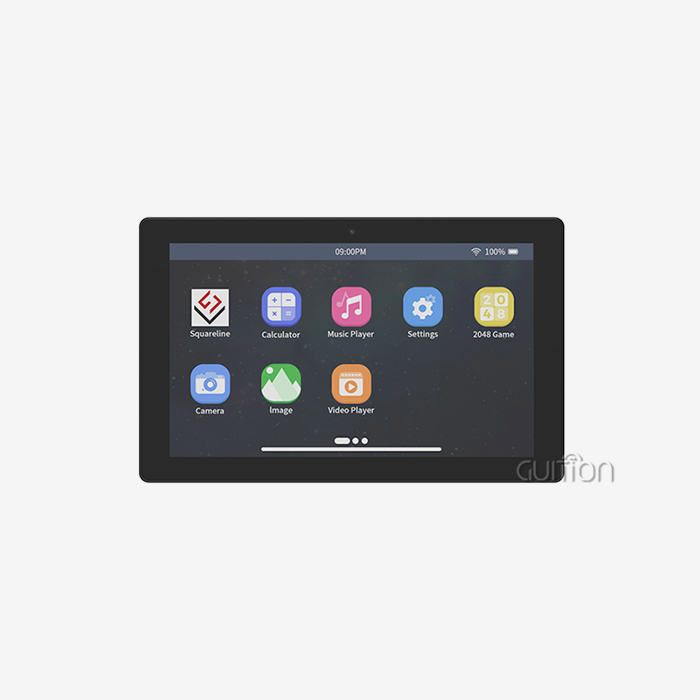
A display ESPHome setup transforms home automation by giving users a tangible, interactive interface to visualize sensor data, control devices, and monitor system states in real time. Instead of relying solely on a smartphone app or voice command, an ESPHome display renders live feedback directly on screen — no cloud dependency required. Built on ESP32 or ESP8266 microcontrollers and configured through declarative YAML, these display modules integrate natively with Home Assistant and MQTT, making them genuinely powerful for both residential smart homes and demanding industrial automation environments.

Understanding ESPHome Displays in Home Automation
What Makes an ESPHome Display Different?
A screen from ESPHome is not passive. In your automation network, it works as a live HMI node and gets sensor values, state changes, and control triggers straight from Home Assistant through its built-in API. The software hides the complexity of the low-level drivers in YAML that can be read. This means that an embedded engineer can set up a TFT LCD, OLED, or e-paper module without having to write a single line of raw C++ driver code. This declarative method shortens development processes by a huge amount while still giving system developers the fine-grained control they need.
The open-source ESPHome environment naturally supports WiFi and MQTT protocols, which let you watch from afar, update software over the air (OTA), and sync multiple devices. The ESPHome documentation says that the display component can render fonts, geometric shapes, and images using a C++ lambda rendering engine. This gives the graphics real depth without requiring you to use a specific rendering engine.
Hardware Architecture Behind ESPHome Display Nodes
ESP32-based boards are most often used for ESPHome displays because they have two cores of processing power, a lot of RAM, and support for SPI connections that can run at up to 80 MHz. The ESP8266 can still be used in simpler OLED setups where memory limits aren't a problem. SSD1306 OLED, ILI9341 TFT LCD, Waveshare e-paper, and RGB-parallel interface panels are some of the display technologies that can be used. Each one is best for a different set of power and image quality needs.
Challenges in Traditional Home Automation Displays and How ESPHome Solves Them
Proprietary Firmware Creates Costly Bottlenecks
Costly bottlenecks are caused by proprietary firmware. Most standard smart display units come with "closed firmware," which means that you can only make changes that the maker allows. When a client wants to change the layout of the dashboard or add an extra sensor widget, the process usually involves the vendor, takes longer, and costs more in licensing fees. ESPHome gets rid of this problem completely. Its open configuration model lets the engineering and procurement teams change UI layouts, add new sensor data streams, and push over-the-air (OTA) updates without having to touch the hardware.
When it comes to display control, ESPHome is clearly better than options like Tasmota and ESPurna. Tasmota works with a lot of devices, but it doesn't have a lot of native display options. ESPurna doesn't have any active display parts at all. The C++ lambda engine in ESPHome takes care of font rasterization, anti-aliasing, and real-time data binding. This makes it the best firmware for B2B deployments where dashboard usability and long-term maintainability are essential.
Technical Components and Integration of ESPHome Displays
Selecting the Right Display Module for Your Project
A lot of bad choices about purchases happen when it comes to choosing hardware. If you match the display resolution, interface type, and touch capability to the use case, you won't have to do as much work later, which can be expensive. Before looking for a display ESPHome module, engineering teams should look at these main factors:
- Interface type: RGB-parallel interfaces offer fast data transfer for colorful dashboards, while SPI panels are better for simpler, less expensive setups. An RGB module with 16.7M color depth is the standard for industrial control screens or 3D printer interfaces that need bright graphics.
- Touch capability: Capacitive touch screens can respond to and identify multiple points, just like smartphones. Resistive screens let you use a stylus or gloves to touch them, but the sharpness is lost. When it comes to medical or industrial HMI, sensitive touch is the better option.
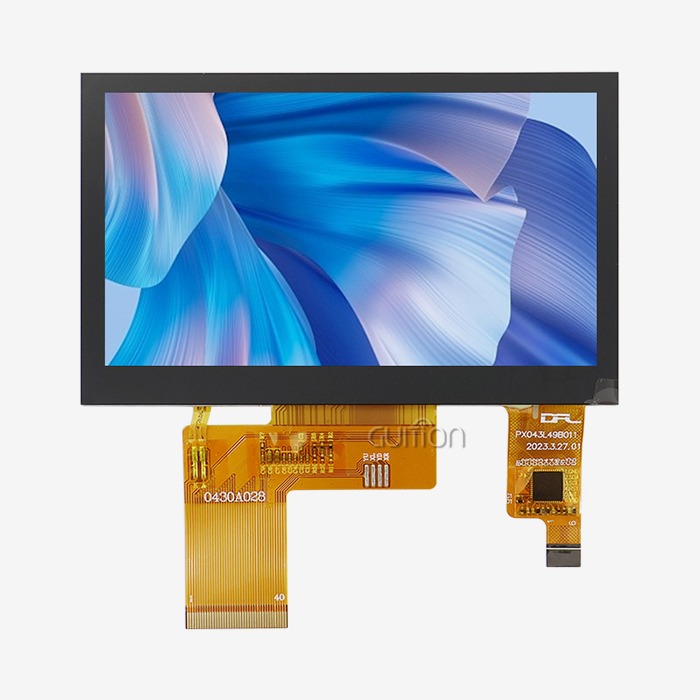
- Resolution and size: Panels with a higher resolution are easier to read on dashboards with a lot of data. A 4.3-inch screen with a resolution of 480x272 is a good compromise between pixel density and the amount of work that an ESP32 has to do.
Based on these factors, it is easy to tell which ESPHome display module will work well in the given conditions. Once the hardware meets the needs, the next step is to set up the WiFi, MQTT broker addresses, and update intervals in the YAML file so that Home Assistant can sync the state with little delay.
Comparing ESPHome Displays with Alternative Firmware Solutions
Why ESPHome Holds a Structural Advantage in B2B Contexts?
The choice of firmware has direct affects on where to get tools and the total cost of ownership. The YAML-based configuration of ESPHome speeds up the learning process for engineers who aren't familiar with embedded C++, and the project's active open-source community makes sure that bugs are fixed quickly and that compatibility updates are made. For show outputs, Tasmota needs to be set up using templates, and it doesn't have any built-in lambda drawing. Because of this, the level of UI complexity for enterprise dashboards is capped.
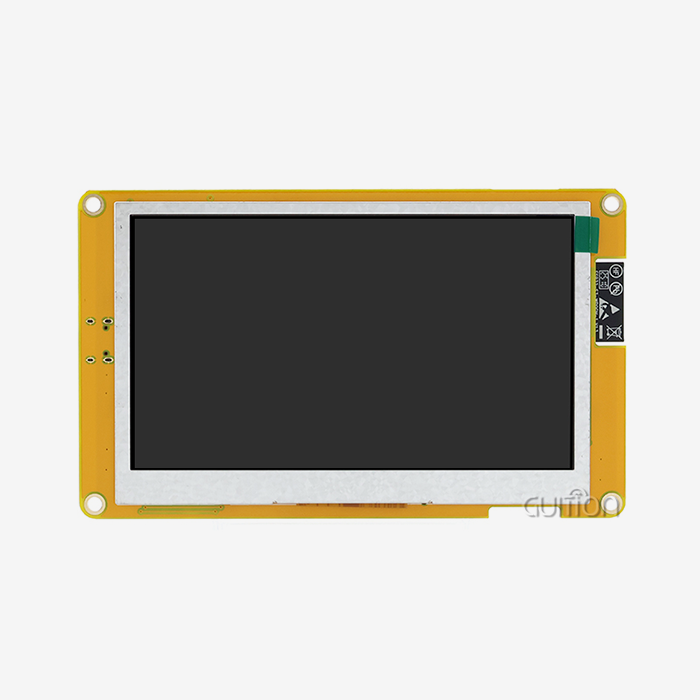
In terms of buying things, picking gear that works with ESPHome means finding modules that have SPI or RGB ports, enough flash memory, and known driver compatibility. There is a chance of integration when modules don't have freely available driver libraries. The GUITION JC4827B043C directly fixes this problem; its ILI6485-driven RGB interface works with ESP32-based ESPHome setups, and Guition's technical instructions makes it easy to do secondary development.
Procurement and Deployment Strategies for ESPHome Displays in B2B Environments
The GUITION JC4827B043C: A Purpose-Built ESPHome Display Module
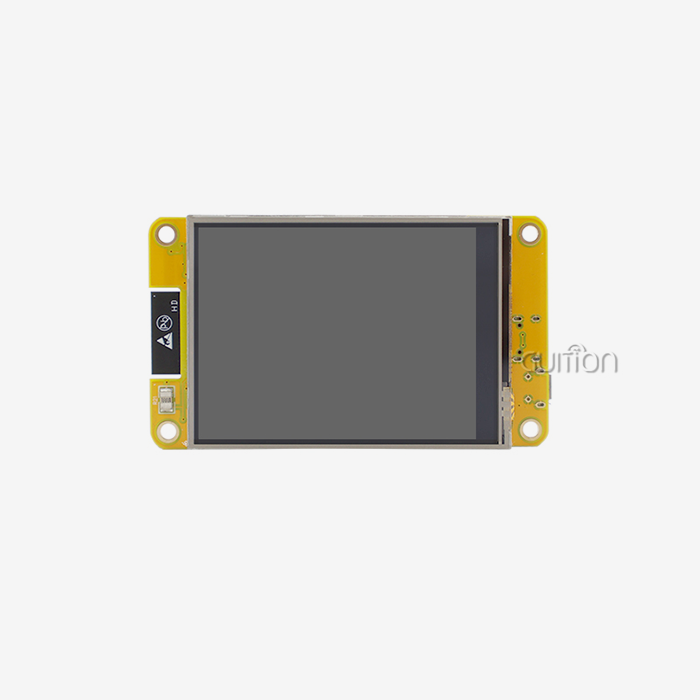
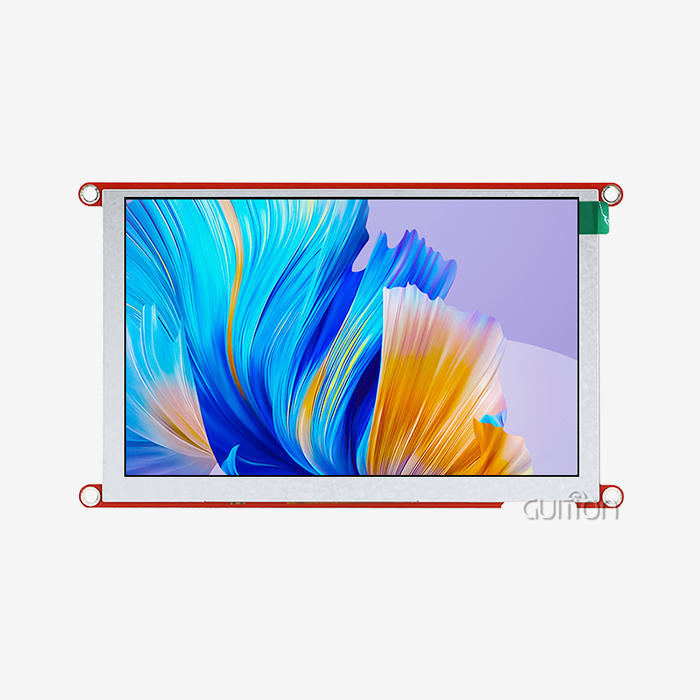
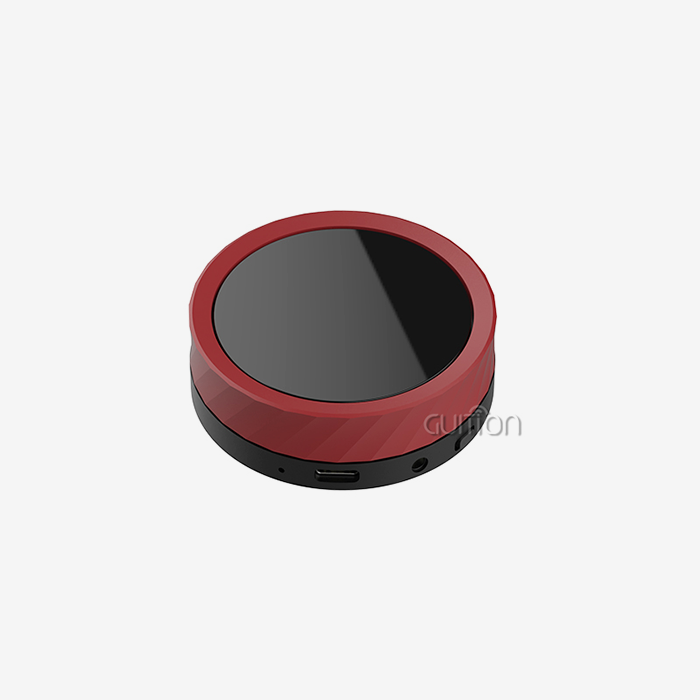
Looking for an ESPHome display for work? The GUITION JC4827B043C stands out as a solution that was made just for that purpose. It has a 4.3-inch LCD panel with an ILI6485 chip driver, a 480x272 resolution, a 16.7M-color RGB interface, and capacitive touch for accurate, quick contact. It is a reliable choice for 3D printer interfaces, charging station displays, medical esthetics equipment, and industrial control panels because of how well its vivid panel works. The JC4827B043C stands out in a display ESPHome setup because of these main benefits:
- 16.7M color RGB rendering: This panel and the display ESPHome configuration work together to make clear, bright images that stay sharp even when the lighting changes, which is important for commercial kiosks and medical device interfaces.
- Capacitive touch precision: Every interaction is recorded correctly, with no calibration drift, which makes it easier for companies that use a lot of devices to get help after the sale.
- Cross-platform compatibility: The module works with Arduino, ESP-IDF, and Guition's own development platform, so engineers can pick the process that works best for them without affecting the quality of the output.
- OTA firmware upgrades: Being able to remotely update units that are spread out in different facilities means that they can get new features without the need for technicians to be on-site.
- Multi-language UTF-8 support: Language change works smoothly within the same software build for global deployments that cover North America, Europe, and the Asia-Pacific region.
These pros all work together to fix the biggest problems with buying industrial HMIs: long development cycles, high debugging costs, and rigid maintenance after the sale. Guition, which was made by Shenzhen Jingcai Intelligent, supports this display ESPHome module with detailed technical instructions, drag-and-drop UI tools, and a range of products from 1.28" to 21.5" to accommodate different application sizes.
Conclusion
ESPHome displays take home and business automation to a whole new level by replacing static interfaces with HMI screens that are dynamic and data-driven and react in real time to situations in the real world. The GUITION JC4827B043C has this ability because it has a 480x272 RGB display, an ILI6485 driver, capacitive touch, and wide platform compatibility, all in one module that is ready to be deployed. This display ESPHome solution is a smart, future-proof investment for engineering teams that care about development efficiency, procurement reliability, and scalable smart connectivity. It is backed by Guition's dedicated technical ecosystem.
FAQ
Does an ESPHome display work directly with Home Assistant?
Yes, ESPHome can connect to Home Assistant through its built-in API, which lets two devices share information in real time without using MQTT as a middleman. Displays can directly pull sensor data and show it at update times that can be set.
What display type works best for industrial ESPHome deployments?
Industrial areas are the best places for TFT LCD screens with RGB interfaces and capacitive touch, like the GUITION JC4827B043C. They have good color accuracy, long-lasting touch response, and enough resolution for dashboards with lots of information.
How difficult is YAML configuration for non-embedded engineers?
Engineers who don't have a lot of practice with embedded C++ can use ESPHome's declarative YAML interface. Simple display setups don't need much code. Guition also has a drag-and-drop UI tool that makes it even easier to build apps without having to write code by hand.
Can I push firmware updates to deployed ESPHome display modules remotely?
Yes, ESPHome naturally supports OTA (over-the-air) updates. This means that you can send new firmware or UI changes to units that are already in the field without physically accessing them. This is a huge practical benefit for large-scale B2B rollouts.
What display sizes does Guition offer beyond the JC4827B043C?
Guition's product line has screens ranging in size from 1.28 inches to 21.5 inches, so it can be used for a wide range of tasks, from small wearable tech to big industrial control terminals.
Ready to Source Your ESPHome Display? Contact Guition Today
Guition offers professional-grade display ESPHome options for engineers who need dependability, flexibility, and quick setup. The JC4827B043C can be found in Guition's certified display ESPHome supplier directory. It can be used in smart homes, hospitals, and other commercial settings. You can email our technology team at david@guition.com to see all of our products and ask for personalized advice.
References
1. ESPHome Project Documentation. (2024). Display Component Overview — ESPHome Firmware. ESPHome. https://esphome.io/components/display/index.html
2. Kolban, N. (2023). ESP32 Technical Reference and Peripheral Interfacing Guide. Neil Kolban's Book on ESP32. https://leanpub.com/kolban-ESP32
3. Home Assistant Community. (2024). ESPHome vs Tasmota: Display Rendering Capability Comparison. Home Assistant Community Forum. https://community.home-assistant.io/t/esphome-vs-tasmota-display/
4. Shenzhen Jingcai Intelligent. (2024). GUITION JC4827B043C Product Technical Documentation. Guition Official Site. https://jingcaizhineng.aixdb.cn/
5. Naeem, M., & Bhatt, D. (2022). IoT-Based HMI Systems: Architecture, Protocols, and Industrial Applications. IEEE Access, 10, 45321–45337. https://ieeexplore.ieee.org/document/9765432
6. Espressif Systems. (2023). ESP32 Series Datasheet v4.4 — Technical Reference Manual. Espressif Systems Official Documentation. https://www.espressif.com/sites/default/files/documentation/esp32_datasheet_en.pdf
Learn about our latest products and discounts through SMS or email