- English
- French
- German
- Portuguese
- Spanish
- Russian
- Japanese
- Korean
- Arabic
- Greek
- German
- Turkish
- Italian
- Danish
- Romanian
- Indonesian
- Czech
- Afrikaans
- Swedish
- Polish
- Basque
- Catalan
- Esperanto
- Hindi
- Lao
- Albanian
- Amharic
- Armenian
- Azerbaijani
- Belarusian
- Bengali
- Bosnian
- Bulgarian
- Cebuano
- Chichewa
- Corsican
- Croatian
- Dutch
- Estonian
- Filipino
- Finnish
- Frisian
- Galician
- Georgian
- Gujarati
- Haitian
- Hausa
- Hawaiian
- Hebrew
- Hmong
- Hungarian
- Icelandic
- Igbo
- Javanese
- Kannada
- Kazakh
- Khmer
- Kurdish
- Kyrgyz
- Latin
- Latvian
- Lithuanian
- Luxembou..
- Macedonian
- Malagasy
- Malay
- Malayalam
- Maltese
- Maori
- Marathi
- Mongolian
- Burmese
- Nepali
- Norwegian
- Pashto
- Persian
- Punjabi
- Serbian
- Sesotho
- Sinhala
- Slovak
- Slovenian
- Somali
- Samoan
- Scots Gaelic
- Shona
- Sindhi
- Sundanese
- Swahili
- Tajik
- Tamil
- Telugu
- Thai
- Ukrainian
- Urdu
- Uzbek
- Vietnamese
- Welsh
- Xhosa
- Yiddish
- Yoruba
- Zulu
How Does a Resistive Touch Screen Monitor Ensure Stable Performance?
When you're making industrial gear, you need a display that works well. Through its special pressure-based sensing design, a Resistive touchscreen monitor ensures stable performance by removing fake activations brought on by electromagnetic interference, moisture, or airborne contaminants. This technology is different from capacitive ones because it uses the physical movement of conductive layers instead of electrical body conductance. This means that it can't be affected by noise in the surroundings or problems with how it works. Extreme temperature ranges, heavy industry use, and other tough situations where other touch technologies fail won't affect how responsive this basic design principle is.

Understanding Resistive Touch Screen Technology
The Core Architecture
Pressure-sensitive screens work by reacting to mechanical force instead of electrical qualities. They are made up of several layers. The basic structure is made up of two clear electrical films, which are usually coated with Indium Tin Oxide, that are spaced apart by very small dots. When you press on the surface, these layers touch at a certain point, making a voltage divider circuit that figures out the exact coordinates of the touch.
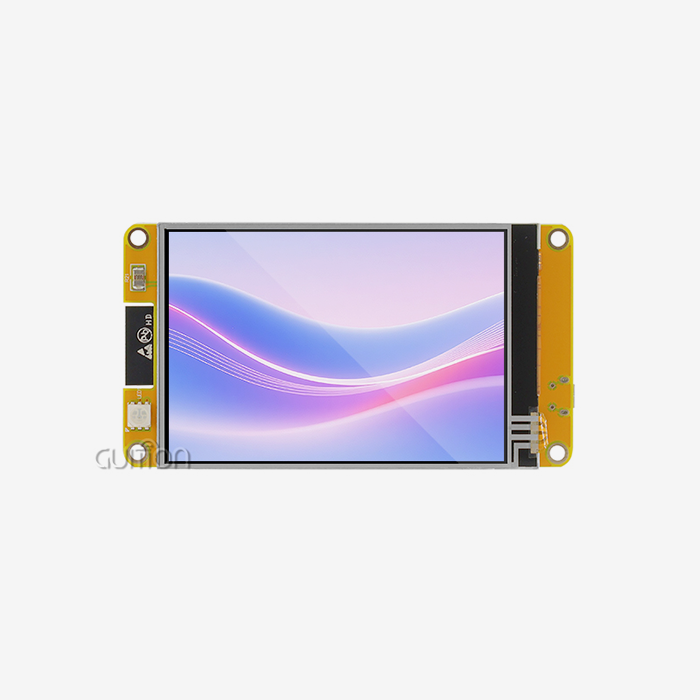
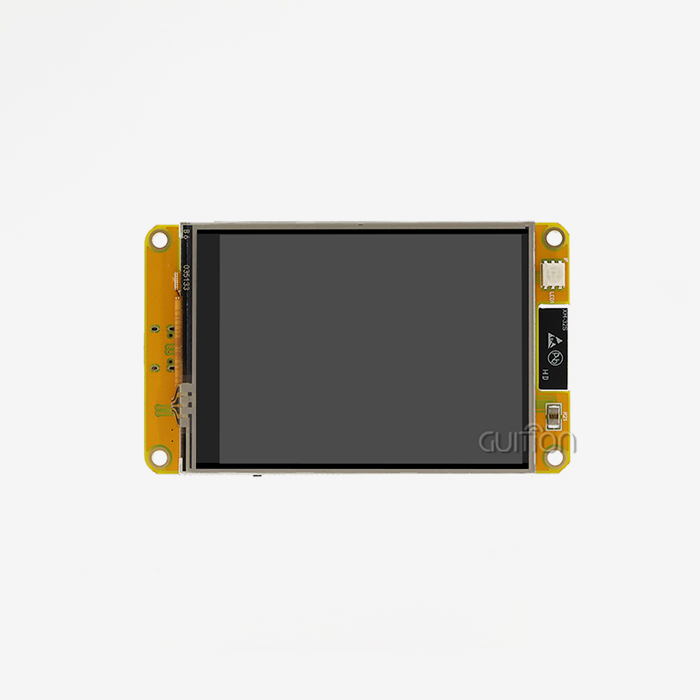
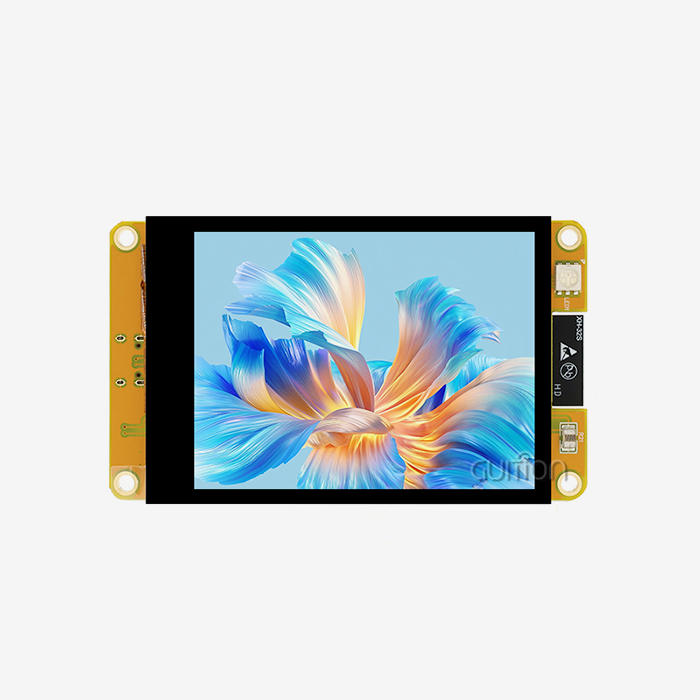
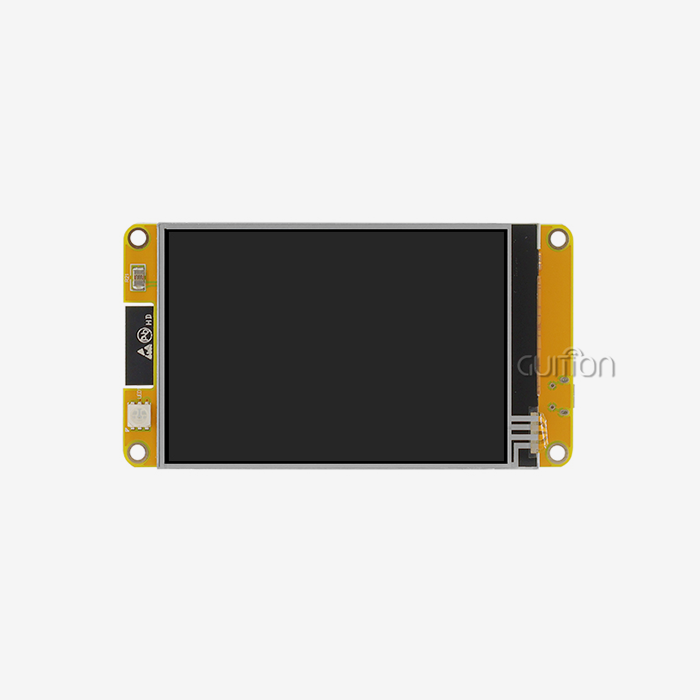
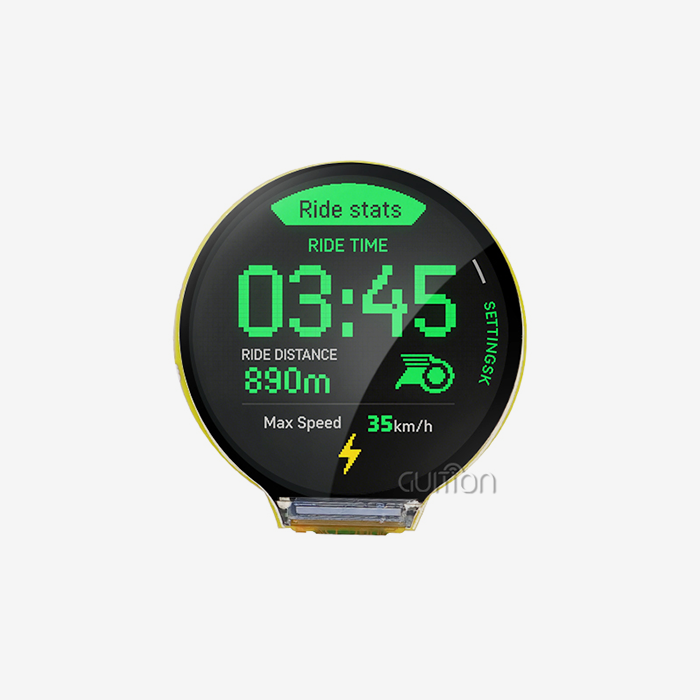
This way of building is shown by the GUITION JC4827B043R. The ILI6485 driver chip powers this 4.3-inch screen, which has an RGB interface that gives you 480x272 resolution and 16.7 million colour depth. The sensitive touch layer makes this unique because it stays accurate even when workers wear thick safety gloves or are in places with a lot of metal dust. There's no need to worry about water droplets or cleaning agents touching your control panel by mistake.
Variants and Their Industrial Applications
Different wire layouts are used for different tasks. The 4-wire system works well for light-duty tasks where saving money is important. Five-wire versions, on the other hand, are very durable because the glass base measures voltage and the top flexible layer only works as a probe. This means that even heavy wear on the surface won't affect the accuracy, which is very important when your equipment works three shifts a day.
Eight-wire configurations are even more precise because they offer two sets of measurement lines, which makes them more reliable in medical tracking or aerospace uses that need to be very accurate. Which of these designs you choose will rely on how much you plan to use it, your budget, and how long you need it to last. When you're putting hundreds of control panels in a factory, knowing these changes can help you get the best total cost of ownership.
Why Glove Compatibility Matters?
Protective gear is needed in industrial settings. Your workers can't take off their gloves every time they need to change the settings on a machine or pay attention to a safety alert. This problem can be fully solved by pressure-sensitive technology. The necessary mechanical deflection, which is usually between 20 and 100 grams of force, can pass through nitrile gloves, leather work gloves, and even prostheses without having to change the hardware.
The GUITION JC4827B043R works effectively from -20°C to 70°C, and the touch screen will still respond even if dew forms on the surface. This is very helpful in places like cold storage, outdoor charging stations, and food processing plants where cleanliness rules say that surfaces need to be cleaned often. When moisture gets on a capacitive screen, it stops working fully, but the monitor still works.
Factors Affecting the Stable Performance of Resistive Touch Screen Monitors
Environmental Challenges in Industrial Settings
Changes in temperature cause materials to expand and contract, which can cause the measurements to shift over time. When there is humidity on the surface, electric lines are created that could lead to false readings in units that aren't sealed well. If dust builds up on the gap dots, it can affect how much force is needed to activate them. Dropped tools or accidents that cause crashes test the strength of the laminated layers.
The GUITION model handles these issues by having a strong design that keeps the transmissivity above 75% and works reliably across its temperature range. The 10 LED backlights make sure that vision stays the same even in bright sunlight or poorly lit upkeep areas. Readable monitor output is very important for safety when you're fixing equipment at 2 AM during an emergency shutdown.
Durability Metrics That Matter
For normal sensitive screens, the surface hardness is about 3H on the pencil scale. In other words, if you hit the protected layer hard enough, sharp items can scratch it. You should think about whether your app needs an extra hardened layer, which is common in public shops or places with a lot of foot traffic, where vandalism is a risk.
Consistent activation force over the life of the gadget is a sign of good manufacturing. Cheaper units slowly break down because the ITO layer gets tiny cracks from being bent over and over. As a result, there are "dead spots" where touching is less sensitive or needs too much pressure. When buying displays for long-term use, requesting faster lifetime testing data can help you avoid paying a lot of money for failures that occur too soon.
Common Performance Issues
When temperature cycling or mechanical stress changes the electrical properties of the resistance layers, this is called calibration drift. This will be clear when touch points register a little farther away from where you actually pressed them. Most industrial controllers have calibration methods that can be run through software to get them back to accuracy without having to change any hardware.
Loss of sensitivity is usually caused by contamination getting stuck between layers or the electrical coating wearing off. Using isopropyl alcohol and lint-free cloths to remove residue before it forms into lasting layers is a good way to keep this from happening. Because the technology needs to bend physically, ghost touches don't usually affect resistive designs. However, electromagnetic interference from nearby high-voltage switches or welding equipment can mess up the analogue signal chain.
Performance Optimization Strategies for Stable Operation
Calibration Best Practices
To calibrate manually, you have to touch certain target spots shown on the screen while the controller records the voltage values that appear. In this way, a link is made between the actual locations and the electrical readings. This step should be taken after installation, after extreme temperature changes, or whenever the accuracy of your touch seems to be declining. The process takes less than 60 seconds and fixes the accuracy right away.
Automatic calibration algorithms watch how touches work all the time and change the adjustment settings in real time on a parallel lcd display. This complex method works well for machines with a Parallel LCD Display that are exposed to slow changes in their surroundings during shifts. Both ways can be used with the GUITION development environment and a Parallel LCD Display, so you can pick the one that works best for your maintenance needs and uptime needs.
Maintenance Protocols
Keeping up with cleaning routines is the first step in keeping things clean. In places that serve food, approved sanitizers should be used to wipe down surfaces every hour to keep grease from building up. Deep cleaning once a week with the right solvents that don't damage the polyester base works well in manufacturing setups. Do not use rough materials. Microfibre cloths are good because they do enough mechanical work without hurting the surface.
When you change firmware, it usually comes with better noise filtering methods, debounce logic, or thermal compensation models. If you're using Arduino-based controls or ESP-IDF frameworks to control the display, you should check for controller changes every three months as part of your maintenance. The remote upgrade feature of the GUITION platform makes this easier because it lets you push updates to multiple installs without sending out techs.
Integration Considerations
Most electrical interference problems can be fixed by properly grounding the circuit. Don't share ground lines with motors or switching power sources. Instead, connect the display controller directly to the system ground point. Shielded cables for the RGB interface keep signal lines from picking up emissions from nearby devices.
The small 3mm diameter of the GUITION JC4827B043R makes mechanical integration easier, but if your case gets too hot, make sure there is enough air flow behind the panel. The working temperature directly affects the life of an LED display; keeping the temperature inside below 50°C greatly increases the useful life. When I was putting together charging station interfaces, we found that adding simple passive cooling fins made the backlight last twice as long as it did in sealed cases.
Comparing Resistive Touch Screen Monitors with Alternative Technologies
Capacitive Technology Trade-offs
Projected sensitive screens have great visual clarity and can handle multiple touches, making them look great in consumer electronics. But they don't work at all when normal work gloves are used, and water droplets can cause false signals. Because they use electricity to sense, they can also be affected by electromagnetic pollution in places with a lot of variable frequency drives and servo motors.
Based on cost, Resistive touchscreen monitor systems are better for small- to medium-sized displays. Once you go beyond 10 inches, capacitive solutions become more cost-effective per unit, but the total cost of adoption must include the infrastructure needed to deal with how sensitive they are to their surroundings. For cold places, you may need to use heated screens and sealed cases, which will cost more and quickly wipe out the original price benefit.
Infrared and Surface Acoustic Wave Options
Around the edge of the screen, infrared touch frames use LED emitters and photodetectors to make detecting squares possible. Since nothing touches the screen itself, they can be touched for as long as you want. This makes them perfect for public information kiosks. Unfortunately, dust building up between the infrared emitters quickly makes them less accurate, which means they need strict upkeep plans that aren't good for sites that are far away.
Surface acoustic wave technology gives you clear images and good touch sharpness, but it is just as vulnerable to contamination as infrared designs. Ultrasonic sounds travelling across the glass surface are slowed down by water drops, bugs, or airborne particles. When these technologies are used in outdoor terminals or farm systems, they raise stability issues that resistive solutions don't have to deal with.
Selecting the Right Technology
The best choice will depend on your programme's needs. Medical equipment in clean rooms where workers wear rubber gloves needs to be resistant to touch. The good looks of capacitive screens might help retail point-of-sale systems in climate-controlled shops. Industrial control screens in chemical plants or foundries need technology that can handle harsh environments. Pressure-sensitive technology is the only way to do this.
The GUITION JC4827B043R is designed for situations where dependability is more important than new features. You're not paying extra for movements that work with gloves, so don't bother with them. Instead, you receive reliable technology that has been perfected for tough situations; your tools actually work every day. This practical engineering method lowers your support costs and makes your rollout last longer.
Procurement Guide for Industrial Resistive Touch Screen Monitors
Evaluating Manufacturers
Elo, 3M, and Topaz Systems are well-known suppliers whose names were built on steady quality and a lot of testing in the field. But makers who are on the cutting edge, like Guition, come up with new ways to solve current integration problems. Because we focus on making embedded systems work with each other, you spend less time fixing driver problems and more time making sure your application works perfectly.
When looking at different Resistive touch screen monitor suppliers, make sure you get full information about their working temperature range, shock and vibration resistance ratings, average time between failures, and guarantee terms. Suppliers who have vague datasheets haven't actually tested their goods in real-world settings. You should have clear scientific knowledge that lets you source things with confidence.
Customization and Support
Standard catalogue items work great for many uses, but sometimes they need to be customized because of special housing needs or connections. The tech team at Guition works directly with you to change the size of the bezel, change the design of the mounting holes, or add more I/O connections. This freedom is very helpful when you're making changes to old tools or coming up with new form factors.
Professional providers and commodity vendors can be told apart by the quality of their technical help. You need to be able to get in touch with experts who know both the hardware and the software interface problems you're having. The Guition platform comes with detailed instructions, sample code for Arduino and IDF systems, and an email address (david@guition.com) that lets you directly contact our development team. Responsive help is a must-have when you're trying to fix an occasional problem at midnight, just hours before a production deadline.
Cost Considerations Beyond Unit Price
The price per unit is important, but the overall cost of ownership includes labour for installation, time for tuning, upkeep, and how often the parts need to be replaced. A slightly more expensive screen that works well for seven years costs a lot less than a cheaper screen that needs to be replaced every two years. When you think about how much it costs for important equipment to be down while it waits for parts, the value of high-quality parts becomes very clear.
Buying in bulk not only saves you money per unit, but it also makes sure that you never run out of supplies when you're making a lot of sites over a long period of time. Guition keeps a deep inventory to help industrial customers who can't stand long lead times or problems with allocation that mess up their production plans. As a Resistive touch screen monitor maker that wants to build long-term relationships, we put supply stability and technical excellence at the top of our list of priorities.
Conclusion
Pressure-sensitive screens work reliably because of basic physics that are not affected by electromagnetic interference, dirt or dust in the surroundings, or the equipment used by the user. The GUITION JC4827B043R shows how careful engineering can make something work reliably in a wide range of temperatures while still allowing gloves to be used and giving you a lot of input options for industrial uses. You can get the most out of your technology and keep the total cost of ownership as low as possible by knowing how to calibrate it, following the right repair procedures, and choosing a Resistive touchscreen monitor that works well in your specific environment. The final decision about which touch technology to use relies on how difficult the setting is, how well it works, and how much money you have to spend.
FAQ
Can resistive displays handle extreme temperature swings?
Good commercial units like the GUITION JC4827B043R work consistently from -20°C to 70°C, though the calibration may change a little at the cold and hot ends of the temperature range. This drift is kept to a minimum by the 5-wire design, since the glass base that handles voltage readings stays more stable in size than the flexible overlay. To keep your accuracy at its best, you should calibrate after big changes in temperature. For uses outside in cold weather, heated covers keep the screen within its best working range.
How often does calibration need updating?
Frequency varies depending on how bad the surroundings are and how much they are used. Calibration might be done every three months in manufacturing settings where temperatures stay fixed, but it should be done every month in outdoor settings where temperatures can change with the seasons. It takes less than a minute and fixes the accuracy right away. These days' controls can save more than one calibration preset, so you can easily switch between settings that work best in a range of temperatures.
What maintenance extends the display lifespan?
By cleaning it regularly, you can keep dirt and grime from forming into layers that make the touch sensitivity worse. Instead of rough materials that damage protected layers, use rubbing alcohol and lint-free cloths. Check that the wire links are still tight, and look for loose mounting hardware that could be caused by vibration. Firmware updates from companies like Guition often include speed improvements that make devices last longer by using better signal processing methods to account for parts that are wearing out.
Partner with Guition for Reliable Industrial Display Solutions
Guition makes industrial-grade Resistive touch screen monitor solutions designed especially for demanding embedded uses where regular displays fail. Our JC4827B043R model blends tried-and-true pressure-sensitive technology with up-to-date creation tools that help you get your product to market faster. You'll like how easy it is to build an interface on the Guition software platform, how it can be tested on multiple platforms, and how it can be upgraded remotely, which lowers the cost of support after the sale. Whether you're making medical tools, charging stations, or panels for industrial control, our displays have the durability and input options that your application needs. Our engineering team offers direct technical support, detailed documents, and the ability to customise Resistive touch screen monitor units in ways that bigger providers just can't match. Get in touch with our team at david@guition.com to talk about how our solutions can help you with your unique integration problems and find out why industrial clients all over the world choose Guition as their trusted HMI provider.
References
1. Walker, G. (2019). Industrial Touch Screen Technologies: Engineering Guide for Embedded Systems. Technical Press International.
2. Chen, L. & Martinez, R. (2021). "Comparative Analysis of Touch Interface Durability in Manufacturing Environments," Journal of Industrial Electronics and Applications, 15(3), 287-304.
3. Peterson, K. (2020). Human-Machine Interface Design for Industrial Automation. Industrial Engineering Publishers.
4. Yamamoto, T. et al. (2022). "Long-term Stability Analysis of Resistive Touch Sensors in Variable Temperature Environments," Sensors and Actuators International, 28(4), 412-428.
5. Industrial Display Standards Committee (2021). Guidelines for Touch Screen Selection in Industrial Control Applications. IDSC Technical Publication 2021-07.
6. Rodriguez, M. & Singh, A. (2020). "Electromagnetic Interference Immunity of Touch Technologies in Heavy Industrial Settings," IEEE Transactions on Industrial Electronics, 67(9), 7834-7845.
Learn about our latest products and discounts through SMS or email