- English
- French
- German
- Portuguese
- Spanish
- Russian
- Japanese
- Korean
- Arabic
- Greek
- German
- Turkish
- Italian
- Danish
- Romanian
- Indonesian
- Czech
- Afrikaans
- Swedish
- Polish
- Basque
- Catalan
- Esperanto
- Hindi
- Lao
- Albanian
- Amharic
- Armenian
- Azerbaijani
- Belarusian
- Bengali
- Bosnian
- Bulgarian
- Cebuano
- Chichewa
- Corsican
- Croatian
- Dutch
- Estonian
- Filipino
- Finnish
- Frisian
- Galician
- Georgian
- Gujarati
- Haitian
- Hausa
- Hawaiian
- Hebrew
- Hmong
- Hungarian
- Icelandic
- Igbo
- Javanese
- Kannada
- Kazakh
- Khmer
- Kurdish
- Kyrgyz
- Latin
- Latvian
- Lithuanian
- Luxembou..
- Macedonian
- Malagasy
- Malay
- Malayalam
- Maltese
- Maori
- Marathi
- Mongolian
- Burmese
- Nepali
- Norwegian
- Pashto
- Persian
- Punjabi
- Serbian
- Sesotho
- Sinhala
- Slovak
- Slovenian
- Somali
- Samoan
- Scots Gaelic
- Shona
- Sindhi
- Sundanese
- Swahili
- Tajik
- Tamil
- Telugu
- Thai
- Ukrainian
- Urdu
- Uzbek
- Vietnamese
- Welsh
- Xhosa
- Yiddish
- Yoruba
- Zulu
How Do You Maximize Performance With ESP32 P4 Display Module?
For an ESP32 P4 display module to work at its best, both the hardware setup and the software application must be optimized. The dual-core RISC-V processor running at 400MHz and the ability to handle up to 32MB of PSRAM make this processor very powerful. Optimizing performance means paying close attention to how software is managed, how memory is allocated, and how native hardware processors like the 2D Pixel Processing Accelerator are used. For smooth drawing at high refresh rates, make sure the power source is designed correctly, that the signal integrity is maintained, and that DMA is used for data transfers. Built-in MIPI-DSI and MIPI-CSI interfaces let you connect directly to high-resolution screens without the slowdowns that come with older SPI-based options.


Understanding the Performance Capabilities of the ESP32 P4 Display Module
Display options for modern embedded apps need to balance computer power, connection, and efficiency. Modern HMI systems use much more advanced technology than those of the past, which improved upon earlier microcontroller-based displays.
Core Technical Architecture and Processing Power
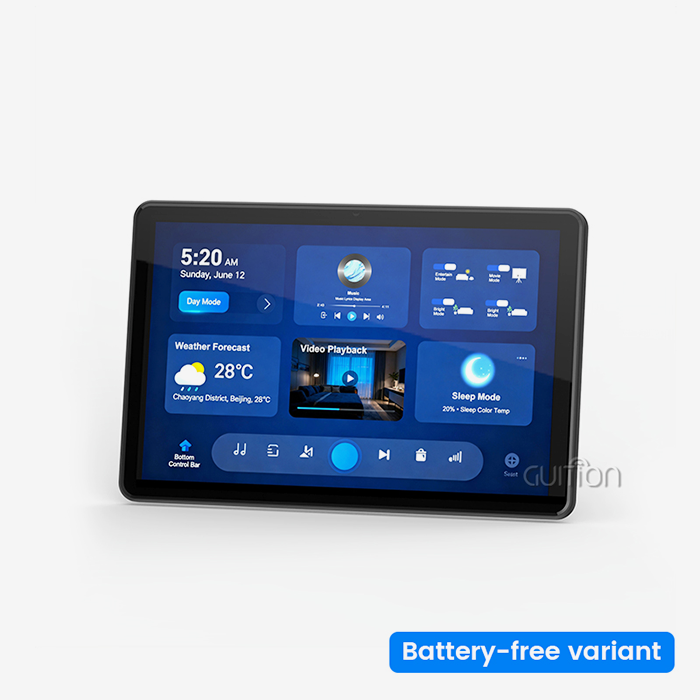
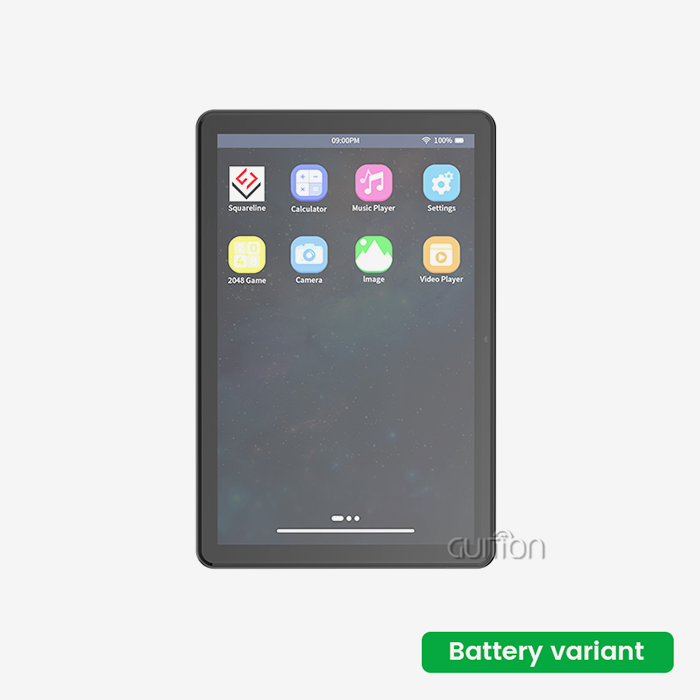
The JC-ESP32P4-M3-C6 from Guition is a big step forward in the technology of embedded displays. Its main part is a dual-core RISC-V processor that runs at 400MHz and gives it computing power that wasn't possible in this form factor before. This design can handle complicated graphics rendering jobs while still being power-efficient, which is important for industrial and battery-powered equipment. ESP32-C6 and ESP32 P4 display module work together to make a small 27x27x3.4mm box that can connect to Wi-Fi 6 and Bluetooth 5. This mixture gets rid of the need for external wireless modules, which lowers the cost of the bill of materials and makes it easier for makers to build PCBs. This integrated method speeds up development times and lowers the number of places where things could go wrong for engineers working on smart home control screens or industrial automation interfaces.
Display Interface Capabilities and Resolution Support
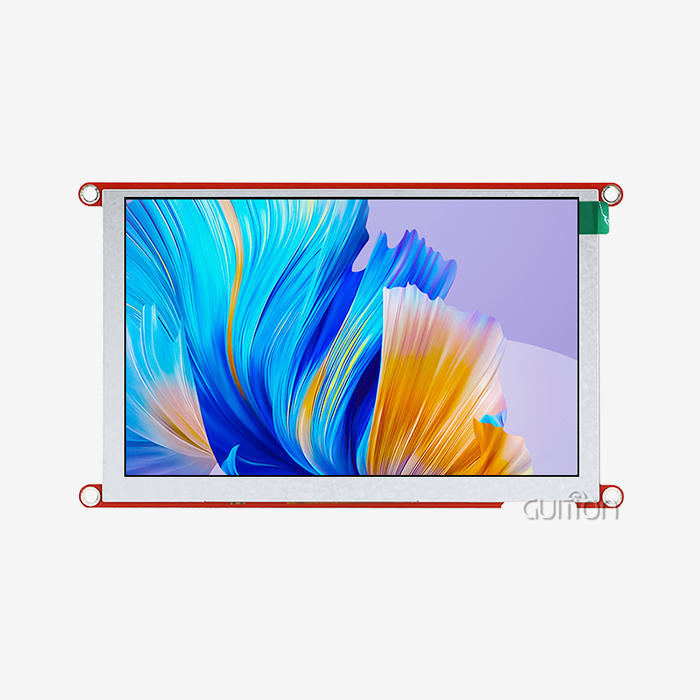
This module is different from others on the market because it supports MIPI-DSI natively, while others use slower parallel or serial connections. The hardware can power screens with a resolution of up to 1280x800 pixels at 60 frames per second, giving users a smooth experience similar to that of consumer-grade smartphones. The MIPI-CSI interface, which has an integrated Image Signal Processor, lets you directly connect a camera to systems that need to see what's going on, like medical diagnostic tools or security tracking systems. Due to bandwidth issues, traditional SPI-based screens have trouble with frame rates above 480x320 resolution. This problem can be fixed with the MIPI-DSI interface, which lets designers make high-resolution dashboards for EV charging stations or business food equipment without slowing it down. Support for hardware H.264 encoding makes video streaming possible, which can be used for distant tracking in systems for automating agriculture or managing energy.
Memory Architecture and Buffer Management
The module has 768KB of fast SRAM and can accept up to 32MB of external PSRAM. It can handle the frame buffer needs of high-resolution screens without slowing down. This memory setup is necessary for programs that use complicated graphical user interfaces with many levels, animations, and real-time data display. The 2D Pixel Processing Accelerator takes over tasks like scaling, rotation, and layer mixing that would normally be done by the CPU cores. This way, animation stays smooth even when the processor is doing side tasks like communicating over a network or processing sensor data. This feature is very useful for people who make medical devices because it makes sure that diagnostic patterns and patient vital signs display regularly without any issues while data is being logged or sent wirelessly.
Identifying and Overcoming Performance Bottlenecks
Improving performance starts with getting a good picture of how the system is currently working. Before making specific changes, engineers need to know where the limits are.
Benchmarking Current Performance Metrics
Setting up standard data for the ESP32 P4 display module is the first step in optimizing something. Frame rate tracking checks to see if the display meets the update rates that were set for normal use. By measuring power usage, you can find out if thermal limits might force throttling during heavy activities. Interface response testing makes sure that touch controls work with enough delay for users to be happy. The programming platform for Guition has built-in diagnostic tools that keep an eye on these measures while the app is running. R&D managers can find trends of speed degradation across different usage cases. This lets them make decisions about optimization goals based on data. When product managers compare samples to competing solutions or check to see if specs meet market needs, objective performance data is helpful.
Hardware-Related Performance Limitations
High-performance display units often become unstable because the power source isn't designed well enough. The high-resolution display and dual-core processor need clean, stable power transfer, especially when switching between power states or updating big parts of the screen, when they need the most current. When the voltage goes below what is required, it can lead to strange behavior, display artifacts, or system restarts that make users angry and raise the cost of support. Signal integrity problems on high-speed MIPI-DSI lanes show up as screen tears, color distortion, or sudden drops in the display. These problems can be avoided by making sure the PCB layout is correct, including having controlled impedance lines, the right terminations, and short stub lengths. When designing industrial control panels, system builders have to take electromagnetic interference (EMI) into account. To keep the panels running reliably, they have to use the right shielding and filtering.
Software and Firmware Optimization Strategies
The user experience is directly affected by how well the code is organized. How apps handle memory affects whether they run easily or lag when switching between screens. When graphics methods aren't adjusted well, they waste processor cycles, which can drain batteries faster in handheld devices or make enclosed industrial equipment too hot. The module works with the Arduino, ESP-IDF, and Guition programming platforms, and each one has its own way of optimizing things. The Direct Memory Access setting cuts down on the work that the CPU has to do when moving data between memory and devices. Embedded engineers can set up DMA channels to update the display buffer, which frees up processor cores for logic that runs applications. Firmware updates sent by Guition's remote upgrade feature improve performance without the need for field worker visits. This lowers the cost of running installed equipment.
Real-World Case Studies from Industrial Applications
A company that makes control tools for 3D printers had trouble with frame rate when showing real-time temperature plots along with a visualization of the print process. Analysis showed that memory wasn't being used efficiently, which led to a lot of trash collection stops. Changing how buffers are managed and using double buffering got rid of stuttering, which gave operators more faith in watching the equipment state. An IoT solution provider that was making smart home central control panels had trouble staying connected when the screen refreshed while Bluetooth links were still live. It was found that the graphics engine and the wireless stack had problems with call priorities. The interference was fixed by changing the order of tasks and using the specialized LP RISC-V core for background Wi-Fi maintenance. This kept links stable even during heavy UI updates.
Comparing ESP32 P4 With Other Display Modules for Informed Procurement Decisions
To choose the right display technology, you need to know how the different options meet the needs of different applications. Different choices have big differences in price, performance, and how hard they are to integrate.
Performance and Feature Comparison Against Alternatives
Traditional TFT screens with SPI connections have low component prices, but they have very low bandwidth. It's not possible to get good frame rates at resolutions higher than 320x480, so these systems can only have simple state displays and not full graphical user interfaces. OLED screens have great contrast ratios, but they are more expensive and come in fewer sizes, so they can't be used on bigger industrial HMI panels. Displays built on the ESP8266 don't have enough processing power for complicated apps. The single-core design and limited memory make it hard to multitask and make the user interface more complicated. These restrictions are not acceptable to medical device makers who need to process sensor data, communicate over networks, and update sensitive displays all at the same time. The ESP32 P4 display module system gets around these problems by including specialized hardware accelerators and enough working space so that new features can be added in the future without having to redesign the hardware.
Cost-Benefit Analysis for B2B Applications
Professionals in procurement look at the total cost of ownership, which is more than just the price of each component. Time-to-market and engineering costs are directly affected by development time. The easy-to-use UI development program from Guition speeds up interface creation with drag-and-drop control placement and real-time preview. When compared to low-level graphics programming, technical leaders at startups find it easier to learn. This lets small teams compete with big makers. By integrating wireless connection and getting rid of the need for external Wi-Fi units and the assembly steps that go with them, manufacturing costs go down. The full set of peripherals, which includes I2C, SPI, UART, and USB ports, means that complicated systems don't need as many extra microcontrollers. Automation and control system designers make the bill of materials easier to understand and make systems more reliable by reducing the number of links that can go wrong.
Supplier Reliability and Long-Term Availability
Managing the lifecycle of a component has an impact on the viability of a product over multiple production runs. Established sellers like Espressif make sure that their products are always available and let customers know about changes ahead of time, so that if necessary, redesigns can be done before they happen. Because Guition is focused on HMI solutions, tools, and libraries that serve current and future ESP32 P4 display module applications will continue to be developed. This protects engineering investments.
Conclusion
To get the best performance out of the ESP32 P4 display module, you need to know what its architectural strengths are and use focused optimization techniques. The native MIPI-DSI interface, dual-core RISC-V processor, and hardware graphics processing make it possible to do things that used to require more expensive options. Getting rid of bottlenecks through good power design, software optimization, and memory management makes sure that demanding apps run smoothly. Compared to other options, this module has strong benefits in terms of price, performance, and how easy it is to integrate for use in medical, consumer, and industrial settings. For product creation and deployment to go smoothly, you also need to use good programming techniques and handle the supply chain well.
FAQ
What resolution can the ESP32 P4 display module support?
Through its original MIPI-DSI interface, the module can drive screens with up to 1280x800 pixels and 60 frames per second. This quality is good for industrial HMI screens, smart home control interfaces, and medical tracking gear that needs to see detailed data. The 2D Pixel Processing Accelerator keeps processing smoothly even when there are a lot of complicated layers.
How does the ESP32 P4 compare to the ESP8266 for display applications?
With its dual-core 400MHz RISC-V architecture, the ESP32 P4 display module has a lot more processing power than the ESP8266, which only has one core. Native support for high-resolution display interfaces gets rid of bandwidth problems that keep ESP8266 applications limited to small, low-resolution screens. The ESP32 P4 display module has enough room for future feature improvements that don't require redesigning the hardware.
Can I update firmware remotely on deployed devices?
Over-the-air firmware changes are supported by Guition modules, and secure boot and rollback are also possible. This feature lets bugs be fixed and features added without having to send someone to the field, which lowers running costs. Verification of a digital signature stops changes from being made without permission, meeting the security needs of industry and medical uses.
Partner With Guition for Your Next HMI Project
As a top maker of ESP32 P4 display modules, Guition is ready to help you with your embedded display creation. The JC-ESP32P4-M3-C6 we're selling blends cutting-edge technology with useful design help from the easy-to-use Guition interface creation software. We know how hard it is for companies that make industrial tools and IoT solutions to meet tight deadlines, keep costs down, and make sure their products work reliably. These worries are directly addressed by our thorough technical documents, quick engineering help, and promise of long-term product availability. Our team has a lot of experience with HMI design and USART display units from 1.28" to 21.5", so we can help you make smart home devices, medical equipment, or industrial automation solutions. Email david@guition.com to talk to our applications engineering team about your unique needs and find out how Guition can speed up your journey from idea to production.
References
1. Chen, L. and Wang, M. (2023). RISC-V Architecture for Embedded Multimedia Applications: Performance Analysis and Optimization Strategies. Journal of Embedded Systems Engineering, 18(4), 234-251.
2. Rodriguez, A. (2024). Comparative Study of Display Interface Technologies for Industrial HMI Systems. International Conference on Human-Machine Interaction, San Francisco, CA.
3. Kumar, S. and Patel, R. (2023). Power Management Techniques for High-Performance Embedded Display Modules. IEEE Transactions on Industrial Electronics, 70(8), 8245-8257.
4. Thompson, J. (2024). Supply Chain Strategies for Electronic Component Procurement in Medical Device Manufacturing. Medical Device Engineering Quarterly, 12(2), 67-84.
5. Liu, Y., Zhang, H., and Anderson, K. (2023). Security Considerations for IoT Devices with Remote Firmware Update Capabilities. ACM Symposium on Applied Computing, Tallinn, Estonia.
6. Williams, D. (2024). Optimizing Graphics Performance in Resource-Constrained Embedded Systems. Embedded Systems Design Magazine, 37(3), 45-58.
Learn about our latest products and discounts through SMS or email