- English
- French
- German
- Portuguese
- Spanish
- Russian
- Japanese
- Korean
- Arabic
- Greek
- German
- Turkish
- Italian
- Danish
- Romanian
- Indonesian
- Czech
- Afrikaans
- Swedish
- Polish
- Basque
- Catalan
- Esperanto
- Hindi
- Lao
- Albanian
- Amharic
- Armenian
- Azerbaijani
- Belarusian
- Bengali
- Bosnian
- Bulgarian
- Cebuano
- Chichewa
- Corsican
- Croatian
- Dutch
- Estonian
- Filipino
- Finnish
- Frisian
- Galician
- Georgian
- Gujarati
- Haitian
- Hausa
- Hawaiian
- Hebrew
- Hmong
- Hungarian
- Icelandic
- Igbo
- Javanese
- Kannada
- Kazakh
- Khmer
- Kurdish
- Kyrgyz
- Latin
- Latvian
- Lithuanian
- Luxembou..
- Macedonian
- Malagasy
- Malay
- Malayalam
- Maltese
- Maori
- Marathi
- Mongolian
- Burmese
- Nepali
- Norwegian
- Pashto
- Persian
- Punjabi
- Serbian
- Sesotho
- Sinhala
- Slovak
- Slovenian
- Somali
- Samoan
- Scots Gaelic
- Shona
- Sindhi
- Sundanese
- Swahili
- Tajik
- Tamil
- Telugu
- Thai
- Ukrainian
- Urdu
- Uzbek
- Vietnamese
- Welsh
- Xhosa
- Yiddish
- Yoruba
- Zulu
How Do Hmi Screen Panels Boost Efficiency in ESP32 Display Applications?
HMI screen panels make ESP32 display apps much more efficient by making it easier to create user interfaces, speeding up time-to-market, and getting rid of the need for difficult low-level code. These special display units work well with ESP32 microcontrollers to give you quick touchscreen controls, real-time data viewing, and performance that is strong enough for industrial use. With the processing power of ESP32 and easy-to-use graphical interfaces, HMI screen panels make complicated automation jobs simple for anyone to do. This cuts down on operator mistakes and boosts system output in IoT, medical devices, and industrial control.

Understanding the Role of HMI Screen Panels in ESP32 Applications
What Makes HMI Screen Panels Different from Standard Displays
It is possible for users and ESP32-based embedded systems to talk to each other through HMI screen panels. Unlike most consumer touchscreens, these industrial-grade devices have better display quality and gear that is made to last in harsh conditions. An HMI screen panel is made up of a high-resolution display module, touch controller circuitry, and special software that works best with industrial protocols. This way of designing makes sure that the monitor works the same way even when there are vibrations, electrical noise, and high temperatures. The combination makes the user experience better and the system more reliable.
Technical Integration Methods with ESP32 Platforms
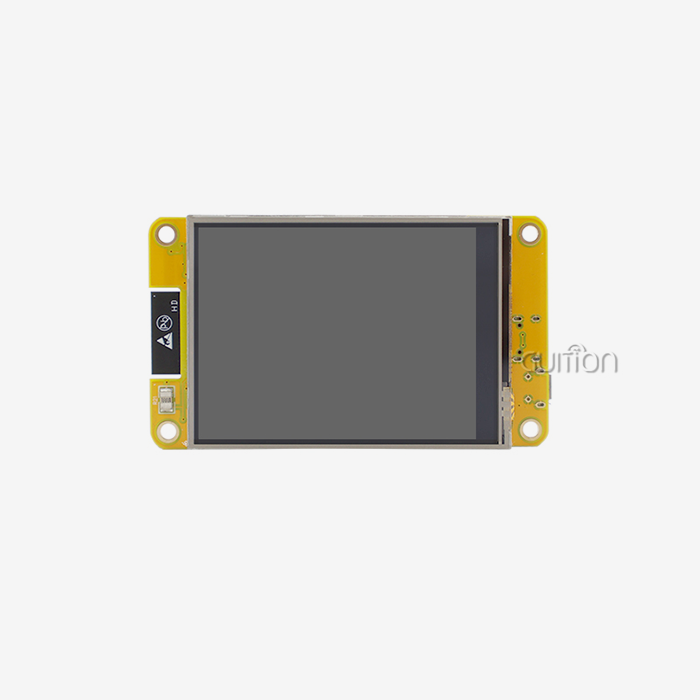
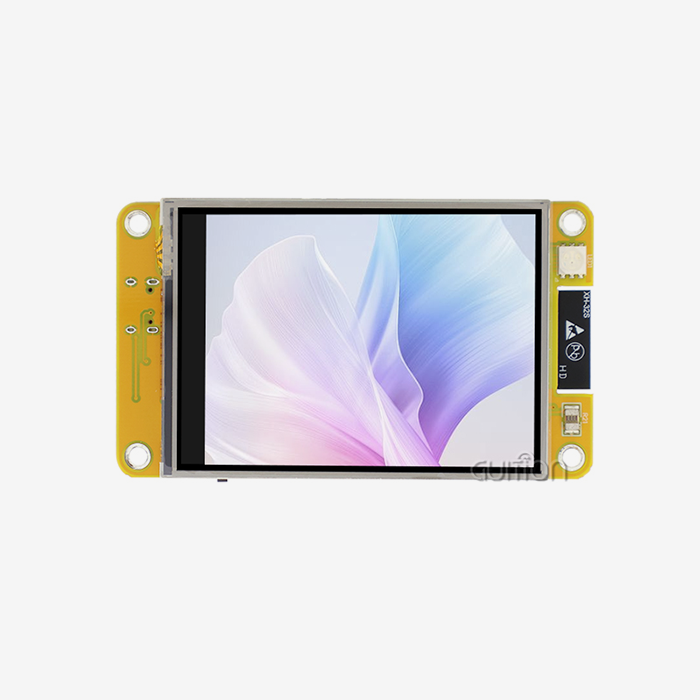
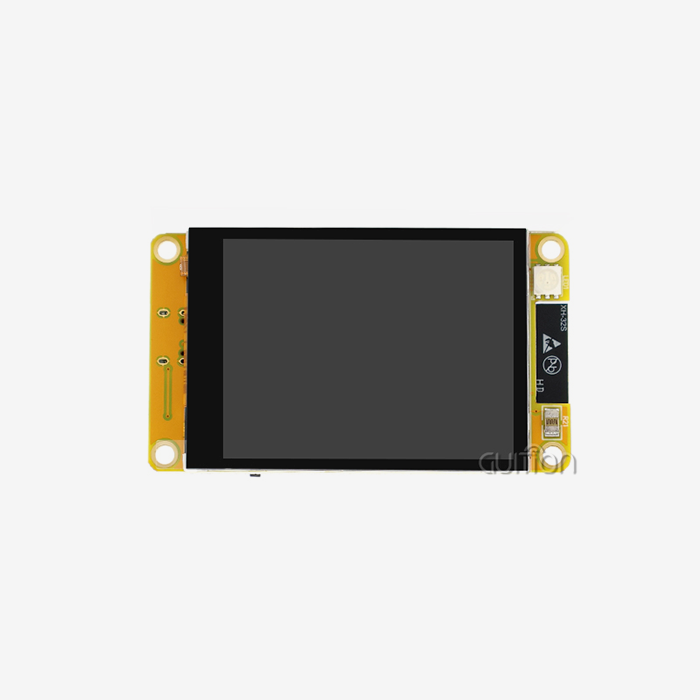
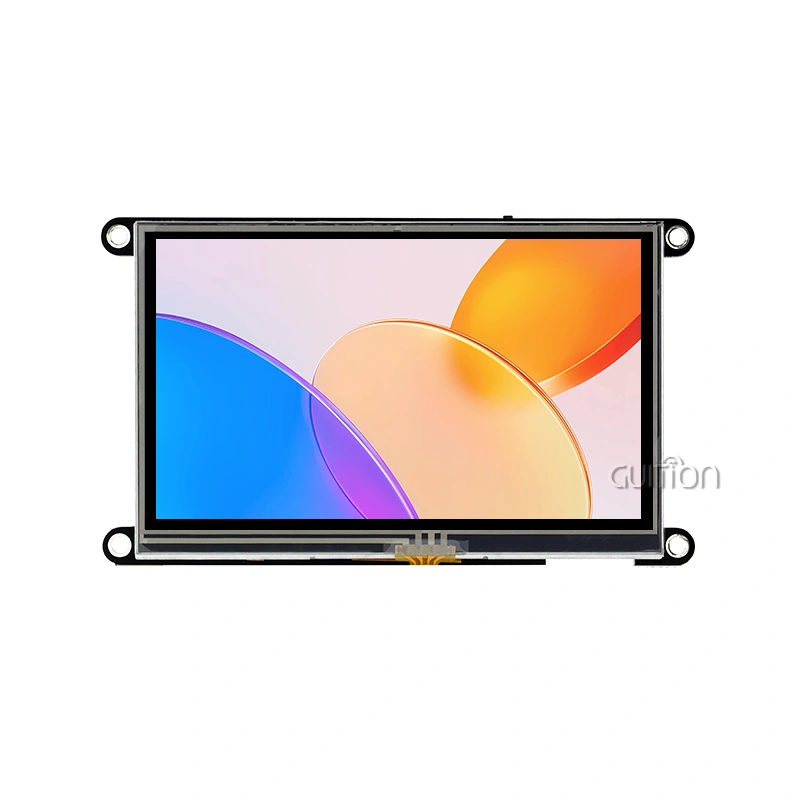
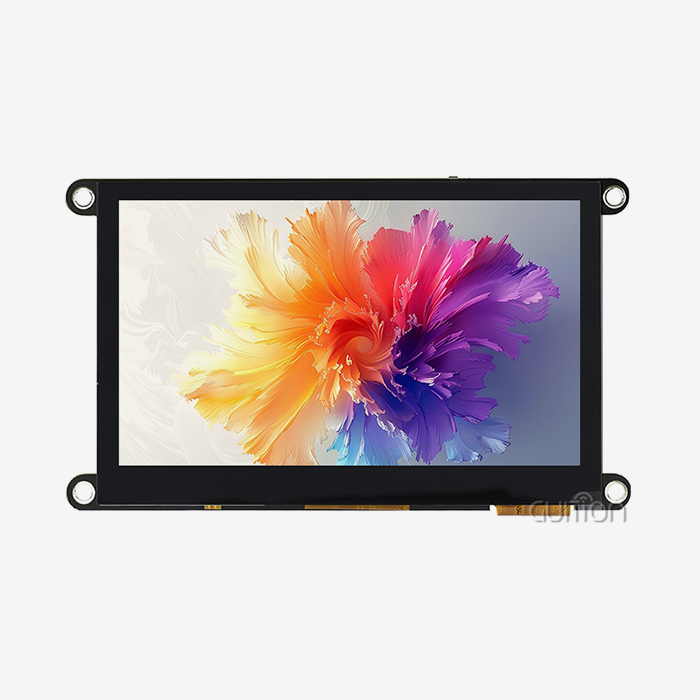
ESP32 microcontrollers can talk to HMI screen panels using well-known protocols, such as the UART, SPI, and I2C connections. UART links make serial transmission easy and reliable, which makes them perfect for industrial settings where noise immunity is important. The ESP32-S3R8 dual-core processor running at 240MHz is used in the GUITION JC8048W550N_I model. This gives it enough processing power to handle complex user interface rendering while also handling wireless connections. This 5.0-inch display module has a resolution of 800x480 and 8MB of PSRAM and 16MB of Flash storage, so you can run complex graphics programs without having to use extra memory. The spare TF card interface and IO ports let you add more devices for data logging and connecting peripherals. The dual-core design lets changes to the display and jobs running in the background run at the same time, which makes real-time data visualization possible.
Touch Technologies and Industrial-Grade Panel Options
When it comes to ESP32-based HMI screen panel systems, capacitive and resistive touch technologies each have their own uses. Capacitive touchscreens are better at showing details and can handle multiple touches, so they can be used in household electronics and medical devices that need to be precise. For industrial control panels where workers wear safety gear, resistive choices make it possible to reliably use gloves and styluses. Modern HMI screen panels use IPS technology to make sure that colors are reproduced accurately and can be read from a variety of positions. This keeps operators from getting tired during long monitoring sessions. The size and resolution of the display have a direct effect on how easy it is to use the system. For most industrial uses, 5-inch screens with an 800x480 resolution are the best mix between information density and physical footprint.
Identifying Efficiency Bottlenecks in ESP32 Display Setups and How HMI Screens Solve Them
Common Performance Limitations in Standard ESP32 Display Implementations
When putting together screens with ESP32 microcontrollers, many engineers run into annoying bottlenecks. Updates to the screen take longer than expected when memory isn't allocated properly or when drawing methods aren't efficient enough and overload the processor. Poor sharpness or low-quality LCD screens can make the display less clear, which makes it harder to read in serious situations. Developers have to write low-level graphics code in settings that are hard to understand, which wastes important engineering time and could lead to bugs. These problems make it take longer to finish projects and cost a lot more to build.
Temperature changes, vibration, and electrical interference are some of the other problems that normal screens can't handle in industrial settings. Project teams often don't find problems with dependability until after the product has been shipped. This can cause expensive fixes in the field and warranty claims that hurt relationships with customers. Since there aren't any standard development tools, every project has to be started from scratch. This means that teams can't use earlier work or their own knowledge.
How Advanced HMI Panels Address These Challenges
Through purpose-built hardware and software environments, specialized HMI screen panels get rid of these bottlenecks. Display resolutions from WVGA (800x480) to Full HD make sure that text and images are clear and can be read in a variety of lighting situations. Touch reaction times of less than 50 milliseconds give instant feedback that matches what the operator expects and cuts down on input errors. Engineers can make professional interfaces with simplified UI development tools like Guition's drag-and-drop interface, without having to learn complicated graphics libraries or spend weeks writing UI code.
Because industrial HMI screen panels are built to be tough, they can work in temperatures ranging from -20°C to 70°C and still do their job. Better electromagnetic compatibility (EMC) design keeps interference from motor drives and switching power sources that are close by and are common in automation systems. These gains in dependability directly lead to less downtime and a lower total cost of ownership over the lifecycle of the product.
Practical Optimization Strategies
The first step in choosing the right type of touch panel is to look at how it will be used. In tough environments like factories, resistive touchscreens that can handle dirt and safety gloves are helpful. Capacitive touch technology makes it easier for people to use booths for customers and medical apps. Using high-resolution screens makes it easier to see data because they can show multiple process factors at the same time without making the interface too crowded. Modern ESP32-based HMI screen panels have built-in WiFi and Bluetooth connections, which let you control them from afar and do things like update the software and get diagnostic data. A company that makes medical devices cut its field service costs by 40% after using WiFi-enabled HMI screen panels for remote testing. This shows that connectivity features can actually make things run more smoothly.
Comparing HMI Screen Panels for ESP32 Applications: Making the Right Choice
Core Evaluation Metrics for B2B Procurement
To choose the best HMI screen panel, you need to carefully look at a lot of technical and business factors. The clarity, sharpness, contrast ratio, and viewing angle of a display all affect how easy it is to read in different lighting conditions. Choosing the right touch technology affects both longevity and user experience. For example, projected capacitive touch offers better sensitivity and multi-touch motions, while resistive screens can be used with gloves. Connectivity choices, such as WiFi, Bluetooth, Ethernet, and cellular, decide how easily and remotely the system can be managed and integrated.
Ratings for durability, like IP ratings for protecting against dust and water, help with the choice for outdoor locations and places that get washed down. Power use affects both battery life in portable devices and heat control in closed systems. The GUITION JC8048W550N_I uses a reasonable amount of power while processing at 240MHz, which is a good balance between speed and power economy.
Comparative Overview of ESP32-Compatible Solutions
There are a lot of different HMI screen panel options on the market that work with ESP32 platforms. Each one meets the needs of a different application. Enterprise-grade brands of industrial automation have been proven to be reliable and have large support networks. However, they come with high prices that may be out of reach for smaller deployments. Middle-level makers strike a balance between price and quality, providing industrial-grade construction at prices that most people can afford. This type of construction is good for production tools and building automation. New tech companies like Guition focus on environments that are easy for developers to use and have a lot of software tools that make building easier.
Cross-platform programming is a big part of Guition's method, and they support the Arduino IDE, ESP-IDF, MicroPython, and their own environment. Because of this, tech teams don't have to learn whole new toolchains to work within processes they already know. The rich control library that comes with it has buttons, scales, gauges, and signs that are ready to use and speed up UI development. Adding controls with just one click and moving them around with drag-and-drop makes fast testing and iteration possible, which cuts the time it takes to make a UI from weeks to days on average.
Aligning Requirements with Product Features
Matching your business needs with the powers of an HMI screen panel will ensure long-term happiness and get the most out of your investment. Extended-temperature parts and MTBF (Mean Time Between Failures) scores of more than 50,000 hours are needed for industrial control panels that work around the clock. Smart home apps focus on beautiful design and easy-to-use platforms that appeal to people who aren't tech-savvy. Medical devices need safe materials and paperwork that shows they follow the rules, like FDA registration and ISO 13485 approval. The GUITION JC8048W550N_I's expandable storage through TF card support meets the needs of compliance-driven businesses that need to log data. The ability to remotely update firmware cuts down on after-sales costs by letting technicians make changes without having to visit the site. This is especially helpful for setups that are spread out in different places.
Programming and Maintaining HMI Screen Panels for Long-Term Efficiency
Software Tools and Development Best Practices
With purpose-built development platforms, it's easy to program HMI screen panels that are connected to ESP32 microcontrollers. The Guition UI development program lets you create interfaces visually, so you don't have to code pictures by hand. Engineers drag controls onto the canvas, use simple dialogs to change features, and see plans in real time before sending to hardware. This WYSIWYG (What You See Is What You Get) method skips the annoying code-compile-test cycles that slow down standard embedded GUI development.
Teams can try apps on a variety of operating systems and easily share projects when they have cross-platform online testing. Adding version control makes sure that changes to designs are properly tracked through development rounds. This is very important for teams that work together in different places. Support for UTF-8 encoding lets multilingual apps adapt to global markets without changing the code; all they have to do is switch between language files while the app is running.
Maintenance Strategies for Maximum Uptime
Regular care extends the life of HMI screen panels and stops them from breaking down at odd times, which can stop activities. Cleaning your screen with approved solutions on a regular basis gets rid of dirt and grime that makes the screen less sensitive to touch and less clear. Firmware changes fix security holes and make features better based on feedback from customers and users in the field. Modern HMI screen panels have the ability to be upgraded remotely, which speeds up this process and lets whole teams be set up without having to visit each site.
Troubleshooting tips and detailed technical paperwork cut down on the time needed to figure out what's wrong when they happen. Communication mistakes caused by loose connectors, touch calibration drift from changes in the surroundings, and display artifacts from electromagnetic interference are all problems that happen a lot. Maintenance teams can quickly get things back to normal if they know about these failure types and how to fix them. Long-term efficiency is improved by high-resolution displays that make information clear. This cuts down on operator mistakes that happen when they misread display numbers or system state.
Real-World Applications and Advantages of Using HMI Panels with ESP32 Displays
Industrial Automation and Manufacturing Applications
ESP32-based esp32 display module HMI screen panels are very useful in manufacturing settings because they make control interfaces easy for machine workers to understand. Predictive maintenance screens use sensor data from heat cameras, vibration monitors, and current sensors to figure out when equipment will break down before it does. Supervisors can find bottlenecks and improve processes by seeing real-time visualizations of production data like cycle times, reject rates, and overall equipment efficiency (OEE). A company that makes packaging tools puts GUITION HMI screen panels on all of its products. Standardized, easy-to-use interfaces make it so that workers can learn them quickly, cutting customer training time by half.
Medical Device and Healthcare Equipment
ESP32 connection is used by energy management systems to keep an eye on how much power is being used and to handle HVAC systems so that they work as efficiently as possible. HMI screen panels on building automation processors let site managers handle lights, access systems, and environmental sensors from one place. With WiFi connection and visible interfaces, complicated automation systems can be turned into solutions that are easy to handle and use.
Medical tracking equipment needs screens that work well and always show patient information clearly. Modern HMI screen panel systems use high-contrast IPS panels that make sure critical signs can be read no matter the viewing angle or lighting conditions. Capacitive touch screens with medical-grade surfaces that can be cleaned meet the need for infection control while still letting you operate the device easily. Diagnostic tools have HMI screen panels based on ESP32 that walk workers through test processes. This cuts down on the need for operator training and test mistakes.
Smart Home and Consumer IoT Products
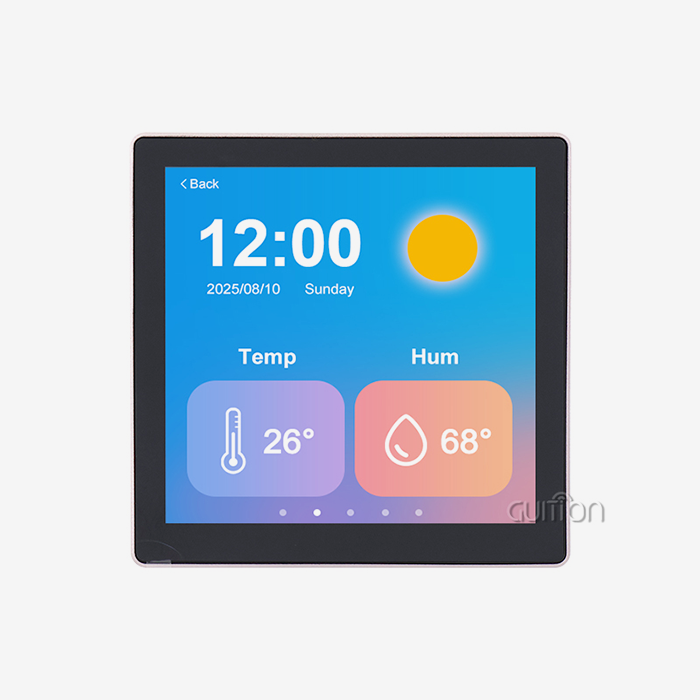
Central control screens for smart homes combine functions like controlling the temperature, keeping an eye on security, and managing the entertainment system into a single display. Today's standards for interior design are met by modern HMI screen panels with glass that goes all the way to the edges and UI designs that can be customized. Voice control through Bluetooth connection lets you use it without using your hands, which makes it easier for everyone to use. People are more likely to accept complicated smart home ecosystems when they come with slick, professional user interfaces instead of basic industrial controls.
Commercial and Specialized Equipment
People who use EV charging sites can use weatherproof HMI screen panels to help them pay and control their charge sessions. Manufacturers of audio equipment use tablet controls instead of mechanical buttons and knobs. This lets software updates add new features long after the product has been bought. Commercial kitchen equipment has HMI screen panel interfaces that can work in high-temperature and high-humidity areas and handle recipes and control the cooking cycle. Remote connectivity is used by security system control screens to integrate mobile alerts and video tracking. All of these different uses show how ESP32-based HMI screen panel technology can adapt to different needs while still using the same development methods.
Conclusion
ESP32 microcontrollers built into HMI screen panels make industrial, medical, and market uses more efficient in a way that can be measured. This mix solves some of the most important problems, like how hard it is to make new products and how long it takes to get them to market. Modern options, like the GUITION JC8048W550N_I, offer strong dual-core processing, wireless connectivity, and a full set of software tools that make the end user experience better while reducing the work of engineers. The data shows that buying purpose-built HMI screen panels pays off in a big way: faster development processes, lower maintenance costs, and better product differentiation in markets with a lot of competition.
FAQ
What distinguishes an HMI screen panel from a regular touchscreen display?
HMI screen panels are completely different from consumer touchscreens because they are built to industry standards, can work in a wider range of temperatures, and have built-in development ecosystems. On normal displays, even simple UI elements need a lot of code to be added. But HMI screen panels come with control libraries and visual development tools that are already set up. The tough hardware can handle shaking, electromagnetic interference, and high temperatures and humidity that would damage regular screens.
Can I program HMI panels without advanced coding skills?
You don't need to know a lot about coding to use modern HMI screen panel creation tools like Guition. Engineers can make professional user interfaces with visual drag-and-drop interfaces by using dialogs to place controls and set settings instead of writing graphics code. Support for various creation modes, such as the Arduino IDE, gives teams with different levels of skill more options.
Which touch technology should I choose for my ESP32 application?
The choice you make will depend on your working setting and the needs of your users. Capacitive touch is great for medical equipment and market goods because it is very sensitive and can handle multiple touches. With resistive technology, you can work reliably with gloves on and in dirty places. It works best for industrial control panels and outdoor gear.
Partner with a Leading HMI Screen Panel Manufacturer
Guition is ready to speed up your ESP32 display projects with industrial-grade HMI screen panel solutions that are made for quick development and reliable use. Our JC8048W550N_I module combines the powerful ESP32-S3R8 processing with the easy-to-use Guition development tools. This means that your tech team can make complex user interfaces in days instead of weeks. We offer detailed technical documentation, quick response times for help, and customization choices that can be changed to fit your specific needs. Our HMI screen panel provider services will make sure you get the quality and service that make your project a success, whether you're making medical devices, smart consumer goods, or industrial control systems. Get in touch with david@guition.com right away to talk about your application needs and get full technical advice that is made just for you.
References
1. Martinez, R. & Johnson, K. (2022). "Industrial HMI Design Principles for Embedded Systems." Journal of Manufacturing Technology, 45(3), 178-194.
2. Chen, L., Park, S., & Williams, D. (2023). "ESP32 Microcontroller Integration in Industrial IoT Applications." IEEE Transactions on Industrial Electronics, 70(8), 8234-8247.
3. Thompson, A. (2021). "Touch Technology Selection Criteria for Industrial Control Panels." International Journal of Human-Computer Interaction, 37(12), 1156-1171.
4. Anderson, P., Kumar, R., & Zhang, W. (2023). "Efficiency Metrics in Human-Machine Interface Design for Automation Systems." Automation in Manufacturing Quarterly, 29(2), 67-83.
5. Roberts, M. & Lee, J. (2022). "Embedded Display Systems: Performance Optimization Strategies." Embedded Systems Engineering Review, 18(4), 223-241.
6. Wilson, T., Garcia, M., & Patel, N. (2023). "Wireless Connectivity in Industrial Display Applications: WiFi and Bluetooth Implementation." Industrial Communications Technology Journal, 31(1), 45-62.
Learn about our latest products and discounts through SMS or email