- English
- French
- German
- Portuguese
- Spanish
- Russian
- Japanese
- Korean
- Arabic
- Greek
- German
- Turkish
- Italian
- Danish
- Romanian
- Indonesian
- Czech
- Afrikaans
- Swedish
- Polish
- Basque
- Catalan
- Esperanto
- Hindi
- Lao
- Albanian
- Amharic
- Armenian
- Azerbaijani
- Belarusian
- Bengali
- Bosnian
- Bulgarian
- Cebuano
- Chichewa
- Corsican
- Croatian
- Dutch
- Estonian
- Filipino
- Finnish
- Frisian
- Galician
- Georgian
- Gujarati
- Haitian
- Hausa
- Hawaiian
- Hebrew
- Hmong
- Hungarian
- Icelandic
- Igbo
- Javanese
- Kannada
- Kazakh
- Khmer
- Kurdish
- Kyrgyz
- Latin
- Latvian
- Lithuanian
- Luxembou..
- Macedonian
- Malagasy
- Malay
- Malayalam
- Maltese
- Maori
- Marathi
- Mongolian
- Burmese
- Nepali
- Norwegian
- Pashto
- Persian
- Punjabi
- Serbian
- Sesotho
- Sinhala
- Slovak
- Slovenian
- Somali
- Samoan
- Scots Gaelic
- Shona
- Sindhi
- Sundanese
- Swahili
- Tajik
- Tamil
- Telugu
- Thai
- Ukrainian
- Urdu
- Uzbek
- Vietnamese
- Welsh
- Xhosa
- Yiddish
- Yoruba
- Zulu
How Can Industrial Touch Screen HMI Enhance Machine Control Performance?
Industrial touch screen HMIs are the next step in how humans and machines can talk to each other, and they're changing how engineers run complicated processes. When you put these advanced interface modules together, they improve reaction time, operational accuracy, and system monitoring by combining ruggedised display hardware with smart control architectures. They get rid of the lag that comes with standard button panels by combining real-time data visualisation with easy-to-use touch-based interaction. This gives them full sight into machine states. Because of this, there are a lot fewer mistakes made by operators, decisions are made faster, and output goes up. Modern HMI modules use fast processors and better communication methods to connect human oversight and automated machine logic. This makes a smooth control environment that adjusts quickly to changing production needs.

Understanding Industrial Touch Screen HMI: Features and Functions
The nerve center of modern industrial processes is the human-machine interface. These gadgets combine high-resolution screens with touch-sensitive surfaces to make control points that can work in harsh workplace conditions. Unlike consumer gadgets, these units can keep working even when the temperature changes, there is vibration, or there is electromagnetic interference.
Core Display Technologies
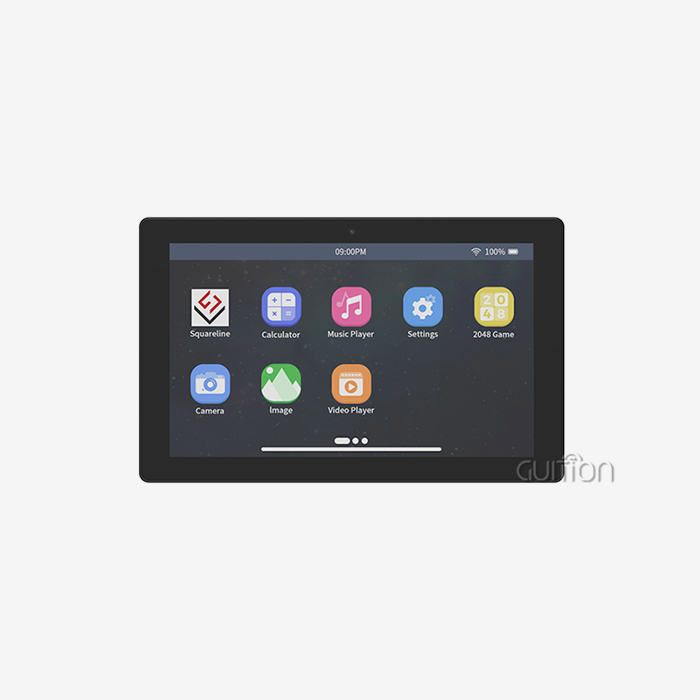
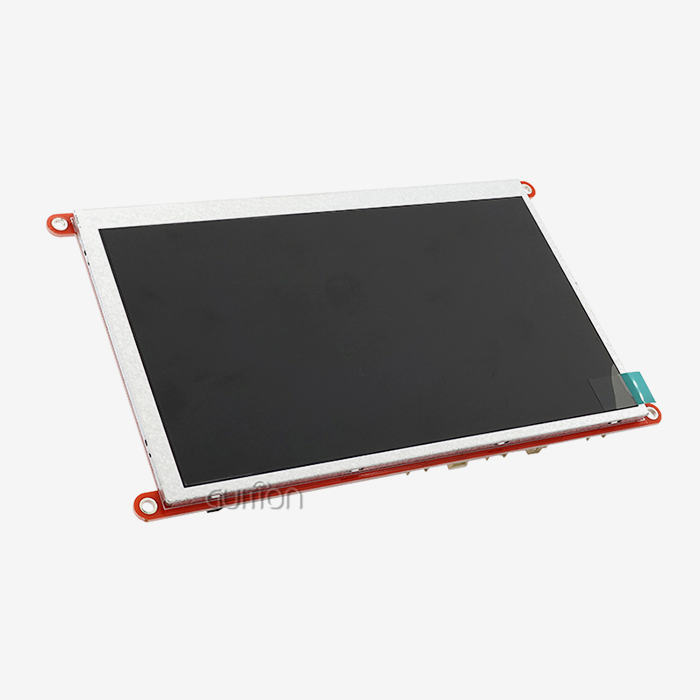
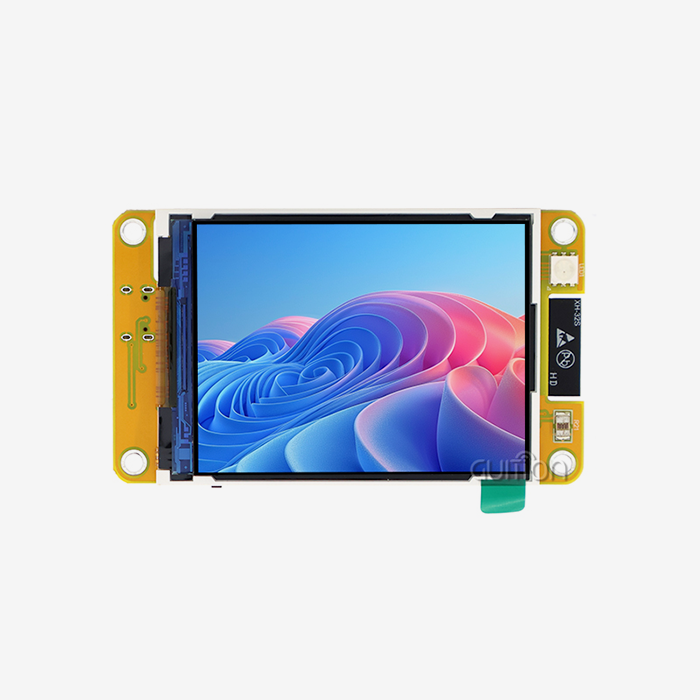
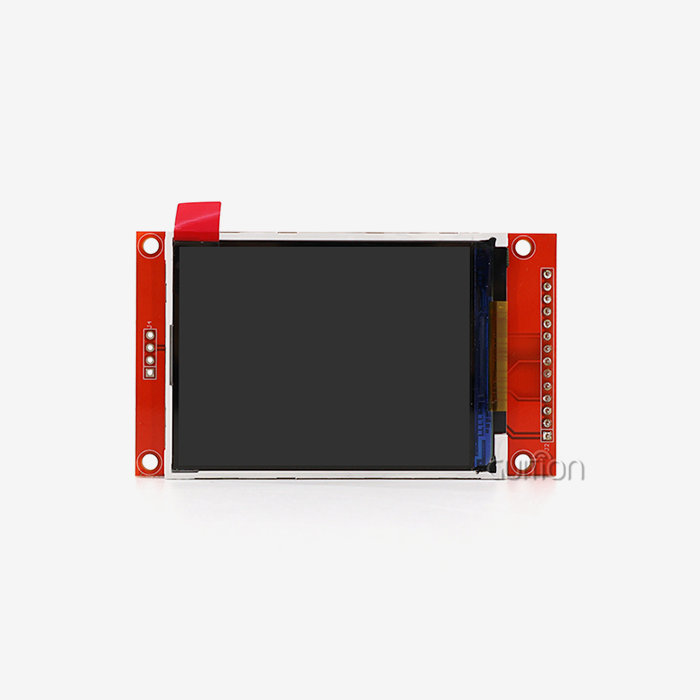
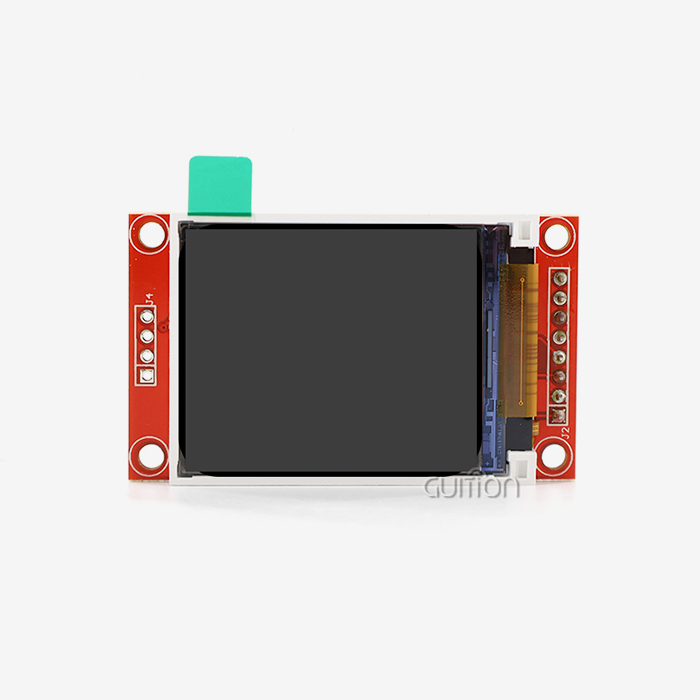
The technical basis for controlling machines well starts with screen technology. Capacitive touch screens pick up changes in the electrical field caused by the user's finger. This lets them use multiple points of contact and respond smoothly even when their hands are only partly covered. This technology provides accurate coordinate registration across the whole area, quickly translating what the user wants to do into machine orders. The GUITION JC8048Q350C_I_W has improved capacitive sensing and an 800x480 IPS monitor, which gives you a wide viewing area that is important for settings with multiple operators. The 5.0-inch form factor strikes a good mix between screen space and the limitations of panel mounting that are usual in retrofit situations.
Processing Architecture and Performance
The Artinchip D121BBV single-core MCU running at 400MHz is what the module does all the work. This processor does many things at once, like handling touch input, rendering images, managing communication protocols, and coordinating peripheral devices. Hardware acceleration for processing JPEG and PNG files lowers the load on the CPU during graphical changes, so the interface stays responsive even when a lot of data is being processed. The design meets the needs of real-time operating systems, which guarantees a predictable reaction to important events.
Connectivity and Integration Capabilities
For machine control to work, the operator interface and output tools must be able to reliably share data. The GUITION device has WIFI and Bluetooth units built in, so there are no connection restrictions, and it can be monitored from afar. Serial transmission ports let you use old equipment without any problems, so you can keep using the hardware you already have. This two-pronged method, which combines the ease of wireless with the stability of hardwired, works for a wide range of plant floor layouts and retrofit situations.
How Industrial Touch Screen HMI Outperforms Traditional Control Systems
When production needs change, it's easy to see where traditional control tools fall short. Traditional push-button screens with LED indicators don't give workers much feedback; they have to figure out what the machine is doing by looking at a bunch of different indicator lights and numbers. This division makes it harder to think clearly and react quickly to strange events.
Real-Time Visualization Advantages
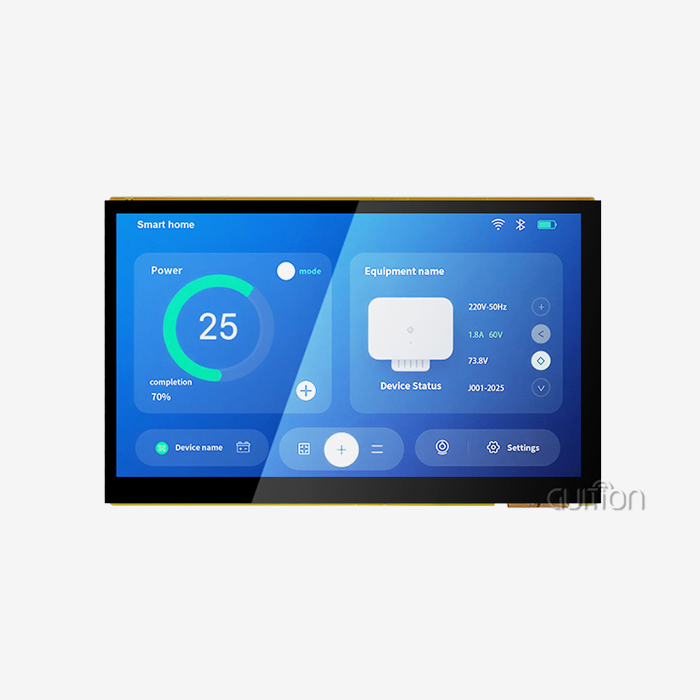
Industrial touch screen HMI devices bring together different pieces of data into single screens. Operators see process factors, alarm conditions, and trend data all at the same time, which helps them see patterns that would be hard to see with just one sign. The visible speed changes the way decisions are made from being reactive to being proactive. When a GUITION module shows temperature curves along with pressure numbers and valve positions, workers can spot problems before they get too bad, which saves them a lot of money on shutdowns.
Error Reduction Through Intuitive Interaction
People who work with button-based tools have to remember long lists of steps. Pressing the wrong button at the wrong time can cause business losses. With touch screens, workers don't have to remember things because they can see the menu options, confirm their choices, and get instant feedback. This visual process cuts down on teaching time and raises the safety of operations at the same time. With the drag-and-drop Guition development tool, engineers can make interfaces that match how operators think, making sure that screen layouts match how machines are actually set up.
Complementing Existing Control Infrastructure
Programmable logic processors are not replaced by these units; instead, they add to them. The PLC continues to handle real-time control loops and safety interlocks, and the HMI offers a layer that people can reach. This split makes the most of the best qualities of each part. For example, PLCs are great at predictable control, and HMIs are great at showing information. Standard industrial interfaces let the GUITION module talk to PLCs, which adds rich visualisation without changing the proven control logic.
Enhancing Machine Control Performance Through Industrial Touch Screen HMI
Finding places where performance is slowed down shows ways to make things better. Three important areas always have an effect on how well machine control works.
Addressing Human Error and Slow Feedback Loops
Operator mistakes are usually caused by not having enough knowledge or not being bad at their job. When important data is locked away in PLC memory and can only be accessed through complicated diagnostic codes, operators have to make choices based on incomplete data. Touch screen displays bring this hidden info to the surface and show it in a way that makes sense in the given situation. A screen on the pump control shows not only the current flow rate but also the trend over the last hour. This helps workers tell the difference between normal changes and problems that are starting to happen. This knowledge of the situation cuts down on fake alarms and actions that aren't needed.
Streamlining Workflows with Customizable Interfaces
Different jobs, goods, and times of the year have different production needs. Changes like these can't be made to static control screens. Engineers can use the Guition development tool to make screens that are special to each job. For example, maintenance workers can see diagnostic pages, while production leaders can see flow numbers. This modification makes the layout match how work actually gets done. After adding product-specific control screens that automatically loaded parameter sets based on barcode scans, a car assembly line using GUITION modules cut setup time by 30%.
Advanced Diagnostics and Downtime Reduction
The D121BBV MCU's 400MHz working speed lets it do advanced onboard checks. The module can record operational data, find trends that don't make sense, and warn repair teams before a part fails. A food processing company used HMI trend analysis to do forecast maintenance. Small changes in the vibration patterns showed that bearings were wearing out. This early detection approach cut unexpected downtime by 22% in just six months, proving that it makes financial sense to replace old control panels with smart touch screens. These features go beyond tracking and include active help for troubleshooting. When problems happen, the interface leads workers through diagnostic trees that help them find the root causes in a structured way. It takes less time to fix things with this organised method than with trial-and-error troubleshooting. The ability to remotely update makes sure that diagnostic methods stay up to date as equipment changes, so the production system stays useful for as long as it's used.
Choosing the Right Industrial Touch Screen HMI Solution for Your Business
When making procurement choices, you have to weigh short-term needs against long-term business needs. Performance and stability are directly affected by a number of technical specs.
Display Size and Touch Technology Selection
Screen sizes should meet the amount of information that needs to be shown and the room that is available on the panel. The GUITION JC8048Q350C_I_W's 5-inch screen is good for small machines that don't have a lot of space for mounting. The 21.5-inch modules in the GUITION range are good for bigger systems because they have room for complicated multi-zone screens. When it comes to response, capacitive touch technology is better than resistive options. However, resistive screens can handle more extreme contamination. Purchasing managers should look at the workspaces. For example, clean production areas may value capacitive accuracy more than resistive sturdiness.
Connectivity Requirements and Network Integration
In retrofit setups, wireless communication gets rid of the need for complicated cables. The WIFI module built into GUITION devices can connect to current plant networks. This lets centralised data collection happen without changing the route. Handheld devices that have Bluetooth serve mobile repair tasks. Serial transmission ports make sure that older devices that don't have Ethernet connections can still work with newer ones. This range of connectivity options saves current investments and makes Industry 4.0 data plans possible.
Development Ecosystem and Support Infrastructure
Industrial touch screen HMI: The Guition online development tool changes the schedule for application in a big way. Engineers create interfaces by dragging and dropping items, which saves them weeks of writing custom code. This visual development method makes HMI code more accessible, so mechanical engineers can make usable interfaces even if they don't know much about computers. Cross-platform support with Arduino and IDF development modes lets teams that already have toolchains in place keep their freedom. The factory-programmed test applications speed up evaluation, so buying teams can check the operation of evaluation units as soon as they arrive.
Long-Term Reliability and Vendor Support
In industrial settings where machines are used for decades, component lifecycle stability is important. Because GUITION wants to keep its products available, it doesn't have to remake them when they become obsolete. The quality of the technical materials and how quickly support staff respond directly affect the success of the application. Because there are extra development APIs and a lot of technical documents available, customisation is possible while still being eligible for vendor help. These things set real industrial solutions apart from consumer-grade goods that have been remade for industrial use.
Implementing and Troubleshooting Industrial Touch Screen HMI
Physical installation is only one part of a successful rollout. System integration and operating optimisation are also important.
Integration Best Practices
Checking for compatibility comes before installation. Engineers need to make sure that the HMI module and current PLCs support the same protocol. This will make sure that data sharing is reliable. The GUITION module supports various communication formats, which makes it easier to integrate systems from different vendors. The design of an interface should put the operator's cognitive flow first by grouping functions that are related, using consistent navigation patterns, and making state signs that are easy to see. The live testing feature of the Guition development platform speeds up this process by letting interface changes be made in real time based on feedback from operators during commissioning.
Common Issues and Resolution Strategies
Response lag is usually caused by problems with contact rather than processing. When networks are busy, or the baud rate settings are wrong, delay happens, which is frustrating for operators. These limits can be found using systematic network analysis. Older resistive touchscreens can experience calibration drift, but it doesn't happen very often in newer capacitive touchscreens like the GUITION module. Electromagnetic interference in the environment is often to blame for lost connections. Proper grounding and protected cables keep signals safe in electrically noisy places.
Maintenance Protocols for Sustained Performance
Updates to software on a regular basis fix new security holes and make it work better. GUITION devices have a feature that lets you update the whole fleet without having to go to each installation. This saves money on maintenance costs and makes sure that all installations are the same. As part of protecting the environment, seals and connections are checked for soundness on a regular basis. Regularly checking the way a touchscreen responds gives you early warning of screen degradation, so you can change it before it affects production.
Conclusion
Machine control is changed from reactive tracking to proactive management by Industrial touch screen hmi display module. Control settings that respond quickly to practical needs are made possible by high-performance processing, easy-to-use touch displays, and full connection. This change is shown by the GUITION JC8048Q350C_I_W, which offers professional-level features through easy-to-use creation tools that shorten the time needed for implementation. When factories switch from old control panels to new ones, they regularly report measured changes in how well the equipment works overall, how efficiently the workers do their jobs, and how little downtime there is. The strategic value goes beyond instant performance gains and includes long-term operating flexibility, as the ability to remotely upgrade and customise interfaces adapts to changing production needs without having to replace hardware every so often.
FAQ
Can the GUITION module operate reliably in high-vibration environments?
The JC8048Q350C_I_W design includes a solid-state build that doesn't have any mechanical failure points and a mounting system that doesn't shake. Since there are no moving parts like fans, the machine can work reliably even when it is exposed to constant vibrations, which is common in industrial equipment.
How does the 400MHz processor compare to competing HMI solutions?
This processor can handle complicated graphics displays with lots of moving parts while still letting you connect with them using your touch screen. Hardware acceleration for picture decoding cuts down on delay during screen changes, giving operators experiences that are as smooth as those on consumer devices.
What programming experience is required to develop custom interfaces?
Mechanical engineers and production managers can use the Guition drag-and-drop programming tool to make interfaces that work without having to know how to code. The visual development method cuts the time it takes to learn from weeks to hours, making it possible for engineers from all fields to customise HMIs.
Does the module support integration with legacy serial equipment?
Serial communication interfaces make it possible to use newer software with older hardware. This protects investments in current infrastructure while bringing new visualisation features. This two-protocol method fills in the gaps between generations of technology that often happen in long-lifecycle industrial buildings.
Partner with a Trusted Industrial Touch Screen HMI Manufacturer
GUITION sells more than just hardware. We also offer full HMI Display Modules that speed up the development of your products and lower the technical risk. Our JC8048Q350C_I_W module blends proven Artinchip processing with easy-to-use Guition development tools. This means that your engineering team can make interfaces that are ready for production in days instead of months. Your goods are ready for global markets without having to be redesigned for each area because they have built-in WIFI and Bluetooth connectivity, the ability to be upgraded remotely, and support for multiple languages. We know how important it is to get products to market quickly while still meeting high standards of reliability. Our factory-tested parts and detailed documentation get rid of common application delays. Get in touch with our technical support team at david@guition.com to talk about your unique machine control needs. As an industrial touchscreen HMI provider, we offer responsive technical support throughout the lifetime of your product, whether you need evaluation units for proof-of-concept testing or help with large-scale production.
References
1. Anderson, M. (2022). Human-Machine Interface Design for Industrial Automation: Principles and Applications. Industrial Press.
2. Chen, L. & Rodriguez, P. (2023). "Performance Analysis of Capacitive Touch Technologies in Manufacturing Environments." Journal of Industrial Electronics, 45(3), 287-304.
3. Fitzgerald, J. (2021). Embedded Systems Architecture for Industrial Control. Technical Publishing Group.
4. Kumar, R. (2023). "Reducing Downtime Through Predictive HMI Diagnostics: A Comparative Study." International Journal of Manufacturing Systems, 38(2), 156-173.
5. Mitchell, S. & Yamamoto, K. (2022). Industrial Communication Protocols: Integration Strategies for Modern Manufacturing. Engineering Press International.
6. Thompson, D. (2023). "Visual Development Environments and Their Impact on Industrial HMI Implementation Timelines." Automation Technology Review, 29(4), 412-428.
Learn about our latest products and discounts through SMS or email