- English
- French
- German
- Portuguese
- Spanish
- Russian
- Japanese
- Korean
- Arabic
- Greek
- German
- Turkish
- Italian
- Danish
- Romanian
- Indonesian
- Czech
- Afrikaans
- Swedish
- Polish
- Basque
- Catalan
- Esperanto
- Hindi
- Lao
- Albanian
- Amharic
- Armenian
- Azerbaijani
- Belarusian
- Bengali
- Bosnian
- Bulgarian
- Cebuano
- Chichewa
- Corsican
- Croatian
- Dutch
- Estonian
- Filipino
- Finnish
- Frisian
- Galician
- Georgian
- Gujarati
- Haitian
- Hausa
- Hawaiian
- Hebrew
- Hmong
- Hungarian
- Icelandic
- Igbo
- Javanese
- Kannada
- Kazakh
- Khmer
- Kurdish
- Kyrgyz
- Latin
- Latvian
- Lithuanian
- Luxembou..
- Macedonian
- Malagasy
- Malay
- Malayalam
- Maltese
- Maori
- Marathi
- Mongolian
- Burmese
- Nepali
- Norwegian
- Pashto
- Persian
- Punjabi
- Serbian
- Sesotho
- Sinhala
- Slovak
- Slovenian
- Somali
- Samoan
- Scots Gaelic
- Shona
- Sindhi
- Sundanese
- Swahili
- Tajik
- Tamil
- Telugu
- Thai
- Ukrainian
- Urdu
- Uzbek
- Vietnamese
- Welsh
- Xhosa
- Yiddish
- Yoruba
- Zulu
How Can Hmi human interface machine Improve Industrial Control?
A Hmi human interface machine improves industrial control by putting machine data, alarms, commands, and recipes on one touchscreen that operators can read and use quickly. Instead of scanning lights, switches, and gauges, operators see live status, trends, and fault messages, so they spot problems sooner and fix them faster. The PLC still runs the control logic, while the HMI presents information and accepts approved commands. Clear screens, prioritised alarms, saved recipes, and user permissions reduce errors and downtime. In this article, I explain how that works, where it applies, and how to choose a module and a supplier.

Understanding the HMI and the Problems It Solves
What Is a HMI? A Human Interface Machine?
Hmi human interface machines allow people to control and watch machines. These are composed of hardware and software. It has a processor, a touchscreen, ports for connection and software to set it up. One that meets the standards Some of the available protocols to connect with PLCs, sensors and drives are Modbus, PROFINET, EtherNet/IP, and OPC UA. Operators use it to monitor processes, enter commands, check alarms, monitor recipes, and read diagnostics. The Hmi human interface machine is a 'window into the machine' that allows workers to see what's going on and change things. The PLC decides what should happen
Industrial Control Problems an HMI Can Solve
Most of the control screens have lights, buttons and gauges. They don’t give workers many tools to help them find problems. So that workers don’t see too much of the process. Poorly designed interfaces can cause problems such as confusing alarms, wrong parameter changes, long changeovers and more breakdowns. A well-designed Hmi human interface machine will remedy these problems by putting all working data, alarms, trends, recipes and guided tests in one place. There is also a better way for machines and plants to talk to each other. Caution: Poor layouts, bad hardware, or unstable PLC communications can cause more downtime, not less. Be clear about it. Decide what you want to do and then do it. Don't just watch the screen.
How an HMI Differs from PLC, SCADA, and MES
It's useful to quickly compare tools when people are shopping for them. It is a PLC that executes the deterministic control code. An Hmi human interface machine displays and allows entry of data, typically for a single machine or cell. SCADA is a custodian of records of the past and a watcher of many things and places. MES is responsible for work orders, quality, timing and tracking the production process. An industrial computer can do more types of processing, but its operating system may need more care than a panel made just for that purpose. Each level has its own thing. An Hmi human interface machine is best if it only does local work and sends data to SCADA or MES when the project requires it.
How an HMI Improves Industrial Control Performance
Clearer Data and Faster Alarm Response
A Hmi human interface machine can save recipe settings such as speeds, temperatures, and fill settings. Instead of entering numbers by hand, they can load a set that has already worked with a few taps. That maintains the quality of work from shift to shift and reduces the mistakes that happen when shifts change. Only certain people with certain roles can change certain setpoints. It takes two taps to confirm a command before it can do something dangerous. When the interlock conditions are well defined, it’s easier to understand why a machine won’t turn on. All of those components play a part in making the process safer and easier to monitor. Before you start writing, talk to the operations and support leads about setting approval levels.
Recipes, Permissions, and Consistent Production
The most important thing is we can talk to each other at any time. You can read and write tags representing machine states, counters, and setpoints by connecting a Hmi human interface machine to a PLC. It also sends simple commands like "start", “stop” or "reset". Check that the PLC model and the network layout are compatible before starting the project. Also, have the right cables and know what the screen does if the connection is lost. Many people use adapters for Modbus RTU, Modbus TCP/IP, PROFINET, EtherNet/IP, RS-485, OPC UA, etc. Also, safety is important. NIST Special Publication 800-82 addresses operational technology security, including topics such as network segmentation and access control. Revision 3 is based.
HMI and PLC Communication Basics
Hmi human interface machines are used for small machines and big factories. Building lines watch out for things like motors, lifts, drives, cycles and breaks. Things that package things have to remember recipes, how much to fill, and quick changes to the style. CNC machines and assembly lines show problem codes, the stage of the cycle, and the condition of the tools. These panels are showing flow, pressure, pumps, tanks, valves and pumps. These systems track the building’s utilities and HVAC. Motion is also used in business kiosks, smart products, medical tracking devices and farm automation. A Hmi human interface machine can connect to SCADA, ports or cloud systems for remote or multi-site tracking.
HMI Applications, Design, and Maintenance
Applications Across Industrial Sectors
ANSI/ISA-101.01 tells you how to design human-machine interfaces so that you can automate things. Its ideas also work out well for machine panels. I create clear hierarchies for each HMI human interface machine screen set I create. The main screen is at the top, followed by machine status, process, diagnostics and settings. Make sure all words, colours, styles, symbols and ways of navigation are consistent. Use colour not to make things look better, but to highlight what's wrong. Things you care about should be next to units, limits and goals. Write alarm messages that tell you what is wrong and what you need to do next. Make sure the buttons are large enough for what you want to do with them. Screens should be tested by users, maintenance staff and engineers before they are used
Design Principles for Operator Performance
Things have to be ready before they leave. Before putting a human interface machine (HMI) in the box, it should have holes for grounding, power protection, airflow and entry protection. Make sure the communication and power lines are spread out. A lot of the time programming of the operation, alarm, trend, recipe and diagnostic screens and tags, navigation and PLC drivers is done. In the factory, all commands, alarms, data accuracy, response times, communication recovery and restart behaviour are checked before being sent out. Service techs simultaneously check the power, the cords, the IP settings, the tag mapping, and the diagnostic logs. From time to time, back up your projects, recipes, software and user settings. This will let you swap them out much faster.
Installation, Programming, and Maintenance
The Artinchip D121BBV is a single-core MCU with a maximum speed of 400 MHz and is used in the HMI human interface machine. This 7.0-inch IPS screen has 400 nits of brightness, 16-bit RGB colour support and 65K colour support. A capacitive touch panel performs the “read and write". Also, there is a link to an IO port and a circuit to control the lights. It can decode JPEG at 1024x768 at 60 fps and PNG at 30 fps. Including the RT-Thread operating system. These figures are easy to load images and get them moving. This is great for panels that display icons, status graphics and trend screens.
Guition JC1060Q370C_I: A 7-inch HMI human interface machine
Core Hardware and Display Specifications
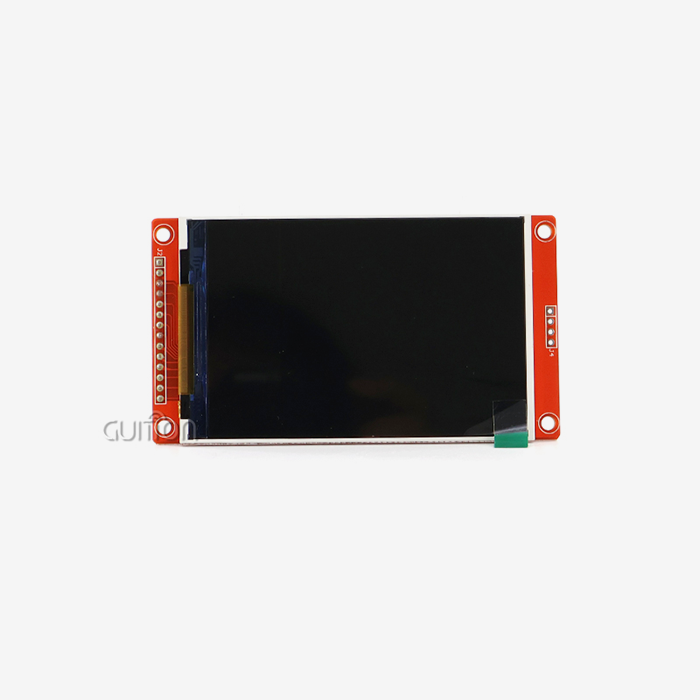
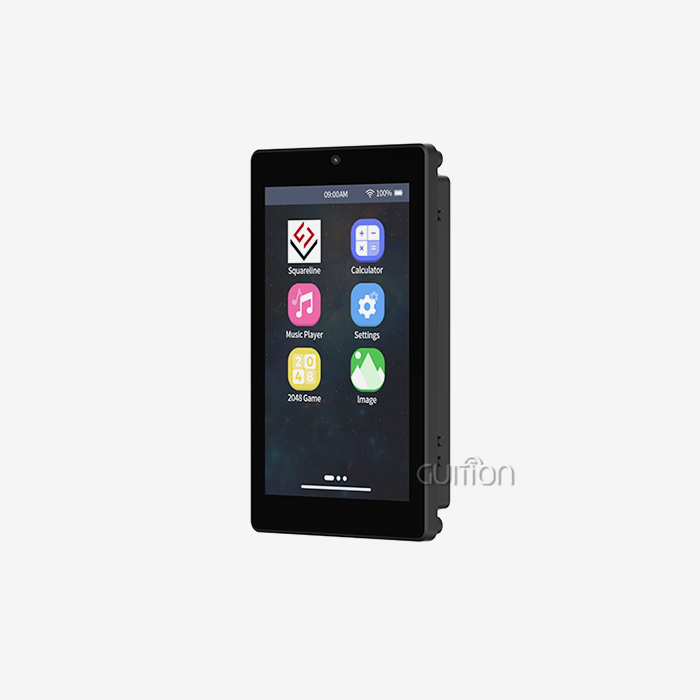
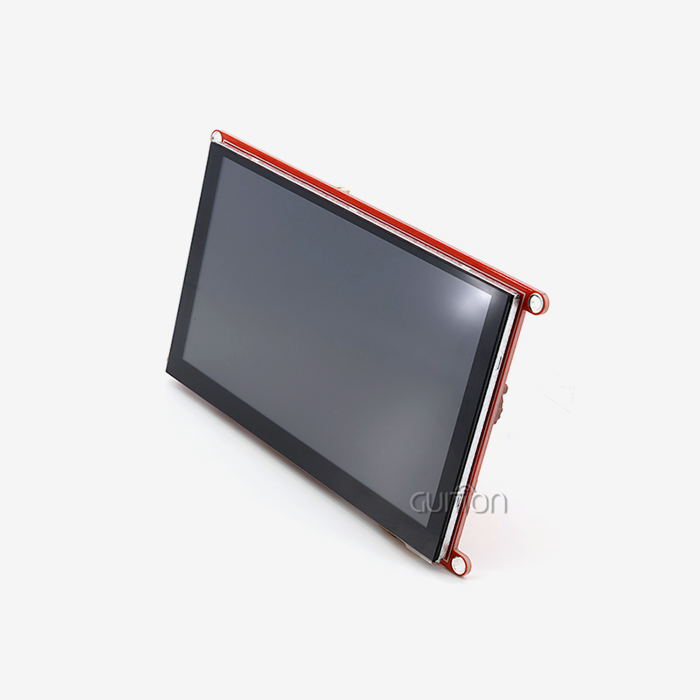
The Artinchip D121BBV is a single-core MCU that can run at up to 400 MHz and is used in the HMI human interface machine. There are 400 nits of brightness, 16-bit RGB colour support, and 65K colour support on this 7.0-inch IPS screen. A capacitive touch panel is used to read and write. It also has a link to an IO port and a circuit for controlling the lights. It can decode JPEG at 1024x768 at 60 fps and PNG at 30 fps. It comes with the RT-Thread operating system. It's easy to load images and make them move with these figures. This is great for panels that show icons, status graphics, and trend screens.
Guidance UI Tool and Development Modes
Most of the time, how on time a job ships depends on how long it takes to make. The JC1060Q370C_I works with Guition, an online GUI builder that lets you use drag-and-drop design. You can move, resize, and style built-in tools with just one click after adding them. The plan is for "what you see is what you get." An engineer can use Arduino or IDF if they'd rather work with code. Cross-platform online debugging makes finding bugs faster and cheaper. With full secondary development interfaces and technical documents, teams can change how functions work without having to do a lot of deep, low-level work. For an Hmi human interface machine project, designers and embedded engineers can use the same hardware, so they don't have to change how they work.
Connectivity, Remote Upgrade, and Language Support
The following are the components of this Hmi human interface machine that I would check for connection and maintenance first:
- Wi-Fi and Bluetooth: With Wi-Fi and Bluetooth built in, the panel can connect to a network or pair with nearby smart devices without the need for an extra board. In this way, devices can connect to the cloud and talk to each other from afar. This works for tools, appliances, and monitoring screens that need to share information about their state with other systems.
- Remote upgrade: One cool thing about Guition is that users can update their projects from afar. People who use the site don't have to go there to fix bugs or add new features. This keeps installed units up to date in case a customer wants to make a change after delivery or the interface needs a small fix. It also saves money on trip and service costs after the sale.
- Multi-language display: More than one language can be shown on the screen at the same time thanks to UTF-8 encoding and multi-language mixing. The same hardware and software can be sent to different places by the same company. Users can change the language of the interface by setting it, and the company doesn't have to keep up with different screen styles for each market. This makes it easier for them to help users.
These features fix common problems that happen after the sale and while the product is being used around the world.
Choosing an HMI and a Supplier
Matching Screen Size, Touch Type, and Environment
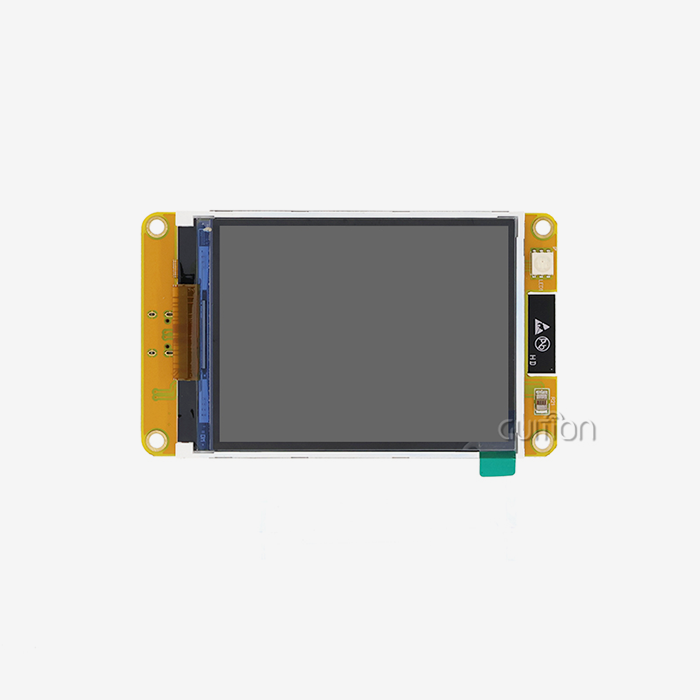
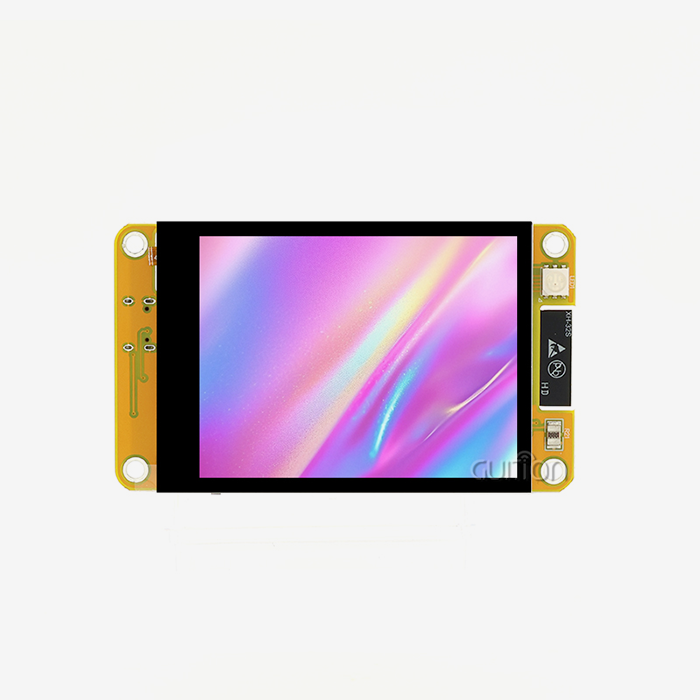
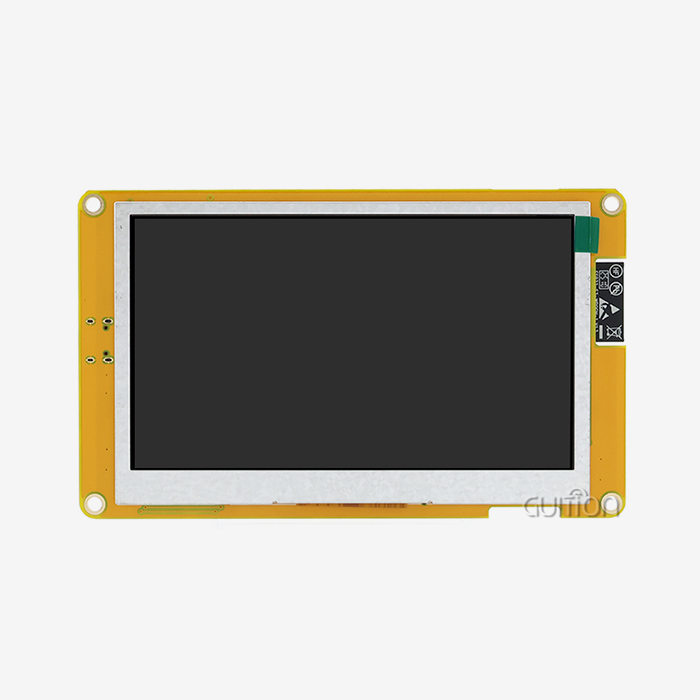
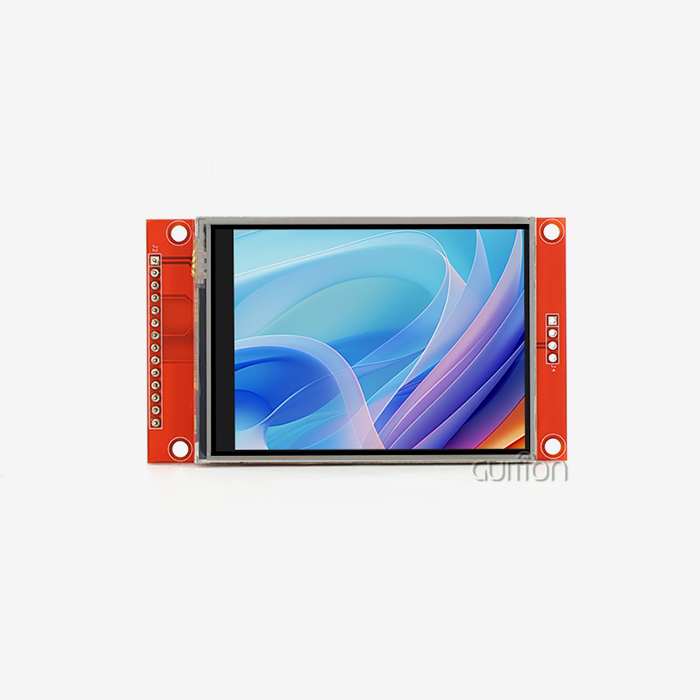
Start with the app and the spot where it works. Make sure you know about the dust, oil, water, shaking, temperature, and whether it will be used inside or outside. For a small machine, a 7-inch screen works fine. For alarms, trends, and recipes, a 10-inch screen or bigger is better. GUITION comes in sizes from 1.28 inches to 21.5 inches. With capacitive screens, you can touch them more than once without any problems. On the other hand, resistive touchscreens work well with gloves and rough surfaces. If you want to buy a Hmi human interface machine, you should also check out its memory, ports, protocols, lights, and mounting sizes. NEMA 250 and IEC 60529 say what kinds of enclosures are allowed and what IP codes are used to show how safe they are.
Measuring the Business Value of an Upgrade
You shouldn't judge an upgrade by how the screen looks. Watch how long it usually takes to find problems, fix them, get things back to normal, train new workers, do scrap or repair, and find out how much energy is used per unit. Set a baseline before you start training, and then compare it to the baseline after training. Alarms, downtime, and conversations with operators can all be recorded to see if troubleshooting makes service better. After that, it's easier to connect to SCADA, MES, or IIoT; write instructions; help wholesalers; and copy machines that use a standard HMI human interface machine design. With an HMI human interface machine that can be updated remotely, it costs less to fix interface problems after they have been delivered.
Selecting an HMI human interface machine Supplier
You should get more than just a screen. Check to see how much experience the company has with industrial technology, how well its papers are written, how much it can produce, and how well it can provide replacements in the long term. Shenzhen Jingcai Intelligent is a tech company that makes things, sells them, and does research and development. Their main focus is on USART-hmi display modules and solutions for human-computer interaction displays. It also makes the software for the GUI of Guition. When you ask for a price, be sure to include the screen size, resolution, type of touch, controller or PLC, interface, setting, number, lead time, and support needs. There are clear details that keep merging from being a surprise. There's a page on https://jingcaizhineng.aixdb.cn/ where you can review things.
Conclusion
Industrial control is improved by a Hmi human interface machine, which turns machine data into clear screens that workers can use. The logic is run by the PLC, and displays, prioritized alarms, recipes, rights, and diagnostics help keep things from going wrong and speed up the process of fixing problems. The piece went over PLC safety, communication, uses, design concepts, setup, and maintenance. It also looked at how HMI human interface machines stack up against PLC, SCADA, and MES systems. Lastly, it talked about the Guition JC1060Q370C_I and its 7.0-inch IPS screen, 400MHz D121BBV controller, drag-and-drop software, wireless connectivity, remote upgrade, and the ability to work with more than one language. There is one best choice for each setting, screen size, touch type, and communication need. That which is worth something can be seen in how much downtime, switching time, and service work it needs.
FAQ
Q: Does the HMI replace the PLC?
A: No. The Hmi human interface machine shows information and takes commands from the operator, and the PLC (programmable logic controller) machine handles the control logic. They can work together because they have rules for how to talk to each other.
Q: Which software and platforms does the JC1060Q370C_I support?
A: For building, it works with Guition, Arduino, and IDF. The GUI drag-and-drop tool, Guition, can be used to debug on any platform and comes with built-in controls.
Q: Can I update the interface after the product ships?
A: Users can make changes to their projects and post them online without having to go to the site in person. This is possible with Guition.
Q: What display does the JC1060Q370C_I use?
A: It comes with a 7.0-inch IPS capacitive touchscreen that is 400 nits bright and 1024x600 in size.
Q: Which screen sizes does Guition offer?
A: The line's width varies from 1.28 inches to 21.5 inches.
Request an HMI human interface machine. Quotation from Guition
You can get the JC1060Q370C_I or a size between 1.28 and 21.5 inches to fit your project. As a company that sells HMI human interface machines, we offer drag-and-drop GUI software, Wi-Fi and Bluetooth connections, and remote updates to cut down on development and service work. Send an email to david@guition.com with the screen size, interface, number of items, and shipping date you need. You can also visit https://jingcaizhineng.aixdb.cn/.
References
1. ANSI/ISA-101.01, Human Machine Interfaces for Process Automation Systems, 2015.
2. ANSI/ISA-18.2, Management of Alarm Systems for the Process Industries, 2016.
3. EEMUA Publication 191, Alarm Systems: A Guide to Design, Management and Procurement, 2013.
4. NIST Special Publication 800-82 Revision 3, Guide to Operational Technology (OT) Security, 2023.
5. NEMA 250, Enclosures for Electrical Equipment (1000 Volts Maximum), 2020.
6. IEC 60529, Degrees of Protection Provided by Enclosures (IP Code), 2013.
Learn about our latest products and discounts through SMS or email