- English
- French
- German
- Portuguese
- Spanish
- Russian
- Japanese
- Korean
- Arabic
- Greek
- German
- Turkish
- Italian
- Danish
- Romanian
- Indonesian
- Czech
- Afrikaans
- Swedish
- Polish
- Basque
- Catalan
- Esperanto
- Hindi
- Lao
- Albanian
- Amharic
- Armenian
- Azerbaijani
- Belarusian
- Bengali
- Bosnian
- Bulgarian
- Cebuano
- Chichewa
- Corsican
- Croatian
- Dutch
- Estonian
- Filipino
- Finnish
- Frisian
- Galician
- Georgian
- Gujarati
- Haitian
- Hausa
- Hawaiian
- Hebrew
- Hmong
- Hungarian
- Icelandic
- Igbo
- Javanese
- Kannada
- Kazakh
- Khmer
- Kurdish
- Kyrgyz
- Latin
- Latvian
- Lithuanian
- Luxembou..
- Macedonian
- Malagasy
- Malay
- Malayalam
- Maltese
- Maori
- Marathi
- Mongolian
- Burmese
- Nepali
- Norwegian
- Pashto
- Persian
- Punjabi
- Serbian
- Sesotho
- Sinhala
- Slovak
- Slovenian
- Somali
- Samoan
- Scots Gaelic
- Shona
- Sindhi
- Sundanese
- Swahili
- Tajik
- Tamil
- Telugu
- Thai
- Ukrainian
- Urdu
- Uzbek
- Vietnamese
- Welsh
- Xhosa
- Yiddish
- Yoruba
- Zulu
4.3 Inch ESP32P4 Display Module OEM Solutions
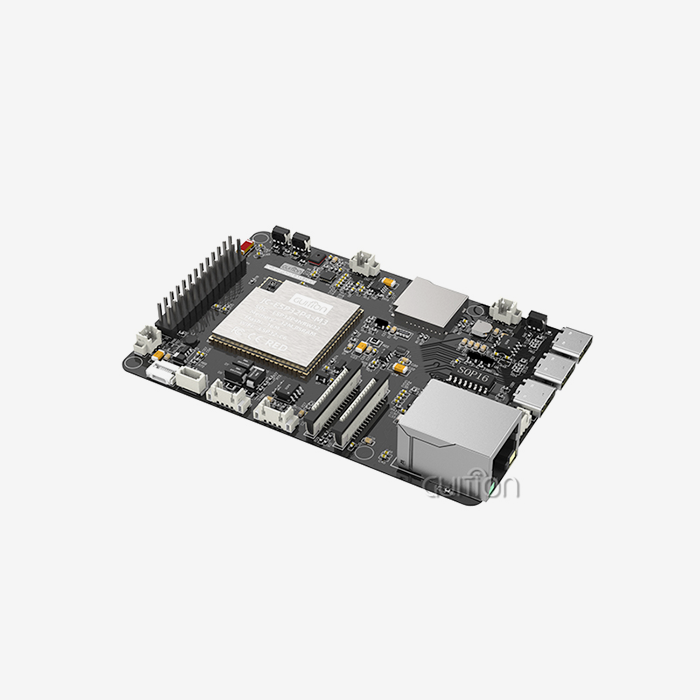
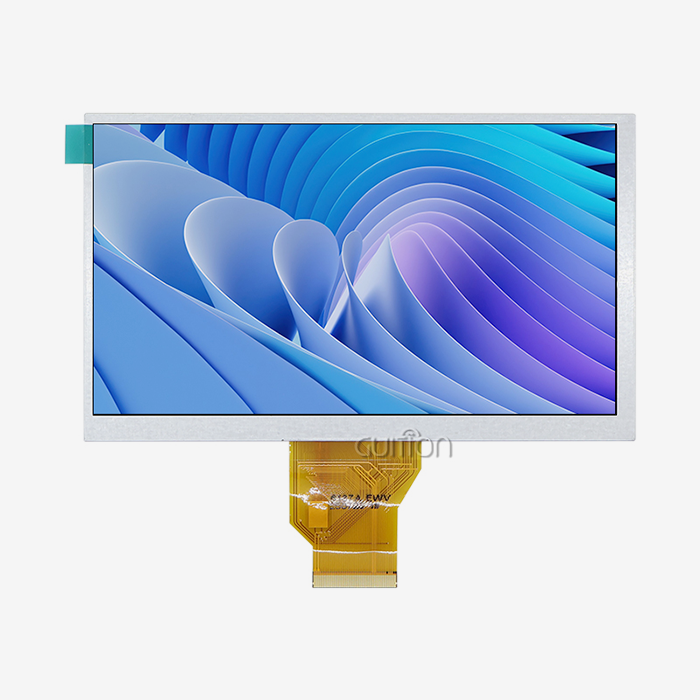
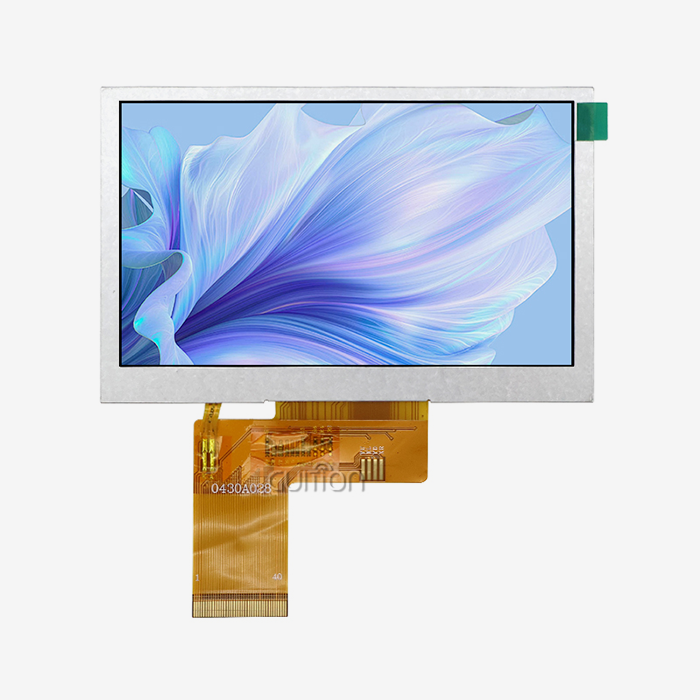
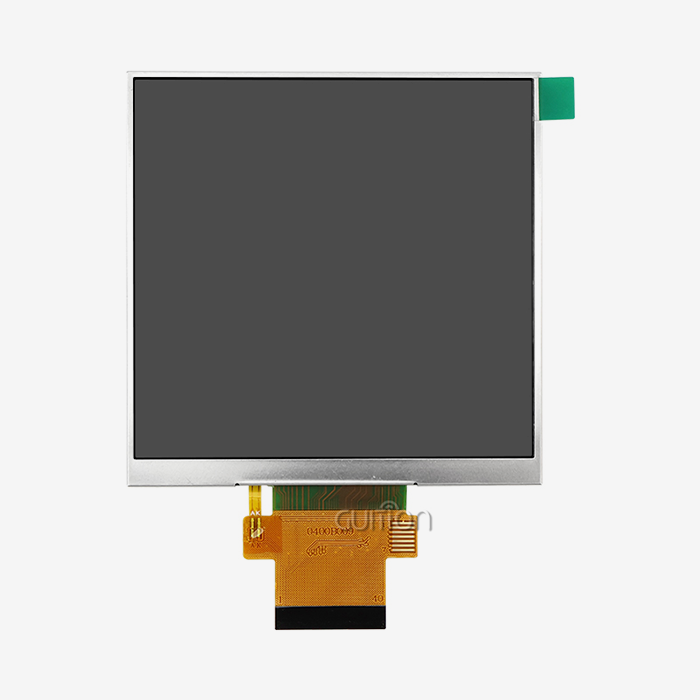
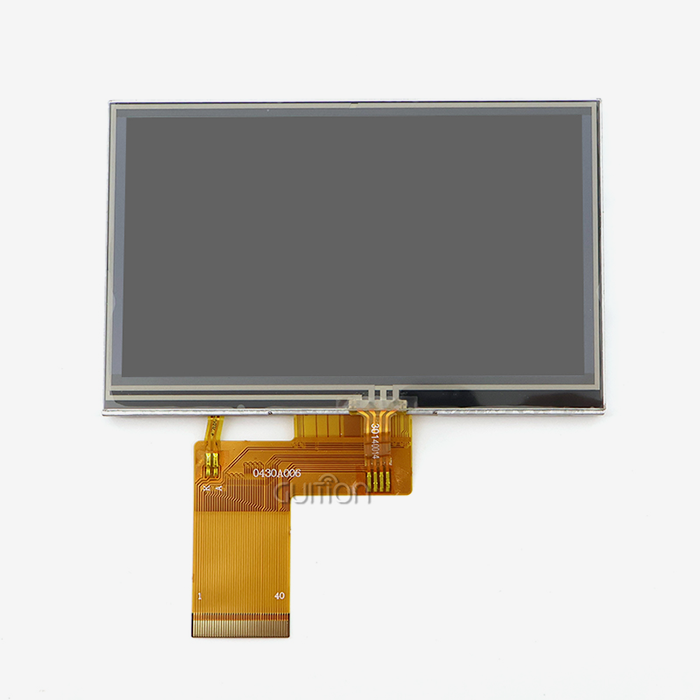
A 4.3 inch esp32p4 display module gives OEM teams an LCD, a touch panel, a processor, and ready interfaces on one board. Engineers spend less time wiring parts and more time building product features. At Guition, we supply integrated HMI hardware of this kind, including the ESP32-8048S043C_I, an 800×480 capacitive touch module with Wi-Fi, Bluetooth, and 16MB of flash. In this guide, I cover specifications, comparisons, customisation, supplier checks, and procurement steps, so your team can move from first sample to bulk order with fewer surprises.

Why Choose a 4.3 Inch ESP32P4 Display Module for OEM Products?
One Board Replaces Several Parts
The processor, LCD, touchscreen, GPIO, and other connections are all held within a 4.3 inch ESP32P4 display module. A blank LCD or loose development board needs a touch controller, backlight circuit, and connections. Your team will have to create them. The supplier has a module for that job built in. The time to create something is less because validation only needs to be done on one assembly versus five. Also important when you’re sending the same product to a lot of different customers; it makes sure they’re all the same.
Why the 4.3 Inch Size Works
The 4.3 inch format provides a good compromise between screen size, touch sensitivity, viewing angle, and cost. It is available for use by anyone with a wall plate, the front of a machine, or a hand-held unit. The size of 800x480 leaves space for gauges, buttons, and text. Bigger screens are more expensive and take up more room. The smaller screens make it difficult to access the buttons, so be careful when you tap them. In contrast, product managers often pick this size for interfaces that need a few touch controls and a few state indicators. This size is often chosen for 3D printer machine controllers, EV charger screens, and even cooking machines.
How the Guition ESP32-8048S043C_I Fits This Search
A typical buyer of a 4.3 inch ESP32P4 display module is looking for a small touch HMI with good software support. But let me be clear: the main control is not done by the ESP32-P4 chip. This works fine with our ESP32-8048S043C_I model. Instead, it uses an ESP32-S3R8 chip. The S3 is a dual-core MCU that can run up to 240 MHz. It has 512KB of SRAM, 384KB of ROM, 8MB of PSRAM, and 16MB of Flash. Your staff already knows this. Instead, they can find the module by its name in the project.
4.3 Inch ESP32P4 Display Module Specifications Buyers Should Confirm
Processor and Memory
Let's start with the processor. It has a dual-core RISC-V CPU up to 400 MHz and a MIPI-DSI display port, but it does not have Wi-Fi or Bluetooth. Our ESP32-8048S043C_I has an ESP32-S3R8 chip which supports up to 240MHz; it can be wired or wirelessly connected. RAM is also very important for graphics. It has 512KB of SRAM, 8MB of PSRAM, and 16MB of Flash, so there is plenty of room for fonts and images. It is important to get exact memory numbers from each seller, because the 4.3 inch ESP32P4 display module can be configured in different ways.
Display and Touch
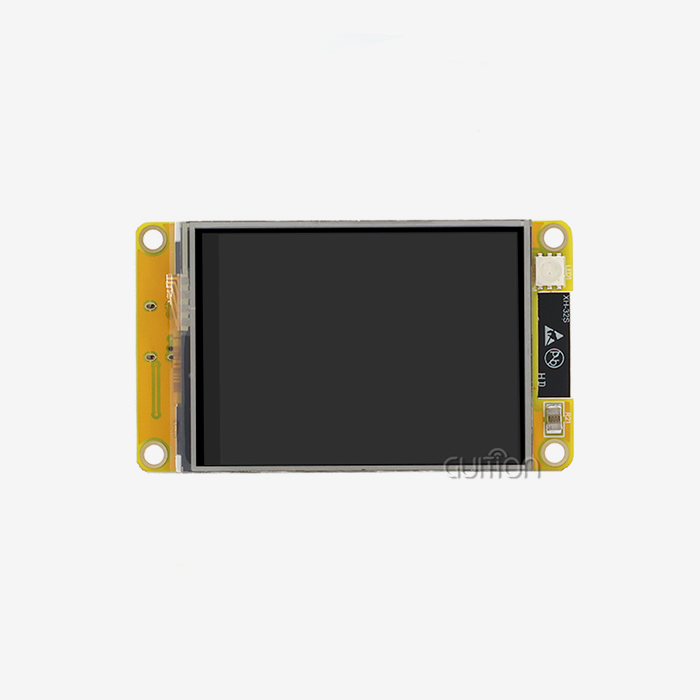
It has a 4.3 inch LCD display that can show 65K colours and 800x480 pixels. It has a separate circuit for the lights. And a circuit for the touch screen. You can touch the screen. You can operate the capacitive touch by lightly tapping on the clean cover glass. It works for business products and individual products. If your workers are gloved, this method may be applicable. See how they operate. Brightness, contrast, viewing angle, and operating temperature can be found on the datasheet. These numbers will help you determine what type of enclosure to use and how much sunlight to let in.
Interfaces and Software Support
The module has a TF card interface and an I/O port interface. Built-in memory and a TF card can work together for storing pictures, fonts, and data. Software for developers like Arduino IDE, ESP-IDF, MicroPython, Mixly, etc. can be used with this module. This way, they can stick with the tools they know how to use. It also has demo programs, methods from the Arduino library, and a download button that you can press once. If your team uses the LVGL graphics package, ask for drivers that work with it. Make sure you have the pinout, mechanical model, power diagram, and sample code before you say yes. You can do this for all 4,3 inch ESP32P4 display modules, and things will be fair.
Comparing the 4.3 Inch ESP32P4 Display Module with Alternative Solutions
Versus Conventional ESP32 Modules
Most ESP32 parts (like the ESP32-S3 line) will work with many HMIs. They are still the first choice for lots of people who want Wi-Fi and Bluetooth on a touchscreen. The ESP32-P4 is designed for more demanding tasks with its faster clock speed, MIPI-DSI support, and an H.264 encoder that pairs nicely with camera and high-graphics projects. If your interface is a panel with buttons, gauges, and icons, a module such as the ESP32-8048S043C_I will often work. That’s because the better graphics are still free. Match the number on the chip with the number on the screen.
Versus Raspberry Pi Style Boards
You can run a full version of Linux on a Raspberry Pi. That helps big software stacks, web browsers, and media apps run better. But that also means longer boot times, higher power consumption, and SD card storage that has to be handled delicately when out in the wild. Some ESP32 class display devices have software that runs directly on a microcontroller. This means they start up faster and use less power. A 4.3 inch ESP32P4 display module or similar integrated board can often make testing and long-term maintenance easier for a product that does just one thing, like a charger panel or appliance controller.
Built-in or Added Later
When you use wireless design, the price changes, the board space changes, and the work you need to do to get certified changes. The ESP32-P4 does not include Wi-Fi or Bluetooth, so users wishing to use the ESP32-P4 will have to add a separate wireless chip. The Guition ESP32-8048S043C_I skips this step since those two are already included in the ESP32-S3R8. Built-in connectivity means you can also work on user projects from afar. This means you can change functions on all sites without visiting each site. Whatever path you take, you should study antenna design, local certifications, and driver availability. The 4.3 inch ESP32P4 display module name might work with some wifi setups, but it's not a given.
OEM and ODM Customisation Options for 4.3 Inch ESP32P4 Display Modules
Hardware Customisation
An OEM or ODM job can be a simple module with name brand changes or a unique hardware build. Usually, people who want to buy ask about PCB size, connections, GPIO assignment, cover glass, screen brightness, and how the case fits. How much you customise something should be based on how many you intend to sell and how long you think the item will be good for. You don't need new tools for a small test run, but an appliance that gets a lot of use might. Document all of the rules for changing, who owns the tools, and who checks the tools. This is all before you even begin working on the project. Tell us what features you want, and we’ll tell you what your setup can do.
Software and UI Customisation With Guidance
Guition developed its own software for creating interfaces so that screens could be created quickly. There are a lot of controls already built in. You can click them to add and drag them to change the position, size, and style, so the design view looks like the final screen. We give our teams a variety of development tools and technical papers so they can customise how functions work without writing a lot of low-level code. Cross-platform web testing simplifies the process and finds bugs faster. You can also change the language for goods sent to more than one location using this software. It supports Arduino, IDF, and Guition development modes.
Where These Modules Work
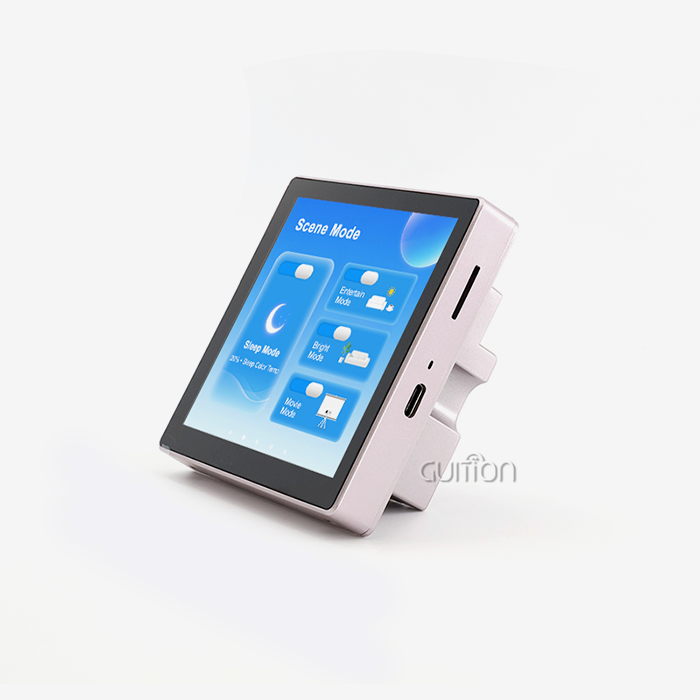
The 4.3 inch ESP32P4 display module and its Guition counterpart are used in 3D printers, smart home control panels, medical hardware, industrial automation, EV charging stations, air quality screens, audio hardware, security panels, kitchen machines, handheld devices, and smart home control panels. Smart home screens must be internet-connected and capable of reading your touch. Heavy-duty HMIs should be durable enough to be touched and used for a long time. Medical equipment needs surfaces that are clean, easy to clean, and do their job well. Check the datasheet for each project to ensure it has the correct environmental ratings.
How to Select a Dependable 4.3 Inch ESP32P4 Display Module Manufacturer
Check Engineering and Documentation
Learn how to do engineering first. It's important to get datasheets, GPIO diagrams, mechanical drawings, software tools, and sample help quickly from a good maker. What would you like to know about PCB design, combining LCD and touch, software, GUI development, and making sure the product works before it goes into production? Guition is a tech company that not only does research and development but also makes things and sells them. UI software that we made ourselves, and screens that range in size from 1.28 inches to 21.5 inches. That range means you can use the same software even if the screens on your products get bigger or smaller in the future.
Review Quality Controls
A supplier's quality methods let you see how they handle big orders. Review the steps for incoming inspection, functional testing, burn-in, accountability, and taking corrective action. Ask the supplier if they check IPC-A-610. A lot of companies that make electronics use it as a standard to decide if an assembly is good enough. When a module comes off the assembly line, Guition pre-programs test apps so that it turns on and shows a screen that works. Before you accept the test results, make sure they meet your own standards. Also, make sure there is component lifetime management in place so that if a part changes in the middle of the program, you won't be caught off guard.
From Sample to Bulk Order
A controlled process starts with a technical report that talks about the size, power, compliance, surroundings, volume, delivery goals, performance, touch, interfaces, and power of the screen. You should compare quotes, MOQ, labour prices, and wait times. Look at the examples to see how well they fit together, how fast they boot, how much power they use, how the heat behaves, how stable the software is, and how good the screen is. Then, pilot production is used to make sure that the building methods, test tools, EMC performance, and packaging are all correct. In the buy order for export goods, you should agree on Incoterms 2020, export papers, warranty terms, and information about the packaging. Also, make plans for how changes can be made in the future.
Key Risks and Final Buying Checklist for a 4.3 Inch ESP32P4 Display Module
Common Purchasing Risks
Some common risks are parts going out of date, interfaces that don't work with each other, not realising how much development will cost, building only prototypes, and not knowing who owns the software. Before you give the go-ahead, make sure you know what the pins, voltage levels, drivers, sample code, and mechanical interfaces mean. Find out what the highest current and temperature are in real life, and get samples that you plan to use in the process. Write down the rules for intellectual property and alternative components in the contract. During review, these steps don't cost much, but they can save a lot of money on redesigns after the tooling process.
Count the Full Cost
The price per unit doesn't tell the whole story. Testing, licensing, shipping, guarantee, maintenance, and tools are all part of the total price. Time spent making progress is also important. UI software with drag-and-drop, extra development papers, and cross-platform online testing make it easier for engineers to fix bugs faster and with less work. It saves money on after-sales costs when user projects can be updated from afar, so products can get updates without having to be visited in person. When comparing prices for a 4.3 inch ESP32P4 display module, add these items to each line to make the comparison fair.
Final Checklist
Before agreeing to samples or big orders, I think you should make a list of things to do. Engineering should look over the pinouts, voltage, peak power, environmental limits, drawings, drivers, touch type, GPIO assignments, interfaces, and drivers. It is important for procurement to confirm the level of customisation, NRE costs, MOQ, lead time, quality procedures, lifecycle commitments, warranty, and policy for telling people about changes. When you're making plans for your business, you should think about things like privacy, intellectual property, payment terms, Incoterms, marking, contacts after the sale, and payment terms. If you sign off on this list, you can avoid making mistakes that cause delays later.
Conclusion
4.3 inch ESP32P4 display modules have a processor, LCD, touch screen, and interfaces all on the same board. This speeds up research and makes sure that production stays steady. There is enough space inside the case for tools and control panels, and the screen size of 4.3 inches is a good balance between price and readability. People who want to buy something should look at the specs for the processor, memory, screen, touch, interface, and software. Also, they should know that the Guition ESP32-8048S043C_I's ESP32-P4 chip doesn't have wifi built in, but its ESP32-S3R8 chip does. What makes one better than another is dependent on your needs when it comes to power, the product you want to buy, and the amount of graphics power you require. There is less risk from the trial order to the mass order because of the amount of tailoring, the total cost, the written checklist, and the source paperwork.
FAQ
Q: What is a 4.3 inch ESP32P4 display module?
A: The HMI board has a processor, a 4.3-inch LCD, a touch panel, and connections built right in. Check the manual all the time because each model has its own set of specs.
Q: Which chip does the Guition ESP32-8048S043C_I use?
A: The main chip for handling is the ESP32-S3R8. It has two cores and can run at up to 240 MHz. Wi-Fi and Bluetooth are already built in. There is no need for the ESP32-P4 chip.
Q: Which development tools does it support?
A: This part works with Arduino IDE, ESP-IDF, MicroPython, and Mixly. The new Guition software lets you drag and drop files, download them with just one click, and test them live on multiple platforms.
Q: Can I update products after shipping?
A: Yes, Guition lets you make changes to user projects from afar. This way, you can add new features and keep things up to date without having to visit the site.
Request a 4.3 Inch ESP32P4 Display Module OEM Quote from Guition
Guition's ESP32-8048S043C_I helps OEM teams go from making a sample to placing a bulk order. It has a drag-and-drop user interface, remote upgrade support, and screen sizes from 1.28 to 21.5 inches. If you're looking for a 4.3 inch ESP32P4 display module provider, email david@guition.com with your resolution, touch type, interfaces, sample number, and yearly volume. Visit https://jingcaizhineng.aixdb.cn/ to find out more. After that, our team will give you a quote and an idea of how to set it up.
References
1. Espressif Systems, ESP32-P4 Datasheet, 2024
2. Espressif Systems, ESP32-S3 Series Datasheet, 2023
3. Espressif Systems, ESP-IDF Programming Guide, 2024
4. LVGL Kft., LVGL Documentation, 2024
5. IPC, IPC-A-610H Acceptability of Electronic Assemblies, 2020
6. International Chamber of Commerce, Incoterms 2020 Rules, 2019
Learn about our latest products and discounts through SMS or email