- English
- French
- German
- Portuguese
- Spanish
- Russian
- Japanese
- Korean
- Arabic
- Greek
- German
- Turkish
- Italian
- Danish
- Romanian
- Indonesian
- Czech
- Afrikaans
- Swedish
- Polish
- Basque
- Catalan
- Esperanto
- Hindi
- Lao
- Albanian
- Amharic
- Armenian
- Azerbaijani
- Belarusian
- Bengali
- Bosnian
- Bulgarian
- Cebuano
- Chichewa
- Corsican
- Croatian
- Dutch
- Estonian
- Filipino
- Finnish
- Frisian
- Galician
- Georgian
- Gujarati
- Haitian
- Hausa
- Hawaiian
- Hebrew
- Hmong
- Hungarian
- Icelandic
- Igbo
- Javanese
- Kannada
- Kazakh
- Khmer
- Kurdish
- Kyrgyz
- Latin
- Latvian
- Lithuanian
- Luxembou..
- Macedonian
- Malagasy
- Malay
- Malayalam
- Maltese
- Maori
- Marathi
- Mongolian
- Burmese
- Nepali
- Norwegian
- Pashto
- Persian
- Punjabi
- Serbian
- Sesotho
- Sinhala
- Slovak
- Slovenian
- Somali
- Samoan
- Scots Gaelic
- Shona
- Sindhi
- Sundanese
- Swahili
- Tajik
- Tamil
- Telugu
- Thai
- Ukrainian
- Urdu
- Uzbek
- Vietnamese
- Welsh
- Xhosa
- Yiddish
- Yoruba
- Zulu
HMI Human Interface Benefits for Machine Builders
The main HMI human interface benefits for machine builders are simpler operation, faster fault finding, quicker development, lower lifetime cost, and a stronger product identity. A good HMI human interface turns PLC data, sensor readings, and alarms into clear screens that operators understand at a glance. It shortens training, reduces mistakes, and gives service teams the facts they need. It also lets builders reuse screen designs across machine models and markets. This guide helps engineers, product managers, and founders choose an HMI with fewer surprises and a clear path to launch. I wrote this guide for embedded engineers, HMI designers, R&D managers, and technical founders who build industrial equipment, smart devices, and commercial terminals. You will see how an HMI human interface affects usability, service, cost, and branding. You will also learn how to compare and select HMI display options and how the Guition JC1060Q370N_I fits real projects.

Everyday Benefits of an HMI Human Interface for Operators and Service Teams
Improved Machine Usability and Operator Productivity
A good HMI human interface displays standard screens, with machine states, output parameters, recipes, and alarms. The progress lights, buttons, and colour coding make the machine faster to learn because they eliminate steps. Role-based access allows users with specific roles to see only the functions relevant to their jobs. Organising recipes, keeping track of production, and writing down data each shift saves time. ISO 9241-210 says human-centred design starts with real people and the tasks they need to accomplish. You can use this idea for machine screens right away. For builders, clear screens translate into faster training of new customers and fewer calls for help after delivery.
Better Machine Monitoring, Diagnostics, and Maintenance
A HMI human interface lets you view temperature, pressure, speed, cycle time, motor state, and material levels in real time. An organised alarm system will rank issues by their importance, remember previous alarms, and show possible causes. ISA-18.2 has a way to deal with alarms. EEMUA 191 tells you how to get an alarm system set up so you can see the important ones when there are too many. Logs and trend screens help the maintenance personnel to identify recurring problems and schedule work to prevent them. And if the customer allows online access, the maker can see the problem before dispatching a worker.
Remote Service and Field Updates
Often, machines are sent to factories far away from the place where they are built. A builder doesn’t need to go to the site to fix a screen bug, add a language, or add a new function to an HMI. It saves money on petrol and gets things done faster. With Guition, users can make changes to their projects remotely so that teams can update units that are launched online. Customers who work multiple shifts, like fixed items that don't require a worker on the floor. Still, I think you should keep track of each software version and have a plan for undoing changes. That’s because help lines move faster with clear records.
How an HMI Human Interface Speeds Development and Lowers Cost
Faster Machine Development and Easier System Integration
How well the HMI works with PLCs, drives, sensors, and remote I/O determines how fast development proceeds. Before you buy something, be aware of its serial and network ports, driver support, and stability of gearbox. Good HMI software will allow you to manage users, simulate, use templates over and over, set up tags, alarms, and recipes, and keep track of different versions. Programmers can test screens without waiting for the machine to be ready. Guition’s WYSIWYG layout and drag-and-drop controls allow teams to easily add buttons, text, and gauges to the online tool. Cross-platform live testing leads to quicker bug finding. This saves time and money in developing it.
Reduced Total Cost of Ownership
A human interface or HMI is worth more than it costs. Standard plans, reusable screen objects, and fast testing reduce engineering and execution time. Clear diagnostics and online help meant customers didn’t need to call for service as often. When I compare prices, I compare the gear, the software licensing, the accessories, the training, the professional support, the warranty, the replacement parts available, and the length of time the product will be supported. A cheap panel that is hard to obtain or that doesn’t come with good instructions may end up costing more in the long run than one that does. Procurement teams should obtain written terms for replacement and lifetime prior to placing an order.
Flexibility, Customisation, and Machine Differentiation
The HMI human interface can be modified to match the programme and the brand on the screen. Dashboards, alarms, recipes, permissions, and languages are some of the things you can choose. Then, with a few minor changes, one design can handle a number of different machines. Smaller teams benefit the most, as they don’t have to build each model from scratch. That way, engineers can add features without having to do a lot of hard development work with all the tools and information that Guition has. Projects sent to different parts of the world can switch between languages using UTF-8 encoding. Having all the screens in a family from the same brand makes the line look professional and makes them easy to find.
Comparing, Choosing, and Implementing an Industrial HMI
HMI Human Interface Comparisons for Machine Builders
If you know what makes an HMI different from other tools in the same field, you will not buy the wrong thing. The complete process is controlled by PLC, and the HMI is responsible for the screen and the operator's input. The HMI usually controls one machine or cell, while the SCADA oversees bigger systems or an entire site. Simple monitors need their own computer, but an industrial HMI combines a screen, software, and a way to talk to other computers in one package. Another difference between panel PCs and dedicated HMIs is that dedicated HMIs are generally faster and can only be used for one task at a time. Instead of a wall of buttons and lamps, it is possible to have a screen-based HMI, or human interface. This reduces wiring and makes changes easier.
How to Choose the Best HMI Human Interface for Industrial Automation
Start by positioning the machine. Check temperature, humidity, dust, shaking, contact with chemicals, and the distance from which the object is viewed. In the US, enclosures are rated according to NEMA 250, but the IP codes are defined by IEC 60529. Know the rating the customer wants. Compare screen size, resolution, brightness, power for touch, memory, and ports to connect to other devices. Then check that the PLC and the device are able to communicate and work together. Then, check out the features of the software, like alarms, recipes, multiple languages, and so on. Lastly, check out the supplier’s specs, warranty, hold times, shipping, expert help, and documentation.
Implementation Guidelines for Machine Builders
A good HMI human interface does not highlight the features of the programme but rather the jobs the operator has to do. Keep the controls you use most close at hand, and arrange the screens to match the production process. Also, keep operation, maintenance, diagnostics, and configuration separate. It talks about how to ensure the order of your displays, how to navigate, and how to use colour. Set alarm goals and user rights early on, especially for critical settings. Make sure to test every button, every recipe, alarm, and phone-loss case before you send it out. Show them the tools, what the alarms and version records mean, and how to communicate. Once the factory tests the screen, they will send your customer written proof that it works as designed.
Supplier Selection and Real-World Machine Applications
Why Supplier Selection Matters for Project Success
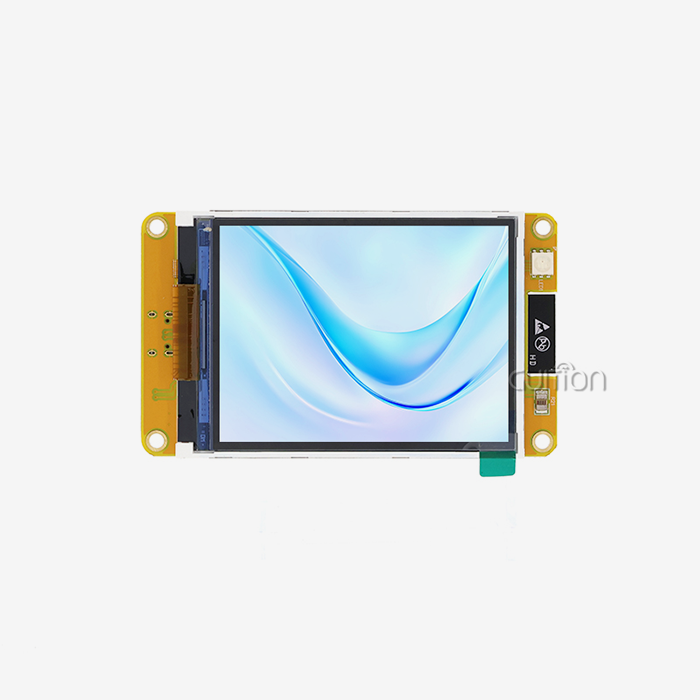
The supplier you pick will affect the quality of the product, how fast it can be designed and shipped, and how well it performs in the long run. You want to find a company that produces consistent products, has clear directions, supports software, and has a wide range of goods that can be used in various ways. If you need screens with your own brand on it, screens in various sizes, or a steady supply across all machine platforms, an HMI human interface supplier focused on OEM is best. The GUI display and USART-HMI module are available in widths from 1.28 inches to 21.5 inches. It lets a group verify that each machine has the correct screen size. Before ordering, make sure you know the steps, lifetime plans, sample availability, warranty, minimum order quantity, wait time and replacement steps.
HMI Human Interface Applications for Machine Builders
HMIs are present in many types of machines. Machines that pack and fill things display speed, recipes, the state of materials, and steps to switch between jobs. In CNC, robotics and motion systems, all axes, programs and cycles are monitored. Food, drinks and medicines are made by machines, and machines need to know how to follow recipes, give people the right rights and be enclosed in the right ways. There are screens for sensors, tracking, and alarms, and they are located on conveyor belts and lines for moving things. Instruments monitoring such things as water, energy, agriculture and medicine must be able to clearly display process values, trends and the history of alarms. Make sure the interface fits the process risk and the operator’s work flow before you put it out there. Also test it out on real people.
Handling Hesitation Before You Order
Sometimes thought is given to the choice of a new HMI. There’s a lot of curiosity about whether or not it will work with their controller, how fast their team can learn to use it, and how they can keep units in good shape out in the field. I think you should cross-check each result with the data sheet, ask for the scientific papers and do tests on a bench. It has a test program on it so you can switch on the JC1060Q370N_I and look at the screen before you write code. Most of the doubts that people have about buying a human interface can be put to rest with a quick bench trial.
Guition JC1060Q370N_I: A 7.0-Inch HMI Display Module
Hardware at a Glance
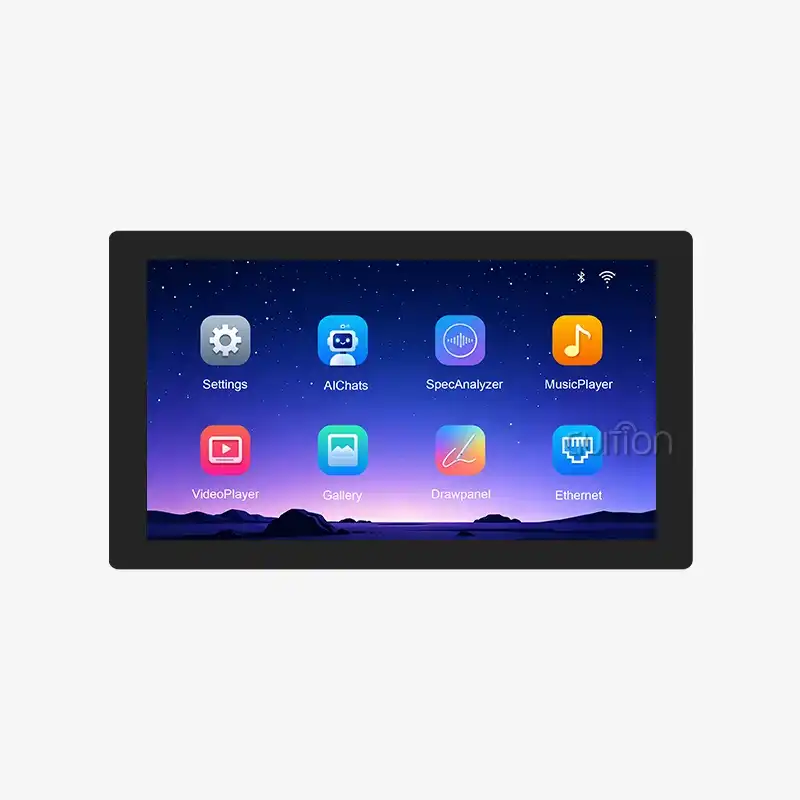
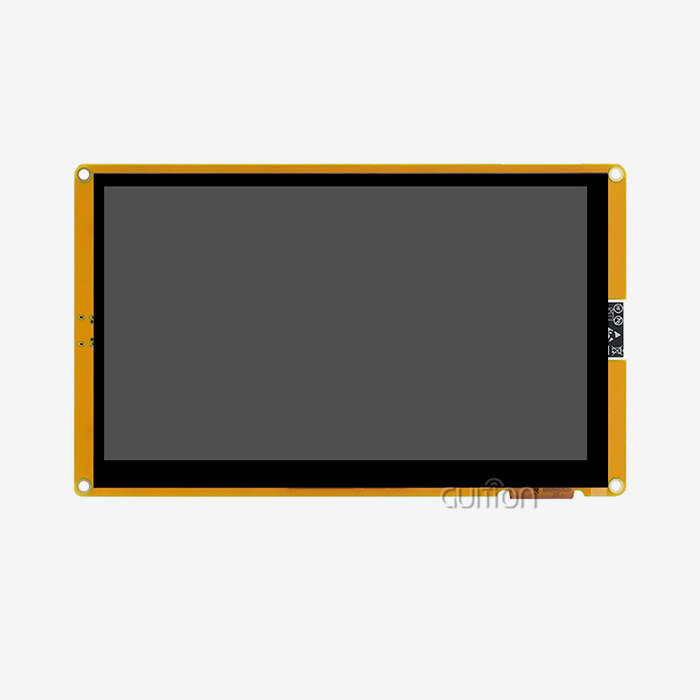
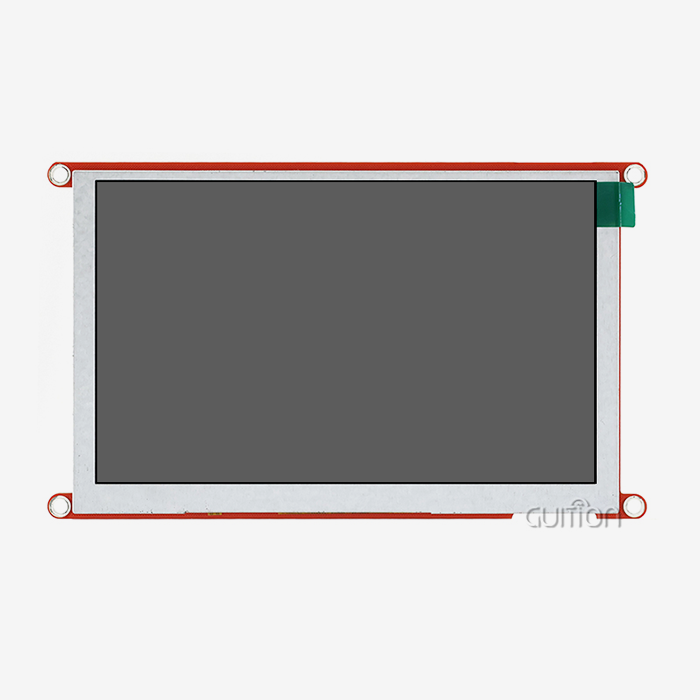
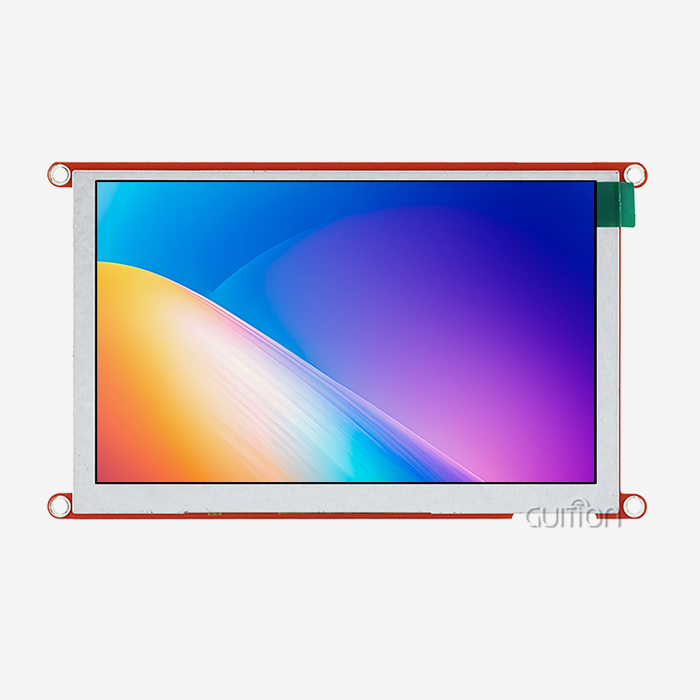
The JC1060Q370N_I HMI human interface is a 7.0” IPS LCD module, 65K colour, and 1024x600 resolution. The Artinchip D121BBV, a single-core MCU capable of speeds up to 400 MHz, handles most of the work. Has an IO port link. Has an LCD and control circuit for backlight. There is no touchscreen, so it will work with systems that let you input data through buttons, USB commands or some other method. These protected ports use special ports for things such as sensors, TF cards and IO ports. You can connect to networks and devices with the integrated WiFi and Bluetooth. The module can be used in business and industry with the help of a motor.
Development Options and Tools
How a team works is not a matter of right or wrong. They can use Arduino, IDF or the Guition programming tool. You can drag and drop to make stuff with the Guition online GUI tool. Add built-in controls with one click, then change where, how big and what style they are on the screen. Cross-platform online debugging helps you find the bugs quickly, and remote upgrades help you keep projects already in use up to date. Engineers can add their own features with full secondary development tools and technical documentation. Users around the world can use UTF-8 code, and languages can be changed. Embedded engineers, HMI designers and technical founders can use this combination to build an HMI human interface path from the first screen to field updates.
Where It Fits in Machine Projects
Many things need a clear 7.0 inch status screen, such as a small packing machine, a smart device, an energy panel or a business booth. They can build the displays with the Guition tool, connect to IO or serial ports, add WiFi or Bluetooth connections and push updates from a distance. The 400MHz MCU handles the graphics and fast data processing for the screens displaying parameters, progress bars and real-time numbers. The first thing you need to know is how to enter information. Let Guition help you to choose the right module for your project. Their range is from 1.28 to 21.5 inches. Then test your own screens with a bench unit.
Conclusion
A good HMI human interface works well for people who build machines. It's easier to find problems with structured alarms, trends, and remote service. Easy to use thanks to clean screens and access based on roles. It is possible to speed up creation and lower the total cost of ownership by using used designs, a good PLC interface, and powerful software. Support for more than one language and the ability to make changes help builders make machines that stand out for different customers. A dedicated HMI is often the easiest to set up for a single machine. This is clear when you compare it to PLCs, SCADA, monitors, and panel PCs. Price and screen size aren't the only things that matter when making a choice. The surroundings, the rating of the enclosure, communication needs, software processes, and provider support are also things that matter. With its 7.0-inch IPS screen, 400 MHz controller, different development settings, WiFi, Bluetooth, and the ability to update from afar, the Guition JC1060Q370N_I can show all of these things.
FAQ
Q: What is an HMI human interface?
A: People can keep an eye on and control a machine through its hardware and software layers. More often than not, when it is linked to a PLC or processor, it shows process values, alarms, recipes, metrics, and the state of the machine. It helps builders make machines that are simple to fix and run.
Q: How does an HMI differ from SCADA?
A: Most of the time, an HMI can only connect to one machine or cell. SCADA watches over larger systems, groups of assets, or even whole places. Both are used by many plants and can share information.
Q: Does the JC1060Q370N_I include a touch?
A: The 7.0-inch, 1024x600 IPS screen on this module does not have a touch screen. For systems that let you enter data in some other way, like with buttons, it works.
Q: Which development tools can I use?
A: To build, you can use Arduino, IDF, or the online drag-and-drop tool Guition. Users can also debug cross-platform apps online and make changes to their projects from afar with Guition.
Request an HMI Human Interface Solution from Guition.
Send Guition an email at david@guition.com with the type of machine, screen size, brand of controller, communication needs, and volume you expect. Then, someone from our team will offer a module that meets your needs, like the 7.0-inch JC1060Q370N_I. If you're looking for an HMI human interface, Guition comes in sizes from 1.28 to 21.5 inches, has an online creation tool, WiFi, Bluetooth, and remote updates, and supports many languages. Visit https://jingcaizhineng.aixdb.cn/ right now to learn more about the goods and get a price quote.
References
1. ANSI/ISA-101.01, Human Machine Interfaces for Process Automation Systems, 2015
2. ANSI/ISA-18.2, Management of Alarm Systems for the Process Industries, 2016
3. EEMUA Publication 191, Alarm Systems: A Guide to Design, Management and Procurement, 2013
4. ISO 9241-210, Ergonomics of Human-System Interaction: Human-Centred Design for Interactive Systems, 2019
5. IEC 60529, Degrees of Protection Provided by Enclosures (IP Code), 2013
6. NEMA 250, Enclosures for Electrical Equipment (1000 Volts Maximum), 2018
Learn about our latest products and discounts through SMS or email