- English
- French
- German
- Portuguese
- Spanish
- Russian
- Japanese
- Korean
- Arabic
- Greek
- German
- Turkish
- Italian
- Danish
- Romanian
- Indonesian
- Czech
- Afrikaans
- Swedish
- Polish
- Basque
- Catalan
- Esperanto
- Hindi
- Lao
- Albanian
- Amharic
- Armenian
- Azerbaijani
- Belarusian
- Bengali
- Bosnian
- Bulgarian
- Cebuano
- Chichewa
- Corsican
- Croatian
- Dutch
- Estonian
- Filipino
- Finnish
- Frisian
- Galician
- Georgian
- Gujarati
- Haitian
- Hausa
- Hawaiian
- Hebrew
- Hmong
- Hungarian
- Icelandic
- Igbo
- Javanese
- Kannada
- Kazakh
- Khmer
- Kurdish
- Kyrgyz
- Latin
- Latvian
- Lithuanian
- Luxembou..
- Macedonian
- Malagasy
- Malay
- Malayalam
- Maltese
- Maori
- Marathi
- Mongolian
- Burmese
- Nepali
- Norwegian
- Pashto
- Persian
- Punjabi
- Serbian
- Sesotho
- Sinhala
- Slovak
- Slovenian
- Somali
- Samoan
- Scots Gaelic
- Shona
- Sindhi
- Sundanese
- Swahili
- Tajik
- Tamil
- Telugu
- Thai
- Ukrainian
- Urdu
- Uzbek
- Vietnamese
- Welsh
- Xhosa
- Yiddish
- Yoruba
- Zulu
HD Touch + Wireless: How Guition HMI Modules Simplify Smart Hardware HMI
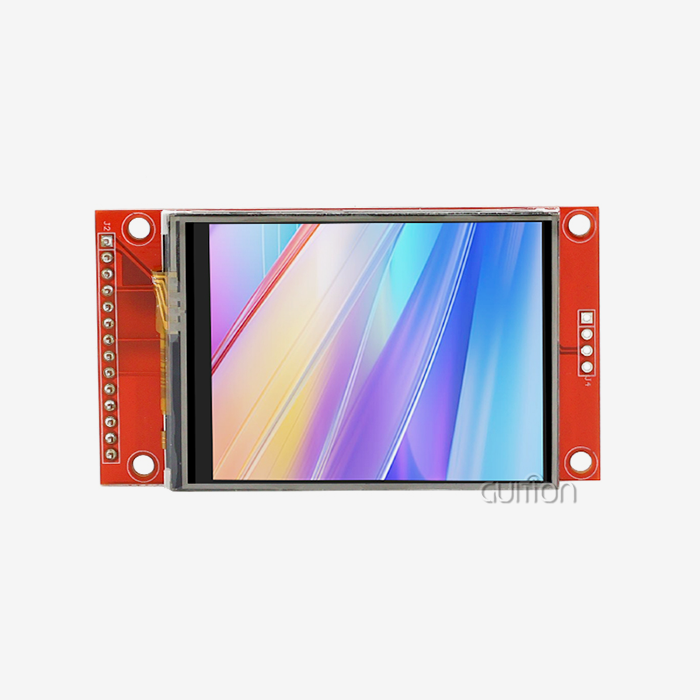
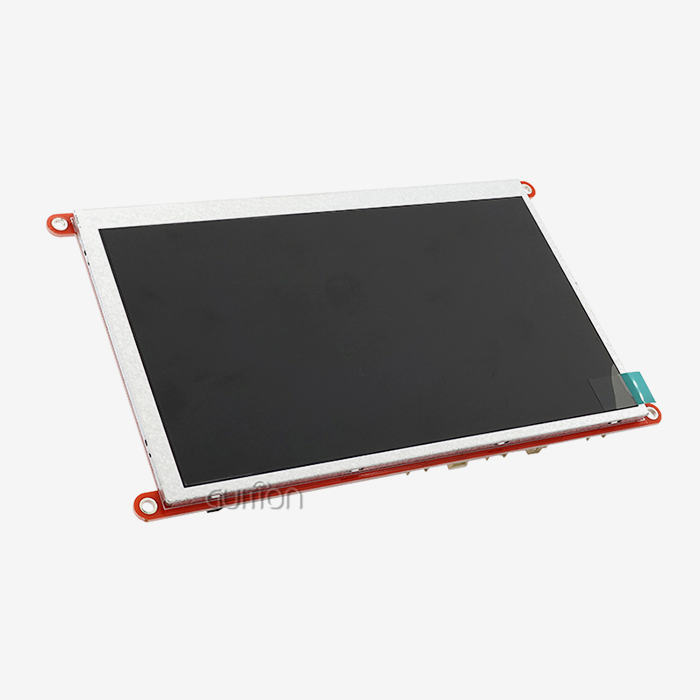
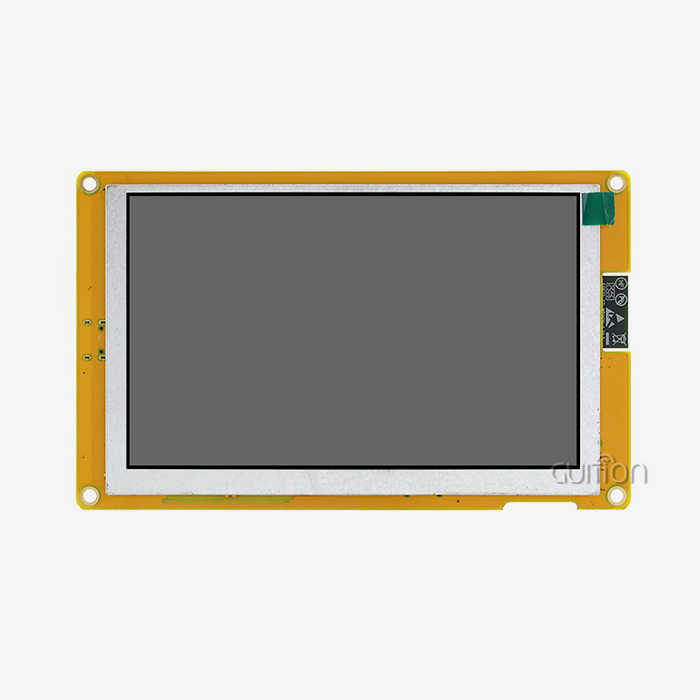
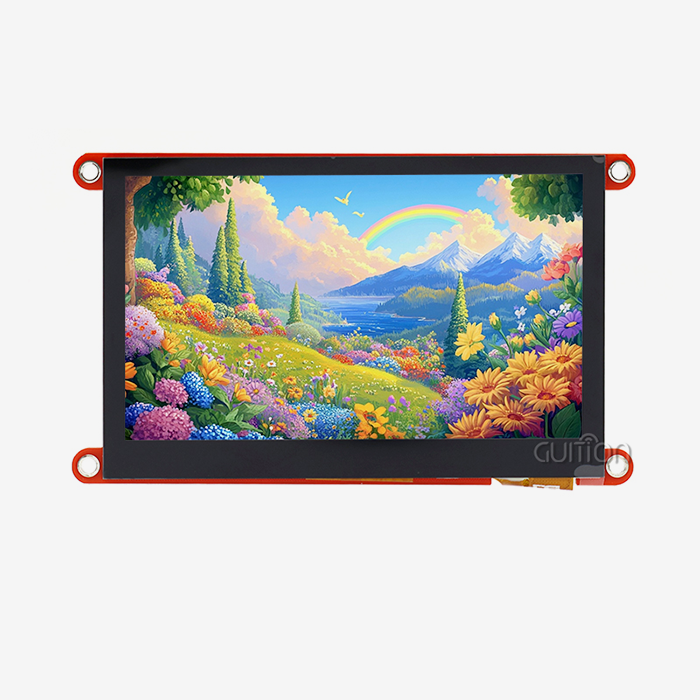
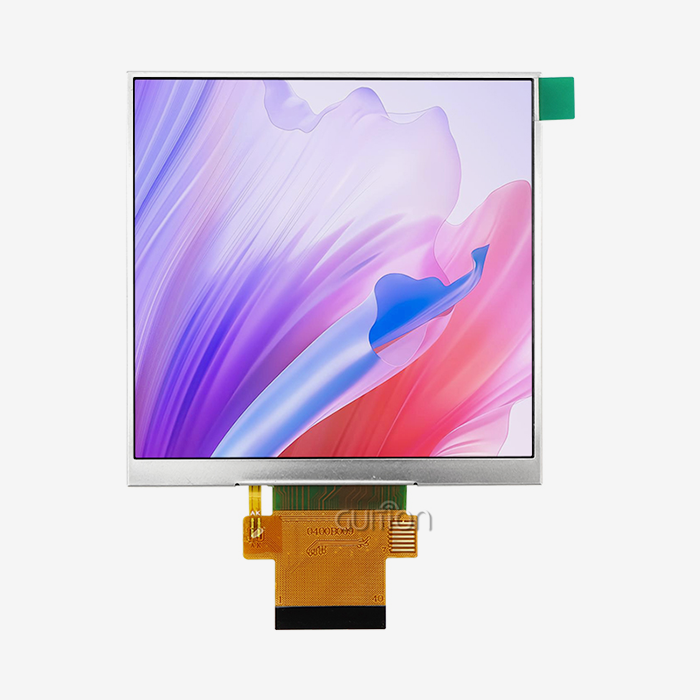
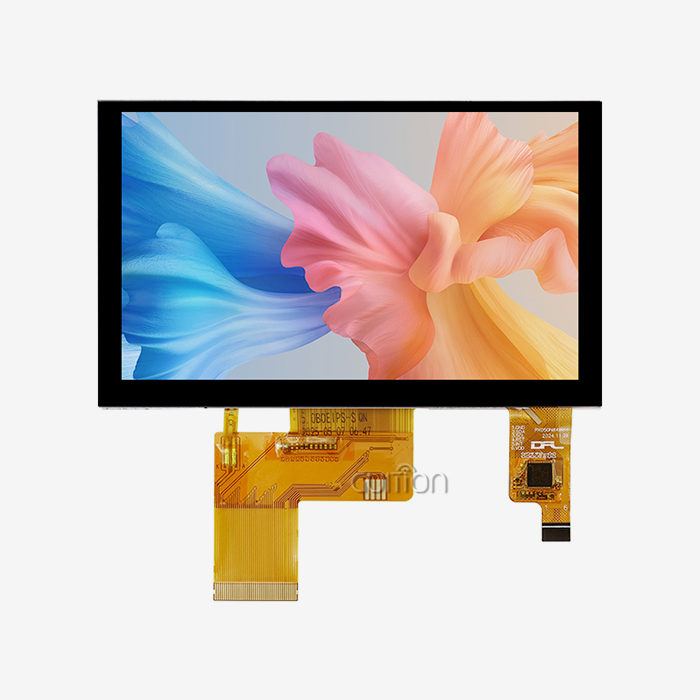
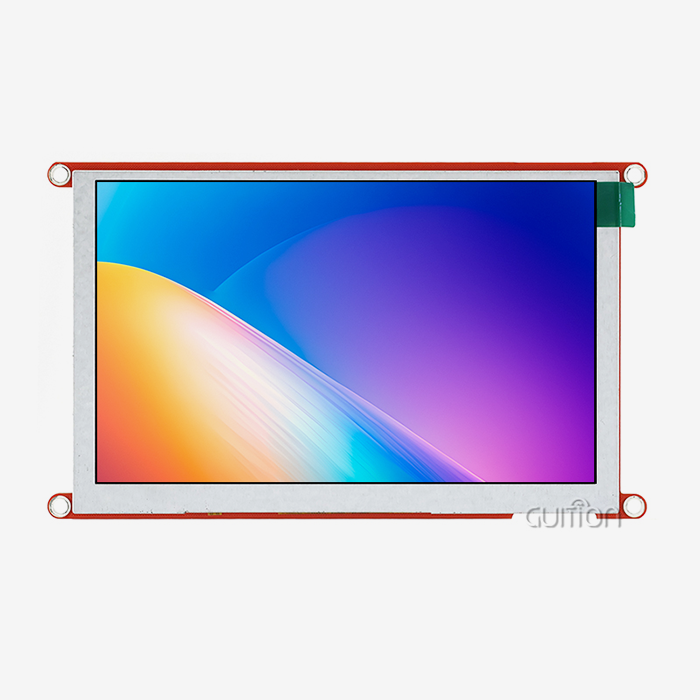
To design smart devices, you need a screen that’s crisp, recognizes touch cleanly, and connects without additional boards. It comes as one tiny item – a 4.3 TFT LCD module with Wi-Fi and Bluetooth built-in. This article demonstrates how Guition HMI Modules combine a 480×272 IPS display, capacitive touch, and a drag-and-drop GUI tool. You’ll discover specifications that matter, memory and pixel math behind them, and a purchasing checklist. I developed this for engineers and consumers who want to get from prototype to production with fewer surprises.

Want to check the hardware as you read? Guition supplies the JC4827Q343C_I as a board that is ready to operate. 4.3 TFT LCD module supplier OEM small batch order samples: please contact david@guition.com. Our staff will get back to you with datasheets, prices, and sample lead times. You may also contact +86 186 6584 6730. Every item in our Guition HMI Modules range comes with factory-burnt demo programs so you can witness touch and wireless operation on day one.
What Makes a 4.3 TFT LCD Module Ideal for Smart Hardware HMI?
The screen and controls a person uses to operate a device are called a human-machine interface (HMI). A TFT LCD module is a thin-film-transistor liquid crystal display with its backlight and connection. Add those two principles together, and you have the heart of most smart appliances, portable equipment, and control panels. I have seen several teams waste weeks trying to decide on a screen size. The 4.3 TFT LCD module frequently settles that discussion, and the data explain why.
Why 4.3 Inches Hits the Sweet Spot
The 4.3-inch display is around 3.74 inches wide and 2.12 inches high, with a 480×272 pixel resolution. Fits a palm, a wall plate, or a machine front panel. The diagonal is 552 pixels for a resolution of around 128 pixels per inch. Text at 16 pixels is still legible at arm’s length. Icons that are roughly 48 pixels are simple to strike with a thumb. Larger displays add expense and space to the enclosure. Little displays equal little buttons. This size eliminates both difficulties for most control displays.
How Pixel Count Affects Your Processor
Here’s a calculation I do on every new project. A 480×272 display has 130,560 pixels. A 7-inch 800-by-480 screen contains 384,000 pixels, or nearly 2.9 times as many. Every additional pixel costs memory and drawing time. For the 4.3-inch display, one may assume one RGB565 frame buffer (2 bytes per pixel) of 261,120 bytes, or around 255 KiB. The identical buffer on a 7-inch screen takes up 768,000 bytes. A tiny MCU can easily manage the lower load of a 4.3 TFT LCD module, keeping your BOM low.
How Do Guition HMI Modules Simplify Wireless Connectivity and Touch Control?
A lot of HMI projects start with three independent pieces: a display, a touch controller, and a wireless chip. Each item has its own drivers, wiring, and test plan. Guition HMI Modules put them on one board. The JC4827Q343C_I is primarily controlled by a single-core 400 MHz MCU, the Artinchip D121BAV. The board adds a 4.3” IPS display, a capacitive touch layer, backlight control circuit, and IO port interfaces. Our collection of modules was built with one thought in mind: fewer pieces between you and a functional screen.
One Board Instead of Three
If you integrate parts yourself, you own all the interfaces. You route the display bus, the touch interrupt line, and the radio antenna, and you have the certification risk. An integrated 4.3 TFT LCD module pushes most of that effort to the provider. Before the board leaves the manufacturer, we tweak the display timing, the touch responsiveness, and the lighting circuit. You get a module that already boots into a demo. Narrows the time between unpacking and your first personalized screen.
Touch Control Without Extra Controller Design
Capacitive touch works by sensing the change in the electric field when a finger comes near the glass. The design offers multi-touch movements such as pinch and spread, according to a technical report from control.com in 2024. It also underlines the trade-off: Gloves and styluses typically don’t register. The module manages the sensing for you, so your firmware is reading touch events, not the raw data. When you analyze the board, three integration points are most important:
- Wi-Fi and Bluetooth built-in: The module connects to your network and couples with phones with no extra radio board. You avoid antenna layout work, you reduce one purchase line item, and you test one assembly instead of two. Teams shipping small quantities save actual coordination time between hardware, firmware, and quality control with this simplicity.
- Touch on IPS display: Capacitive touch panel. Touch and picture are from one stack. You don't add a separate digitizer to a screen. The display reacts to mild finger touch, delivering the movements people have come to expect from phones. Your designers can construct swipe menus and pinchable charts without hardware workarounds or bespoke calibration methods.
- Serial port and I/O interfaces: The module communicates with motor drivers, sensors, and host controllers over standard interfaces. You may mount it as a smart display on an existing system, or run your own software directly on it. Both routes utilize the same board, so your inventory remains simple.
These three characteristics eliminate the most frequent integration delays I experience in client projects. They also offer your goods a sense of modernity from the very first prototype.
Key Display Specifications: Resolution, Brightness, and Touch Sensitivity
Specifications sell displays, but just a few alter how users feel. I encourage purchasers to examine five metrics on the bench: resolution, viewing angle, backlight control, touch responsiveness, and light transmission. Three of them merit a closer examination here.
Resolution and Pixel Density in Practice
The JC4827Q343C_I is a 4.3 TFT LCD module with 480 x 272 pixels resolution. That amount applies to dashboards, setpoint displays, icon menus, and brief texts. Not the best for thick spreadsheets or tiny font papers. Match resolution to your content, not spec sheet trends. At this density, a thermostat or 3D printer menu appears sharp, since designers utilize big buttons and strong text. When a consumer wants more pixels, I inquire what they want to show. Often the solution is a handful of values, and 480×272 fits them perfectly.
IPS Viewing Angles and Touch Stability
What is IPS? IPS means in-plane switching. The liquid crystals align parallel to the glass; thus, the color remains constant when seen from the side. As outlined in Nelson Miller’s 2021 reference to IPS displays, this kind of panel has greater viewing angles than traditional LCDs. The same source adds that IPS panels do not have the color distortion caused by touch pressure that certain other varieties of LCD have. This is important for a wall-mounted controller. Visitors typically see it at an angle, and all day their fingertips contact the glass.
Brightness Control and Touch Sensitivity
The module has a backlight control circuit so your firmware may dim the screen at night and brighten it in daytime. You’d ask any provider what the brightness figure of the panel is in nits, and ask for the datasheet before you commit. Touch sensitivity is also worth field testing. According to a 2026 Alibaba.com seller guide, capacitive panels transmit around 90–92% of light and resistive devices transmit about 80–85%. The higher the transmission, the sharper the image for the same lighting power.
Can an Integrated HMI Module Reduce Embedded Development Time?
Yes, and I can show where the hours go. Embedded UI projects lose time on repetitive groundwork, not on the creative part. Display drivers, touch calibration, wireless stacks, and test fixtures all come before your initial custom screen. An integrated board removes most of that groundwork. I cannot give you a measured industry percentage, because no public study isolates it. I can show you how to count your own savings.
The Tasks You Skip
List the jobs you would otherwise do yourself. You would write or port a display driver. You would tune touch thresholds. You would bring up Wi-Fi and Bluetooth, then handle pairing and reconnection. You would build a way to load firmware in the field. With Guition HMI Modules, the board arrives with sample programs burned in at the factory, and the GUI tool covers layout work. The jobs left for your team are product logic and brand design. Those are the jobs customers pay for.
An Illustrative Time Budget
Here is a planning example, not a measured result. Suppose your team needs five groundwork tasks: display driver, touch tuning, Wi-Fi bring-up, Bluetooth pairing, and an update path. If each takes two working days, you spend ten days before any product screen exists. Using a pre-integrated 4.3 TFT LCD module moves most of those days to the supplier. Replace my two-day figure with your own team's history. The gap between your number and zero is your savings estimate.
Wi-Fi and Bluetooth Integration for Connected IoT Devices
Wireless is where many HMI projects stall. Radio tuning is a specialty, and certification can surprise a small team. Built-in wireless lets you focus on what the device does with the connection. The 4.3 TFT LCD module from Guition HMI Modules includes both Wi-Fi and Bluetooth. That covers the two jobs connected devices need most: cloud access and local setup.
Wi-Fi for Cloud Access and Remote Upgrade
Wi-Fi gives your device a path to cloud dashboards, time servers, and update servers. Our modules support remote upgrades of user projects. That means you can fix a bug or add a screen after the product ships, with no site visit. Espressif's ESP32-S3 announcement shows what embedded Wi-Fi typically offers. It describes 2.4 GHz 802.11 b/g/n Wi-Fi with 40 MHz bandwidth and Bluetooth 5 (LE) on one chip. I cite it as an industry benchmark, not as a claim about our silicon. Check the Guition HMI Modules datasheet for the exact radio specification.
Bluetooth for Setup and Local Control
Bluetooth solves the awkward setup problem. A screen-less device needs a way to receive Wi-Fi credentials. A device with a screen can display a pairing code and accept a phone connection at once. Bluetooth also supports nearby control, such as a handheld terminal talking to a shop-floor sensor. Low-energy modes keep battery drain modest in portable designs. In my experience, pairing flows cause more support tickets than any other wireless feature. A touch screen makes those flows easier to explain.
How Do You Choose the Right 4.3 TFT LCD Module for Your Project?
Selection comes down to matching the module to the job. I ask customers four questions: Who touches it? Where does it live? How does it connect? How many units will you build? Their answers narrow the field fast. The comparison below uses sources I trust and my own bench experience.
Match the Specs to Your Use Case
Start with the environment. A clean indoor panel suits capacitive touch and IPS glass. A greasy workshop with gloved operators needs a different approach. Control.com's 2024 article points out that capacitive screens can misread raindrops, sweat, or dust, while gloves and styluses may not register at all. The embeddedTS blog from 2017 adds that resistive panels tolerate gloves and handle dust well. Choose by who touches the screen, not by which technology sounds newer.
Compare Integrated Modules with Discrete Builds
An integrated board costs more than bare parts on paper. It usually costs less in engineering time. The Alibaba.com guide reports that resistive panels often cost 25–50% less than comparable capacitive ones, though capacitive glass tends to last longer. Use these checks during selection:
- Touch technology fit: Decide between capacitive and resistive based on gloves, moisture, and gestures. Capacitive wins on multi-touch, clarity, and glass durability. Resistive wins on glove use and low unit cost. Write the decision into your requirements document so purchasing, design, and test teams all judge samples against the same rule.
- Development path fit: Pick the programming mode your engineers already know. Our modules support Arduino, IDF, and the Guition HMI Modules online tool. A team with Arduino habits can start on day one, while a team with IDF experience keeps its existing workflow. Matching the path to your team avoids retraining costs.
- Lifecycle and supply fit: Ask about stock, lead times, and customization before you design in a module. We offer OEM and bulk packaging, and our product line spans sizes from 1.28 inches to 21.5 inches. That range lets you move to a different screen size later without changing suppliers or toolchains.
These checks turn a vague preference into a pass-or-fail list. Run every candidate through them before you order samples.
Simplifying GUI Design with Guition HMI Development Tools
Hardware gets you a screen. Software decides whether anyone enjoys using it. Many teams spend more time on the interface than on the electronics. Our online GUI tool, called Guition, targets that bottleneck with a what-you-see-is-what-you-get workflow.
Drag-and-Drop Design with a Rich Control Library
You add a button, slider, chart, or label with a single click. Then you drag it into position and adjust size and style on screen. The tool offers a library of ready-made controls, so you rarely draw widgets from scratch. This approach suits mixed teams. A designer can shape the layout while an engineer wires up the logic. Both see the same preview. In my experience, that shared view cuts the back-and-forth that normally slows interface reviews.
Online Debugging, Remote Upgrade, and Multi-Language Support
Debugging runs across platforms through the online tool, which helps you locate problems quickly. Remote upgrade lets you push a new project to devices already in the field. Multi-language switching and UTF-8 encoding support products sold in several regions. One firmware build can serve a German kitchen, a Japanese factory, and a Brazilian workshop. Secondary development interfaces and technical documents give advanced users deeper control. You can customize functions without digging into low-level code.
Customer Feedback on Our Display Modules
I do not have a controlled benchmark to share, but I can report what buyers say. Reviews on our website describe responsive touch, careful anti-static packaging, and easy flashing of custom applications. Several buyers mention running ESPHome or Home Assistant on our display boards, and one reports a repeat purchase because the IPS colors impressed them. These comments cover our wider display range, not one model. They show the pattern I care about: people get a screen running quickly.
Smart Home, Industrial Control, and IoT Applications
A module earns its place in real products. The 4.3 TFT LCD module suits many industries because its size, wireless capability, and development tools travel well. Here are three application groups, with the reasons each one works.
Smart Home and Consumer Gadgets
A wall-mounted smart home panel needs a wide viewing angle, a clean look, and a Wi-Fi link. The IPS panel and built-in wireless cover all three. The same hardware drives 3D printer front panels and audio equipment screens. Users get a phone-like touch experience, and makers get a board they can program with familiar tools. A 4.3 TFT LCD module with remote upgrades matters here, because consumer products need feature updates long after the sale. A smart panel that gains a new screen through a software push keeps customers happy.
Industrial Control and Handheld Terminals
Factory teams use compact screens for process monitoring, manufacturing controls, and handheld terminals. A 4.3 TFT LCD module fits a machine front panel or a rugged handheld. The serial port connects to PLCs and motor drivers, while the TF card slot stores logs and recipe files. I always advise testing glove behavior early, as discussed above. Where operators wear gloves, plan a resistive alternative or a field trial with real protective gear before you commit.
Medical, Transportation, and Environmental Equipment
Our customers also use the module in therapeutic and beauty equipment, EV charging stations, car accessories, air-quality detectors, and smart warehouse tools. Medical-grade products need their own regulatory review, and this module does not replace that process. It does give your team a fast way to build and test the interface. In charging stations, the touch screen shows status, pricing, and Wi-Fi diagnostics. In air-quality monitors, it plots readings with the sensor ports.
What Interfaces Should Buyers Check Before Selecting an HMI Module?
A great screen is useless if it cannot talk to the rest of your system. Interface checks on a 4.3 TFT LCD module take an hour and save a redesign. I walk every new customer through the same short list before they place a sample order.
Serial, IO, and Storage Connections
The module includes a serial port for reliable communication with host controllers. It also provides IO port interfaces for custom connections, so you can drive relays, read switches, or trigger alarms. A reserved TF card interface expands storage for images, fonts, and data logs. Confirm voltage levels, connector types, and pin assignments on the datasheet. Then test one real signal path on the bench. A single working connection tells you more than a page of specifications.
Sensor Ports, Power, and Mechanical Fit
Multiple sensor interface options let you read temperature, air quality, or motion without extra boards. Check the power budget as well. A backlit display with Wi-Fi draws more current during radio bursts than at idle. Size your supply for the peak, not the average. Measure the board against your enclosure drawing, and leave room for cables and the antenna. Mechanical surprises remain the most common late-stage problem I see, and a paper check catches most of them.
From Prototype to Production: Building Smarter Hardware with Guition HMI Modules
A prototype demonstrates the concept. The business is production. This is where integrated Guition HMI Modules pay off: the route between them. The same board scales from a unit on a desk to thousands in a box.
Prototype: Prove the Interface in Days
Start with a sample of 4.3 TFT LCD modules, demo software, and the web GUI interface. Build the 3 displays people touch most. Put the board in front of five actual users and observe where they trip up. Fix the layout. Please try again. The demo works out of the box, and the tool displays modifications on the fly so you may go through numerous design cycles every week. My advice would be to get input from clients before locking in hardware selections.
Pilot and Scale: Lock the Details
Pilot runs reveal difficulties hidden by single units: temperature drift, batch variance, field update failures. We have a quality control system with a test lab and RoHS compliance in our manufacturing. Customization is also available for adding a logo screen, specific connections, or firmware preload to your purchase. Keep your fleet updated after launch with remote upgrading. With Guition HMI Modules, you stay with the same board and the same software project while going to volume. That constancy safeguards your timetable.
Conclusion
Smart hardware with a 4.3 TFT LCD module, brilliant 480x272 IPS screen, capacitive touch, integrated wifi on a single board. Guition HMI Modules include a drag-and-drop GUI tool, many development modes, online debug, and remote upgrading. The arithmetic is on our side. 130,560 pixels need around 255 KiB of RGB565 buffer, which is perfect for tiny MCUs. There's science to back it up, and there are trade-offs you should honor, including glove usage and expense. Test a sample, count your own saved days, and decide with data.”
FAQ
1. What is a 4.3 TFT LCD module?
It is a 4.3-inch thin-film-transistor liquid crystal display packaged with a backlight and connector. The Guition JC4827Q343C_I goes further. It adds a 400 MHz single-core MCU, a 480×272 IPS panel, capacitive touch, Wi-Fi, Bluetooth, and IO ports, so you receive a complete HMI board.
2. What resolution does the Guition JC4827Q343C_I offer?
It offers 480×272 pixels on an IPS display. That is 130,560 pixels at roughly 128 pixels per inch, which suits dashboards, menus, and short text.
3. Does the module include Wi-Fi and Bluetooth?
Yes. Built-in Wi-Fi and Bluetooth support network access, device pairing, and remote upgrades of user projects. Please request the datasheet for exact radio specifications before you finalize a design.
4. How do I program a Guition HMI module?
You can use the online Guition GUI tool with drag-and-drop controls, or work in Arduino or IDF. The module supports secondary development, and technical documents explain the interfaces. Cross-platform online debugging helps you find problems fast.
5. Is capacitive touch better than resistive touch for HMI?
It depends on your users. Capacitive touch supports multi-touch gestures, clearer images, and durable glass, according to Control.com. Resistive touch tolerates gloves and dust better, according to embeddedTS. Choose based on the environment and who operates the device.
Request Your 4.3 TFT LCD Module Samples from Guition
Ready to see the screen in your own hands? Contact Guition at david@guition.com or call +86 186 6584 6730. Tell us your application, target quantity, and interface needs. We will recommend a 4.3 TFT LCD module configuration and quote samples from our factory. As a Guition HMI Modules manufacturer, we support OEM customization, quality testing, and global shipping. Ask about our 4.3 TFT LCD module for sale in small and large volume batches, and we will answer within one business day.
References
1. Espressif Systems (2021). "Announcing ESP32-S3 for AIoT Applications." Used in the Wi-Fi and Bluetooth section as an industry benchmark for embedded 2.4 GHz Wi-Fi and Bluetooth 5 (LE). https://www.espressif.com/en/news/ESP32_S3
2. Control.com, Seth Price (2024). "Touching on Touchscreens | Capacitive vs. Resistive Technologies." Used in the touch control, selection, and FAQ sections. https://control.com/technical-articles/touching-on-touch-screens-capacitive-vs-resistive-technologies/
3. embeddedTS Blog, Alan Brown (2017). "Reach Out and Touch Something (Capacitive vs Resistive Touch Screens)." Used in the selection and FAQ sections. https://blog.embeddedts.com/reach-out-and-touch-something-capacitive-vs-resistive-touch-screens/
4. Nelson Miller (2021). "The Beginner's Guide to In-Plane Switching (IPS) Displays." Used in the IPS viewing angle section. https://nelson-miller.com/the-beginners-guide-to-in-plane-switching-ips-displays
5. Alibaba.com Seller Blog (2026). "Capacitive vs Resistive Touch Screens: Complete Industrial Selection Guide." Used in the brightness and selection sections. https://seller.alibaba.com/blogs/2026/southeast-asia/industrial-machinery/capacitive-resistive-touch-screen-guide-alibaba-b2b
6. Guition / Shenzhen Jingcai Intelligent (2026). Company website: product range, customer reviews, shipping terms, and contact details. Used in the GUI tools, FAQ, and production sections. https://jingcaizhineng.aixdb.cn/
About the Author
David, CEO of Guition. David leads Shenzhen Jingcai Intelligent Co., Ltd., a technology company that combines R&D, production, and sales of human-computer interaction display solutions. Under his direction, the team developed the Guition GUI software and a product range from 1.28 to 21.5 inches. He works directly with OEM engineers and buyers on display selection, development workflows, and production planning.
Learn about our latest products and discounts through SMS or email