- English
- French
- German
- Portuguese
- Spanish
- Russian
- Japanese
- Korean
- Arabic
- Greek
- German
- Turkish
- Italian
- Danish
- Romanian
- Indonesian
- Czech
- Afrikaans
- Swedish
- Polish
- Basque
- Catalan
- Esperanto
- Hindi
- Lao
- Albanian
- Amharic
- Armenian
- Azerbaijani
- Belarusian
- Bengali
- Bosnian
- Bulgarian
- Cebuano
- Chichewa
- Corsican
- Croatian
- Dutch
- Estonian
- Filipino
- Finnish
- Frisian
- Galician
- Georgian
- Gujarati
- Haitian
- Hausa
- Hawaiian
- Hebrew
- Hmong
- Hungarian
- Icelandic
- Igbo
- Javanese
- Kannada
- Kazakh
- Khmer
- Kurdish
- Kyrgyz
- Latin
- Latvian
- Lithuanian
- Luxembou..
- Macedonian
- Malagasy
- Malay
- Malayalam
- Maltese
- Maori
- Marathi
- Mongolian
- Burmese
- Nepali
- Norwegian
- Pashto
- Persian
- Punjabi
- Serbian
- Sesotho
- Sinhala
- Slovak
- Slovenian
- Somali
- Samoan
- Scots Gaelic
- Shona
- Sindhi
- Sundanese
- Swahili
- Tajik
- Tamil
- Telugu
- Thai
- Ukrainian
- Urdu
- Uzbek
- Vietnamese
- Welsh
- Xhosa
- Yiddish
- Yoruba
- Zulu
Guition ESP32 Display Module Benefits for Commercial Devices
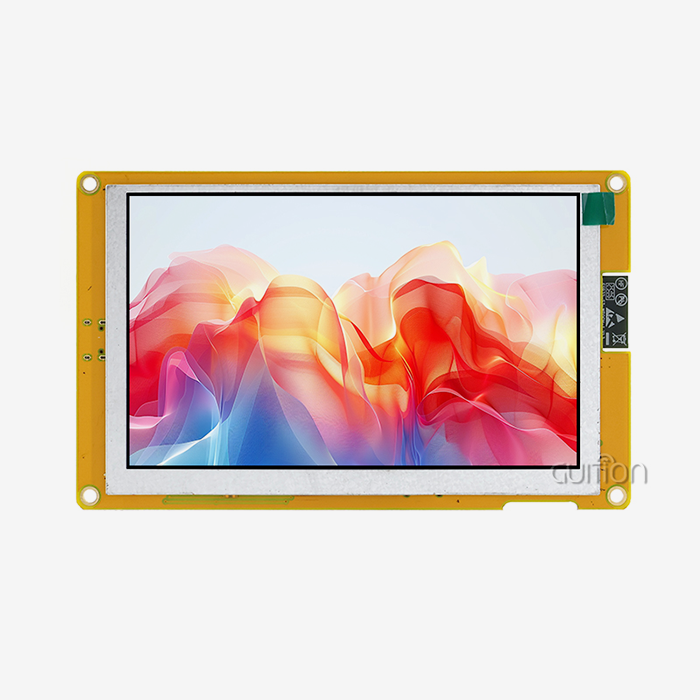
The main benefit of a Guition esp32 display module for commercial devices is that it places the processor, the screen, and wireless connectivity on one board. I see this saving time in three areas: fewer parts to source, less wiring to debug, and quicker screen design. The ESP32-4827S043N pairs a dual-core ESP32-S3R8 running up to 240 MHz with a 4.3-inch, 480*272 display, 8MB PSRAM, and 16MB flash. It also includes Wi-Fi, Bluetooth, a TF card interface, and IO ports. This guide explains the features, applications, and buying steps so you can judge the fit for your product.

What Is a Guition ESP32 Display Module?
Why Commercial Devices Need an Integrated Display Controller
There are many business items that need to have a screen, processor, and wireless communication, but take up little space. The same problems occur with different microcontrollers, screens, and connections: they need to source more parts, add more wiring, make the board bigger and spend more time fixing. Using the Guition ESP32 display module, the number of these steps is reduced as the LCD and the main controller are combined into one unit. But that doesn’t mean there isn’t design work to be done. The power, the case, and the software are still a work in progress. Engineers, buyers, and product managers can start building embedded HMIs, IoT screens, and control panels faster. This is useful when a test run date is established.
Core Specifications of the ESP32-4827S043N
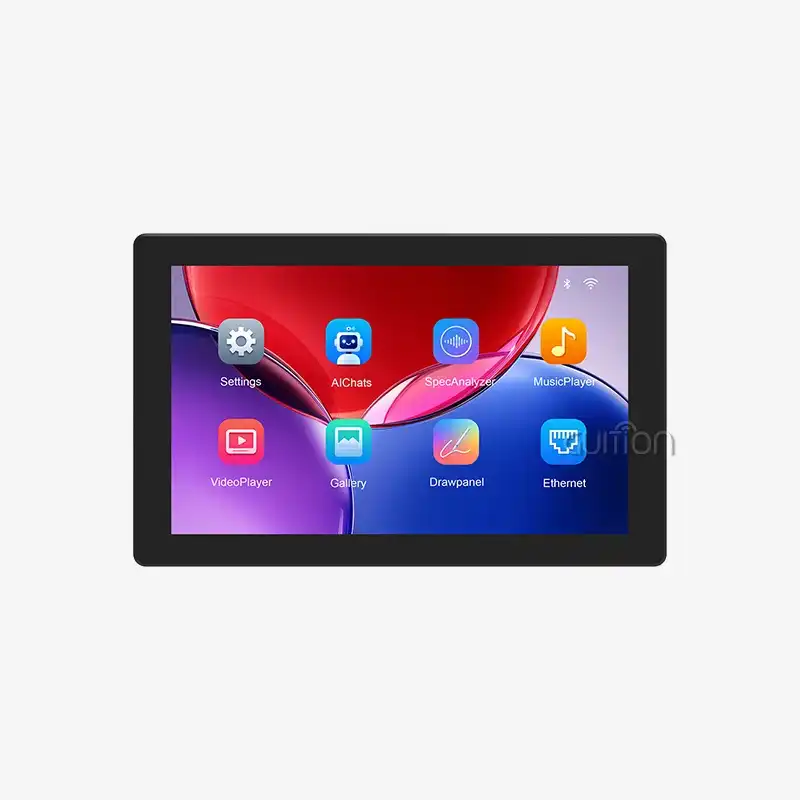
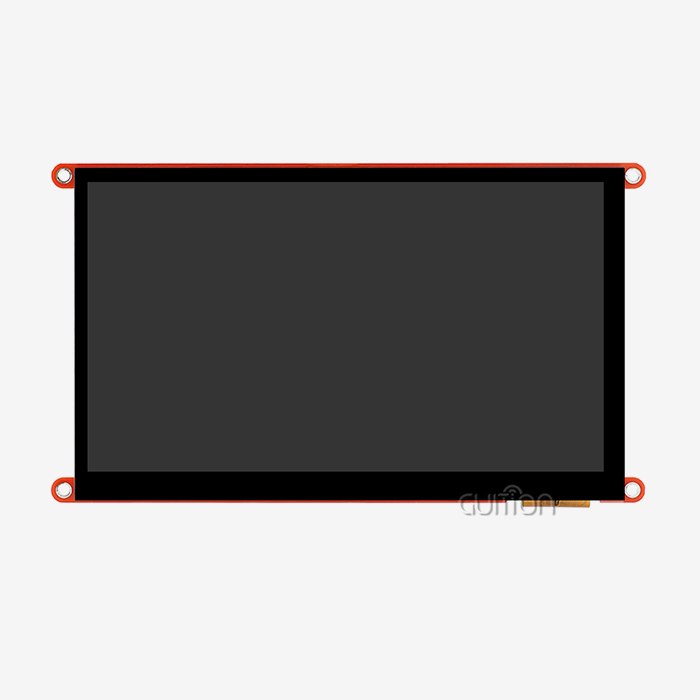
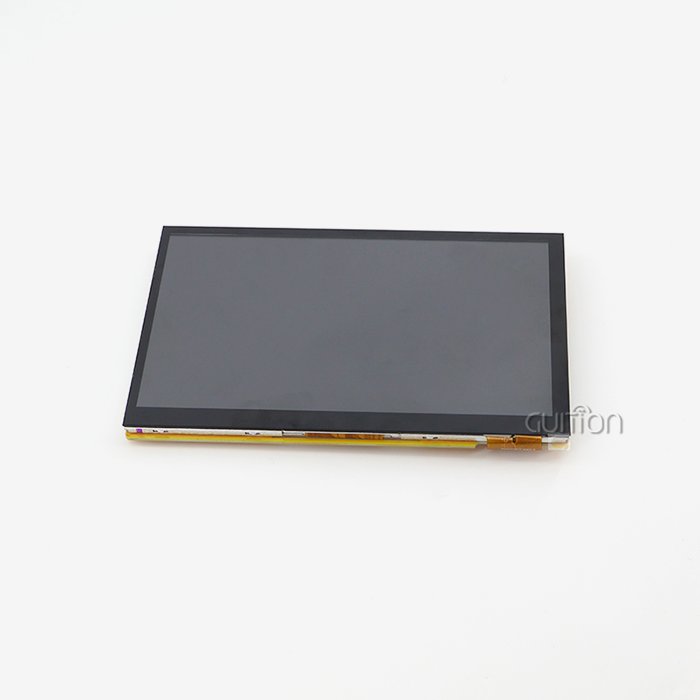
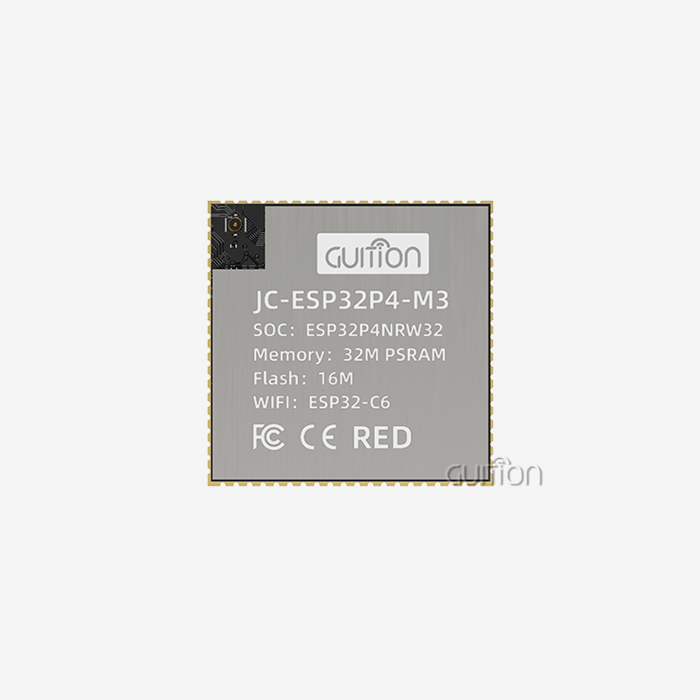
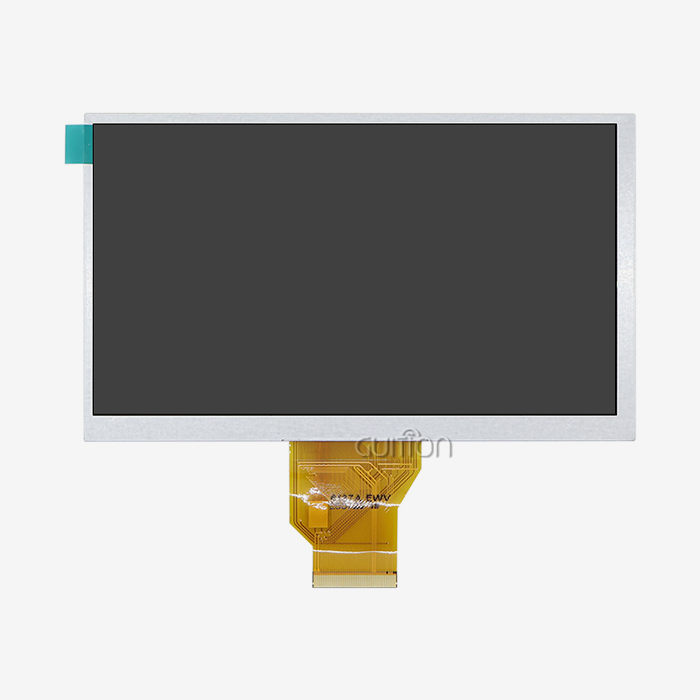
The ESP32-4827S043N from GUITION is centred around an ESP32-S3R8 module. The MCU is dual-core and can run at a maximum of 240 MHz. It has 512KB SRAM, 384KB ROM, 8MB PSRAM, and 16MB flash. There is information about the Espressif ESP32-S3 family of chips talking about 2.4 GHz Wi-Fi and Bluetooth LE. This Guition ESP32 display module already has these two features. The screen is 4.3 inches and can display 16-bit RGB colour at a resolution of 480x272. You can choose from 65K colours. It says this version does not have touch, but the board has a circuit for both a touch screen and the backlight. Besides, a TF card interface and an IO port interface are arranged.
Development Board, Display Module, or Custom HMI
People often mix up three different kinds of things. A development board usually has its own screen and pins that can be used for testing. The processor is interfaced to the LCD with an integrated display module like the Guition ESP32 display module. So teams can get to work on the UI right away. If you order a custom HMI, it is made for you and has its own rules for how it works and who can accept it. This module performs well for test and pilot production. “It can also be used for private label work if the needs are right.” The person building the finished device still has to check that it meets all system-level requirements and is certified for example, according to US radio authorisation rules.
Key Benefits of the Guition ESP32 Display Module for Commercial Devices
Faster Development and Fewer Hardware Connections
Often it is the time to market for a test product that makes or breaks it. Integration can help here. The Guition ESP32 display module includes the driver, LCD, and backlight control circuit in one, so there are no display lines and no early board-level debugging to worry about. It is pre-programmed with the test code so that when you power up the board, you can immediately see the result on the screen. This quick check means the hardware is working before the program code is written. No button steps or separate coder needed. Upload works with one click. These features mean less time doing nothing, which slows down the test process. They also give a small group more time to work on the product.
Built-In Wi-Fi and Bluetooth for Connected Products
For them to connect business devices, they need to communicate what they are doing to others, receive settings, and report their state. The Guition ESP32 display module comes with Wi-Fi and Bluetooth already integrated, so there’s no need for an extra radio module on the board. One interface is removed for testing, and the number of parts goes down. It has two cores that run at 240 MHz, so the software can work on the screen and the network at the same time. For instance, it can change the dashboard while the connection is still open. Since the connectivity is already baked in, it’s a lot easier to go from a bench demo to a networked unit for IoT dashboards, smart appliances, and monitoring panels. Teams have to figure out a safe way to deal with credentials and be sure that the wireless works well inside the final cover for now.
Memory, Storage, and Expansion Interfaces
Logs, images, and fonts take up a lot of space. The Guition ESP32 display module has 16MB flash and 8MB PSRAM. This space can contain picture files, several font files, and application code. One interface allows you to add portable storage for logging data or whatever. The other adds an IO port interface so you can hook up sensors or other parts. The 4.3 inch screen has 480*272 pixels, which is pretty good for small displays where status is more important than fine details. Right off the bat, I think you should jot down the sizes of your assets, such as icons, languages, and log files, and then compare them to these memory numbers. This simple test avoids a late switch to another model.
Guidance for ESP32 Display Module Applications and Alternatives
Industrial, Medical, and Smart Home Uses
According to the GUID, this Guition ESP32 display module can be used in medical devices, smart home products, and factory automation. In business, the module can be used for a control panel, a monitoring screen or a process indicator. Medical product teams can consider how to use it when making it for patient monitors, diagnostic tools and therapy device interfaces. But in the end, the product has to pass its own government review. It can be used by people who build smart homes to build controllers for climate, security, and control panels. In different fields, different things matter. Factories need to be able to run smoothly; medical devices need to give clear results and home panels need to respond quickly. Prototyping and real-world testing should show that the chosen unit can meet those needs.
Commercial Equipment, 3D Printing, and Monitoring
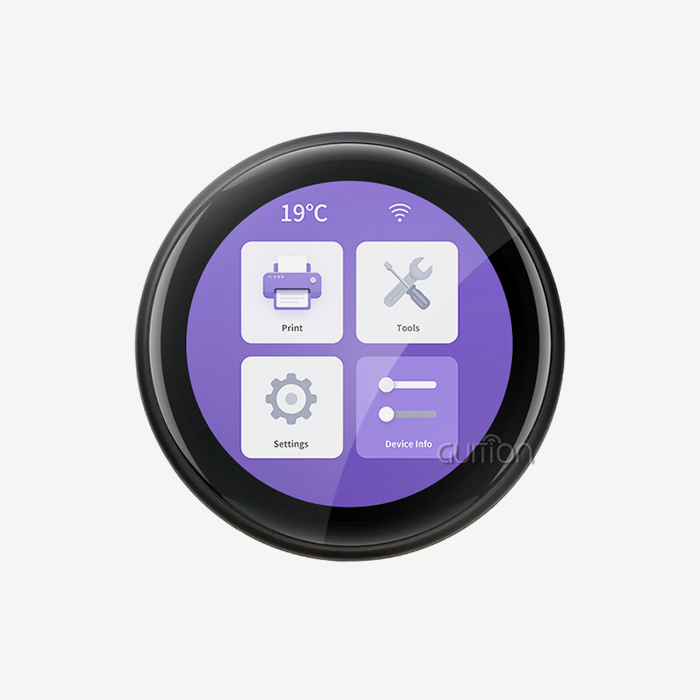
3D printing, business tools, consumer gear and tools to track the environment are also on the list of goods. A 3D printer screen can display what is happening and allow people to change settings. It can display choices and machine states in sound systems, vending machines and cooking tools for business. Environmental monitoring projects can extract data from sensor networks, air quality monitors and weather sites. Cars use them for dashboard displays, charging station interfaces, and diagnostic tools. It says that this unit can’t be touched, so designers should think of physical buttons or anything else that allows people to enter information when the product needs to be controlled.
Comparing the Guition ESP32 Display Module with Other Options
All the choices are rated on the same set of criteria to ensure a fair comparison. These are the types of ESP32: memory, resolution, touch support, interfaces, sample code, documentation, mechanical fit, stock, price, and ability to be modified. Individual ESP32 development boards put you more in control of the hardware, but you need a screen and more work to get them connected. The hardware is already available in the LilyGO and M5Stack products to speed up your experiments. Each type has its own specs, so look them up right away. Fully customised HMIs are more expensive and take longer to build but can meet specific needs. In the middle, we can see the Guition ESP32 display module. It has a screen, it has a driver, and it can still be improved. You can sort by container, order amount, or production stage.
Programming, Deployment, and Selection of a Guided ESP32 Display Module
Development Environments and Guided UI Software
Four programming languages can be used with the ESP32-4827S043N. Engineers can pick the one that is best suited for them. Many embedded teams that want lots of control over the hardware choose ESP-IDF, Espressif’s official development environment. Arduino IDE or Mixly are good places to start for new users. MicroPython is a good option for Python fans. It also has its own UI design tools that let you test your apps online on multiple platforms and drag and drop controls to change layouts. Which means you don’t need much code for simple interfaces. LVGL is an open-source graphics library. This means that your model can be used with it. Before you start, make sure the upload settings, the GPIO mapping, and the display driver are all correct.
Production Firmware: Updates, Recovery, and Diagnostics
A demo working is not the same as a product that is ready to be manufactured. The commercial firmware must include watchdog recovery, safe credential storage, factory reset, diagnostics, power loss recovery and the ability to operate without power. The same goes for updates sent from afar. The ESP-IDF documentation says there is support for over-the-air updates, and Jingcai Intelligence claims Guition ESP32 display module solutions enable users to upgrade their projects remotely, which can reduce service visits to the site. You want to look at the 16MB flash right away when you are designing this module. This is because the size of the flash is important when planning updates. Before you throw a lot away, make sure it can handle long tests with lots of power runs.
Selection Criteria for HMI and IoT Projects
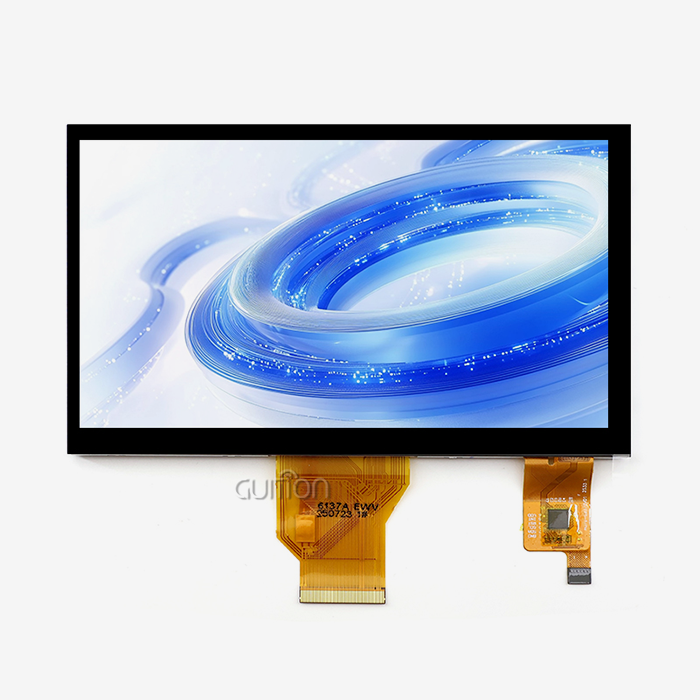
First, consider whether it will be used indoors or outdoors, for a short time or permanently, sometimes or all the time. Check screen size, resolution, brightness, viewing angle, touch requirements, processor, memory, interfaces, power consumption, size, and temperature range in the present datasheet. This model has a 4.3-inch, 480x272 screen, so it can display small screens but not complex ones. They are available in sizes from 1.28 inches to 21.5 inches, so you can find what you need should you need a different size for some job tomorrow. Specifications should be given equal importance to documentation and technical support because they help it work faster. The engineering and procurement teams can assign the same number for each choice for a Guition ESP32 display module on a weighted score sheet.
Procurement Guide: Buying a Guition ESP32 Display Module
From Samples to Pilot Runs to Volume Orders
If you have a plan, there is less risk. When ordering something for the first time, get samples to see how good the screen is, how well the hardware fits, how the power works, how hot it is and how stable it is over time. Then there should be a test batch that is used in real life. Large-scale sales should be allowed only when written acceptance standards are met. This Guition ESP32 display module can be done with testing and thousands of units. This is stated in the product description. That said, each step needs its own OK. This way, when the hardware is shipped back, it will be the same version you wrote down when you tested it. Also included in the total purchase cost is engineering time, parts, tests, freight, duties, inspection, and warranty replacements.
Questions to Ask a Supplier
Before you place your order, make sure you have the exact model, the most recent information, the circuit, the design, the mechanical drawing, and software samples. Don't be afraid to ask about the MOQ, sample and bulk price, wait time, stock status, warranty, shipping, and ways to make the product your own. Write down how to get an RMA and how long it takes for technical support to get back to you. Before you buy a Guition ESP32 display module, find out about version control, part changes, and end-of-life notes. It's also important to know about long-term supply. Jingcai Intelligence says it is a technology-based company that does research and development, production, and sales all at the same time. Going over these things this way might help. Your engineering and buying teams can use the written answers you send as a guide.
Common Risks and How to Avoid Them
A lot of people choose a phone based on price or screen size without looking to see if it is available. They do this because they think that all models have the same software setup. Different modules can have different GPIO codes, display drivers, flash or PSRAM sizes, and boot settings, so make sure you have the right SKU. An unstable power supply could be one reason why testing isn't very good. Resets, flickering, wireless drops, or pricey field service could happen because of this. The supply you want to send should be put through power-cycle, burn-in, environmental, and communication recovery tests. Because not every module works with every application, projects that need to do a lot to protect the environment, have complicated graphics, have to follow strict rules for certification, or need help for their whole lifetime should do more study.
Conclusion
On a single board, the Guition ESP32 display module ESP32-4827S043N has a 4.3-inch 480*272 screen, 8MB of PSRAM, 16MB of flash, Wi-Fi, Bluetooth, and a dual-core ESP32-S3R8 processor. This combination cuts down on the number of parts, wires, and bugs that need to be fixed right away. Prototyping is also sped up by test code that is already programmed and programming with just one click. This version doesn't have a touch panel, so you need to plan your input ahead of time. It can be used for business tools, medical devices, smart homes, 3D printers, and industrial control. When you compare an integrated module to separate boards or custom HMIs, it gives you faster starts but less hardware freedom. Before making big orders, make sure the model is right for the setting and that the firmware can recover and update. You should also read the papers, compare changes, and understand the supply terms.
FAQ
Q: What is the Guition ESP32 display module ESP32-4827S043N used for?
A: It can be used in touch screens, IoT dashboards, control panels, 3D printer interfaces, smart home panels, and business tools. On the GUIDE list are also home automation, medical gadgets, auto tools, and environmental tracking. Use a real-life prototype to make sure it fits right.
Q: Does this module include a touch panel?
A: The screen size for this version is 480x272, and it doesn't have touch. Touchscreen control is built into the board, but you should add buttons or another way to enter data until you hear from the seller that they offer a touch version.
Q: Which tools can I use to program it?
A: To build things, you can use ESP-IDF, Arduino IDE, MicroPython, and Mixly. It also has UI creation software with drag-and-drop controls and tools, and test programs for Arduino. Make sure you know the exact model's wiring and settings before you send the code.
Q: What should I request before ordering?
A: Ask for the exact model, datasheet, pinout, schematic, software samples, minimum order quantity (MOQ), wait time, warranty, and support policy.
Request a Guition ESP32 Display Module Quote or Technical Evaluation.
Need to find a place to get Guition ESP32 display modules for your next business gadget? Jingcai Intelligence, the business that made Guition, sells screens from 1.28 inches to 21.5 inches, the Guition UI software, and helps with creating new apps. Send your application, quantity, and interface needs to david@guition.com or visit https://jingcaizhineng.aixdb.cn/ to learn more. We'll help you set up a practice test and look over it.
References
1. Espressif Systems, ESP32-S3 Series Datasheet, 2023
2. Espressif Systems, ESP32-S3 Technical Reference Manual, 2023
3. Espressif Systems, ESP-IDF Programming Guide, 2024
4. LVGL, LVGL Documentation, 2024
5. Arduino, Arduino Documentation, 2024
6. MicroPython, MicroPython Documentation, 2024
Learn about our latest products and discounts through SMS or email