- English
- French
- German
- Portuguese
- Spanish
- Russian
- Japanese
- Korean
- Arabic
- Greek
- German
- Turkish
- Italian
- Danish
- Romanian
- Indonesian
- Czech
- Afrikaans
- Swedish
- Polish
- Basque
- Catalan
- Esperanto
- Hindi
- Lao
- Albanian
- Amharic
- Armenian
- Azerbaijani
- Belarusian
- Bengali
- Bosnian
- Bulgarian
- Cebuano
- Chichewa
- Corsican
- Croatian
- Dutch
- Estonian
- Filipino
- Finnish
- Frisian
- Galician
- Georgian
- Gujarati
- Haitian
- Hausa
- Hawaiian
- Hebrew
- Hmong
- Hungarian
- Icelandic
- Igbo
- Javanese
- Kannada
- Kazakh
- Khmer
- Kurdish
- Kyrgyz
- Latin
- Latvian
- Lithuanian
- Luxembou..
- Macedonian
- Malagasy
- Malay
- Malayalam
- Maltese
- Maori
- Marathi
- Mongolian
- Burmese
- Nepali
- Norwegian
- Pashto
- Persian
- Punjabi
- Serbian
- Sesotho
- Sinhala
- Slovak
- Slovenian
- Somali
- Samoan
- Scots Gaelic
- Shona
- Sindhi
- Sundanese
- Swahili
- Tajik
- Tamil
- Telugu
- Thai
- Ukrainian
- Urdu
- Uzbek
- Vietnamese
- Welsh
- Xhosa
- Yiddish
- Yoruba
- Zulu
ESPHome Display Setup: Which Screen Works Best?
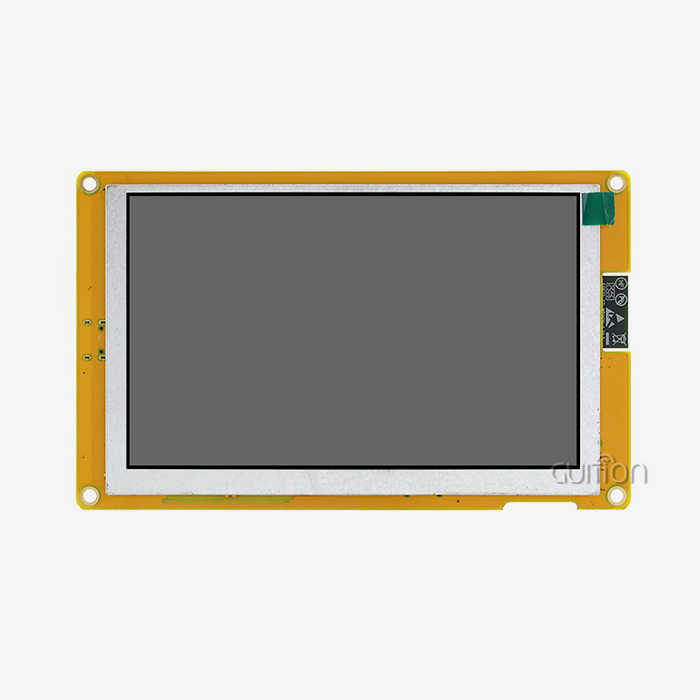
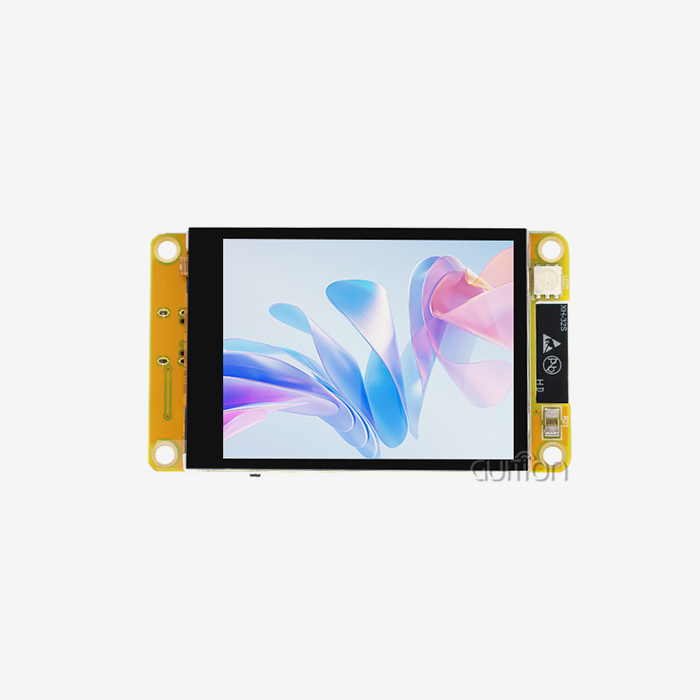
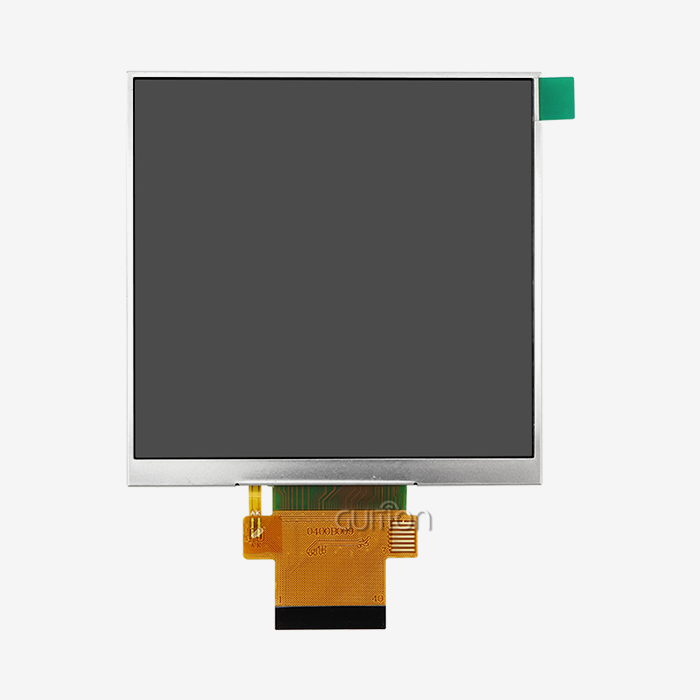
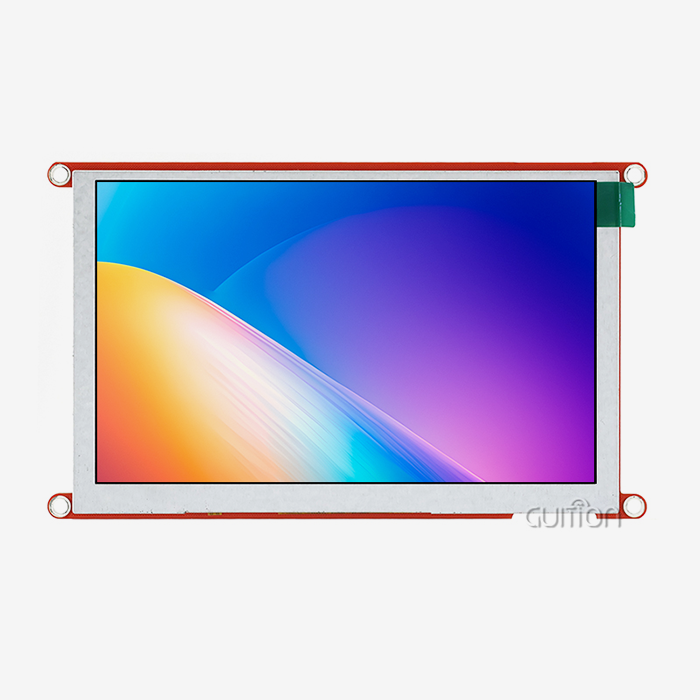
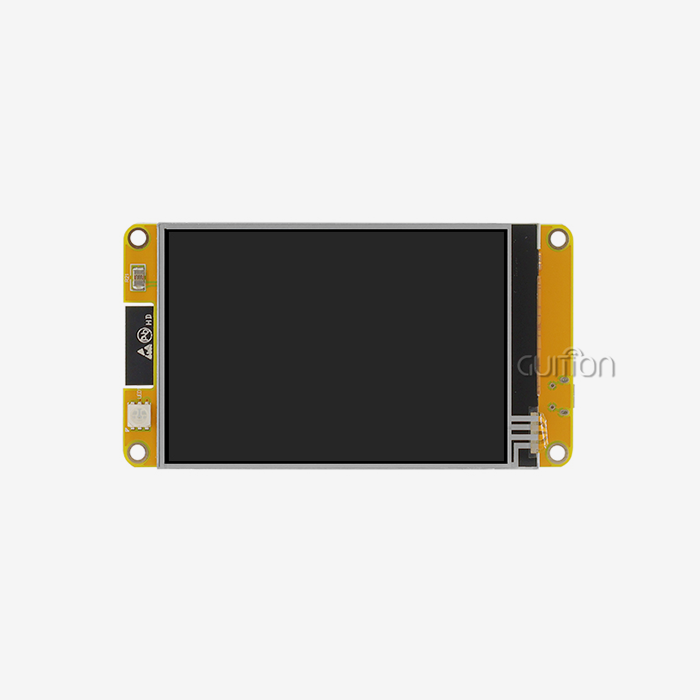
If you're working with ESPHome and need to pick the right screen, the short answer is: it depends on your application. For industrial HMI panels, 3D printer interfaces, or charging station dashboards, a color TFT LCD with touch capability wins. Among tested options, the GUITION JC4827B043C stands out as a display ESPHome-compatible module that delivers 480×272 resolution, 16.7M colors, and capacitive touch on a 4.3-inch RGB panel — all driven by the ILI6485 chip. It handles real-time data visualization without flicker, making it a practical pick for engineers who need results fast.

Understanding ESPHome Display Setup – General Overview
The ESPHome platform turns YAML configuration files into compiled C++ code for ESP32 and ESP8266 microcontrollers. It is free and open source. It saves engineers time because they don't have to write low-level display drivers from scratch. Engineers work in smart homes, medical devices, and industrial automation.
Display Types ESPHome Supports
It can work with OLED (SSD1306), TFT LCD (ILI9341, ILI9488), ePaper (Waveshare), and LED matrix devices without any problems. You can link each type using either an I2C, SPI, or parallel RGB port. The GUITION JC4827B043C has an RGB parallel port, which can handle more data than SPI and is better for updating the screen quickly.
Key Selection Factors
Three things are most important to think about before picking a screen: the size, the interface speed, and the power budget. An OLED uses less power than a 480x272 color TFT, but the UI parts it shows are much more detailed. A bright TFT with stable backlight management is the best choice for industrial control panels that are used 24 hours a day, seven days a week.
Indoor vs. Outdoor Considerations
High-brightness TFT screens with capacitive touch work best indoors, like on the front of 3D printers or on the dashboards of medical devices. When outdoor sensors have low battery power, they tend to use ePaper. The GUITION JC4827B043C is designed to work best in industrial and commercial settings inside, where bright colors and quick response times are important.
Comparing Popular Displays for ESPHome – Dimensional Analysis
Every screen isn't good for every job. The table below shows how popular display technologies stack up against factors that are important to B2B buyers, including display esphome solutions that may meet specific application requirements.
OLED Displays
When the light is low, OLEDs use very little power and have great contrast ratios. Small state signs and data readouts that need to work well with them. But OLED screens usually can't be bigger than 1.3 inches in the ESP-compatible range, which makes them less useful in complicated HMI situations.
TFT LCD Displays
The largest size range for TFT LCDs is from 2.4 inches to 7 inches in typical ESP-compatible modules. They can also show millions of colors. The GUITION JC4827B043C has a 4.3-inch screen with 16.7M colors and a resolution of 480x272. Because of this, it works well in situations where workers need to quickly read sensor data, set off controls, or move through screens. The ILI6485 chip handles graphics well, making sure that frame changes look good.
ePaper Displays
ePaper panels work great for sensor nodes that run on batteries and need to show a static image for hours at a time. Between updates, they use almost no power. In exchange, they have a slow refresh rate—usually two to four seconds for a full update—which means they can't be used as a real-time control interface.These three groups include most of the ways that ESPHome displays are used. A color TFT with touch always works better than other options for high-interactivity business and industrial settings.
ESPHome Display Setup Process – Step-by-Step Guide
It's important to pay attention to both wiring and YAML syntax when setting up a show esphome setup. Here is a step-by-step guide on how to connect an RGB TFT module to an ESP32.
YAML Configuration Basics
The display: component, the driver platform, resolution settings, and a rendering lambda are the most basic parts of an ESPHome display setup for a TFT module. To use the GUITION JC4827B043C, you need to set the width and height of the screen to 480 and 272, and write a lambda that adds text or sensor values to the screen buffer before pulling the frame.
Wiring and Protocol Guidelines
RGB parallel connections need more GPIO pins than SPI, but they don't have data bottlenecks when the resolution is greater. For RGB support, connect the HSYNC, VSYNC, PCLK, and DE pins, as well as the data lines, to your ESP32-S3. Make sure that the RGB accessory works with your version of the ESP32—not all of them do. The JC4827B043C uses an I2C touch controller for capacitive touch, which only needs two extra GPIO lines. When configuring display esphome projects, ensure the hardware settings and communication protocols match the display requirements.
Automation and Dynamic Content
For showing real-time sensor data on the screen, ESPHome lets you subscribe to MQTT and use the built-in Home Assistant API. Every 500ms, you can write a lambda that reads the number from a temperature monitor and shows it on the screen as a formatted string. This method keeps the interface up to date without having to run polling scripts by hand. This is useful for energy management systems and agricultural automation dashboards.
Evaluating ESPHome Against Alternative Firmware for Display Use
When engineers are looking at software choices, they often compare ESPHome to Tasmota and use the Arduino IDE to guide development.
ESPHome vs. Tasmota
Tasmota is good at controlling relays and logging simple sensor data, but it doesn't do much for displays. It works pretty well with simple OLED outputs. When it comes to color TFT modules with touch and RGB inputs, like the GUITION JC4827B043C, ESPHome has better driver support and easier to use YAML-based setup.
ESPHome vs. Arduino IDE
The Arduino IDE gives you full low-level control, which is what some engineers like for unique projects. Writing and fixing display drivers in raw C++, on the other hand, takes a lot longer. ESPHome hides that complexity while still letting C++ lambdas handle custom rendering logic. This lets teams make changes more quickly without giving up flexibility.
Home Assistant and OpenHAB Integration
ESPHome works directly with Home Assistant through a secure API, which lets the display and the automation server talk to each other in real time. MQTT is used for OpenHAB support. This native integration cuts down on the work that needs to be done for integration that would normally need custom middleware for business terminal setups or smart device interfaces.
Procuring ESPHome-Compatible Displays and Modules – Buyer's Guide
When looking for the right display esphome hardware for large commercial sales, you need to look at more than just price. Before making a decision about a seller, buying teams should look at these main factors.
- Driver chip documentation: Verify the manufacturer provides full datasheet access for the display driver IC. The GUITION JC4827B043C uses the ILI6485 chip, for which complete technical documentation is available through Guition's support channel.
- Touch controller compatibility: Confirm the capacitive touch IC works with your ESP32 firmware stack over I2C. The JC4827B043C ships with a compatible touch controller tested under ESPHome configurations.
- Interface type and pin count: RGB parallel interfaces require an ESP32-S3 or similar capable MCU. Confirm your board selection before ordering display modules in volume.
- Operating temperature range: Industrial deployments in factory floors or outdoor enclosures require modules rated for wider temperature tolerances. Verify this specification against your application environment.
- Supplier stability and OTA support: Choose a display ESPHome supplier that offers remote firmware upgrade capability and long-term product availability. Guition's modules support OTA updates, multi-language UTF-8 encoding, and cross-platform development across Arduino, IDF, and the proprietary Guition tool.
Timelines for creation and prices for maintenance after the sale are directly affected by these factors. Product teams can cut down on rework and speed up time-to-market with the help of a reliable display esphome maker.
Conclusion
The best screen for your ESPHome project is the one that matches the display technology to the needs of your program. The GUITION JC4827B043C has a practical 480x272 resolution, 16.7M color depth, capacitive touch, and a bright RGB panel. It comes in a tested display esphome-compatible hardware package and can be used for industrial control panels, charging station interfaces, 3D printer dashboards, or medical device readouts. The engineering time needed to get a polished UI running in production is cut down even more by Guition's development tools and cross-platform support.
FAQ
Can the GUITION JC4827B043C work directly with ESPHome?
Yes. The module uses an RGB parallel interface and I2C capacitive touch controller, both of which ESP32-S3 boards support. You configure the display component in YAML, define the RGB pin mapping, and write a rendering lambda. The ILI6485 driver handles the panel output.
What ESP32 board works best with RGB TFT displays?
The ESP32-S3 is the recommended choice because it includes a dedicated LCD peripheral that handles the RGB parallel interface without taxing the main CPU. Earlier ESP32 variants do not support RGB parallel output natively.
How do I prevent screen flickering in ESPHome?
Flickering usually occurs when the display buffer updates too frequently or when GPIO timing is misconfigured. Set a stable update_interval, confirm your PCLK frequency matches the panel specification, and ensure your power supply delivers consistent voltage to the display module.
Does ESPHome support multi-language text on TFT displays?
Yes. ESPHome supports BDF and TrueType fonts with UTF-8 character sets. The GUITION JC4827B043C and Guition's development software both support multi-language text rendering, which is important for products deployed across multiple regions.
Can I run OTA firmware updates on ESPHome display devices?
Yes. ESPHome has built-in OTA update support. Guition modules also support remote project upgrades, allowing field-deployed devices to receive updates without physical access.
Partner with Guition for Your Display ESPHome Project
There are a lot of different display esphome modules from 1.28" to 21.5" available from Guition. They come with engineering documentation, cross-platform building tools, and direct expert help. You can test the GUID JC4827B043C and place bulk orders for it. Talk to our team about your project needs right away by emailing us at david@guition.com to see our full list of display esphome solutions made for business and industry use.
References
1. ESPHome Documentation Team. ESPHome Official Component Reference. ESPHome Project, 2024.
2. Maier, S. ESP32 Technical Reference Manual. Espressif Systems, 2023.
3. Molloy, D. Exploring Raspberry Pi and Embedded Linux Display Integration. Wiley, 2022.
4. Ganssle, J. The Art of Designing Embedded Systems. Newnes, 2020.
5. Schwartz, M. Internet of Things with ESP8266. Packt Publishing, 2021.
6. Kolban, N. Kolban's Book on ESP32. Leanpub, 2022.
Learn about our latest products and discounts through SMS or email