- English
- French
- German
- Portuguese
- Spanish
- Russian
- Japanese
- Korean
- Arabic
- Greek
- German
- Turkish
- Italian
- Danish
- Romanian
- Indonesian
- Czech
- Afrikaans
- Swedish
- Polish
- Basque
- Catalan
- Esperanto
- Hindi
- Lao
- Albanian
- Amharic
- Armenian
- Azerbaijani
- Belarusian
- Bengali
- Bosnian
- Bulgarian
- Cebuano
- Chichewa
- Corsican
- Croatian
- Dutch
- Estonian
- Filipino
- Finnish
- Frisian
- Galician
- Georgian
- Gujarati
- Haitian
- Hausa
- Hawaiian
- Hebrew
- Hmong
- Hungarian
- Icelandic
- Igbo
- Javanese
- Kannada
- Kazakh
- Khmer
- Kurdish
- Kyrgyz
- Latin
- Latvian
- Lithuanian
- Luxembou..
- Macedonian
- Malagasy
- Malay
- Malayalam
- Maltese
- Maori
- Marathi
- Mongolian
- Burmese
- Nepali
- Norwegian
- Pashto
- Persian
- Punjabi
- Serbian
- Sesotho
- Sinhala
- Slovak
- Slovenian
- Somali
- Samoan
- Scots Gaelic
- Shona
- Sindhi
- Sundanese
- Swahili
- Tajik
- Tamil
- Telugu
- Thai
- Ukrainian
- Urdu
- Uzbek
- Vietnamese
- Welsh
- Xhosa
- Yiddish
- Yoruba
- Zulu
ESP32P4 Display Module Uses in HMI, Robotics, and IoT
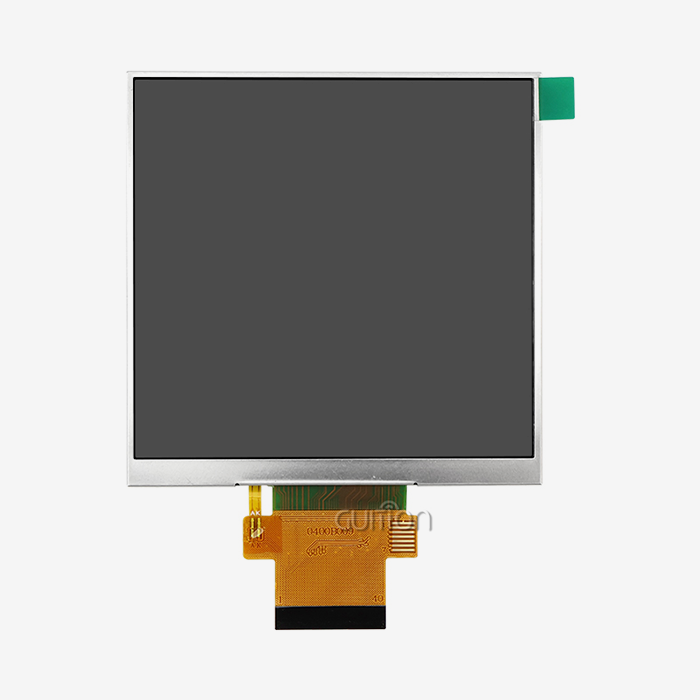
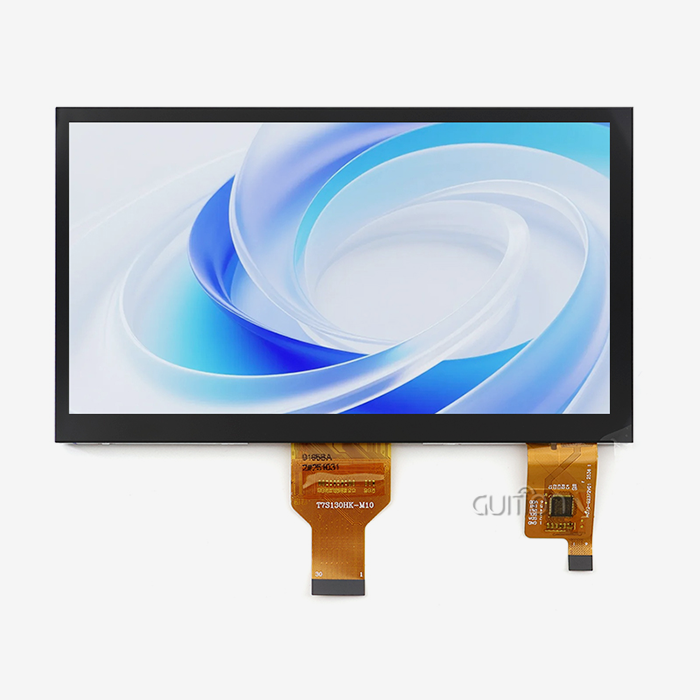
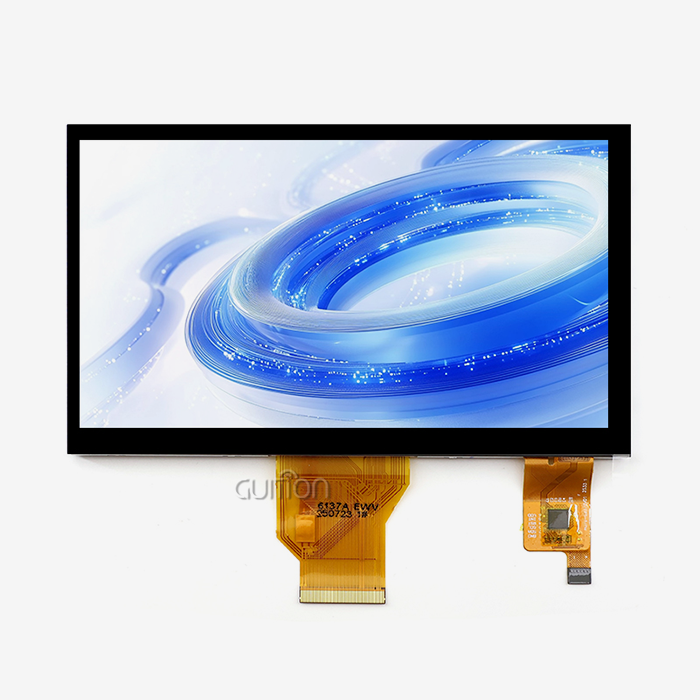
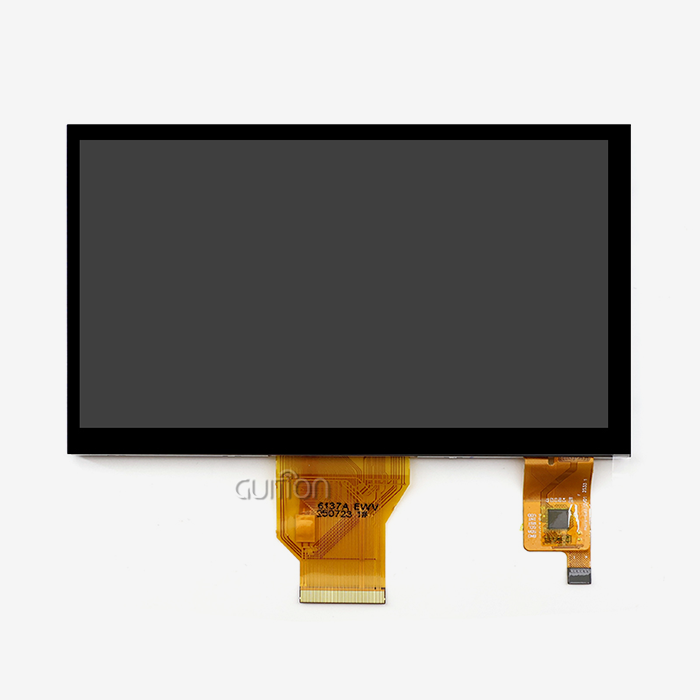
An esp32p4 display module pairs the ESP32-P4 processor with a screen, touch input, memory, and wireless hardware, so a product can show data and accept commands locally. In HMI, it runs operator panels and control screens. In robotics, it gives technicians a local interface for setup, calibration, and diagnostics. In IoT, it drives thermostats, gateways, and monitors that keep showing status when the cloud connection drops. I wrote this guide for engineers, product managers, and buyers who want to match an ESP32P4 display module to a real project.

Why the ESP32P4 Display Module Matters in Modern Embedded Products
What an ESP32P4 display module includes
An ESP32P4 display module is a display module that contains an ESP32-P4 controller, memory, extension pins, and a way to connect a screen. Depending on the company you buy it from, it could be a development board, a standard embedded module, or an OEM solution for mass production. It has a dual-core RISC-V processor with a maximum speed of 400MHz. There are also onboard MIPI-DSI and MIPI-CSI interfaces. It has a different wireless chip because it doesn't have built-in Wi-Fi. Often the wireless hardware is on the same board as the module because what you see here changes the entire design.
Meet the GUITION JC-ESP32P4-M3-DEV
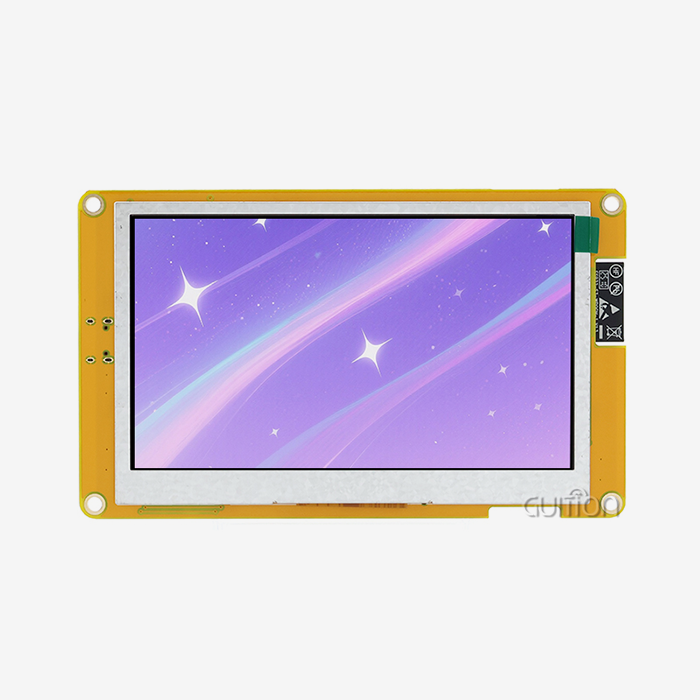
By using the ESP32-P4 and ESP32-C6 in our JC-ESP32P4-M3-DEV, we can connect to Wi-Fi 6 and Bluetooth 5. The ESP32-P4 is a dual-core RISC-V processor running at 400MHz. It supports up to 32MB PSRAM. These include I2S, I2C, LED PWM, MCPWM, RMT, ADC, UART, TWAI, and USB OTG 2.0 HS. MIPI-CSI has an integrated image signal processor. There is also SPI, I2S, and I2C. It has hardware decoding for H.264 and can work with screens up to 800 by 1280. This module accelerates the process from making a prototype to making a device that works with graphics, camera input, and wireless all on the same board.
Specifications to evaluate together
When you buy a screen module, you might just look at the resolution. This may lead to problems later in the project. Resolution, frame rate, touch response, interface type, memory speed, operating temperature, and power consumption all impact each other. If you don't have enough PSRAM, a high-resolution screen might stutter, and a bright screen uses a lot of power. It's not just the controller; it's the panel, the board layout, how the memory is laid out, and the GUI code. First, write down the frame rate, brightness, and temperature range you want to achieve. Be sure to obtain a sample of each of the following items before purchasing any module.
Real-World ESP32P4 Display Module Uses in HMI, Robotics, and IoT
Industrial HMI and control panels
In a factory, the ESP32P4 display module has operator screens, process control screens, and energy devices. They often perform such tasks as entering parameters, displaying alarms, giving maintenance instructions, and locally controlling motors, pumps, valves, and lifts. Touchscreens enable you to change languages from a single spot rather than rows of buttons. The open-source graphics library, LVGL, is often used to create dashboards, trend charts, and alarm lists, as long as the image files are small. Industrial buyers should also consider the brightness of the screen, the viewing angle, glove operation, the fit of the container, how the EMI works, and the maintenance plan from the provider. Guition is mainly used for industrial control panels, energy management systems, and farming automation.
Robotics interfaces
A robot needs a screen for things a phone app doesn’t do well out in the field. Teach robots with sensors and AGVs can use an ESP32P4 display module to display sensor readings, motor status, speed, battery level, task progress, and warning messages. Techs can set up the network, change the working modes, and adjust the sensors all on the machine itself, without a separate laptop. It has 3 ports: MIPI-CSI, TWAI, and MCPWM. The camera can be connected to the ISP and MIPI-CSI port. The interfaces of TWAI and MCPWM connect to the CAN bus and motor driver. Never use the screen as a substitute for motion control, vision, or safety hardware designed for those purposes.
IoT and smart-home devices
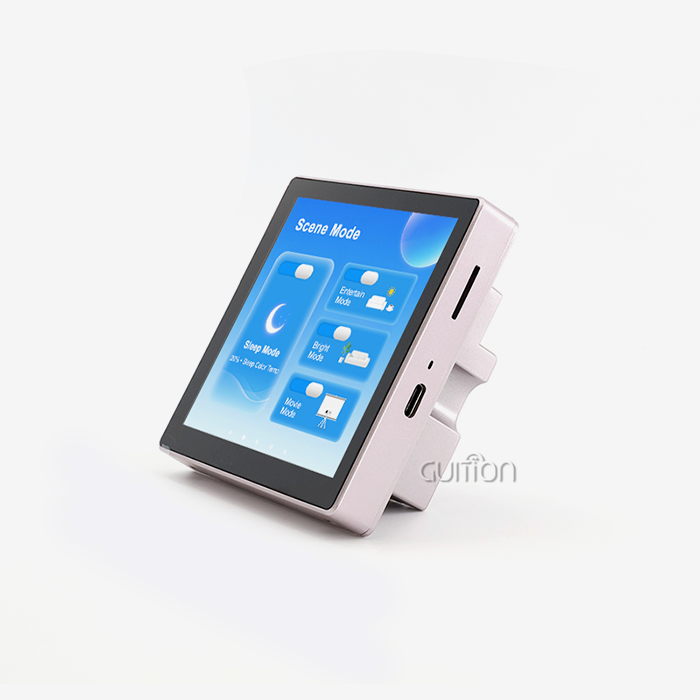
For IoT gateways, security terminals, smart home panels, thermostats, lighting controls, and energy dashboards, the local display can be a helpful addition. Even if the cloud services go down, the screen can still show sensor data, network status, and alerts. An ESP32P4 display module has Wi-Fi 6 and Bluetooth 5, so it can connect to routers and other devices without any extra radios. Plan your power use as much as you plan your pictures. Some of the things that matter are how the screen sleeps and wakes up, frame rate, engine load, touch-controller draw. I think you should test the whole thing, not a part of it. Then you can see what the real power numbers are before you build it.
ESP32P4 Display Module Interfaces and Platform Comparison
MIPI DSI versus RGB
There are two different types of this technology: MIPI-DSI and Parallel RGB. In some jobs, one is not better than the other. MIPI-DSI has fewer data lines, which makes it easier to design small PCBs. Parallel RGB can make it easier to hook up older monitors and legacy equipment. The JC-ESP32P4-M3-DEV has a MIPI-DSI interface, and this is built into the ESP32-P4. Check the price, the resolution, the number of pins available, the routing limits, the driver support, and the EMC behaviour before you decide. Check wire length, connector design, timing, initialisation sequences, and lane setup. You can prevent compatibility issues by looking at the overall interface during development. Before you buy an ESP32P4 display module, you need to ask the seller which panel and driver pair they tested.
ESP32-P4 versus ESP32-S3 and STM32
When you choose a platform, you need to consider the entire platform, not just the display module. The ESP32-S3 features an Xtensa processor with two cores that can run at speeds up to 240MHz. This can be connected to many smaller screens with either RGB or 8080 cables and will work. The ESP32-P4 features a dual-core 400MHz RISC-V processor, MIPI-DSI, MIPI-CSI, and H.264 processing, better suited for larger displays and camera work. STM32 has strong real-time control and strong toolchains. Teams trained on them can use STM32. You should consider the graphics load of the video card, the interface of the screen, memory, wireless requirements, your familiarity with the software, availability of parts, and your cost objectives. I don't pick a clear winner but rather match each chip to the job at hand.
Dev board, standard module, or OEM and ODM
At this point, people don’t know what to do, so I try to keep the rule as simple as possible.” A development board is the best tool for the job as it allows you to test software and screens very quickly. Test builds are good on a simple LCD or tablet panel. ODM or OEM is the best way to do a lot of things that require a certain size, case, touch structure, or firmware. View certifications, MOQ, lead time, customisation options, and expert support. Also check how well the touch works and how well the mechanical fit works. With the JC-ESP32P4-M3-DEV, teams can get started on projects right away, and Guition’s screen sizes range from 1.28” to 21.5”, so you can choose the right one later.
Selecting, Buying, and Integrating an ESP32P4 Display Module
How to choose
The most important factors when choosing an ESP32P4 display module are the application, the user’s workflow, and the work area. Industrial panels, robot controllers, IoT gateways, and commercial kiosks need screens in various sizes, brightness levels, and types of touch. Choose the screen size based on how far away you want to look at it, and the resolution based on how hard the GUI is to use. The touch screen should work well all day, with gloves, in water, with a pen, or without. Then make sure that the memory, debug ports, touch drivers, LVGL integration, and the display interface all play well together. I always tell them to order samples before buying a lot of them. That is because a sample test can find problems that a data sheet can not.
Procurement, OEM, and ODM considerations
The clearer you are about what you want, the quicker and more accurate the quotes will be. Tell us about the app you want to use, the screen size, quality, layout you like, number of touches you expect, the mechanical limits, the certification requirements, and the software you expect. The price depends on the number of orders, shipping costs, number of panels, memory, touch building, PCB design, enclosure work, software development, testing, and number of sales. Distributors and OEMs should also compare MOQ, waiting time, batch uniformity, packaging, warranty, and payment terms. A good manufacturer will help you figure out what you need. Will make samples. Will make sure they work. Will do pilot runs. Will start mass production. Will check the quality. Before you purchase an ESP32P4 display module in the US, find out how it will be shipped and how to plan for its life.
Common integration problems
Many display projects suffer from flickering, gaps in touch, and pictures loading too slowly. This can be caused by too many large image assets, bad GUI code, not enough external memory, too much refresh activity, bad task scheduling, wrong panel timing, missed initialisation sequences, or touch coordinates that don’t match up. Excessive backlighting, constantly active processors, and overly snug cases can exacerbate heat and power issues. When the computer is first turned on When it is hottest When it is always on When you sleep and wake up When it is very hot or very cold Ask the supplier for configurations and production samples and to inform you if the panel changes. All modules will be safer in the long run after you do these things.
Evaluation Checklist and Guition Development Advantages
Three-part evaluation checklist
This is the three-step plan I use with every team:
- Technical fit: Make sure the interface works with the screen size, refresh rate, touch response, memory, storage, ports, and GUI needs of your computer. Before putting together the case and main board, ask the seller to show you a real panel and driver that goes with it. You can then see the real frame rates and how touches work instead of making guesses.
- Product fit: Think about the size of the screen, how well the case fits, the temperature at which it will work, and how the user works. Then decide if the module is right for a prototype, a pilot, or mass production. You should measure the screen in the same light and with the same gloves or fingers that your operators use. Then check out how easy it is to read at each level of light. Things don't always match up between the bench and the field, so this is important.
- Business and long-term fit: Look at the target price, the minimum order number, the wait time, the guarantee, and the time it takes to get help. You should then check to see if panels, customized options, software documents, and engineering change processes are available. Your product will be safe for years to come if you have a steady supply chain and clear paperwork. Ask for written notice if the panel changes.
A weighted score sheet is made from these points. It turns opinions into facts and gives engineering and purchasing the same point of view.
Guidance software and development modes
The company Jingcai Intelligence made the ESP32P4 display module. This is a business that does research and development, production, and sales all in one. It also sells USART-HMI display units and HMI display solutions. A lot of the low-level code that slows down HMI teams is taken care of by Guition's tools for making interfaces. You can add built-in tools with just one click, move them around, and change their size and style with a "what-you-see, what-you-get" view. If you want to add your own features, the site gives you technical files and tools to do so. Built-in engineers can use the same toolchain they already know because it works with Arduino, ESP-IDF, and Guition. You can find bugs faster and spend less time and money on debugging with cross-platform online debugging.
Connectivity, OTA, language, and security
It has Wi-Fi 6 and Bluetooth 5 built in, so it can connect to networks and pair with phones or other devices. You can send changes to a project to units that are already out in the field with remote upgrade support. This saves money and time by cutting down on visits after the sale. If you use UTF-8 encoding and switch between languages, you can deploy across countries. This is great for U.S. companies that ship to more than one market. The ESP32-P4 has a digital signature peripheral and a key management tool to help keep data and processes safe. With these features, a module can be used to make products that last a long time.
Conclusion
It has memory, wireless hardware, an ESP32P4 display module, and interfaces for the camera and display. The dual-core RISC-V processor runs at 400MHz. This module can be used in IoT devices, robot interfaces, and HMI panels that need a local screen that can be moved around. The speed depends on how well the screen, board, memory, and GUI code all work together. The ESP32-S3 and STM32 are still good choices for other tasks, and MIPI-DSI cuts down on wiring. RGB makes it easier to connect older panels. When making a choice, the needs of the application, the environment, and the touch should come first. After this, there should be testing of samples, clear procurement data, and a list of technical, product, commercial, and long-term factors. Full-assembly testing lowers risk because most problems with integration are caused by having too many assets, not enough memory, bad timing, or too much heat. Things like language support, software tools, connectivity, remote updates, and hardware protection all play a role in how much something is worth in the long run.
FAQ
Q: What is an ESP32P4 display module used for?
A: Touch screens can be used on an IoT hub, a robot interface, an industrial HMI panel, or a smart home device. It also shows data from sensors and lets you know if your local network goes down.
Q: Does the JC-ESP32P4-M3-DEV support Wi-Fi and Bluetooth?
A: Yes. It has two chips inside. The ESP32-C6 chip handles Wi-Fi 6 and Bluetooth 5, and the ESP32-P4 chip handles graphics and processing at up to 400 MHz.
Q: Which development tools does it support?
A: You can build things with software like Arduino, ESP-IDF, and Guition. Bug fixes and tests for cross-platform apps can be done online and remotely, which speeds up the process.
Q: Can I customise functions for my product?
A: You can change how functions work without having to learn how to write hard low-level code. Guition gives you secondary development tools and technical papers that you can use.
Q: What should I include in a quote request?
A: You need to send the app, along with the screen size, resolution, interface, touch needs, working environment, expected number of users, and mechanical limits.
Start Your ESP32P4 Display Module Project with Guition
Are you ready to go from doing research to making a prototype that works? The JC-ESP32P4-M3-DEV and engineering support are part of Jingcai Intelligence's Guition brand. Screens range from 1.28" to 21.5". We sell ESP32P4 display modules and help people with technical issues. We also talk about OEM needs and samples. You can email david@guition.com with your application, screen size, and estimated number, or you can visit https://jingcaizhineng.aixdb.cn/ to learn more about the product.
References
1. Espressif Systems, ESP32-P4 Datasheet, 2024
2. Espressif Systems, ESP32-P4 Technical Reference Manual, 2024
3. Espressif Systems, ESP32-C6 Datasheet, 2023
4. Espressif Systems, ESP-IDF Programming Guide, 2025
5. LVGL, LVGL Documentation, 2025
6. MIPI Alliance, MIPI Display Serial Interface 2 (DSI-2) Specification, 2022
Learn about our latest products and discounts through SMS or email