- English
- French
- German
- Portuguese
- Spanish
- Russian
- Japanese
- Korean
- Arabic
- Greek
- German
- Turkish
- Italian
- Danish
- Romanian
- Indonesian
- Czech
- Afrikaans
- Swedish
- Polish
- Basque
- Catalan
- Esperanto
- Hindi
- Lao
- Albanian
- Amharic
- Armenian
- Azerbaijani
- Belarusian
- Bengali
- Bosnian
- Bulgarian
- Cebuano
- Chichewa
- Corsican
- Croatian
- Dutch
- Estonian
- Filipino
- Finnish
- Frisian
- Galician
- Georgian
- Gujarati
- Haitian
- Hausa
- Hawaiian
- Hebrew
- Hmong
- Hungarian
- Icelandic
- Igbo
- Javanese
- Kannada
- Kazakh
- Khmer
- Kurdish
- Kyrgyz
- Latin
- Latvian
- Lithuanian
- Luxembou..
- Macedonian
- Malagasy
- Malay
- Malayalam
- Maltese
- Maori
- Marathi
- Mongolian
- Burmese
- Nepali
- Norwegian
- Pashto
- Persian
- Punjabi
- Serbian
- Sesotho
- Sinhala
- Slovak
- Slovenian
- Somali
- Samoan
- Scots Gaelic
- Shona
- Sindhi
- Sundanese
- Swahili
- Tajik
- Tamil
- Telugu
- Thai
- Ukrainian
- Urdu
- Uzbek
- Vietnamese
- Welsh
- Xhosa
- Yiddish
- Yoruba
- Zulu
ESP32 S3 module screen Firmware Update Tips
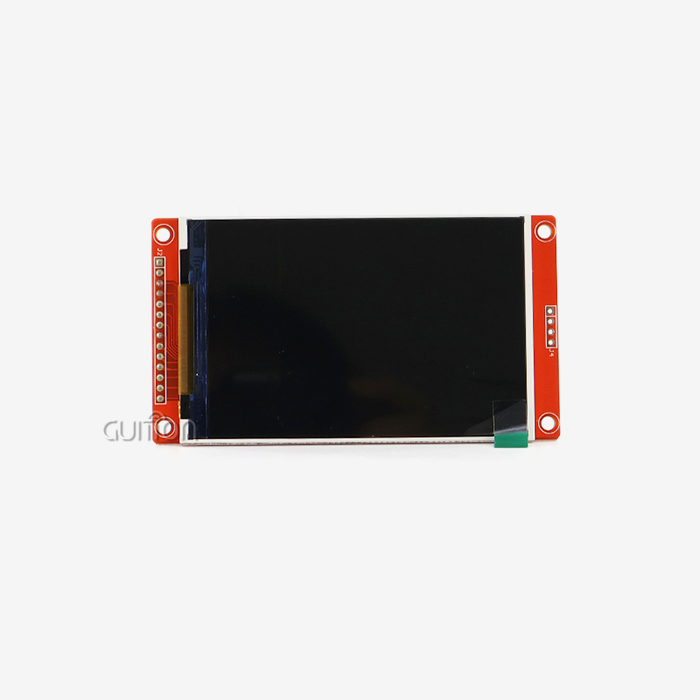
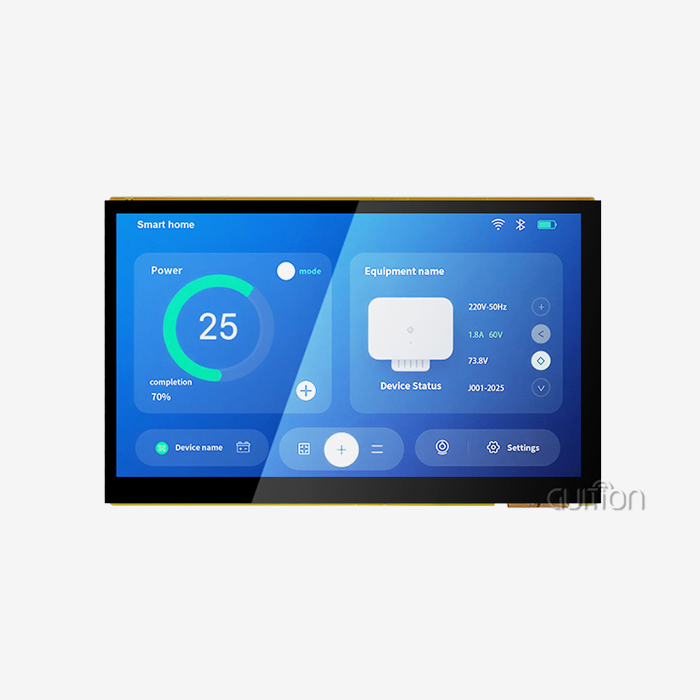
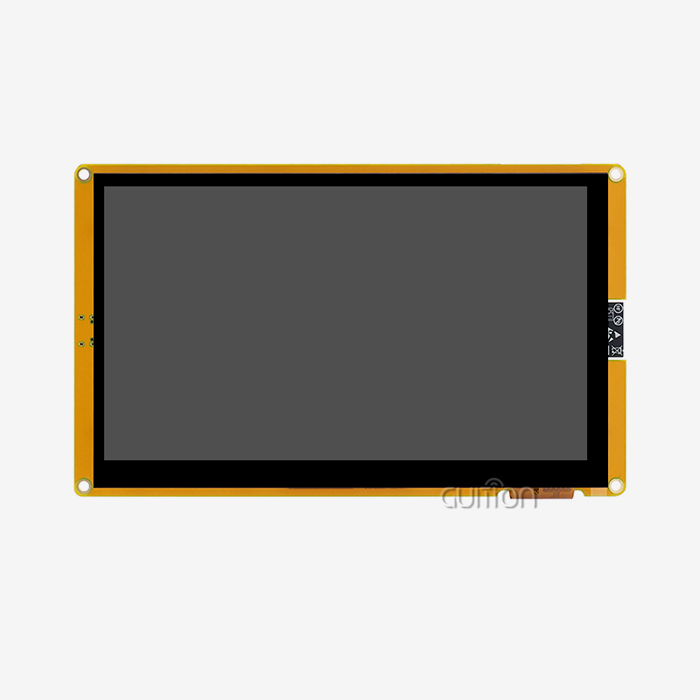
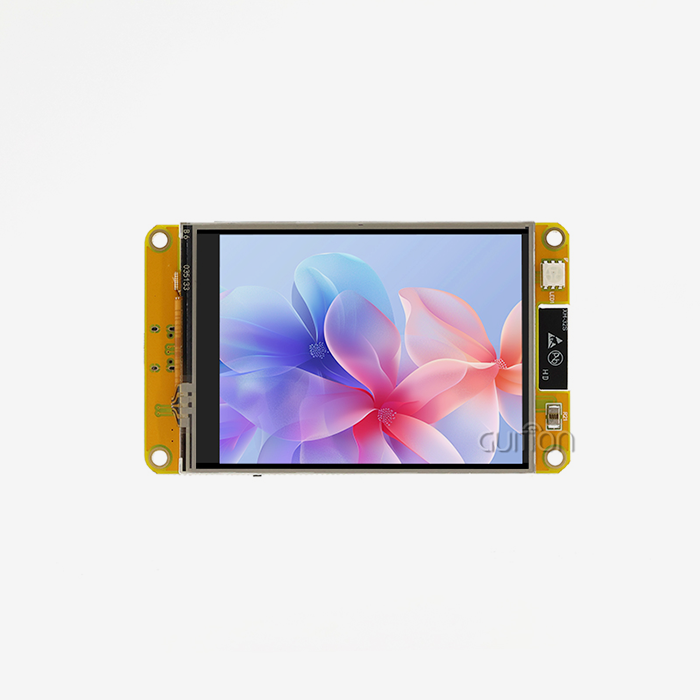
Keeping track of software changes for your ESP32 S3 module screen needs careful planning and technical know-how. Modern display modules like the Guition ESP32-4827S043C have advanced connection features and dual-core processing power. For best performance, software upkeep is essential. Regular updates improve the speed of touch screens, make wifi connections more stable, and extend the life of devices used in commercial settings. Knowing how to update things the right way will protect your investment and make sure that your Arduino IDE, ESP-IDF, MicroPython, and Mixly programming settings all work together without any problems.

Understanding ESP32 S3 Module Screen Firmware and Its Challenges
Firmware serves as the foundational software layer that makes it possible for your ESP32 S3 module screen's hardware parts and application software to talk to each other. The ESP32-S3R8 dual-core processor, which runs at 240MHz, needs special software to handle all of its features, such as the built-in Wi-Fi and Bluetooth, sensitive touch control, and RGB display drivers.
Critical Firmware Components
The software design is made up of many important parts that all work together perfectly. The 480×272 resolution output is controlled by the display driver, and the 16-bit RGB color depth is kept for a vivid visual presentation. The touch controller software makes sure that the 4.3-inch screen can accurately recognize sensitive input all over it. Communication protocol stacks handle both Wi-Fi and Bluetooth connections, which lets you watch and update devices from afar. The software has power management techniques that make the best use of energy across the 512KB SRAM and 8MB PSRAM memory architecture. The backlight control circuits react to orders sent by the software to change the brightness automatically based on the environment. For expandable storage to work, the TF card interface needs software support, and GPIO control lets you connect peripheral devices.
Common Firmware-Related Issues
When firmware is out of date, it often shows up as screen flickering, touch controls that don't work, or connection drops during important tasks. If you don't optimize the software, memory allocation problems between wireless connection and display buffering can make the system unstable. Electromagnetic interference can make wireless networks less effective in industrial settings, which means that firmware-level filtering and signal processing needs to be improved. Changes in temperature affect how well parts work, so software has to be updated so that it works the same way across a wide range of industrial temperatures. The 16MB flash memory needs to be properly divided so that it can hold application code, display images, and software updates without any problems.
Step-by-Step Guide to Updating ESP32 S3 Module Screen Firmware
For firmware changes to work, they need to be carefully planned out and carried out so that expensive gadget problems don't happen. Before the real firmware update can happen, the process starts with thorough backup steps and setting up the environment.
Pre-Update Preparation
By making a full copy of your current software, you can protect yourself from update problems. Use a good USB wire that can send data reliably to connect your ESP32 S3 module screen to your work computer. Make sure that the latest version of the ESP-IDF framework or the Arduino IDE with ESP32 board support packages is installed in your programming environment. Write down the current software version numbers, setup settings, and calibration factors that are needed for your application. Set up contact with the module through serial interface monitoring to test your work setup. Make sure the power source stays stable during the update, because losing power while flashing the firmware can damage the device forever.
Firmware Update Execution
Start up the coding environment of your choice and set up the board so that the ESP32-S3R8 chip can work properly. To send data reliably, choose the right COM port and set the connection settings to 115200 baud rate. Load the new software file and make sure it works with the type of your module. Run the software flashing command and keep an eye on the progress bars and problem messages. Depending on the size of the software and the speed of the connection, the update process usually takes two to three minutes. During this important phase, don't stop the process or unplug the wires.
Post-Update Validation
Full validation makes sure that changes to the software lead to better performance in the real world. To make sure the calibration is correct, test the touch sensation in all parts of the screen. Check the quality of the monitor by looking at things like color clarity, brightness, and how well the refresh rate works. Check out wireless access by connecting to Wi-Fi and making sure Bluetooth pairing works. Check trends of power use to make sure that gains in efficiency meet requirements. Check that the GPIO functions properly if your program uses external tools that connect to the module through its expansion ports.
Comparing ESP32 S3 Screen Firmware Across Display Types
For different display systems to work at their best, the software needs to be optimized in specific ways. Knowing these differences helps buying teams choose the right parts for each application's needs.
LCD and TFT Display Considerations
For LCD modules like the Guition ESP32-4827S043C to work properly, the software needs to be specially designed for the RGB interface timing and backlight control methods. The software needs to be good at managing refresh rates so that there is no screen tearing and motion runs smoothly. Color calibration methods make sure that the 65,000 colors that 16-bit RGB encoding supports are reproduced correctly. Temperature compensation methods change the timing parameters when the working conditions change. This keeps the display stable in industrial settings. For portable devices to get the most out of their batteries, backlight PWM control needs to work together with power management tools and software.
Touchscreen Integration Challenges
For capacitive touch to work correctly, the software must have complex methods for tracking fingers and recognizing gestures. The software has to tell the difference between touches that are meant to be there and things like electric fields or moisture on the screen surface that are interfering with it. For multitouch technology to work, the computer needs to be able to track multiple touch places at the same time and keep responding. The software has calibration processes that adjust to the touch sensor overlay's manufacturing tolerances and how it ages. Edge recognition techniques stop false triggers from happening when things touch the edges of the screen by mistake.
Wireless Communication Optimization
For the built-in Wi-Fi and Bluetooth features to work, the software needs to coordinate radio frequency operations with monitor refresh cycles. When time is right, wireless communication doesn't affect the quality of the display, especially when sending large amounts of data. Power management algorithms in mobile apps match the range of contact with the amount of power used. Encryption and authentication methods at the firmware level make sure that communication routes for sending private industrial data are safe. To keep over-the-air updates from failing because of problems with the network, they need strong error checking and repair systems.
Procurement Insights: Choosing the Right ESP32 S3 Screen Supplier for Firmware Support
Choosing providers that offer full firmware support cuts down on merging risks and long-term operating costs by a large amount. The guidelines for judging go beyond the initial product specifications and include things like how often updates and expert help are provided.
Supplier Evaluation Criteria
Check to see how often the seller has released new software and fixed bugs on time in the past. Check the quality of the technical specs, integration guides, and debugging tools that are included in the documents. Check to see if there are any development tools and software systems that make it easier to change and release firmware. Guition's all-around method includes their own interface development tools, which makes making UIs easier by letting you drag and drop elements. Because it's all connected, this environment makes creation easier while still letting custom apps work. The fact that the company supports the Arduino IDE, ESP-IDF, MicroPython, and Mixly platforms shows that it can adapt to different ways of developing.
Long-Term Partnership Benefits
Getting in touch with suppliers who put a high priority on firmware innovation will give you access to speed changes and the addition of new features. Regular software changes fix security holes and problems with working with new development tools. When there are problems with merging or fixing, technical support services can help. Contracts should spell out who is responsible for updating the firmware, how long it takes to fix major problems, and who has access to beta firmware versions for trying new features. When a foreign deployment needs specific technical help, suppliers with global support networks can be helpful.
Best Practices and Troubleshooting Tips for Firmware Updates
By using organized methods to handle software, you can lower the risks and increase the benefits of regular changes. These tips work in all kinds of development and release settings.
Risk Mitigation Strategies
Use uninterruptible power sources or battery backup systems to keep the power stable during the update process. Set up safe physical links between development computers and ESP32 S3 module screen units to avoid problems with contact while software is being transferred. Make detailed notes on how to update devices so that the updates are applied consistently to all of them. Before putting software changes on production systems, test them on sample units that are representative of the whole. Set up rollback processes that recover older versions of the firmware in case problems arise out of the blue. Check the system's speed data before and after updates to figure out how much better they are.
Troubleshooting Common Issues
Unstable power supplies are the main reason why software updates don't work. Before trying to update multiple devices at the same time, make sure the power is stable and the current capacity is enough. Communication failures usually happen when the baud rate settings are wrong or when USB links are broken and lose connection while data is being sent. To fix "bricked" devices, you have to enter download mode by pressing certain buttons in a certain order while the module is turned on. For devices that don't react to normal communication protocols, advanced recovery methods may need programming hardware that is not built into the device.
Performance Optimization Techniques
Once the changes are done, you should tweak the firmware settings to meet the needs of your particular program. Depending on the program, you can change the display refresh rates to find a good mix between image quality and power use. Set up the settings for wireless transmission so that the range and stability work best in your deployment area. Set up tracking systems that keep an eye on measures for firmware performance and find problems before they affect operations. Performance tests done on a regular basis help keep the system running at its best and find ways to make it even better through firmware changes.
Conclusion
Managing the firmware for your ESP32 S3 module screen correctly is an important part of keeping industrial and business display systems stable and high-performing. This article describes a methodical way to deal with the complicated nature of current embedded display technology. It also gives procurement workers and engineering teams useful advice. Regular firmware changes make devices more stable, make them last longer, and make sure they work with new development tools. Choosing providers with strong firmware support, following the right update steps, and keeping detailed documents up to date throughout the device's lifecycle are all important for success.
FAQ
Q: How often should I update my ESP32 display firmware?
A: Reviewing the software every three months works well with how projects usually grow, and it makes sure that your devices get the newest features. Check the release notes from your suppliers for important security changes that may need to be applied right away, even if they aren't part of your normal update plan. Make sure that the number of updates you do doesn't conflict with the need for operating stability in production settings.
Q: Can firmware updates improve touchscreen sensitivity?
A: Modern software changes often add better algorithms to touch controllers that make them more sensitive and accurate. Updated firmware has calibration methods that adapt to changes in the surroundings and the age of the components, so the touch performance stays the same over time. These changes are especially helpful for programs that need precise user input in tough circumstances.
Q: What should I do if my screen malfunctions after a firmware update?
A: To start fixing the problem, make sure the power source is stable and that all the physical links between the parts are working. Use your saved files and written rollback instructions to try to recover the previous firmware version. If normal recovery methods don't work, contact your supplier's technical support team with specific mistake descriptions and information about how the system is set up.
Q: Does firmware affect wireless communication range?
A: Firmware optimization has a big effect on wireless speed because it leads to better antenna setting, power management, and techniques that stop interference. When software is updated, it may include better methods for keeping links stable in places with a lot of electromagnetic noise. When firmware is updated, wireless frequency features are usually optimized for specific deployment cases. This usually leads to an increase in range.
Q: How do I backup my current firmware before updating?
A: Before you load new firmware, use the ESP-IDF or Arduino IDE tools to read the whole data of your device's flash memory. For future use, save these backup files with clear version numbers and setup notes. Compare file checksums and try restore steps on non-critical devices whenever you can to make sure the backup is correct.
Partner with Guition for Reliable ESP32 S3 Module Screen Solutions
To meet the needs of demanding industry applications and quick product development processes, Guition offers complete ESP32 S3 module screen options. Our ESP32-4827S043C model has the powerful ESP32-S3R8 dual-core processor and easy-to-use firmware control features, so it will work with all of your favorite development tools. As a reliable company, we offer a lot of detailed information, quick customer service, and regular firmware changes that keep your systems running at their best. With drag-and-drop interface design tools and cross-platform testing options, our own Guition software platform speeds up the development process. Get in touch with david@guition.com to find out how our advanced display modules and full software support services can help your next project succeed while making development easier and lowering the time it takes to get to market.
References
1. Smith, J. & Chen, L. "Embedded Display Firmware Architecture for IoT Applications." Journal of Embedded Systems Engineering, Vol. 15, No. 3, 2023, pp. 142–158.
2. The Rodriguez, M. "ESP32-S3 Processor Optimization Techniques for Industrial HMI Systems." In 2023, the International Conference on Industrial Electronics had pages 89–95 with papers on this topic.
3. Thompson, K. IEEE Transactions on Consumer Electronics, Vol. 15, No. 2, "Capacitive Touch Controller Integration in Modern Display Modules." 69, No. 2, 2023, pp. 234–247.
4. Wang, H. Embedded Systems Design Magazine, Issue 8, 2023, pp. 56–63. Anderson, P., & Anderson, J. "Over-the-Air Firmware Update Strategies for Connected Display Systems."
5. Miller, S. "Quality Assurance Protocols for Embedded Display Manufacturing." Chapter 12 of the 4th edition of the Industrial Electronics Handbook, published in 2023, has pages 401-425.
6. A. Kumar, R. "Power Management Optimization in ESP32-Based Display Applications." Microcontroller Applications Quarterly, Vol. 28, No. 4, 2023, pp. 78–84.
Learn about our latest products and discounts through SMS or email