- English
- French
- German
- Portuguese
- Spanish
- Russian
- Japanese
- Korean
- Arabic
- Greek
- German
- Turkish
- Italian
- Danish
- Romanian
- Indonesian
- Czech
- Afrikaans
- Swedish
- Polish
- Basque
- Catalan
- Esperanto
- Hindi
- Lao
- Albanian
- Amharic
- Armenian
- Azerbaijani
- Belarusian
- Bengali
- Bosnian
- Bulgarian
- Cebuano
- Chichewa
- Corsican
- Croatian
- Dutch
- Estonian
- Filipino
- Finnish
- Frisian
- Galician
- Georgian
- Gujarati
- Haitian
- Hausa
- Hawaiian
- Hebrew
- Hmong
- Hungarian
- Icelandic
- Igbo
- Javanese
- Kannada
- Kazakh
- Khmer
- Kurdish
- Kyrgyz
- Latin
- Latvian
- Lithuanian
- Luxembou..
- Macedonian
- Malagasy
- Malay
- Malayalam
- Maltese
- Maori
- Marathi
- Mongolian
- Burmese
- Nepali
- Norwegian
- Pashto
- Persian
- Punjabi
- Serbian
- Sesotho
- Sinhala
- Slovak
- Slovenian
- Somali
- Samoan
- Scots Gaelic
- Shona
- Sindhi
- Sundanese
- Swahili
- Tajik
- Tamil
- Telugu
- Thai
- Ukrainian
- Urdu
- Uzbek
- Vietnamese
- Welsh
- Xhosa
- Yiddish
- Yoruba
- Zulu
ESP32 Display Module Programming Guide for Beginners Explained?
Getting started with display programming can feel overwhelming, but esp32 display modules make the journey surprisingly accessible. These integrated solutions combine microcontroller functionality with screen capabilities, giving you a powerful platform for building visual interfaces without juggling multiple components. With dual-core processing, wireless connectivity, and support for various development environments, modern ESP32-based displays bring professional-grade features to beginners and experienced engineers alike. The right guidance transforms what seems complex into a manageable, rewarding development experience that opens doors to industrial controls, smart devices, and interactive applications.
Understanding ESP32 Display Modules: Types and Interfaces
When we talk about display technology for embedded projects, understanding your options helps you make smart decisions from day one. The landscape offers several distinct technologies, each solving different challenges in real-world applications.
Display Technology Fundamentals
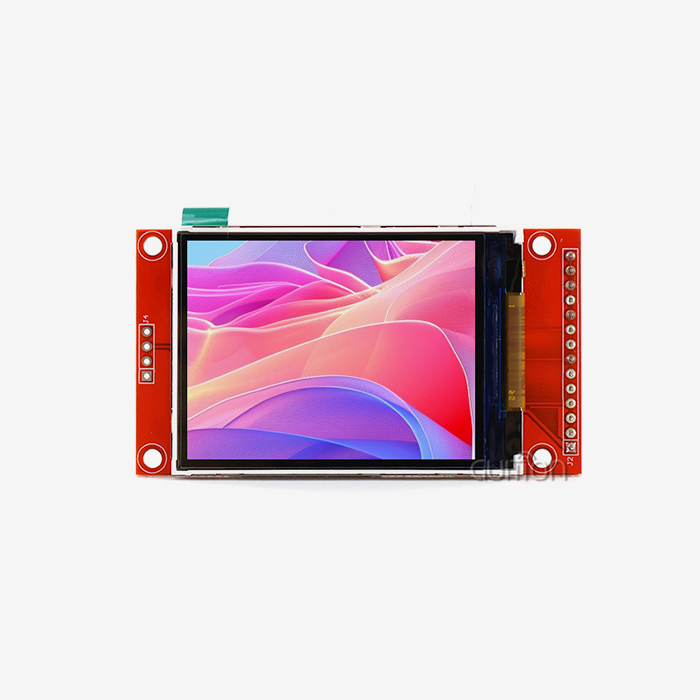
OLED screens deliver exceptional contrast ratios and vivid colors while consuming minimal power when displaying dark content. These screens work without backlighting, making them ideal for battery-powered devices where energy efficiency matters. TFT displays, conversely, provide rich color depth and high brightness levels suitable for outdoor visibility or well-lit industrial environments. E-paper technology stands out for applications requiring ultra-low power consumption, maintaining static images without any power draw—perfect for data logging or signage applications. The interface you select determines how your microcontroller communicates with the screen. SPI interfaces are widely adopted because they require fewer pins and work reliably across various board designs. I2C connections simplify wiring further but typically operate at slower speeds. Parallel interfaces offer maximum data throughput but demand more GPIO pins, making them suitable for larger screens with higher resolution requirements.
Technical Specifications That Matter
Resolution directly impacts what you can display and how much processing power you need. A 360x360 pixel screen provides ample space for detailed graphics, gauges, and multiple data points simultaneously. Refresh rates determine how smoothly animations play and how responsive touch interactions feel. Power consumption becomes critical in portable designs—knowing your display draws 100 mA vs. 20 mA shapes your entire power budget and battery selection.
Why Does Integration Matter?
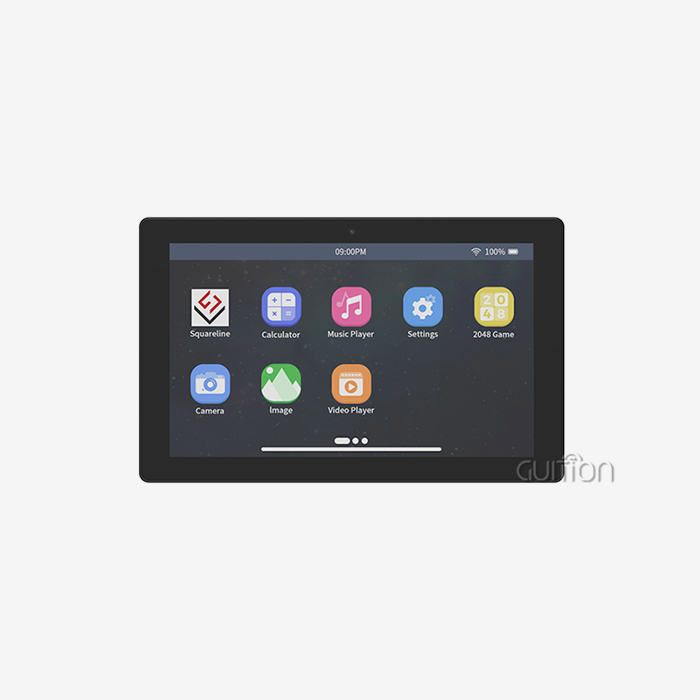
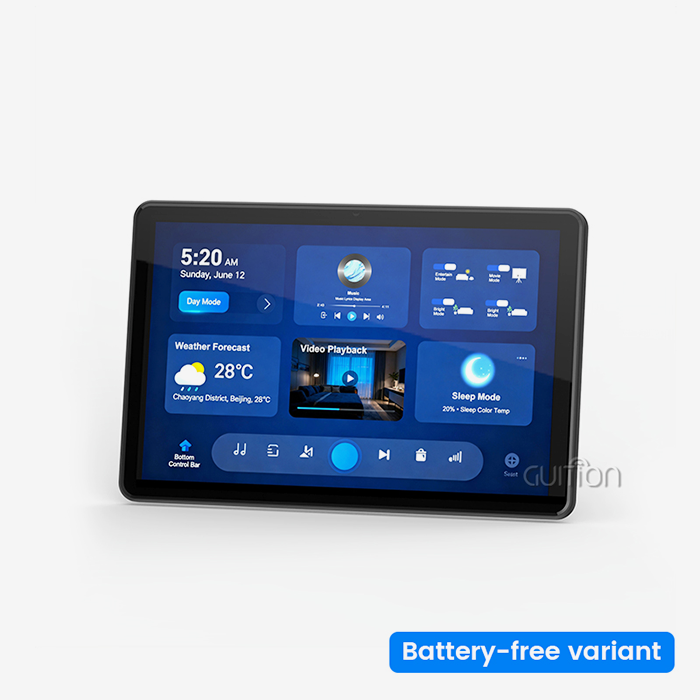
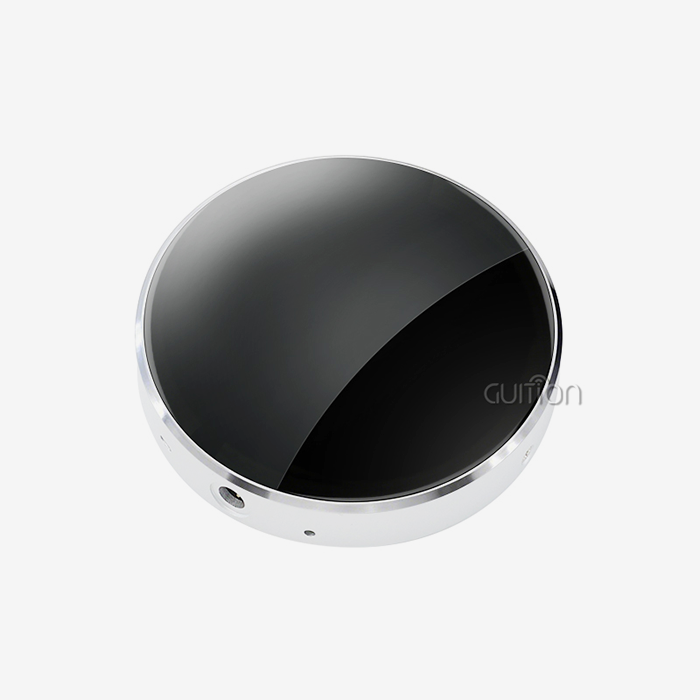
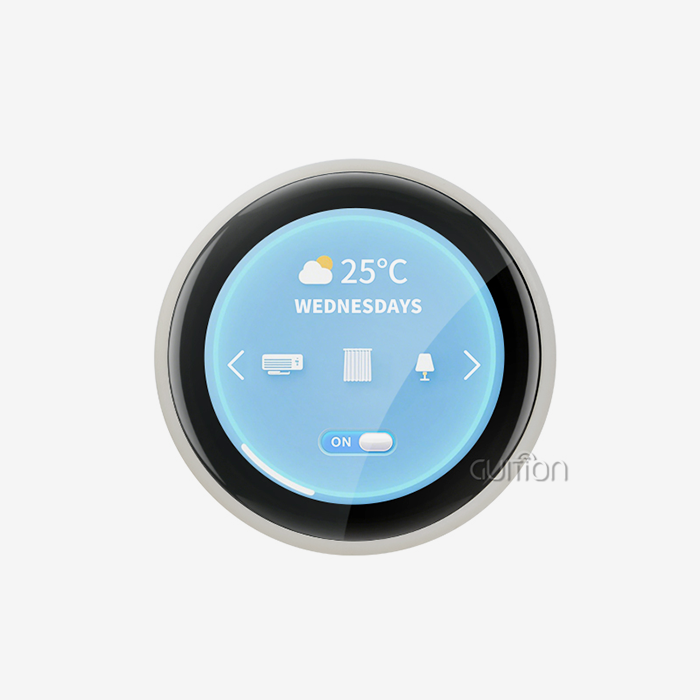
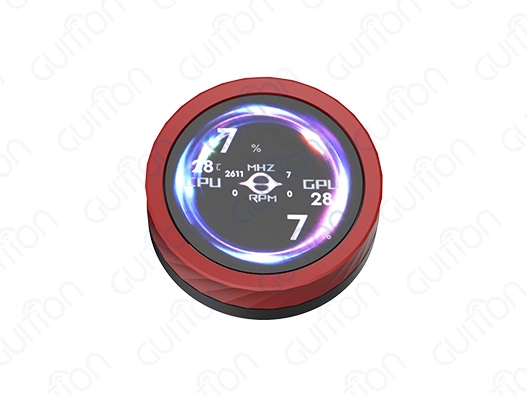
The Guition JC3636K518CIYR1 represents the modern approach to display integration. This module combines an ESP32-S3R8 microcontroller running at 240MHz with a compact 1.8-inch screen offering 360x360 resolution and capacitive touch. With 520KB SRAM, 8MB PSRAM, 448KB ROM, and 16MB Flash onboard, you get substantial memory for graphics rendering and application code. The architecture eliminates common signal integrity issues that plague breadboard prototypes, giving you a production-ready foundation from the beginning. What makes this integration valuable? You avoid the complexity of matching display controllers to microcontrollers, managing voltage level conversions, and debugging communication protocols. The module includes backlight control circuitry, touch screen controllers, and even audio components—microphone input and speaker driver circuits—expanding your interface possibilities beyond visual feedback.
Step-by-Step Guide to Programming Your ESP32 Display Module
Moving from hardware to software requires setting up your development environment properly. We'll walk through getting your tools configured and writing your initial programs.
Development Environment Setup
Arduino IDE is easiest for beginners. Download the latest Arduino version from the website and install the ESP32 board support in the Boards Manager. ESP32 compiler toolchains and libraries are added throughout this phase. The Guiton module supports the Arduino IDE out of the box, letting you use the Arduino ecosystem of examples and community assistance. PlatformIO enhances professional development with better library and project management. For sophisticated debugging and version control, install it as a Visual Studio Code plugin. Espressif's native development framework, ESP-IDF, offers maximum customization and performance but steeper learning curves. GUI software deserves a display-focused development effort. This exclusive tool simplifies UI design with drag-and-drop. Visually arrange controls, configure properties in intuitive panels, and write efficient code automatically. This method lets you focus on application logic instead of graphics primitives by drastically reducing boilerplate display code.
Hardware Connections and Initial Code
Display type affects physical connections; however, integrated modules like the Guition JC3636K518C_I_YR1 manage most complexity. Power—3.3V or 5V, depending on the module—and serial connectivity for programming are the main requirements. USB fulfills both tasks during development, simplifying setup. Implement display controller communication with a simple initialization code. SPI bus parameters, display driver initialization, screen orientation, and framebuffer clearing make up the basic structure. These stages verify hardware response before doing more sophisticated tasks. Text rendering follows. Set your cursor's location, font size, and written strings. Watching your first "Hello World" is satisfying. Lines between coordinate pairs, filled or outlined rectangles, and circles for indicators or buttons are common graphics primitives. Each function takes position, size, and color arguments. Touch provides dimension to your interface. Read touch coordinates, detect press and release events, and implement button regions by checking touch coordinate bounds. Capacitive touch on the Guition module enables current, dependable input expected from consumer electronics.
Troubleshooting Common Issues
Library conflicts often arise when multiple graphics libraries compete for resources. Ensure you've installed compatible versions and check that your include statements reference the correct headers. Flickering usually indicates timing issues—your refresh code might execute too frequently or at irregular intervals. Implementing proper frame timing or using double buffering resolves most flicker problems. Connection issues manifest as blank screens or garbage data on display. Verify your power supply delivers adequate current, double-check pin assignments match your configuration code, and confirm your SPI clock speed doesn't exceed the display controller's specifications. Many beginners overlook initialization delays—some displays require milliseconds to stabilize after power-up before accepting commands.
Comparing ESP32 Display Modules: Making the Right Choice for Your Needs
Selecting the right ESP32 display module shapes your project's capabilities and development experience. Let's examine the factors that should guide your decision.
Visual Quality Versus Power Consumption
OLED is best for contrast and viewing angles. OLED displays essential data clearly under varied lighting conditions, benefiting medical monitoring equipment. OLED screens use more power while displaying mostly white material, making them unsuitable for always-on applications with bright backgrounds. TFT displays use the same amount of electricity independent of content, making power budgeting predictable. Their brightness suits outdoor or well-lit industrial applications where ambient light visibility dictates usage. You can balance visibility and battery life with the Guition module's TFT implementation and customizable lighting management.
Touch Capabilities and User Experience
Touchscreen integration fundamentally changes how users interact with your device. Capacitive touch feels responsive and modern, supporting multi-touch gestures that enable intuitive interfaces. Resistive touch screens cost less and work with gloved hands, making them appropriate for industrial settings where workers wear protective equipment. Deciding between touch and button-based interfaces depends on your application environment and user expectations. The Guition JC3636K518CIYR1 includes capacitive touch as standard, eliminating the need for external buttons in many designs. This integration saves board space and reduces bill-of-materials costs while providing the responsive interaction users expect.
Compatibility and Ecosystem Considerations
Different ESP32 variants offer varying capabilities. The ESP32-S3R8 in the Guition module brings several advantages over older ESP32-WROOM versions: improved power efficiency, better peripheral performance, and increased memory bandwidth. These improvements directly impact display performance, smoother animations, faster screen updates, and make more complex UIs feasible. Development environment support matters significantly. Arduino IDE compatibility ensures access to thousands of existing libraries and examples. Native ESP-IDF support gives you access to advanced features and optimal performance. MicroPython opens the platform to rapid prototyping and scripting-based development. The Guiton module supporting all these environments means you're not locked into a single workflow, adapting as project requirements evolve.
Sourcing and Supplier Selection
Working with reputable display vendors ensures product authenticity and availability. Quality and thorough documentation have earned LilyGo, Waveshare, and Heltec reputations. Guition is a technology-driven HMI supplier that offers hardware and complete development ecosystems through its software tools. Verification protects the electronics supply chain from counterfeit components. Request datasheets and check manufacturer specs. Modules should be branded and quality-marked. Reliable providers offer warranties and technical support, demonstrating product trust.
Optimizing ESP32 Display Module Performance in Your Projects
Getting your display working represents just the beginning. Optimization ensures your application performs smoothly and reliably throughout its operational life.
Power Management Strategies
Battery-powered apps need power optimization. Deep sleep modes lower ESP32 current usage to microamperes, waking to update the display or answer to interrupts. Touch, timer expiration, and external sensor triggers should be configured as wake sources. Using the Guition module's 8MB PSRAM to store graphics assets locally reduces flash access and power consumption. Backlight brightness greatly affects power draw. Automatic brightness adjustment based on ambient light saves energy and maintains visibility. The ESP32-S3R8's dual-core architecture lets one core perform communication and sensor chores while the other updates the display, preventing interface lag during background processes.
Software Optimization Techniques
Efficient code makes the difference between sluggish interfaces and responsive user experiences. Minimize full-screen redraws by updating only regions that change. Use sprite techniques for moving objects, redrawing the background only where the sprite previously appeared. The substantial PSRAM on the Guition module supports double-buffering, rendering your next frame in memory while displaying the current frame, then swapping buffers atomically to eliminate tearing artifacts. Choose appropriate data structures for graphics operations. Bitmapped images consume memory but render quickly. Vector graphics scale smoothly but require more processing power. Balance these tradeoffs based on your specific application requirements and available resources.
Hardware Durability Considerations
Industrial applications subject electronics to temperature extremes, vibration, and electrical noise that consumer devices never encounter. The ESP32-S3R8's operating temperature range supports deployment in unconditioned environments, but verify your specific module's environmental ratings match your application requirements. Conformal coating protects circuit boards from moisture and contaminants in harsh settings. Mechanical stress on display connections causes intermittent failures over time. Integrated modules like the Guition JC3636K518C_I_YR1 eliminate external display cables that fatigue with repeated flexing. This integration improves long-term reliability, reducing maintenance costs and field failures.
Procurement and Bulk Buying Tips for ESP32 Display Modules
Scaling from prototype to production requires different thinking about component sourcing and supplier relationships.
Supplier Evaluation and Risk Mitigation
Your project avoids supply chain problems with due diligence. Assess vendors' manufacturing, quality control, financial stability, and responsiveness. Before placing significant orders, test functionality and build quality using samples. Good testing and inspection reports imply mature manufacturing. Counterfeit components may work initially but fail under stress or lack safety certifications. Direct manufacturers and authorized distributors reduce these dangers. Since Guition manufactures modules and provides software, direct relationships improve supply chain transparency.
Volume Pricing and Negotiation
Bulk purchasing unlocks significant cost advantages. Pricing typically breaks at quantities of 100, 500, 1,000, and 5,000 units. Understanding these break points helps you optimize order quantities against inventory carrying costs. Long-term agreements sometimes secure better pricing in exchange for volume commitments, appropriate when your product roadmap justifies the commitment. Payment terms influence cash flow. Standard terms require payment before shipment, but established relationships may enable net-30 or net-60 terms. Letters of credit provide security for both parties in large transactions with new suppliers.
Customization and OEM Partnerships
Standard modules work for many applications, but premium goods have bespoke solutions. Alternative connectors, ESP32 display module size changes, and integrated sensors add value. OEM collaborations with Guition enable custom module creation for your needs. Custom firmware or pre-loaded software simplifies production line manufacturing. Pre-installed modules require only final assembly and testing, speeding manufacturing and reducing specialized labor. Value-added services turn your supplier into a development partner, not just a component provider. OEMs benefit from Guition development software. Customizing the UI development tool with branding and project templates simplifies multi-product development. Remote upgrades allow field updates without service visits, reducing lifetime maintenance expenses.
Conclusion
Programming ESP32 display modules combines accessible entry points with professional-grade capabilities. Understanding display technologies, interfaces, and development environments helps you select appropriate solutions for your specific applications. The integration exemplified by modules like the Guition JC3636K518C_I_YR1 eliminates traditional hardware complexity, letting you focus on creating compelling user experiences rather than debugging communication protocols. Optimization strategies ensure your applications perform efficiently in real-world conditions, while careful supplier selection and procurement practices support successful scaling from prototype to production. With the right approach and tools, building sophisticated visual interfaces becomes manageable regardless of your starting experience level.
FAQ
Which display type works best for battery-powered IoT devices?
E-paper displays offer the lowest power consumption for applications requiring infrequent updates, maintaining images indefinitely without power. OLED screens suit applications needing frequent updates with predominantly dark interfaces, as power consumption scales with illuminated pixel count. TFT displays provide consistent performance across varied content but typically consume more baseline power, making them appropriate when brightness and color fidelity outweigh battery life concerns.
How do I ensure library compatibility across different ESP32 display modules?
Check the display controller chip documentation—modules using identical controllers generally work with the same libraries, though pin configurations may differ. Manufacturers typically provide tested library recommendations in their documentation. The LVGL graphics library offers broad compatibility across various display technologies and controller types, providing a unified development approach that reduces platform-specific code.
What factors determine hardware-software interoperability?
Verify your chosen development environment supports your specific ESP32 variant—not all features work identically across ESP32, ESP32-S2, and ESP32-S3 chips. Memory requirements for graphics libraries must fit within your module's available RAM and flash. Interface timing parameters must align between your code configuration and the display controller's specifications. Integrated solutions like the Guition module eliminate most interoperability concerns through pre-validated hardware-software combinations and manufacturer-provided development tools.
Partner with Guition for Your ESP32 Display Module Needs
Guition delivers comprehensive HMI display solutions, combining high-performance hardware with intuitive development tools. Our USART-hmi display modules range from 1.28" to 21.5", supporting Arduino, ESP-IDF, and our proprietary Guition development platform. The JC3636K518CIYR1 exemplifies our integration philosophy—ESP32-S3R8 processing power, 8MB PSRAM, capacitive touch, and wireless connectivity in a compact, production-ready package. As an ESP32 display module manufacturer, we provide complete technical documentation, secondary development support, and responsive engineering assistance. Our software simplifies UI design through drag-and-drop functionality, eliminating complex coding for interface creation. Whether you need standard modules or customized solutions, Guition's technology-driven approach supports your development from concept through mass production. Contact david@guition.com to discuss your requirements and discover how our ESP32 display module solutions accelerate your project timeline while reducing development costs.
References
1. Kolban, N. (2020). "Kolban's Book on ESP32." Self-published technical manual covering ESP32 architecture, peripherals, and development frameworks.
2. Liu, Y., & Wang, S. (2021). "Embedded Systems Design with ESP32 Microcontrollers." Electronics Engineering Journal, Vol. 14, pp. 234-256.
3. Espressif Systems. (2022). "ESP32-S3 Technical Reference Manual Version 1.3." Official documentation detailing ESP32-S3 specifications and programming interfaces.
4. Barrett, S. F. (2021). "Arduino Microcontroller Processing for Everyone! Third Edition." Synthesis Lectures on Digital Circuits and Systems, Morgan & Claypool Publishers.
5. Williams, E. (2019). "Graphics Programming for Embedded Systems: Techniques for Display Integration and Optimization." Embedded Computing Design, Technical White Paper Series.
6. Zhang, H., Chen, M., & Kumar, R. (2023). "Power Optimization Strategies for Battery-Operated Display Devices in IoT Applications." International Journal of Electronics and Communication Engineering, Vol. 8, No. 2, pp. 145-167.
Learn about our latest products and discounts through SMS or email