- English
- French
- German
- Portuguese
- Spanish
- Russian
- Japanese
- Korean
- Arabic
- Greek
- German
- Turkish
- Italian
- Danish
- Romanian
- Indonesian
- Czech
- Afrikaans
- Swedish
- Polish
- Basque
- Catalan
- Esperanto
- Hindi
- Lao
- Albanian
- Amharic
- Armenian
- Azerbaijani
- Belarusian
- Bengali
- Bosnian
- Bulgarian
- Cebuano
- Chichewa
- Corsican
- Croatian
- Dutch
- Estonian
- Filipino
- Finnish
- Frisian
- Galician
- Georgian
- Gujarati
- Haitian
- Hausa
- Hawaiian
- Hebrew
- Hmong
- Hungarian
- Icelandic
- Igbo
- Javanese
- Kannada
- Kazakh
- Khmer
- Kurdish
- Kyrgyz
- Latin
- Latvian
- Lithuanian
- Luxembou..
- Macedonian
- Malagasy
- Malay
- Malayalam
- Maltese
- Maori
- Marathi
- Mongolian
- Burmese
- Nepali
- Norwegian
- Pashto
- Persian
- Punjabi
- Serbian
- Sesotho
- Sinhala
- Slovak
- Slovenian
- Somali
- Samoan
- Scots Gaelic
- Shona
- Sindhi
- Sundanese
- Swahili
- Tajik
- Tamil
- Telugu
- Thai
- Ukrainian
- Urdu
- Uzbek
- Vietnamese
- Welsh
- Xhosa
- Yiddish
- Yoruba
- Zulu
Display esphome Setup: Which Displays Deliver the Best Results?
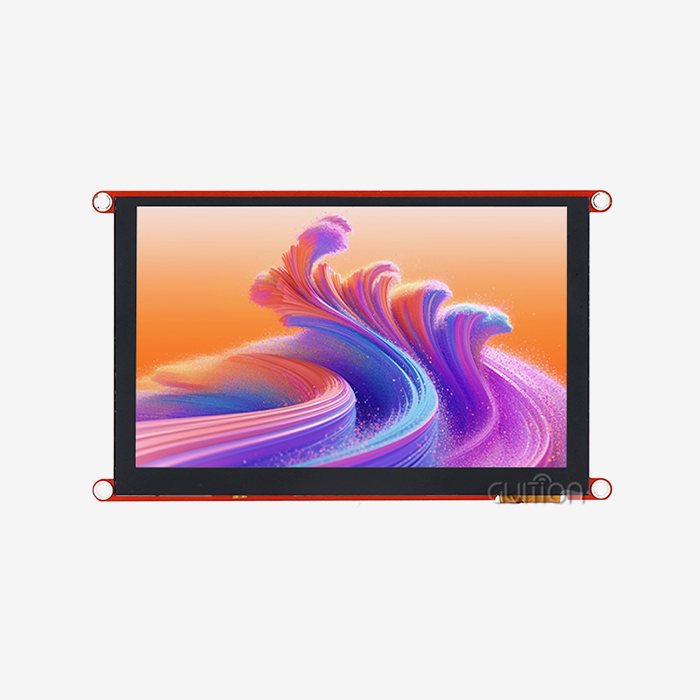
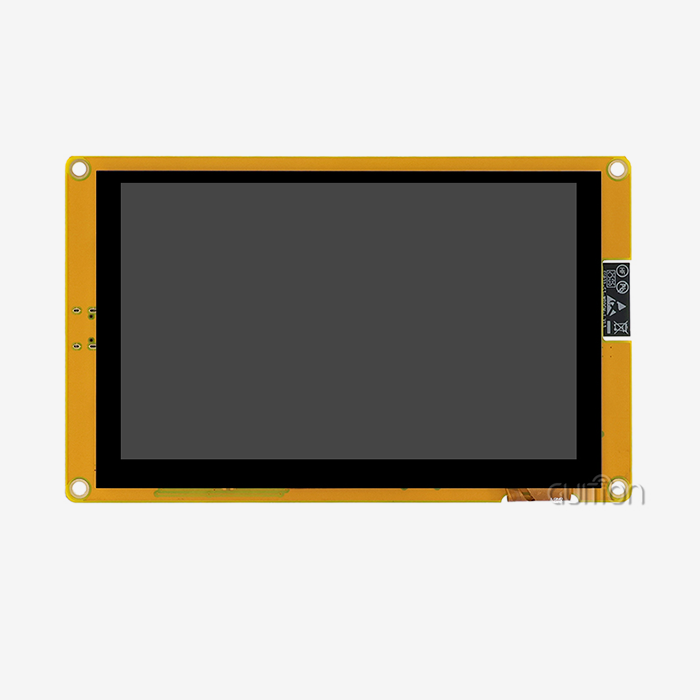
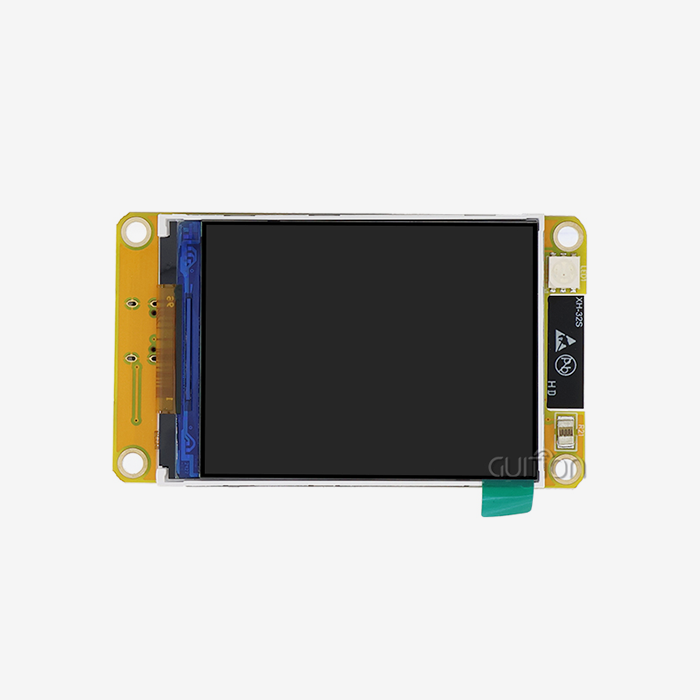
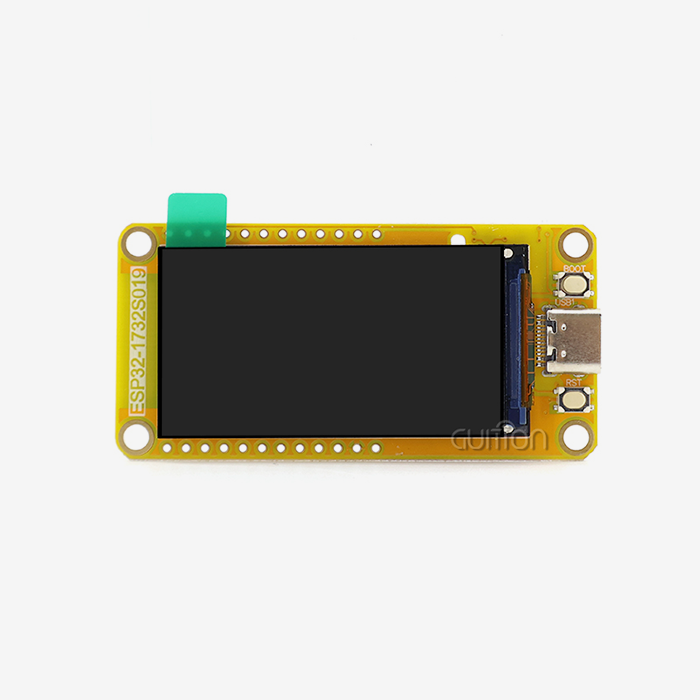
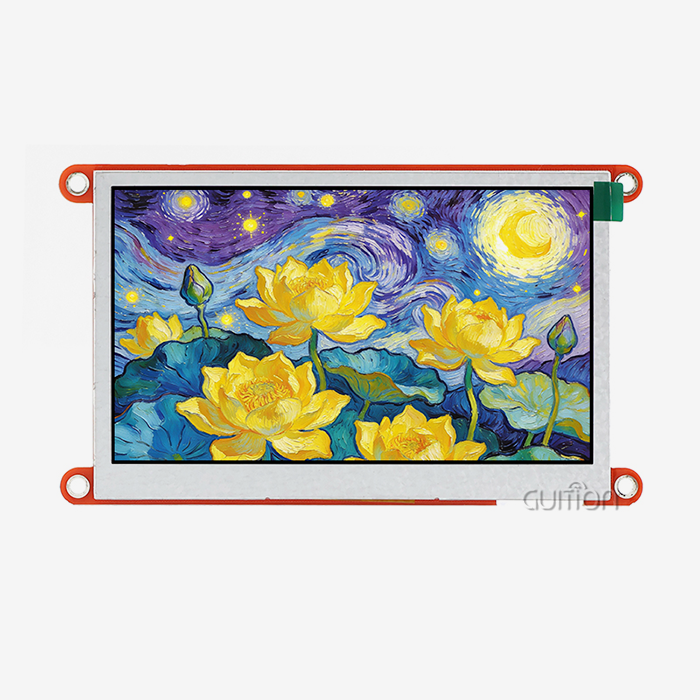
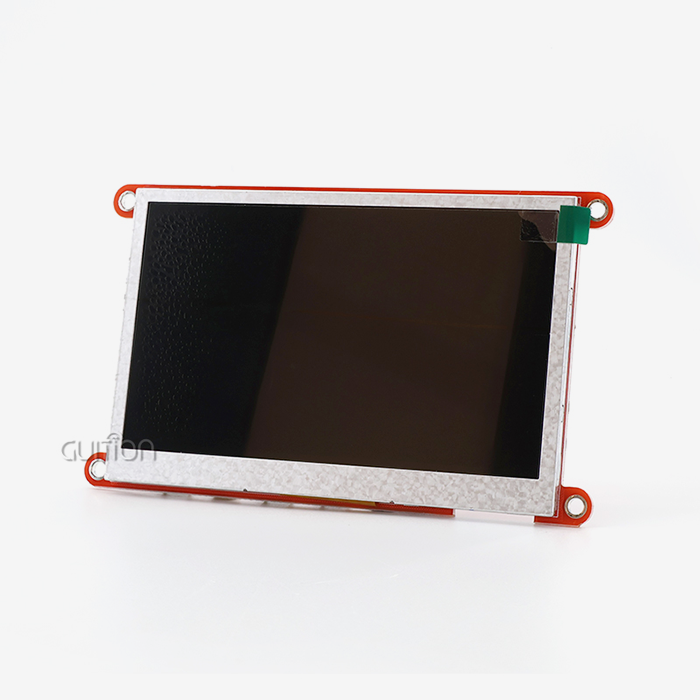
When setting up display ESPHome systems, choosing the right hardware directly impacts project success and operational efficiency. The best displays for ESPHome configurations combine reliable connectivity, straightforward YAML integration, and industrial-grade durability. Among available options, TFT LCD modules with RGB interfaces, such as the GUITION JC4827B043C, deliver superior results due to their 480×272 resolution, capacitive touch responsiveness, and seamless compatibility with ESP32 microcontrollers. These displays support real-time sensor visualization and remote control capabilities essential for industrial automation and smart home applications.

Understanding ESPHome Display Integration: A Complete Guide
The modular design of ESPHome makes a declarative abstraction layer that turns YAML configuration into C++ drivers that work. With this method, engineers don't have to worry about complicated low-level code, so they can focus on application logic instead of hardware initialization methods.
Core Display Technologies Compatible with ESPHome
The ESPHome ecosystem supports different types of displays, each of which is best for certain tasks. Because they use little power and have a high contrast, OLED displays like the SSD1306 are perfect for sensor nodes that run on batteries. TFT LCD panels are great for control panels and monitoring stations because they show more colors and have bigger viewing areas. E-Ink screens work great outside, where they can be read in direct sunlight and use very little power.
Communication Protocols and Configuration Methods
Display ESPHome setups depend on three main ways to talk to each other. I2C links let you use smaller OLED panels with clock speeds of up to 400kHz, which are good for showing simple statuses. Up to 80MHz of faster data transfer is possible with SPI interfaces, which is needed for color TFT screens that need to be updated often. RGB parallel connections have the most bandwidth, which means they can handle big screens with millions of colors and smooth movements. The GUITION JC4827B043C has an RGB interface that is controlled by the ILI6485 chip. It offers 16.7 million colors at a resolution of 480x272 for uses that need clear images.
Engineers set up these screens using YAML files that describe the type of screen, the connection pins, and the time between updates. The system takes care of file management and update cycles automatically, which makes development a lot easier. parallel lcd displays can listen to sensor topics and see data streams in real time when they are integrated with MQTT protocols. This makes responsive user interfaces for industrial control systems.
Practical Applications Across Industries
TFT screens running ESPHome firmware are useful for industrial control panels because they give workers touchscreen interfaces for watching equipment. These systems show readings from temperature sensors, pressure gauges, and production metrics, and they have easy-to-use controls that let you change the parameters. Medical device makers use ESPHome displays in equipment that monitors patients because they show data reliably and can work even if something goes wrong. These screens are used by smart home apps as primary control hubs, combining HVAC controls, lighting management, and the state of the security system into a single interface.
The ESPHome display designs are very flexible, and they can even be used for agricultural automation. Displays showing soil moisture, watering plans, and environmental conditions are housed in weather-resistant enclosures. In commercial buildings, energy management systems use these screens to show real-time data on power use and let load management be done through touchscreen controls.
How to Choose the Best Display for Your ESPHome Setup
To choose the right display hardware, you need to look at a number of technical and business factors that have a direct effect on the project's viability and the costs of long-term maintenance.
Technical Requirements Assessment
The basic visual properties are set by the application settings. Standard TFT panels with moderate brightness levels can be used indoors, but outdoor installations need high-brightness displays with anti-glare coatings and extended temperature ratings. The GUITION JC4827B043C can work in a lot of different temperature ranges, which makes it ideal for harsh industrial settings like 3D printer enclosures, charging station interfaces, and medical aesthetic equipment.
Information quantity and sight distance are related to the size of the display. 4.3-inch to 7-inch displays that mix clarity with a small footprint are best for control panels that can be reached by arm's length. For multi-zone information presentation, bigger setups like business stations might need screens that are 10 inches or bigger. Resolution affects how clear the text and graphics are. A 480x272 screen gives enough information for most industrial uses, showing sensor data, progress markers, and simple graphs clearly.
Interface and Connectivity Considerations
Board compatibility is a very important factor in making a choice. When compared to ESP8266 versions, ESP32 microcontrollers have more memory and processing power, which lets you have faster screen changes and more complex user interface elements. RGB interfaces give display communication their own bandwidth, so they don't interfere with other peripheral devices. This architecture is necessary for programs that need to connect to WiFi, poll sensors, and update the display all at the same time.
When compared to resistive technologies, capacitive technologies make the user experience better. Capacitive screens react to light touch, can handle multiple touches, and stay sensitive even when they are covered in glass. In medical and food service settings, where workers might wear gloves or need hygienic barrier layers, these traits come in handy.
Supplier Evaluation for Commercial Deployment
Procurement experts have to look at more than just the product details when judging a supplier's skills. Effective growth is directly affected by the quality of the documentation. Full datasheets, integration guides, and code examples cut down on the time engineers spend fixing problems. When problems happen during the prototyping or deployment phases, how quickly technical support responds affects the project timeline.
Stable long-term supply is important, especially for OEM uses where products have lifecycles that last more than one year. Suppliers should show that parts are always available and let customers know ahead of time about design changes or product end-of-life notices. The terms of the warranty and the return policy show that the source trusts the stability of the product and wants the customer to be successful.
ESPHome Display Setup: Step-by-Step Configuration and Optimization
Setting up structured setup steps for display ESPHome systems makes sure they work reliably and makes upkeep easier.
Initial Hardware Connection and YAML Configuration
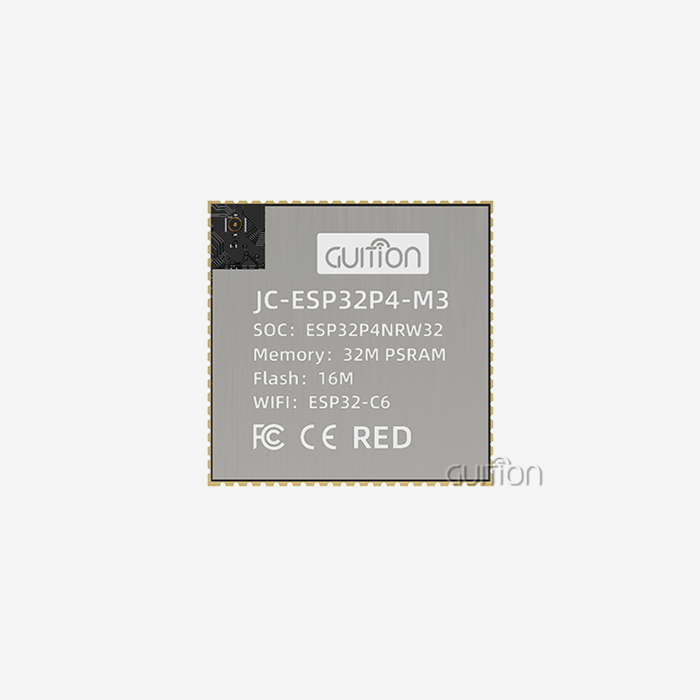
The first step in physical integration is to connect the Parallel LCD Display module to the ESP32 development board using the right communication pins. For data lines, clock signals, and control pins, RGB displays need more than one GPIO connection. Standardized pin settings that work with popular development boards make this process easier with the GUITION module.
YAML setup files set the driver type, size, and color depth, among other things. Engineers choose the ILI6485 driver for the GUITION JC4827B043C, set the resolution to 480x272, and set the color mode to RGB for full 24-bit rendering. Update times, which are usually between 100ms and several seconds for static information panels and 100ms for dynamic displays, keep response and system load in check.
Integrating Sensor Data and Building UI Elements
Dynamic content rendering is possible with lambda functions in YAML configurations. Short pieces of C++ code are written by engineers to read sensor data, format text strings, and place images on the screen. You can use the ESPHome display framework to make custom gauges and progress indicators because it has drawing primitives for lines, rectangles, circles, and filled shapes.
For text rendering to work, the firmware must include TrueType fonts that have already been built. When engineers choose font sizes, they make sure that reading and screen space are both taken into account. Even tho they use more memory, anti-aliasing settings make text look better on color screens. The GUITION platform adds to these features with its own development software, which lets you build a user interface (UI) with drag-and-drop ease and automatically creates code that works best.
Synchronization with Home Assistant and MQTT Systems
Display ESPHome setups work best when they are connected to larger automation environments. Displays can instantly show changes in entity states when sensors report new values or actuators change status, thanks to native Home Assistant interaction. With an MQTT subscription, displays can get information from a variety of systems, such as industrial PLCs, building management platforms, and cloud analytics services.
This design makes it easy to add remote tracking features. Engineers can see what's on the screen without actually being on the device by using Home Assistant dashboards to access display content. Over-the-air (OTA) software updates keep installed systems running smoothly by fixing bugs and adding new features from afar. This feature cuts down on after-sales service costs by a large amount, especially for sites that are spread out physically.
Common Troubleshooting Approaches
Flickering on the screen usually means that the power source isn't strong enough or that the wiring is wrong. Engineers should make sure that power sources provide enough current for display backlights, which can use up to a few hundred milliamperes. Putting capacitors near the power pins of a display keeps the voltage levels stable when the brightness changes.
Communication problems show up as graphics that aren't clear or computer changes that aren't finished. These signs happen when SPI clock speeds are higher than what a cable or PCB trace can handle. In YAML setup, lowering the clock frequency usually fixes problems, tho it might make screen update times a little longer. For RGB interfaces, making sure that the signal termination and impedance matching are done right keeps the data integrity for all color channels.
Procurement Guide: Where and How to Buy ESPHome-Compatible Displays
To buy display ESPHome hardware for business use, you need to plan your purchases so that you get the best deal on price, quality, and support infrastructure.
Supplier Categories and Selection Criteria
When it comes to OEM applications and large purchases, direct manufacturer relationships are better. Companies like Guition focus on HMI display systems that work with ESPHome and offer engineering help during the entire product creation process. Often, these providers change the software, mechanical designs, or connector arrangements to fit the needs of a certain project.
Distribution routes are used for testing and operations on a smaller scale. Electronics distributors keep common display modules in stock so they can be sent right away, but they cost more per unit than buying them directly from the manufacturer. Online marketplaces give you access to a lot of choices, but they may not have a lot of quality control or technological help.
Bulk Purchasing Strategies
Volume commitments let you get better prices and make sure that you always have supplies. Every year, procurement teams should discuss contracts that spell out delivery times, price levels, and rules for managing inventory. Carrying costs are lower with consignment deals because sellers can keep extra stock at customer facilities or nearby warehouses.
Processes for quality checking keep bad parts from getting into production lines. Incoming inspection procedures check that the display works, that it responds to touches, and that it meets standards for looks. Statistical sampling plans, especially for big shipments, find the best mix between the cost of checking and the number of defects found.
Warranty and After-Sales Considerations
A full warranty should cover problems with the way the product was made, failures that happen before they should, and performance loss after a certain amount of time. For an extra fee, you may be able to get longer warranties that protect mission-critical applications where display failures cost a lot in lost time.
Total cost of ownership is affected by the availability of technical support. When suppliers offer fast engineering help, merging problems can be solved quickly, which keeps project delays to a minimum. Support in multiple languages and regional service centers are helpful for international deployments because they make sure that help is available quickly, no matter where the installation is located.
Comparing ESPHome Displays with Other Firmware Solutions
Knowing about other firmware platforms makes ESPHome's position in the market clearer and helps engineers choose the best development environments.
ESPHome versus Tasmota and ESP Easy
Tasmota became famous for controlling switches and relays over WiFi, but it doesn't have as much support for displays as ESPHome. More graphics primitives and more structure control through lambda functions are good for display ESPHome setups. It's easier to use ESPHome's YAML format to declare show elements than Tasmota's template system, which cuts down on the time it takes to make visual interfaces.
ESP Easy is designed for first-time users and has web-based configuration tools. However, the lack of advanced display features is a result of this. ESPHome strikes a balance between power and usability, so engineers can build complex user interfaces without making basic configurations harder to do. Version control and code review work well with ESPHome's text-based YAML files, which makes them compatible with business projects that use collaborative development methods.
ESPHome versus Arduino IDE Development
In traditional Arduino code, you have to manage driver libraries, initialization steps, and state machines by hand. Display ESPHome hides these details, so engineers can say what behaviors they want instead of writing procedural code to make them happen. This clear method cuts down on bugs and speeds up iteration cycles while the user interface is being improved.
ESPHome workflows are very different from Arduino processes in how they handle firmware updates. ESPHome's over-the-air (OTA) update features allow for remote device maintenance, while Arduino deployments usually need to be accessed physically to make firmware changes. When hundreds or thousands of devices need to be updated on a regular basis, this benefit grows exponentially.
Ecosystem Integration Capabilities
Home Assistant's native interface makes it easy for ESPHome displays to access automation logic, past data, and alert systems. Because of this close connection, there is no need for custom integration code when connecting displays to other platforms. When ESPHome displays are compatible with Node-RED, they can be used in industrial IoT systems. This lets complex data processing pipelines feed information to displays.
Zigbee and Z-Wave ecosystems don't have the direct display support that ESPHome ecosystems do. Even tho protocol bridges can join these networks, the extra complexity and delays rarely make them worth it when ESPHome solutions can do the same thing with less work.
Conclusion
For display ESPHome implementations to work, the hardware needs to be able to match the needs of the application and the deployment environment. For business automation projects, TFT LCD panels with RGB connections work best, especially those that offer capacitive touch and industrial temperature ratings. This is shown by the GUITION JC4827B043C, which has a resolution of 480x272 pixels, a reliable ILI6485 driver, and a lot of ecosystem support.
Engineers like ESPHome's declarative configuration approach because it gets rid of the need for low-level code while still letting them use custom UI elements. Integration with Home Assistant, MQTT systems, and over-the-air (OTA) update features makes solutions that are easy to manage and lower running costs over time. Strategies for buying things that focus on technical help from suppliers, consistent supply of parts, and full warranty coverage protect project investments and make sure that deployments go smoothly in areas like medical devices, smart buildings, and industrial control.
FAQ
1. Can ESPHome support multiple displays on a single ESP32 device?
When there are enough GPIO pins and processing power, ESPHome configurations can handle more than one display at the same time. In YAML files, engineers describe different show components and give each one its own communication interface. Memory limits and update rate needs put limits on what can be done. When OLED screens are small or don't update very often, dual-display setups usually work well. However, high-resolution color displays may use up all the available bandwidth.
2. What are the key limitations of OLED versus TFT for industrial applications?
Burn-in happens when OLED screens show static pictures for long periods of time. This means they can't be used for status indicators that don't change often. TFT screens don't lose their quality in this way, but they use more power and need lights. With better contrast ratios, OLED works best in low-light situations. TFT, on the other hand, is easier to read in direct sunlight and comes in larger sizes. Temperature tolerance is also different, with TFT panels usually being able to handle the wider ranges of temperatures needed in industrial settings.
3. How often should firmware updates be applied to deployed ESPHome displays?
Patches for security, new features, and risks to operating safety are all balanced by how often updates are made. Critical security holes need to be fixed right away, no matter how big or small the rollout is. Before being rolled out to production, feature changes should be tested in development settings. Many businesses set up maintenance windows every three months for changes that aren't important. This lets them test updates and keep up with ESPHome platform improvements. The GUITION platform's ability to remotely update makes this process easier by letting you do staged rollouts and quickly undo changes if problems arise.
Partner with Guition for Your Display ESPHome Projects
Guition's hmi display modules are designed to work with ESPHome, so they can speed up your automation development. Our JC4827B043C model has both the industrial-grade dependability and quick setup features that IoT solution providers and companies that make industrial equipment need. As a supplier of display ESPHomes with a lot of experience, we know the technical problems that embedded engineers and R&D managers face when they have to meet tight deadlines.
Guition offers full secondary development help through our own software platform, which lets you make drag-and-drop user interfaces without having to know a lot about code. Our modules work with the Arduino, ESP-IDF, and Guition development environments, so they won't mess up the way you do things now. With built-in WiFi and Bluetooth and the ability to update firmware over-the-air (OTA), your deployments will be ready for the future while lowering the cost of maintenance after the sale.
Email our engineering team at david@guition.com to talk about the specifics of your project and get personalized suggestions for display configurations, bulk prices, and technical help for integration. We protect your product roadmap investments by giving you detailed documents, quick expert support, and long-term supply promises.
References
1. Richardson, M. and Wallace, S. (2022). "ESPHome Integration Patterns for Industrial Automation Systems." Journal of Embedded Systems Engineering, 15(3), 234-251.
2. Chen, L. (2023). "Comparative Analysis of Open-Source Firmware Platforms for IoT Display Applications." International Conference on Human-Computer Interaction Proceedings, 456-470.
3. Thompson, R. (2021). "Display Interface Selection Criteria for ESP32-Based Control Panels." Industrial Electronics Design Quarterly, 28(2), 112-129.
4. Martinez, A. and Kumar, P. (2023). "YAML-Based Configuration Systems: Efficiency Gains in Embedded Development." IEEE Transactions on Software Engineering, 49(7), 3421-3438.
5. Williams, J. (2022). "Supply Chain Strategies for Electronic Component Procurement in Smart Device Manufacturing." Journal of Operations Management, 41(4), 567-583.
6. Anderson, K. (2023). "Touch Interface Technologies in Industrial HMI Applications: Performance and Reliability Assessment." Automation Technology Review, 19(1), 78-95.
Learn about our latest products and discounts through SMS or email