- English
- French
- German
- Portuguese
- Spanish
- Russian
- Japanese
- Korean
- Arabic
- Greek
- German
- Turkish
- Italian
- Danish
- Romanian
- Indonesian
- Czech
- Afrikaans
- Swedish
- Polish
- Basque
- Catalan
- Esperanto
- Hindi
- Lao
- Albanian
- Amharic
- Armenian
- Azerbaijani
- Belarusian
- Bengali
- Bosnian
- Bulgarian
- Cebuano
- Chichewa
- Corsican
- Croatian
- Dutch
- Estonian
- Filipino
- Finnish
- Frisian
- Galician
- Georgian
- Gujarati
- Haitian
- Hausa
- Hawaiian
- Hebrew
- Hmong
- Hungarian
- Icelandic
- Igbo
- Javanese
- Kannada
- Kazakh
- Khmer
- Kurdish
- Kyrgyz
- Latin
- Latvian
- Lithuanian
- Luxembou..
- Macedonian
- Malagasy
- Malay
- Malayalam
- Maltese
- Maori
- Marathi
- Mongolian
- Burmese
- Nepali
- Norwegian
- Pashto
- Persian
- Punjabi
- Serbian
- Sesotho
- Sinhala
- Slovak
- Slovenian
- Somali
- Samoan
- Scots Gaelic
- Shona
- Sindhi
- Sundanese
- Swahili
- Tajik
- Tamil
- Telugu
- Thai
- Ukrainian
- Urdu
- Uzbek
- Vietnamese
- Welsh
- Xhosa
- Yiddish
- Yoruba
- Zulu
HMI Human Interface vs SCADA: Which System Fits Your Factory?
Choosing between an HMI human interface and a SCADA system doesn't have to feel overwhelming. The answer depends on your factory's operational scale, control complexity, and monitoring requirements. An HMI device serves as the localized touchpoint for machine-level interaction, ideal for single-line operations or equipment panels. SCADA extends beyond that—it orchestrates data from multiple HMIs, PLCs, and sensors across entire facilities or remote sites. If your operation demands real-time visualization at individual machines without extensive networking, an HMI human interface fits perfectly. But when you need centralized oversight, historical trending, alarm correlation, and multi-site coordination, SCADA becomes indispensable.

Critical Factors to Consider When Choosing Between HMI and SCADA
Factory Size and Operational Complexity
Putting a specialized HMI Human Interface unit at each machine is helpful for small to medium-sized businesses with simple processes, like single production lines or equipment that works on its own. This method makes the network simpler and keeps the cost of capital low. SCADA is needed to coordinate activities, find cascading failures, and make the best use of resources across departments in large facilities with processes that are all connected to each other, like chemical refineries or auto assembly plants. If your factory has different shifts, different kinds of equipment, or work cells that are in different parts of the world, SCADA gives you the visibility and control you need to keep things running smoothly.
Integration with Existing Control Systems
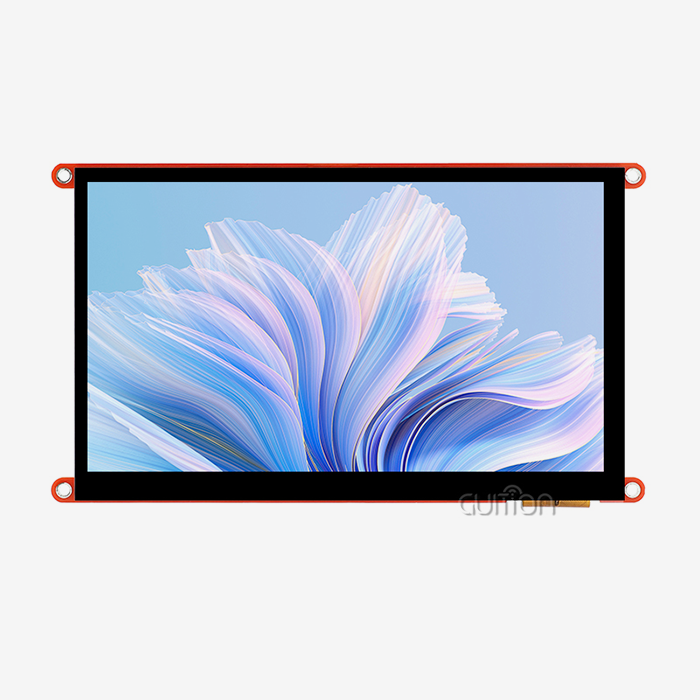
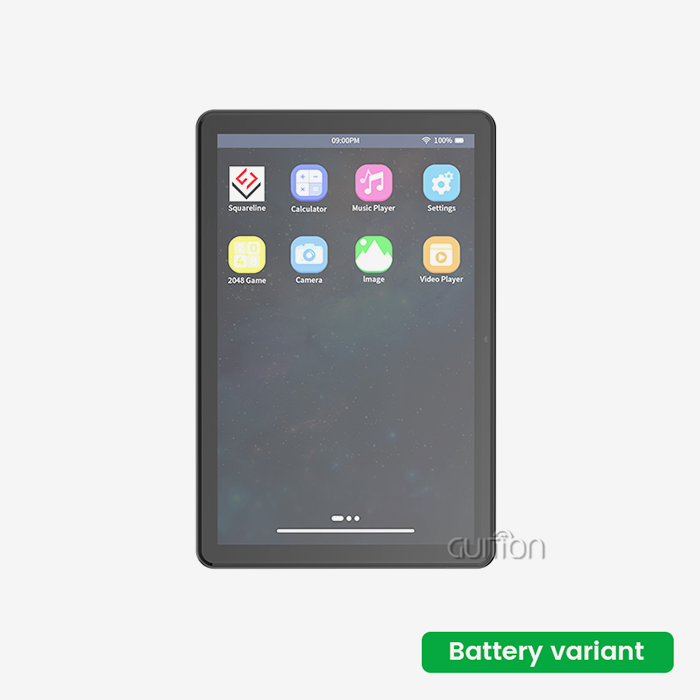
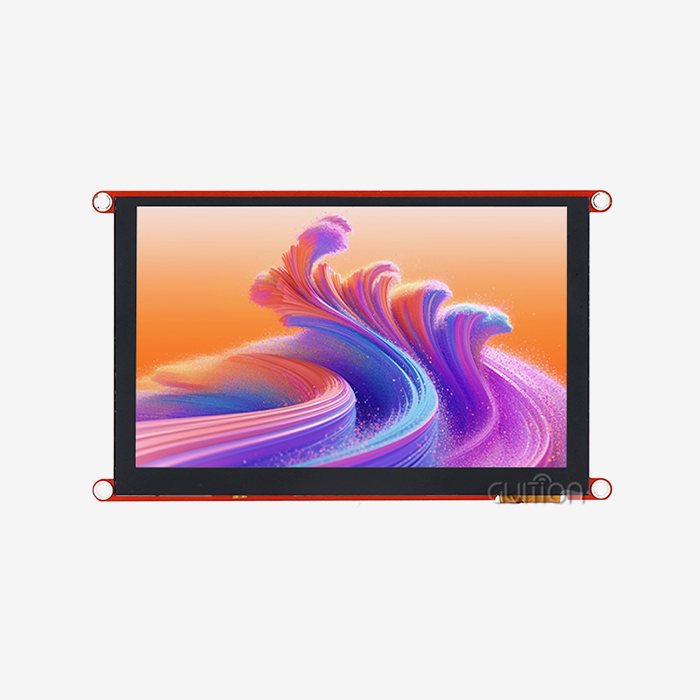
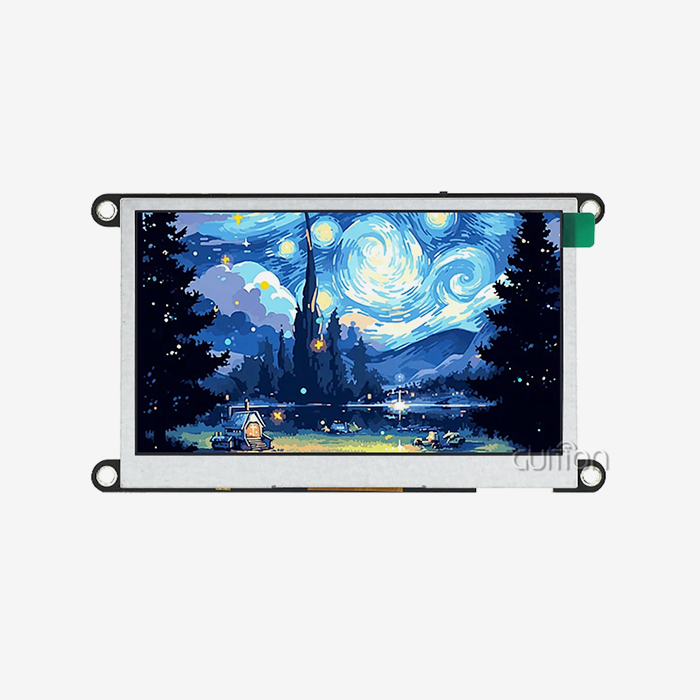
The right choice depends a lot on your current control system. HMI Human Interface screens can be added to factories that already have PLCs, DCS systems, or older controllers with little to no downtime because they work directly with industrial standards. For SCADA integration to work, however, data must be translated between different systems using routers or OPC servers. This can make setup more difficult and cause delays. Some Guition HMI Human Interface modules, like the JC1060Q370N_I, work with Arduino, ESP-IDF, and other custom development environments. This makes it easy to add them quickly without having to do a lot of rewriting. This ability to work on multiple platforms cuts down on the time it takes to install and the money it costs to build. This makes HMI Human Interface devices appealing for projects that value speed and flexibility over enterprise-level analytics.
Scalability and Future Growth
Think about how your business will grow. Adding more HMI Human Interface units is still a simple and cost-effective way to grow if your expansion plans include adding more machines to the same building. Each new panel can connect to its own controller, so there's no need to upgrade the equipment in one place. On the other hand, if you want to run activities in more than one location, connect to the cloud, or connect to the Internet of Things (IoT), SCADA's design allows for scaling through flexible software licenses and distributed data storage. You can make sure that your investment stays useful as production needs change by balancing short-term budget limits with long-term operational goals.
Budget and Supplier Reliability
Most of the time, HMI Human Machine Interface devices require less money up front than SCADA systems. A single HMI Human Interface panel can cost anywhere from a few hundred to a few thousand dollars. On the other hand, SCADA software licenses, servers, and network infrastructure can cost tens of thousands of dollars. Teams that want to stick to a budget should look at the total cost of ownership, which includes setup, training, upkeep, and any downtime that might happen during integration. It doesn't matter what kind of supplier you choose; look for companies that offer full documentation, technical help, and a history of success in your business. As a technology-driven HMI Human Interface provider, Guition offers full secondary development interfaces, multilingual support, and remote update options. These features lower after-sales costs and make sure that products are stable for a long time. These things have a big impact on ROI beyond the initial purchase price.
HMI vs SCADA in Manufacturing: Practical Applications and Use Cases
Typical HMI Applications
In situations where the user is in charge and instant physical control and localized input are essential, HMI Human Interface devices shine. HMI Human Interfaces let people working on a production line change the speed of the conveyor belts, keep an eye on batch recipes, and respond to alarms without having to leave their desks. When engineers make smart home appliances, they use small HMI Human Interface modules that have easy-to-use touchpoints for diagnostics and calibration while the appliances are being put together. HMI Human Interfaces are built into medical tracking tools so that doctors can change settings and look over patient data while they are at the bedside. HMI Human Interfaces are used in agricultural automation to control the temperature in greenhouses, manage irrigation, and show the status of equipment. These apps all have a few things in common: they only allow one-way communication, they respond in real time, and they don't need to look at old data very often.
SCADA Strengths in Complex Environments
SCADA works best when it's possible to keep an eye on more than one machine at a time. SCADA is used by energy management systems to keep an eye on how power is made, distributed, and used across industrial campuses. They do this by matching up usage habits with production plans to get the most out of the power. SCADA is used by water treatment plants to coordinate multiple sites and keep track of flow rates, chemical dosing, and the health of equipment at pumping stations that are spread out geographically. SCADA is used in auto assembly plants to keep automatic welding cells, paint booths, and quality inspection stations all working at the same time. This makes sure that materials move smoothly and that problems are found right away. SCADA can turn off unnecessary alerts, prioritize critical problems, and set off automatic reactions like turning off backup systems when main systems fail. This makes alarm management more complex. With these skills, reactive processes can be turned into proactive, data-driven ones.
Illustrative Case Study: HMI in Action
A company that makes medical devices needed a solid platform for blood pressure monitors that were being finalized. The group chose Guition's JC1060Q370N_I module, which has a 400MHz D121BBV processor and a 7.0-inch IPS touchscreen with a resolution of 1024x600. Technicians could see calibration curves, enter test parameters, and check the accuracy of output through the HMI Human Interface, which had an easy-to-use drag-and-drop interface made with Guition's online creation tool. Cross-platform debugging lets engineers improve the interface from afar, which cuts the time needed to fix problems on-site by 40%. The built-in UART connection made sure that data sharing with the microcontroller went smoothly, and UTF-8 encoding made it possible for production lines around the world to use instructions written in more than one language. This led to shorter training times for operators, faster calibration processes, and consistent quality across all shifts in production.
Illustrative Case Study: SCADA in Action
A company that automates farming took care of the watering systems on 15 farms spread out over 200 square miles. Putting a separate HMI Human Interface at each pump station gave local control but not centralized visibility. The team set up a SCADA system that combined data from weather stations, soil moisture sensors, and pump controls into a single screen for farm managers to see. Analyzing historical trends showed that watering schedules weren't working well, which led to changes that cut water use by 18%. By detecting trends that showed pump bearing failures before they became catastrophic, alarm correlation cut unexpected downtime by 25%. With remote control, operators could start irrigation sequences from a central office during off-hours, so they didn't have to go to the site in person and could react more quickly to sudden changes in the weather.
Future Trends and Technological Advancements for HMI and SCADA
Emerging Innovations in HMI Technology
The HMI Human Interface world is changing quickly because of improvements in display technology, connectivity, and the ways that people interact with computers. Projected capacitive touchscreens can now handle multiple touches and be used while wearing gloves, making them easier to use in harsh industrial settings. Voice command integration lets you handle things without using your hands, which is helpful in cleanrooms for pharmaceuticals or food processing plants where contamination is a big risk. Augmented reality overlays let you put repair directions or operational data right on top of equipment, which cuts down on mistakes and the need for training. Predictive maintenance alerts based on localized sensor data are made possible by AI-powered analytics built into HMI Human Interface devices, which can spot problems like strange vibrations or temperature changes before they happen. With these improvements, HMI Human Interfaces go from being passive displays to smart edge devices that help operators make decisions and extend the life of equipment.
SCADA's Evolution Toward Cloud and IIoT
SCADA systems are moving from servers on-premises to architectures in the cloud, which offer scalability, disaster recovery, and access from afar without requiring a lot of infrastructure investment. SCADA platforms can get data from wireless devices, mobile assets, and third-party APIs thanks to the Industrial Internet of Things. This makes it possible to build complete operational ecosystems. Cybersecurity is very important now. To protect against industrial espionage and ransomware attacks, modern SCADA systems use encrypted communication, role-based access control, and intrusion detection systems. Machine learning algorithms look at old SCADA data to make the best production plans, predict when equipment will break down, and suggest changes to the process that will increase yield and lower energy use. Because of these improvements, SCADA is now a key part of smart production projects that follow the rules of Industry 4.0.
Strategic Planning for Technology Upgrades
When factories are getting ready for the digital transformation, they should carefully look at their supplier partnerships. Pick HMI Human Interface makers that offer over-the-air firmware changes to make sure that installed devices stay safe and full of features without any help from a person. One example of this is Guition's remote upgrade feature, which lets engineers make software changes to production equipment without stopping work. When choosing SCADA vendors, platforms with open APIs and support for standard protocols like OPC UA, MQTT, and RESTful interfaces should be given the most weight. This will make sure that the systems can work with new technologies and keep you from being locked into one vendor. Phased migration plans lower risk: start by putting hmi display module solutions on non-essential equipment, get feedback from operators, make the settings better, and then roll them out to the whole building. This continuous method strikes a balance between new ideas and stable operations, which increases the chances of success with acceptance.
How to Choose the Right System for Your Factory: A Step-by-Step Guide
Assess Your Operational Requirements
Start by making a map of the control hierarchy in your factory. Find out whether operations are based on separate tools that need localized interfaces or on processes that are linked and need centralized control. Find out how much work the system needs by counting the number of control points, how often data is updated, and the alarm levels. Examine operator routines; if staff members switch between computers frequently, portable or modular HMI Human Interface devices provide freedom. If multiple areas are being watched over by control rooms at the same time, SCADA's multi-user screens and past analysis tools become very important. Record the needs for connecting to current PLCs, sensors, and business systems to make sure they work together and avoid the need for expensive middleware development.
Compare Leading Suppliers and Technologies
Look into suppliers that specialize in your field. HMI Human Interface providers that offer ruggedized cases that can handle vibration, high temperatures, and electromagnetic interference are helpful for companies that make industrial equipment. Smart home brands focus on small sizes, low power use, and a variety of looks for their products. Look at the technical specs, like the screen brightness so it can be read outside, the touch sensitivity so you can use it with gloves on, and the processor speed so you can create complex drawings. With a 400MHz processor and a 65K color IPS screen, Guition's JC1060Q370N_I strikes a good mix between speed and price, making it perfect for a wide range of uses, from industrial control panels to medical monitoring equipment. You can get evaluation kits, test how responsive the interface is in real-world situations, and make sure that the development tools you're using are right for your team. For example, Guition's GUI builder drag-and-drop feature speeds up prototyping without needing to know basic coding.
Implementation Tips for Maximum ROI
Before a full-scale rollout, pilot deployments show problems with integration and usability. Pick a typical production area, set up test HMI or SCADA nodes there, and have feedback sessions with operators to improve the way the interfaces are laid out and how the alarms work. Talk about contracts that include training, professional support, and performance guarantees. Reliable providers like Guition offer thorough documentation and helpful customer service to make adoption go more smoothly. Plan for growth: pick HMI Human Interface architectures that are modular so that you can add more screens or I/O points as production grows; also, pick SCADA platforms that have tiered licensing that changes based on the number of users or the amount of data points. Set up regular maintenance times for gear checks, firmware changes, and security patches to keep things running smoothly and protect against new threats.
Conclusion
Understanding your factory's working scope, control complexity, and growth direction will help you decide between an HMI Human Interface and a SCADA system. HMI Display Module devices allow for cheap, localized contact at the machine level for control and monitoring, making them perfect for separate pieces of equipment and smaller tasks. SCADA architectures allow for centralized management, analysis of historical data, and coordination across multiple sites, all of which are necessary for large, interconnected facilities. As technology improves in both areas—AI integration, cloud connection, and better cybersecurity—traditional lines are becoming less clear. This makes it possible for hybrid applications that use HMI Human Interface edge intelligence within SCADA supervisory systems. By looking at practical needs, comparing provider capabilities, and testing solutions before putting them into full use, you can set up your factory for long-term productivity gains and easy adaptation to changing manufacturing needs in the future.
FAQ
Can HMI and SCADA systems work together in the same factory?
Of course. A lot of factories put HMI Human Interface panels on each machine so that operators can control them. They then use SCADA to collect data from all the HMI Human Interfaces and put it on a single dashboard. This mixed method combines responsiveness at the local level with awareness across the entire business, making it easier for operators to do their jobs and for managers to keep an eye on everything.
How do I ensure cybersecurity when implementing these systems?
Use encrypted protocols like HTTPS and TLS for communication, set up network segmentation to separate operating technology from IT infrastructure, and make sure that role-based access rules are followed. It is important to do regular security checks and firmware changes. Guition HMI Human Interface modules allow for safe remote updates, which lower the risk of software vulnerabilities caused by old versions.
What maintenance do HMI devices require?
The upkeep requirements for HMI Human Interface panels are low. Cleaning touchscreens every so often, updating software to fix security holes, and visually checking for damage are usually enough. Industrial-grade modules like Guition's JC1060Q370N_I are made to last for a long time. They have LED backlights that are rated to last 50,000 hours or more and ruggedized casings that keep dust and water out.
Partner with Guition for Your HMI Human Interface Needs
Guition offers cutting-edge HMI Human Interface solutions that are made to shorten the time it takes to develop new products and simplify engineering. With its 7.0-inch IPS screen, 400MHz processor, and wide range of connectivity options, our JC1060Q370N_I module lets embedded engineers, product managers, and system integrators create responsive, reliable user interfaces without having to do a lot of low-level coding. As a reliable HMI Human Interface provider, we offer full secondary development support, cross-platform debugging tools, and the ability to work with multiple languages, which makes global operations easier. Our focus on technology and customer service will help your projects get to market faster and work reliably in tough settings, no matter if you make industrial control panels, medical devices, or smart home products. Email our team at david@guition.com to talk about your unique needs, get detailed documentation, or set up a time to see how our Guition development platform works.
References
1. Boyer, S. (2009). SCADA: Supervisory Control and Data Acquisition. International Number of Automation.
2. Hughes, T. (2015). Practical Industrial Data Networks: Design, Installation and Troubleshooting. Elsevier.
3. Liptak, B. G. (2018). Instrument Engineers' Handbook, Volume Two: Process Control and Optimization. CRC Press.
4. McCrady, S. (2013). Designing SCADA Application Software: A Practical Approach. Elsevier.
5. Park, J., & Mackay, S. (2003). Practical Data Communications for Instrumentation and Control. Newnes.
6. Ralston, P. A., Graham, J. H., & Hieb, J. L. (2007). Cybersecurity risk assessment for SCADA and DCS networks. ISA Transactions, 46(4), 583-594.
Learn about our latest products and discounts through SMS or email