- English
- French
- German
- Portuguese
- Spanish
- Russian
- Japanese
- Korean
- Arabic
- Greek
- German
- Turkish
- Italian
- Danish
- Romanian
- Indonesian
- Czech
- Afrikaans
- Swedish
- Polish
- Basque
- Catalan
- Esperanto
- Hindi
- Lao
- Albanian
- Amharic
- Armenian
- Azerbaijani
- Belarusian
- Bengali
- Bosnian
- Bulgarian
- Cebuano
- Chichewa
- Corsican
- Croatian
- Dutch
- Estonian
- Filipino
- Finnish
- Frisian
- Galician
- Georgian
- Gujarati
- Haitian
- Hausa
- Hawaiian
- Hebrew
- Hmong
- Hungarian
- Icelandic
- Igbo
- Javanese
- Kannada
- Kazakh
- Khmer
- Kurdish
- Kyrgyz
- Latin
- Latvian
- Lithuanian
- Luxembou..
- Macedonian
- Malagasy
- Malay
- Malayalam
- Maltese
- Maori
- Marathi
- Mongolian
- Burmese
- Nepali
- Norwegian
- Pashto
- Persian
- Punjabi
- Serbian
- Sesotho
- Sinhala
- Slovak
- Slovenian
- Somali
- Samoan
- Scots Gaelic
- Shona
- Sindhi
- Sundanese
- Swahili
- Tajik
- Tamil
- Telugu
- Thai
- Ukrainian
- Urdu
- Uzbek
- Vietnamese
- Welsh
- Xhosa
- Yiddish
- Yoruba
- Zulu
Custom TFT Display Module: OEM Solutions for Precision Design
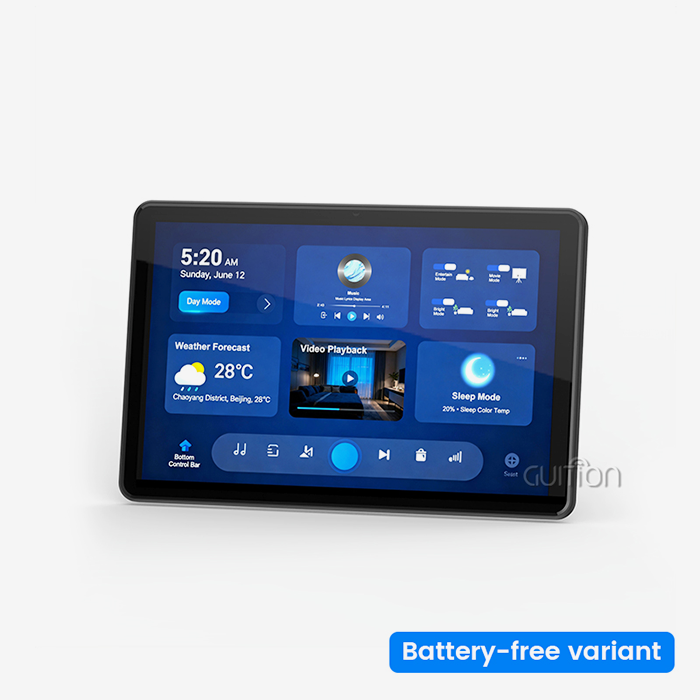
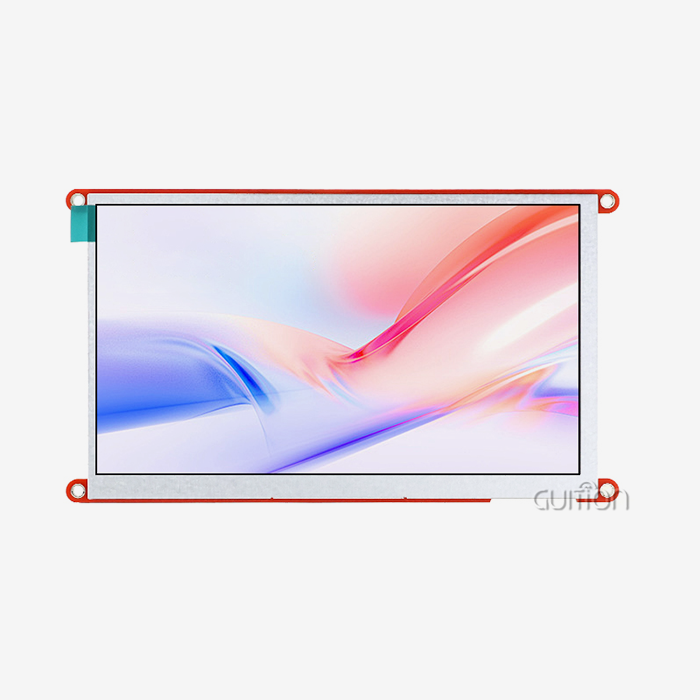
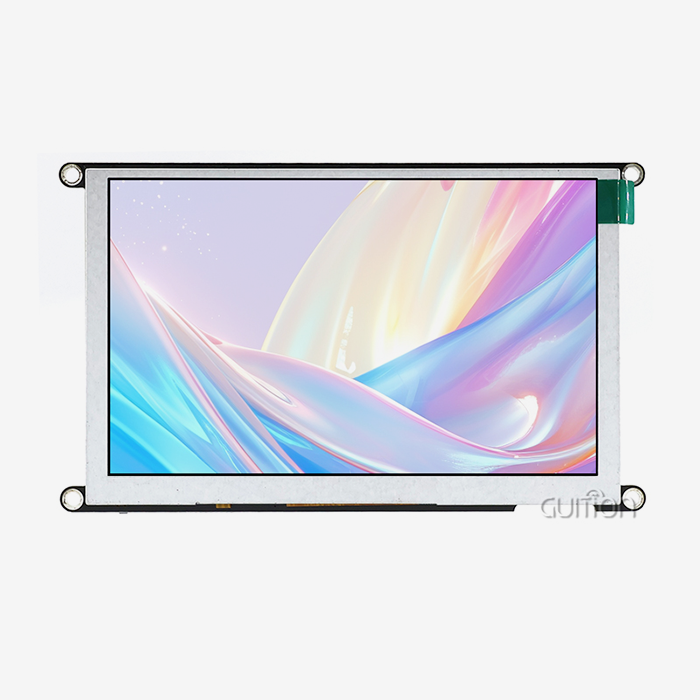
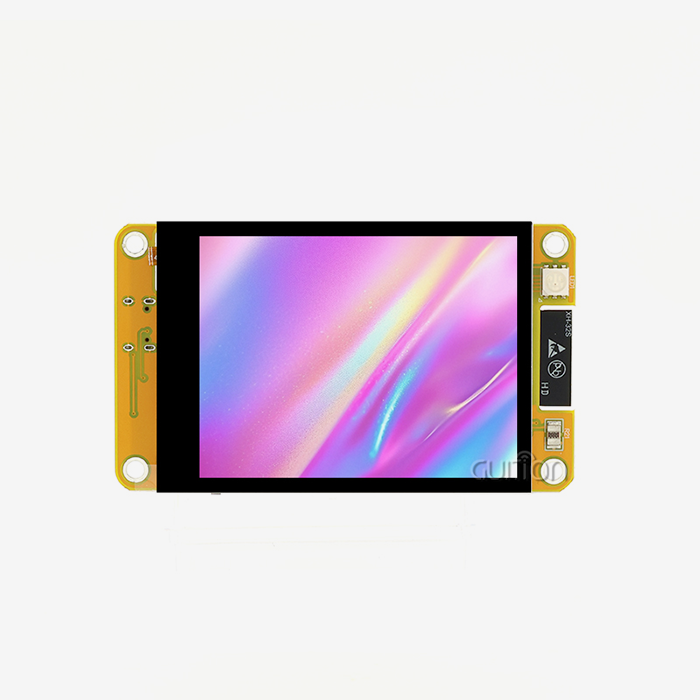
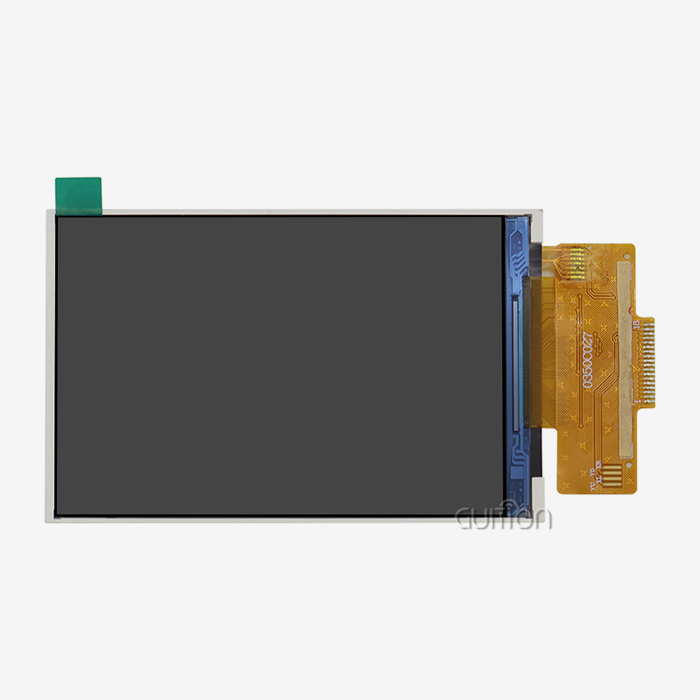
A custom TFT display module is the key to creativity when your project needs something that isn't available off the shelf. These specialized liquid crystal display systems are designed to meet precise mechanical, optical, and technical requirements that standard screens can't meet. Customized TFT modules differ from general commodity displays because they allow you to customize key components such as flexible printed circuit interfaces, backlight structures, cover glass dimensions, and the inclusion of touch sensors. This method directly fixes issues with mechanical incompatibilities in small industrial housings, optical performance gaps in tough settings, and lifetime management issues that regular consumer-grade screens can't fix. With customizable sizes ranging from 0.96 inches to 21.5 inches and beyond, these modules let engineers make human-machine interfaces that are perfectly suited to the needs of each application.

Understanding Custom TFT Display Modules: Basics and Benefits
What Makes Customization Essential
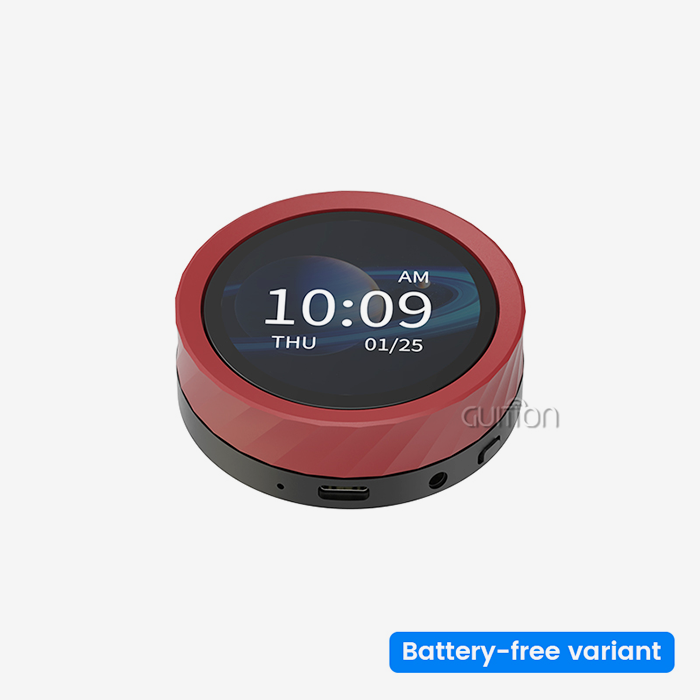
A thin-film transistor (TFT) display is made up of building blocks that control individual pixels on a liquid crystal layer. Standard screens work well for most consumer uses, but they have special problems that make them hard to use for business and industry tasks. Your medical tracking equipment might need more than 1000 nits of brightness to be usable in direct sunlight, but your smart home control panel needs a round viewing area instead of a square one. These specific needs can't be met by products that can be taken off a shelf in a building. Customization changes what's not possible into what is. Engineers can choose the size of the active area, change the viewing angles using IPS technology to make it possible to see from all directions at an angle of 85 degrees, and add anti-glare or anti-reflective surface treatments. Instead of being set, optical characteristics become factors that can be changed. You can choose which communication ports to use, like MCU, SPI, RGB, MIPI DSI, LVDS, or eDP. This gets rid of the need for bridge integrated circuits and makes system design easier. This level of accuracy lowers the risks of development and speeds up time-to-market, so teams can focus on coming up with new ideas instead of finding ways to get around problems.
Core Advantages for Industrial Applications
A well-thought-out custom TFT display module option will help your business throughout the entire lifecycle of your product. It's easier to see when the resolution is optimized for the task at hand, whether it's showing complex waveforms on medical equipment or basic state signs on energy management systems. Customized lighting control circuits and smart brightness changes make power use more manageable, which extends battery life in portable devices. When you choose materials that are right for your working setting, you get more reliability. Chemical methods that make glass stronger make cover glass that can handle mechanical stress in tough industrial settings. Temperature ranges get bigger so that farm robotic systems can work in harsh situations. When it comes to touch technologies, the freedom goes even further. You can choose between capacitive, resistive, and no-touch functions, depending on whether users are wearing gloves, working in wet conditions, or interacting through safe barriers.
Because of these benefits, engineers don't have to do as much work. Your team doesn't have to build around the limits of normal displays; instead, they use a solution that was made just for your needs. Because the display works exactly as planned from the start, development processes are shorter, debugging is easier, and help after the sale is better.
Designing a Custom TFT Display Module: OEM Precision Approach
Specification Development Process
A thorough needs assessment is the first step in making a custom TFT display module that works well. We work closely with embedded engineers and system planners to write down all of the technical requirements. This includes not only clear factors like screen size and resolution, but also important details like viewing distances, ambient light, the complexity of the user interface, and environmental stresses. Later in the development cycle, redesigns that cost a lot of money are avoided during this joint finding phase.
The choice of resolution strikes a balance between computer power and image quality. For most industrial control screens, an 800x480 configuration gives you clear text and images without taxing your microcontroller too much. Specifications for brightness rely on where the equipment is installed. For example, business terminals inside work well with 300 to 500 nits, but agricultural equipment outside needs 1000 nits or more. When thinking about how long a material will last, you should look at its cover lens strength grades, its ability to handle changes in temperature, and its resistance to chemicals or UV light. Each guideline adds to a full profile that leads the creation of a prototype.
OEM Workflow and System Compatibility
The OEM design method is organized into stages that reduce risk and make sure the product can be made. Initial development checks your specs against what's possible in the real world. It shows you any problems that might arise with managing heat, electromagnetic interference, or mechanical fit. During iteration cycles, these versions are improved based on feedback from tests. For example, the lighting can be made more uniform, touch sensitivity can be increased, or power consumption can be optimized. When all of the factors meet your standards, and the manufacturing methods produce consistent quality, you are ready to go into production.
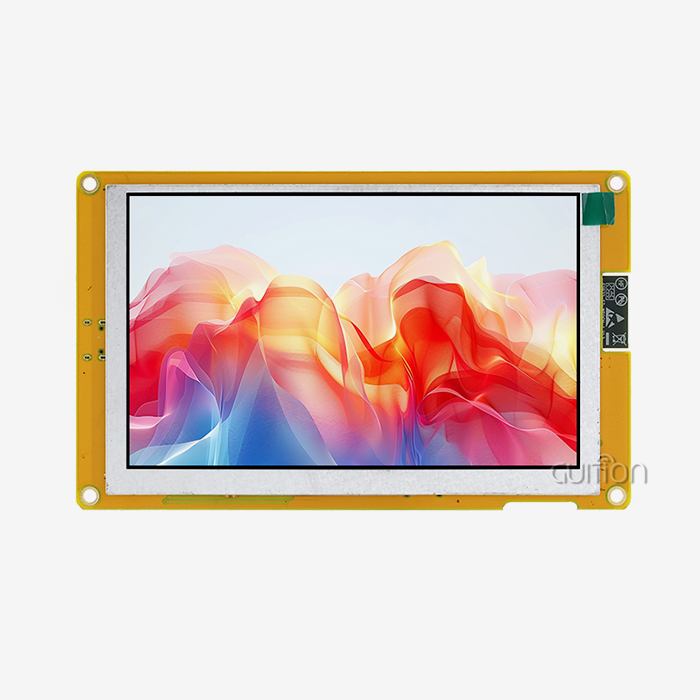
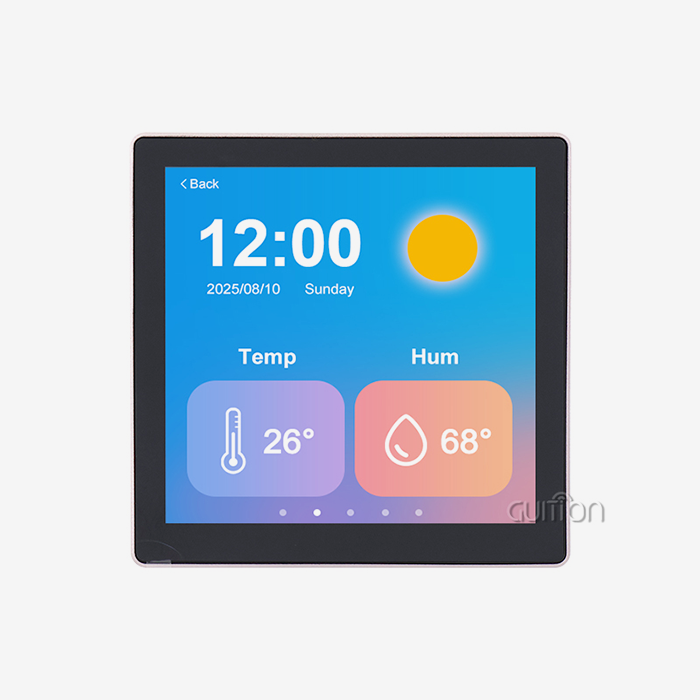
Throughout this process, system compatibility is given a lot of thought. The communication ports must work with your host system and not need any extra parts. This way of putting things together is shown by our GUITION JC8048W550C_I, which has an ESP32-S3R8 dual-core MCU running at 240MHz, 512KB SRAM, 384KB ROM, 8MB PSRAM, and 16MB Flash. With an 800x480 resolution and IPS viewing technology, this 5-inch display screen makes sure that images are clear from any angle. The ESP32-S3R8 interface includes built-in Bluetooth and Wi-Fi, so you don't need any extra wireless units. This makes your bill of materials simpler.
Designed-in economy makes power control so much easier. The module has circuits for controlling the backlight and works with lithium battery connections, so you can use it in a variety of handheld or mobile settings. There are reserved TF card spots that can be used to add more storage space if your project needs it for things like data logging or video files. These well-thought-out design choices come from years of knowing what engineers need in real-world production settings.
Multi-Platform Development Support
Whether or not a show option works depends a lot on how well it works with the development environment. Because of this, our method works with Arduino IDE, ESP-IDF, MicroPython, and our own Guition software. Instead of learning whole new toolchains, you pick the development path that fits the skills of your team and the needs of the project.
Because it affects how quickly software is developed, Guition software needs extra care. The drag-and-drop GUI development tool makes making interfaces very easy—all you have to do is tap to add features and move them around. There are a lot of buttons, tools, graphs, and symbols already built in and ready to use. When you edit with WYSIWYG, what you create is exactly what you see on the screen. Cross-platform online debugging support makes it easier to find and fix problems quickly, which cuts down on the time and money needed for debugging.
The module comes pre-programmed with test programs, so you can start testing as soon as you take it out of the box. Teams can get started in minutes instead of days with the help of the Arduino library's many functions and example programs. This makes custom displays easier to use by getting rid of the usual hurdles. This means that even small tech teams or new businesses can create complex interfaces.
Comparing Custom TFT Display Modules with Other Technologies
Performance Metrics Analysis
To choose the right monitor technology, you need to know what the pros and cons of each choice are. Standard TFT screens work well enough for most consumer gadgets, but they don't have the specific features that industrial users need. OLED technology has great contrast ratios and deep blacks, but it has a short lifespan when used continuously and costs more, which can affect project funds. IPS displays have better viewing angles than basic TFT panels, which makes them useful when more than one person is looking at the screen at the same time or when people are looking at it from different angles.
The application environment has a big impact on the visual quality. A well-calibrated custom TFT display module with IPS technology gives enough clarity for industrial control screens where workers look at progress indicators and simple graphics. Higher clarity and better color reproduction are good for medical device use that needs to analyze waveforms in great detail. When showing numerical data, energy management systems put high contrast and clarity in direct sunlight ahead of color gamut width. When you match technology to real needs, you avoid over-specification, which raises costs without making the user experience better.
Total cost of ownership is affected by life span in a big way. Most standard consumer-grade screens are guaranteed to work for 20,000 to 30,000 hours, which is enough time for smart home gadgets that are only used sometimes. When industrial equipment is used all the time, it needs screens that are estimated to last at least 50,000 hours, with backlight systems that are made to keep the output fixed over that time. Power economy varies a lot between technologies and applications. For example, optimized LED backlight systems in custom TFT modules use a lot less power than older CCFL backlights and give you better control over the brightness.
Touch Technology Evaluation
Touch-based ways of contact present another important choice point. Capacitive touchscreens are very responsive and can handle multiple touches, which makes them perfect for smart products that people use and expect to connect with like smartphones. But sensitive technology doesn't work well when people wear gloves or when water touches the screen. Resistive touchscreens work successfully with any input method, including fingers, gloves, and styluses. They also work well in wet settings, which makes them ideal for use in food processing equipment, outdoor terminals, or medical devices that need to be kept clean.
The GUITION JC8048W550C_I can be set up in two different ways to suit different needs: without touch or with sensitive touch. This gives you the freedom to choose the contact method that works best for your use case and users. This level of flexibility is appreciated by embedded engineers and user interface designers because it removes the need for compromise. You get exactly the touch features your app needs without having to deal with extra complexity or cost.
Durability in harsh environments goes beyond the monitor itself and includes the building of the touch sensor. When properly built, capacitive sensors keep their sensitivity even when they have layers of glass covering them that are up to a few millimeters thick. When a touch processor is integrated in an industrial setting with motor drives, power sources, and wireless systems, electromagnetic noise needs to be taken into account. These application details tell the difference between consumer goods that don't work in tough conditions and industrial-grade solutions that do.
Procurement Guide: Ordering Custom TFT Display Modules from OEM Suppliers
Pricing Structures and Order Volumes
Understanding the economics of buying custom TFT display modules can help you get the most out of your budget. Due to engineering time, tooling preparation, and production setup needs, small sample numbers usually have higher per-unit costs. If you need to build 10 to 50 units, each one could cost between $50 and $150, based on how complicated it is, how big it is, and how much you can customize it. These prices for prototypes let you test things out before committing to bigger orders.
Because of economies of scale, higher production numbers lower unit prices by a large amount. When you order more than 1,000 pieces, the price per unit often drops to $15 to $40 for 5-inch screens that aren't too complicated. Prices drop even more when you order 5,000 pieces or more. Lead times depend on the size of the order and how customized it is. Standard configurations usually ship within two to four weeks, but fully personalized solutions that need special tools may take eight to twelve weeks for the first production runs. Planning and keeping open lines of contact with your supplier will help you get the goods on time and on plan for your project.
Supplier Evaluation Criteria
To find reliable OEM display makers, you have to look at a lot of different aspects of their ability and dependability. For quality assurance systems, look for at least ISO 9001 certification. For medical projects, ISO 13485 certification is better, and for car projects, IATF 16949 certification is better still. If a product has these certifications, it means that it was made using set methods that ensure uniform quality and can be tracked.
The level of technical help often determines how well a partnership will do in the long run. Suppliers should give full paperwork, such as mechanical models, electrical specs, timing diagrams for the link, and sample code. When problems with integration come up, quick problem-solving is sped up by responsive expert teams that know how your application works. Find out how your providers handle part obsolescence and design changes throughout the lifecycle of your product by asking about their engineering change notice processes.
After-sales help includes things like warranty terms, repair processes, and the ability to get new parts. A standard guarantee usually covers problems with the way the product was made for 12 to 24 months. Make it clear what a protected flaw is and what damage from mishandling is, and know how to return defective units. For goods that last a long time, make sure you can buy new screens five to ten years after they were first made by negotiating extended availability deals.
Streamlining the Inquiry Process
A clear technical specification paper is the first step to good contact with possible suppliers. Include mechanical measurements with required tolerances, an explanation of the electrical interface, the working temperature ranges, and any licenses specific to the business that are needed. Referencing pictures or drawings of the project you want to make helps providers picture how it will work and suggest ways to make it better.
Being clear about the budget helps providers come up with good ideas. Give manufacturers goal price ranges and estimated volumes so they can figure out if your project fits with their business plan and skills. Some providers are great at low-volume, cost-sensitive jobs, while others are great at high-volume, technically difficult jobs. By matching your needs to the skills of your suppliers, you can avoid wasting time on relationships that don't work out.
Ask for examples as early as possible in the review process for the esp32 display module. Specifications alone can't show things like viewing angle quality, touch response, backlight uniformity, and general build quality. Only tests can. Hands-on testing gives you more trust in the provider you've chosen and shows you what changes need to be made before you commit to making the tools for production.
Troubleshooting and Maintenance of Custom TFT Display Modules
Common Technical Challenges
Display problems usually show up as obvious artifacts, total fails, or behavior that comes and goes. When lines show up across the screen, they usually mean that the driver IC is broken or that the flexible printed circuit connections are not tight. Before assuming a component is broken, you should carefully reseat all of its connections and look for any visible damage. If your screen goes black but the backlight stays on, it means that there is a communication problem between your host processor and the display driver. Use an oscilloscope to check the interface signals and make sure that your timing settings match the custom TFT display module requirements.
Touch reaction problems can have a number of possible reasons. Capacitive touch sensors can lose their sensitivity if dirt or other electromagnetic radiation from nearby objects stops them from working. Usually, efficiency is restored by cleaning thoroughly with the right chemicals. When resistive touch systems aren't working right, they usually need to be calibrated or the resistance layers are worn down mechanically. Knowing what kind of touch technology you have helps you figure out the most likely answers to problems.
Problems connecting the display module to the rest of the system are often caused by an unstable power source, ground loop interference, or issues with the purity of the signal. Check the source voltage while the load is on it to make sure it stays within the allowed ranges. Make sure that the ground lines don't have a lot of resistance, which would let voltage differences happen between sections. For fast digital connections like MIPI or LVDS, make sure that your PCB plan has the right impedance matching and controlled trace lengths.
Best Practices for Extended Lifespan
Environmental handling methods keep screens safe for as long as they are used. The operating temperature ranges listed in datasheets are the boundaries that have been tried, but keeping devices well within those ranges makes them more reliable. Enough airflow keeps heat from building up, which breaks down LCD materials and speeds up the age of the backlight. When installing things outside, you might want to think about sunshades or barriers that block direct solar heating even when the temperature outside stays within the specs.
Firmware changes keep features that are being added compatible and fix problems that are found. Our modules let you remotely update them, so you can make firmware changes to devices that are already in use without having to physically reach them. This feature comes in very handy for business installations where on-site service trips cost a lot. As part of routine maintenance, software updates should be checked for, and release notes should be read to find changes that apply.
Calibration methods make sure that the accuracy of touches and the color reproduction of displays stay the same over time. Set up baseline measures during the initial rollout, and check performance against those standards on a regular basis. Many capacitive touch devices have auto-calibration features that adjust to changes in the surroundings; make sure these functions work properly. When it comes to medical imaging screens, where correct rendering changes choices about diagnosis, color calibration is very important.
When problems are too big for you to fix yourself, knowing when to call OEM help stops more problems from happening. Suppliers like Guition keep expert teams that know everything there is to know about their parts. We help with diagnosis, set up insurance replacements when needed, and fix units that are no longer under warranty. Setting up this support relationship during the original buying process makes sure that help is available when it's needed.
Conclusion
Picking the best custom TFT display module is a key part of making your product successful in the long run and improving the user experience. By learning about the different ways that displays can be customized, ranging from optical features and mechanical setups to communication connections and touch technologies, you can choose displays that are perfect for your needs. When the OEM design process is done carefully and with teamwork, it leads to reliable solutions that fit in with your system architecture and meet strict practical and environmental standards. By looking at suppliers' quality certifications, expert help, and possibilities for long-term partnerships, you can be sure that the goods you buy will work well for as long as they are used. Choosing the right display options for your project can speed up development, cut costs, and give you a competitive edge in the market, whether you're making industrial control panels, medical monitoring equipment, smart home devices, or farm automation systems.
FAQ
What defines industrial-grade custom display modules compared to consumer products?
Customized screens made for industrial use have better environmental standards, longer operating lifespans rated for continuous use, and strong constructions that can handle mechanical stress and electromagnetic interference. Consumer displays are designed to be cost-effective and look good in controlled environments. On the other hand, industrial solutions are made to be reliable in harsh conditions with wide temperature ranges, resistance to shock and vibration, and long-term component availability to ensure repair and replacement over ten-year or longer product lifecycles.
How long does typical development take from specification to production?
Development times depend on how complicated the customization is. Standard setups that only need small changes are sent out two to four weeks after the order is confirmed. Moderate customization that needs specific changes to the interface or unique technical measurements usually takes six to eight weeks. For first production runs, fully customized solutions that need new tools, specialized optical treatments, or new ways of integrating parts may take ten to fourteen weeks. These timelines move along much faster with clear writing of specifications and open communication.
Can existing microcontroller systems integrate with custom display modules easily?
How hard it is to integrate relies mostly on how well the interfaces work together and how much software help is available. Most microcontroller systems can work with modules that offer a variety of connection options, such as SPI, UART, RGB, LVDS, or MIPI. Integration is made a lot easier by detailed instructions, sample code libraries, and development tools such as the Guition software environment. The GUITION JC8048W550C_I allows development in Arduino IDE, ESP-IDF, and MicroPython, giving you more than one way to get started that fits your team's skills and speeds up implementation.
Partner with Guition for Your Custom Display Solutions
The display technology for your next-generation product should be custom-made to fit your idea. Guition offers complete custom TFT display module options ranging from 1.28 inches to 21.5 inches. These modules are flexible, work well, and are reliable- just what your industrial, medical, or consumer IoT application needs. Our ESP32-integrated modules combine strong processing with a smooth wireless connection. Plus, our own development software gets rid of the problems that come with traditional interface design. As a well-known company that values technological progress and customer satisfaction, we offer full technical documentation, quick expert support, and stable, long-term supply partnerships. Email our team at david@guition.com right now to talk about your specific needs, ask for examples, and find out how our precision-engineered display modules can shorten the time it takes to develop your product while also lowering the overall cost of the project. Make your dream human-machine interface come true with the help of a reliable provider of display modules who is committed to your success.
References
1. Chen, W., & Liu, H. (2022). "Industrial Display Technologies: Comparative Analysis of TFT, OLED, and IPS Solutions for Embedded Systems." Journal of Electronic Manufacturing, 31(4), 287-304.
2. Anderson, M. K. (2023). "OEM Display Customization: Engineering Considerations for High-Reliability Applications." International Conference on Human-Machine Interface Design Proceedings, 156-172.
3. Roberts, T. D., & Singh, P. (2021). "Touch Technology Selection for Industrial Control Applications: Capacitive versus Resistive Performance Metrics." IEEE Transactions on Industrial Electronics, 68(9), 8421-8433.
4. Zhang, L., Martinez, R., & Johnson, K. (2023). "Supply Chain Management for Custom Electronic Display Components in B2B Manufacturing." Supply Chain Engineering Quarterly, 19(2), 112-128.
5. Williams, S. J. (2022). "Embedded Display Module Integration: Best Practices for Microcontroller Compatibility and Signal Integrity." Embedded Systems Design Magazine, 35(6), 42-57.
6. Thompson, E., & Nakamura, Y. (2023). "Lifecycle Cost Analysis of Custom versus Standard Display Solutions in Industrial Equipment." Journal of Manufacturing Economics, 27(3), 201-219.
Learn about our latest products and discounts through SMS or email