- English
- French
- German
- Portuguese
- Spanish
- Russian
- Japanese
- Korean
- Arabic
- Greek
- German
- Turkish
- Italian
- Danish
- Romanian
- Indonesian
- Czech
- Afrikaans
- Swedish
- Polish
- Basque
- Catalan
- Esperanto
- Hindi
- Lao
- Albanian
- Amharic
- Armenian
- Azerbaijani
- Belarusian
- Bengali
- Bosnian
- Bulgarian
- Cebuano
- Chichewa
- Corsican
- Croatian
- Dutch
- Estonian
- Filipino
- Finnish
- Frisian
- Galician
- Georgian
- Gujarati
- Haitian
- Hausa
- Hawaiian
- Hebrew
- Hmong
- Hungarian
- Icelandic
- Igbo
- Javanese
- Kannada
- Kazakh
- Khmer
- Kurdish
- Kyrgyz
- Latin
- Latvian
- Lithuanian
- Luxembou..
- Macedonian
- Malagasy
- Malay
- Malayalam
- Maltese
- Maori
- Marathi
- Mongolian
- Burmese
- Nepali
- Norwegian
- Pashto
- Persian
- Punjabi
- Serbian
- Sesotho
- Sinhala
- Slovak
- Slovenian
- Somali
- Samoan
- Scots Gaelic
- Shona
- Sindhi
- Sundanese
- Swahili
- Tajik
- Tamil
- Telugu
- Thai
- Ukrainian
- Urdu
- Uzbek
- Vietnamese
- Welsh
- Xhosa
- Yiddish
- Yoruba
- Zulu
Custom Capacitive touch display module: Key Specs to Compare
Choosing the right capacitive touch display module can determine whether your product ships on schedule or stalls in endless revision cycles. A capacitive touch display module combines a projected capacitive (PCAP) touch sensor with a display panel—typically TFT LCD or IPS—into one integrated assembly. Unlike pressure-based resistive screens, these modules detect the electrical properties of a human finger across an ITO electrode grid, enabling precise, multi-point touch recognition. For engineers building HMI solutions in industrial, medical, or consumer electronics applications, knowing exactly which specifications matter most is the difference between a confident purchase and a costly mistake.

Understanding Capacitive Touch Display Modules
Understanding how the technology inside a Capacitive touch display module operates is helpful before comparing specs.
How Capacitive Sensing Works
A projected capacitive touch screen puts a grid of clear ITO sensors on film or glass. The controller IC reads the change in capacitance to figure out the X-Y coordinates when a finger moves close to the crossing point. This disturbs the electrostatic field there. This mechanism doesn't need any physical pressure, so there is no mechanical wear at all. In the lab, touch life ratings usually go over 50 million actuations.
Projected vs. Surface Capacitive Types
The projected capacitive (PCAP) technology checks each electrode node one at a time, which allows for accurate detection of multiple touches and gloves. Surface capacitive only has sensors on the sides and works well for low-cost, single-touch tasks. PCAP is almost always the best choice for industrial HMI screens, medical monitors, and smart kiosks because it allows for sensitive settings at the firmware level.
Why Industry Prefers Capacitive Modules
When optically bonded, a Capacitive touch display module can transmit more than 90% of its light, which is a significant improvement over resistive options. Pinch, zoom, and swipe are all multitouch movements that come with the technology. Pre-bonded modules also keep dust from getting between the sensor and the display, which is a big problem in outdoor and factory-floor settings.
Key Specifications to Compare in Custom Capacitive Touch Display Modules
Not every sensitive touch element is made the same. These are the technical factors that have a direct effect on performance, the amount of work needed for integration, and the long-term cost.
Touch Sensitivity and Refresh Rate
The controller IC software sets the touch intensity. Advanced integrated circuits from Ilitek, Goodix, or EETI let you tune the mutual capacitance so that finger input is not mixed with noise from water droplets or EMI. Most of the time, report rates are between 60 Hz and 200 Hz. It is important for medical charts and fast-moving industry screens that higher report rates cut down on input latency. You can also change the sensitivity levels so that gloves up to 5 mm thick can be used.
Display Size, Resolution, and Optical Bonding
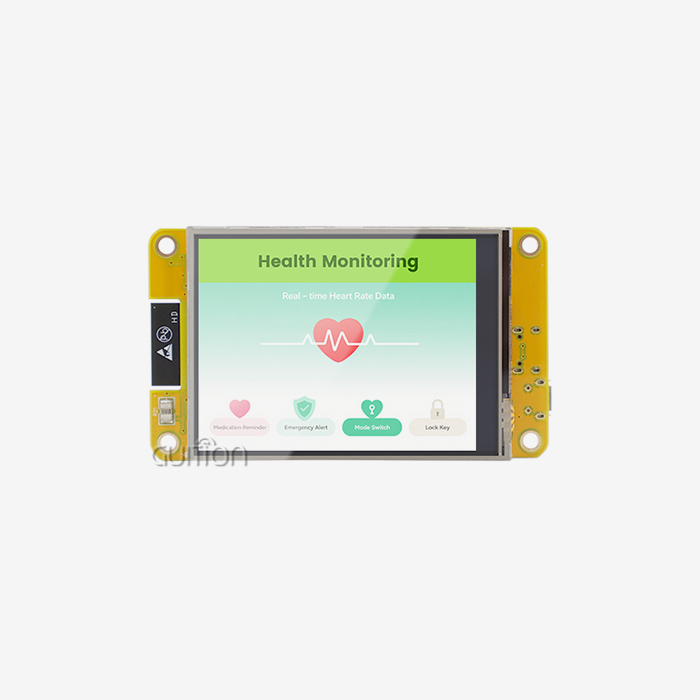
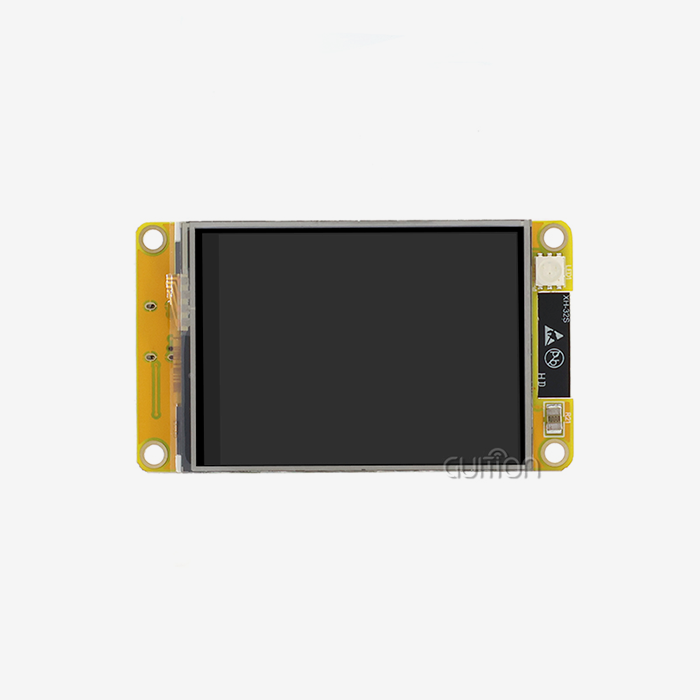
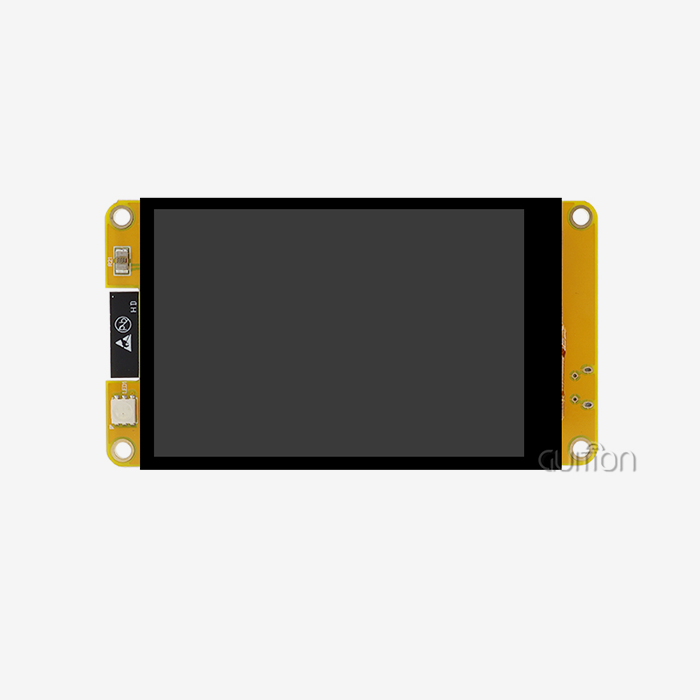
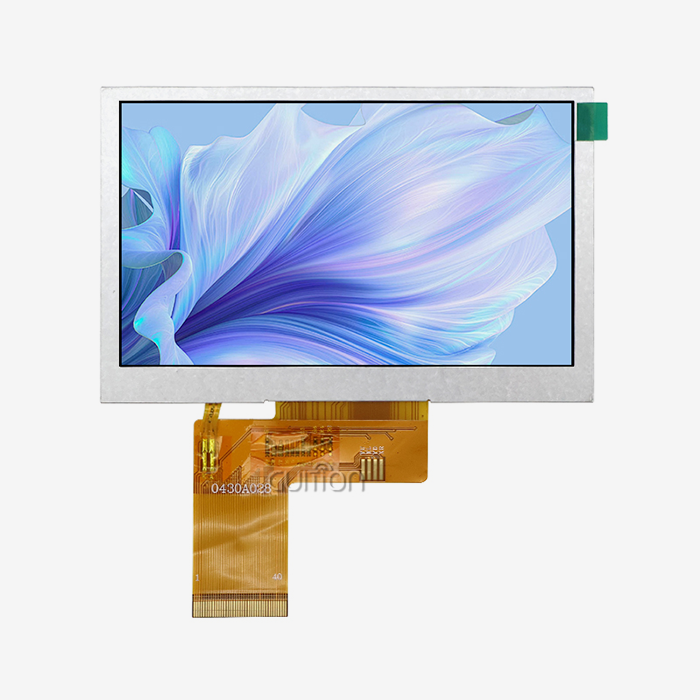
Size and pixel density must be right for the job. The GUITION JC4827Q343C_I is a real-world model. It is a 4.3-inch IPS screen with a resolution of 480×272 that runs on the Artinchip D121BAV MCU at 400 MHz. The IPS grid provides 65K colors and wide viewing angles, so readings can be seen from places other than the screen's center. Optical bonding, instead of air bonding, gets rid of the internal reflection layer and makes it much easier to read in bright sunlight. For example, outdoor kiosk designs often call for panels with 1,000+ nit sensors that are optically bonded.
Durability: IP Rating, Cover Glass, and Surface Coatings
Capacitive touch display modules made for industrial use often have an IP65 or IP67 rating to keep dust and water out. The Corning Gorilla or AGC Dragontrail cover glass should be 6H–7H Mohs hard. Anti-Glare (AG), Anti-Reflective (AR), and Anti-Fingerprint (AF) are all surface treatments that are good for different types of environments. Chemical protection is important in hospital settings where bleach and alcohol are often used to clean.
Controller Interface and Platform Compatibility
The touch device can talk to the server either through I2C (standard for screens smaller than 10 inches) or USB (preferred for Linux and Android plug-and-play). RGB, MIPI-DSI, LVDS, and MCU parallel are some of the display connections. The JC4827Q343C_I can be used for cross-platform development on Arduino, ESP-IDF, and the online GUI tool Guition. This lets you build a user interface (UI) with drag-and-drop without having to know how to code low-level graphics. When the interface is matched to the host processor, expensive hardware changes are not needed.
Capacitive vs. Resistive Touch Display Modules: What B2B Clients Should Know
If you want to make a bill of materials, you should think about the real cost and performance effects of choosing between capacitive and resistive technology.
Sensing Mechanism and User Experience
Any pen or bare finger can be used to press on resistive screens. They kind of work in wet places, but they only work for one touch, and the plastic layer on the top scratches over time, making them look worse. The cover glass of a Capacitive touch display module, on the other hand, reads changes in electrostatic charge without any surface contact pressure. When workers wear gloves, it's usually safer to tune the software on a PCAP module instead of moving to a resistive one.
Total Cost of Ownership in Bulk Orders
When bought in small amounts, resistive cells cost less per unit. When you buy more than 500 units, the savings become smaller because worn-out capacitive parts need fewer warranty replacements. In industrial settings, the costs of downtime caused by screens that don't work right often outweigh the difference in unit price within the first year of operation.
Application Suitability and Emerging Alternatives
Resistive touch still works well in harsh settings where you use a pen or when money is tight, and you only want a simple single-touch menu. PCAP is the standard for anything that needs to be multi-touch, have clear images, or last a long time. OLED hybrid touch modules are a new category that blends flexible display substrates with PCAP sensors for wearable and curved-surface HMI designs. However, these are still more expensive at the current production level.
Selecting the Best Custom Capacitive Touch Display Module for Your Industry
When you set clear criteria before you talk to a supplier, it's easier to make decisions about purchases.
Define Environmental and Functional Requirements First
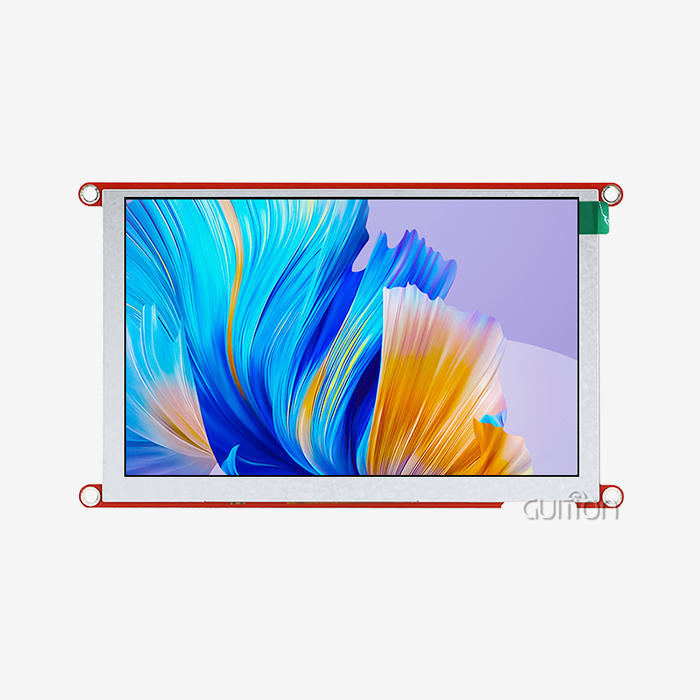
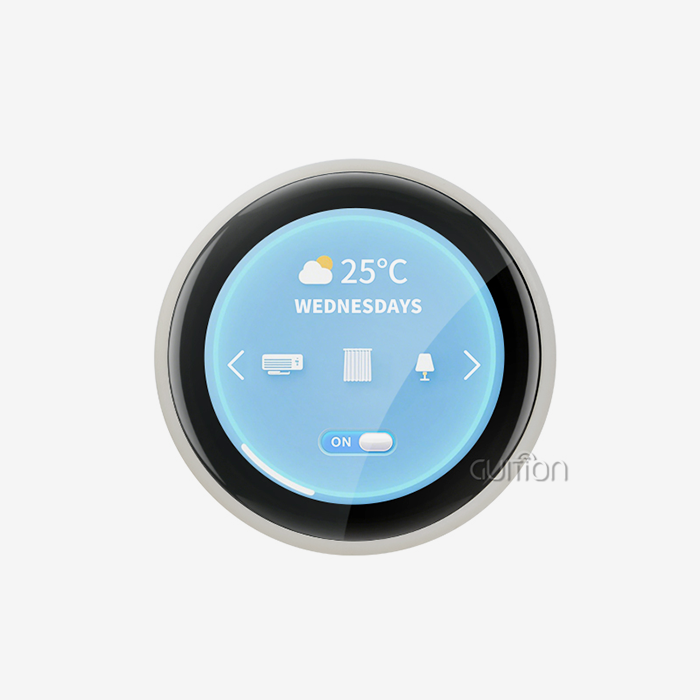
Starting with the operating temperature range, IP rating, number of touch points, and whether gloves are needed are the first things that should be thought about. For example, -20°C to +70°C may be needed for industrial automation, while higher temperature ranges are needed for outdoor uses. There are products in the GUITION line that range from 1.28 inches to 21.5 inches, from wearable screens to large-format business computers. When you know your basic requirements before asking for a quote, you can avoid the back-and-forth that slows down project timelines.
Evaluate OEM Customization and Development Tools
Custom cover glass shapes, brand printing, and firmware-level sensitivity settings should be available from a reliable Capacitive touch display module provider. GUITION's online development tool, Guition, lets you add controls like buttons, scales, and charts with just one click and move them around with drag-and-drop, all without having to write low-level graphics code. The JC4827Q343C_I comes pre-programmed with test programs, so you can start prototyping right away. With remote OTA firmware changes, teams can send interface updates to units that are already in use without having to physically reach them. This hmi display module cuts down on the cost of service after the sale.
Supplier Certification and Long-Term Supply Reliability
Make sure the supplier has the right licenses (CE, FCC, RoHS) and can show test results for ESD (Contact ±8 kV, Air ±15 kV), high temperature/high humidity (60°C/90% RH for 240 hours), and thermal shock (-40°C to +85°C cycling). For example, if a module is taken off the market in the middle of a project, the whole hardware has to be redesigned. GUITION keeps its product lines stable by providing full documentation and direct expert help contacts.
Troubleshooting and Maintaining Capacitive Touch Display Modules
Even modules that are well-defined need work every once in a while. It's faster to fix problems when you know how they usually happen.
Diagnosing Unresponsive or Ghost Touch Issues
Often, ghost touches are caused by water collecting on the sensor's surface or a problem with the FPC cable's ground path. First, check the signal to the ground on the FPC. If the problem still happens when it's wet, check to see if the controller IC has a setting for water rejection mode that tells it to ignore big changes in capacitance that don't move. EMI from nearby motors can also mess up touch coordinates. This is usually fixed by putting a shielding layer between the LCD and touch sensor or moving to a high-voltage drive IC.
Recalibration and Firmware Update Procedures
If the touch coordinates start to move around a lot, use the I2C command to run the controller's built-in calibration routine. The Guition development tool for GUITION modules has cross-platform online debugging that can find coordinate offset even when there is no hardware connection. Firmware updates fix known IC bugs and add new features. The JC4827Q343C_I allows over-the-air (OTA) upgrades, which means that units in the field can get updates without a service call.
Cleaning and Protective Maintenance
For everyday cleaning, use an isopropyl alcohol-soaked cloth that doesn't have hair on it and a concentration of 70% or less. Stay away from rough things that could scratch the cover glass. In tough industrial settings, use a screen protection that can be removed and replaced to make the cover glass last longer. In IP-rated installations, check the bezel seal on a regular basis. If the seal is broken, water can get in and weaken the bonding adhesive over time.
Conclusion
When choosing a Capacitive touch display module, you need to make sure that the touch technology, display specs, interface standards, and sturdiness scores all match the needs of your application. A well-integrated HMI Display Module like the GUITION JC4827Q343C_I shows how a 400 MHz MCU, 480×272 IPS display, PCAP touch, built-in WiFi and Bluetooth, and an easy-to-use drag-and-drop development tool can cut down on engineering work while still hitting industrial-grade performance standards. Getting these specs right and working with a provider that gives full documentation, OEM customization, and a steady long-term supply can help procurement teams lower their risks and get products to customers faster.
FAQ
Does adjusting touch sensitivity affect overall system performance?
When you raise the sensitivity thresholds, the IC's scan frequency goes up. This uses a little more power and makes the CPU interrupt load a little higher. It doesn't have much of an effect on a 400 MHz MCU like the D121BAV in real life. For most commercial uses, the real benefit—reliable recognition even when wearing gloves or when it's wet—far outweighs the small power loss.
Is the GUITION JC4827Q343C_I compatible with Arduino and ESP-IDF?
Yes. The module works with the Guition development environment, Arduino, and ESP-IDF. There is full secondary development guidance available, which lets engineers add the module to current firmware projects without having to rewrite the main application code.
How long does customization typically take for a custom capacitive touch display module?
Sample production usually takes 4–6 weeks for standard OEM customizations like cover glass shape, logo, and software sensitivity tuning. Lead times for high-volume production depend on the size of the order and the availability of parts. The process goes much faster if you contact the provider early with clear requirements.
Can the module handle multi-language deployments?
Yes. The JC4827Q343C_I can encode in UTF-8 and switch between languages, so it can be used for global product rollouts without having to change the hardware.
Start Your Project with GUITION's Capacitive Touch Display Module Supplier Team
GUITION has a wide selection of Capacitive touch display modules, ranging from 1.28" to 21.5". These are backed by the Guition drag-and-drop GUI creation platform, OTA remote update support, and multi-language capability. Our technical team is ready to help you whether you need a standard module or an OEM solution that is fully customized to your needs. You can email David directly at david@guition.com to get a price or talk about your project needs right away.
References
1. Bhalla, M. R., & Bhalla, A. V. (2010). Comparative Study of Various Touchscreen Technologies. International Journal of Computer Applications, 6(8), 12–18.
2. Grover, R. (2019). Human-Machine Interface Design for Process Control Applications. ISA (International Society of Automation).
3. Lee, S., & Bok, S. (2021). Projected Capacitive Touch Panel Technology for Industrial HMI Systems. Journal of Display Technology, 17(4), 310–318.
4. Corning Incorporated. (2022). Gorilla Glass Product Specification and Surface Hardness Report. Corning Science & Technology Division.
5. IEC 60529:2013. Degrees of Protection Provided by Enclosures (IP Code). International Electrotechnical Commission.
6. Henzen, A. (2020). Development of Electronic Paper Display Technology for Industrial Applications. Society for Information Display Symposium Digest of Technical Papers, 51(1), 644–647.
Learn about our latest products and discounts through SMS or email