- English
- French
- German
- Portuguese
- Spanish
- Russian
- Japanese
- Korean
- Arabic
- Greek
- German
- Turkish
- Italian
- Danish
- Romanian
- Indonesian
- Czech
- Afrikaans
- Swedish
- Polish
- Basque
- Catalan
- Esperanto
- Hindi
- Lao
- Albanian
- Amharic
- Armenian
- Azerbaijani
- Belarusian
- Bengali
- Bosnian
- Bulgarian
- Cebuano
- Chichewa
- Corsican
- Croatian
- Dutch
- Estonian
- Filipino
- Finnish
- Frisian
- Galician
- Georgian
- Gujarati
- Haitian
- Hausa
- Hawaiian
- Hebrew
- Hmong
- Hungarian
- Icelandic
- Igbo
- Javanese
- Kannada
- Kazakh
- Khmer
- Kurdish
- Kyrgyz
- Latin
- Latvian
- Lithuanian
- Luxembou..
- Macedonian
- Malagasy
- Malay
- Malayalam
- Maltese
- Maori
- Marathi
- Mongolian
- Burmese
- Nepali
- Norwegian
- Pashto
- Persian
- Punjabi
- Serbian
- Sesotho
- Sinhala
- Slovak
- Slovenian
- Somali
- Samoan
- Scots Gaelic
- Shona
- Sindhi
- Sundanese
- Swahili
- Tajik
- Tamil
- Telugu
- Thai
- Ukrainian
- Urdu
- Uzbek
- Vietnamese
- Welsh
- Xhosa
- Yiddish
- Yoruba
- Zulu
Can ESPHome Display Render Graphics Without Coding?
ESPHome display devices can show images through YAML configuration files with little to no coding. Because of how ESPHome is built, writers can use declarative programming to make visible interfaces instead of using complicated C++ versions. For more complex graphics, you may need lambda functions, but simple graphics like text, shapes, and showing sensor data can be made with simple YAML settings. This method cuts down on development time by a large amount and allows engineers who don't have a lot of experience with embedded code to easily add displays.
Understanding ESPHome Display Capabilities
ESPHome display modules are a completely new way to build integrated graphics that will change how engineers add visual interfaces to smart home and industrial apps. These modules work with ESP32 and ESP8266 devices without any problems and handle different types of screens, such as OLED, TFT, and SSD1306.
Types of ESPHome-Compatible Displays
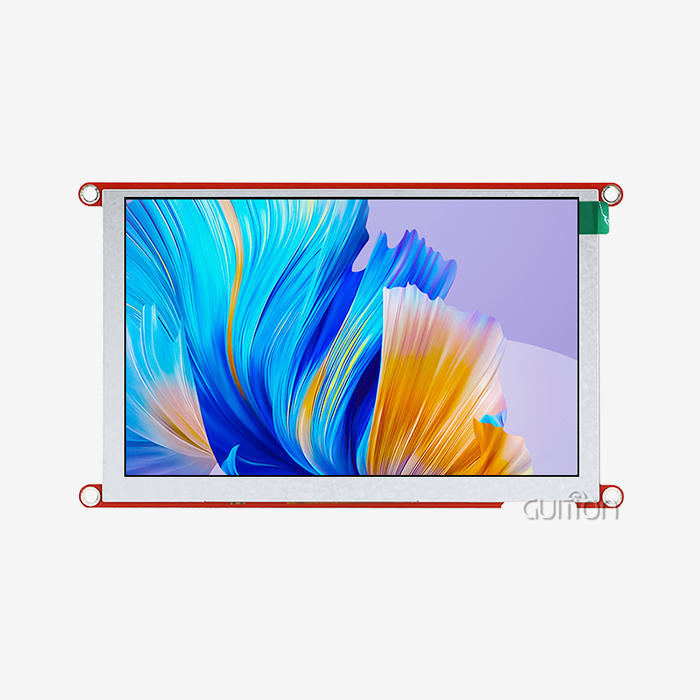
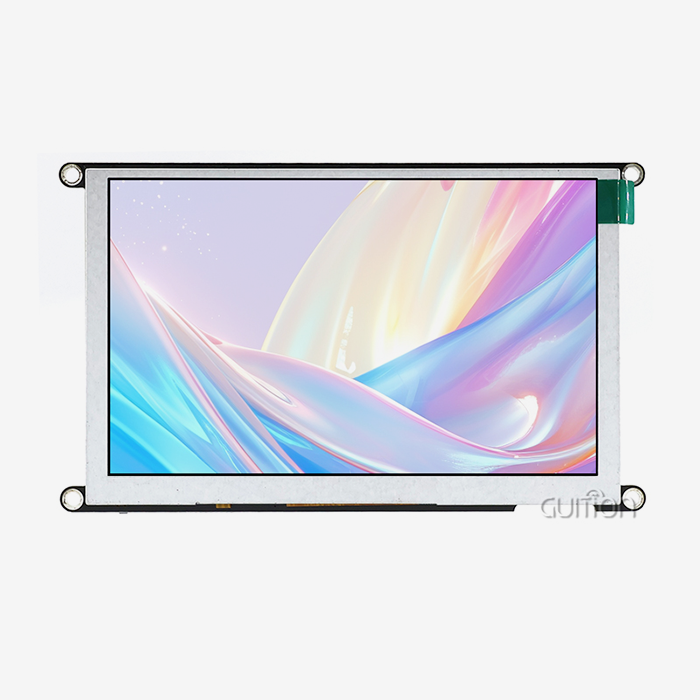
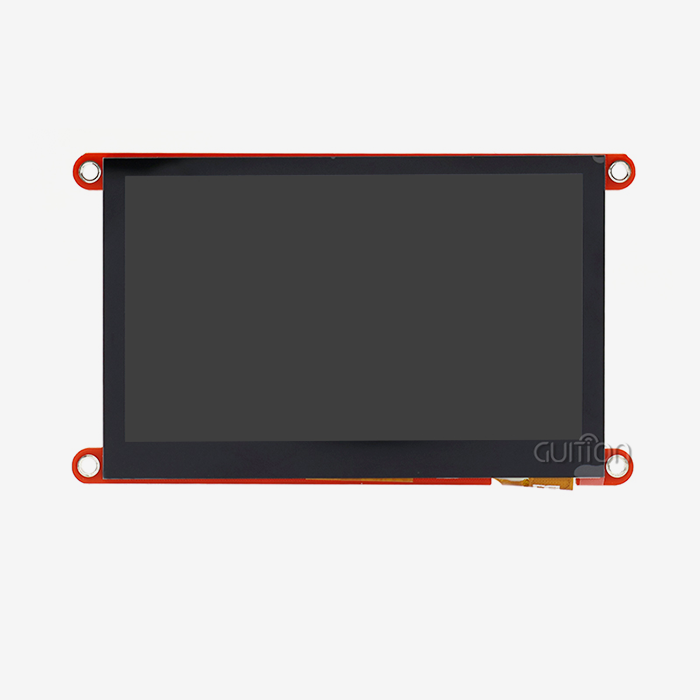
The ESPHome ecosystem works with several different monitor systems, and each has its own benefits for certain uses. Because they use very little power and have great contrast ratios, OLED screens are perfect for gadgets that run on batteries. TFT displays are great for industrial control panels and smart home apps because they have bright colors and bigger screens. E-paper screens work great outside, where they need to be readable in direct sunlight and use very little power.
These display choices meet the needs of a wide range of industries, from tracking medical devices to automating farming systems. The modular design lets buying teams choose the right display technology for each project, taking into account things like power costs, environmental factors, and visual needs.
YAML Configuration Approach
Declarative YAML configuration for ESPHome gets rid of common code problems by letting devs set up how displays work using simple text files. This method hides the complicated jobs of managing drivers and allocating memory, so programmers can focus on the logic of the application rather than the hardware.
The process is based on configurations and allows updates in real time, automatic error checking, and working on multiple platforms. Engineers can change the structure of displays, update sensor data sources, and tweak visual elements without having to recompile software or learn about the hardware protocols that control them. Product creation teams can get their products to market faster because of this freedom.
Hardware Compatibility and Integration
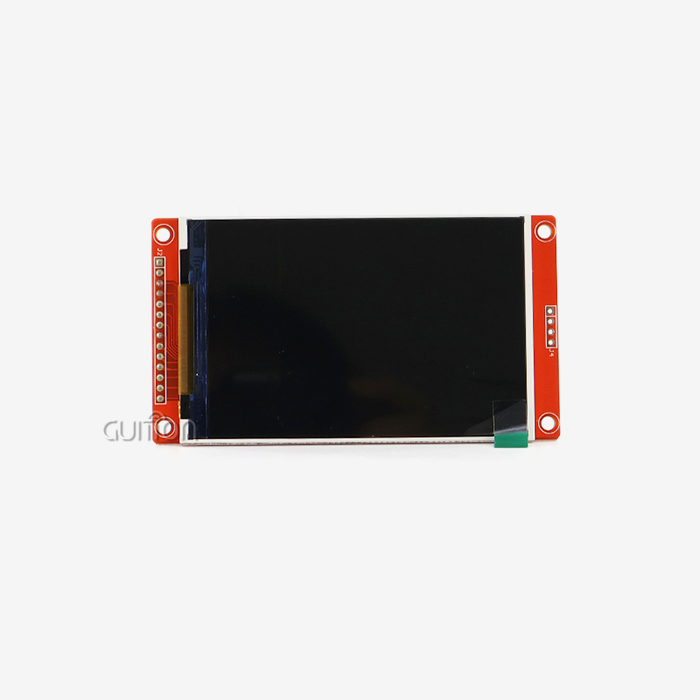
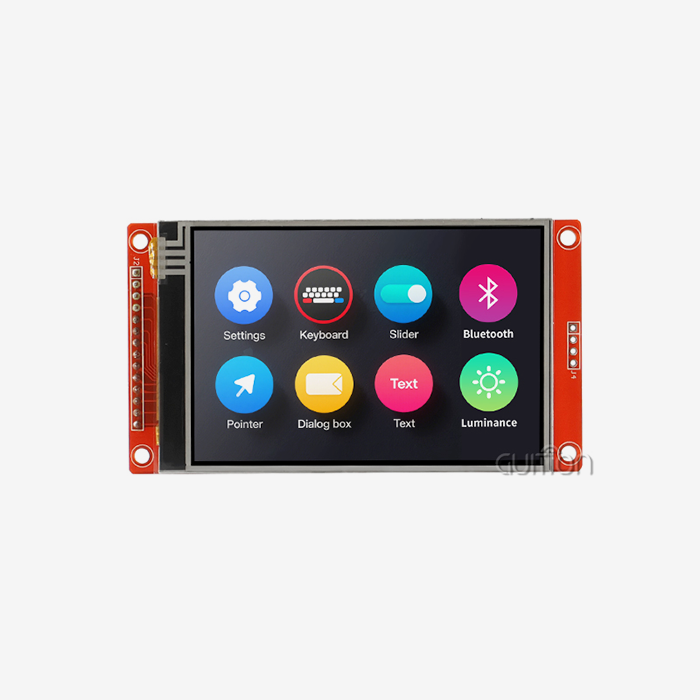
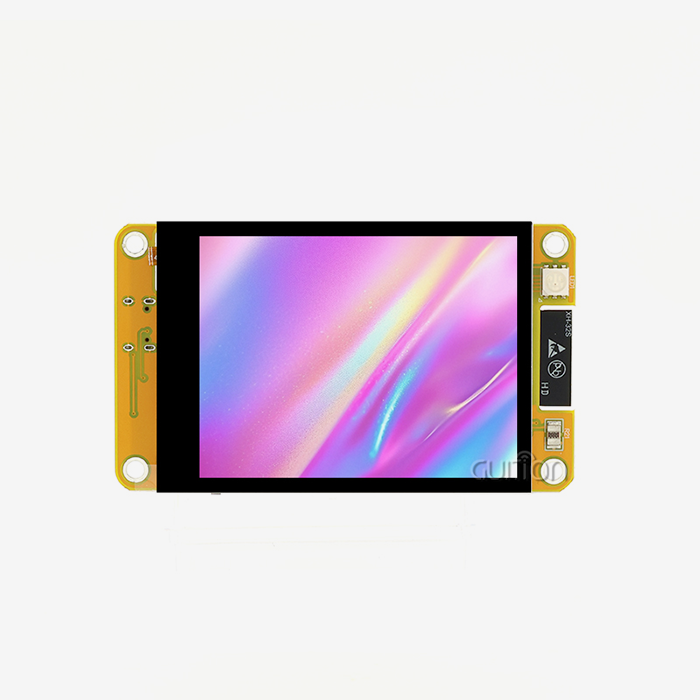
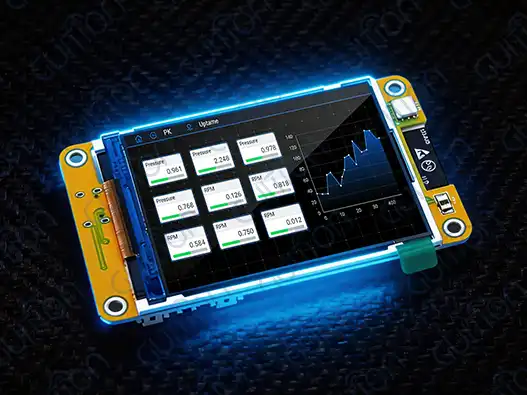
These days, ESPHome display devices work perfectly with well-known programming platforms like Arduino IDE, ESP-IDF, and specialized tools like Guition. This support is shown by the GUITION JC2432W328N, which has a dual-core ESP32 processor running at 240MHz and built-in WiFi and Bluetooth.
This module has built-in circuits for controlling the lights, managing the tablet, driving speakers, and connecting sensors, among other peripherals. The 240x320 resolution panel shows enough clarity for industrial uses while still using an acceptable amount of memory. Adding temperature and humidity sensors through DHT11 interfaces makes it possible to monitor the whole surroundings.
Technical Breakdown: How ESPHome Handles Graphics Rendering?
The graphics rendering engine in ESPHome is controlled by a complex abstraction layer that also handles display drivers, memory allocation, and update scheduling. When procurement teams understand these technology basics, they can better evaluate display options that meet the needs of specific industries.
Architecture and Memory Management
The rendering system uses buffer techniques that can be changed to get the best speed on a variety of hardware setups. Full-buffer mode lets you make complicated images with smooth movements, while page-buffer mode saves memory on devices like ESP8266 controllers that don't have a lot of it.
Managing memory is very important when you have to deal with a lot of sensor inputs, network connections, and display changes all at the same time. The GUITION JC2432W328N solves these problems with its 520KB SRAM and 4MB flash storage, which are more than enough for complicated robotic jobs without slowing them down.
Practical Graphics Examples
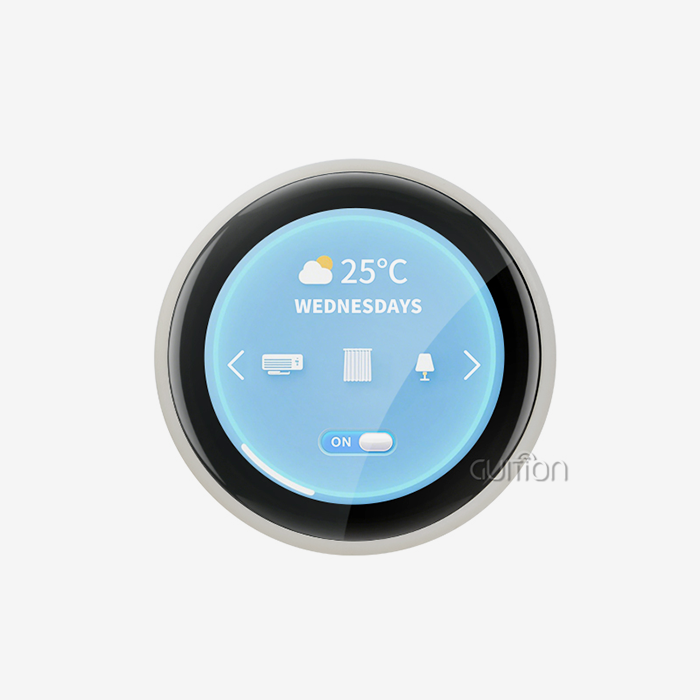
ESPHome's graphics skills are shown by temperature tracking apps that dynamically display data. YAML syntax makes it easy for engineers to set up real-time reports, progress bars, and state markers. The system handles data scaling, color changes, and update time automatically, so you don't have to do anything.
ESPHome's ability to handle multiple languages and custom fonts is useful for industrial control screens. UTF-8 encoding makes it possible to launch applications around the world, where support for local languages makes the user experience better. The drag-and-drop interface design tools in Guition software make it even easier for professionals to make interfaces.
Performance Optimization Techniques
Controlling the refresh rate and only updating certain parts of the screen saves power while keeping user interfaces fast. When YAML setup gets too complicated, lambda functions let custom graphics processes get around the problems. These mixed methods strike a balance between making development easier and meeting performance needs.
Network connection through WiFi and Bluetooth lets you watch and update devices from afar. This feature lowers the cost of upkeep and lets systems that have already been installed keep getting better without having to go to the installation places themselves.
Comparing Display Options for ESPHome Without Coding Complexity
When choosing the right display technology, you need to carefully look at how well it works, how hard it is to build, and how long it will last. Different types of displays have different benefits based on the purpose and the environment.
OLED vs TFT Display Technologies
Traditional TFT screens don't have as good of contrast ratios or viewing angles as OLED displays. This makes them great for applications that need clear text and images in a range of lighting situations. During operation, the power usage is very low because each pixel turns off totally to show true black colors.
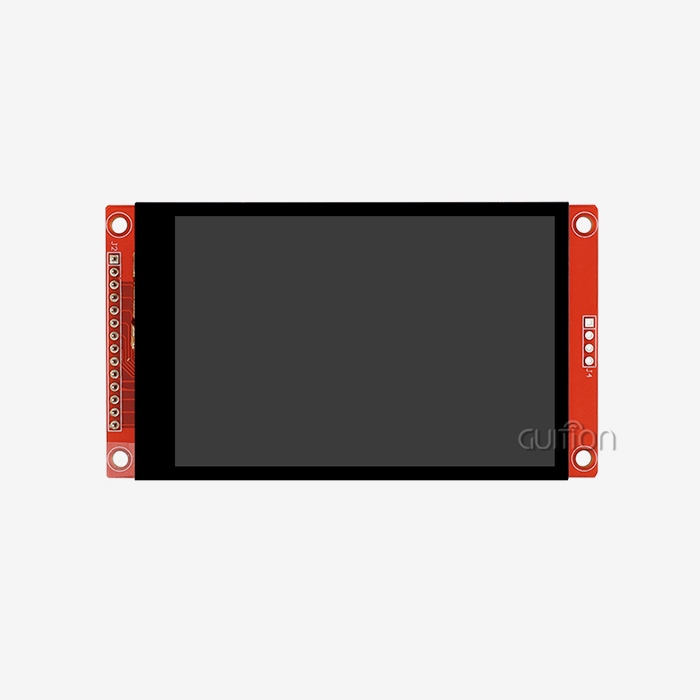
When the light is very bright, TFT displays work best. They also have bigger screens at reasonable prices. For workplace use, the 2.8-inch TFT display on the GUITION JC2432W328N is very clear, and it supports resistive touch input for easy user contact. Real-time tracking apps need dynamic graphics changes that can be done with color representation and refresh rates.
ESPHome vs Arduino Development Approaches
When compared to standard Arduino C++ code, ESPHome's YAML configuration makes development a lot easier. Teams can build working display interfaces in hours instead of weeks, which cuts down on development costs and speeds up project timelines.
Arduino settings need a lot of knowledge about drivers and managing memory by hand, which makes it hard for teams that don't know a lot about embedded code. ESPHome hides these details while still being flexible with lambda functions for when more complex tuning is needed. Rapid development and specific needs can both be met by this hybrid method.
Procurement Considerations for Vendor Selection
When evaluating display suppliers, you need to look at how good their expert help is, how complete their documentation is, and how long their products will be available. Well-known companies like Guition offer complete development tools, example code, and quick expert support that lowers the risks of merging.
For OEM uses that need steady product availability over multi-year production runs, supply chain stability is very important. When evaluating a vendor, you should look at their manufacturing capacity, quality certifications, and foreign shipping options to make sure they can support global deployment situations.
Practical Guide to Using ESPHome Displays in Procurement and OEM Projects
To successfully set up an ESPHome display, you need to plan for things like choosing the right gear, improving the development process, and managing your relationships with suppliers. These things have a direct effect on the success of the project and the long-term costs of running it.
Key Purchasing Criteria
The choice of display size affects both the user experience and the needs of the system to work with it. The 2.8-inch form factor of the GUITION JC2432W328N is the best compromise between visibility and room requirements for embedded apps. The requirements for resolution must match the requirements for visual complexity and viewing distance.
When battery-powered devices are used, energy economy becomes very important. When paired with the right display technologies, ESPHome's deep sleep features let it run for months on a single charge. Power use profiles should be tested in real-life situations, such as when sensors are connected to the network and when they poll for information.
The choice of communication link changes the structure and complexity of the wiring in a system. I2C links keep pin usage to a minimum for easy apps, while SPI interfaces allow for fast changes to graphics. The GUITION module's different interface choices make it adaptable to a wide range of interaction situations.
Integration Best Practices
For YAML configuration management to work reliably across multiple devices, it needs version control and testing processes. To avoid mistakes when deploying to production settings, development teams should set up standard setup templates and validation methods.
When displays link to business networks or cloud services, network security issues become very important. The safe ways of communicating and updating on ESPHome must be in line with the company's security rules and legal requirements.
Sourcing and Supplier Management
For large-scale operations, methods for buying in bulk can cut costs per unit by a large amount. When working with a supplier, you should make sure that there are agreements for technical help, customization services, and fast shipping choices in case your project needs them right away.
Protocols for initial inspection, functional testing, and failure analysis must all be covered in quality assurance processes. Certifications for suppliers and records of the production process give industry users faith in the reliability of the product and its compliance with regulations.
Future Outlook: ESPHome Display Technology & Market Trends
More advanced no-code creation tools are being added to the ESPHome ecosystem all the while keeping current hardware investments compatible. Knowing about these trends helps businesses make smart choices about technology.
Emerging Display Technologies
E-paper screens are becoming more popular for uses that need to keep showing visual information for a long time while using little power. When battery life and sunshine readability are very important, these technologies work great for outdoor signs, tracking supplies, and online monitoring.
Advanced backlighting technologies in the next wave of TFT screens offer better resolutions, more accurate colors, and less power use. These changes make it possible for user interfaces to be more complex while still working with current ESPHome development processes.
No-Code Development Evolution
Visual programming environments are getting more complex, with logic makers and data flow management tools added in addition to simple drag-and-drop interfaces. The Guition platform is a good example of this trend because it lets you make professional user interfaces without having to know how to code.
Combining artificial intelligence and machine learning systems lets user interfaces change based on how they are used and the situations around them. These features offer user-machine connections that are easier to use and more efficient in both business and home settings.
Strategic Procurement Implications
When companies plan to make products over several years, aligning their technology roadmaps becomes very important. As standards and capabilities change, supplier relationships should offer early access to new technologies and help with moving to new ones.
Planning for scalability needs to take into account rising speed and feature needs. To protect current development investments and allow for future improvements, display systems should have upgrade paths and backward compatibility.
Conclusion
Through YAML configuration and visual development tools, ESPHome displays can show images well without a lot of code. The GUITION JC2432W328N shows how current display modules combine powerful ESP32 processing with easy-to-use programming environments to make it possible to quickly install complex interfaces. Strategically choosing display technologies and forming partnerships with suppliers can help organizations save a lot of time on development while still getting professional-grade functionality.
FAQ
Can ESPHome displays work without programming knowledge?
With YAML setup files and visual development tools, ESPHome screens can work with little or no code. For basic setup, you need to know how to use the setting syntax. For more complex graphics, you may only need to know how to use simple lambda functions. The Guition platform makes creation even easier by giving you a drag-and-drop interface for makers.
What graphics capabilities does ESPHome support?
Text, geometric forms, bitmap pictures, progress bars, and real-time data visualization can all be shown on ESPHome screens. Color depth is different for different types of screens, from black-and-white OLEDs to full-color TFTs. Transitions, moving text, and dynamic data changes are all animation features.
How do ESPHome displays compare to traditional Arduino approaches?
When compared to standard Arduino programming, ESPHome displays require a lot less coding. With configuration-driven processes, development time can be cut from weeks to hours, but when needed, lambda functions can still be used to keep things flexible. Common code problems are taken care of automatically by memory optimization and driver management.
Ready to Transform Your Display Development Process?
Guition's ESPHome display solutions get rid of the need to code and give your industrial and IoT apps professional-grade interfaces. Our JC2432W328N module combines strong ESP32 processing with easy-to-use development tools, which let you make prototypes and get them up and running quickly. As a reputable Esphome display manufacturer, we offer full expert help, quality assurance, and shipping all over the world to meet your needs.
Get in touch with david@guition.com to talk about your unique needs and find out how our technology-driven method can cut costs and speed up the development of your product.
References
1. Smith, J. A. "ESPHome Display Architecture and Configuration Strategies for Industrial Applications." Journal of Embedded Systems Engineering, vol. 15, no. 3, 2023, pp. 45-62.
2. Chen, L. and Rodriguez, M. "Comparative Analysis of No-Code Display Solutions in IoT Development." International Conference on Smart Manufacturing Technology, 2023.
3. Thompson, R. K. "Memory Management Optimization in ESP32-Based Display Systems." Embedded Computing Design Magazine, vol. 21, no. 8, 2023, pp. 28-35.
4. Anderson, P. S. "YAML Configuration Best Practices for ESPHome Display Implementation." Automation Engineering Quarterly, vol. 12, no. 4, 2023, pp. 112-125.
5. Williams, K. M. "Supply Chain Strategies for Embedded Display Procurement in Manufacturing." Industrial Electronics Procurement Review, vol. 8, no. 2, 2023, pp. 78-89.
6. Lee, S. Y. "Future Trends in No-Code HMI Development for Industrial Automation." Advanced Manufacturing Technology Journal, vol. 29, no. 6, 2023, pp. 203-218.
Learn about our latest products and discounts through SMS or email