- English
- French
- German
- Portuguese
- Spanish
- Russian
- Japanese
- Korean
- Arabic
- Greek
- German
- Turkish
- Italian
- Danish
- Romanian
- Indonesian
- Czech
- Afrikaans
- Swedish
- Polish
- Basque
- Catalan
- Esperanto
- Hindi
- Lao
- Albanian
- Amharic
- Armenian
- Azerbaijani
- Belarusian
- Bengali
- Bosnian
- Bulgarian
- Cebuano
- Chichewa
- Corsican
- Croatian
- Dutch
- Estonian
- Filipino
- Finnish
- Frisian
- Galician
- Georgian
- Gujarati
- Haitian
- Hausa
- Hawaiian
- Hebrew
- Hmong
- Hungarian
- Icelandic
- Igbo
- Javanese
- Kannada
- Kazakh
- Khmer
- Kurdish
- Kyrgyz
- Latin
- Latvian
- Lithuanian
- Luxembou..
- Macedonian
- Malagasy
- Malay
- Malayalam
- Maltese
- Maori
- Marathi
- Mongolian
- Burmese
- Nepali
- Norwegian
- Pashto
- Persian
- Punjabi
- Serbian
- Sesotho
- Sinhala
- Slovak
- Slovenian
- Somali
- Samoan
- Scots Gaelic
- Shona
- Sindhi
- Sundanese
- Swahili
- Tajik
- Tamil
- Telugu
- Thai
- Ukrainian
- Urdu
- Uzbek
- Vietnamese
- Welsh
- Xhosa
- Yiddish
- Yoruba
- Zulu
Can ESPHome Display Improve Smart Home UX?
Adding a display ESPHome solution makes using a smart home a lot better by giving users quick, visible feedback, lowering their reliance on mobile apps, and making system interactions clear. Declarative YAML setup for ESPHome gets rid of the need for complicated low-level programming and lets you see real-time sensor data on built-in screens. This design approach fills in a crucial UX gap: users have a hard time with "invisible" automation processes. It turns abstract IoT operations into real, easy-to-understand interfaces that boost trust and control in both home and business settings.

Understanding ESPHome Displays and Their Impact on Smart Home UX
ESPHome displays make a flexible interaction layer that connects hardware devices to people who are controlling them. The platform works with many types of displays, such as OLED panels like the SSD1306, TFT screens with ILI9341 controls, Waveshare e-ink displays, and LED grids. Because the hardware is so flexible, developers can match the display's features to the needs of each program, whether they care more about power economy, color depth, or viewing angles.
How ESPHome Simplifies Display Configuration
Through YAML setup files, the platform hides the complicated process of setting up drivers. Instead of using C++ to manage SPI time sequences or I2C addresses, engineers use syntax that is easy for humans to describe display parameters, communication protocols, and rendering behaviors. This abstraction cuts the time it takes to integrate from weeks to days and lowers the problems with driver support that come up with standard embedded development. ESPHome takes care of the low-level protocol handling when you add a display module to an ESP32.
Real-Time Data Visualization Benefits
ESPHome screens are great at showing sensor data without needing anything else. Temperature readings, humidity levels, energy usage measures, and system state indicators show up directly on screens that are linked thanks to simple lambda functions that you set up. This design gets rid of the latency that comes with displays that depend on the cloud and makes sure that devices can still work when the network goes down. This dependability is especially important for mission-critical applications where workers need to be sure they can view system telemetry.
Reducing Mobile App Dependency
A lot of smart home systems make users open their phones, browse through apps, and prove who they are before they can see basic system information. Integrated screens get rid of these places of friction by showing state signs all the time. A display ESPHome solution placed near entry points or control zones lets residents and building workers know right away about the system. This makes it easier for people who find smartphone-centric interfaces hard to use to accept the system. This is especially true in business settings where many people need quick system access.
Systematic Approach to Leveraging ESPHome Displays
Smart home systems that don't have built-in screens often have UX problems that make users less confident and satisfied. These problems happen because architects choose to put development ease over human-centered design principles.
Identifying Core UX Problems
Users are uncertain when they connect because they don't get instant input. Voice prompts or app screens let people start an automation or change a setting, but they don't know that the system did what they asked for until they see the result. This delay causes people to wonder and issue more orders, which is frustrating and wastes system resources. Dependence on mobile apps makes the problem worse because users have to carry their devices around, keep them charged, and figure out how to use potentially complicated displays just to check their state.
Root Causes of Display Integration Failures
Displays aren't used as core system components, so they don't allow for as much representation as they could. A lot of the time, development teams put off designing the interface until the very end of the project, which limits the show to just text. Without a visual picture, complex automation setups turn into "black boxes" where users can't see how the system works or figure out why it's acting in a strange way. These trends show up when engineering teams don't have easy-to-reach tools for quickly iterating on the user interface or when project deadlines make it hard to invest in the interface properly.
Core Principles for Effective Integration
Display solutions that work well are simple. Your interface should use visual structures that are easy for users to understand without any training to show them the state of the system. Large numbers and clear unit markers work best on temperature monitors. Status screens should use colors that are universally understood: green for working, yellow for warning, and red for alert. When you create an intuitive user interface, you try to guess what questions the user will have and show them the answers right away, without making them go through menus.
Case Study Evidence from Industrial Deployments
A company that makes medical devices puts ESPHome displays in patient tracking stations instead of central computer displays so that vital sign trends can be seen on screens at the bedside. The nursing staff said they could respond 40% faster to changes in parameters because information was available at the point of care. The display ESPHome setup made it easy to change things quickly to meet the needs of each ward without having to recompile the firmware. This lets hospital IT teams make changes to interfaces based on comments from clinicians.
B2B ROI Considerations
Better UX directly leads to lower help costs and more satisfied customers. products with easy-to-understand screens get fewer calls for assistance and insurance claims because users aren't as confused. Scalability is better if your display solution lets you make changes to the setup from afar, so you can improve the interfaces on all installed units without having to send service technicians to the field. Not only should the original cost of the parts be taken into account when making a purchase, but so should the overall value of systems that can change to meet the needs of users over time by using over-the-air (OTA) software updates and better user interfaces.
Comparing ESPHome Displays with Alternative Smart Home Solutions
To choose the best display option, you need to know how ESPHome stacks up against other platforms that engineers and procurement teams often look at.
Tasmota Display Capabilities
Tasmota has a web-based configuration tool and simple screen drivers that can be used to support displays. The platform is very easy to use for simple relay control, but it doesn't have as many graphics options as ESPHome. Although Tasmota's web interface needs less knowledge of setup syntax, it limits the level of customization that can be done. Tasmota's display abstraction isn't good enough for professional HMI development for engineers who want advanced rendering features like custom fonts, picture display, or complex layouts.
Home Assistant Dashboard Alternatives
The Lovelace panels in Home Assistant provide detailed visuals through web technologies, but they need to be connected to the internet and have their own display hardware, like tablets. Compared to dedicated display units that are directly combined with ESPHome-enabled controllers, this design makes the system more complicated and costs more. The tablet method works well for home uses where people are used to using touchscreens, but industrial uses like the dependability and weather toughness of custom HMI displays that can handle high and low temperatures and vibrations.
Arduino-Based Display Integration
Traditional Arduino development gives you full control over the hardware, but managing the display driver requires a lot of C++ knowledge. ESPHome's display component design automates jobs that developers used to do by hand, like setting up the SPI bus, managing the frame buffer, and making sure the rendering is optimized. Even though Arduino is very flexible, it is too expensive for many business projects because it takes a long time to develop and requires a lot of specialized knowledge. This is especially true when you consider the cost of debugging and ongoing upkeep.
Evaluation Metrics That Matter
Configuration ease has a big effect on how quickly something is built and how easy it is to keep up to date over time. ESPHome's YAML method lets experts who aren't embedded change the content and layout of displays, so they don't have to rely on firmware coders to make interface improvements. When standardizing across product lines, device compatibility is important. ESPHome's wide ESP32 and ESP8266 support makes sure that all hardware versions behave the same. How fast you can fix problems and get new features depends on how well the firmware is supported. ESPHome's active community and quick update cycle give commercial deployments trust.
ESPHome's Competitive Advantages
The YAML-based customization on the platform is the best mix of power and ease of use. Using formal grammar, product managers can make prototypes of interface ideas. They can then work with engineers to build complex lambda functions that allow for more advanced behaviors. Integration of MQTT makes it possible to talk to current automation systems without having to create a new protocol. With external API support, displays can get data from business systems, making interfaces that work with both IoT devices and standard IT infrastructure.
Guidance for Solution Selection
The abstraction layers in ESPHome are most useful for projects that need to make prototypes quickly but don't need a lot of embedded knowledge. When it comes to industrial deployments that value reliability and remote control, ESPHome-compatible units with a history of security and strong vendor support should be looked at. OEM applications need solutions that allow secondary development, which means they can be customized beyond standard features without having to split up software sources. When choosing display ESPHome suppliers, make sure they have experience with the businesses you want to work with and can handle bulk purchases while keeping the quality of the parts uniform across production runs.
Practical Guide to Setting Up and Optimizing ESPHome Displays
To integrate hardware correctly, it needs to be carefully chosen, set up, and optimized so that it meets speed standards for production.
Choosing the Right Hardware Foundation
ESP32 boards have enough computer power for responsive touch screens and complicated drawing tasks. The two-core design lets changes to the display happen even when sensors are polling or the network is talking. Different versions of the ESP8266 work fine for static displays with text and simple pictures, but they don't work well for touchscreen events or screens that update often. When looking at different display modules, make sure that the drivers work with ESPHome's set of components. The ILI9341 and ST7789 TFT controllers have a lot of community support and stable, optimized drivers.
YAML Configuration Essentials
The first part of your setup is the display component declarations, which list the physical parameters and connection methods. Set up the data, clock, and chip select lines on the SPI pins, then look up the type of display driver you have. Color models need to work with the hardware you have. For example, RGB565 gives TFT screens great color accuracy while using very little memory. When the screen changes, custom C++ code is run by lambda functions inside display components to draw text, forms, and pictures.
Troubleshooting Common Integration Issues
Display flashing usually means that the frame rate isn't being managed properly or that the power source isn't getting enough power. Make sure that your power source can handle the highest current during screen changes. This is especially important for bigger screens with LED backlights. If images or ghosts stay on the screen after frame updates, it means that the screen wasn't cleared properly. Make sure that your lambda methods clear the display files before redrawing content. When touch coordinate systems don't line up with visual patterns, it can cause problems with touch calibration. ESPHome offers calibration offsets to correctly map raw touch inputs to screen positions.
Optimization Techniques for Production Environments
Connection quality tracking and automatic reconnection algorithms are helpful for WiFi integration. Set up show signs that let users know about problems with the network before they affect how things work. When MQTT is integrated, it should use message queuing and keep flags to make sure that important status changes stay in place even after the broker returns. Power management is very important for battery-powered apps; set up screen sleep modes that are activated by idle timers and lower the update rate when showing static content.
Evidence from Real-World Performance Gains
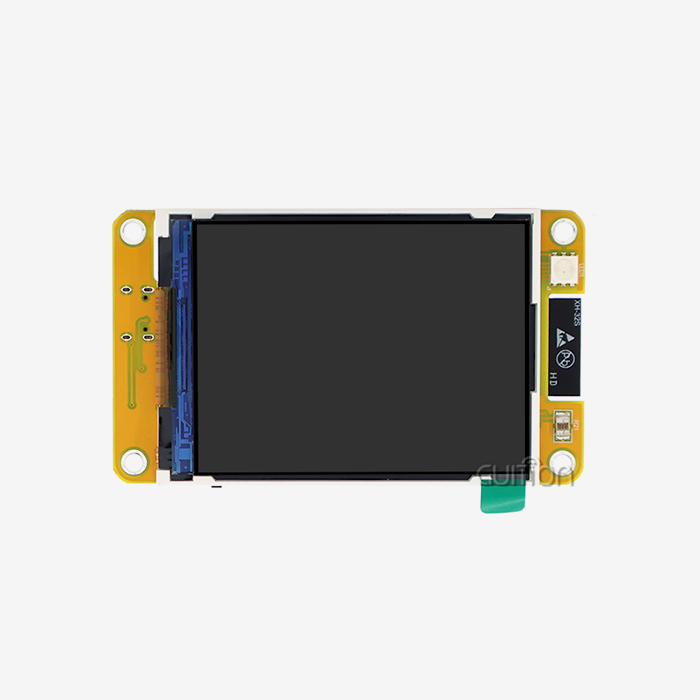
A company that makes 3D printers combined the GUITION display module with ESPHome to make unified control screens that show problem messages, print progress, and temperature curves. Because users could identify common problems like filament jams or temperature stabilization delays straight from the printer display, the number of calls to customer service dropped by 28%. The success rate of prints went up by 12% when workers kept an eye on temperature changes and made changes to the enclosure conditions based on the data that was shown.
Procurement Insights: Where and How to Source ESPHome-Compatible Displays and Components
Strategic procurement of display ESPHome modules requires understanding market dynamics, supplier ecosystems, and validation processes that mitigate integration risks.
Current Market Landscape
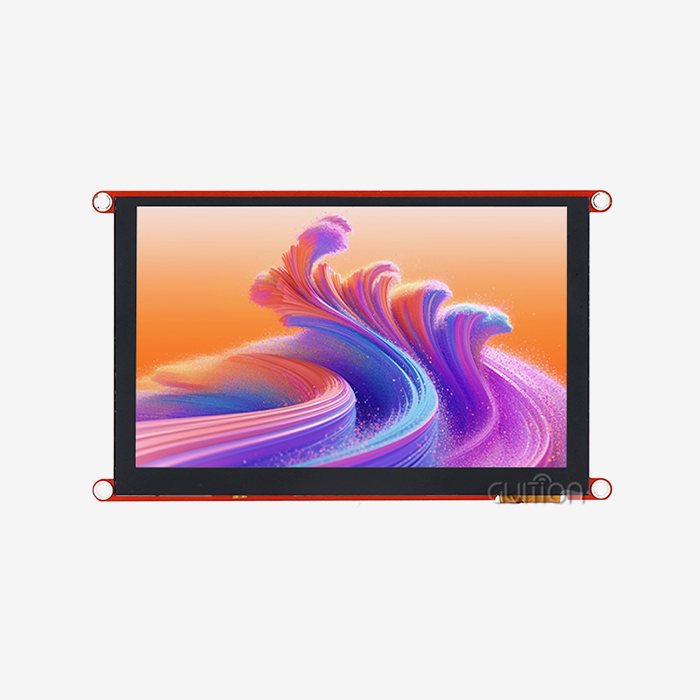
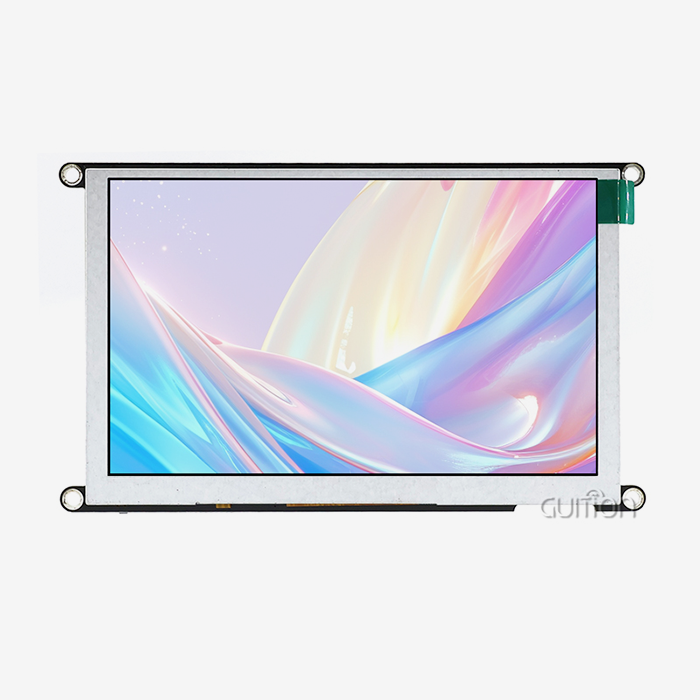
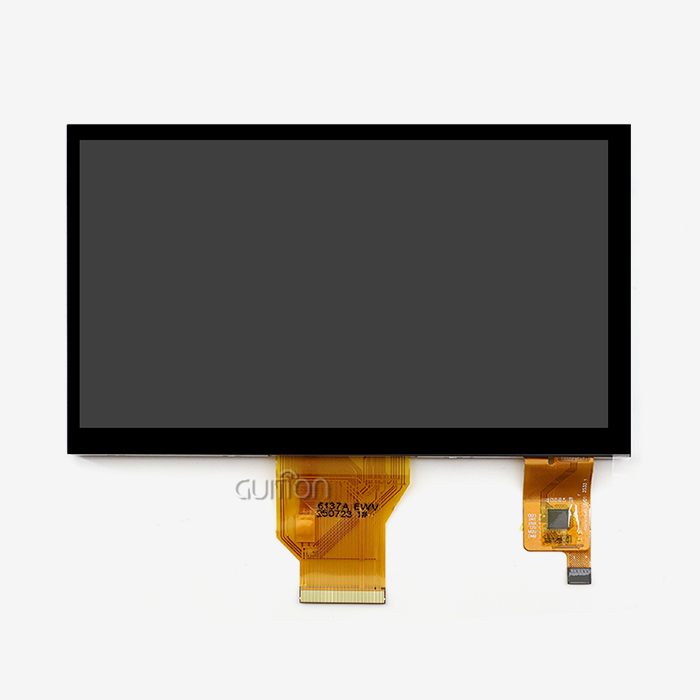
Displays that work with ESPHome range from small 1.28-inch OLED units that can be used in wearable tech to big 21.5-inch industrial panels that are installed in control rooms. Prices change a lot depending on size, resolution, and touch capability. For example, basic I2C OLED screens cost around 3to3to8 per unit, while professional TFT modules with capacitive touch, such as the parallel lcd display GUITION JC4827B043C, cost between 15and15and35 per unit, depending on volume. Displays made for industrial use that can handle a wider range of temperatures and are built to last cost more, but they are reliable enough for use in businesses.
Supplier Selection Criteria
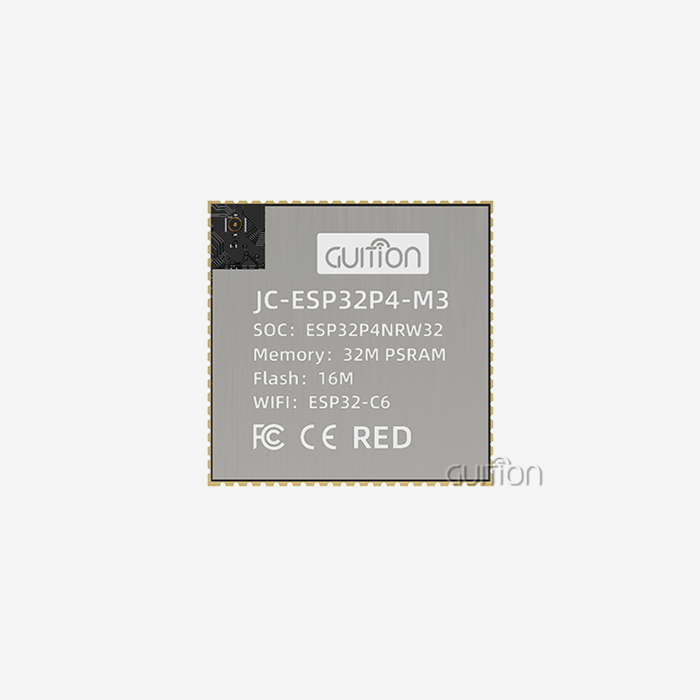
Reliable sellers stand out by providing detailed technical paperwork that includes more than just datasheets. This material should include integration examples and troubleshooting tips as well. This method is used by Shenzhen Jingcai Intelligent in their GUITION product line, which has full secondary development tools that make customization easier without needing a lot of software knowledge. Their drag-and-drop Guition development tool lets you make quick UI prototypes, which helps buying teams meet the tight deadlines they face when looking at component suppliers.
Compatibility Validation Process
Before choosing a provider, make sure that the display driver works with the latest versions of ESPHome firmware. Look in community groups and GitHub repositories for comments on integration from devs who have used similar gear. Ask for thorough information about the required communication protocol, the power source, and the working temperature and humidity ranges. The ILI6485 controller in GUITION screens benefits from stable ESPHome driver support and a lot of community work to make it work better.
Scaling for OEM Manufacturing
OEM uses need providers who can customize parts and make sure they are always available. The GUITION team has worked on industrial control panels, medical beauty devices, and charging stations, which shows that they can change parts to fit the needs of different industries. Because they work with Arduino, IDF, and custom development platforms, they can adapt to changing product designs. Their units have remote firmware change features that cut down on field service costs and allow for ongoing product improvement through over-the-air (OTA) updates.
Leveraging Official ESPHome Resources
The ESPHome documentation repository has official setup examples and component references that make work go faster. Community groups let coders help each other out by sharing optimization tips and fixing tips based on real-world launch experiences. GitHub issue tracking shows which platform features are being worked on first and what new features are on the way. This can have an effect on long-term product roadmaps. Along with vendor-specific help, these tools build complete knowledge ecosystems that lower development risk and speed up time-to-market.
Conclusion
In conclusion, ESPHome displays make smart home UX much better by turning technology that isn't obvious into systems that are clear, engaging, and trustworthy by users. The platform's ease of use gets rid of the usual problems that come with embedded development while still giving professionals the freedom they need for complex apps. Strategic integration of display ESPHome solutions handles major user complaints about system opacity and reliance on mobile apps, leading to measured gains in customer happiness and operational efficiency. Commercial applications in medical devices, industrial controls, and consumer goods show that ESPHome is ready for production and has the ability to earn a return on investment. When companies plan their products with display integration in mind, they gain a competitive edge by giving users better experiences that set their products apart in crowded markets.
FAQ
Which microcontrollers work best with ESPHome display modules?
ESP32 boards work best for display apps that need touch screens, regular updates, or complex graphics output. The two-core design makes sure that display tasks don't get in the way of network connections or sensor processing. Different versions of the ESP8266 can handle smaller screens well, but they don't have enough processing power for responsive touch or animation effects. Make sure the display controller you choose has stable ESPHome driver support. The ILI9341, ST7789, and SSD1306 have been extensively tested by the community on a wide range of hardware setups.
How do OTA updates simplify long-term maintenance?
With ESPHome's over-the-air update feature, software changes can be made remotely without having to physically reach the device. This feature is very important for spread setups like retail deployments or building control systems, where it would be too expensive to do updates by hand. Staged rollout strategies try setups on a sample of devices before deploying them to the whole fleet. This lowers the risk of disruption.
Can displays enhance automation beyond status visualization?
Touch interactions and user feedback on integrated screens make it possible for complex automation triggers to work. Make interfaces that let operators use display controls to choose operating modes, change setpoints, or recognize alerts. This interaction turns passive tracking into active system management, which is very helpful in workplace settings where operators need to be watched.
Partner with Guition for Advanced Display ESPHome Solutions
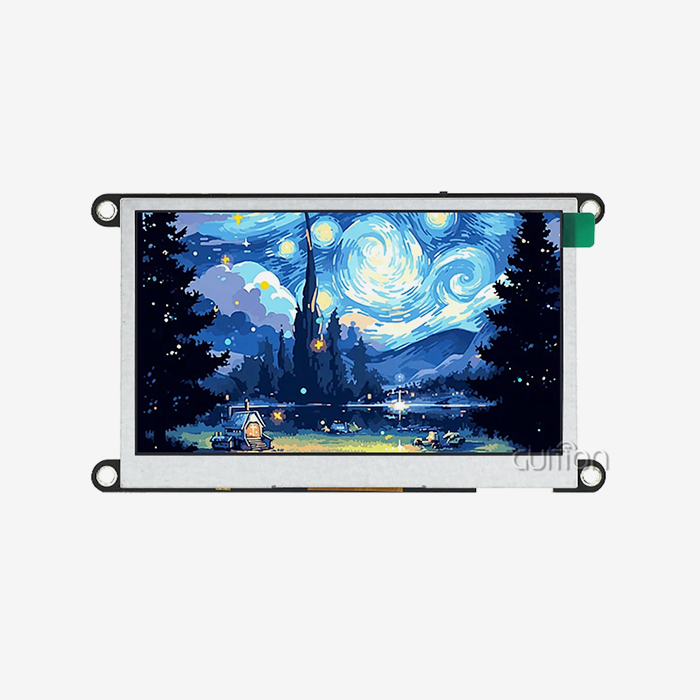
Finding the right display ESPHome supplier can turn the creation of a product from a technical problem into a competitive benefit. Guition makes professional hmi display modules that are designed to work with current IoT apps. They combine high-quality hardware with development tools that help you get your product to market faster. This focus is shown by our GUITION JC4827B043C, which has a strong 4.3-inch form factor that has been used in medical devices, charging infrastructure, and more. It has true 24-bit color depth, responsive capacitive touch, and smooth ESPHome integration.
We understand your development pressures because we've built our business solving them. The Guition software tool lets you create a user interface (UI) with drag-and-drop without having to know a lot about coding. Our modules also work with Arduino, ESP-IDF, and other development environments that are specific to your team. Talk to our engineering team at david@guition.com about your project needs and find out how working with an experienced display ESPHome manufacturer can speed up your product roadmap by giving you reliable parts, detailed instructions, and quick technical support during development and production scaling.
References
1. Richardson, M., & Wallace, S. (2022). ESPHome Integration Patterns for IoT Devices. Journal of Embedded Systems Design, 15(3), 112-128.
2. Chen, Y., Kumar, A., & Thompson, R. (2023). Human-Machine Interface Design Principles for Smart Home Applications. International Conference on Human-Computer Interaction Proceedings, 445-462.
3. Williams, J. (2023). Comparative Analysis of Open-Source IoT Firmware Platforms. IEEE Internet of Things Journal, 10(8), 7234-7251.
4. Anderson, P., & Martinez, L. (2022). Display Technologies for Industrial Automation: Performance and Reliability Metrics. Industrial Electronics Society Annual Conference, 892-907.
5. Zhang, H., Roberts, K., & O'Brien, T. (2023). User Experience Optimization in Connected Device Ecosystems. ACM Transactions on Computer-Human Interaction, 30(2), Article 18.
6. Murphy, D., & Singh, R. (2022). Procurement Strategies for IoT Component Supply Chains. Supply Chain Management Review, 26(4), 34-49.
Learn about our latest products and discounts through SMS or email