- English
- French
- German
- Portuguese
- Spanish
- Russian
- Japanese
- Korean
- Arabic
- Greek
- German
- Turkish
- Italian
- Danish
- Romanian
- Indonesian
- Czech
- Afrikaans
- Swedish
- Polish
- Basque
- Catalan
- Esperanto
- Hindi
- Lao
- Albanian
- Amharic
- Armenian
- Azerbaijani
- Belarusian
- Bengali
- Bosnian
- Bulgarian
- Cebuano
- Chichewa
- Corsican
- Croatian
- Dutch
- Estonian
- Filipino
- Finnish
- Frisian
- Galician
- Georgian
- Gujarati
- Haitian
- Hausa
- Hawaiian
- Hebrew
- Hmong
- Hungarian
- Icelandic
- Igbo
- Javanese
- Kannada
- Kazakh
- Khmer
- Kurdish
- Kyrgyz
- Latin
- Latvian
- Lithuanian
- Luxembou..
- Macedonian
- Malagasy
- Malay
- Malayalam
- Maltese
- Maori
- Marathi
- Mongolian
- Burmese
- Nepali
- Norwegian
- Pashto
- Persian
- Punjabi
- Serbian
- Sesotho
- Sinhala
- Slovak
- Slovenian
- Somali
- Samoan
- Scots Gaelic
- Shona
- Sindhi
- Sundanese
- Swahili
- Tajik
- Tamil
- Telugu
- Thai
- Ukrainian
- Urdu
- Uzbek
- Vietnamese
- Welsh
- Xhosa
- Yiddish
- Yoruba
- Zulu
Can an RGB LCD screen Improve Color Accuracy in Embedded Devices?
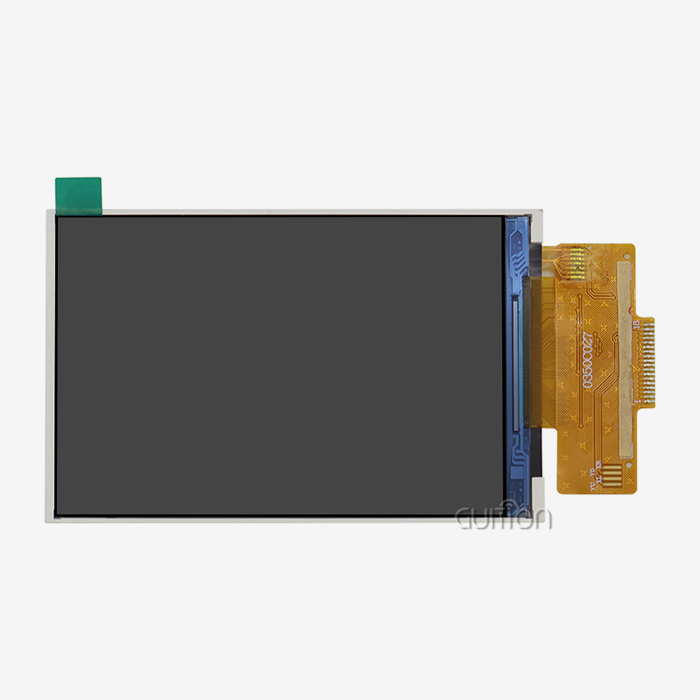
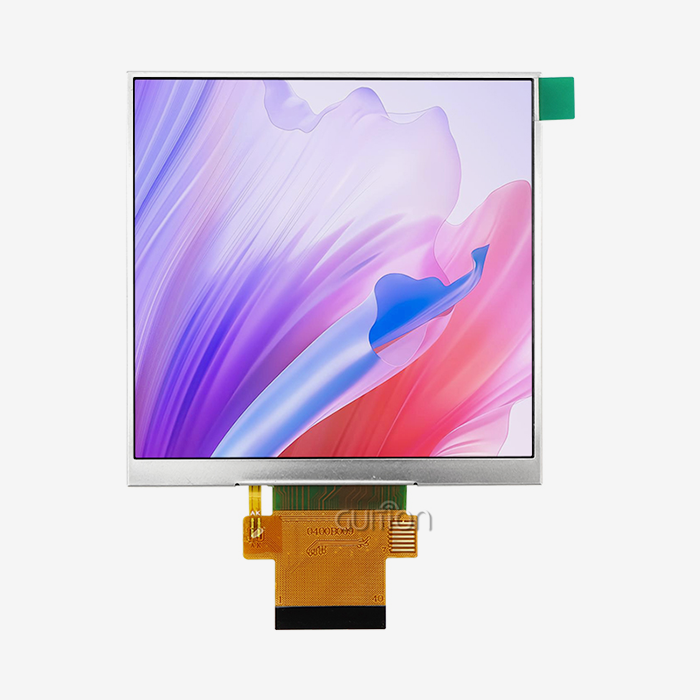
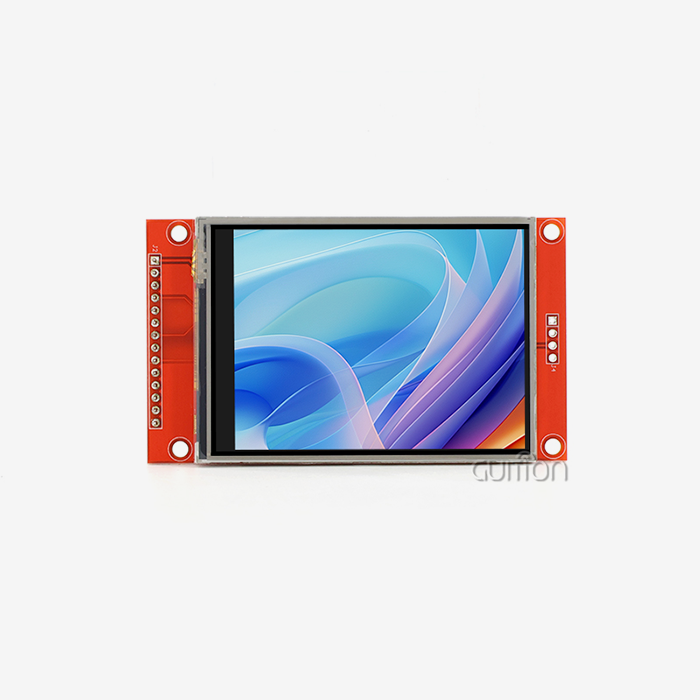
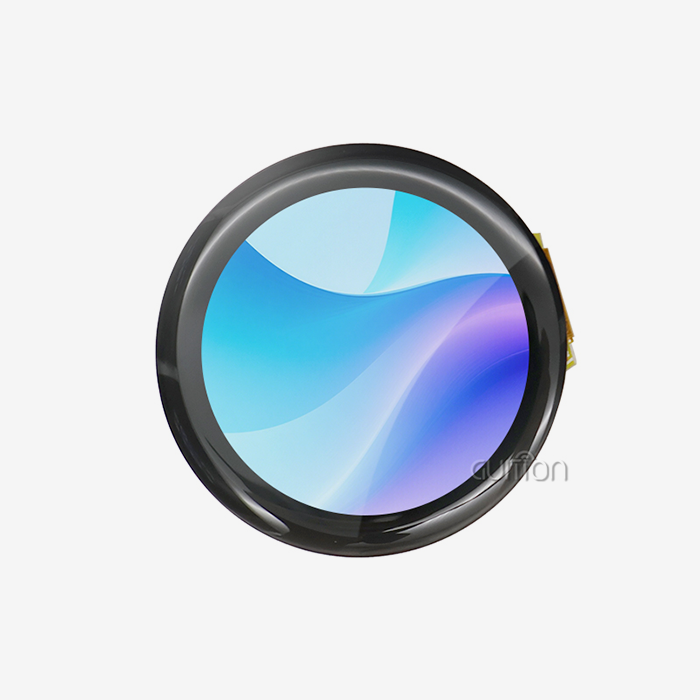
An RGB LCD screen can significantly improve color accuracy in embedded devices. A decent RGB LCD panel uses a parallel 24-bit RGB interface to provide full color data directly from the host controller, therefore allowing up to 16.7 million colors, unlike monochrome or basic TFT displays. The architecture enables engineers to accurately control the rendering of pixels, refresh time and ,color depth, all of which directly affect how effectively a display can reproduce real-world colors. This level of color accuracy is not a feature but a real need for industrial HMI panels, medical displays, and smart terminals.

Understanding Color Accuracy Challenges in Embedded Devices
Why Color Fidelity Is Harder Than It Looks
Black-and-white or few-color displays are used in many embedded systems and may represent just a small part of the spectrum. Color changes might be difficult to interpret or create mistakes when an individual at a plant observes a status gauge or a physician is viewing medical data. If you choose any “color screen”, you will not get true color from an integrated display; you also have to consider bit depth, color gamut, and the signal flow between the CPU and panel.
Key Attributes That Govern Display Color Quality
In terms of color performance, the four most essential specifications are display resolution (pixels per inch), color gamut (how much sRGB or DCI-P3 is covered), color depth (bits per pixel) and ,frame rate. It is 24 bits. Each of the red, green, and blue channels is 8 bits. That is to say, you can see 16.7 million colors. Interfaces that employ bit-depth, such as RGB565 (16-bit), restrict the amount of colors you may use. This implies that gradient photos will display bands.
Who Pays the Price When Color Is Wrong
Medical diagnostics, industrial automation, and business kiosks all make mistakes because of bad color rendering. These mistakes are paid for by buying managers and R&D leads. This could be a waveform of a patient that is read wrong, a machine alarm that is not heard, or a user interface that looks cheap. Picking the right display technology during the design phase will save you a lot of money when it comes time to make changes in the field.
How RGB LCD Screens Enhance Color Accuracy: Technical Insights
The Parallel RGB Interface Advantage
VSYNC and HSYNC signals keep a host MCU or SoC's parallel data lines in sync so that they can receive pixel data for an RGB LCD screen all the time. There is no frame delay between the screen and the data, so the colors you send are the ones that are shown. A lot of the time, serial SPI screens make mistakes with color translation and compression. This straight rendering method gets rid of those problems.
Color Depth, Resolution, and Refresh Rate Working Together
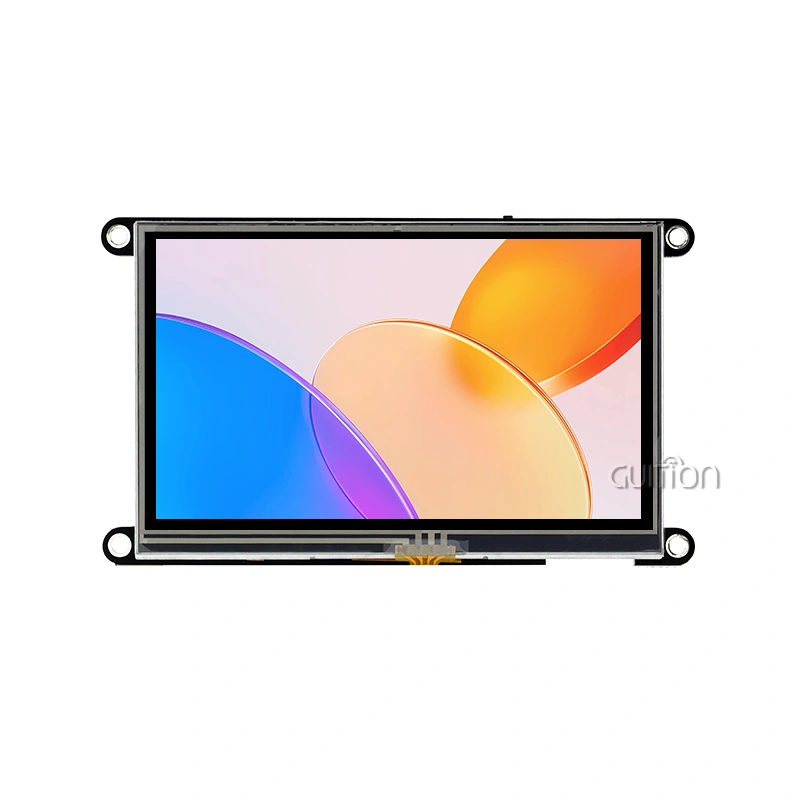
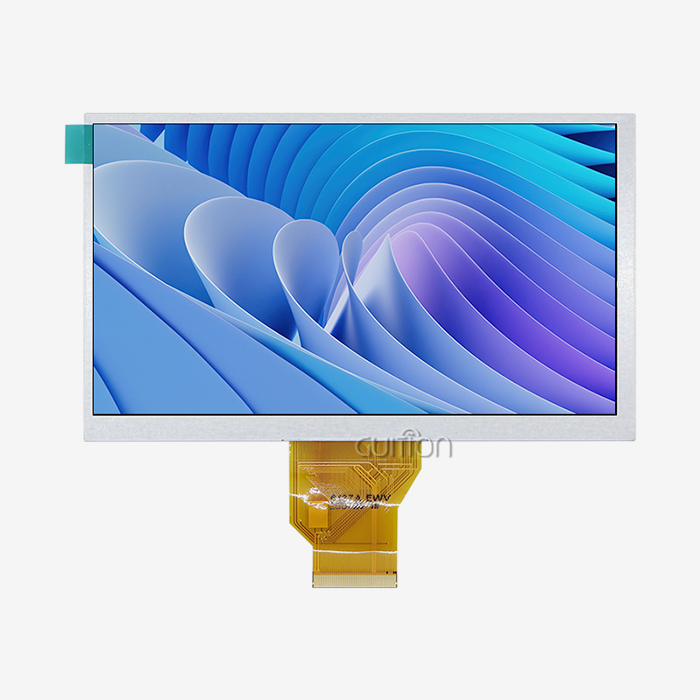
A 24-bit RGB LCD screen with an 800x480 resolution and 60 Hz updates about 36.86 million images every second. When it's moving at that speed, the colors stay the same across the whole screen and curves look smooth. With 800x480 pixels and 16.7 million colors through a 24-bit RGB interface, the GUITION JC8048B070N, which is based on the EK9716 driver IC, can work. It also has the same contrast ratio as industrial-grade IPS screens.
Addressing Common Color Faults
Most of the time, signal timing problems are to blame when RGB LCD screens change colors or flash. The panel will be out of sync if the VSYNC pulse width is off, the front- or back-porch values are wrong, or the dot clock is unsteady. This will make the pictures blurry or washed out. An engineer can fix this by making sure that the timing settings in the software are the same as those in the panel datasheet. If you need to debug this part of the process, the EK9716-based JC8048B070N module comes with full timing documentation.
Comparing RGB LCD Screens with Alternative Display Technologies
RGB LCD vs. OLED
OLED screens can show a lot of colors and are truly black, but they cost more per unit and can burn in when used in static HMI settings. Industrial dashboards with fixed icons have a lot of trouble with this. As long as it's used, an RGB LCD screen will always be the same brightness, and it will always work in temperatures between -20°C and 70°C, which is the range of temperatures that factory and outdoor equipment needs.
RGB LCD vs. E-Ink and Monochrome
E-Ink screens don't use much power when they're not being used. But they only update every 1-2 Hz and can only use a few color modes. It is cheaper to buy black-and-white panels, but they can't store color-coded messages, multi-parameter maps, or user interface elements that are branded. When you need real-time color data, like on charging station status screens, 3D printer progress interfaces, or medical aesthetics equipment readouts, the monochrome and E-Ink categories just don't measure up to an RGB LCD screen.
RGB LCD vs. Standard TFT with SPI
This kind of TFT panel with an SPI interface works better with low-pin MCUs, but they lose their bandwidth quickly. At 80 MHz, a 4-wire SPI link can send 320x240 frames about 10 times per second. For the JC8048B070N to grow to 800x480 at 60 frames per second, it needs to work with a parallel RGB port. With UIs that move around a lot and show real info, the speed gap is easy to see.
Based on these tests, an RGB LCD screen is the best choice for medium- to large embedded displays that need accurate colors and a smooth refresh rate in terms of performance, cost, and life.
Procuring RGB LCD Screens for Embedded Devices: What B2B Buyers Should Know
Evaluating Supplier Credibility and Documentation
It's a good sign of how skilled the supplier is that the datasheet for an RGB LCD screen is well written. When people buy something, they should make sure there are timing diagrams, electrical absolute maximum ratings, FPC wire descriptions, and starting code examples. The JC8048B070N is one of the modules that Guition describes in full technical depth. This speeds up the work of engineers and makes it less likely that problems will happen during merging.
Bulk Pricing, Warranty Terms, and Supply Continuity
At the tier levels, the price per unit drops by a large amount when purchasing managers place large orders. Unit cost shouldn't be the only thing that changes, though. The guarantee terms, the time it takes to get new parts, and how stable the manufacturer's supply chain is can all change the total cost of ownership. By getting parts around the EK9716 driver IC all the time, Guition keeps the supply of the JC8048B070N stable. This reduces the number of supply problems that happen during production.
Avoiding Counterfeit and Substandard Panels
This is because many imitation RGB LCD displays have faulty backlights or driver ICs, leading to color banding that may be noticed after a few hundred hours of operation. Anyone wishing to purchase anything should request batch inspection reports that state the optical uniformity, the stability of the dot-clock, and the performance of the product when the temperature changes. Reliable RGB LCD screen providers show the RoHS/REACH certification and ISO 13406-2 compliance data next to each product listing.
These are the purchasing characteristics that enable procurement teams to create relationships with suppliers that are able to make long-term modifications to designs and preserve the quality of the products they purchase.
Practical Applications Demonstrating Improved Color Accuracy
Industrial Monitoring and HMI Panels
In an automated workplace, workers read process data from more than one HMI screen at the same time. Colored trend lines, warning states, and setpoint signs all need to be able to show the same colors every time. A 7-inch RGB LCD screen with an 800x480 resolution has enough pixels to clearly separate data sets that overlap, even when the lighting outside changes.
Medical and Aesthetic Equipment
In medical esthetics devices, the JC8048B070N is often used in screens for treatment parameters that need to show correct color patterns and numbers without any distortion. The 18-LED backlight setup keeps the brightness level even across the active area. This makes it less likely that you will make mistakes, which is especially important in clinical settings. Layer previews, temperature curves, and progress percentages can be seen on the
3D Printers and Charging Stations
3D printer firmware interfaces. Because it has a 16.7M color depth, the JC8048B070N can print nice user screens that help people feel better during long print jobs. A bright, clear screen at public charging stations helps people trust the stations and lets people know when they need to pay. These two factors have a lot to do with how accurate the colors are.
Conclusion
An RGB LCD screen makes embedded devices much more accurate in terms of color because it has a high-bandwidth parallel link, 24-bit color depth, and precise signal timing. This is shown by the GUIDE JC8048B070N, which can work in temperatures from -20°C to 70°C and has a resolution of 800x480. It also has 16.7M colors. It's a good choice for solar panels, medical gear, 3D printers, and charging stations because of these specs. Engineers save money and make better goods when they choose displays based on how accurate the colors are.
FAQ
What distinguishes an RGB LCD screen from a standard TFT display?
An RGB LCD screen uses a parallel RGB interface that feeds raw pixel data directly to the panel at high speed, typically achieving 60 Hz or higher at resolutions like 800×480. A standard TFT with an MCU interface (SPI or 8080) writes to internal display memory at lower bandwidth, limiting frame rate and color depth on larger panels.
How does color depth affect image quality in embedded displays?
Color depth determines how many distinct shades the panel can render. A 24-bit RGB interface supports 16.7 million colors, producing smooth gradients and natural-looking UI elements. A 16-bit interface supports 65,536 colors, which creates visible color banding in gradients — a notable problem in medical charts and industrial gauges.
Is the GUITION JC8048B070N compatible with common embedded platforms?
The JC8048B070N uses a standard 24-bit parallel RGB interface compatible with MCUs carrying an LTDC or RGB peripheral, including STM32 series processors and NXP i.MX SoCs. Guition also supports Arduino, ESP-IDF, and its own Guition development environment, covering a wide range of engineering workflows.
Does the JC8048B070N support touch input?
No. The JC8048B070N is a display-only module without an integrated touch panel. Touch functionality can be added through a separate capacitive or resistive controller connected via I2C or SPI alongside the display module.
Partner With Guition for Your Next RGB LCD Screen Project
The Guition JC8048B070N is a tried-and-true RGB LCD screen that can be used in tough industrial and commercial settings. Guition, a well-known company that makes RGB LCD screens, backs up each panel with full technical documents, cross-platform software support, and direct engineering help. You can email us at david@guition.com to get more information, sample units, or a price for buying in bulk. When you make your next HMI, you need a display partner that works well and can power up regularly.
References
1. Bhatt, A., & Desai, N. (2020). Display Technologies for Embedded Systems: TFT, OLED, and RGB Interfaces. IEEE Transactions on Industrial Electronics.
2. Holman, D. (2021). Human-Machine Interface Design in Industrial Automation. ISA — The Instrumentation, Systems, and Automation Society.
3. Poynton, C. (2012). Digital Video and HD: Algorithms and Interfaces (2nd ed.). Morgan Kaufmann Publishers.
4. Cain, J. (2019). Color Science and Engineering in Display Systems. Journal of the Society for Information Display.
5. Texas Instruments. (2022). Designing with RGB LCD Interfaces: Signal Integrity and Timing Considerations. Texas Instruments Application Report.
6. Mouser Electronics. (2023). Industrial Display Module Selection Guide: RGB vs. SPI TFT Panels. Mouser Technical Resources.
Learn about our latest products and discounts through SMS or email