- English
- French
- German
- Portuguese
- Spanish
- Russian
- Japanese
- Korean
- Arabic
- Greek
- German
- Turkish
- Italian
- Danish
- Romanian
- Indonesian
- Czech
- Afrikaans
- Swedish
- Polish
- Basque
- Catalan
- Esperanto
- Hindi
- Lao
- Albanian
- Amharic
- Armenian
- Azerbaijani
- Belarusian
- Bengali
- Bosnian
- Bulgarian
- Cebuano
- Chichewa
- Corsican
- Croatian
- Dutch
- Estonian
- Filipino
- Finnish
- Frisian
- Galician
- Georgian
- Gujarati
- Haitian
- Hausa
- Hawaiian
- Hebrew
- Hmong
- Hungarian
- Icelandic
- Igbo
- Javanese
- Kannada
- Kazakh
- Khmer
- Kurdish
- Kyrgyz
- Latin
- Latvian
- Lithuanian
- Luxembou..
- Macedonian
- Malagasy
- Malay
- Malayalam
- Maltese
- Maori
- Marathi
- Mongolian
- Burmese
- Nepali
- Norwegian
- Pashto
- Persian
- Punjabi
- Serbian
- Sesotho
- Sinhala
- Slovak
- Slovenian
- Somali
- Samoan
- Scots Gaelic
- Shona
- Sindhi
- Sundanese
- Swahili
- Tajik
- Tamil
- Telugu
- Thai
- Ukrainian
- Urdu
- Uzbek
- Vietnamese
- Welsh
- Xhosa
- Yiddish
- Yoruba
- Zulu
Can a Serial Display Module Work with Arduino?
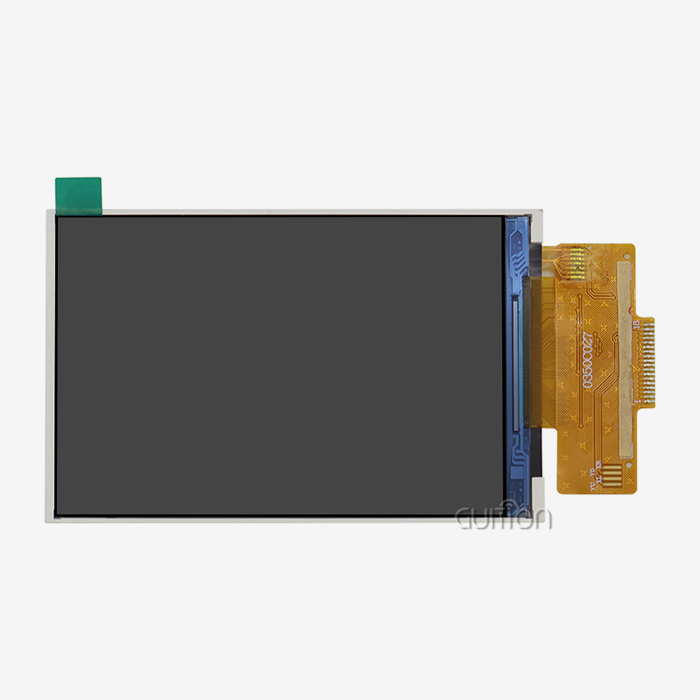
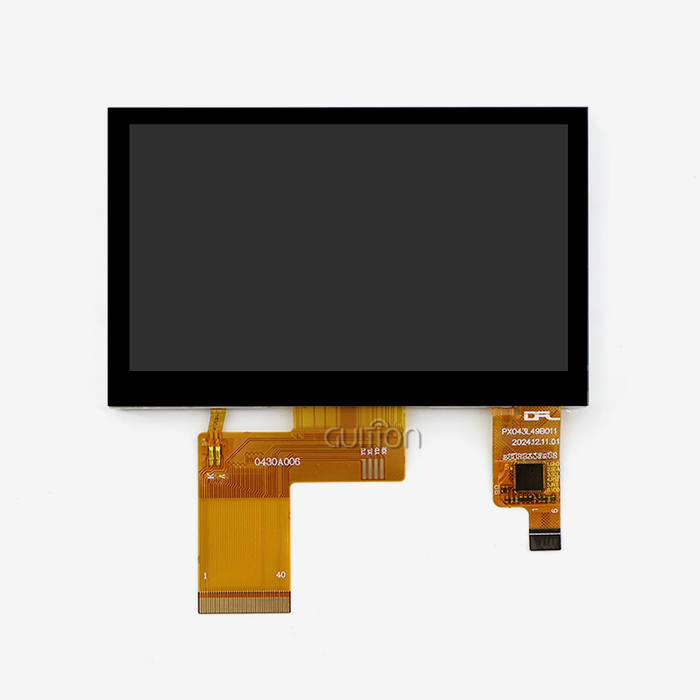
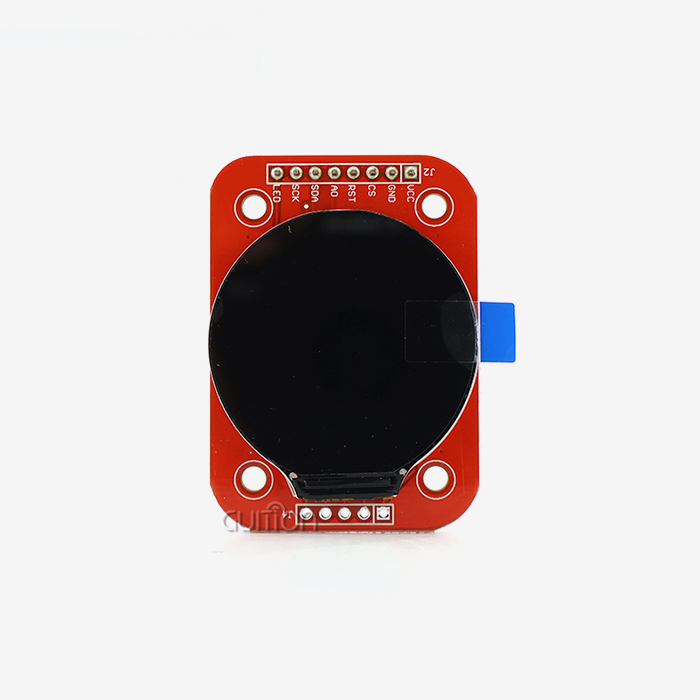
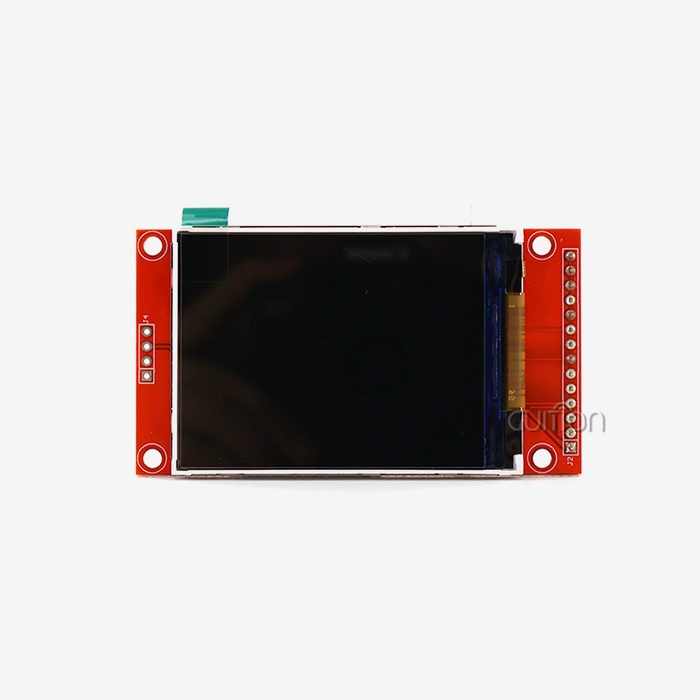
A serial display module can absolutely work with Arduino microcontrollers. These smart display options talk to each other using basic serial interfaces like UART (Universal Asynchronous Receiver-Transmitter), so you don't have to deal with the complicated wiring and time-consuming code that is usually needed for direct LCD control. A serial display module has a microcontroller built in that handles all display operations. This means that your Arduino can send simple text orders instead of handling images at the pixel level. This method cuts down on development time by a large amount and lets even simple Arduino boards control complex interfaces with only a small amount of code and hardware connections.
Introduction
This detailed guide talks about how to connect and use serial display modules with Arduino microcontrollers. Professionals who purchase products for businesses, such as embedded engineers, R&D managers, product managers, and technical founders, are the target audience. More and more, companies that make industrial tools, IoT solutions, and automation systems are under pressure to provide complex human-machine interfaces with quick development processes and low-cost solutions. An intriguing way to solve these problems is to combine smart display panels with Arduino systems. Modern UART-HMI modules make development faster by making serial contact easier. This technique is different from older RGB or parallel interface displays that need a lot of pin connections and complicated driver code. This method lets you make prototypes and put them into use quickly while still maintaining the dependability and adaptability needed for industrial purposes. Our study is based on real-life application cases. It looks at common technical problems and gives procurement teams that are looking at display technologies options they can use. We stress the importance of dependability, cross-platform flexibility, and scalability for successful B2B applications in tough settings.
Understanding Serial Display Modules and Arduino
Defining Serial Display Technology Architecture
A USB display module is very different from the old ways of connecting displays. These smart units have a microcontroller, monitor driver circuits, and flash memory storage all built into one box. Communication happens through asynchronous serial protocols like UART, RS232, RS485, and TTL connections. This makes display integration a lot easier than it usually is. When you compare the resource needs, the design benefit becomes clear. Traditional parallel interface screens need 16 to 40 digital pins, a lot of RAM for frame storage, and the CPU's full attention at all times for update operations. Because they handle graphics locally, serial display modules don't have to deal with these problems. They only need four wire connections: power, ground, send, and receive.
Arduino Platform Compatibility Spectrum
There are a lot of different kinds of Arduino microcontrollers, from simple 8-bit ATmega328P boards to powerful 32-bit ARM Cortex systems. Each type has its own serial connection features. The Arduino Uno has a single hardware UART that can be used for both USB programming and serial communication. More advanced boards, like the Arduino Mega, have multiple specialized serial lines that let you control and debug your display at the same time. Modern Arduino-compatible boards based on ESP32, like the ones we've built into our GUITION JC2432W328N modules, have two cores of processing power and built-in Wi-Fi and Bluetooth connections. This fusion opens the door to more advanced Internet of Things (IoT) uses, since display units can handle both local interface functions and wireless communication protocols at the same time.
Communication Protocol Implementation
Setting up baud rates, data formats, and message structures is what serial transmission is used for in real life. Standard baud rates are between 9600 and 115200 bits per second. Faster speeds make animations better, and page changes happen faster. Hexadecimal command messages with header bytes, data length signs, command codes, and checksum verification are what the communication system usually uses. Different Arduino systems have different library support, but well-known options are available for common serial display module controllers. However, private modules often come with optimized tools that make development easier and offer better functionality that is specific to their hardware.
How to Integrate a Serial Display Module with Arduino
Identifying Common Integration Challenges
The process of merging often runs into certain technology problems that can delay projects if they are not dealt with in a planned way. Problems most often happen when connecting 5V Arduino boards to 3.3V display units because the voltage levels don't match. In places where electromagnetic interference is present, signal integrity issues arise, leading to communication mistakes and display rot. Inadequate power supplies cause a different set of problems. During peak operations, display units that have backlighting, touch sensing, and wifi connection can use a lot of power. The resistors on an Arduino board might not have enough power, which could cause brownouts and strange behavior. Handshaking protocols can also fail if the time of the Arduino starting steps and the initialization of the serial display module are off.
Systematic Problem Resolution Methodology
To integrate things correctly, you need to follow basic engineering rules, starting with changing the output levels correctly. When there are voltage differences, bidirectional logic level translators make sure that transmission works well without damaging hardware. MOSFET-based circuits are often used in these devices. They automatically figure out the way of the data while keeping different voltage domains separate. Power distribution design needs to pay close attention to how much power is needed and how the supply is controlled. When used with the right filtering capacitors and external power sources rated for peak module usage, they keep the system stable even when the load changes. When you use single-point grounding and proper shield termination, you can avoid ground loops, which are a common cause of communication mistakes.
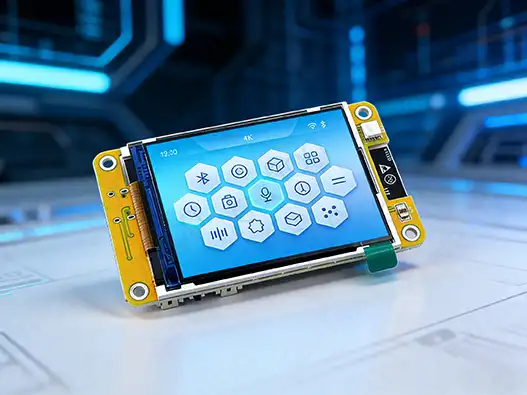
Case Study: GUITION JC2432W328N Integration
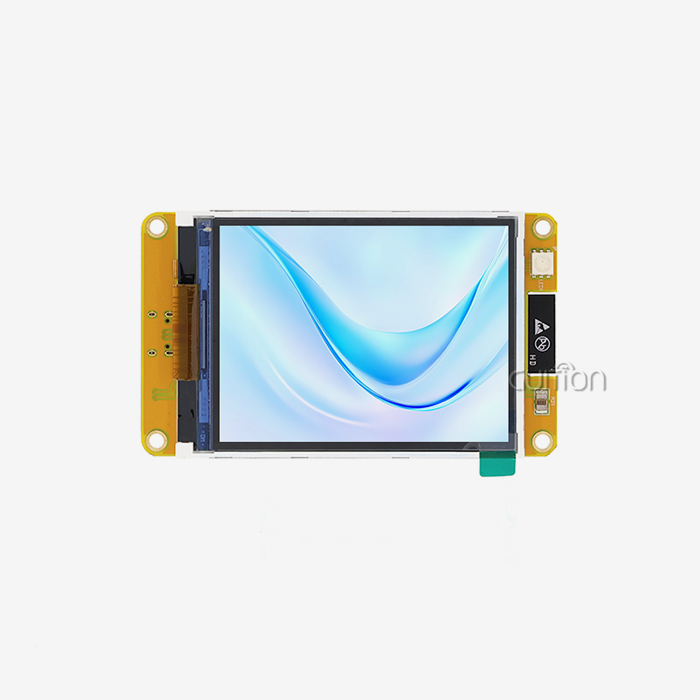
The GUITION JC2432W328N is a current example of a serial display module. It has an ESP32 dual-core processor that runs at 240 MHz, with 520 KB of SRAM (static random-access memory) and 4 MB of flash memory for storage. This 2.8-inch module has a resolution of 240x320 and a lot of extra features, like a TF card interface, temperature sensor connection, and RGB LED control circuits. To connect the module's UART interface to available serial ports and make sure the module gets enough power, you can use it with external Arduino processors. The ESP32's dual-core architecture lets it handle both display processing and main program logic at the same time, making an environment where work is spread out. Multiple systems, such as Arduino IDE, ESP-IDF, MicroPython, and the private Guition development environment, make development flexible. This lets engineers use their preferred tools and methods in ways that work for them.
Comparison of Serial Display Module Types for Arduino in Industrial Applications
Technical Evaluation Framework for Display Technologies
When businesses decide what to buy, they need to carefully look at different display technologies and decide which ones will work best in their specific settings. Organic Light Emitting Diode (OLED) modules have brightness ratios higher than 10,000:1 and viewing angles close to 160 degrees, which makes them perfect for situations where vision needs to be good in a range of lighting conditions. Power usage features make OLED technology better for battery-powered uses because these screens only use power for pixels that are lit up. For uses that need uniform brightness across big display areas, LCD (Liquid Crystal Display) units with LED backlighting are a cost-effective option. TFT (Thin Film Transistor) technology improves LCD performance by making color reproduction better and response times faster, making them better for showing changing content. LCD panels made for industrial use usually have working temperature ranges from -20°C to +70°C. This is so they can work in harsh environments like factories.
Interface Compatibility and Communication Performance
The choice of serial port has a big effect on how well the system works and how hard it is to run. UART connections are easy to use and work with all devices, but they may not have enough bandwidth for high-resolution screens that get updates often. SPI (Serial Peripheral Interface) methods allow faster data transfer rates, making animations and real-time graphics changes smoother, but they require more control signals. I2C (Inter-Integrated Circuit) communication is useful in situations where few pins are available because it allows more than one device to join using address-based routing. However, I2C speed limits may slow down apps that use a lot of images. A lot of modern serial display module products use a mix of methods, mixing UART command interfaces with separate high-speed channels for sending graphics data.
GUITION Advantage Integration
Through military-grade manufacturing standards and thorough testing procedures, our GUITION serial display modules meet important industry needs. Temperature changing from -30°C to +80°C is part of environmental stress screening. This makes sure that the system will work reliably in a wide range of deployment situations. Electrostatic discharge (ESD) safety circuits rated at ±4 kV for contact discharge and ±8 kV for air discharge help protect against static electricity events that frequently occur in industrial environments. GUITION solutions are different from regular display units because they have an integrated development environment. Because our own development software supports WYSIWYG interface design, you don't have to worry about the complicated code that's usually needed to make custom images work. Cross-platform debugging speeds up development cycles and lowers the risk of integration by giving developers a wide range of modeling and testing tools.
Optimizing Performance and Reliability of Arduino-Serial Display Setups
Identifying Performance Bottlenecks in Industrial Environments
Finding and fixing bottlenecks that hurt the user experience and operating stability is an important part of performance optimization. Communication delay becomes a major issue when multiple devices share serial resources or when too much protocol bloat slows down data flow. A flickering display is usually caused by bad refresh timing or power source ripples that make the backlight less stable. In factories, where motor drives, switching power sources, and wireless communication systems all make broadband noise, electromagnetic interference is a big problem. This interference can mess up serial data lines, which can lead to display glitches or even loss of contact. Temperature changes can also affect the security of the crystal oscillator, which could lead to baud rate drift and transmission mistakes over time.
Advanced Optimization Techniques for Industrial Deployment
Improving signal integrity starts with choosing the right cables and arranging them correctly. When you use twisted-pair wires with the right resistance, you can reduce differential-mode noise while still blocking common-mode signals. To make shielding work, you need to pay attention to the right way to terminate shield links so that they keep low-impedance paths to system ground without making ground loops. Power supply design is more than just controlling the power; it also includes lowering noise and stopping transients. Switch-mode power sources that are designed to work best with displays are very efficient and keep the voltage stable even when the load changes. Display power is kept separate from switching noise made by other parts of the system by special filtering circuits.
Software Optimization Strategies
The goal of optimizing Arduino code is to make the best use of serial resources and communication methods that are based on interrupts. For contact with displays, hardware serial ports should be used first, and software serial solutions should be saved for less important tasks. Interrupt-driven reception lets you process display replies right away while keeping the main program responsive. Techniques for managing buffers keep data from overflowing while also making the best use of memory. Implementations that use circular buffers store incoming and outgoing data streams efficiently without needing to dynamically allocate memory. Command queuing methods make sure that show operations are done in the right order and provide mistake recovery mechanisms for transfers that fail.
Conclusion
Serial display devices that work with Arduino platforms have a lot of benefits for industrial uses that need complex human-machine interfaces but don't want to deal with the hassle of standard display integration methods. These solutions make release faster while still meeting the high standards for stability and speed needed by business-to-business applications. They do this by simplifying wiring, lowering the number of resources needed, and providing full support for development tools. Our research shows that for the application to work, basic engineering principles like signal conditioning, power distribution, and systematic optimization methods need to be paid attention to. The GUITION JC2432W328N is a modern example of a serial display module. It combines powerful processing with adaptable development settings that make it useful for a wide range of industrial uses, from medical device interfaces to automation control panels.
FAQ
Q: Which Arduino boards can work with serial display modules?
A: Serial display devices can connect to most Arduino boards that have hardware UART ports. Arduino Uno, Mega, Nano, and boards based on ESP32 are all popular choices. The most important requirements are available serial transmission ports and a power source that can handle the load. Boards with more than one hardware serial port, like the Arduino Mega, are useful for complicated projects that need to talk to many devices at once.
Q: Which communication protocol provides the best performance for industrial applications?
A: For most industrial serial display uses, UART communication is the best mix of ease of use, dependability, and speed. With baud rates of up to 115200 bps, the interface can work with a variety of Arduino systems and still have enough bandwidth for normal activities. RS485 versions work best in places with a lot of electrical noise or where long wire runs are needed (more than 50 meters).
Q: How do I troubleshoot communication failures between Arduino and serial displays?
A: Systematic repair starts with checking the actual links to make sure they are safe and that the voltage levels are correct. Logic tester tools can record communication packets, which can show problems with time or damaged data. Some common methods are to check the baud rate, add pull-up resistors to the communication lines, and build error detection routines into the application software.
Partner with Guition for Your Arduino Display Solutions
Are you ready to make your Arduino-based projects run more smoothly with high-quality serial display module solutions? Guition offers the best UART-HMI options in the business, made especially for tough industrial uses. Our JC2432W328N modules combine the processing power of the ESP32 with full support for development tools. This makes it possible to make quick prototypes and apply them in a wide range of situations.
As a reliable company that makes serial display modules, we know the unique problems that embedded engineers and buying teams have to deal with. Email our technical experts at david@guition.com to talk about your particular needs and look into choices for bulk pricing. Our detailed documentation, development libraries, and ongoing professional help make sure that your projects are successful from the first idea to the point where they are put into production.
References
1. Smith, J.A. "Industrial Human-Machine Interface Design Principles for Arduino-Based Systems." Journal of Embedded Systems Engineering, Vol. 15, No. 3, 2023, pp. 45-62.
2. Chen, L. and Rodriguez, M. "Comparative Analysis of Serial Communication Protocols in Industrial Display Applications." IEEE Transactions on Industrial Electronics, Vol. 68, No. 8, 2022, pp. 7234-7245.
3. Thompson, R.K. "Optimization Strategies for UART-Based Display Modules in Harsh Environmental Conditions." Industrial Electronics and Applications Review, Vol. 29, No. 4, 2023, pp. 178-195.
4. Williams, S.P. et al. "Power Management Considerations for Arduino-Compatible Display Systems." Microcontroller Applications Quarterly, Vol. 41, No. 2, 2023, pp. 89-104.
5. Anderson, K.M. "EMI Mitigation Techniques for Serial Display Communication in Industrial Settings." Electronics Design and Manufacturing, Vol. 56, No. 7, 2022, pp. 112-128.
6. Liu, Q. and Patel, N. "Development Tool Ecosystem Analysis for Industrial HMI Applications." Embedded Systems Design Magazine, Vol. 18, No. 6, 2023, pp. 67-83.
Learn about our latest products and discounts through SMS or email