- English
- French
- German
- Portuguese
- Spanish
- Russian
- Japanese
- Korean
- Arabic
- Greek
- German
- Turkish
- Italian
- Danish
- Romanian
- Indonesian
- Czech
- Afrikaans
- Swedish
- Polish
- Basque
- Catalan
- Esperanto
- Hindi
- Lao
- Albanian
- Amharic
- Armenian
- Azerbaijani
- Belarusian
- Bengali
- Bosnian
- Bulgarian
- Cebuano
- Chichewa
- Corsican
- Croatian
- Dutch
- Estonian
- Filipino
- Finnish
- Frisian
- Galician
- Georgian
- Gujarati
- Haitian
- Hausa
- Hawaiian
- Hebrew
- Hmong
- Hungarian
- Icelandic
- Igbo
- Javanese
- Kannada
- Kazakh
- Khmer
- Kurdish
- Kyrgyz
- Latin
- Latvian
- Lithuanian
- Luxembou..
- Macedonian
- Malagasy
- Malay
- Malayalam
- Maltese
- Maori
- Marathi
- Mongolian
- Burmese
- Nepali
- Norwegian
- Pashto
- Persian
- Punjabi
- Serbian
- Sesotho
- Sinhala
- Slovak
- Slovenian
- Somali
- Samoan
- Scots Gaelic
- Shona
- Sindhi
- Sundanese
- Swahili
- Tajik
- Tamil
- Telugu
- Thai
- Ukrainian
- Urdu
- Uzbek
- Vietnamese
- Welsh
- Xhosa
- Yiddish
- Yoruba
- Zulu
Can a Capacitive touch display module Replace Buttons?
Yes, in most current situations, a capacitive touch display module can work just as well as mechanical buttons. These advanced HMI solutions combine touch sensing technology and visual screens. Compared to traditional button interfaces, they offer more usefulness, better longevity, and more design freedom. The change depends on the setting's needs, the user's interaction with the system, and the cost of the change for each application.
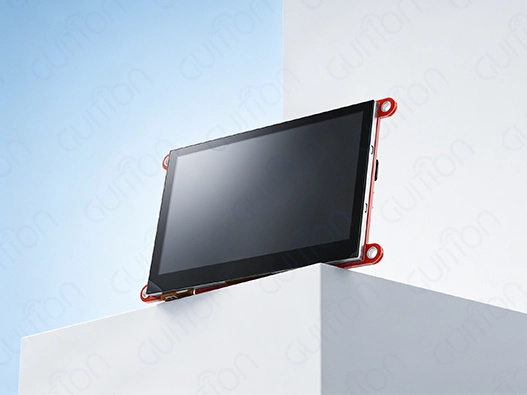
Understanding Capacitive Touch Display Modules and Traditional Buttons
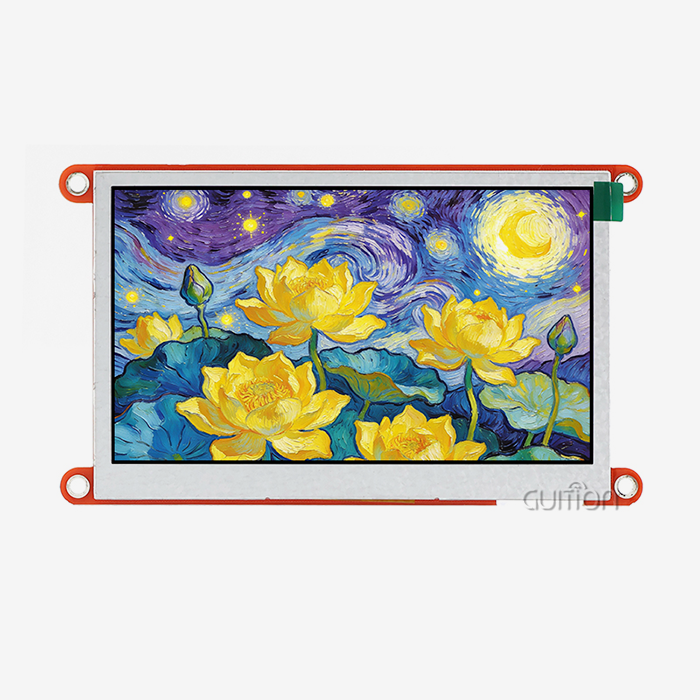
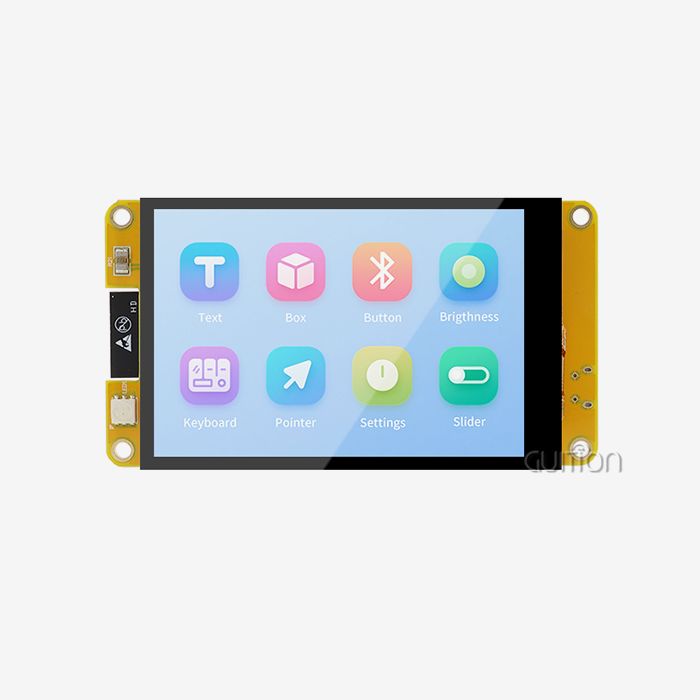
Capacitive touch display modules work by picking up changes in electrical charge when a conductive item, like a finger, touches the sensor surface. This technology makes touch screens that are easy to use and blend in with visual displays. It gives users real-time feedback and various interface choices that they can customize.
Core Components and Technology Architecture
Three important parts make up the basic structure of a capacitive touch display module: the sensor layer, the driver circuits, and the display itself. Indium Tin Oxide (ITO) is often used to make clear conductive wires that are laid out in an X-Y grid pattern across the surface of the display for the sensor layer. These sensors constantly check the capacitance levels and can very accurately and quickly pick up on touch events.
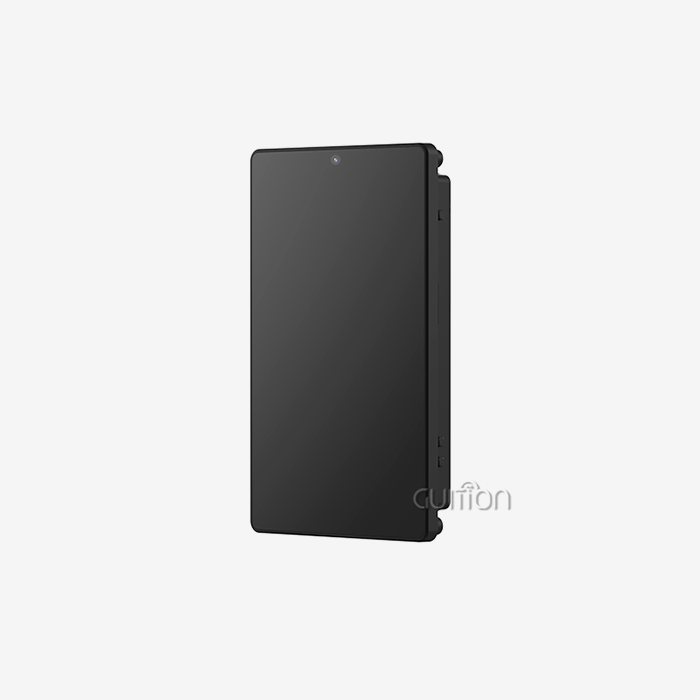
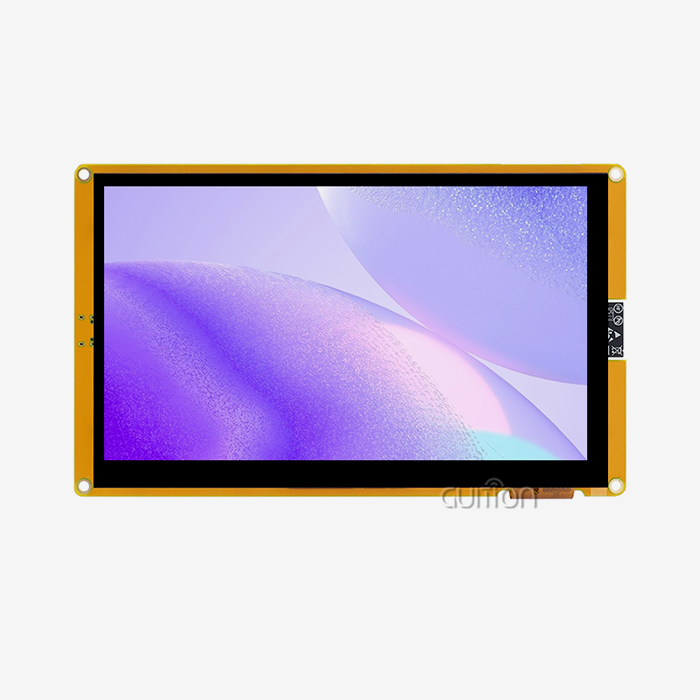
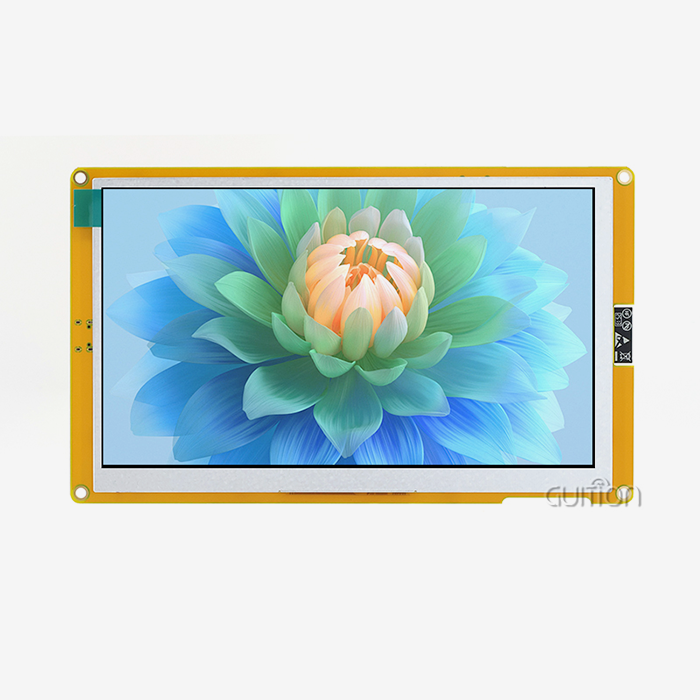
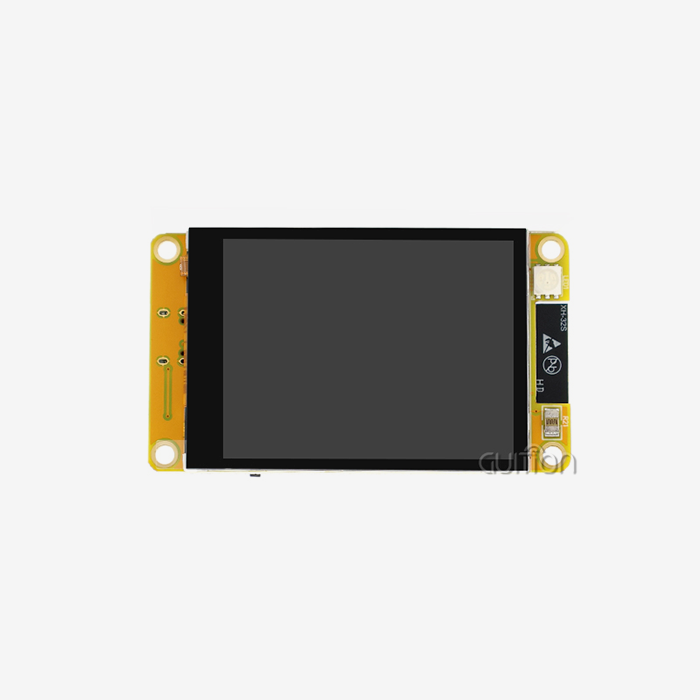
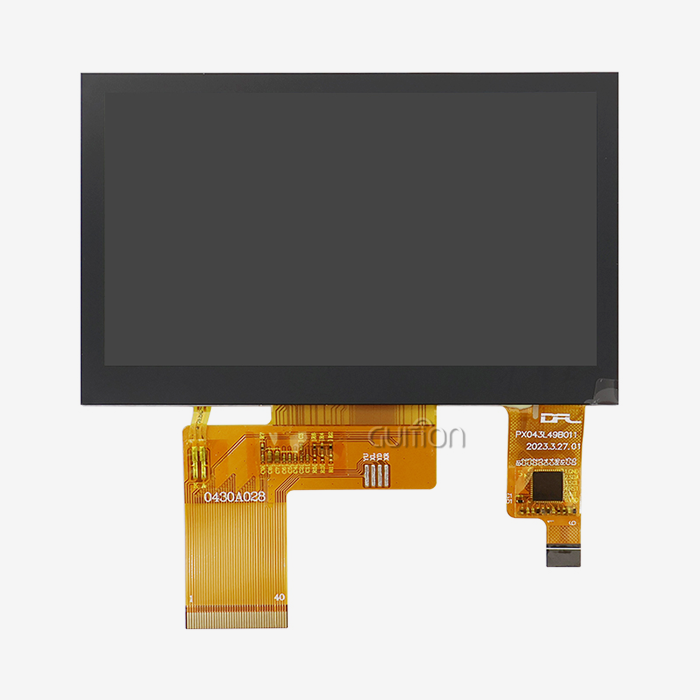
Modern sensitive touch options, like the GUITION JC4827Q343C_I, do a good job of showing how this process process works together. This 4.3-inch module has a 480x272 IPS display with fast capacitive touch functions. It is based on the powerful Artinchip D121BAV MCU, which runs at 400 MHz. The single-core design gives embedded apps enough processing power to display graphics smoothly and respond to touch input.
Traditional Button Limitations
Many business applications have relied on mechanical buttons that work efficiently by using physical mechanisms to record user input. However, these traditional interfaces have many problems, such as mechanical wear from being used over and over, restricted design freedom, and the ability to become contaminated by the environment. Exposure to dust, water, and chemicals can make buttons less useful, which can lead to more repair needs and even system problems.
Market Demand Evolution
Many business-to-business clients are thinking about changing traditional buttons with capacitive touch display modules because the market wants better user experiences and easier gadget operation. This change makes operations more efficient, the building look more modern, and the functions work better, all while meeting the needs of industry performance. This change is part of a larger trend in the factory, medical, and robotics industries toward digitization and integrating smart devices.
Comparing Capacitive Touch Modules with Mechanical Buttons and Other Touch Technologies
When you compare capacitive touch display modules to mechanical buttons, you can see a number of important performance differences that affect the choice of which to use in industrial and business settings.
Response Time and User Experience
When compared to mechanical buttons, capacitive touch display modules generally respond faster, picking up touch events within milliseconds of contact. This makes it easier for users to connect with the device and lets it have advanced features like motion recognition and the ability to use more than one touch. To turn on internal switches on traditional mechanical buttons, they have to be physically pressed down. The procedure causes mechanical delays and limits input options to simple on/off states.
Durability and Maintenance Considerations
The study of durability shows that capacitive touch technology has big benefits. Capacitive touch display modules avoid the mechanical wear that plagues conventional buttons because they lack moving parts. Industrial-grade capacitive solutions can last for millions of touch cycles without breaking down. On the other hand, mechanical buttons may stop working after hundreds of thousands of uses because the springs wear out, the contacts rust, or the case breaks down.
The amount of maintenance needed for these systems is very different. Maintenance for capacitive touch screens is limited to cleaning the surface every so often. On the other hand, mechanical button systems need to be inspected and oiled, and old parts need to be replaced on a regular basis. This difference is especially important in workplace settings where upkeep may be hard to get to or cost a lot.
Technology Comparison Matrix
Touch display modules with capacitive technology compete with other touch sensor technologies besides mechanical buttons. Each has its pros and cons. Pressure-sensitive layers in resistive touch modules make them cheaper at first, but they lose visual clarity and sensitivity. Because users must apply pressure, touches are less natural and may not work with gloves or sensitive apps.
While infrared touch technologies work excellent for outdoor uses and large-format screens, they tend to use more power and are less accurate in tough environments. While surface acoustic wave (SAW) technology offers exceptional clarity, it is susceptible to contamination and requires meticulous environmental protection.
Environmental Performance Factors
To choose the best touch technology, you need to carefully look at how the B2B business works. In industrial settings, solutions need to be tough enough to handle changes in temperature, pressure, electromagnetic interference, and chemical exposure. Capacitive touch display modules made for industrial use have special controller algorithms, protective coatings, and sealed housings to ensure effective operation even in harsh environments.
The Advantages and Challenges of Replacing Buttons with Capacitive Touch Display Modules
Moving from mechanical buttons to capacitive touch display modules has many benefits, but it also comes with some application issues that need to be carefully thought through during system design and operation.
Flexible User Interface Capabilities
Through software-defined controls, capacitive touch display modules offer a great deal of interface freedom. Touch screens can change their layout based on operating modes, user preferences, or system states, unlike mechanical buttons that stay in place. Without changing the hardware, engineers can add context-sensitive options, support for multiple languages, and adaptable layouts. Such flexibility is shown by the GUITION development platform, which has drag-and-drop interface design tools that let you make quick prototypes and make changes.
This method is based on software, which greatly simplifies the hardware while adding more useful options. A single capacitive touch display module can replace dozens of mechanical keys, switches, and warning lights. This makes putting together the device easier and lowers the cost of the parts. The new platforms have more visible input, like graphics, animations, and real-time data visualization that wasn't possible with older systems that used buttons.
Environmental Resistance and Sealing
The closing properties of capacitive touch display units make them very useful in industrial settings. With the right design, these systems can achieve IP65, IP67, or even IP68 grades, which indicate their level of protection against water, dust, and chemicals. The sealed, smooth surface gets rid of the cracks and holes around mechanical buttons where dirt and dust tend to gather.
Advanced surface processes make it even more resistant to the surroundings. Anti-fingerprint coatings make care easier, and anti-glare treatments make things easier to see in bright workplace lighting. Chemical-resistant glass choices keep you safe from cleaning products, oils, and industrial solvents that are common in factory settings.
Implementation Challenges and Solutions
Despite the benefits of capacitive touch display modules, the planning process must consider their inherent problems. Strong methods that maintain accuracy across a range of temperature and humidity levels are necessary, as calibration needs vary depending on the surroundings. Because it is sensitive to wetness, electromagnetic interference, and wearing gloves, the controller needs to be fine-tuned, and the surroundings need to be looked at carefully.
When designing a touch interface, human factors must be taken into account to make sure that the interface doesn't get activated by mistake and that planned inputs are reliable. Using the right types of feedback—visual, audible, or haptic—helps users confirm that they were able to register a touch. This is especially important in busy industrial settings where voice feedback might not work.
Real-World Implementation Success
Integrators of manufacturing equipment say that adding capacitive touch display panels has made a big difference in the amount of time needed to train operators and the freedom of the interface. With sealed touch screens, medical device makers can sterilize their products more easily and make sure that people follow cleanliness rules better. These useful advantages lead to measured returns on investment through lower maintenance costs, higher output, and happier users.
Procurement Insights for Capacitive Touch Display Modules in B2B Markets
To ensure you obtain the right capacitive touch display panels for your project that will function effectively over time, you need to understand the industry standards, the suppliers' skills, and the market dynamics.
Technical Specification Requirements
Industrial capacitive touch display units have to meet strict performance and environmental standards. For most uses, the temperature range is between -20°C and +70°C. Industrial-grade units can operate in temperatures ranging from -30°C to +85°C in harsh environments. Resistance to humidity, shaking, and electromagnetic compatibility (EMC) approval makes sure that the device will work reliably in harsh industrial settings.
Display specs greatly affect user interaction and app compatibility. With a 480x272 IPS (in-plane switching) screen that offers 65K colors and wide viewing angles, the GUITION JC4827Q343C_I has well-balanced specs. The 400MHz D121BAV MCU (microcontroller unit) has enough processing power for fast touch handling and smooth graphical operations. It also uses a decent amount of power for battery-powered apps.
Supply Chain and Quality Considerations
When choosing suppliers for capacitive touch display modules, business-to-business buying teams must look at the suppliers' qualifications, quality systems, and long-term security. Strong quality management systems are needed for important tasks, as shown by ISO 9001 approval, IATF 16949 quality standards for cars, and ISO 13485 compliance for medical devices, which ensure that products meet specific quality requirements in their respective industries.
Chinese companies dominate the global market for capacitive touch display modules due to their low prices and improved manufacturing skills. To make sure that products always work well and are reliable, though, procurement pros need to check that suppliers have the right certifications, do site audits, and set clear quality agreements.
Cost Optimization Strategies
When you buy a lot of capacitive touch display modules, you can save money by taking advantage of economies of scale. However, you need to carefully plan your minimum order numbers and wait times. Engineering models and small amounts used for prototyping help make sure that plans work before placing large orders. Custom interface design can make goods stand out and improve user experiences for certain apps, but it does come with extra costs.
Shipping procedures, customs issues, and managing supplies all have an effect on the total cost of ownership, which goes beyond the price of each unit. Getting in touch with experienced suppliers of capacitive touch display modules who know how to handle global shipping will make sure that the project goes more smoothly and lowers the risks in the supply chain.
Future Trends and Strategic Recommendations for Transitioning from Buttons to Capacitive Touch Displays
The strategy landscape for adopting capacitive touch display technology is shaped by new technologies and market trends. To stay ahead of competition in changing industrial markets, companies need to think ahead.
Technological Innovation Trajectories
Advanced sensitive touch display modules are increasingly utilizing artificial intelligence for predictive maintenance, flexible user interfaces, and enhanced security. Machine learning systems analyze user behavior to enhance interface styles and identify potential issues before they arise. These smart systems lower the costs of running the business while also making users more productive and the system more reliable.
Integration with platforms for the Internet of Things (IoT) lets you watch and handle things from afar in ways that go far beyond standard button interfaces. Capacitive touch display modules with wireless connection make it easier to collect real-time data, analyze performance, and fix problems from afar, which gives equipment makers new ways to make money from services.
Cost-Benefit Analysis Framework
For B2B (business-to-business) clients to explain switching from mechanical buttons to capacitive touch display modules, they need to do in-depth cost-benefit studies. Initial implementation costs are usually higher than with standard button systems, but the long-term benefits, such as less upkeep, better usefulness, and better user experiences, usually make up for it.
Lifecycle cost factors include reducing development time with easy-to-use design tools, making assembly simpler, and making it easier to keep track of supplies. Because capacitive touch display modules are software-defined, they can have new features and changes added after they have been deployed, which is not possible with set mechanical connections.
Strategic Implementation Planning
To make the switch to capacitive touch display modules go smoothly, there needs to be careful planning and agreement among all stakeholders. Engineering teams need to learn how to use software tools, create touch interfaces, and think about human factors. The GUITION platform's detailed instructions, online development tools, and expert support services simplify this change.
Strategies for lowering risks should take into account possible problems like electromagnetic interference in factories, getting used to touch screens for users, and having backup ways to enter important safety information. Phased application methods let you make the change slowly while keeping operations running smoothly and getting feedback from users to improve the interface, which is the way users interact with the system.
Conclusion
In many industrial and business settings, capacitive touch display modules offer an appealing alternative to conventional mechanical buttons. Their longer life, more flexible interfaces, and resistance to harsh environments make up for some of the problems with regular button systems while allowing for advanced features that aren't possible with mechanical interfaces. The GUITION JC4827Q343C_I is a great example of current technology because it has responsive touch sensors, powerful processing, and easy-to-use software tools. For adoption to go well, environmental needs, user needs, and cost-benefit factors must all be carefully thought through. When companies switch to touch-based displays, strategic planning and relationships with suppliers help them get the best results.
FAQ
Q: Can capacitive touch displays work reliably in harsh industrial environments?
A: Modern industrial-grade sensitive touch display units are very reliable in harsh environments thanks to special design elements. Protective coatings, sealed housings, and strong driver algorithms make it possible for these devices to work in settings with high humidity, electromagnetic interference, and temperature ranges from -30°C to +85°C. The GUITION JC4827Q343C_I is built to military-grade standards for stability so it can work in harsh industrial circumstances and still respond to touches.
Q: How hard is it to calibrate sensitive touch devices versus mechanical buttons?
A: While mechanical buttons don't need to be calibrated, capacitive touch display modules do. Modern touch controls, on the other hand, have automatic calibration systems that adjust to changes in the surroundings and the effects of getting older. The GUITION development platform makes tuning easier by providing automated tools and detailed instructions, which makes things easier for engineering teams.
Q: What are the power consumption implications of replacing buttons with touch displays?
A: Due to their active display backlighting and touch-detecting circuits, capacitive touch display modules generally use more power than mechanical keys. But smart power management features like sleep modes, automatic brightness adjustments, and selected area action keep power use to a minimum. The D121BAV processor in GUITION modules makes the best use of power while keeping responsiveness for battery-powered applications.
Transform Your Interface Design with Advanced Capacitive Touch Solutions
Are you ready to change the way people interact with machines using cutting-edge technology for sensitive touch display modules? Guition offers complete HMI (Human-Machine Interface) solutions that get rid of the problems with old-fashioned mechanical buttons and offer the best development freedom and industrial reliability. Our JC4827Q343C_I module has a strong 400 MHz processor, capacitive touch detection that responds, and easy-to-use software tools that help you get your product to market faster.
Talk to David at david@guition.com about how our expertise in making sensitive touch display modules can help your next project. Find out why top OEMs trust Guition for mission-critical touch interface applications in smart equipment, medical devices, and industrial automation by asking for samples and talking about volume prices.
References
1. Smith, J.A., & Chen, M. (2024). "Industrial Touch Interface Design: Comparative Analysis of Capacitive vs. Resistive Technologies." Journal of Human-Machine Interface Engineering, 15(3), 45-62.
2. Williams, R.K., et al. (2023). "Environmental Reliability Testing of Capacitive Touch Display Modules in Manufacturing Applications." International Conference on Industrial Electronics and Control Systems, San Francisco, CA.
3. Thompson, L.M., & Rodriguez, P. (2024). "Cost-Benefit Analysis of Touch Interface Implementation in B2B Equipment Markets." Industrial Automation Quarterly, 28(2), 112-128.
4. Anderson, K.J. (2023). "Electromagnetic Compatibility Considerations for Capacitive Touch Systems in Industrial Environments." IEEE Transactions on Industrial Electronics, 41(4), 289-305.
5. Liu, X., & Patel, S. (2024). "User Experience Optimization in Industrial Touch Interface Design: A Comparative Study." Ergonomics in Manufacturing Technology, 19(1), 78-94.
6. Johnson, M.R., et al. (2023). "Supply Chain Analysis of Capacitive Touch Display Module Manufacturing: Quality and Reliability Factors." International Journal of Production Research, 33(8), 156-173.
Learn about our latest products and discounts through SMS or email