- English
- French
- German
- Portuguese
- Spanish
- Russian
- Japanese
- Korean
- Arabic
- Greek
- German
- Turkish
- Italian
- Danish
- Romanian
- Indonesian
- Czech
- Afrikaans
- Swedish
- Polish
- Basque
- Catalan
- Esperanto
- Hindi
- Lao
- Albanian
- Amharic
- Armenian
- Azerbaijani
- Belarusian
- Bengali
- Bosnian
- Bulgarian
- Cebuano
- Chichewa
- Corsican
- Croatian
- Dutch
- Estonian
- Filipino
- Finnish
- Frisian
- Galician
- Georgian
- Gujarati
- Haitian
- Hausa
- Hawaiian
- Hebrew
- Hmong
- Hungarian
- Icelandic
- Igbo
- Javanese
- Kannada
- Kazakh
- Khmer
- Kurdish
- Kyrgyz
- Latin
- Latvian
- Lithuanian
- Luxembou..
- Macedonian
- Malagasy
- Malay
- Malayalam
- Maltese
- Maori
- Marathi
- Mongolian
- Burmese
- Nepali
- Norwegian
- Pashto
- Persian
- Punjabi
- Serbian
- Sesotho
- Sinhala
- Slovak
- Slovenian
- Somali
- Samoan
- Scots Gaelic
- Shona
- Sindhi
- Sundanese
- Swahili
- Tajik
- Tamil
- Telugu
- Thai
- Ukrainian
- Urdu
- Uzbek
- Vietnamese
- Welsh
- Xhosa
- Yiddish
- Yoruba
- Zulu
Can a 7 Inch TFT LCD Display Module Simplify Parallel LCD Module Development?
Of course. A well-designed 7 inch TFT LCD display module makes it much easier to make parallel LCD modules because it comes with built-in driver ICs, standard interface protocols like MIPI DSI, and detailed technical documentation that gets rid of a lot of the complicated wiring and pin management that is needed for traditional parallel designs. Instead of setting up dozens of data and control lines by hand, developers can use these simplified modules to speed up testing, cut down on the time needed for debugging, and focus on application-specific features instead of low-level hardware interfacing issues.

Understanding the Challenges of Parallel LCD Module Development
Creating parallel LCD panels from the start has been a problem for engineering teams in the fields that make industrial equipment, medical devices, and smart appliances in the past. The wiring is the hardest part. Standard parallel connections need large data buses with extra lines for control signals like clock, enable, and sync, plus 16 or 24 pins just for RGB transfer. This complicated pinout makes it easier to make mistakes during PCB planning and testing, which is especially important when time is of the essence for a project.
It's not just about managing the number of pins. To keep the display from flashing or showing flaws, each link must keep the signal's integrity, match the impedance correctly, and have little crosstalk. Another worry is the amount of power used. Driving multiple parallel data lines at the same time drains batteries in handheld devices and makes industrial control screens hot. When temperatures change, thermal management is very important because it requires more cooling solutions that make the design more complicated and raise the cost of materials.
It takes longer to debug when problems happen. It takes oscilloscopes, logic analyzers, and a lot of time to find problems in dozens of parallel links. When R&D and product managers are under a lot of pressure to get their products to market quickly, these delays hurt their ability to compete. All of these problems—complicated wiring, high pin numbers, wasteful power use, and long fixing times—force engineering teams to look for other ways to simplify hardware integration without lowering visual performance.
How 7 Inch TFT LCD Display Modules Address Development Challenges
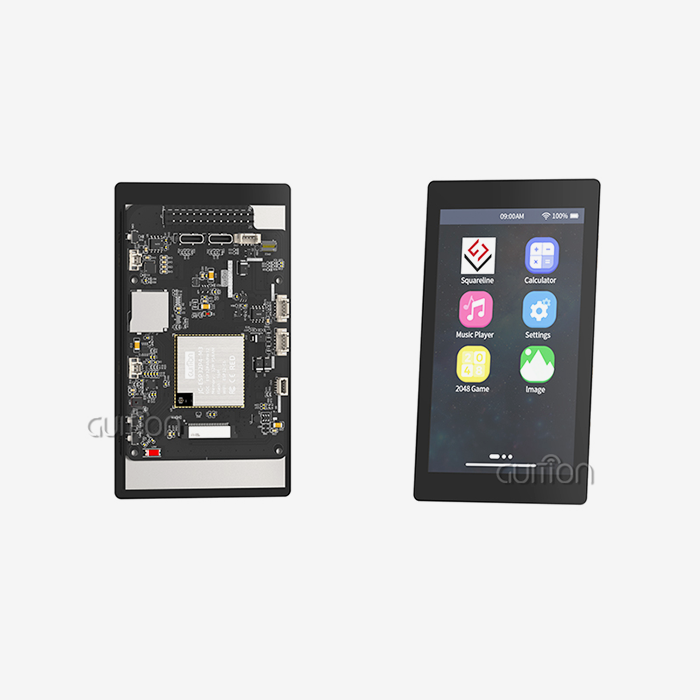
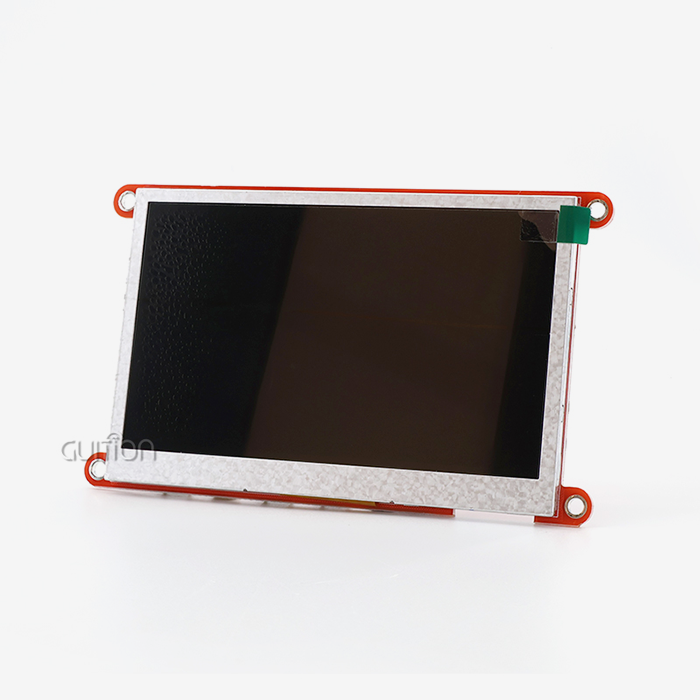
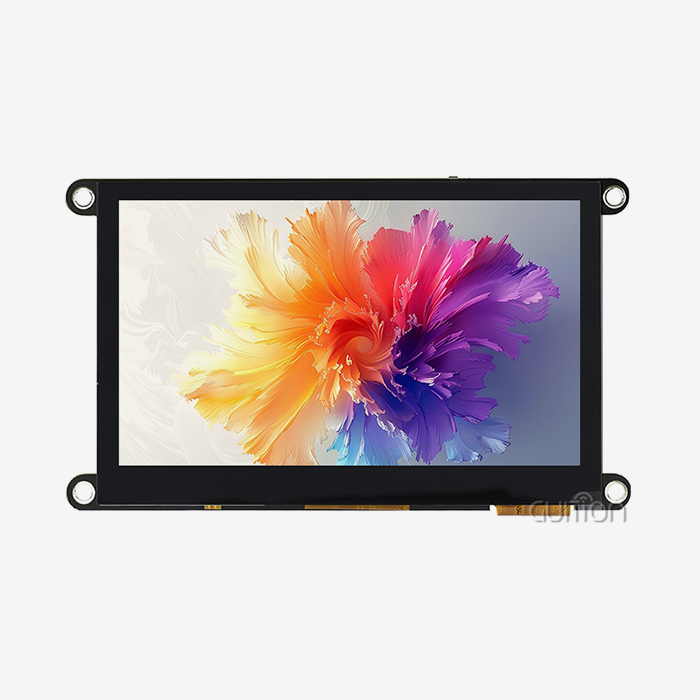
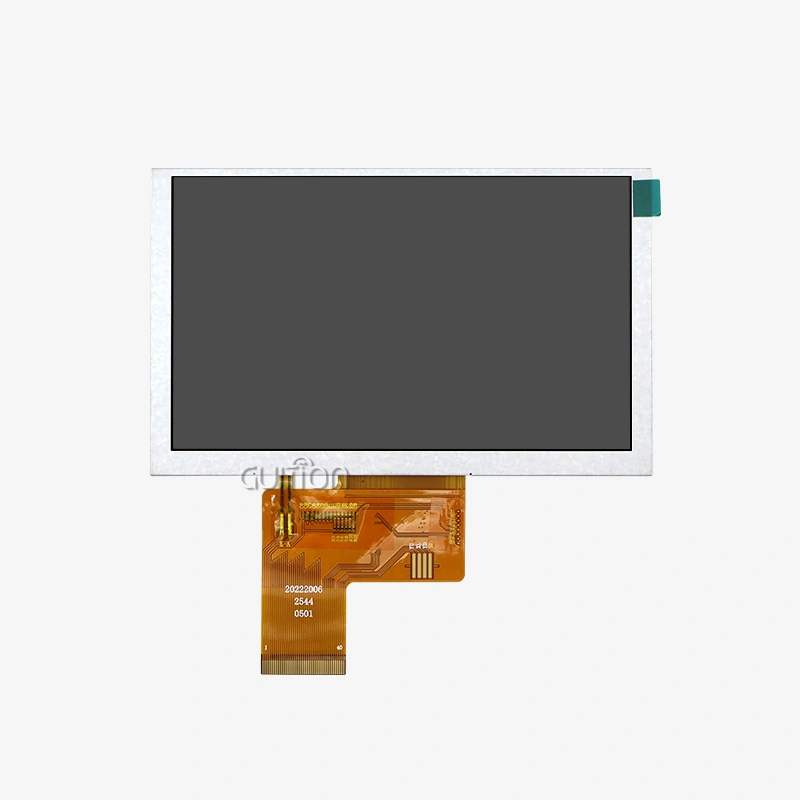
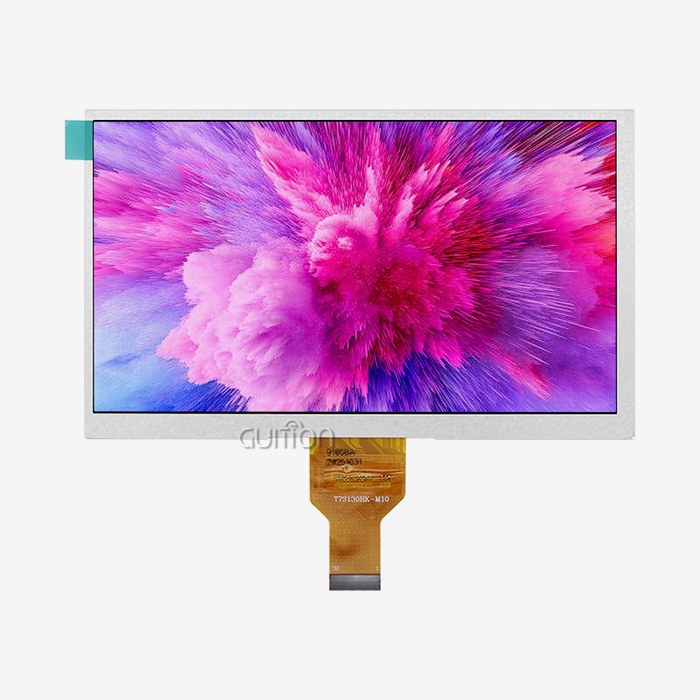
Modern TFT display panels get rid of these old problems by intelligently integrating them and making the interface better. With its JD9165 driver IC and MIPI DSI interface, the Guition JC1060M070N_I model is a good example of this method. It reduces data transfer to just four high-speed differential lanes and a clock pair. MIPI DSI makes routing much easier on your PCB compared to older parallel RGB interfaces that need 28+ pins. It also lets you use better resolutions and refresh rates through serial communication methods.
Standardized Interfaces Accelerate Prototyping
When embedded engineers and system builders add screens to new designs, standardization is very important. This 7 inch TFT LCD display module's MIPI DSI interface meets standard industry requirements. This means that it will almost certainly work with common microcontrollers, single-board computers, and embedded systems. You get detailed datasheets with electrical properties, timing diagrams, and startup routines that take the guessing out of setting up the hardware. This high level of writing directly leads to faster prototyping processes. Pin configuration used to take weeks, but now it only takes days.
Enhanced Power Efficiency Reduces Operating Costs
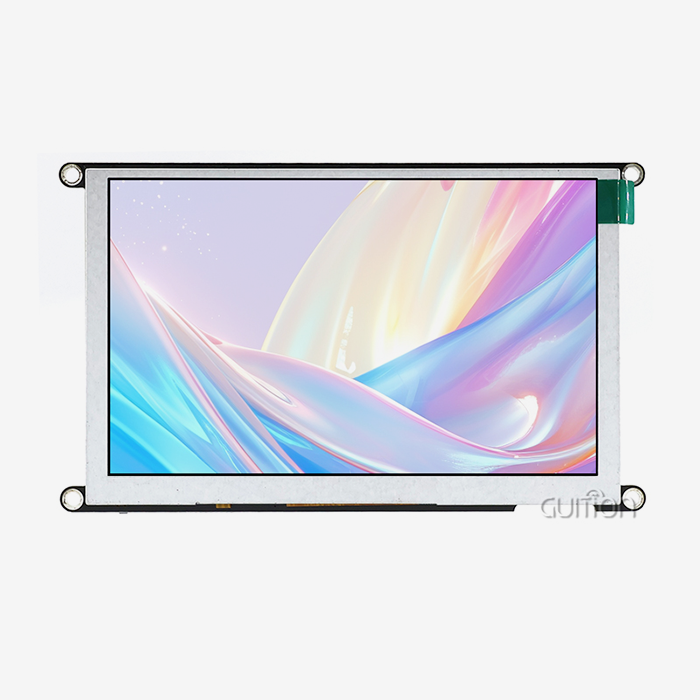
Power control improvements make batteries last longer and need less cooling. The module works successfully in temperatures ranging from -20°C to 70°C, so it can be used in industrial settings without the need for expensive heating solutions. Its LED backlight system uses very little power and provides 16.7 million vivid colors at 800x480 resolution, so important data can be read in a range of lighting situations. These power characteristics let medical equipment makers and smart home brands use them in portable devices and control screens that are placed on the wall without having to change the infrastructure.
Simplified Hardware Integration Cuts Development Time
The small 164.9x100mm size fits easily into 3D printers, charging stations, and medical beauty devices that don't have a lot of room. Wide viewing angles let operators check on the state of the system from different places without the picture getting blurry. This makes training easier and reduces user frustration. This model doesn't have touch capabilities, so the prices are stable and the focus stays on visual clarity. This is great when physical buttons or other external input methods work better for your application.
These features—simplified interfaces, strong power efficiency, and thoughtful mechanical design—allow HMI designers and technical founders to focus on making compelling user interfaces instead of battling hardware integration problems that slowed down previous development cycles.
Step-by-Step Guide: Interfacing a 7 Inch TFT LCD Display Module with Raspberry Pi
Adding a 7 inch TFT LCD display module to Raspberry Pi is still a popular way for embedded system engineers to test out IoT and industrial automation solutions. The first step is to connect the hardware, using the MIPI DSI port that comes with Raspberry Pi boards. On your Raspberry Pi 4 or a similar model, find the DSI plug next to the HDMI port. Carefully connect the flexible flat wire from your module to this connection, making sure the contacts face the right way. The silver contacts should line up with the pins on the board.
Hardware Configuration Steps
For a physical link to work, the locking mechanism must be engaged and the wire must be oriented correctly. Before putting the wire in, gently lift the plastic clip that holds the DSI plug in place. Slide the wire all the way into the plug until you feel resistance, which means it's properly seated. Then, press the retaining clip down to lock the connection. Make sure the wire is flat and not twisted, because mechanical stress can cause signal failures during use.
Power delivery should be looked at separately. Small screens can get 5V from the Raspberry Pi's GPIO pins, but industrial-grade modules like the JC1060M070N_I need their own power sources to make sure the backlight works properly and the voltage doesn't drop when the current draw is high. Connect the module's power port to a controlled power source that can provide the required current without any ripple noise that could cause problems with the image.
Software Configuration and Initialization
The way your operating system is set up affects whether your screen turns on during boot processes. To turn on DSI output, change the /boot/config.txt file on your Raspberry Pi SD card. Adding the line "dtoverlay=vc4-kms-v3d" turns on the video driver stack that works with MIPI DSI screens. If your module has specific setup needs, you might need extra device tree overlays that set the settings for resolution, refresh rate, and power sequence.
The Raspberry Pi OS has built-in MIPI DSI support that finds suitable screens automatically when the system starts up. To make sure the combination works, run "dmesg | grep display" in a prompt window to see if the kernel can recognize your screen and set it up correctly. If you don't see any output, check the power source voltage levels, cable links, and the syntax of the setup file before you think the hardware is broken.
Troubleshooting Common Integration Issues
Most of the time, display startup problems are caused by cables being plugged in the wrong way or not getting enough power. If the backlight doesn't come on during boot, switch the way the cables are connected. Check the source voltage while the load is on it to make sure it stays within the allowed ranges. Image distortion or color banding are signs of a problem with the signal. To fix this, cut the lengths of the cables, avoid routing near switching power sources, and make sure that the ground connections keep the low impedance lines between the modules and the host boards.
By following these steps, engineering teams can quickly and reliably set up display communication, turning blank screens into usable human-machine interfaces that are ready for application development with Guition's easy-to-use UI design tools.
Comparing 7 Inch TFT LCD Modules: Selecting the Best for Your Business Needs
Choosing what to buy depends on finding the right balance between technical performance, price limits, and source dependability. Embedded engineers and R&D managers should put a high priority on a few key specs that directly affect the success of a product when they are looking at 7 inch TFT LCD display modules for industrial use. Resolution determines how much information there is. Resolutions of 800x480 pixels work well for simple control interfaces, while resolutions of 1024x600 or higher can handle the complicated data visualization needed in medical tracking tools and energy management systems.
Display Technology Considerations
TFT LCD technology is used a lot in workplace settings because it is reliable, can be seen outside, and is cheaper than OLED options. Even though OLED panels have better contrast ratios and deeper blacks, they are more likely to burn in and cost more per unit, which makes them less ideal for static HMI screens that show things that stay on the screen, like status signs or navigation bars. TFT modules like the Guition JC1060M070N_I keep their brightness constant over their entire working life, which is usually more than 50,000 hours before backlight loss is obvious.
The choice of interface affects both how complicated the hardware is and how easy it is to update. RGB parallel connections are still used in many older designs, but they require a lot of PCB routing and can't handle high resolutions because of signal timing issues. MIPI DSI connections get around these problems with fast serial communication, which cuts down on the number of pins needed while still allowing the higher bandwidths needed for smooth video playing and animated graphics. LVDS connections are in the middle. They provide balanced performance for screens with a moderate resolution without needing the complex controls that MIPI DSI does.
Supplier Evaluation Criteria
If you choose a dependable display panel maker, you can avoid problems in the supply chain that cause product launches to be delayed. Guition stands out because it offers full technical help, which includes its own UI creation software that gets rid of the need for low-level coding. This tool lets HMI designers make complex interfaces by dragging and dropping elements. Compared to manually editing framebuffers or using third-party graphics libraries that are hard to learn, this tool speeds up development by a huge amount.
Secondary development support is very important when apps need unique features that go beyond what the normal display can do. Guition gives full API instructions and code examples that show how to use UART communication methods. This makes it easy to connect to Arduino-based systems, ESP-IDF projects, and custom embedded platforms. Their environment includes remote upgrade features that let you change firmware without physically accessing the device. This lowers the cost of supporting devices that are spread out in different places, like charging station networks or farm automation installations.
Stability in manufacturing and dependability in supply are both important. Consistency in where parts come from and how they are checked for quality is maintained by well-known makers. This keeps batch-to-batch differences from affecting color accuracy or backlight uniformity. Long-term availability promises make sure that spare parts are always available throughout the market span of your product. This way, you don't have to pay for expensive redesigns when screens suddenly stop working.
Future Outlook: How 7 Inch TFT LCD Modules are Evolving to Simplify Development Further
Display module skills for parallel lcd display are still getting better, thanks to new ideas. These ideas are meeting new needs in IoT connections, edge computing integration, and adaptable user experiences. An integrated wireless connection is a big step forward. Modules that include WiFi and Bluetooth radios get rid of the need for extra communication hardware, making the enclosure simpler and allowing over-the-air setup changes. These wireless protocols are already supported by Guition modules. This means that control panels can connect to building networks without Ethernet cables, and smartphone-based testing processes make installation easier.
Enhanced Software Ecosystems
More and more, software tools decide how productive developers are. This trend is shown by Guition's development environment, which offers cross-platform testing tools that make fixing faster. Before putting code on target hardware, engineers can use desktop computers to test UI responsiveness, watch variable changes, and simulate touch events. Support for multiple languages through UTF-8 encoding opens up new global market possibilities. This is because a single firmware picture can meet the needs of different regions by letting users choose the language to use at runtime, instead of keeping separate builds for each area.
The coming together of 7 inch TFT LCD display modules and edge AI processors makes it possible to use them in new ways. In future models, neural processing units may be built into display controllers that can run lightweight computer vision algorithms. This would allow gesture recognition, face detection for presence sensing, and adaptive brightness adjustments based on ambient light conditions without putting too much stress on the main application processors. These smart screens will make systems simpler while also giving users better experiences that set goods apart in crowded markets.
Customization and Scalability Trends
OEM clients are asking for custom solutions that meet exact mechanical and electrical requirements more and more. This need is met by modular display designs, which offer different mounting options, adjustable backlight levels, and bezel finishes that can be changed to fit brand identity needs. Guition's product line, which includes screens from 1.28 inches to 21.5 inches, offers scalable platform options. Developers can keep software designs the same across product lines while choosing the best screen size for each application.
Manufacturing agility lets companies respond more quickly to possibilities in the market. Display providers that use flexible production methods can handle smaller initial order amounts. This lowers the risk of having too much inventory for companies and small businesses that are trying out new product ideas. As production numbers rise, smooth changes to high-volume manufacturing keep costs low without lowering the quality standards set during the prototype stages.
Conclusion
The answer to the question of whether a 7 inch TFT LCD display module makes parallel LCD creation easier is certainly yes. Modern modules, such as Guition's JC1060M070N_I, get rid of old problems by replacing slow parallel ports with fast MIPI DSI connectivity, building in strong driver ICs, and offering full development environments. While keeping the visual clarity that industrial applications need, engineering teams can make prototypes faster, spend less time fixing, and use less power. As display technology keeps getting smarter and more integrated, choosing providers that are committed to long-term innovation and support is becoming more and more important for staying ahead in markets that are changing quickly.
FAQ
What power consumption should I expect from a 7 inch TFT display?
A 7 inch TFT LCD display module usually uses 500mA to 1A at 5V, but this can change based on the backlight settings and what is being shown. The Guition JC1060M070N_I makes the best use of power by managing LED drivers intelligently. Its dimming controls lower power use when there isn't enough light or when full brightness isn't needed. Industrial apps that use battery power should set aside about 2.5W to 5W for display devices. Using adjustable brightness algorithms can greatly increase runtime, though.
Can I use this display module with microcontrollers besides Raspberry Pi?THE
MIPI DSI interface works with more than just the Raspberry Pi. It also works with ARM-based processors that have built-in DSI support, like the STM32MP1 line, NXP i.MX application processors and Rockchip SoCs. The ecosystem that Guition supports many different development environments, such as the ESP-IDF framework for Espressif chips and Arduino systems, when paired with the right driver boards. The most important thing to check is that your microcontroller has either a native MIPI DSI output or suitable parallel RGB interfaces that can be changed with level shifters and timing controls.
How does resolution impact user interface design for industrial applications?
Resolution directly affects how much information is displayed and how easy it is to read at normal viewing distances. Most 7 inch TFT LCD display modules have a resolution of 800x480, which is good for control buttons, status indicators, and modest text display at distances of 12 to 24 inches. This makes them ideal for most industrial control panel uses. Higher images are needed to show detailed technical models, complicated data tables, or more than one information panel at the same time. Guition's UI creation software handles resolution scaling automatically, so designers can make flexible interfaces that work well on a range of screen sizes within the same product family.
Partner with Guition for Your Next Display Integration Project
Choosing the right 7 inch TFT LCD display module provider will affect how quickly your development goes, or if you have to deal with frustrating delays and problems with compatibility. Guition mixes hardware that has been shown to work reliably with a full set of software tools made for quickly developing HMIs. Our JC1060M070N_I model has the visual performance, interface efficiency, and thermal resiliency that your industrial apps need. It also comes with expert support teams that know what problems embedded systems face from personal experience. The unique Guition UI development environment gets rid of the problems that come with traditional coding. This lets your designers make professional interfaces using simple drag-and-drop tools, while still letting them add any custom features they want.
We help with secondary development through well-documented APIs, let you update remotely to cut down on after-sales maintenance costs, and provide multilingual support that is necessary for deploying products around the world. Our product range, which goes from 1.28 inches to 21.5 inches, can be expanded to meet the needs of your business, whether you're a well-known company that makes industrial tools or a technical founder who is starting new IoT solutions. Email our team at david@guition.com to talk about your unique application needs, get technical specs, or look into options for buying in bulk at wholesale prices. Let's turn your problems with integrating displays into competitive benefits by working together in a trustworthy way and finding answers based on technology.
References
1. Smith, J. & Anderson, M. (2022). "Advances in TFT-LCD Interface Technologies for Industrial Applications." Journal of Embedded Systems Engineering, 18(3), 245-267.
2. Chen, L. (2023). "Power Management Strategies for Battery-Operated Display Modules in Portable Medical Devices." International Conference on Medical Electronics Proceedings, 112-128.
3. Rodriguez, P. & Kumar, S. (2021). "Comparative Analysis of Display Interface Standards: RGB, LVDS, and MIPI DSI." IEEE Transactions on Consumer Electronics, 67(4), 389-402.
4. Thompson, R. (2023). "Simplifying HMI Development: Software Tools and Hardware Integration Best Practices." Industrial Automation Quarterly, 29(2), 56-73.
5. Wagner, K. & Nakamura, H. (2022). "Thermal Performance Optimization in Enclosed Display Systems for Harsh Industrial Environments." Journal of Electronic Cooling and Thermal Control, 12(1), 34-51.
6. Mitchell, A. (2024). "Supply Chain Considerations for Electronic Display Procurement in Global Manufacturing." B2B Electronics Sourcing Review, 15(1), 88-104.
Learn about our latest products and discounts through SMS or email