- English
- French
- German
- Portuguese
- Spanish
- Russian
- Japanese
- Korean
- Arabic
- Greek
- German
- Turkish
- Italian
- Danish
- Romanian
- Indonesian
- Czech
- Afrikaans
- Swedish
- Polish
- Basque
- Catalan
- Esperanto
- Hindi
- Lao
- Albanian
- Amharic
- Armenian
- Azerbaijani
- Belarusian
- Bengali
- Bosnian
- Bulgarian
- Cebuano
- Chichewa
- Corsican
- Croatian
- Dutch
- Estonian
- Filipino
- Finnish
- Frisian
- Galician
- Georgian
- Gujarati
- Haitian
- Hausa
- Hawaiian
- Hebrew
- Hmong
- Hungarian
- Icelandic
- Igbo
- Javanese
- Kannada
- Kazakh
- Khmer
- Kurdish
- Kyrgyz
- Latin
- Latvian
- Lithuanian
- Luxembou..
- Macedonian
- Malagasy
- Malay
- Malayalam
- Maltese
- Maori
- Marathi
- Mongolian
- Burmese
- Nepali
- Norwegian
- Pashto
- Persian
- Punjabi
- Serbian
- Sesotho
- Sinhala
- Slovak
- Slovenian
- Somali
- Samoan
- Scots Gaelic
- Shona
- Sindhi
- Sundanese
- Swahili
- Tajik
- Tamil
- Telugu
- Thai
- Ukrainian
- Urdu
- Uzbek
- Vietnamese
- Welsh
- Xhosa
- Yiddish
- Yoruba
- Zulu
Can a 3.5 inch ESP32S3 display module use Arduino?
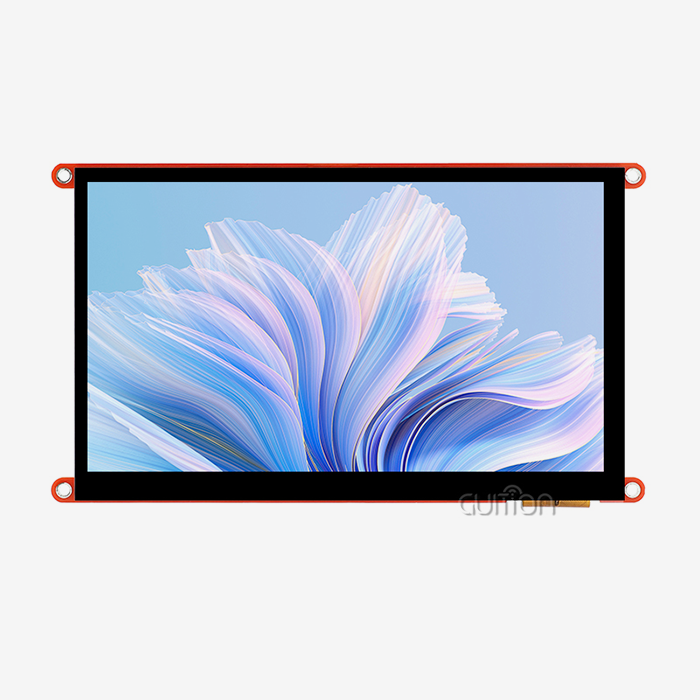
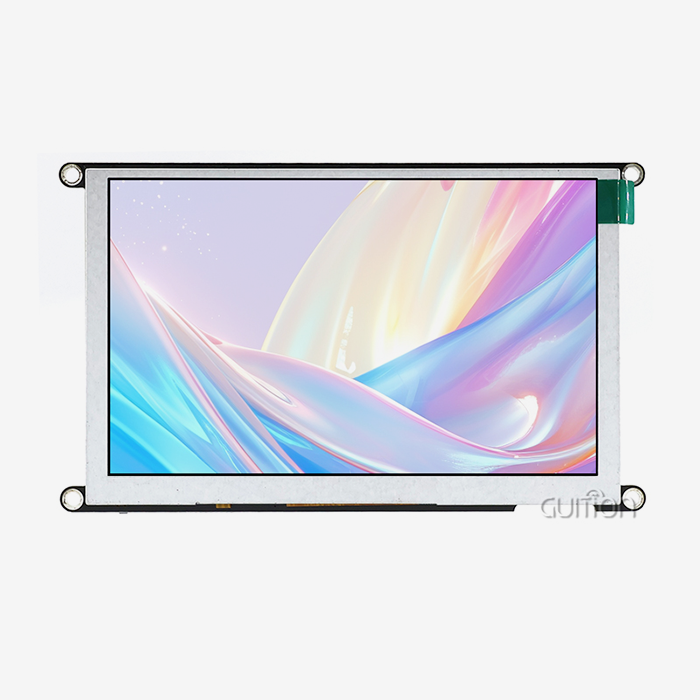
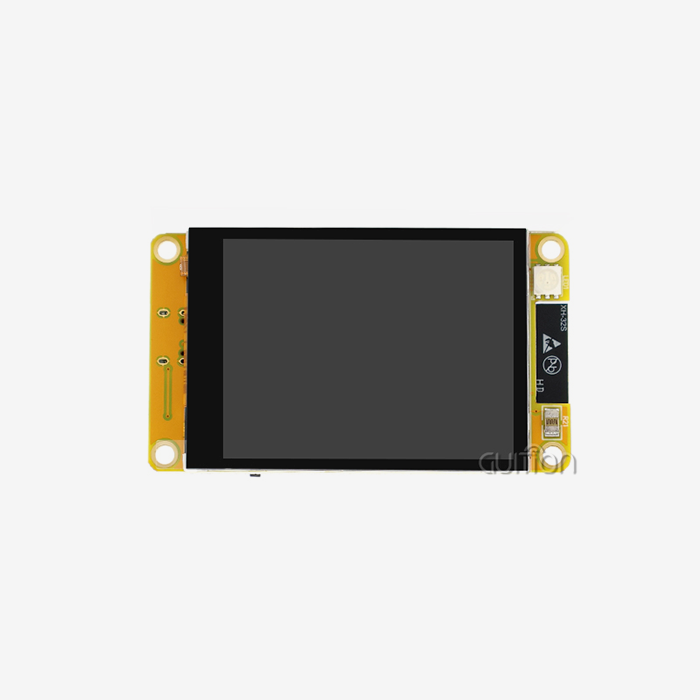
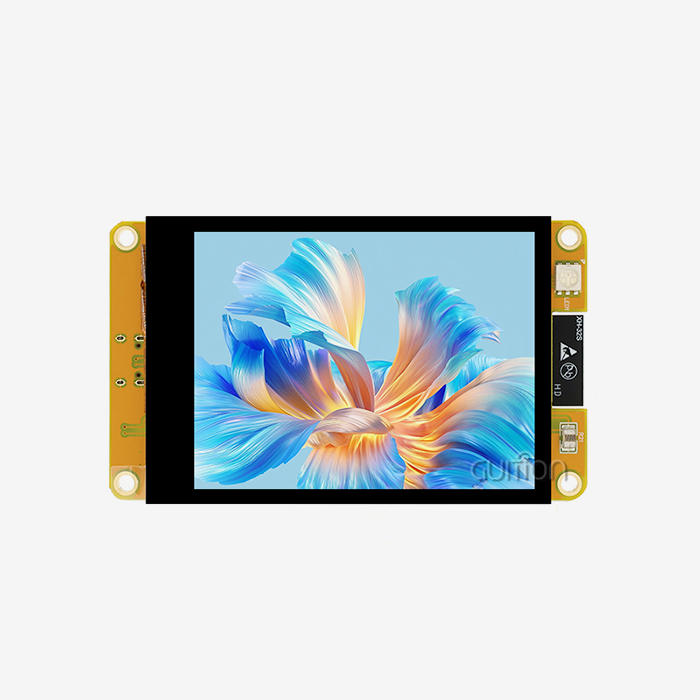
The 3.5 inch ESP32S3 display module works seamlessly with Arduino IDE, offering embedded engineers a familiar development environment paired with powerful hardware. Modules like Guition's JC3248W535C_I_Y model integrate the ESP32-S3R8 dual-core processor running at 240MHz with full Arduino compatibility, eliminating the steep learning curve often associated with new development platforms. This combination delivers both processing muscle and development simplicity, making it an attractive choice for industrial control panels, medical monitoring devices, and smart home applications where rapid prototyping meets production-grade reliability.

Understanding the 3.5 Inch ESP32S3 Display Module and Arduino Compatibility
Core Technical Architecture of ESP32S3 Display Modules
At the heart of these 3.5 inch ESP32S3 display modules is the ESP32-S3R8 chip, which is a big step forward in embedded computing. This controller has two Xtensa LX7 cores running at 240MHz, 512KB SRAM, 8MB PSRAM, and 16MB Flash. It can handle complicated graphics jobs and stay connected wirelessly with built-in WiFi 802.11 b/g/n and Bluetooth 5.0 LE. The IPS panel with a resolution of 320x480 connects via an 8-bit parallel interface or high-speed SPI. This speeds up the refresh rates so that the capacitive digitizer can handle smooth animations and responsive touch interactions.
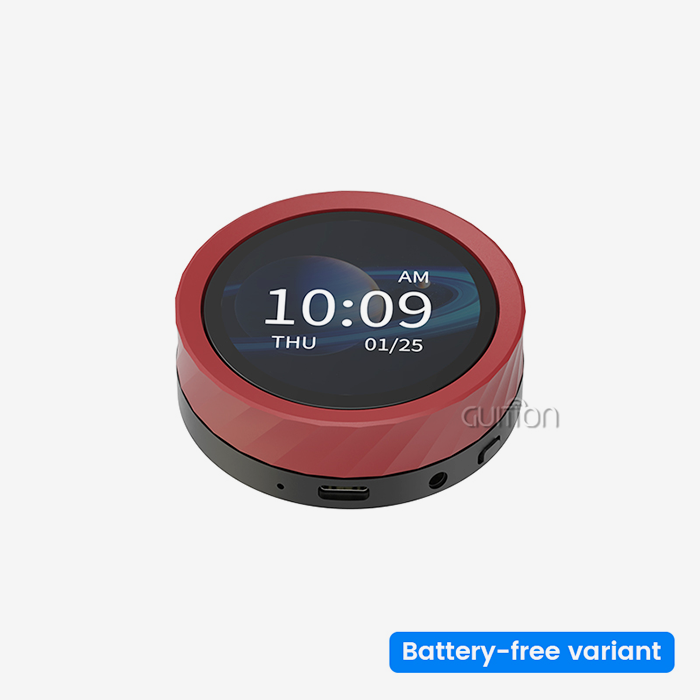
When something runs on batteries, power management is very important. When the display is operating, these modules usually use 150–300mA of power. When the backlight circuit turns off, they use less than 500µA when they are in deep sleep. The built-in charging circuitry works with lithium batteries and protects them from overcharging and discharging. This makes it easier to use portable medical equipment and farming monitors that are placed in the field.
Arduino Platform Integration Points
The ESP32 board support package in the Arduino IDE changes the way you develop. When you install the Espressif Systems board manager URL, you can directly compile and flash through the USB Serial/JTAG interface, so you don't need a separate USB-to-UART bridge. The ESP32S3's built-in USB port makes it easier to update firmware during development and maintenance after deployment.
Development speed is based on how well libraries work together. The TFT_eSPI library has improved drivers for popular display controllers. The LVGL (Light and Versatile Graphics Library) library lets you use complex UI elements without having to change pixels by hand. Because these tools hide the details of the hardware, product managers can focus on the user experience instead of the setup of low-level registers. The Guition development software goes even further by letting you design an interface with drag-and-drop and adding controls with just one click. This makes the time it takes to get industrial HMI applications to market much shorter.
Common Compatibility Challenges and Solutions
Interface problems between display controllers and microcontroller pins are the main problem that makes merging hard. SPI is compatible with all devices, but parallel RGB connections need special pin mapping that Arduino sketches must follow. Voltage level compatibility is also important. Most ESP32S3 GPIOs work at 3.3V, so you need level shifters to connect them to older 5V Arduino shields.
Not all display controllers use the same startup steps, which can cause driver problems. The ST7789 and ILI9488 controllers that are popular in these units need certain timing settings that may not be possible with general libraries. Custom init sequences built into Guition's pre-configured modules get rid of this problem, giving you display settings that have already been tried and will work as soon as you turn the power on.
Noise from the power supply can make the screen flicker and make it hard to touch. It is necessary to have decoupling capacitors close to the display driver and stable 3.3V management. High-quality modules have LDO regulators that reject more than 70dB of power source noise. These regulators remove switching noise from DC-DC converters that could damage the display data bus otherwise.
Step-by-Step Guide: How to Use a 3.5 Inch ESP32S3 Display Module with Arduino
Preparing Your Arduino Development Environment
Start by opening the Arduino IDE and going to File > Preferences. Add the ESP32 package index URL to the "Additional Board Manager URLs" field. It is https://dl.espressif.com/dl/package_esp32_index.json. Go to Tools > Board > Boards Manager, look for "esp32," and then install the Espressif Systems package. Choose "ESP32S3 Dev Module" from the list of boards, then set the Flash Size to 16MB and the PSRAM to "OPI PSRAM" to fit the esp32 display module hardware.
The next step is to install the library. Start Sketch, add the library, and then manage the libraries. The display controller works with TFT_eSPI, which you should look for and install. Once it's installed, go to the library folder (usually in Documents/Arduino/libraries/TFT_eSPI) and change User_Setup.h to match the pin layout and controller type of your display. For modules that use a parallel interface, remove the comments from the relevant parallel mode descriptions and list the data pins (D0-D7) and control signals (CS, DC, WR, and RD).
Quality modules have a USB-C port that lets you connect to your computer. The ESP32S3's built-in USB means that Windows, Mac, and Linux systems don't have to deal with driver problems. After going to Tools > Port and choosing the right COM port, you can post code.
Wiring and Pin Configuration Guidelines
The JC3248W535C_I_Y module from Guition comes with the display and touch controller already wired to the ESP32S3. This means that you don't have to make any connections on a breadboard. But knowing how the pins are assigned helps when making special PCBs or fixing problems. GPIO 0–7 are usually used for data lines on the parallel interface, while GPIO 8–11 are used for CS, DC, WR, and RD control signals. The LED PWM is linked to a specific GPIO so that the strength can be changed.
The capacitive touch controller talks to other devices over I2C, using GPIO 18 (SDA) and GPIO 19 (SCL) most of the time. Touch events are sent to the processor by an interrupt pin, which is usually GPIO 21. This lets the user interact with the interface responsively without asking all the time, which costs CPU cycles. SPI pins GPIO 36–39 are used by the TF card slot. The bus is shared, and chip-select control is used to keep problems from happening.
Up to 12 GPIO are still free for sensors, relays, or data devices that are specific to the application. With this ability to expand, the monitor module can be used as the base for a whole control system. These pins are used by companies that make industrial devices as RS485 transceivers, analog inputs for 4-20mA sensors, or digital outputs that control air valves.
Sample Code for Quick Start
The first step in testing is a simple sketch that makes sure the show works. Set up the screen object and call tft.init() in the setup function after including the TFT_eSPI library. The display process is checked by drawing text with tft.setCursor(x, y) and tft.print("Hello"). By adding tft.fillScreen(TFT_BLUE), you can test color accuracy and full-screen updates.
To add touch, you need to read the I2C touch controller. Libraries like FT6236 offer abstraction levels that give back X-Y coordinates when a finger touches the screen. To make simple button detection work, you have to check to see if the touch coordinates are within certain rectangular areas. If they are, callbacks are fired that change the state of the application.
In the real world, industrial uses need tools with strong states. If you hit a settings icon on a temperature tracking system's main screen, it might show data from sensors and then go to a configuration menu. Remote data logging is possible with wireless connectivity. For example, Arduino sketches can use WiFi to POST sensor data to REST APIs or send out BLE ads that gateways nearby collect.
Troubleshooting Common Integration Issues
Screen startup problems are often caused by the wrong power sequence or pin definitions. Make sure that User_Setup.h works with your hardware, and that the 3.3V supply gives you a stable voltage even when it's loaded. Some displays need a reset pulse to start up. To fix screens that won't move, toggle the RESET pin low for 10ms before running tft.init().
If you see broken images or random pixels, it means that the SPI clock speed is too fast for the display driver. In your sketch, lower the SPI frequency to 40MHz or less. Adding small delays between write operations in a row can help keep data transfer stable on parallel interfaces, but this can slow down frame rates.
When screen numbers don't line up with visual features, touch calibration makes things more accurate. Most libraries have calibration routines that ask users to touch certain points so that transformation matrices can be calculated that turn raw digitizer values into pixel coordinates. By only calibrating it once and saving the data in non-volatile storage, you can avoid having to do the same setup steps over and over.
Comparing 3.5 Inch ESP32S3 Display Module with Other Display Options for Arduino
Resolution and Size Trade-Offs
Standard 3.5 inch ESP32S3 display modules have a resolution of 320x480, which is a good balance between the amount of information they show and the amount of work they need to do. Smaller 2.8-inch screens with a resolution of 240x320 use less power and cost less, but they are harder to read for complex industrial schematics or dashboards with many parameters. On the other hand, 7-inch screens with a resolution close to 800x480 need faster processors and bigger frame buffers, which can push the ESP32S3's PSRAM limits when complex UI drawing is happening.
OLED screens have better contrast ratios and true blacks, which makes them good for reading outside. IPS LCD panels, on the other hand, are rated for 50,000 hours or more, so they are better for 24/7 industrial monitoring. However, they only last about 10,000 hours of continuous operation before the brightness starts to fade. Power use is also different. For example, OLEDs use less power when showing dark content and more power when showing bright backgrounds, which is common in HMI applications.
Touch Technology Considerations
Users expect fast, multitouch experiences from consumer electronics, and capacitive touch gives them. It recognizes gestures like pinching and swiping, which makes it easy to move around in menus with a lot of levels. But sensitive screens don't work when people wear thick gloves, which means they can't be used in cold storage or cleanrooms where people can't touch the screens.
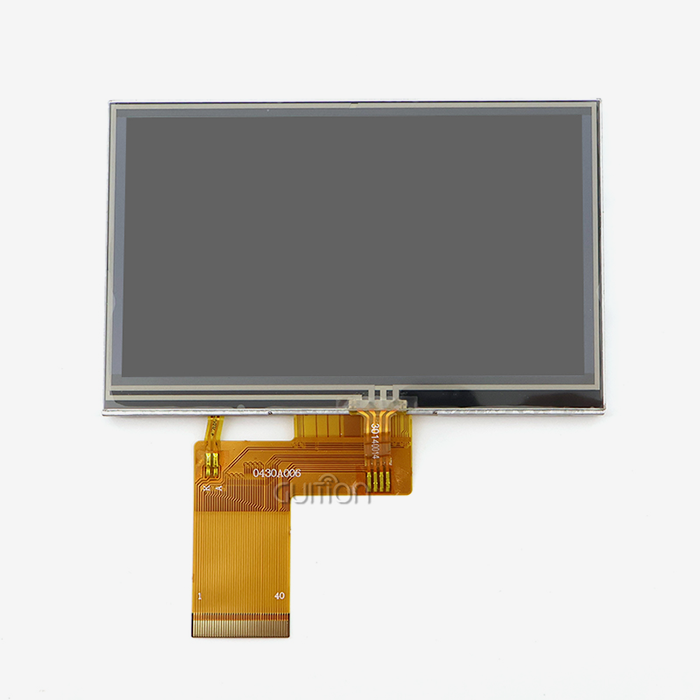
Resistive touch can reliably detect a single point even when wearing gloves, and it can be used with any kind of stylus. The extra pressure layer makes the image a little less clear and needs to be calibrated every so often as the resistive coating goes off. Resistive technology is more useful in situations where people need to wear rubber gloves, like when working with medical devices, or when factory panels are exposed to dirt and dust.
Procurement Considerations for Industrial Buyers
Supplier dependability is what separates partners who can handle large production runs from partners who are good at working with prototypes. Just-in-time inventory tactics lower carrying costs when manufacturers offer uniform supply chains, wait times that are made public, and batch tracking. Guition can make both rapid prototyping runs of 10 units and volume orders of more than 1,000 pieces per month, so it can work with both new OEMs and old ones.
The success after the buy depends on the quality of the technical help. Full datasheets, reference schematics, and engineering teams that are quick to respond all speed up the integration process. Guition gives full secondary development information, like wiring diagrams, example Arduino sketches, and Guition software lessons that cut down on the time engineers spend on simple bring-up tasks.
Troubleshooting and Best Practices When Using 3.5 Inch ESP32S3 Displays with Arduino
Diagnosing Display Anomalies
Lack of power source separation is often the cause of flickering screens. By connecting 100µF electrolytic capacitors and 0.1µF ceramics in parallel near the ESP32 Display Module and display controller, the voltage rails stay stable when the current draw is at its highest. Noise is also caused by ground loops between the display board and the processor board. Star grounding designs, in which all the grounds join at one point, make this problem less noticeable.
Initialization that isn't finished shows up as partial screen changes or displays that won't move. This usually means that there were timing problems during the starting process. Putting delays between the hardware reset, controller initialization, and first draw commands lets the voltage regulators inside the chip get stable. To use advanced features like vertical scrolling or partial updates, some display controllers need specific register writes. The controller documentation can be used to make sure the right setup is made.
Failures of touch sensors can range from not responding at all to ghost touches. Check the pull-up resistors on the SDA and SCL lines, which are usually 4.7kΩ to 10kΩ, if the device is not responding. EMI coupling is shown by ghost touches. To reduce noise, touch signals are routed away from switching power sources and ferrite beads are added to the I2C lines.
Power Optimization Strategies
Applications that use batteries need strict power management. The ESP32S3 has several sleep settings. Light sleep keeps RAM data while stopping CPU execution, which lowers power use to 2–5mA. Most sensors are turned off during deep sleep, and the current drops to 10µA when RTC clocks are running. Some wake sources are GPIO edge triggers, which let touch interrupts restart operation, and RTC clocks, which sample sensors on a regular basis.
Controlling the backlight has a big effect on overall power budgets. The flickering is less noticeable when PWM dimming is set to 1kHz, and the brightness can be changed using ambient light sensors. When the module is not being used, turning off the backlight completely greatly increases the battery life. A 100mAh battery can power a module in deep sleep for weeks, but only for hours when the display is on.
Long-Term Reliability Measures
Deployment limits are set by operating temperature ranges. Most commercial-grade parts are rated for 0°C to 70°C, while industrial-grade parts can handle -40°C to 85°C. In harsh places like farm fields or factory floors, conformal coating on PCB assemblies protects them from humidity, dust, and chemical exposure. Enclosures with an IP65 rating and optical bonding between the touch panel and LCD keep wetness out, which can cause delamination.
Over-the-air (OTA) updates for firmware maintenance keep technicians from having to go out into the field to fix bugs or add new features. Safe updates are possible with the ESP32S3's dual partition scheme—new software downloads to an idle partition, checks for integrity using cryptographic signatures, and then swaps partitions when the device restarts. If the new software doesn't work, the system will automatically go back to the old version to keep it online.
Procurement Insights for B2B Clients: Buying the Right 3.5 Inch ESP32S3 Display Module
Supplier Evaluation Criteria
Quality control processes make the difference between hobby-level suppliers and industrial partners for the 3.5 inch ESP32S3 display module. If a company has ISO 9001 approval, it means that there are written procedures for validating designs, finding parts, and doing final tests. Automated visual inspection finds problems with the soldering, and functional testing under temperature stress (72 hours of burn-in at 50°C) finds early failures before the product is shipped. ESD testing to ±4kV contact and ±8kV air discharge makes sure that modules can handle being handled in the real world.
Quick expert help speeds up the resolution of problems. Communication delays are cut from days to hours when suppliers keep tech teams in your time zone. Dedicated account managers who know the needs of your industry make personalized suggestions instead of standard catalog responses. As part of Guition's support model, engineers look over schematics, make suggestions for improvements, and make custom firmware changes when standard setups don't perfectly meet application needs during pre-sales meetings.
Pricing and Logistics Planning
Inventory costs and unit prices are balanced by minimum order quantities. Five to ten prototypes allow proof-of-concept testing without spending any money, and orders for one hundred or more pieces lead to discounts of up to thirty percent off the price of a single unit. Lead times depend on how much customization is done. Standard setups ship within 5 business days, but it can take 3–4 weeks for custom LCD panel sourcing or firmware changes.
How the goods are shipped affects the total cost and time frame of the job. Air freight takes 7–10 days to deliver, but it costs an extra $50–100 per shipment. For large orders, sea freight is cheaper per unit, but it takes 30 to 45 days to get to the destination and clear customs. Delivered Duty Paid (DDP) terms make international buying easier by combining duties, taxes, and freight into one clear price. This way, you don't have to worry about getting unexpected customs bills.
Technical Documentation and Resources
Detailed datasheets answer important questions during the planning process. When you make a case, you can use mechanical plans that show where the mounting holes are, the edges of the LCD active area, and the height profiles of the components. Electrical specs that include GPIO current limits, ESD safety levels, and power sequencing needs keep hardware from breaking during integration.
User guides that include examples of Arduino code make learning faster. Engineers don't have to figure out complicated register maps; instead, they can change working models to support LVGL, WiFi, or BLE beacon sharing. Video lessons in Guition's software instructions show how to use drag-and-drop UI design, cross-platform debugging processes, and remote over-the-air (OTA) update procedures that make development faster and easier.
Conclusion
The 3.5 inch ESP32S3 display module offers HMI options that work with Arduino without sacrificing processing power or connection. With the ESP32S3's dual-core architecture, built-in wireless capabilities, and large memory resources, engineers can work in a development environment that is familiar to them. To have a successful deployment, you need to know what the interface requirements are, use optimized libraries, and work with suppliers who offer strong technical support and quality assurance. These modules make it possible to quickly build industrial equipment, medical devices, and smart home goods with visual interfaces that meet high standards for reliability.
FAQ
Can ESP32S3 Modules Support High-Frame-Rate Graphics Libraries?
With DMA transfers and a dual-core design, LVGL rendering can happen at 30 FPS or more on 3.5 inch ESP32S3 display modules with SPI ports clocked at 80MHz. When enough PSRAM is available to back up the frame buffer, parallel RGB connections can handle even higher frame rates, which makes animations and video playing smooth.
How Does the Module Handle Real-Time Operating System Integration?
FreeRTOS is the real-time kernel that is built into ESP-IDF and is used by Arduino sketches. Priority scheduling lets developers set up multiple jobs at once, using one core to update the user interface while the other handles sensor polling and network contact. This keeps the interfaces responsive even when the computer is working hard.
What Battery Runtime Can I Expect in Portable Applications?
Runtime is based on duty cycle. A 2000mAh battery dies in 8 to 12 hours of continuous display use. Adding regular wake-screen-sleep cycles with 10-second sleep gaps increases runtime to 48 hours or more, which means these units can be used in medical devices and data collectors that are carried around in the field.
Partner with Guition for Your Display Module Needs
The 3.5 inch ESP32S3 display module supplier Guition is dedicated to making HMI creation easier for users around the world. Our JC3248W535C_I_Y model has great hardware and the easy-to-use Guition software platform. This lets engineers set up interfaces that are ready for production in days instead of months. Our solutions lower the prices of development and the work that needs to be done over time by providing secondary development help, cross-platform debugging, and remote update features.
Our engineering team can help you find the right modules for your project, whether you're making prototypes for smart home devices or putting in place industrial control systems. You can talk about specifications, ask for samples, or get bulk pricing for your next project by emailing david@guition.com. See how specialized technical help and military-grade dependability can make a difference in how you use HMI.
References
1. Espressif Systems. "ESP32-S3 Technical Reference Manual," Version 1.3, Espressif Systems Documentation, 2023.
2. Arduino Foundation. "Arduino Core for ESP32 Development Guide," Arduino Official Documentation, 2024.
3. LVGL Team. "Light and Versatile Graphics Library: ESP32 Integration," LVGL Documentation Repository, 2023.
4. IPC Association. "IPC-A-610 Acceptability of Electronic Assemblies," Revision H, IPC Standards Committee, 2020.
5. International Electrotechnical Commission. "IEC 61000-4-2: Electrostatic Discharge Immunity Test," Edition 2.0, IEC Publications, 2021.
6. Society for Information Display. "Active Matrix TFT LCD Technology Overview," Journal of the SID, Volume 29, Issue 4, 2022.
Learn about our latest products and discounts through SMS or email