- English
- French
- German
- Portuguese
- Spanish
- Russian
- Japanese
- Korean
- Arabic
- Greek
- German
- Turkish
- Italian
- Danish
- Romanian
- Indonesian
- Czech
- Afrikaans
- Swedish
- Polish
- Basque
- Catalan
- Esperanto
- Hindi
- Lao
- Albanian
- Amharic
- Armenian
- Azerbaijani
- Belarusian
- Bengali
- Bosnian
- Bulgarian
- Cebuano
- Chichewa
- Corsican
- Croatian
- Dutch
- Estonian
- Filipino
- Finnish
- Frisian
- Galician
- Georgian
- Gujarati
- Haitian
- Hausa
- Hawaiian
- Hebrew
- Hmong
- Hungarian
- Icelandic
- Igbo
- Javanese
- Kannada
- Kazakh
- Khmer
- Kurdish
- Kyrgyz
- Latin
- Latvian
- Lithuanian
- Luxembou..
- Macedonian
- Malagasy
- Malay
- Malayalam
- Maltese
- Maori
- Marathi
- Mongolian
- Burmese
- Nepali
- Norwegian
- Pashto
- Persian
- Punjabi
- Serbian
- Sesotho
- Sinhala
- Slovak
- Slovenian
- Somali
- Samoan
- Scots Gaelic
- Shona
- Sindhi
- Sundanese
- Swahili
- Tajik
- Tamil
- Telugu
- Thai
- Ukrainian
- Urdu
- Uzbek
- Vietnamese
- Welsh
- Xhosa
- Yiddish
- Yoruba
- Zulu
Build UI Fast with Visual Tool
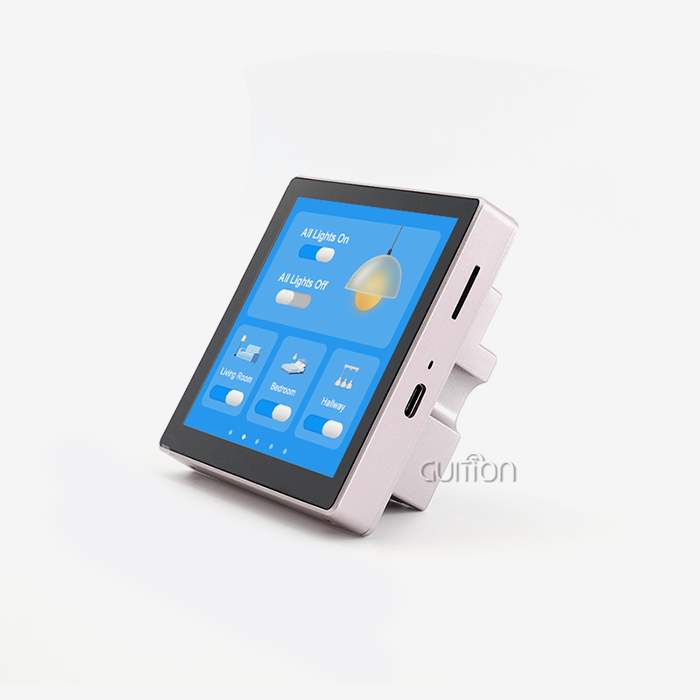
The ESP32 touch screen module provides you with a display, a touch controller, and Wi-Fi all on one board. The slow portion is interface code. This tutorial contrasts ESP32 vs. GUITION procedures for inputting layout code by hand vs. creating screens with the visual GUITION tool. You'll see how each strategy impacts scheduling, debugging, and maintenance. You'll also learn how the GUITION ESP32-3248S035C module handles display, touch, sensors, and communication, plus a realistic approach from prototype to product.

Guition makes the ESP32-3248S035C and the visual software that runs it. If you want an ESP32 touch screen module supplier who answers technical questions directly, email david@guition.com or call the phone number. Share your screen needs and order volume. We will recommend a module, explain the ESP32 vs. GUITION workflow for your project, and send a sample quote.
How Does an ESP32 Touch Screen Module Simplify UI Development?
A touch screen module bundles the parts you would otherwise wire yourself. Fewer parts mean fewer places for a prototype to fail.
What Is Inside the GUITION ESP32-3248S035C?
The module is built on an ESP32 dual-core MCU (microcontroller unit) which operates up to 240MHz with 520KB of SRAM and 448KB of ROM. Flash Memory Size: 4 MB. These are the identical statistics listed in Espressif’s datasheet for the chip family.
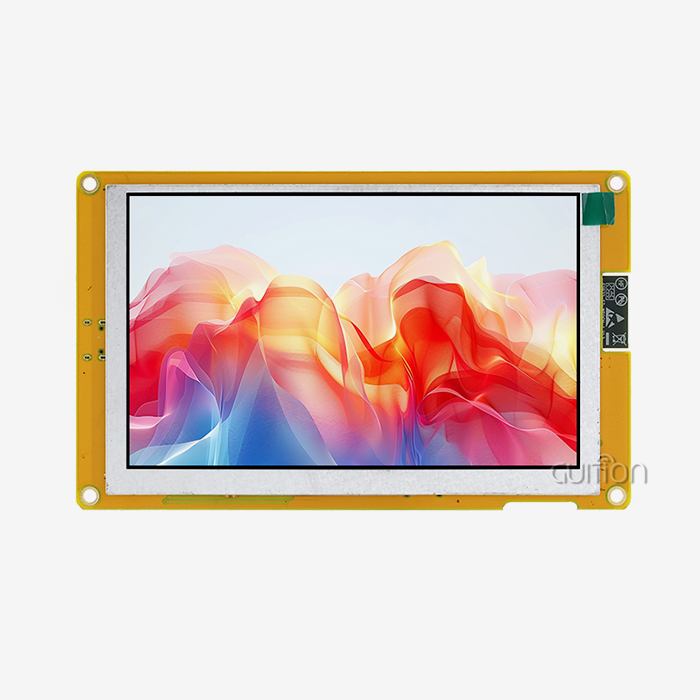
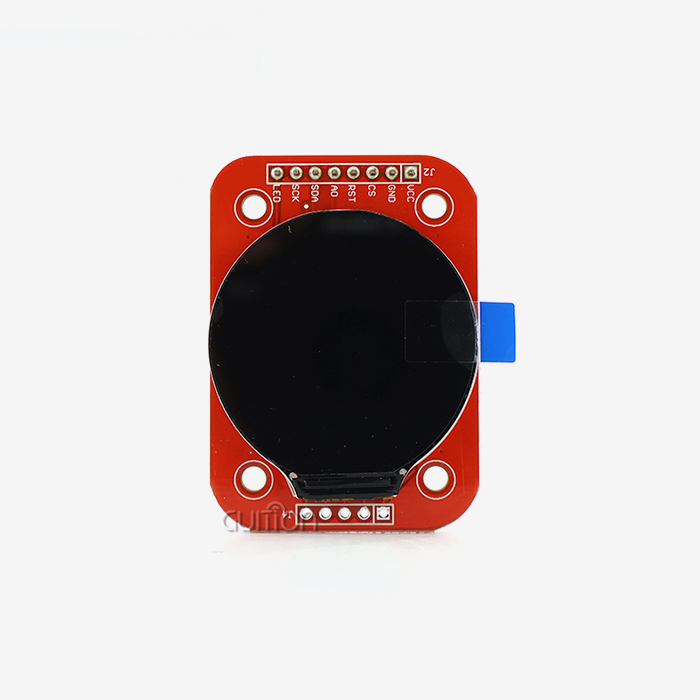
The 3.5-inch LCD features capacitive touch, a backlight circuit, and a touch control circuit. The board also has a speaker driver, a light sensor circuit, and an RGB LED circuit.
Why Does Integration Matter More Than Specs?
Most unsuccessful prototypes fail at the seams: a display that requires a driver, a touch chip that needs a bus, a radio that needs its antenna tuned. The issues are previously handled with an ESP32 touch screen module.
The module also has test apps programmed in. You turn it on and watch the screen function. That one step costs a lot of teams a whole day of bring-up.
ESP32 vs GUITION: Which UI Development Approach Is Faster?
Both routes use the same chip family. The difference is how you create the interface.
How Does the Code-First ESP32 Workflow Run?
With a code-first methodology, you choose a graphics library, set up the display driver, and create each screen in code. You do the location calculations, the touch events, and the font handling by hand.
This strategy offers full control. It also provides a lengthy loop: edit, build, flash, look, repeat. Every modification takes minutes, and several changes to a screen with 20 controls.
How Does the GUITION Visual Workflow Run?
With the Guition tool, you create the screen on a canvas. You create a control with a single click, then drag it into position and resize and design it. The editor is WYSIWYG, so the canvas is what you see.
ESP32 VS GUITION calls its software a tool for breaking the classic development bottleneck and accelerating the iteration of products. You still link your logic, but the layout effort goes from typing to dragging.
What Does a Realistic Comparison Look Like?
This is a planning estimate, not measured client data. Assume an 8-screen handwritten interface takes 80 engineering hours. A visual process might reduce layout and revision effort by 40%, saving roughly 32 hours.
Do your own calculations. Check the hours on your last two display projects. This provides you with a number you can defend in any budget meeting.
Drag-and-Drop UI Design for Faster ESP32 HMI Prototyping
An HMI (human-machine interface) is the screen a person uses to read data and give commands. Fast prototypes win approvals.
How Quickly Can You Show a Stakeholder a Working Screen?
Pain point: a manager asks to see the interface, and you still have only a spec. With drag-and-drop design, you can show a working screen in days.
You place buttons, sliders, and gauges, then flash the module. The 320×480 display shows crisp 65K-color graphics. Stakeholders react to something real, and their feedback arrives early, when changes are cheap.
How Do You Handle Revisions Without Rewriting Code?
Revisions drive most interface cost. A client wants a larger button, a new color, or a different label. In code, each request touches source files.
In a visual tool, you select the control and change it. You see the result at once. That speed keeps teams from dreading the second round of feedback.
Can One Design Serve Several Languages?
Global products need multi-language screens. ESP32 VS GUITION says its software supports multi-language switching and UTF encoding. UTF is a text standard that covers many scripts.
You can ship one product to several regions without maintaining separate firmware branches. That cuts testing time and keeps your release process simple.
What Features Should You Look for in an ESP32 Visual UI Tool?
Not every visual tool fits every team. Judge a tool by what it does to your daily workflow.
Which Capabilities Matter Most?
Here are the features to look for in any tool you evaluate:
- Rich Control Library: Add buttons, sliders, gauges, charts, and text fields with a single click. A deep library implies you seldom write a bespoke widget. Guition says their software has plenty of built-in controls that can be placed using drag and drop. Make sure you have the controls you need before committing.
- Online debugging: Guition provides cross-platform online debugging that enables you to detect issues fast and decrease debugging time and expense. You flash and pray without live debugging. You see behavior as it occurs, turning a protracted quest into a brief check.
- Secondary development access: you should not become locked into a visual tool. Guidance includes supplementary development interfaces and technical manuals, so that you may modify features without complex low-level work. This makes your project adaptable when needs go beyond the conventional controls.
Three of these skills safeguard your schedule. A tool that helps you move fast early and yet deal with unique scenarios down the line.
What About Development Environment Choice?
Your team may already use Arduino IDE, ESP-IDF, MicroPython, or Mixly. The ESP32-3248S035C supports all four. ESP32 VS GUITION also lists compatibility with Arduino, IDF, and its own modes.
Choice lowers training cost. Engineers keep their habits, and newcomers can start with the visual route.
From Screen Layout to Code: Streamlining ESP32 UI Development
A layout is only half a product. The other half connects the screen to real data.
How Does the Visual Design Connect to Your Logic?
Think of the design as a front end and your firmware as the back end. The screen shows a temperature gauge. Your code reads the sensor and updates the gauge value.
You write a small amount of logic for each data point and each button event in ESP32 VS GUITION. The tool handles drawing, positioning, and touch regions. That division keeps your code short and readable.
How Do You Keep the Project Maintainable?
Maintainability decides what happens in year two, when a new engineer inherits the project. A visual layout is self-documenting. Anyone can open it and see the screens.
Typed layout code requires reading functions to understand what appears where. Keep layouts in version control and note which firmware build matches each design. That habit prevents confusion later.
How Can GUITION GUI Tools Reduce Manual Coding for Touch Displays?
Manual coding for displays is repetitive. Visual tools remove repetition.
Which Tasks Does the Tool Take Over?
The tool handles layout, control styling, and touch zones. You skip pixel math, font tables, and screen-transition code. Those jobs consume a surprising share of ESP32 touch screen module projects.
Many engineers tell us the same thing: they did not mind the logic, but they hated the layout loops. The visual route removes the part they disliked.
Who Benefits Most?
Small teams benefit most. A two-person startup cannot spare a dedicated graphics engineer. A visual tool lets an embedded engineer produce a clean interface alone.
Experienced teams benefit too. They prototype faster, then drop to code only where they need special behavior. The tool supports both styles.
ESP32 Touch Screen Module Integration: Display, Controls, and Connectivity
A good module saves you integration time across three areas: display, controls, and network.
What Does the Display and Touch Stack Offer?
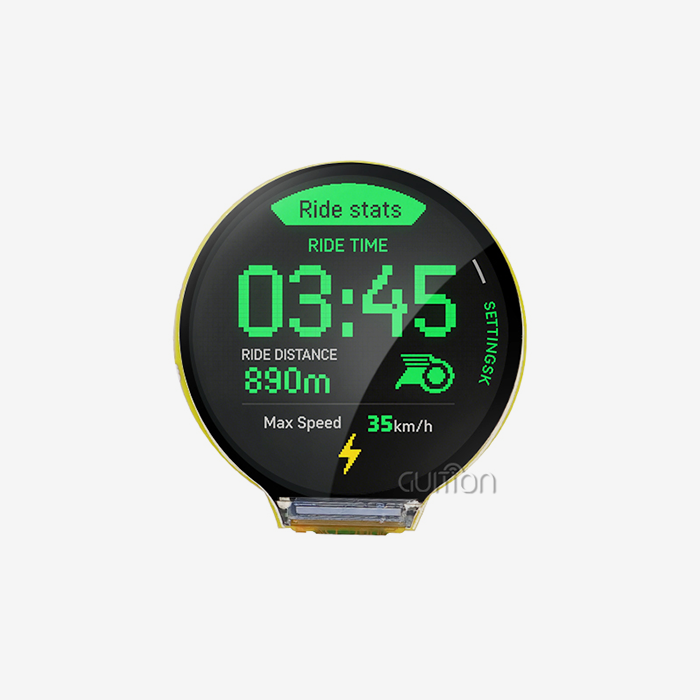
The product description says the 3.5-inch capacitive touch screen supports 65K colors and has a resolution of 320×480. Capacitive touch reacts to a light touch, as a phone does. That feels natural to users.
Touchscreens led the HMI market with a market share of 70.4% in 2025 (Mordor Intelligence. Touch is increasingly the norm users expect.
Which Onboard Interfaces Reduce Extra Hardware?
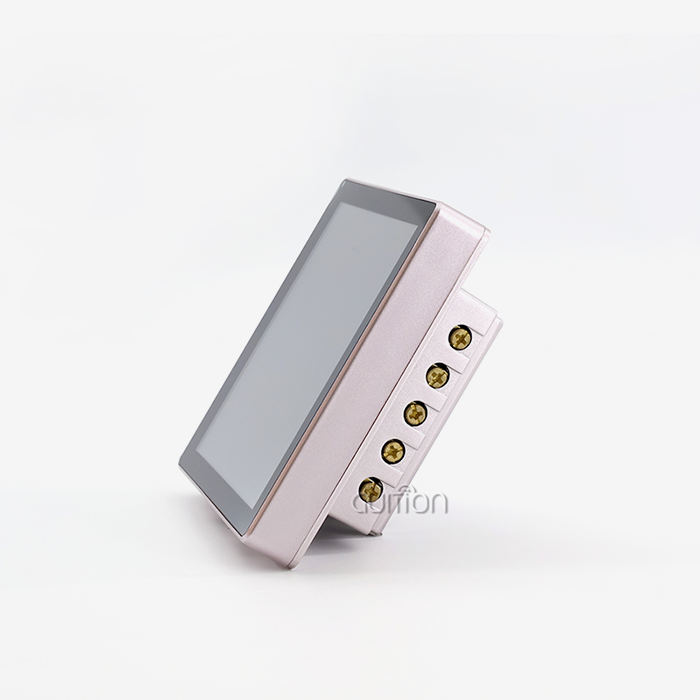
The module supports a TF card interface for image, font, and log storage. It adds a serial interface, a DHT11 temperature and humidity sensor interface, and reserved IO ports.
Also, a speaker driver circuit is included along with a photosensitive circuit for the ambient light and an RGB LED control circuit. These characteristics allow you to develop warnings, auto-dimming, and environmental displays without a separate board.
How Does Wireless Connectivity Work?
The ESP32 touch screen module has 2.4 GHz Wi-Fi (802.11 b/g/n) and Bluetooth v4.2, with BR/EDR and Bluetooth LE. Wi-Fi takes care of cloud dashboards. Phone pairing is handled using Bluetooth.
Market supports for wireless goods. IoT Analytics identified over 21.1 billion IoT devices connected globally in 2025, up 14%. Bluetooth accounts for 24% of them.
GUITION vs Traditional Coding: Which Workflow Fits Your Project?
Neither workflow wins every time. Match the tool to the job.
When Does Traditional Coding Make Sense?
Choose hand-coded graphics when you need unusual effects, extreme memory tuning, or custom rendering. Teams with deep graphics experience may prefer that control.
It also suits projects where the interface never changes. If you build one screen once, the setup time of ESP32 VS GUITION or any tool may exceed the savings.
When Does the Visual Workflow Win?
The visual route wins when screens change often, teams are small, or deadlines are short. It also wins when non-programmers, such as designers, need to review or edit the interface.
Here is a side-by-side summary:
| Factor | Traditional coding | ESP32 vs GUITION: visual workflow |
|---|---|---|
| Layout effort | High | Low |
| Revision speed | Slow | Fast |
| Control over rendering | Very high | High |
| Team skill needed | Graphics experience | Basic embedded skills |
| Best fit | One-off custom graphics | Iterative products |
What Do Three Real-World Scenarios Look Like?
These are common usage situations, not outcomes for a specified customer. DHT11 interface with RGB LED for room display. A smart thermostat company is using the A Lab instrument builder to record measurements to the TF card and display trends. A status panel made by a team of 3D printer accessories.
ESP32 VS GUITION has applications from industrial control to smart home and portable devices. In each scenario, the ESP32 touch screen module replaces numerous individual components.
Optimizing Touchscreen Performance with Visual UI Design Tools
A screen that looks good can still feel slow. Performance comes from design choices as much as from hardware.
How Does the Dual-Core Processor Help?
The ESP32 touch screen module runs two cores at up to 240 MHz and reaches 1079.96 CoreMark with both active. One core can manage Wi-Fi and sensor tasks while the other handles the interface.
The ESP32-D0WD-V3 variant introduced fixes over the earlier chip revision. Splitting work across cores keeps touch response smooth during network activity.
Which Design Habits Keep Screens Fast?
Keep screens simple. Limit the number of animated elements. Store large images on the TF card instead of internal flash. Use consistent fonts to save memory.
Test on the real module early. A layout that looks fine on a monitor may feel crowded on a 3.5-inch display. A quick hands-on check catches that in minutes.
From Prototype to Product: Building Smarter ESP32 Touch Interfaces
A prototype proves an idea. A product survives years in the field.
What Should You Do During the Prototype Stage?
Start with one module. Load a test app, then build your main screen visually. Connect one real sensor through the DHT11 interface or serial port.
Aim for a working demo within a week. Show it to three real users and write down what confuses them.
How Do You Move to a Pilot Run?
Build 10 to 50 units and place them with real users. Watch how people touch the screen. Note which menus they skip.
Update the interface visually and push changes through remote upgrade. ESP32 VS GUITION supports remote upgrade of user projects, so you improve units in the field without site visits.
How Do You Scale and Maintain Production?
Lock your hardware choice and agree on volume terms with your supplier. Ask about long-term availability and written change notices.
HMI market continues to increase. It was valued at USD 6.1 billion in 2025, and is projected to reach USD 12.74 billion by 2034. Products that can be upgraded remotely may change as the market changes.
Conclusion
The issue of ESP32 touch screen module vs. GUITION is about how your team spends their time. Code-first processes offer you power but take time to build out. Guition’s visual tool brings layout to drag-and-drop editing, speeding prototypes and revisions.
The ESP32-3248S035C is a single board that combines a dual-core ESP32, a 3.5-inch capacitive touch display, Wi-Fi, Bluetooth, and other integrated circuits. Start with a bench prototype. Test with actual users. Scale with remote updates.
FAQ
1. What is an ESP32 touch screen module?
It is a board that combines an ESP32 microcontroller, an LCD, and a touch controller. The GUITION ESP32-3248S035C also includes Wi-Fi, Bluetooth, a TF card slot, and sensor interfaces. You can build an interface without wiring separate parts.
2. Do I need to write code to design the interface?
Not for layout. You add controls with one click and place them by dragging. Your firmware still needs logic for sensor reads and button actions. The module supports Arduino IDE, ESP-IDF, MicroPython, and Mixly.
3. How does a visual tool compare with hand-coded graphics?
A visual tool is faster for layout and revisions. Hand-coded graphics give deeper control over rendering. Many teams use the visual route for most screens and add code only for special behavior.
4. Which sensors can I connect?
The module includes a DHT11 temperature and humidity interface, a light-sensing circuit, a serial interface, and reserved IO ports. Check the pin map in the technical documents before wiring anything else.
5. Can I update installed devices remotely?
Yes. Guition supports remote upgrades of user projects. You can push interface changes and fixes without visiting each device, which lowers after-sales costs.
6. Does the module support multiple languages?
Guition states that its software supports multi-language switching and UTF encoding. That helps products sold in several regions.
Get Sample Pricing for Your Next ESP32 Display Project
Ready to test an ESP32 touch screen module on your own bench? Guition manufactures and supplies HMI display solutions, and our engineers help you choose the right model. Email david@guition.com or call phone number] with your project details. Ask about the ESP32-3248S035C for sale, and we will discuss samples, pricing, and how the ESP32 vs. GUITION workflow fits your product.
References
1. Fortune Business Insights, 2026. Human Machine Interface Market Size, Share & Industry Analysis (used for market size forecasts). https://www.fortunebusinessinsights.com/human-machine-interface-market-114618
2. Mordor Intelligence, 2026. Human Machine Interface Market: Share Analysis, Trends & Forecasts 2026–2031 (used for touchscreen share). https://www.researchandmarkets.com/reports/4535752/human-machine-interface-market-growth-trends
3. IoT Analytics, 2025. Connected IoT Device Market Update, Fall 2025 (used for device counts and Bluetooth share). https://iot-analytics.com/Number-Connected-Iot-Devices
4. Espressif Systems. ESP32 Series Datasheet (used for CPU, memory, Wi-Fi, Bluetooth, and CoreMark figures). https://www.espressif.com/sites/default/files/documentation/esp32_datasheet_en.pdf
5. Wikipedia, 2026. ESP32 (used for the ESP32-D0WD-V3 variant). https://en.wikipedia.org/wiki/ESP32
6. Guition (Jingcai Intelligence), 2026. Company and product information (used for software features, development modes, applications, and remote upgrade). https://jingcaizhineng.aixdb.cn/
About the author
David is the CEO of Guition. He leads the company’s HMI display and interface software work and speaks with engineers worldwide about ESP32 touch screen integration. His team supports customers from prototype through volume production. He writes about practical embedded design, visual UI tools, and IoT product development.
Learn about our latest products and discounts through SMS or email