- English
- French
- German
- Portuguese
- Spanish
- Russian
- Japanese
- Korean
- Arabic
- Greek
- German
- Turkish
- Italian
- Danish
- Romanian
- Indonesian
- Czech
- Afrikaans
- Swedish
- Polish
- Basque
- Catalan
- Esperanto
- Hindi
- Lao
- Albanian
- Amharic
- Armenian
- Azerbaijani
- Belarusian
- Bengali
- Bosnian
- Bulgarian
- Cebuano
- Chichewa
- Corsican
- Croatian
- Dutch
- Estonian
- Filipino
- Finnish
- Frisian
- Galician
- Georgian
- Gujarati
- Haitian
- Hausa
- Hawaiian
- Hebrew
- Hmong
- Hungarian
- Icelandic
- Igbo
- Javanese
- Kannada
- Kazakh
- Khmer
- Kurdish
- Kyrgyz
- Latin
- Latvian
- Lithuanian
- Luxembou..
- Macedonian
- Malagasy
- Malay
- Malayalam
- Maltese
- Maori
- Marathi
- Mongolian
- Burmese
- Nepali
- Norwegian
- Pashto
- Persian
- Punjabi
- Serbian
- Sesotho
- Sinhala
- Slovak
- Slovenian
- Somali
- Samoan
- Scots Gaelic
- Shona
- Sindhi
- Sundanese
- Swahili
- Tajik
- Tamil
- Telugu
- Thai
- Ukrainian
- Urdu
- Uzbek
- Vietnamese
- Welsh
- Xhosa
- Yiddish
- Yoruba
- Zulu
Best Capacitive Touch Display Module for Industrial OEMs
When industrial equipment manufacturers evaluate human-machine interface solutions, the capacitive touch display module stands out as the most reliable choice for demanding applications. Unlike legacy resistive systems that depend on physical pressure, modern capacitive technology detects electrostatic field variations, delivering superior multi-touch capabilities, optical clarity exceeding 90% light transmission, and virtually unlimited touch lifespan. For R&D managers and embedded engineers working on industrial control panels or medical monitoring equipment, selecting the right module means balancing technical specifications with real-world durability—a decision that directly impacts product reliability, development speed, and market competitiveness.

How to Choose the Best Capacitive Touch Display Module for Industrial OEMs
To choose the right display option, you need to carefully look at the requirements of the surroundings, the difficulty of integration, and performance standards. R&D teams have to make sure that the technical specs of their products match the conditions in which they will be used during their entire service life when selecting a Capacitive touch display module.
Environmental and Operational Requirements
In industrial settings, there are special problems that regular displays can't handle. Extreme temperatures in factories mean that modules need to be rated for a wider temperature range. Typically, modules need to be rated for -20°C to 70°C for normal industrial use and -30°C to 80°C for extreme circumstances. Ingress protection grades are very important. Modules certified to IP65 standards can't be damaged by dust or water jets, and modules certified to IP68 standards can't be damaged by water. Hermetic sealing keeps moisture from damaging internal circuitry when equipment is used outside or in wet processing areas. Vibration resistance is very important for transportation or machinery that is mounted on moving platforms.
Critical Technical Selection Metrics
Specifications for touch precision have a direct effect on the quality of the user experience. For industrial uses, positioning must be accurate to within ±2mm across the whole screen, and reaction times must be less than 10ms to keep fluid contact. The resolution of the screen affects how clearly operators can see small text or detailed schematics. A resolution of 480x272 pixels is enough for basic parameter displays, but 800x480 or higher is best for more complex industrial interfaces. Optical bonding technology gets rid of the air gap between the touch sensor and LCD panel. This makes the screen easier to read in direct sunlight by lowering internal reflections and makes the structure last longer by spreading impact forces across joined layers.
System Integration Considerations
Interface compatibility tells us how well the module works with embedded systems that are already in use. UART serial interfaces make it easier to connect to microcontrollers like Arduino or ESP32 platforms. Parallel RGB interfaces, on the other hand, offer more bandwidth for bigger screens that need to be animated. Because they have fewer pins, I2C protocols are better for smaller capacitive touch controllers. USB interfaces, on the other hand, let Linux or Windows-based industrial computers connect and work right away. Voltage level matching makes sure that communication works well. For example, 3.3V logic levels work well with modern ARM processors, while 5V tolerant designs work with older industrial control systems.
Top-Rated Capacitive Touch Display Modules for OEM Industrial Applications
Manufacturers of industrial tools want ideas that have been tried and tested in the real world. We looked at the current market options based on how well they work technically, how easy they are to integrate, and how reliable they have been in the past for any Capacitive touch display module.
Guition JC4827Q343C_I: Best Overall for Fast Development
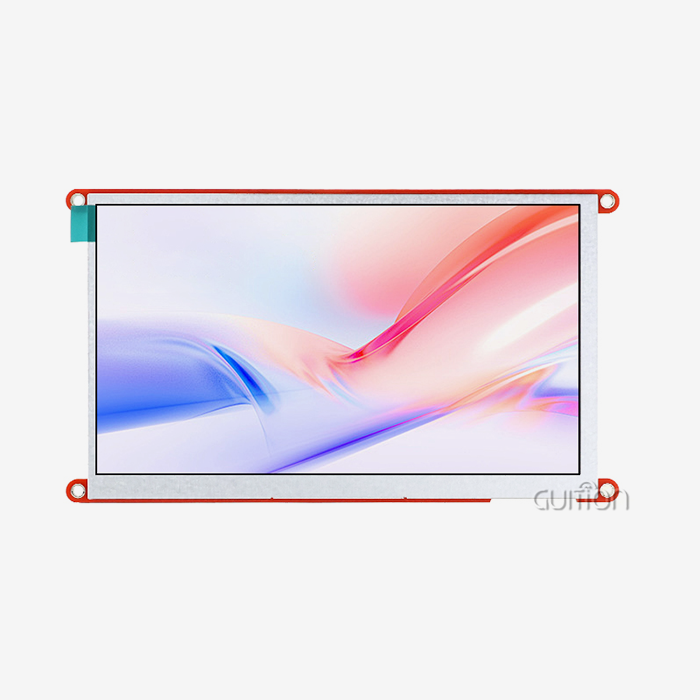
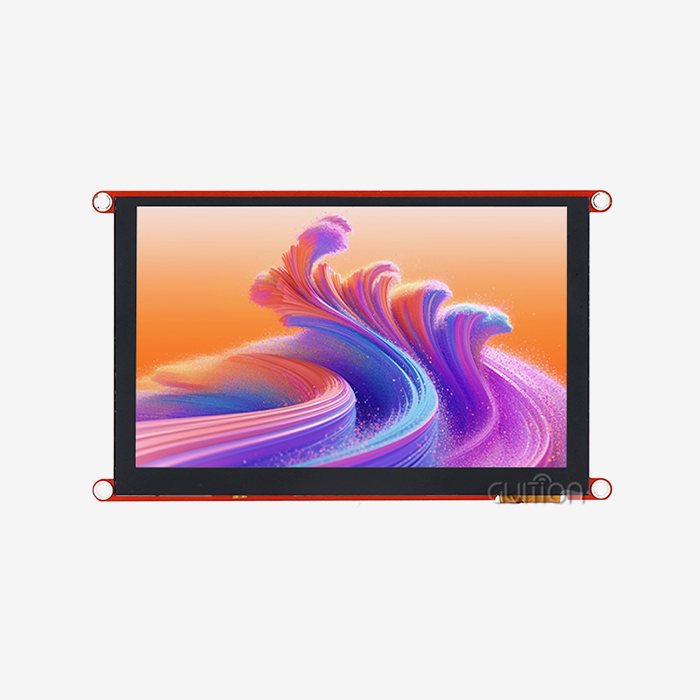
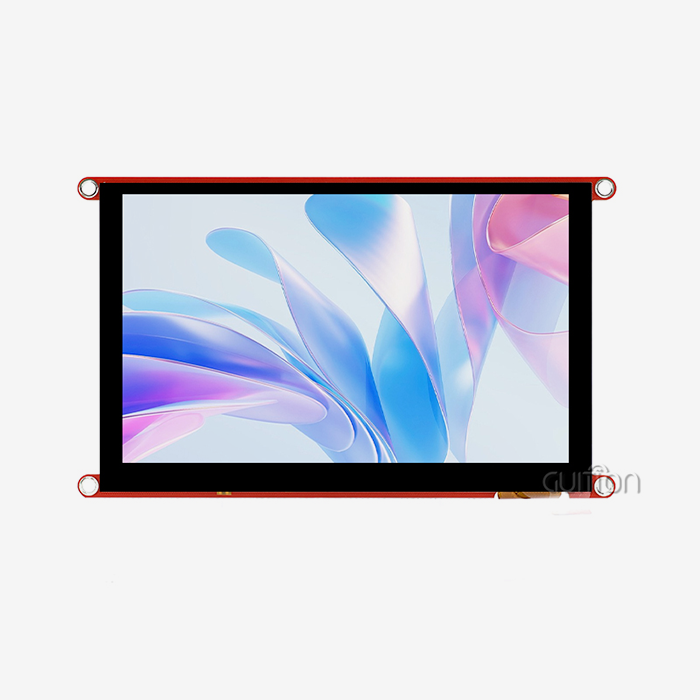
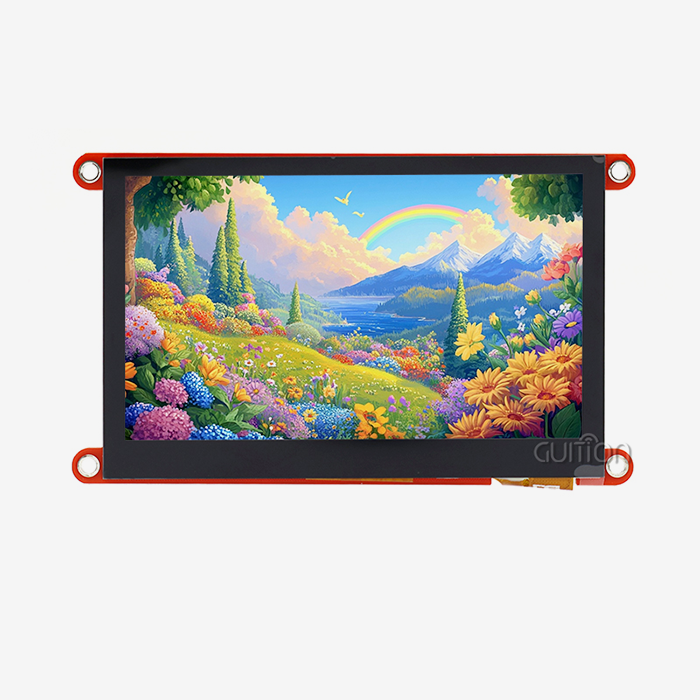
The Guition JC4827Q343C_I module uses the Artinchip D121BAV MCU running at 400MHz to provide outstanding graphics performance in a small 4.3-inch package. The 480x272 IPS panel shows bright 65K colors and has a wide viewing angle, so even when operators look at the screen from an angle on industrial equipment, it is still easy to see. With built-in WiFi and Bluetooth modules, you don't need to buy separate transmission gear. This cuts down on the cost of the bill of materials and makes designing the enclosure easier. This module is different because it has the Guition online development environment, which lets you make drag-and-drop interfaces.
Modules Optimized for Harsh Environments
Modules made with automotive-grade parts that can handle a wider range of temperatures are better for industrial control applications that are exposed to extreme temperatures. Displays that use transflective LCD technology can still be read in full sunlight without using too much power to make the lighting bright. Conformal coating on circuit boards keeps them safe from wetness, dust, and chemicals that are often found in places that process food or make chemicals. Some specialized modules have heated glass layers that keep condensation from forming in cold storage situations or melt frost on the outside of surfaces in outdoor installations.
High-Resolution Options for Complex Interfaces
Higher pixel densities are needed for applications that need to see detailed data, like medical diagnostic tools or tracking industrial processes. Modules with an 800x480 resolution and screens that are 5 to 7 inches wide can show trend plots, multi-parameter readouts, and navigation menus all at the same time. Most of the time, these screens have faster touch controls that can recognize gestures like pinching to zoom on technical drawings or swiping through long instructions for equipment.
Compact Solutions for Space-Constrained Designs
Smaller sizes, between 2.4 and 3.5 inches, are better for handheld testing tools and pocket measuring tools. These modules focus on low power use to make the battery last longer. They often have ambient light sensors that change the brightness of the backlight automatically based on the lighting conditions. Even tho they are smaller now, modern compact modules still have accurate capacitive touch and can include wireless connectivity for logging data to cloud platforms.
Cost-Effective Modules for Volume Production
Industrial OEMs that make a lot of equipment, like building control panels or farming sensors, need cost-effective solutions that don't compromise reliability. Modules that use standard UART serial connections reduce the amount of resources that microcontrollers need, which lets them connect to cheaper host computers. Most of the time, these screens use simple touch controllers that only pick up single touches instead of multi-touch gestures. This works fine for button-based navigation that is common in industrial interfaces. The JC4827Q343C_I stands out because it has a complete development ecosystem that reduces the need for engineering resources. This makes it great for startups and mid-sized manufacturers. Instead of debugging low-level display drivers, teams can use the time they save on development to make their products stand out.
Integration and Troubleshooting of Capacitive Touch Display Modules in Industrial Systems
A successful application includes more than just electrical links. It also includes setting up the software, following the calibration steps, and adapting to the surroundings. During the integration of a Capacitive touch display module, engineers will face problems that are expected and can be avoided with good planning. A well-designed hmi display module helps ensure smooth interaction between users and systems by improving control accuracy, display performance, and overall integration reliability.
Electrical Interface Configuration
For UART-based modules to work, the display driver and host microcontroller need to carefully match the baud rate. Common rates are 9600 and 115200, but the module instructions can also list custom speeds. The implementation of the communication protocol must handle command framing correctly. This includes start bytes, data length fields, command identifiers, payload data, and checksum verification. A lot of industrial protocols use timeouts and retry logic to make sure that communication stays strong even when there is electrical noise. When screens are mounted in metal cases, ground loop separation is important because incorrect grounding can cause voltage differences that mess up serial data. Stable power supplies are very important because capacitive touch controls can be affected by voltage ripple, which can show up as irregular touch responses or fake triggers. Using different linear regulators for the display's power, rather than switching sources for motors or relays, makes the system more reliable.
Calibration and Sensitivity Tuning
Factory calibration works best for most uses, but field calibration is better in some business situations. For operators who wear thick gloves, touch sensitivity thresholds that can pick up on smaller changes in capacitance through insulating material need to be raised. On the other hand, places with a lot of electromagnetic interference might need less sensitivity to block false touches caused by noise. Some display units make calibration parameters available through configuration registers that can be accessed through communication protocols. By changing these values, you can fine-tune the touch reaction to meet practical needs. In some cases, touch dead zones near the edges of the screen need to be fixed by firmware mapping, which changes the given numbers to ranges that can be used.
Common Issues and Solutions
Ghost touches, which happen without physical contact, are usually caused by noise from the power supply, bad grounding, or electromagnetic interference from equipment nearby. Putting ferrite beads on the communication lines, adding capacitive filtering to the power inputs, and making sure the chassis is properly grounded generally fix these problems. If you experience touch lag or unresponsiveness, it could mean that there is too much communication traffic on shared serial buses. To improve response, make sure that messages are sent at the right time and don't keep asking. When parts of the screen stop responding, it could mean that the touch controller has locked up and needs to be restarted by power cycling or software. Adding watchdog monitoring that resets the display controller automatically if communication stops for a long time makes systems more reliable. When suddenly the screen visibility drops, making sure the backlight driver works and checking to see if any dimming features were accidentally turned on by software commands can help figure out what's wrong.
Procurement Strategies: Where and How to Buy Capacitive Touch Display Modules for Industrial OEMs
To set up effective supply lines for display modules, producers must be judged on their technical skills, production capacity, and support infrastructure. Industrial buyers value long-term partnerships over one-time deals because the choice of a capacitive touch display module affects the design of a product throughout its entire lifetime.
Evaluating Supplier Capabilities
Reliable manufacturers keep a lot of technical information, like detailed datasheets, integration guides, and mechanical drawings with exact mounting dimensions. When suppliers offer development kits or review samples, engineering teams can test how well the products work before committing to design integration. During development, responsive technical support is very helpful. Companies that hire application engineers who know about embedded systems can help solve problems with integration and suggest ways to make things run more smoothly. When you want to scale up, production capacity is important. Suppliers should show that they can handle large orders that fit with your production ramp plan. Quality standards like ISO9001 show that process controls have been set up, and RoHS and REACH compliance make sure that goods meet environmental rules for markets around the world.
Customization Options and MOQ Considerations
Standard modules work well for many uses, but sometimes you need custom solutions to stand out from the competition. Manufacturers that offer OEM customization can change the size of the screens, the types of interfaces, the branding on the edges, or the firmware that comes pre-installed. It's easier to plan production costs when you know the minimum order quantities (MOQ) for custom configurations. For example, normal goods might need MOQs of 100 pieces, but custom configurations usually need 500–1000 unit commitments. By negotiating trial runs with lower MOQs, you can test your idea before committing to large production runs.
Direct Manufacturer Relationships
Industrial OEMs can get more out of working directly with monitor manufacturers than through distributor routes. Direct relationships give you access to technical help, the ability to customize, and price models that work well for mass production. Manufacturers can promise that parts will be available for longer periods of time and talk to customers ahead of time about changes in the lifecycle. Guition is a good example of this method because they help customers from the first idea to mass production, and they offer both standard modules like the JC4827Q343C_I and unique solutions that are made to fit the needs of each application.
Conclusion
In conclusion, industrial equipment requires display solutions that balance technical performance with long-term dependability. The Capacitive touch display module does both. When engineering teams know the selection criteria for things like environmental requirements, integration needs, and supplier capabilities, they can make smart choices. The Guition JC4827Q343C_I is the pinnacle of modern industrial display technology. It has powerful processing, easy-to-use development tools, and a wide range of connectivity options that cut down on time to market. As smart devices and industrial automation keep getting better, it's important to find display partners with both tested hardware and strong development communities. This will help your goods stay competitive throughout their entire market lifecycle with advanced HMI Display Module solutions.
FAQ
What makes capacitive touch better than resistive touch for industrial applications?
Unlike resistive screens, which break down over time from constant pressure, capacitive technology lasts longer because it doesn't have any moving parts that wear out from use. The glass surface is better at resisting scratches and chemicals, which is important for medical gadgets that need to be sterilized often. With light transfer levels above 90%, capacitive screens are clearer to the eye, while resistive screens with many bendable layers look less colorful. Support for multitouch gestures makes it possible for complex industrial applications, like reviewing CAD drawings or visualizing process flows, to have easy-to-use interfaces.
Can capacitive touch work reliably in electrically noisy factory environments?
Industrial capacitive modules that are properly made have buffering layers and advanced signal processing built in to keep electromagnetic interference out. Touch controllers with a high signal-to-noise ratio and mutual capacitance detection keep their accuracy even when they are close to heavy machinery that makes electrical noise. Using the right grounding techniques during installation and choosing units that have been tried for EMC compliance will make sure that they work reliably in tough industrial settings.
How does optical bonding improve industrial display performance?
Optical bonding uses clear glue to close the air gap between the touch sensor and the LCD screen, which has many benefits. The process cuts down on internal light effects that make it harder to read in direct sunlight. This means that screens can be used outside without using too much power for the backlight. Bonded construction spreads contact forces across the whole assembly instead of putting all the stress on the mounting points. This makes the assembly more resistant to shaking and shock. Getting rid of air holes stops dust or moisture from getting in, which could hurt sight performance over time.
Partner with Guition for Your Capacitive Touch Display Module Needs
Guition has become a top Capacitive touch display module producer, serving industrial equipment makers, IoT solution providers, and embedded system developers all over the world. Our wide range of products includes screens from 1.28" to 21.5", and they are all supported by our own Guition development environment, which cuts the time it takes to make an interface from weeks of coding to hours of visual design. The JC4827Q343C_I module is an example of how we combine powerful hardware with easy-to-use development tools. Its 400MHz processing speed, WiFi/Bluetooth connection, and drag-and-drop GUI creation make the product development process go much faster. In addition to high-quality hardware, we offer full technical documentation, quick engineering help, and a variety of customization choices that can be tailored to your unique needs. Our USART-HMI modules work perfectly with Arduino, ESP-IDF, and other well-known embedded platforms, so you can use them to make industrial control panels, medical tracking equipment, or smart home devices. Email our team at david@guition.com to talk about the needs of your project, get evaluation samples, or look into the ways you can make it your own. We want to be your long-term partner in making great human-machine interfaces, not just a Capacitive touch display module provider.
References
1. Smith, J., & Anderson, R. (2023). Industrial Touch Display Technologies: A Comparative Analysis. Journal of Embedded Systems Engineering, 45(3), 112-128.
2. Chen, L., Martinez, P., & Thompson, K. (2024). Capacitive Touch Sensor Design for Harsh Industrial Environments. IEEE Transactions on Industrial Electronics, 71(2), 567-581.
3. Industrial Automation Standards Committee. (2023). Best Practices for HMI Display Selection in Manufacturing Applications. International Society of Automation Press.
4. Williams, D., & Patel, S. (2023). EMC Considerations for Capacitive Touch Interfaces in Industrial Equipment. EMC Engineering Quarterly, 18(4), 45-62.
5. Rodriguez, M., Kim, H., & O'Brien, T. (2024). Touch Display Integration Strategies for Embedded System Designers. Embedded Computing Design Magazine, 22(1), 34-49.
6. Johnson, A., & Zhang, W. (2023). Optical Bonding Technologies for Industrial Display Modules. Display Technology Review, 39(2), 78-94.
Learn about our latest products and discounts through SMS or email