- English
- French
- German
- Portuguese
- Spanish
- Russian
- Japanese
- Korean
- Arabic
- Greek
- German
- Turkish
- Italian
- Danish
- Romanian
- Indonesian
- Czech
- Afrikaans
- Swedish
- Polish
- Basque
- Catalan
- Esperanto
- Hindi
- Lao
- Albanian
- Amharic
- Armenian
- Azerbaijani
- Belarusian
- Bengali
- Bosnian
- Bulgarian
- Cebuano
- Chichewa
- Corsican
- Croatian
- Dutch
- Estonian
- Filipino
- Finnish
- Frisian
- Galician
- Georgian
- Gujarati
- Haitian
- Hausa
- Hawaiian
- Hebrew
- Hmong
- Hungarian
- Icelandic
- Igbo
- Javanese
- Kannada
- Kazakh
- Khmer
- Kurdish
- Kyrgyz
- Latin
- Latvian
- Lithuanian
- Luxembou..
- Macedonian
- Malagasy
- Malay
- Malayalam
- Maltese
- Maori
- Marathi
- Mongolian
- Burmese
- Nepali
- Norwegian
- Pashto
- Persian
- Punjabi
- Serbian
- Sesotho
- Sinhala
- Slovak
- Slovenian
- Somali
- Samoan
- Scots Gaelic
- Shona
- Sindhi
- Sundanese
- Swahili
- Tajik
- Tamil
- Telugu
- Thai
- Ukrainian
- Urdu
- Uzbek
- Vietnamese
- Welsh
- Xhosa
- Yiddish
- Yoruba
- Zulu
Best Arduino TFT Displays for Your Next Project
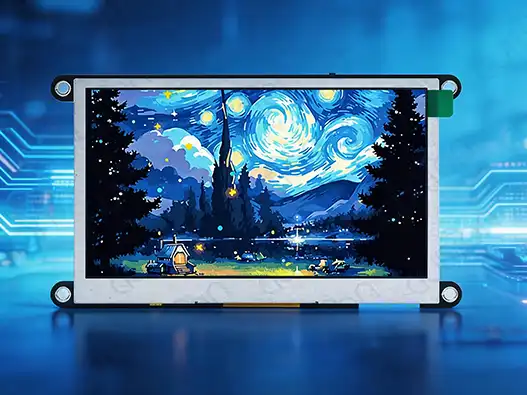
When choosing the best Arduino TFT screens for embedded projects, you need to think carefully about how well they work, how reliable they are, and how well they can be integrated. The selection of a proper display module is a key element for the performance, usability, and development efficiency of an embedded project. Compared to standard LCD alternatives, an Arduino TFT display enables full-color viewing, quicker response, and greater support for interactive interfaces used in IoT devices, automation equipment, smart controllers, and prototype development. But choosing a proper TFT module is not simply about screen size or resolution. Engineers will have to consider display drivers, communication interfaces, controller compatibility, touch features, power needs, and long-term supply dependability. This tutorial provides insight into the main considerations for selecting a contemporary TFT display and helps developers, engineers, and buying teams find the correct solution for diverse Arduino-based applications.
Understanding Arduino TFT Display Technology
How TFT Architecture Improves Display Performance
TFT (Thin Film Transistor) technology – each pixel is controlled by its own transistor. The active-matrix design provides for quicker refresh rates, sharper visuals, and more accurate color reproduction in displays compared to older passive display technologies.
TFT modules are often utilized in Arduino projects when applications need:
- Sensor visualization in real time
- Graphical user interfaces
- Touch control panel
- Monitoring dashboards of data
- Prototypes for embedded products
Unlike basic character LCDs, TFT displays can display icons, charts, animations, and complicated menus, and therefore are appropriate for advanced embedded designs.
Important Specifications Engineers Should Check
When choosing an Arduino TFT module, numerous parameters decide whether the display meets the project requirements.
Screen resolution and size
The resolution dictates how sharp the picture is and how much area it may occupy on the display.
Typical choices are:
- 128×160 pixels for small projects
- 240×320 pixels for common-use Arduino applications.
- 320×480 pixels for bigger interfaces
Small screens are excellent for portable devices, whilst bigger panels are appropriate for control systems and dashboards.
Driver IC Compatibility
The driver chip controls communication between the microcontroller and the display panel.
Common TFT drivers include:
- ILI9341
- ST7735
- ST7789
- HX8357
- ST7796
A compatible driver ensures smoother development because many Arduino libraries already support these controllers.
Before purchasing, developers should confirm:
- Library compatibility
- Available documentation
- Community support
- Interface requirements
Interface Selection: SPI vs Parallel Communication
The communication interface affects both wiring complexity and display performance.
SPI interfaces are popular because they:
- Require fewer pins
- Simplify wiring
- Work well with Arduino and ESP32 platforms
Parallel interfaces can provide higher data transfer speeds but usually require more GPIO resources.
For beginners and compact embedded designs, SPI-based modules are often easier to integrate.
Comparing Different Arduino TFT Display Options
Choosing the right display depends on the balance between performance, development difficulty, and application requirements, including Welche Tipps gibt es bei der Auswahl eines robusten Displays für ein kleines Arduino-Projekt, das regelmäßig verwendet wird. Different TFT modules provide different advantages depending on whether the project focuses on compact design, user interaction, or commercial deployment.
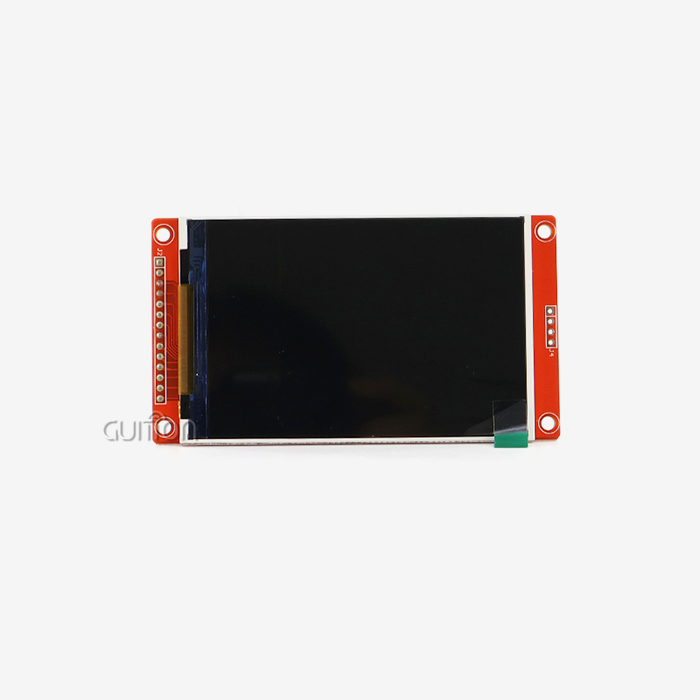
Small SPI TFT Displays for Compact Projects
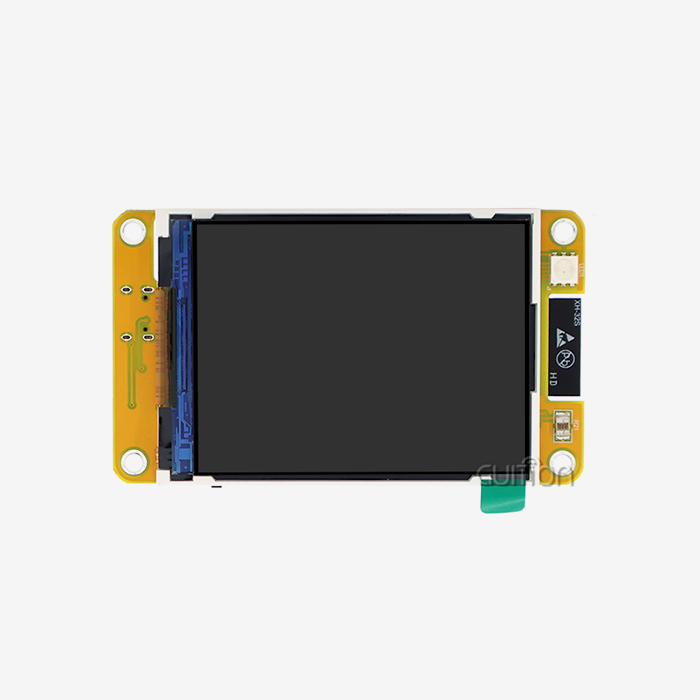
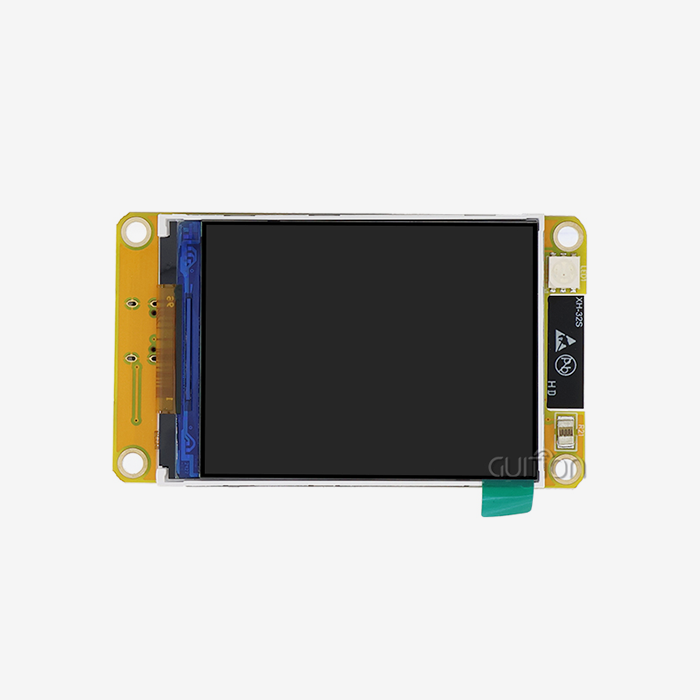
Small TFT modules are widely used in portable electronics, sensor devices, and educational projects because they require fewer connection pins and consume less system resources.
Typical features include:
- 1.8-inch to 2.4-inch screen sizes
- SPI communication
- Low power consumption
- Simple Arduino library support
These displays are suitable for projects such as:
- Weather monitoring devices
- Portable data loggers
- Small IoT controllers
- DIY electronic instruments
For developers using Arduino Uno or similar boards with limited memory, compact SPI displays provide a practical balance between functionality and hardware requirements.
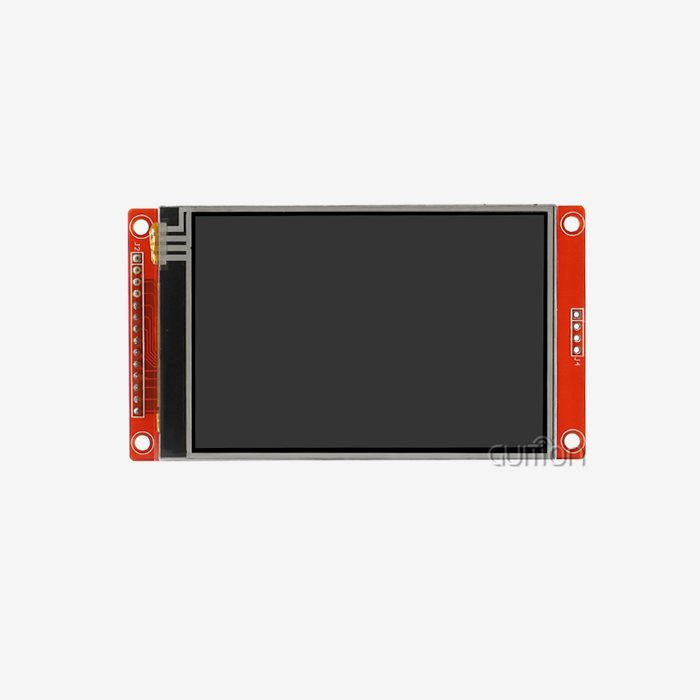
Medium-Sized TFT Displays for Interactive Interfaces
Medium-sized displays are often selected for applications that require clearer visualization and more user interaction.
Common specifications include:
- 2.8-inch to 3.5-inch screens
- 240×320 or 320×480 resolution
- Optional resistive or capacitive touch functions
- Support for graphics libraries
These modules are commonly integrated into:
- Smart control panels
- Home automation systems
- Industrial monitoring interfaces
- Embedded learning platforms
An Arduino TFT module with touch capability can replace traditional button-based interfaces, allowing users to control settings through graphical menus.
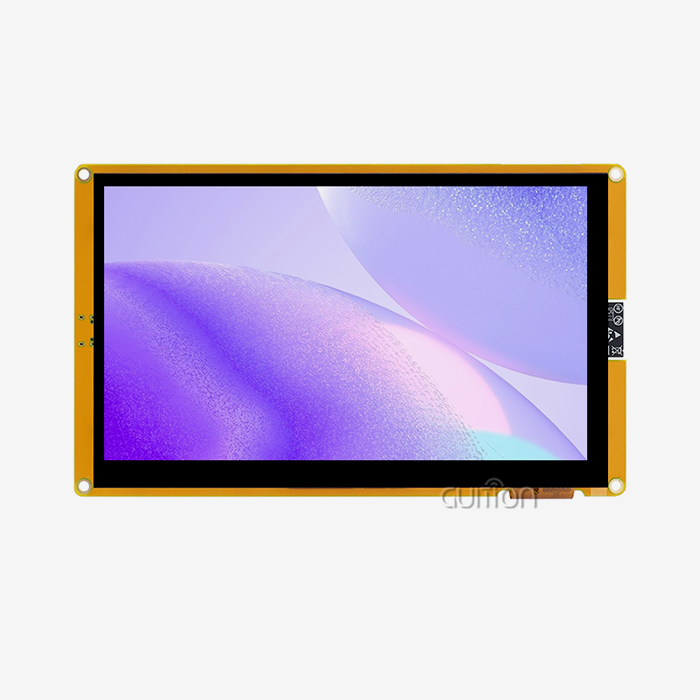
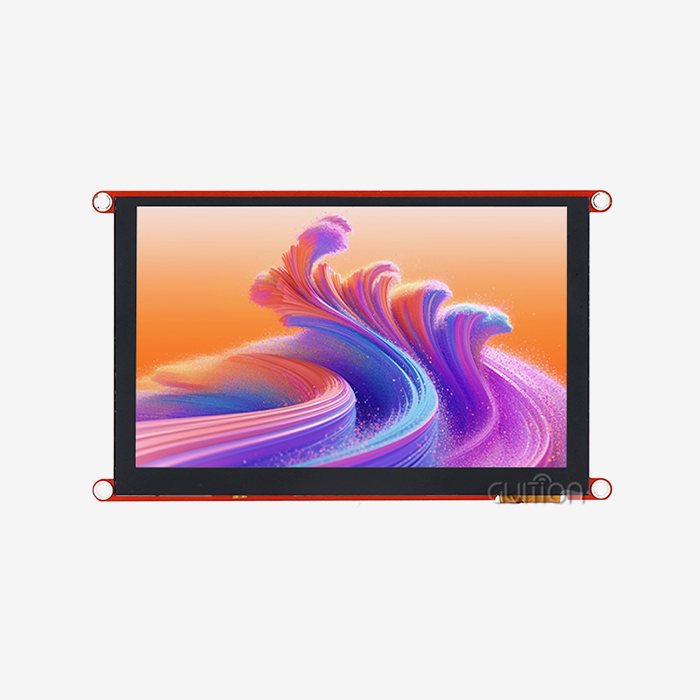
Large TFT Displays for Advanced Embedded Systems
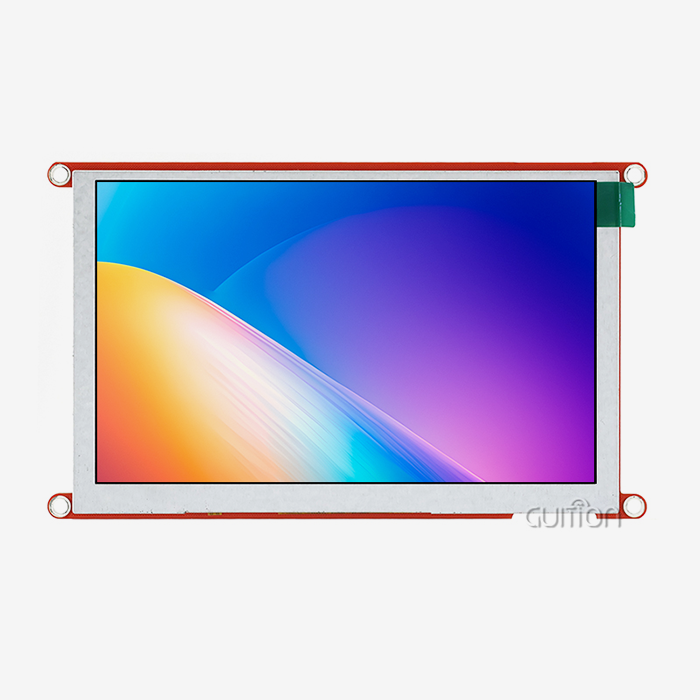
Large TFT panels provide improved visibility for applications where users need to view detailed information from a distance.
They are often used in:
- Industrial dashboards
- Laboratory equipment
- Commercial control terminals
- Smart display systems
Large displays usually require stronger processing capability because higher-resolution images require more memory and faster data transmission.
Developers should evaluate whether their Arduino-compatible controller can provide sufficient processing resources before selecting a larger display.
Key Factors When Choosing an Arduino TFT Display
Check Controller Compatibility Before Development
One of the most common mistakes during display selection is choosing a screen based only on appearance.
Before purchasing an Arduino TFT, developers should confirm:
- Supported controller chips
- Available Arduino libraries
- Wiring requirements
- Example code availability
- Compatibility with the selected development board
A display with strong software support can significantly reduce development time.
Consider Memory and Processing Requirements
TFT displays require more memory compared with simple monochrome displays because each pixel contains color information.
For example:
- Basic Arduino boards may work better with smaller TFT modules
- ESP32-based boards can handle larger displays and more complex interfaces
- Advanced controllers are better suited for animation and real-time graphics
Understanding processing limitations helps prevent performance issues during development.
Evaluate Touch Function Requirements
Touch functionality adds convenience but also introduces additional design considerations.
Touch-enabled TFT modules are useful for:
- User input interfaces
- Equipment control panels
- Smart home systems
- Portable measurement devices
However, projects that only need information display may not require touch capability. Selecting the correct configuration avoids unnecessary hardware costs.
Common Applications of Arduino TFT Displays
IoT Monitoring Devices
IoT developers frequently use TFT displays to visualize:
- Temperature data
- Humidity levels
- Energy consumption
- Sensor information
- Network status
A color interface makes real-time data easier for users to understand compared with simple numerical displays.
Industrial Control Interfaces
Small-scale automation equipment often requires compact graphical interfaces for:
- Parameter adjustment
- Equipment status monitoring
- Operation instructions
- Warning notifications
TFT displays provide a flexible interface solution while maintaining a compact hardware footprint.
Educational and Prototype Development
Arduino platforms are widely used in education because they allow students and engineers to quickly create functional prototypes.
TFT displays help demonstrate:
- Graphic programming
- User interface design
- Embedded system development
- Sensor visualization
For prototype projects, easy installation and available software examples are often more important than maximum display specifications.
Quality Evaluation Guide for Arduino TFT Suppliers
For businesses purchasing TFT modules in larger quantities, product quality and supplier capability become important factors.
Verify Display Quality Control
Reliable suppliers should provide consistent manufacturing standards, including:
- Display performance testing
- Color accuracy inspection
- Touch function testing
- Interface verification
- Batch quality inspection
Consistency between production batches helps maintain stable product performance.
Review Customization Capability
Different projects may require customized display solutions.
Professional suppliers may support:
- Custom screen sizes
- Interface adjustments
- Logo printing
- Firmware support
- Customized packaging
OEM capability is especially valuable for companies developing branded electronic products.
Check Documentation and Technical Support
Comprehensive technical assistance facilitates integration.
Useful supplier resources include:
- Data sheets
- Communication protocols
- Examples of programming
- Wiring diagrams
- Application guide
Technical documentation may significantly impact development efficiency, especially for engineering teams.
Why Arduino TFT Displays Are Popular for Modern Projects
TFT technology is popular because it can combine visual performance with flexible integration.
Compared to older display options, TFT modules provide:
- Full-color pictures
- Improved User Engagement
- Increased design flexibility
- Support for contemporary embedded applications
The Arduino TFT display gives developers a practical means to build more understandable interfaces, from modest hobby projects to commercial electrical goods.
Conclusion
Choosing the proper display is more than just choosing the screen size or the resolution. Which is best relies on project objectives, controller compatibility, interface design, power consumption, and long-term availability.
When paired with the right hardware platform, an Arduino TFT display may provide outstanding visual performance for IoT devices, automation systems, educational projects, and commercial electronics.
Technical requirements, supplier capabilities, documentation quality, and customization choices should all be considered by developers and buying teams before a selection is made. When picking the right proven TFT solution that suits the application demands, companies may produce a solid, user-friendly product while enhancing development productivity.
FAQ
Q: What makes Arduino TFT displays superior to traditional LCD modules?
A: Active-matrix technology controls each pixel in Arduino TFT displays, making them more accurate in color, faster at refreshing, and easier to see from more angles than passive-matrix LCDs. The active-matrix design makes it possible to render complicated graphics and add touch interfaces, which are both important for current embedded apps.
Q: How do I resolve white screen issues during Arduino TFT initialization?
A: Problems with a white screen usually mean that the driver IC doesn't match or that the wiring isn't connected correctly. Make sure the type of display driver you're using fits the software setup. Also, check the connections for the reset and chip select pins and make sure the power goes on in the right order during startup. For effective function, the Arduino and display module must also be able to communicate at the logic level.
Q: What factors should I consider when selecting Arduino TFT suppliers for bulk purchases?
A: Check how good the supplier's expert help is, how long the warranty lasts, and how often they promise to deliver parts. Think about how thorough the guidance is, how good the example code is, and how quickly you can get help from engineers. For big purchases and long-term projects, manufacturing licenses, environmental compliance, and a stable supply chain become more and more important.
Partner with Guition for Your Arduino TFT Display Needs
Guition's advanced Arduino TFT display options are made for professional use and can change the way your embedded projects work. Our JC4827W543N_I module unites the processing power of the ESP32-S3R8 with full development support. This lets you make prototypes quickly and scale up production without any problems. Email our engineering team at david@guition.com to talk about custom setups, bulk prices, and technical help for integration. As a top Arduino TFT maker, we offer full development platforms that include our own Guition software platform, a lot of instructions, and quick technical support to make sure your project succeeds.
References
1. Smith, J. & Anderson, K. (2023). "Embedded Display Technologies: A Comprehensive Guide to TFT Integration in Industrial Applications." Journal of Embedded Systems Engineering, 15(3), 45-67.
2. Chen, L. et al. (2023). "Performance Analysis of Active-Matrix Display Controllers for Arduino-Compatible Platforms." International Conference on Embedded Computing Systems, 234-249.
3. Rodriguez, M. (2024). "Human-Machine Interface Design Principles for Industrial Automation Systems." IEEE Transactions on Industrial Electronics, 41(2), 78-92.
4. Thompson, R. & Williams, S. (2023). "Comparative Study of Display Technologies in IoT Device Applications." ACM Computing Surveys, 28(4), 112-135.
5. Kumar, A. (2024). "Supply Chain Management Strategies for Electronic Component Procurement in Embedded Systems." International Journal of Production Economics, 189, 156-171.
6. Lee, H. & Park, J. (2023). "Touch Interface Implementation Techniques for Resistive and Capacitive Display Systems." Sensors and Actuators B: Chemical, 367, 132-145.
Learn about our latest products and discounts through SMS or email