- English
- French
- German
- Portuguese
- Spanish
- Russian
- Japanese
- Korean
- Arabic
- Greek
- German
- Turkish
- Italian
- Danish
- Romanian
- Indonesian
- Czech
- Afrikaans
- Swedish
- Polish
- Basque
- Catalan
- Esperanto
- Hindi
- Lao
- Albanian
- Amharic
- Armenian
- Azerbaijani
- Belarusian
- Bengali
- Bosnian
- Bulgarian
- Cebuano
- Chichewa
- Corsican
- Croatian
- Dutch
- Estonian
- Filipino
- Finnish
- Frisian
- Galician
- Georgian
- Gujarati
- Haitian
- Hausa
- Hawaiian
- Hebrew
- Hmong
- Hungarian
- Icelandic
- Igbo
- Javanese
- Kannada
- Kazakh
- Khmer
- Kurdish
- Kyrgyz
- Latin
- Latvian
- Lithuanian
- Luxembou..
- Macedonian
- Malagasy
- Malay
- Malayalam
- Maltese
- Maori
- Marathi
- Mongolian
- Burmese
- Nepali
- Norwegian
- Pashto
- Persian
- Punjabi
- Serbian
- Sesotho
- Sinhala
- Slovak
- Slovenian
- Somali
- Samoan
- Scots Gaelic
- Shona
- Sindhi
- Sundanese
- Swahili
- Tajik
- Tamil
- Telugu
- Thai
- Ukrainian
- Urdu
- Uzbek
- Vietnamese
- Welsh
- Xhosa
- Yiddish
- Yoruba
- Zulu
Best Arduino TFT Display Modules for Beginners in 2026?
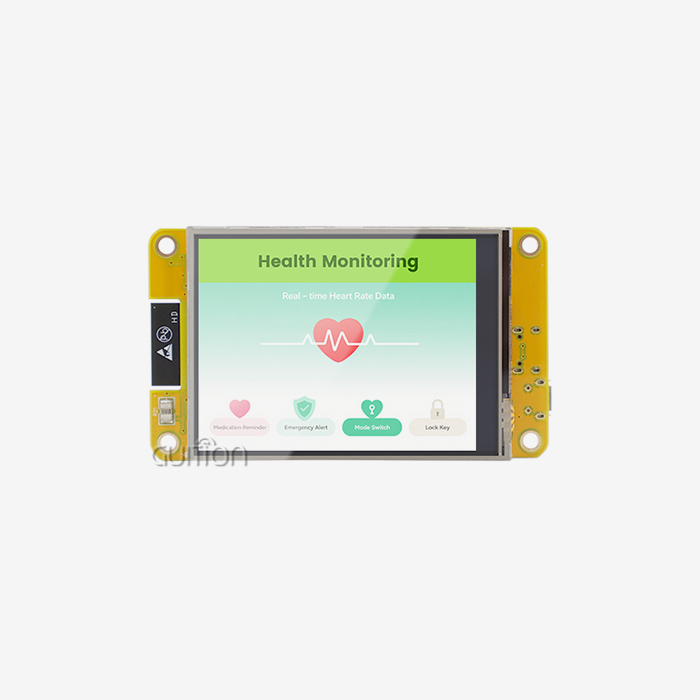
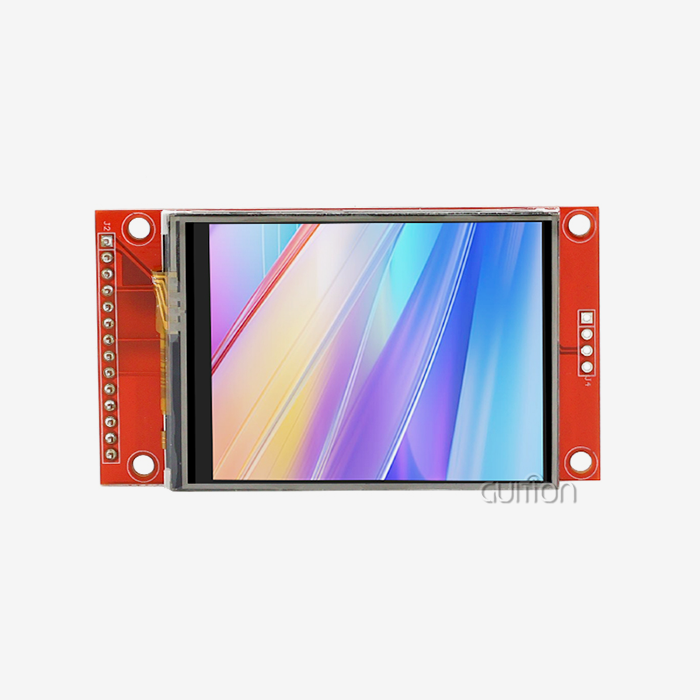
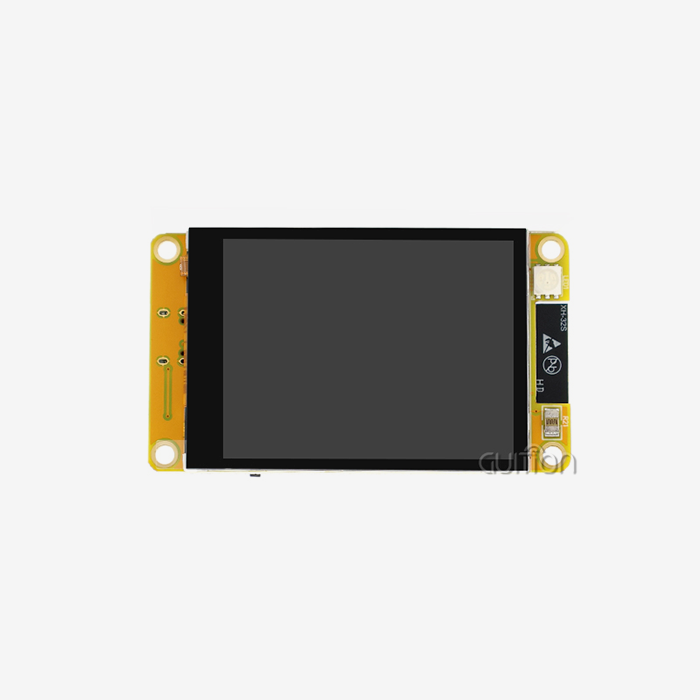
Choosing the right Arduino TFT display module can significantly improve the development process of embedded projects.TFT modules provide full-color graphics, touchscreen interactivity, and customizable interface choices above simple character LCDs for applications such as smart controllers, IoT devices, automation equipment, and industrial interfaces. For novices, the issue is not simply picking a screen with adequate resolution and size. Also significant is compatibility with Arduino boards, availability of libraries, controller support, power, and future manufacturing demands. Choosing a good TFT supplier is important not just for technical teams and product developers, but it may also affect project schedules and long-term product stability. A successful prototype module should also have consistent quality, technical documentation, and supply capabilities to transition to commercial manufacturing. In this post, we’ll walk you through the most important things for a novice to look for in Arduino TFT display modules in 2026. We’ll talk about display technology, hardware compatibility, features to look for in a module, programming requirements, and how to choose a provider.

Understanding Arduino TFT Display Modules Before Choosing One
How TFT Technology Improves Embedded Display Projects
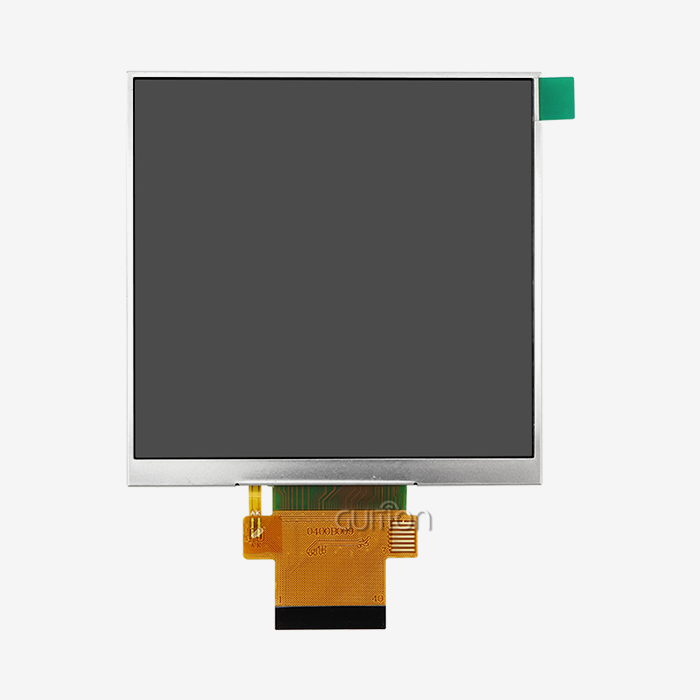
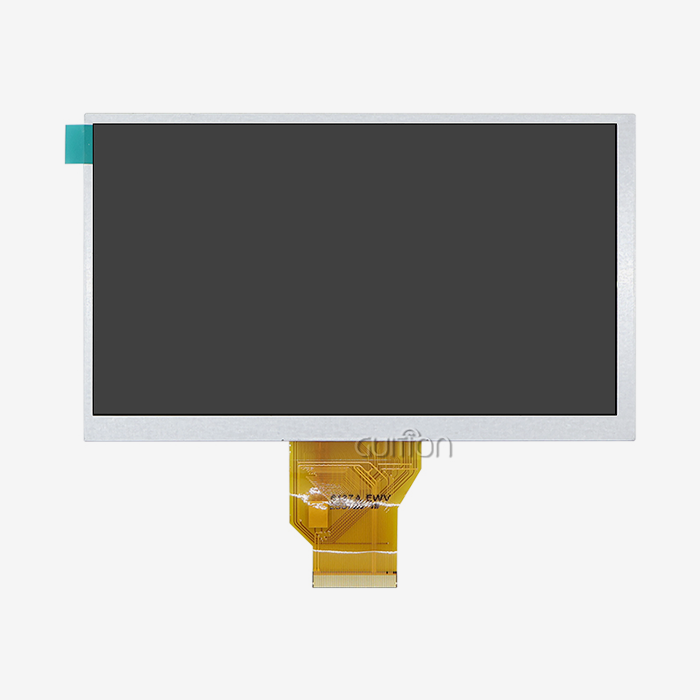
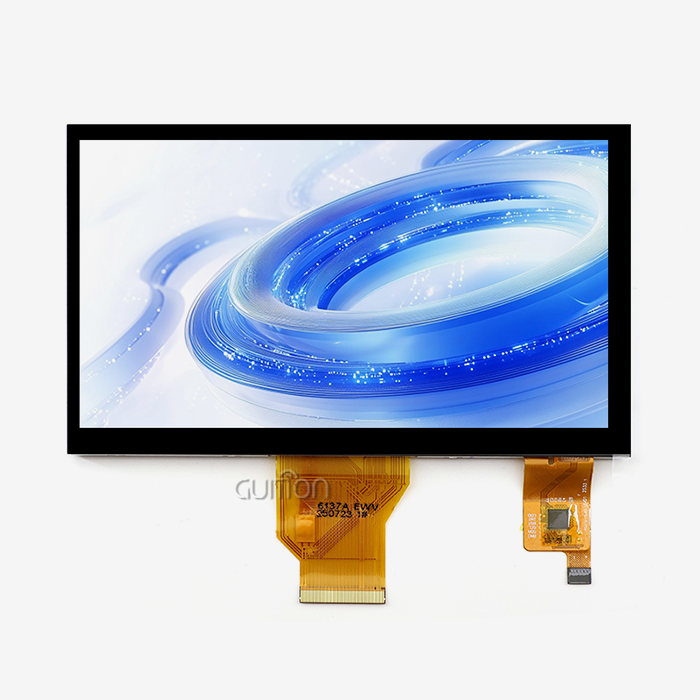
TFT (Thin Film Transistor) LCDs employ active-matrix technology, where each pixel is controlled by its own transistors. This architecture provides quicker reaction times, improved picture clarity, and more fluid visuals than typical passive display technologies.
TFT modules are often utilized for Arduino-based projects when the applications require:
- Color graphics, touch interaction, real-time presentation of data, custom user interfaces, small embedded screens
- Most Arduino-compatible TFT modules provide RGB color formats (RGB565) that can display 65,536 color combinations. This is appropriate for dashboards, control panels, sensor monitoring systems, and graphical interfaces.
The biggest benefit of TFT technology is its versatility. Developers are able to go beyond basic text displays and design interfaces akin to commercial electrical items.
TFT vs OLED vs Traditional LCD: Which Display Fits Your Project?
Each display technology has its own advantages.
OLED displays provide better contrast and fast response time. This makes them a good match for compact devices where black levels and viewing angles are important. However, for larger commercial applications, TFT LCD modules are often used because of solid supply chains, dependable brightness performance, and competitive production costs.
-
Traditional LCD panels are still useful for basic applications but often have few possibilities for graphical interfaces.
- For developers and for first applications, TFT modules are generally a pragmatic compromise between:
- Software support; Availability of manufacturing; Cost; Visual performance.
Key Factors Beginners Should Check Before Buying an Arduino TFT Module
Select the Right Screen Size and Resolution
Screen size influences user experience and product design directly.
Common uses for small screens about 2-3 inches are:
Mobile devices, small controllers, wearable electronics
Larger screens, such as 4.3-inch or 7-inch versions, are preferable for:
- Industrial control panels, smart home connections, equipment monitoring systems
- The resolution should be enough for the application. The higher the resolution, the more detailed the picture, but also the more processing power and memory it requires.
Before choosing a module, developers should consider these things:
Graphics complexity, Available enclosure area, required viewing distance, Controller processing capabilities.
Check Controller Compatibility and Communication Interface
One of the most common beginner mistakes is choosing a display without confirming hardware compatibility.
Arduino TFT modules may use different communication methods, including:
- SPI;
- Parallel interface;
- RGB interface.
SPI-based modules are popular among beginners because they require fewer connections and work well with many development boards, which is why What are the best Arduino TFT displays for beginners? is a common question.
However, engineering teams should also check:
- Driver IC compatibility;
- Available Arduino libraries;
- Voltage requirements;
- Required memory resources.
A module with strong software support can significantly reduce development time.
Consider Touch Functionality and User Interaction
Touch capability can transform a display from an information panel into a complete human-machine interface.
Common touchscreen options include:
Resistive Touch
Advantages:
- Works with gloves;
- Lower cost;
- Simple integration.
Capacitive Touch
Advantages:
- Better user experience;
- Multi-touch support;
- Similar operation to smartphones.
The right choice depends on the application environment. Industrial equipment may prioritize durability, while consumer devices often require smoother touch performance.
Recommended Arduino TFT Display Module Features for Beginners in 2026
GUITION JC4827W543N_I: A Development-Friendly TFT Solution
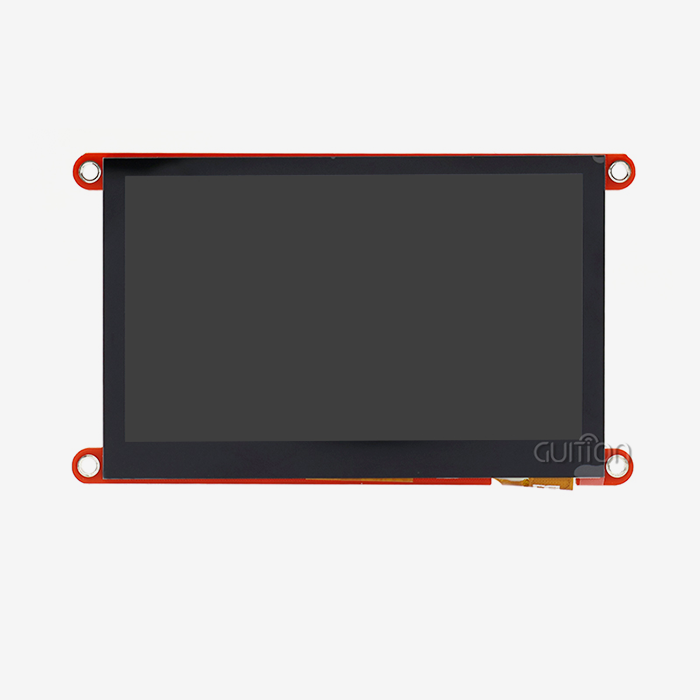
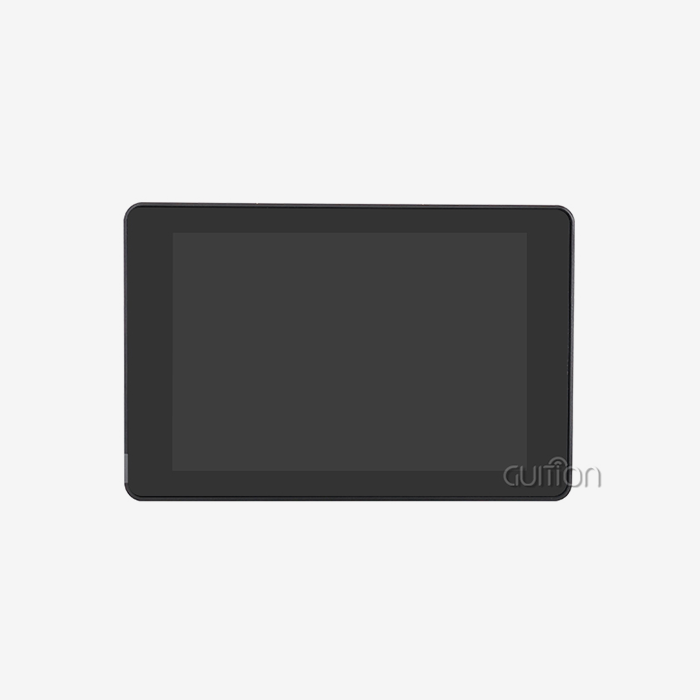
For developers looking for a more complete display platform, the GUITION JC4827W543N_I combines display, processing capability, and development support in one module.
The module uses an ESP32-S3R8 dual-core processor running at 240MHz and provides:
- 480×272 resolution;
- Integrated touchscreen;
- Wi-Fi and Bluetooth connectivity;
- 8MB PSRAM;
- 4MB Flash storage.
This hardware configuration allows developers to create more advanced graphical interfaces without adding separate controllers.
For beginners, integrated hardware can reduce wiring complexity and shorten the learning process.
Why Integrated Display Modules Help Product Development
A development-ready TFT module provides advantages beyond the screen itself.
For engineering teams, benefits include:
- Faster prototype validation;
- Easier software development;
- Reduced hardware integration work;
- Lower early-stage development risk.
The GUITION module supports Arduino IDE, ESP-IDF, MicroPython, and related development environments, allowing teams to select the workflow that matches their existing experience.
Built-in features such as TF card support and GPIO expansion also provide flexibility for applications involving sensors, data recording, and device control, while Gibt es Unterschiede zwischen LCD-, OLED- und TFT-Displays für Arduino und welches ist am besten für Einsteiger geeignet remains a common consideration.
Programming Arduino TFT Displays: Beginner Setup Guide
Prepare the Hardware Connection Before Coding
After selecting a suitable TFT module, the next step is establishing a stable hardware connection.
Most Arduino TFT displays require careful attention to:
- Power supply voltage;
- Communication interface;
- Pin configuration;
- Controller compatibility.
Many beginner projects use SPI communication because it reduces wiring complexity. Typical SPI connections include:
- MOSI;
- MISO;
- SCK;
- CS;
- DC;
- RESET.
Before powering the module, developers should verify that the display works with 3.3V or 5V logic levels. Wrong connections to the voltage may cause unstable operation or damage to sensitive components.
Most of the reliable modules come with comprehensive wiring instructions and reference designs, so developers don’t need to struggle with unnecessary troubleshooting during the first setup.
Install Libraries and Configure the Development Environment
Software support is one of the most important factors when selecting an Arduino TFT module.
Popular libraries include:
- Adafruit GFX Library;
- TFT_eSPI;
- LVGL for advanced graphical interfaces.
These libraries provide ready-made functions for:
- Drawing graphics;
- Displaying text;
- Handling images;
- Managing touch input.
For beginners, a strong software ecosystem reduces the need to manually control display timing and low-level communication commands.
A practical development process usually starts with simple testing:
- Initialize the display;
- Display basic text;
- Draw shapes and images;
- Add touch functions;
- Optimize interface performance.
Testing each stage separately makes it easier to identify hardware or software problems.
Troubleshooting Common Arduino TFT Integration Problems
Solving Display Initialization Failures
A blank screen is one of the most common issues during TFT development.
Possible causes include:
- Incorrect driver selection;
- Wrong pin definitions;
- Unsupported library configuration;
- Unstable power supply.
The first troubleshooting step is checking the display controller information and confirming that the software library matches the hardware.
Using supplier-provided example code can also reduce setup time because the initial configuration has already been tested.
Improving Display Stability and Performance
Flickering, slow refresh rates, or delayed touch response are usually related to system configuration.
Common solutions include:
- Reducing SPI clock speed;
- Improving power stability;
- Optimizing image size;
- Adjusting memory usage.
For applications with complex animations or multiple data displays, selecting a module with sufficient processing power and memory resources is important.
This is especially relevant for industrial interfaces, smart devices, and commercial products where stable operation is required over long periods.
How to Choose an Arduino TFT Supplier for Commercial Projects
Evaluate Technical Support and Documentation
For hobby projects, buying a display module based only on price may be acceptable. However, businesses developing commercial products need more complete supplier support.
A reliable supplier should provide:
- Detailed datasheets;
- Wiring diagrams;
- Software examples;
- Firmware support;
- Technical communication.
Good documentation reduces engineering time and helps teams move from prototype development to production more smoothly.
Check Customization and OEM Capabilities
Commercial projects often require modifications beyond standard modules.
Common customization requirements include:
- Display size changes;
- Touch panel selection;
- Interface adjustments;
- Housing integration;
- Firmware customization.
Working with a manufacturer that supports OEM and ODM development allows companies to adapt modules according to product requirements instead of redesigning the entire system.
For example, GUITION provides display solutions combining hardware development and software support, helping customers evaluate modules during product development.
Consider Supply Stability and Long-Term Availability
For commercial products, supplier reliability is as important as technical specifications.
Before placing larger orders, buyers should evaluate:
- Production capability;
- Quality control process;
- Component availability;
- Delivery consistency;
- After-sales support.
A display module selected for a successful prototype must also remain available when the product enters mass production.
Long-term cooperation with a stable supplier helps reduce redesign costs caused by unexpected component changes.
Arduino TFT Display Procurement Checklist for B2B Buyers
Technical Evaluation Checklist
Before purchasing, engineering teams should confirm:
| Evaluation Item | Key Questions |
|---|---|
| Display Size | Does the screen fit the product enclosure? |
| Resolution | Is the image quality sufficient for the interface? |
| Interface | Does it match the selected controller? |
| Touch Type | Is resistive or capacitive touch more suitable? |
| Software Support | Are libraries and examples available? |
| Power Requirements | Can the system provide stable power? |
Quality and Production Evaluation Checklist
For commercial applications, buyers should also review:
- Sample testing results;
- Product specifications;
- Quality inspection documents;
- Production capability;
- Customization support.
Testing sample units under real working conditions before bulk purchasing helps reduce integration risks.
Future Trends of Arduino TFT Display Modules
Higher Resolution and Better User Interfaces
Embedded displays continue moving toward higher resolution and richer graphical experiences.
Future TFT applications will increasingly include:
- Industrial dashboards;
- Medical monitoring interfaces;
- Smart home controls;
- AI-enabled equipment panels.
Higher pixel density and improved color performance allow developers to create more intuitive interfaces.
Greater Integration with IoT Systems
As connected devices become more common, display modules are increasingly combined with wireless communication and cloud-based functions.
Future modules will likely focus on:
- Built-in Wi-Fi and Bluetooth;
- Remote firmware updates;
- Cloud data visualization;
- Smart device management.
For product developers, integrated connectivity reduces additional hardware requirements and simplifies system design.
More Efficient and Sustainable Hardware Design
Energy efficiency and responsible manufacturing are becoming increasingly important.
Display manufacturers are focusing on:
- Lower power consumption;
- Improved LED backlight efficiency;
- Environmentally compliant materials;
- Better supply chain transparency.
These improvements help companies meet both technical requirements and sustainability goals.
Conclusion
Selecting the right Arduino TFT display module requires more than comparing screen size or price. For beginners, hardware compatibility and software support, touch requirements, and future app demands should be taken into account before making a selection.
Supplier competency is also vital for commercial ventures. Good documentation, technical support, customization possibilities, and dependable supply for manufacturing all contribute to decreasing development risks and increasing long-term product performance.
A proper Arduino TFT module may assist the developer in getting from a basic prototype to a professional integrated product in a quicker way. Engineering teams may assess technical parameters and supplier dependability to choose display solutions that enable successful product development in 2026 and beyond.
FAQ
1. Can Arduino TFT modules work across different board models?
Compatibility spans most mainstream boards, including Uno, Mega, ESP32, and ESP8266 variants, though verifying logic level requirements prevents damage. Modules rated for 3.3V operation require level shifters when connecting to 5V AVR-based boards. The GUITION JC4827W543N_I integrates the ESP32-S3 processor directly, eliminating external board requirements and compatibility concerns.
2. What distinguishes TFT shields from standalone modules?
Shields mount directly onto Arduino boards through standardized headers, offering convenient prototyping at the cost of fixed form factors. Standalone modules provide greater mechanical flexibility for custom enclosures and often include integrated processors like the ESP32-S3, reducing system complexity. Project requirements regarding size constraints, wireless needs, and production volume typically determine the optimal approach.
3. How do I control backlight brightness effectively?
Most quality displays expose a PWM-compatible pin, allowing brightness adjustment through analog write commands ranging from 0 to 255. Implementing automatic brightness control based on ambient light sensors enhances battery life in portable applications while maintaining readability. The backlight control circuit integrated within the GUITION module simplifies implementation by handling current regulation and dimming curves.
Partner with GUITION for Your Next HMI Solution
Ready to accelerate your product development timeline while reducing integration complexity? GUITION specializes in delivering professional-grade Arduino TFT display solutions that combine powerful ESP32-S3 processing, wireless connectivity, and intuitive development tools within reliable hardware platforms. Our JC4827W543N_I module arrives factory-tested with demonstration firmware, comprehensive Arduino libraries, and cross-platform debugging support that slashes development cycles from months to weeks. Whether you're an embedded engineer prototyping innovative IoT devices, a product manager sourcing displays for commercial deployments, or a technical founder building scalable automation systems, our team provides the expertise and responsive support that transforms concepts into shipping products. Manufacturers seeking Arduino TFT suppliers benefit from our flexible minimum order quantities, transparent pricing structures, and commitment to long-term product availability. Connect with our engineering specialists at david@guition.com to discuss your specific requirements, request evaluation samples, and discover how our complete HMI solution ecosystem—spanning 1.28" to 21.5" display sizes—can optimize your development workflow. We support secondary development through well-documented APIs, enable remote firmware upgrades for deployed devices, and offer multi-language UTF-8 encoding that simplifies global market expansion. Let's collaborate on building your next generation of intelligent, connected products.
References
1. Johnson, M., & Patel, R. (2025). Embedded Display Technologies for Industrial Applications: A Comprehensive Analysis. Technical Press International.
2. Chen, W. (2025). "Active Matrix TFT-LCD Design Principles and Arduino Integration Strategies," Journal of Embedded Systems Engineering, 18(3), 145-162.
3. Anderson, K. (2026). Microcontroller Interface Design: Best Practices for TFT Display Integration. Electronics Design Publishing.
4. Rodriguez, S., & Kim, J. (2025). "Comparative Performance Analysis of SPI-based Display Modules in Real-Time Control Systems," International Conference on Human-Machine Interfaces Proceedings, 78-85.
5. Williams, D. (2026). IoT Device Development: Hardware Selection and Integration Methodology. Innovation Technology Books.
6. European Electronics Association. (2025). TFT Display Module Procurement Guidelines for B2B Manufacturing Sectors. Industry Standards Publication.
Learn about our latest products and discounts through SMS or email