- English
- French
- German
- Portuguese
- Spanish
- Russian
- Japanese
- Korean
- Arabic
- Greek
- German
- Turkish
- Italian
- Danish
- Romanian
- Indonesian
- Czech
- Afrikaans
- Swedish
- Polish
- Basque
- Catalan
- Esperanto
- Hindi
- Lao
- Albanian
- Amharic
- Armenian
- Azerbaijani
- Belarusian
- Bengali
- Bosnian
- Bulgarian
- Cebuano
- Chichewa
- Corsican
- Croatian
- Dutch
- Estonian
- Filipino
- Finnish
- Frisian
- Galician
- Georgian
- Gujarati
- Haitian
- Hausa
- Hawaiian
- Hebrew
- Hmong
- Hungarian
- Icelandic
- Igbo
- Javanese
- Kannada
- Kazakh
- Khmer
- Kurdish
- Kyrgyz
- Latin
- Latvian
- Lithuanian
- Luxembou..
- Macedonian
- Malagasy
- Malay
- Malayalam
- Maltese
- Maori
- Marathi
- Mongolian
- Burmese
- Nepali
- Norwegian
- Pashto
- Persian
- Punjabi
- Serbian
- Sesotho
- Sinhala
- Slovak
- Slovenian
- Somali
- Samoan
- Scots Gaelic
- Shona
- Sindhi
- Sundanese
- Swahili
- Tajik
- Tamil
- Telugu
- Thai
- Ukrainian
- Urdu
- Uzbek
- Vietnamese
- Welsh
- Xhosa
- Yiddish
- Yoruba
- Zulu
Arduino LCD ESP32: How to Display Text on I2C Screen?
An Arduino LCD ESP32 setup requires wiring the display module to the ESP32's I2C pins (typically GPIO21 for SDA and GPIO22 for SCL), installing LiquidCrystal_I2C in the Arduino IDE, scanning for the I2C address with a scanner sketch, and uploading code that initializes the display and calls functions like lcd.print("Hello") to render text. Compared to parallel interfaces, this simplified wiring method is appropriate for IoT devices, industrial control panels, and smart home applications that value simplicity and reliability.

Introduction
The ESP32 microcontroller has changed embedded system display integration for engineers. The combination benefits industrial automation and IoT installations when used with Arduino-compatible LCD modules using I2C. I2C communication uses only two wires—SDA for data and SCL for clock—reducing installation and failure risk compared to parallel LCD connections, which require eight or more data lines.
Procurement managers and technical teams assessing display options must grasp why I2C LCD technology with ESP32 boards is beneficial. The reduced wiring decreases assembly labor expenses, especially in manufacturing runs of hundreds of pieces. Reduced connectors, harnesses, and troubleshooting make integration cheaper. Since several I2C devices can share the same bus with distinct addresses, future additions can be made without changing the circuit board.
These benefits make the Arduino LCD ESP32 design ideal for industrial control panels, medical monitoring equipment, and smart home devices with size and reliability constraints. The ESP32's dual-core processor at 240MHz renders UI smoothly and manages wireless connectivity, addressing the performance constraints that affect 8-bit microcontrollers while handling complicated display tasks.
Understanding the Basics of Arduino LCD and ESP32 Integration
Why Does I2C Communication Matter for Modern Display Projects?
The I2C master controller is the ESP32, and the slave device is the LCD module. Parallel connections send multiple bits, but this two-wire interface sends serially. Parallel interfaces employ GPIO pins and complicate PCB routing but transfer data faster. I2C addresses these concerns by supporting up to 127 devices on a bus with unique 7-bit addresses, typically 0x20 to 0x27 for normal LCD modules with PCF8574 I2C backpacks.
Knowing this architecture helps procurement teams understand why I2C-based Arduino LCD ESP32 solutions reduce hardware. Acknowledgement systems improve dependability in electrically noisy industrial situations by detecting communication failures. LCD modules verify ESP32 display commands, allowing the system to automatically retry failed communications.
Real-World Compatibility Considerations
When choosing esp32 display modules, engineers often face compatibility issues. With the LiquidCrystal_I2C library, most 16x2 and 20x4 character LCD modules with I2C can operate with the ESP32. However, 5V and 3.3V logic levels differ significantly. Many Arduino LCD modules were designed for 5V; however, the ESP32 only uses 3.3V logic. Modern I2C backpacks have level-shifting hardware or function securely at 3.3V, but checking specs protects the ESP32's GPIO pins.
Industrial automation systems often need robustness under severe temperatures and electrical noise. The Arduino LCD ESP32 combo overcomes these issues by using I²C bus pull-up resistors. Standard 4.7 kΩ resistors between SDA/SCL lines and the 3.3 V supply maintain signal integrity, especially for cables beyond 30 cm or several devices on the bus. These technical features are critical when system integrators deploy hundreds of units across factory floors or commercial sites where consistent performance affects productivity.
Common Integration Challenges and Preventive Measures
Wiring conflicts represent the most frequent stumbling block during initial setup. The ESP32 assigns GPIO21 and GPIO22 as default I2C pins, but certain development boards remap these connections or share them with internal peripherals. Consulting the specific board's pinout diagram before soldering prevents costly rework. Library incompatibilities surface when developers mix outdated code examples with current ESP32 core versions. The Arduino-ESP32 core evolves continuously, and functions deprecated in version 2.0 and later require updated syntax. Staying current with library documentation saves debugging hours.
Power considerations become critical in battery-operated deployments. Character LCDs with LED backlights consume 20-60mA depending on brightness settings, which drains batteries rapidly. Implementing PWM-controlled backlight dimming through a transistor circuit connected to an ESP32 GPIO pin extends operational time significantly. The ESP32's deep-sleep modes, combined with strategically timed display wake cycles, achieve power consumption below 10 µA during idle periods, making the Arduino LCD ESP32 architecture viable for field-deployed sensors and portable medical instruments.
Step-by-Step Guide to Connect Arduino LCD to ESP32 Using I2C
Gathering Required Components for Your Project
Hardware tailored to your application is needed to build an Arduino LCD ESP32 display system. A 16x2 character LCD module with 32 characters in two rows is the cheapest option for basic text output. Industrial applications that need increased information density benefit from 20x4 modules that display 80 characters. Both designs use the HD44780 controller chip, which has decades of stability and library support.
I2C backpack adapters, commonly based on the PCF8574 or PCF8574A chip, convert the LCD's parallel interface to serial I2C. They can be pre-soldered to LCD modules or purchased separately for retrofitting displays. When buying components, make sure the I2C address fits your system's configuration—PCF8574 devices use 0x27 or 0x3F, while PCF8574A variations use 0x20–0x27.
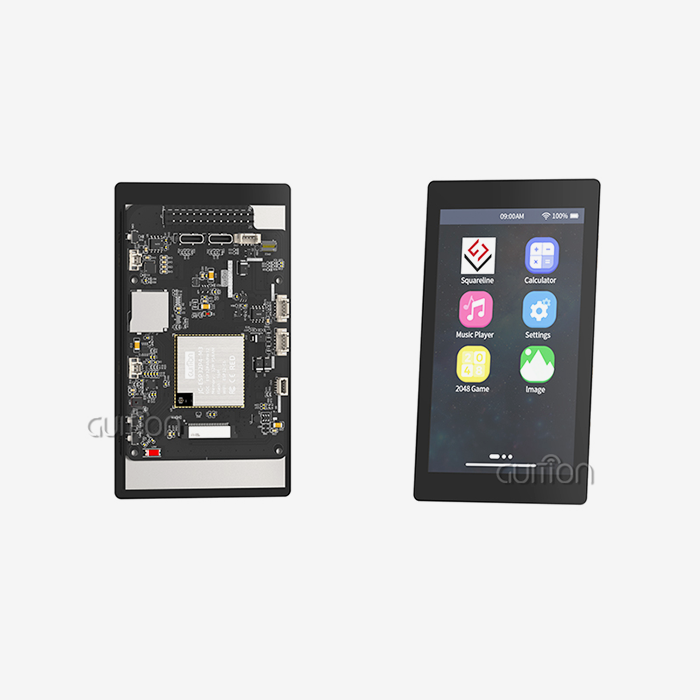
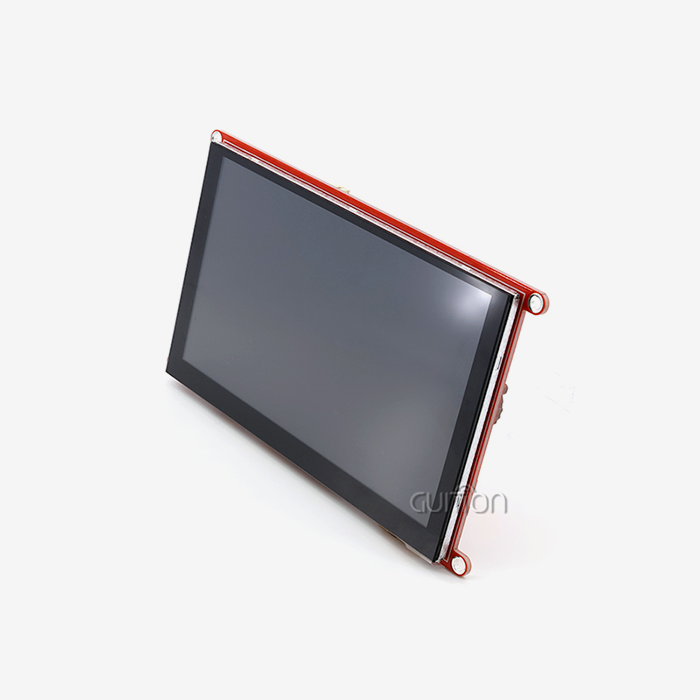
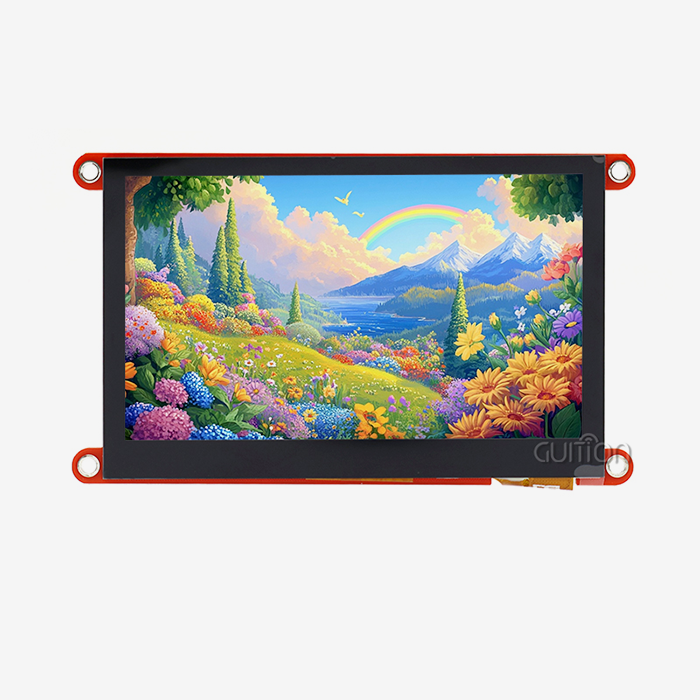
ESP32 development board choice greatly affects project success. The standard ESP32-DevKitC has breadboard-friendly pin headers and inbuilt voltage control for development. Integration of the ESP32-WROOM-32 module in bespoke PCBs benefits production scenarios. The ESP32-1732S019N-I module from Guition combines the ESP32-S3-WROOM-1 processor with a 1.9-inch IPS display (170x320 resolution) and 16MB flash storage, so you don't need to
Wiring Configuration and I2C Address Detection
Four wires link the LCD module to the ESP32 for power and communication. To avoid component damage, check the ESP32's voltage requirements before connecting the LCD backpack's VCC pin to its 3.3V or 5V output. GND connects to any ESP32 ground pin to complete the power circuit. Most ESP32 boards connect SDA to GPIO21 for bidirectional data. GPIO22 receives the clock signal from SCL.
For initial testing, these conventional pin assignments work well; however, production designs may rearrange I2C pins to eliminate peripheral conflicts. Any GPIO pin can be configured as an I2C connection using Wire.begin(SDA_PIN, SCL_PIN) on the ESP32. This is useful when constructing tiny enclosures with important pin positions.
Detecting the LCD module's I2C address removes the annoying "blank screen" caused by code communicating with the wrong address. A running I2C scanner sketch verifies connected devices. This diagnostic tool repeatedly requests all I2C addresses from 0x01 to 0x7F and returns their responses. The code runs in seconds and eliminates guesswork, especially when working with modules from different manufacturers with non-standard addresses. The identified address is documented to maintain uniformity when programming many units in production runs.
Library Installation and Code Implementation
The Arduino IDE ecosystem provides several libraries for controlling character LCDs through I2C interfaces. The LiquidCrystal_I2C library, maintained by Marco Schwartz and others, offers the most straightforward implementation. Installing it through the IDE's Library Manager takes seconds—search for "LiquidCrystal I2C" and click Install. This library abstracts the low-level I2C commands into intuitive functions like init(), backlight(), setCursor(), and print(), making text display accessible even to engineers new to embedded programming.
Configuration begins by including the library and Wire.h for I2C communication. Creating a LiquidCrystal_I2C object requires specifying the I2C address, column count, and row count: LiquidCrystal_I2C lcd(0x27, 16, 2) for a standard 16x2 display at address 0x27. The setup() function initializes the I2C connection with Wire.begin(), activates the LCD with lcd.init(), and turns on the backlight with lcd.backlight(). These three commands establish the foundation for all subsequent display operations.
Displaying text becomes remarkably simple after initialization. The lcd.setCursor(0, 0) function positions the cursor at column 0, row 0—the display's top-left corner. The lcd.print("Hello World") function renders the specified text starting at the cursor position. Creating dynamic displays that show sensor readings or system status involves repeatedly clearing the display with lcd.clear(), updating the cursor position, and printing new values. This pattern forms the core of most Arduino LCD ESP32 applications, from simple temperature displays to complex multi-screen menu systems.
Advanced applications leverage the ESP32's dual-core architecture by dedicating one core to display updates while the other handles wireless communication or sensor processing. This approach prevents display flickering or freezing that occurs when single-core processors struggle to balance multiple tasks. The ESP32-S3 variant in Guition's modules enhances this capability with 512KB SRAM and 8MB PSRAM, enabling smooth rendering of complex interfaces while maintaining responsive Wi-Fi connectivity for remote monitoring applications.
Troubleshooting and Optimizing ESP32 LCD Display Performance
Diagnosing Common Display Problems
Missing display output in a fresh Arduino LCD ESP32 setup frustrates even experienced engineers. Systematic troubleshooting efficiently finds the reason. Start by checking physical connections—loose jumper wires or weak solder joints cause most prototyping failures. A multimeter reading at the LCD's VCC pin confirms power delivery; readings below 3.2V indicate insufficient power source current.
Address mismatches are suspected when connections test fine, but the display is blank. Running the I2C scanner sketch confirms the LCD's address. If the scanner finds no devices, the I2C bus setup is wrong. Adding or modifying pull-up resistors to 4.7kΩ usually fixes detection issues, especially for cables over 15 cm. Some ESP32 development boards have built-in pull-up resistors that conflict with external resistors, requiring their removal or other GPIO pins.
Random characters or partial text on the screen indicate communication or timing difficulties. The ESP32's normal I2C clock speed of 100 kHz works for most LCD modules; however, Wire.setClock(50000) reduces errors in electrically loud situations or with longer cords. This change benefits industrial installations near motor controllers or switching power supplies. In contrast, boosting clock speed to 400kHz speeds up display updates for applications that need frequent screen refreshes, but extensive temperature testing ensures stability.
Performance Optimization Strategies
In industrial settings where the Arduino LCD ESP32 design must work alongside heavy machinery, reducing electrical noise protects signal integrity. By neutralizing induced currents, twisted-pair SDA and SCL wiring reduces electromagnetic interference. Ferrite beads on I2C wires near the ESP32 reduce high-frequency noise without affecting communications. Passive components cost pennies but greatly improve reliability in factory automation projects where electromagnetic compatibility is crucial.
Selection of pull-up resistors affects reliability and power usage. The usual guideline is 4.7kΩ resistors, although optimal values depend on bus capacitance and desired speed. Using 10kΩ resistors for shorter connections with fewer devices can significantly reduce current usage in battery-powered devices, from 0.7mA to 0.3mA per line. Stronger pull-up currents are needed for longer runs or buses with several devices, making 2.2kΩ resistors suitable despite higher power draw. Analyzing signal rise times with an oscilloscope provides essential application insight.
Portable and field-deployed systems operate longer with power-saving methods. The LCD backlight uses most of the display's electricity (30–50 mA) continuously. Dimming automatically after inactivity cuts average usage substantially. Using a transistor switch to connect the backlight control pin to an ESP32 GPIO allows for total shutdown during deep sleep modes, reducing the sleep current to 10µA. Sensor readings wake the system, which lights up the display in milliseconds, extending battery life to months. These optimization methods are crucial for remote agricultural monitoring systems and portable medical devices where battery replacement requires significant labor.
Choosing the Best LCD Screen for Your ESP32 Project: Comparison and Procurement Guide
Evaluating Display Technologies for Industrial Applications
The cheapest approach to show alphanumeric data without images is with character LCD modules. High-volume producers select 16x2 LCD modules because they cost under $5. The mature technology works reliably from -20°C to 70°C for most industrial applications. Field instruments can run on batteries because the backlight uses less than 60 mA.
OLED displays feature superior contrast ratios and viewing angles compared to LCDs and have perfect blacks due to individually regulated pixels. These features aid applications in various lighting conditions, especially sunlight readability. OLED has a shorter lifespan due to organic material breakdown and higher component costs. OLEDs lose brightness after 10,000 hours, rendering them unsuitable for 24/7 industrial monitoring.
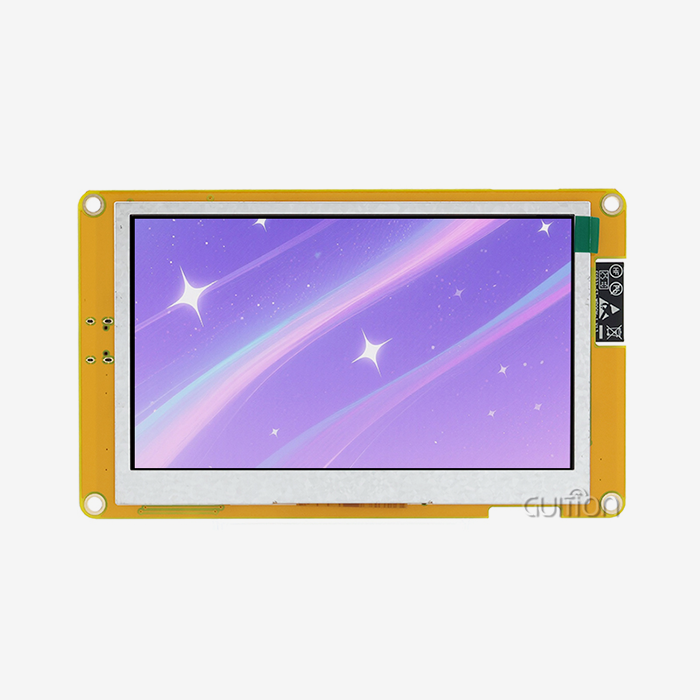
TFT displays provide full-color graphics at an affordable price, filling the void between character LCDs and OLEDs. Arduino, LCD, ESP32, and SPI-interfaced TFT screens offer rich user interfaces with icons, graphs, and custom fonts. The integrated 1.9-inch IPS display with 170x320 resolution and 16-bit color depth of ESP32-1732S019N-I illustrates this method. The ESP32-S3 processor at 240MHz produces graphics smoothly and enables Wi-Fi connectivity for remote monitoring and OTA firmware changes in a single integrated module, fulfilling industrial automation needs.
Communication Protocol Considerations
The I2C vs. SPI dispute affects system design and performance. The two-wire I2C interface reduces GPIO usage and simplifies PCB routing, making it perfect for space-constrained designs and multi-device buses. Standard I2C at 100kHz can update a 16x2 character LCD 30 times per second for sensor data or status information. Fast-mode I2C at 400kHz quadruples throughput; however, not all LCD modules enable it.
SPI communication requires four connections (MOSI, MISO, SCK, and CS) but can reach 80 MHz on the ESP32. This bandwidth is needed to update a 320x240 pixel TFT display, which requires 150KB per frame. ESP32 hardware SPI controllers with DMA capabilities offer 60+ FPS refresh rates, enabling fluid animations unattainable with I2C. Production designs weigh project requirements—character displays favor I2C simplicity and graphical interfaces SPI complexity.
Scalability issues arise when designs expand beyond prototypes. I2C buses support many devices on two wires; however, bus capacitance limits signal quality around 10 devices. Each device increases capacitance, creating communication problems unless pull-up resistors are recalculated and cable lengths reduced. SPI scales differently—each device needs a chip select line, consuming more GPIOs but maintaining signal integrity. System architects considering expansions must consider these electrical issues early on.
Supplier Selection and Procurement Strategies
Adafruit is known for its well-documented products, tutorials, and responsive technical forums. Pre-tested LCD modules with excellent I2C backpacks reduce integration risks for development teams. SparkFun products are accessible to engineers new to display interfacing due to their quality and informative documentation. Both suppliers price for prototyping and low-volume production based on their technical support.
Waveshare sells character LCDs and big TFT panels at competitive prices for mid-volume orders. Their extensive product line ensures constant sourcing from prototype to production. Seeed Studio connects maker and industrial sectors with outdoor-qualified modules for extended temperature operation. DFRobot manufactures industrial-quality products for education and hobbyists. Elecrow customizes display modules for branded products or non-standard combinations.
When buying hundreds or thousands of items, bulk purchase discussions reduce costs. Direct partnerships with manufacturers like Guition allow bespoke industrial solutions. For multi-year items, volume contracts assure supply and pricing stability. Reliable vendors obtain batch testing certificates and comprehend failure rate statistics to avoid costly field failures. Displays require authentic component procurement because counterfeit modules may have shorter lifespans or specification deviations after deployment.
Conclusion
Arduino LCD ESP32 display solutions help industrial automation, IoT, and smart systems that need reliable human-machine interfaces. The I2C connection standard improves integration by lowering wire complexity while retaining character display and basic graphics capabilities. The ESP32's dual-core design and various connection options enable engineers to develop advanced programs that ensure quick display responses and effective wireless communication.
Component selection, wiring, and systematic troubleshooting are essential for project deployment. Understanding display technology and communication protocol trade-offs helps procurement teams make project- and budget-aligned selections. Integrated solutions like Guition's ESP32-S3 modules show an industry trend toward streamlined development paths that accelerate time-to-market while retaining industrial reliability.
FAQ
Can any LCD module work with ESP32 boards?
Most character LCD modules with I2C backpacks function correctly with ESP32 boards when voltage requirements match. The ESP32 operates at 3.3V logic levels, so verifying that the LCD module accepts 3.3V signals prevents damage. Many modern I2C backpacks work at both 3.3V and 5V, but checking specifications before connection remains essential. Module compatibility extends beyond voltage—ensuring the LiquidCrystal_I2C library supports the specific controller chip (typically PCF8574) avoids software integration problems.
How do I find the I2C address of my LCD?
Running an I2C scanner sketch provides the definitive method for identifying display addresses. This diagnostic program queries all possible I2C addresses and reports which ones respond. The code is available freely in the Arduino IDE examples under Wire > i2c_scanner. After uploading the sketch, open the Serial Monitor to view detected addresses. Common LCD modules use addresses 0x27 or 0x3F, but variations exist between manufacturers. Documenting the address for future reference streamlines programming subsequent units.
What differences matter between 16x2 and 20x4 LCD modules?
The numeric designation indicates column and row counts—16x2 displays show 16 characters across two rows (32 characters total), while 20x4 modules present 20 columns and four rows (80 characters total). Larger displays cost more but enable richer information presentation without scrolling text. Physical dimensions increase proportionally, affecting enclosure design. Both types use identical I2C communication protocols and library functions, making software interchangeable, with only the column/row parameters changing in the initialization code. Application requirements determine optimal selection—simple status displays favor 16x2 modules, while complex menu systems benefit from 20x4 capacity.
Explore Guiton's Arduino LCD ESP32 Solutions for Your Next Project
Guition specializes in delivering professional HMI display solutions that accelerate your development timeline while ensuring long-term reliability. Our ESP32-1732S019N-I module represents the evolution of Arduino LCD ESP32 technology, integrating the powerful ESP32-S3-WROOM-1 processor with a vibrant 1.9-inch IPS display featuring 170x320 resolution. With 16MB flash storage, dual-core processing at 240MHz, and built-in Wi-Fi and Bluetooth connectivity, this module eliminates integration complexity while providing professional-grade capabilities.
As a leading Arduino LCD ESP32 supplier, we understand that engineers and procurement managers need more than components—you need reliable partners who support your success from prototype through production. Our comprehensive development ecosystem includes the proprietary Guition UI design software, enabling rapid interface creation without deep embedded programming expertise. Pre-loaded example code gets your projects running within minutes, while our technical documentation and responsive engineering support at david@guition.com ensure you never face obstacles alone.
Whether you're designing industrial control panels, smart home devices, or medical monitoring equipment, Guition's display modules deliver the quality and flexibility your applications demand. Contact Us today to discuss custom configurations, volume pricing, and how our solutions can transform your next project from concept to reality.
References
1. Smith, J. & Anderson, K. (2022). Embedded Display Systems: Design and Integration for Industrial Applications. Technical Press Publishing.
2. Williams, R. (2021). "I2C Protocol Implementation in Modern Microcontrollers," Journal of Embedded Systems Engineering, vol. 15, no. 3, pp. 142-158.
3. Chen, L. & Martinez, P. (2023). ESP32 Development Handbook: Advanced Techniques for IoT Applications. Maker Media Inc.
4. Thompson, D. (2022). "Comparative Analysis of Display Technologies for Industrial HMI Systems," Industrial Automation Quarterly, vol. 28, no. 2, pp. 67-84.
5. Rodriguez, M. & Patel, S. (2023). Arduino Programming for Industrial Control: Practical Applications and Case Studies. Engineering Publications Ltd.
6. Harrison, T. (2021). "Power Optimization Strategies for Battery-Operated Embedded Displays," Embedded Systems Design Magazine, vol. 34, no. 7, pp. 23-31.
Learn about our latest products and discounts through SMS or email