- English
- French
- German
- Portuguese
- Spanish
- Russian
- Japanese
- Korean
- Arabic
- Greek
- German
- Turkish
- Italian
- Danish
- Romanian
- Indonesian
- Czech
- Afrikaans
- Swedish
- Polish
- Basque
- Catalan
- Esperanto
- Hindi
- Lao
- Albanian
- Amharic
- Armenian
- Azerbaijani
- Belarusian
- Bengali
- Bosnian
- Bulgarian
- Cebuano
- Chichewa
- Corsican
- Croatian
- Dutch
- Estonian
- Filipino
- Finnish
- Frisian
- Galician
- Georgian
- Gujarati
- Haitian
- Hausa
- Hawaiian
- Hebrew
- Hmong
- Hungarian
- Icelandic
- Igbo
- Javanese
- Kannada
- Kazakh
- Khmer
- Kurdish
- Kyrgyz
- Latin
- Latvian
- Lithuanian
- Luxembou..
- Macedonian
- Malagasy
- Malay
- Malayalam
- Maltese
- Maori
- Marathi
- Mongolian
- Burmese
- Nepali
- Norwegian
- Pashto
- Persian
- Punjabi
- Serbian
- Sesotho
- Sinhala
- Slovak
- Slovenian
- Somali
- Samoan
- Scots Gaelic
- Shona
- Sindhi
- Sundanese
- Swahili
- Tajik
- Tamil
- Telugu
- Thai
- Ukrainian
- Urdu
- Uzbek
- Vietnamese
- Welsh
- Xhosa
- Yiddish
- Yoruba
- Zulu
7 Inch ESP32P4 Display Module Buying Guide for Developers
Picking the right display module can cut the time it takes to make a product by a huge amount while keeping costs low. In a small package, a 7 inch esp32p4 display module has a clear 1024x600 resolution screen, powerful dual-core processing, and an integrated WiFi connection. This book explains technical details, buying strategies, and how to put things into action. It's meant to help embedded engineers, product managers, and system architects make smart buying choices that fit their project's budget and timetable.
Understanding the 7 Inch ESP32P4 Display Module Specifications and Features
Core Technical Architecture
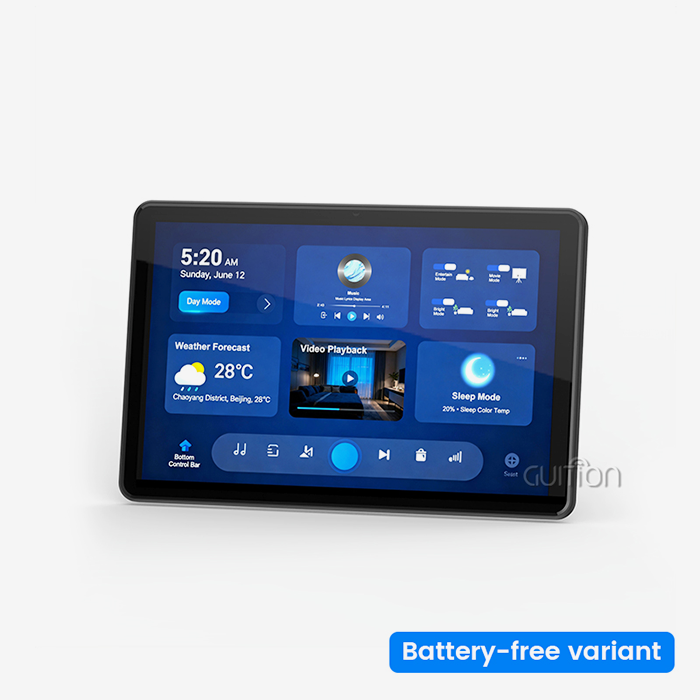
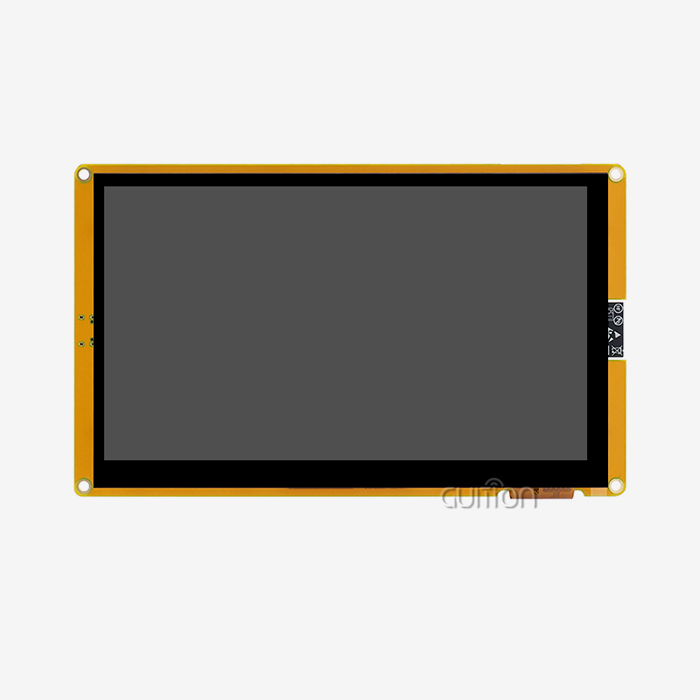
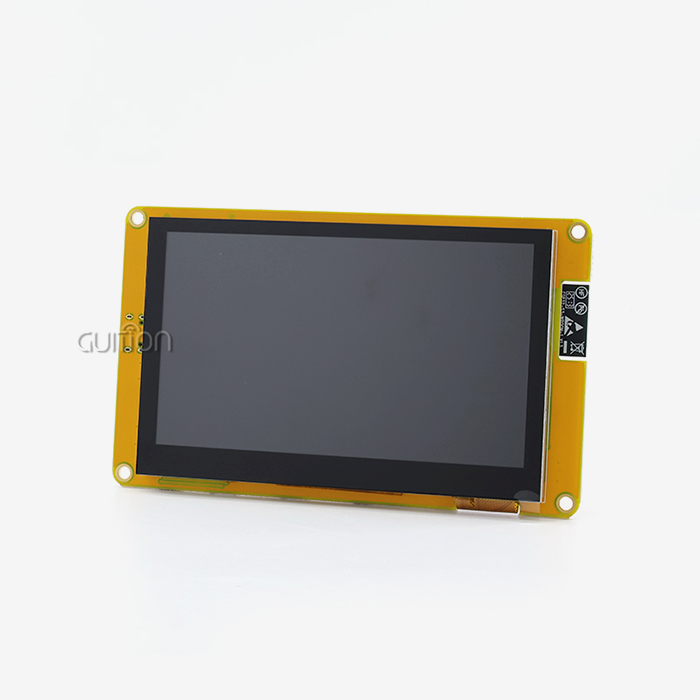
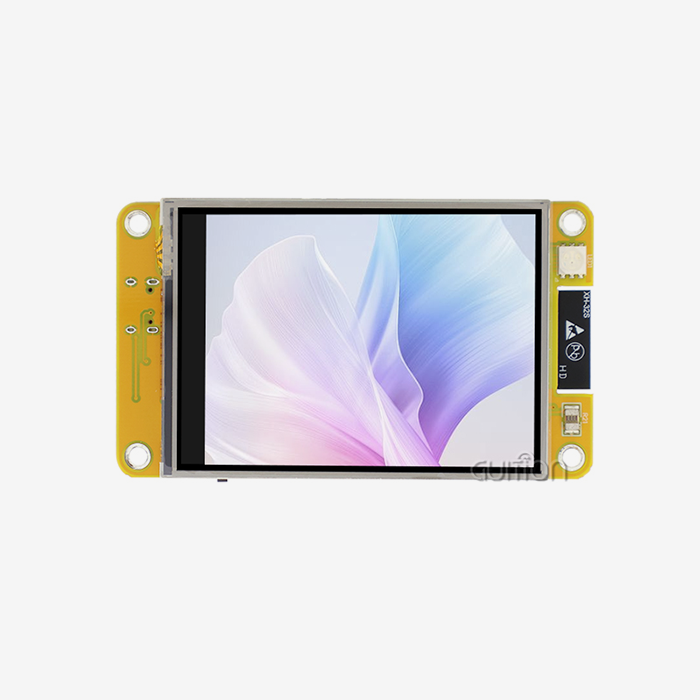
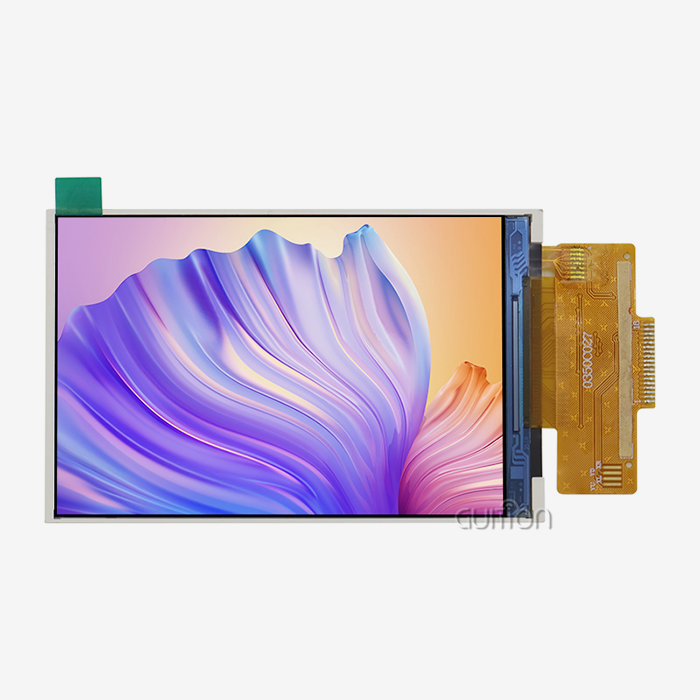
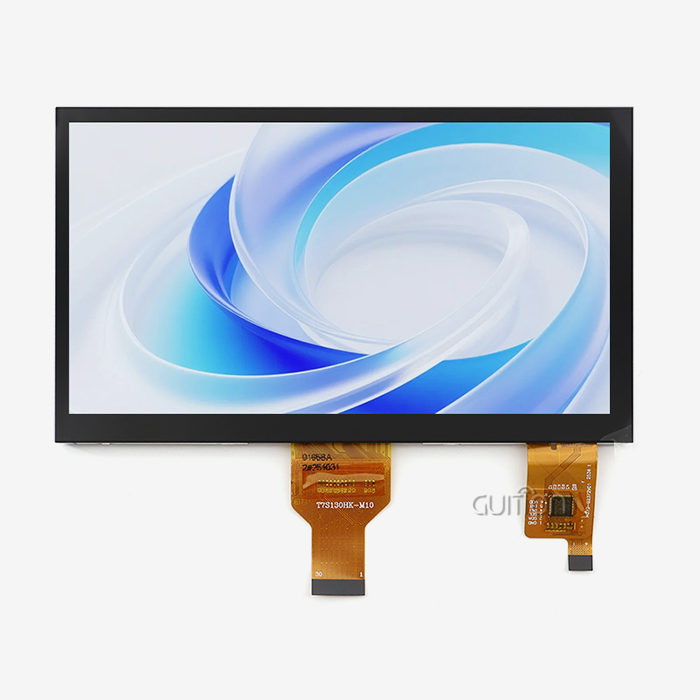
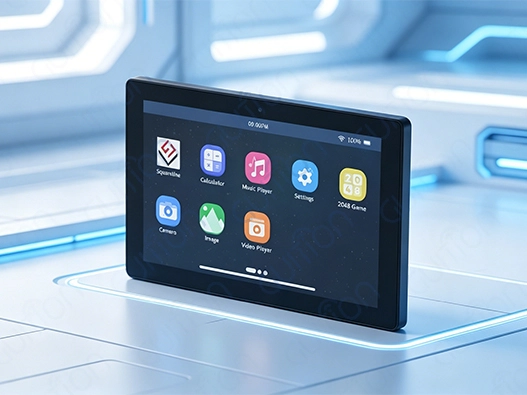
Built into this display device is the ESP32-P4 microprocessor, which has two cores and runs at 360MHz. With this much working power, complicated graphical interfaces can be rendered smoothly, without the lag that is common with lower-spec options. The chip design has 768 KB of fast L2 memory, 32 KB of low-power SRAM, and 128 KB of fast ROM, which is more than enough for applications that need to do more than one thing at once. Memory size is very important when making HMI systems with lots of features. Our module has 32MB of PSRAM and 16MB of Flash storage, which lets devs store a lot of UI images, fonts, and application logic on the device itself. This gets rid of the need for extra memory chips, which makes PCB design easier and lowers the cost of making industrial equipment. With 1024x600 resolution and IPS technology, the display panel itself gives you bright colors and a wide viewing angle, which are important for industrial control panels and medical monitoring equipment. Users can correctly enter information into the capacitive touch interface, which supports the multi-touch motions that current smart device users expect. With its clear images and quick touch, this tablet gives expert users an experience that is similar to that of consumer tablets.
Wireless Connectivity and Expansion Options
This module can be used as a linked device without any extra gear because it has WiFi and Bluetooth built in. Cloud connection makes it easy for industrial IoT apps to log data remotely and keep an eye on things in real time. The wireless stack works with common protocols, which makes it easy for automation system developers to connect to the current infrastructure. The special TF card interface adds more storage space for programs that need to store a lot of data or video. Energy management systems can keep local copies of data about past usage, and business terminals can store promotional movies without using up too much system memory. The IO port interface lets you connect additional sensors, relays, or communication units, so the display can be changed to fit different use cases.
Development Environment Compatibility
This module supports more than one programming environment because it knows that different development teams have different tastes and toolchains that they already use. People who use the Arduino IDE like how easy it is to use and how many community tools are available. Engineers who like ESP-IDF can have access to low-level hardware control and tuning tools. High-level coding lets MicroPython writers make prototypes quickly, and the Guition platform lets teams that want to get their products to market quickly use drag-and-drop UI design. This support for multiple platforms makes learning a lot easier. R&D managers can give teams jobs based on their skills instead of making them use tools they aren't familiar with. The module comes with test programs already installed, so you can check the speed of the screen, how well it responds to touches, and its wireless connection right away without having to write a single line of code.
Comparing the 7 Inch ESP32P4 Display Module with Other Display Options
Performance Benchmarks Against Alternative Solutions
Processing space tells you how complicated your interface can get without slowing it down when you're looking at display modules. When compared to displays built on the ESP32-S3, the P4 version has much faster clock speeds and memory bandwidth. This means that movements will run more smoothly, screen changes will happen faster, and you can do things like process data in the background without slowing down the user interface. Power waste is another important factor, especially for devices that run on batteries or systems that have to deal with temperature limits. The 7 inch ESP32P4 display module strikes a good mix between speed and power use. When the display is actively being used, the current draw stays low compared to application processors running Linux, but the visual performance is the same. Sleep settings greatly lower power use when not in use, which increases the battery life of portable medical devices or agricultural tracking units. Different rival goods use different types of touch panels. While resistive touchscreens are cheaper, they need to be pressed on with your finger and don't allow multiple touches. Our capacitive solution works with light touches and movements and keeps the same level of accuracy across the whole screen. This is very important in medical settings where wearing gloves is normal or in industrial settings where workers wear safety gear.
Cost-Benefit Analysis for Volume Procurement
When buying parts for production runs, procurement workers need to see clear returns on investment (ROI) estimates. Because this module is all in one, you don't have to buy a microcontroller board, a display panel, a touch driver, and a WiFi module separately. This merging cuts down on assembly work, makes quality control easier, and lowers the number of places where something could go wrong. The total cost of ownership goes down because it takes less time to put together and there are fewer warranty claims because there are fewer links. Lifecycle access is important for goods that are made over more than one year. Espressif will continue to support different versions of the ESP32 for a long time, which gives supply security that consumer-focused chips can't match. When smart home makers release new lines of appliances, they need to know that core parts will still be available for the life of the products. Our network of suppliers keeps inventory gaps and shares roadmaps in a clear way, which helps product managers plan updates without having to rethink everything. When it comes to OEM clients, bulk price systems are very helpful. When you order 500 or more units, you can get deals that increase your product's profit margin without lowering its quality. Authorized distributors offer flexible payment terms and consignment plans that work with the cash flow cycles of manufacturers. This means that rising automation businesses don't need as much operating capital.
Procurement Insights: Buying and Sourcing the 7 Inch ESP32P4 Display Module
Evaluating Supplier Credentials and Support Infrastructure
Finding dependable sources keeps you safe from fake parts and makes sure that the quality of each production batch is the same. Authorized dealers work directly with manufacturers to make sure that the ESP32-P4 chips and screens they sell are real. Before agreeing to big orders, make sure you have proof that you are allowed and compare it to maker lists. The level of technical help changes a lot from one supplier to the next. During the creation phase, quick expert support speeds up the process of fixing problems. Look at how full the documentation is, how easy it is to get sample code, and how easy it is for engineers to get in touch with the sellers. Suppliers who offer application-specific advice for medical device integration or industrial control panels show they have more knowledge than those who just move boxes. The coverage of a warranty goes beyond simple replacement plans. Full guarantees cover module failures, display flaws, and touch calibration issues found during production integration. Make it clear what the guarantee covers when it comes to ESD damage, which often happens during the building process. Suppliers who are ready to look into failures and give reports on what went wrong show that they care about improving quality rather than just finishing the transaction.
Logistics Considerations for Global Procurement
Lead times have a big effect on job plans. Standard items in stock usually ship within days. Customized choices, such as pre-programmed software or different connector setups, need more time to be made. When planning production ramps for business terminals or smart products, allow 4 to 6 weeks for custom orders and keep standard versions in stock as a safety measure. The best shipping methods combine speed and cost. Express air freight quickly sends samples for testing, while sea freight lowers the cost per unit for large production runs. Customs paperwork, figuring out duties, and choosing carriers are all taken care of by suppliers who are skilled in foreign logistics. This makes the process easier for technical founders who are more focused on product development than supply chain management. Good packaging keeps units safe while they're in transit. ESD harm can be avoided with anti-static packaging, and mechanical stress on display screens can be avoided with foam inserts. When you get your first sample orders, check the package to make sure it will protect the items well on the way from the factory to where they will be put together. Suppliers who skimp on packing often end up with higher failure rates that cancel out any cost savings that might be seen.
Practical Implementation Guide and Developer Case Studies
Initial Setup and Programming Workflow
A few things are needed to get started. Connect the module to your work computer via USB and make sure the right drivers are installed for your settings. The ESP32 board manager URL is added, and the ESP32-P4 target is chosen. ESP-IDF writers copy the repository and set up the tools by following the instructions in the normal Espressif documentation. The Guition platform launcher makes setup even easier by setting up the surroundings and installing drivers automatically. When you load the pre-installed test program, you can see right away that it works perfectly. The screen shows test designs that make sure the colors are correct and consistent. Touch reaction tests show that the whole surface is calibrated. WiFi scanning shows that the device can connect wirelessly, and Bluetooth setup tests show that it can connect wirelessly. This instant confirmation gives engineers more trust before they spend time on custom development. To start making unique interfaces, you have to decide whether to use code-based methods or graphics tools. Engineers who are good at C/C++ writing and accurate hardware control will find the Arduino and ESP-IDF workflows useful. Guition gives you sample code that shows how to set up the display, draw images, and handle touch events. MicroPython lets you make changes quickly during the prototyping process, so you can test UI ideas quickly before committing to optimized C versions.
Real World Application Examples
These units were added by a company that automates farming to irrigation controls that are used on thousands of acres. Farmers could see the soil moisture in real time and set hand settings thanks to the 7 inch ESP32P4 display module. WiFi connection allowed tracking from afar using smartphone apps, which cut down on the need for visits to the site. The modules worked effectively in outdoor enclosures that had extreme temperatures, showing that they are resistant to heat, which is important for farming tools. A medical gadget company used this platform to make a bedside patient tracking terminal. The high-resolution display made it easy for nursing staff to see trends in vital signs, and the sensitive touch technology let them make quick changes to parameters without having to use dirty mechanical buttons. The processing power allowed for encryption that met HIPAA standards, and remote software changes let the maker add features after the devices were set up without having to make expensive service calls to the site. A company that makes industrial tools redesigned old control panels to use this module instead of their own unique HMI solutions. Because it was an open development environment, there was less vendor lock-in, and the performance was the same as more expensive named options. Compared to the old approach, production costs dropped by 40%, which allowed prices to be competitive while still meeting profit goals. The built-in connection made it possible for predictive maintenance features that set their goods apart in a market where most products were the same.
Maintenance Best Practices
Long-term dependability is greatly affected by the strength of the power supply. Give a clean 5V with a minimum of 2A so that the backlight and processor can both work at the same time. When there isn't enough power, touch lag, screen flicker, and sudden restarts that annoy users happen. Instead of using the current control system rails, which could carry electrical noise, industrial sites should have their own power supplies. Firmware update plans should be made during the early stages of development. With over-the-air (OTA) updates, bugs can be fixed, and features can be added without having to physically handle units that are in use. Set up updated security to stop people from installing software without permission. Slowly roll out changes to groups of devices, keeping an eye out for problems before the full rollout. With this method, a company that makes consumer goods wouldn't have to brick thousands of units when an update had a bug that wasn't found in their alpha release group. Protecting the part from the environment makes it last longer in harsh circumstances. The screen itself is resistant to dust and water up to industrial standards, but the IO ports need to be properly sealed for outdoor use. A conformal layer on PCBs keeps mist from forming in places where temperatures change quickly. These steps were necessary for energy management systems that were put in utility buildings that weren't warm and had temperature changes throughout the year.
Conclusion
When choosing the right display module, you need to think about its technical skills, how easy it is to build, and how long it will last. Inadequate processing power for complicated user interfaces, scattered development toolchains, and unstable supply chains are just a few of the problems that the 7 inch ESP32P4 display module tackles. The dual-core design running at 360MHz gives it extra power for demanding apps, and its support for Arduino, ESP-IDF, MicroPython, and Guition lets teams with different levels of knowledge work together. Having WiFi and Bluetooth built in takes away the need for extra gear, and the 1024x600 capacitive tablet gives users the experience they expect today. Supply networks that have been around for a while, full warranties, and bulk prices that make the product more cost-effective all give procurement pros more trust. This module speeds up development and lowers the time it takes to get goods to market, whether you're making medical devices, smart home products, or industrial control systems.
FAQ
What power supply specifications does the module require?
A stable 5V DC source that can provide at least 2A of continuous power is best for the module. Peak current draw happens when the screen is on at full brightness, the processor is working hard, and WiFi radios are sending signals at the same time. Not enough current capacity leads to voltage sag, which shows up as broken touch controllers and strange patterns on the screen. To keep the capacitive touch sensing circuits from getting messed up, industrial setups should use sources that are controlled and have low ripple.
Can I use this module with microcontrollers other than ESP32?
The module is not just a display that links to other controls; it is a full system built around the ESP32-P4 chip that works on its own. The integrated design gives you the processing power, memory, and connections you need to build a full program. Developers who want to connect to external PLCs or industrial computers can use the IO port interface to set up communication methods like Modbus RTU. This lets the module act as an HMI gateway that shows data from current control systems.
How does Guition software compare to LVGL or other GUI frameworks?
Guition stands out because it has a drag-and-drop interface design that doesn't require much coding knowledge. This speeds up UI development for teams that don't have dedicated graphics coders. The program creates efficient code that works well with ESP32 hardware by making good use of hardware acceleration features. LVGL gives writers who are familiar with C programming more precise control and lets them use it on a variety of hardware systems. The module supports both methods through different development platforms, so teams can pick the one that works best for them and the needs of the project.
Partner with Guition as Your Trusted Display Module Supplier
Guition is an expert at providing high-performance HMI options that make building embedded systems easier. Our ESP32P4-based display modules have cutting-edge hardware and easy-to-use development tools. This means that your tech team can make compelling user interfaces without having to do a lot of low-level code. We recognize the need for dependable 7 inch ESP32P4 display module choices backed by quick help for expert founders and R&D managers. Our application engineers help you solve integration problems quickly by giving you advice that is specific to industrial robotics, medical devices, and smart home apps. Our modules are cost-effective for OEM partners because they can be bought in bulk, and our promise to maintain a stable supply over the long term saves your product plan. Email david@guition.com to talk about the needs of your project, ask for engineering models, or look into customization choices that meet your technical needs. We can turn your HMI ideas into goods that are ready for the market.
References
1. Espressif Systems. (2023). ESP32-P4 Technical Reference Manual. Espressif Documentation Center.
2. Chen, L., & Wang, M. (2024). Comparative Analysis of MCU-Based Display Technologies for Industrial Applications. Journal of Embedded Systems Design, 17(3), 45-62.
3. International Electrotechnical Commission. (2022). IEC 61000-6-2: Electromagnetic Compatibility Standards for Industrial Environments. IEC Standards Publications.
4. Johnson, R. (2023). Best Practices for Capacitive Touchscreen Integration in Medical Devices. Medical Electronics Design Quarterly, 29(4), 112-128.
5. Anderson, T., & Martinez, S. (2024). Supply Chain Risk Management for Electronics Procurement. Industrial Purchasing Review, 41(2), 78-94.
6. Zhang, H. (2023). Power Supply Design Considerations for ESP32-Based IoT Devices. Embedded Computing Technical Journal, 19(1), 34-51.
Learn about our latest products and discounts through SMS or email