- English
- French
- German
- Portuguese
- Spanish
- Russian
- Japanese
- Korean
- Arabic
- Greek
- German
- Turkish
- Italian
- Danish
- Romanian
- Indonesian
- Czech
- Afrikaans
- Swedish
- Polish
- Basque
- Catalan
- Esperanto
- Hindi
- Lao
- Albanian
- Amharic
- Armenian
- Azerbaijani
- Belarusian
- Bengali
- Bosnian
- Bulgarian
- Cebuano
- Chichewa
- Corsican
- Croatian
- Dutch
- Estonian
- Filipino
- Finnish
- Frisian
- Galician
- Georgian
- Gujarati
- Haitian
- Hausa
- Hawaiian
- Hebrew
- Hmong
- Hungarian
- Icelandic
- Igbo
- Javanese
- Kannada
- Kazakh
- Khmer
- Kurdish
- Kyrgyz
- Latin
- Latvian
- Lithuanian
- Luxembou..
- Macedonian
- Malagasy
- Malay
- Malayalam
- Maltese
- Maori
- Marathi
- Mongolian
- Burmese
- Nepali
- Norwegian
- Pashto
- Persian
- Punjabi
- Serbian
- Sesotho
- Sinhala
- Slovak
- Slovenian
- Somali
- Samoan
- Scots Gaelic
- Shona
- Sindhi
- Sundanese
- Swahili
- Tajik
- Tamil
- Telugu
- Thai
- Ukrainian
- Urdu
- Uzbek
- Vietnamese
- Welsh
- Xhosa
- Yiddish
- Yoruba
- Zulu
2.8 inch tft lcd module: Which Features Matter Most?
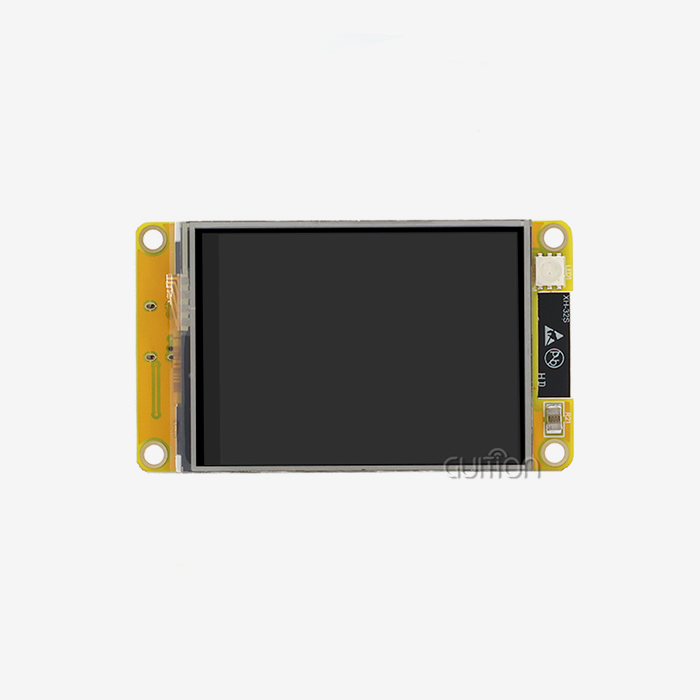
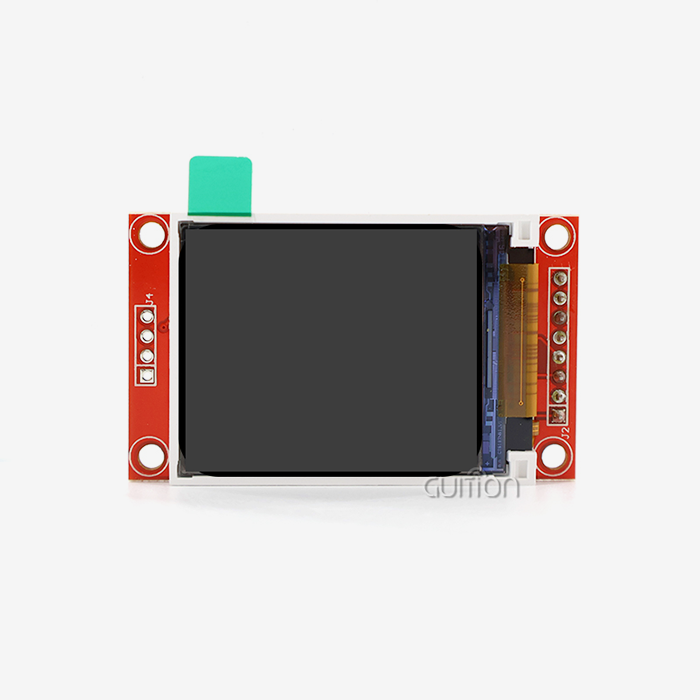
The features that matter most in a 2.8 inch TFT LCD module are resolution, driver IC, interface type, touch technology, voltage range, operating temperature, and software support. A 240×320 panel with an ILI9341 driver and a 4-wire SPI interface covers most compact HMI needs with few pins and mature libraries. Resistive touch suits gloved or stylus input, and a clear temperature range and flexible development tools protect your schedule. I recommend checking these points before comparing prices, because one mismatch can force a hardware redesign or a software rewrite later in the project.

A compact display looks simple on a datasheet, yet each parameter affects wiring, code, and field performance. This guide covers the features in the order engineers usually test them, and it shows how the Guition JC2432S028R handles each one. The module serves industrial automation, medical equipment, smart home controls, automotive displays, 3D printers, handheld tools, and commercial terminals.
2.8 Inch TFT LCD Module Specifications: The Core Parameters to Check
Resolution, Pixel Density, and Colour
The most common design for a 2.8 inch TFT LCD module is 240×320 pixels, or 76,800 pixels across a 2.8 inch width. More than enough for clear writing, icons, gauges, and numbers. That’s about 143 pixels per inch. It’s not meant to be used for photos. The ILI9341 driver has 172,800 bytes of graphics RAM and supports 262K colours, according to its datasheet. This means that the host processor does not have to store a whole frame. This driver is compatible with the Guition JC2432S028R at 240x320. If you turn the screen to landscape, the dashboards will be 320x240.
Voltage, Power, and Temperature
Your board has electrical limits which indicate if a monitor will work with it. You have to read the datasheet line by line because the screen, processing, and backlight can consume strange amounts of power. The JC2432S028R can be designed into a 3.3V or 5V system. It can operate between -20°F and 70°F, so it can be used with many indoor control panels, hand tools, and appliances. Before you make a choice, compare your own limitations to the range that your product operates in, hot or cold. The module has circuitry for controlling the backlight. You should measure the backlight current at the brightness you want, as it affects the battery life of portable designs.
Mechanical Fit and Build Quality
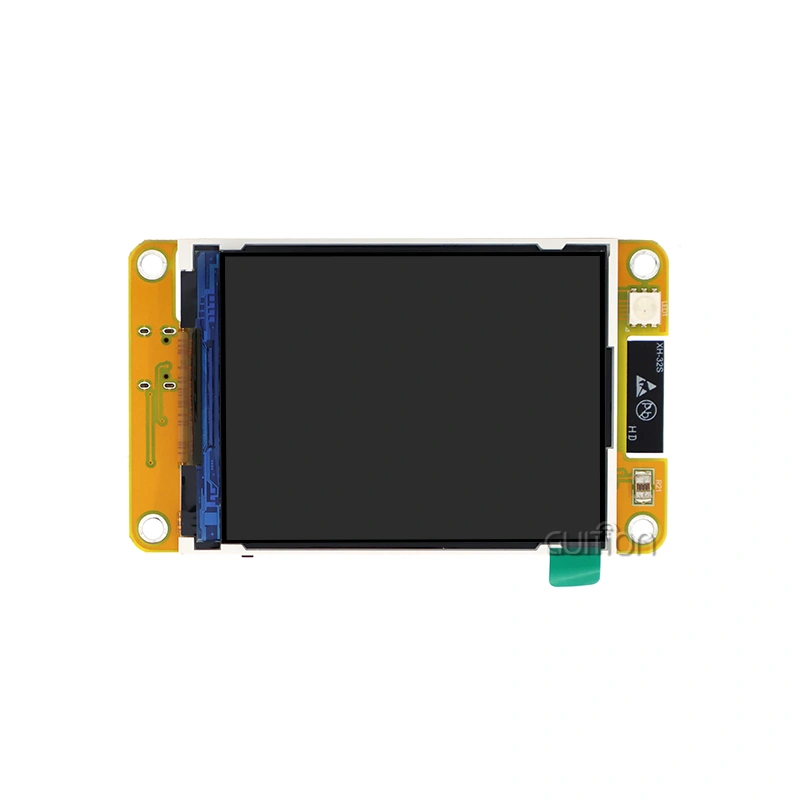
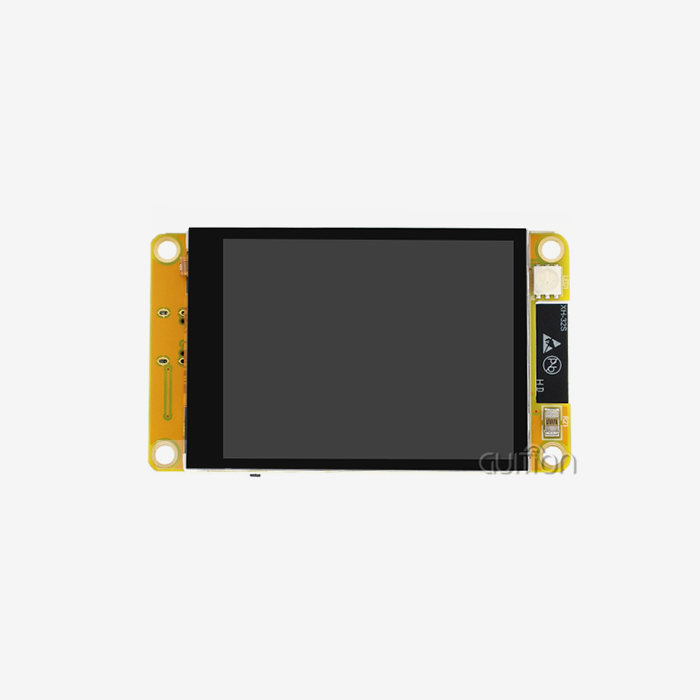
The screen working on the bench doesn't mean it will work in the cage. For the outline size, the location of the mounting holes, the location of the connectors, and the thickness of the PCB, see the mechanical drawing. Test the module behind your real bezel/cover lens to make sure there are no tight gaps. The JC2432S028R has a 2.8 inch LCD, backlight control circuitry, and touch screen control circuitry all in one module. That means you don’t have to deal with as many separate parts. Request the drawing with your exact model number and compare it to your CAD file before releasing the tools. Also check incoming samples for dead pixels and uneven backlighting.
Interface Types, Pinout, and Wiring: Ensuring Hardware Compatibility
SPI Versus Parallel Interfaces
The interface tells you how much money you can spend on pins, and how fast the screen should be refreshed. SPI only takes a few lines, so there is more GPIO free for buttons, sensors, and talking. This is good for transferring graphics or video fast. One clock can move more data on a parallel bus. The ILI9341 can be used in parallel or serial mode. One RGB565 frame is 153600 bytes, and it takes about 31 ms of clock time at 40 MHz SPI. "This shows the trade-off. That speed is usually plenty for a 2.8 inch TFT LCD module for gauges, menus, and status screens, especially if you only update the areas that have changed.
Pinout, Datasheet, and Logic Levels
Different models have different pin assignments, even if two boards both say SPI. Lines like power, ground, clock, data, chip select, data/command, reset, backlight, touch, and SD card are usually on this list. Do not take someone else's pinout and use it on your own board. Check each pin against the model's original manual and wiring diagram to make sure it's correct. Then look at the logic levels. You can use more host controllers with the JC2432S028R because it works with both 3.3V and 5V systems. Still, use a supply with limited current for the first power-up. This way, if you make a mistake with the wiring, it won't hurt the board or your processor.
Driver IC and SD Card Expansion
It is up to the driver IC to decide which libraries and startup orders will work. Through a 4-wire SPI link, the JC2432S028R talks to the ILI9341, and many Arduino libraries can work with this device. Because two 2.8-inch TFT LCD module listings may look similar but use different ICs, you should ask each seller for the exact controller name. With the built-in SD card slot, you can store graphics, fonts, and logged data without having to add extra boards. This saves space and time on wiring. Early on, test the SD read speed with real picture files to see how fast screens can load.
Touchscreen Options: Resistive or Capacitive?
How Resistive Touch Works
Two conductive layers are pushed together by pressure that is picked up by a resistive screen. It can tell the difference between a bare finger, a gloved hand, and a stylus because it senses pressure instead of body capacitance. Because of this, it works well with industrial panels, test equipment, and workshop tools. The downsides are less clear images and no natural multi-touch. Touch screen control hardware is included in a resistive 2.8-inch TFT LCD module like the JC2432S028R, but it is not required. When you place your order, make sure you get the touch version because the display-only and touch versions are different.
Where Capacitive Touch Fits
The electrical field of a finger can be picked up by projected sensitive screens. They let you swipe more smoothly, see better through the cover glass, and use more than one touch. That's why a lot of consumer electronics, smart home panels, and portable terminals pick them. But most of the time, they need a special touch controller and a cover glass. Also, regular gloves or water droplets don't work well with standard types. Before getting approval for a capacitive 2.8-inch TFT LCD module, test samples in real life. If you use swipes and pinches a lot in your interface, capacitive touch may be worth the extra money.
When to Skip Touch Entirely
You don't have to touch everything. With or without it, a device with physical buttons or a rotary encoder can work faster and cost less. When you skip touch, you also skip the calibration steps in production. The JC2432S028R lets you choose the version that works best for each product line because touch is not required. Make sure the input method fits the task the user is trying to do. A button may work well for setting the temperature, but a setup menu with lots of choices works better with your finger. Before you lock the design, make a paper prototype that is the right size and have a few people try it out.
Platform Compatibility: Arduino, ESP32, STM32, and Guition Development Modes
Checking Your Host Processor
Software support is not guaranteed just because the connectors match. Check the logic voltage, memory, free GPIO, SPI or parallel support, and drivers that are accessible. An Arduino Uno needs careful management of its RAM and pins. Most of the time, a Raspberry Pi needs a Linux display driver and mapping for touch input. These boards allow you to use 3.3V hardware and have fast SPI and DMA. Some STM32 parts may work with SPI or parallel buses, like FSMC, which can handle more powerful graphics.
Three Development Modes
The JC2432S028R supports Arduino, IDF, and Guition development modes, allowing engineers to use the tools they are familiar with. An embedded engineer can write code with Arduino or ESP-IDF. Make screens with the Guition tool. Online debugging on multiple platforms allows you to test and improve the interface without having to reflash all the time, speeding up the debugging process. Guition also provides you with technical documents and secondary development interfaces, so your team can add custom features without doing a lot of low-level work. This allows engineers and designers to have more freedom when they are working on the same project.
Guidance UI Tool and Connectivity
The Guition interface development software has many controls that are ready for use. Whatever you see, you get by adding a control. You can drag it to move it, resize it, or change its style. Simple screens don’t need complex code. The module also has WiFi and Bluetooth connectivity for networks and devices, the ability to switch languages using UTF-8 code for global markets, and the ability to update your project remotely. The cost of support is lower after the sale because you can fix problems or add features remotely. These skills are most important for goods that are shipped to more than one region.
Choosing the Best 2.8 Inch TFT LCD Module for a B2B Project
Comparing 2.8 Inch With Other Display Sizes
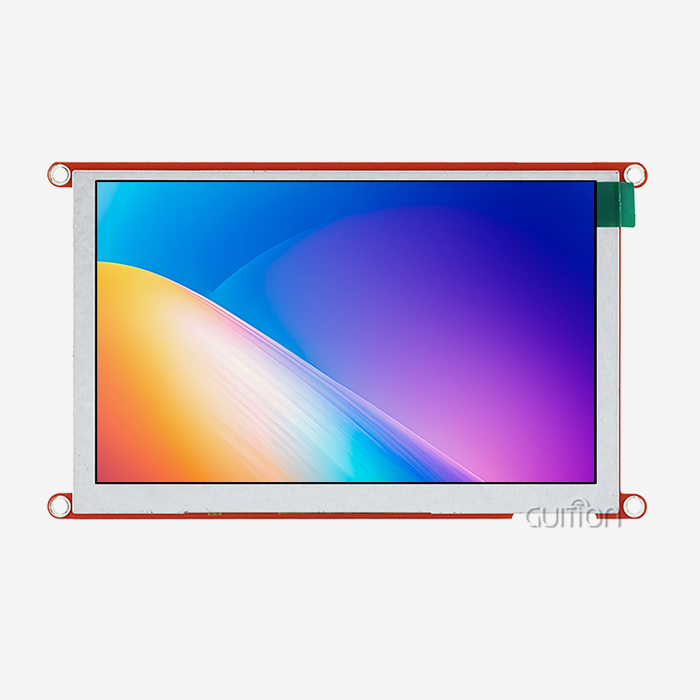
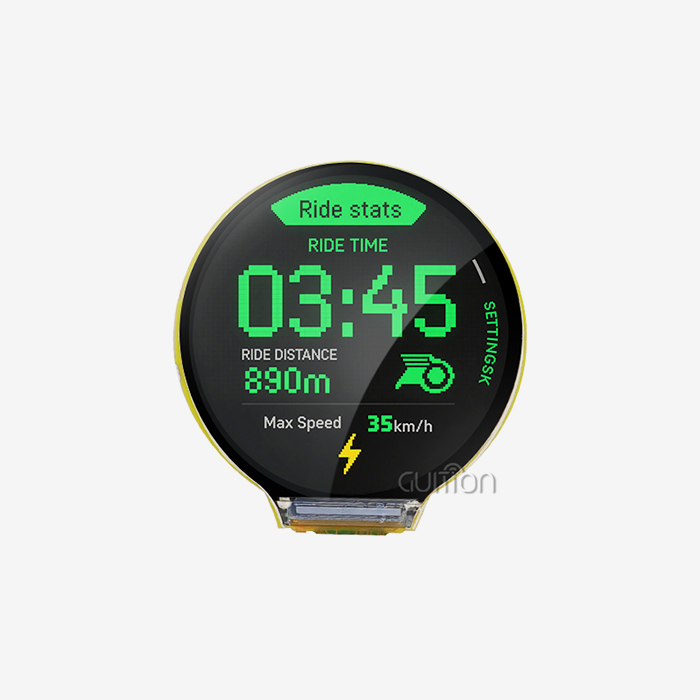
Between the small and the medium screens is the 2.8 inch TFT LCD module. It has about 36% more area for viewing than a 2.4 inch screen with the same aspect ratio. This means bigger touch targets and more space for information. With a 3.5-inch screen, dashboards have even more room, but it uses more power and requires more space on the front panel. Choose based on viewing distance, touch target size, battery life, and container size. Print out the plan full size and get people to try it out. Sizes vary from 1.28 inches to 21.5 inches, so you can change it later if you want to.
Pricing, Sourcing, and Supplier Checks
The unit price is not the whole story. The total cost includes the engineer's time, shipping, inspection, and maybe a redesign. Besides, you can check the MOQ, lead time, packaging, batch uniformity, and refund terms of 2.8 inch TFT LCD module before placing the order. Check the supplier's documentation, quality control, OEM/ODM experience, and process for notifying you of changes. Guition was developed by Jingcai Intelligence, a company that specialises in HMI display systems and USART-hmi display modules. It combines research and development, production, and sales. Submit a complete RFQ with your specifications for electrical, mechanical, environmental, quantity, and customisation requirements. Quotes are faster and more accurate when they are easy to send.
Common Selection Mistakes
Most people make the mistake of choosing only based on size or price. This is because two SPI displays might have different controllers, pinouts, initialisation commands, logic voltages, or touch interfaces, so they can't be swapped out without modifications. Another mistake is not considering the power of the lighting and how it affects the battery life. A third is not checking lifecycles, which is a negative for products that require more than a year’s support. Before you sign off on a 2.8-inch TFT LCD module, verify the exact model number, documentation, sample performance, and production stability. Be informed when there are changes and learn about second-source options. You should take a look at the lot of test code and basic driver support before you start your JC2432S028R design.
Conclusion
Resolution, Driver IC, Interface, Touch Type, Voltage, Temperature Range, Mechanical Fit, and Software Support are the most important features of a 2.8-inch TFT LCD module. A 240×320 panel with an ILI9341 driver and a 4-wire SPI interface can show text, gauges, and buttons with just a few pins. Capacitive touch works best for products that use gestures, while resistive touch works best for gloves and styluses. Some products don't even need touch. Host-platform tests keep software from being a surprise, and a 2.8-inch screen has 36% more space than a 2.4-inch screen. Everything from the unit price to the lifecycle and documentation is important. You can see these things on the JC2432S028R because it has an ILI9341 driver, an SD slot, support for 3.3V and 5V, and a temperature range of -20°C to 70°C.
FAQ
Q: Which interface does this 2.8 inch TFT LCD module use?
A: The JC2432S028R has a 240×320 resolution and a 4-wire SPI interface with an ILI9341 driver IC. Because SPI doesn't use many pins, it works with most programs that are made for Arduino. If your plan needs 320×240, you can turn the screen to landscape.
Q: Is touch included?
A: Touch resistance is not required. The module has circuitry for controlling a touch screen, so when you place your order, choose the touch version. You can use your finger, a glove, or a stylus to interact with resistive touch, which works for both industrial and handheld devices. It works with both 3.3V and 5V systems.
Q: Which development modes does it support?
A: You can build in Arduino, IDF, or Guition modes. The Guition tool lets you test across platforms and has drag-and-drop features. The module also has WiFi, Bluetooth, a multilingual display with UTF-8 encoding, and the ability to upgrade projects remotely. This means that you can keep goods in the field without having to go to the site.
Request a 2.8 Inch TFT LCD Module Sample from Guition.
A reliable 2.8-inch TFT LCD module supplier is required for a project. The JC2432S028R from Guition comes with an ILI9341 driver, 4-wire SPI, an SD card slot, and the Guition UI tool to help developers work faster. Resistive touch is available. You can send your resolution, touch type, quantity, and schedule to david@guition.com or find out more at https://jingcaizhineng.aixdb.cn/. Our staff will help you choose the best module for your trial or large sale.
References
1. ILI9341 Single Chip Driver Datasheet, ILI Technology, 2011
2. Introduction to SPI Interface, Analog Devices, 2018
3. ESP-IDF Programming Guide: SPI Master Driver, Espressif Systems, 2024
4. Arduino Documentation: SPI Library, Arduino, 2024
5. Fundamentals of Liquid Crystal Devices, Wiley, 2014
6. Liquid Crystal Displays: Fundamental Physics and Technology, Wiley, 2011
Learn about our latest products and discounts through SMS or email