- English
- French
- German
- Portuguese
- Spanish
- Russian
- Japanese
- Korean
- Arabic
- Greek
- German
- Turkish
- Italian
- Danish
- Romanian
- Indonesian
- Czech
- Afrikaans
- Swedish
- Polish
- Basque
- Catalan
- Esperanto
- Hindi
- Lao
- Albanian
- Amharic
- Armenian
- Azerbaijani
- Belarusian
- Bengali
- Bosnian
- Bulgarian
- Cebuano
- Chichewa
- Corsican
- Croatian
- Dutch
- Estonian
- Filipino
- Finnish
- Frisian
- Galician
- Georgian
- Gujarati
- Haitian
- Hausa
- Hawaiian
- Hebrew
- Hmong
- Hungarian
- Icelandic
- Igbo
- Javanese
- Kannada
- Kazakh
- Khmer
- Kurdish
- Kyrgyz
- Latin
- Latvian
- Lithuanian
- Luxembou..
- Macedonian
- Malagasy
- Malay
- Malayalam
- Maltese
- Maori
- Marathi
- Mongolian
- Burmese
- Nepali
- Norwegian
- Pashto
- Persian
- Punjabi
- Serbian
- Sesotho
- Sinhala
- Slovak
- Slovenian
- Somali
- Samoan
- Scots Gaelic
- Shona
- Sindhi
- Sundanese
- Swahili
- Tajik
- Tamil
- Telugu
- Thai
- Ukrainian
- Urdu
- Uzbek
- Vietnamese
- Welsh
- Xhosa
- Yiddish
- Yoruba
- Zulu
2.8 inch ESP32 display module Buying Guide for OEMs
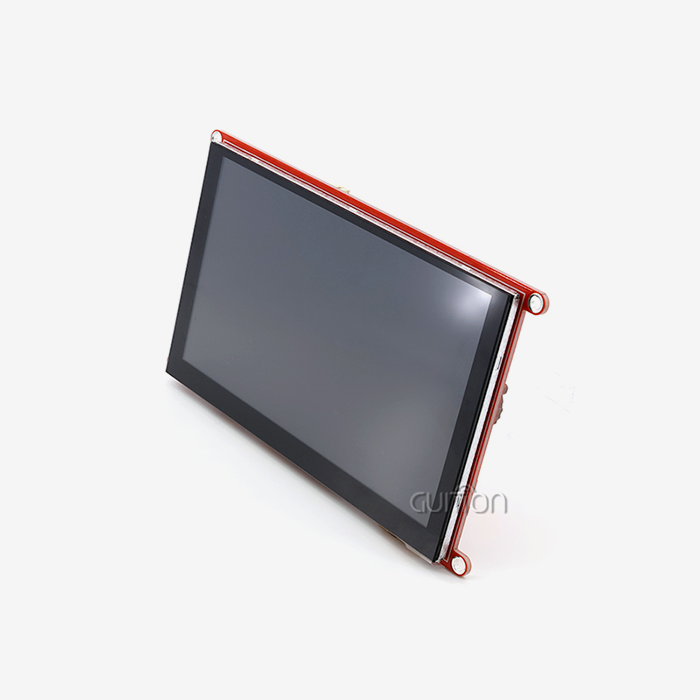
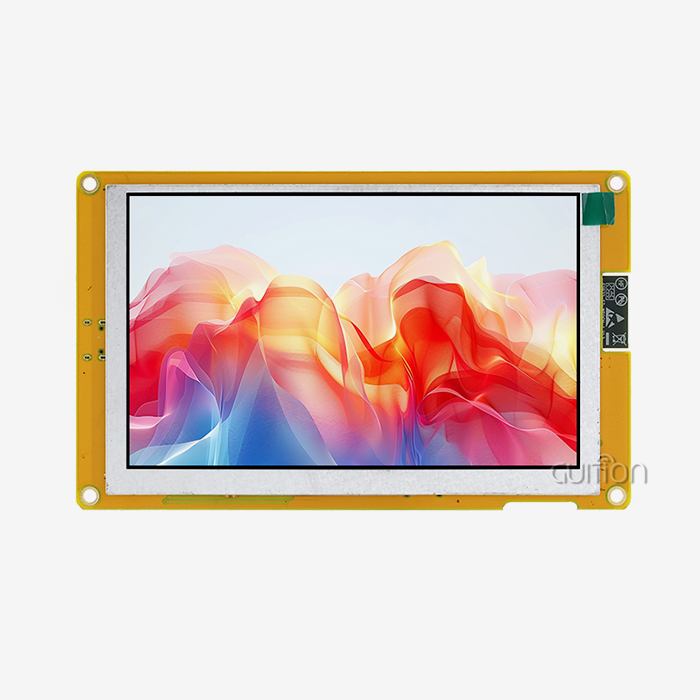
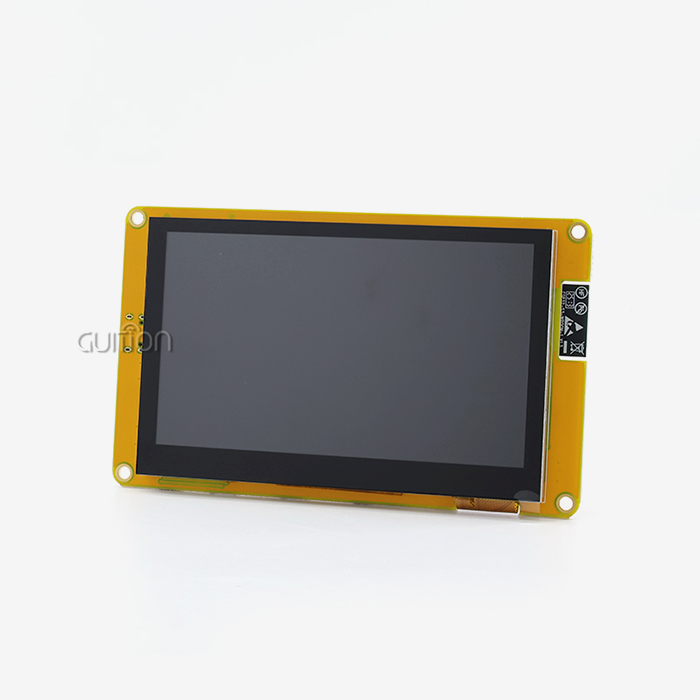
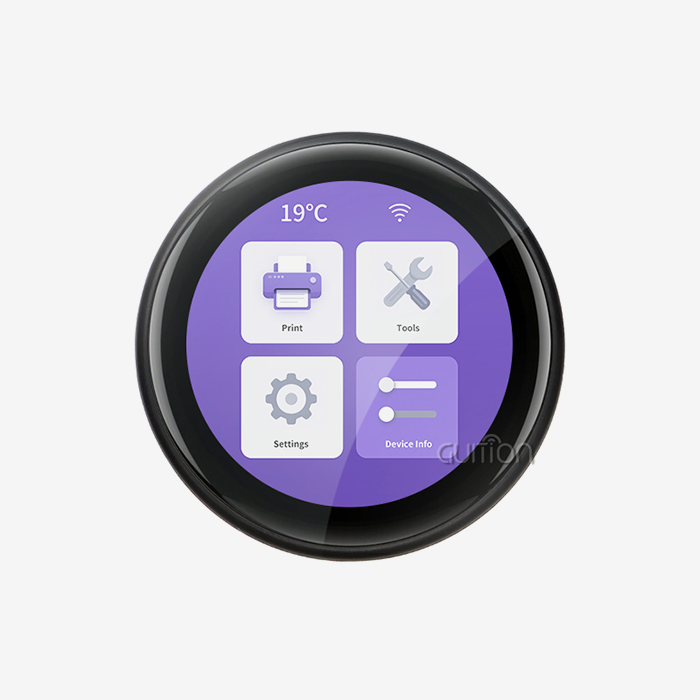
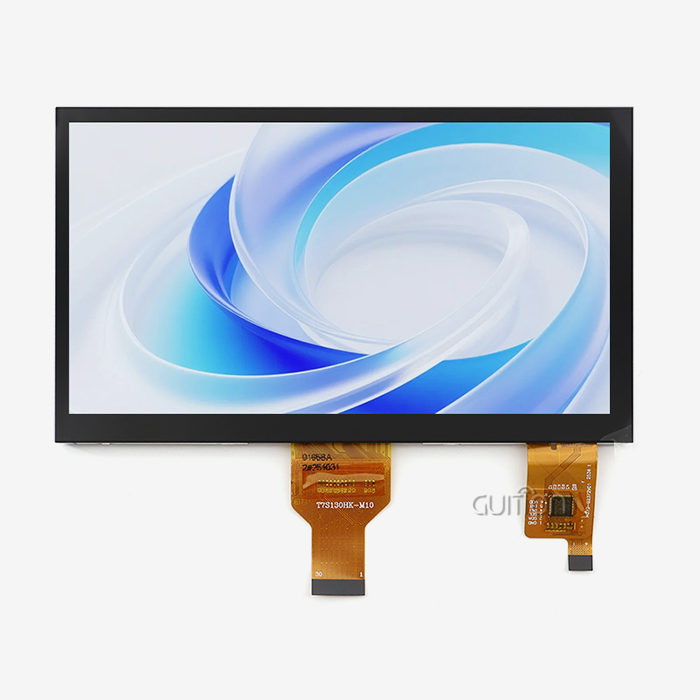
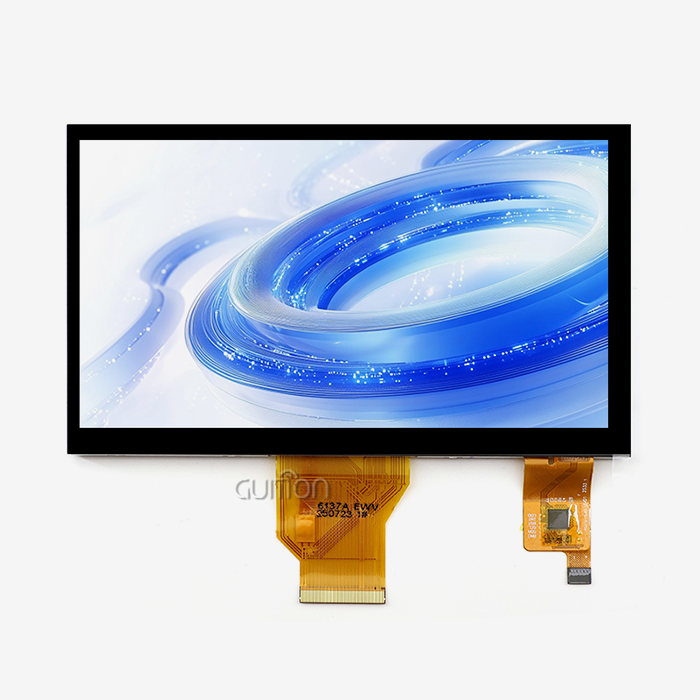
Choosing the right esp32 display module for OEM production is not a casual decision. The GUITION ESP32-2432S028R is a 2.8-inch ESP32 display module built around the ESP32 dual-core MCU running at up to 240MHz, with integrated Wi-Fi and Bluetooth, a 240×320 TFT LCD, resistive touch, 4MB Flash, and a rich set of onboard peripherals. This guide walks embedded engineers, R&D managers, and procurement teams through everything they need to evaluate, compare, and confidently source this module for scalable OEM deployment.

Understanding the GUITION ESP32-2432S028R: Features & Specifications
Core Hardware Architecture
The ESP32-2432S028R is powered by the Espressif ESP32 dual-core Xtensa LX6 chip. It has 520KB of SRAM, 448KB of ROM, and 4MB of SPI Flash, so it can effectively handle both UI display on one core and wireless connection on the other. You can see about 143 pixels per inch at 240x320 QVGA resolution, which is good for industrial screens, medical monitors, and smart home platforms.
Integrated Peripheral Ecosystem
It's not the same as bare ESP32 boards because this ESP32 Display Module has a lot of extra parts put in. On a single small PCB, the package has an RGB-LED control circuit, a photosensitive (ambient light) circuit, a resistive touch controller (that works with XPT2046), and a sound driver circuit. It also has a serial UART interface, a temperature and humidity sensor interface that works with DHT11, and special GPIO growth ports. The TF card slot lets you store assets or data logs locally.
OEM designers can save money on bill of materials (BOM) and PCB space because these hardware integrations get rid of the need for separate breakout boards. You can use Arduino IDE, ESP-IDF, MicroPython, or Mixly as a development environment. This lets engineering teams use the tools they already have without any problems.
How to Choose the Right ESP32 Display Module for Your OEM Needs?
Before you choose an ESP32 touch screen module, you should think about what you want to do with it. It's not too big for multi-element user interfaces and not too small for mobile tests, wall controls, and inset panels. The 2.8-inch form factor is a good middle ground. When an OEM buying team looks at bids, these are the main things they should look at:
- Resolution vs. cost balance: The 240×320 panel on the ESP32-2432S028R supports 65K colours and renders clean text. For applications requiring richer graphics, pairing this module with LVGL (Light and Versatile Graphics Library) on ESP-IDF unlocks smooth animated interfaces without upgrading to a larger, costlier screen.
- Touch technology fit: Resistive touch excels in industrial and medical environments where operators may wear gloves or use stylus tools. Capacitive touch suits consumer-facing products where multi-touch gestures are expected. The ESP32-2432S028R ships with a resistive panel, making it the rational choice for rugged, precision-input applications.
- Connectivity requirements: Built-in Wi-Fi (2.4GHz) and Bluetooth (Classic + BLE) make this module suitable for IoT gateways, MQTT-based smart home controllers, and BLE wearable aggregators without adding an external wireless module.
- Expansion and longevity: The reserved GPIO ports and TF card interface future-proof the hardware design, allowing firmware and storage upgrades post-deployment via OTA—a critical capability for reducing field service costs.
This module has both Bluetooth (Classic + BLE) and Wi-Fi (2.4GHz) built in, so it can be used for IoT hubs, MQTT-based smart home controls, and BLE wearable aggregators without the need for a separate Wi-Fi module.
Programming and Integration: A Practical Development Guide
You can use the ESP32-2432S028R right away without any trouble. The module already has test software on it, so when you turn it on for the first time, you can see right away if the screen and touch functions work. You need to add the TFT_eSPI library and load the ESP32 board package in the Arduino IDE in order to make your own apps. Check the User_Setup.h file to make sure the SPI pins are set properly so they work with the ESP32-2432S028R schematic. Most of the time, first-time users report blank screens because the CS, DC, or RST pins are not assigned correctly.
The LVGL component section has display and touch drivers that are ready to use for ESP-IDF teams. When you enable DMA transfers for the SPI bus, frame rates go above 30 FPS and screen tearing stops happening on TFT panels that are driven by SPI. MicroPython users can use the ili9341 driver package with a few small changes to how the pins are set up.
The ESP32-2432S028R was used by a farm automation team in a field sensor station to show how an OEM case works. With the DHT11 interface and Wi-Fi stack, they made a dashboard that shows real-time temperature and a cloud-reporting system in less than two weeks. If the MCU and display were separate, this would not have been possible.
Comparing the 2.8 Inch Format with Alternative Display Options
This part is 2.8 inches, which is in the middle of 2.4 inches (tighter UI boundaries) and 3.2 inches (more expensive, bigger case). OEMs that make small handheld or panel-mount products can get the most for their money with a 2.8-inch touch HMI that can still be read without having to use a bigger chassis.
It has been shown that TFT screens like the one in the ESP32-2432S028R last a long time, work well in a range of temperatures, and use a steady amount of power (about 60–80mA at full backlight). Even though they cost more, IPS screens have better colors and can be seen from more angles. OLED screens have better brightness and use less power in dark user interfaces, but their long life is a concern in industrial settings where they need to be on all the time.
Since it has a deep sleep mode (~10µA) and can be turned off programmatically, the ESP32-2432S028R can be used by OEMs that make battery-powered products as a low-power edge node. This is true as long as the program takes care of the backlight transistor correctly.
Where and How to Procure ESP32 Display Modules: Sourcing Insights?
You need more than a low unit price to get a lot of ESP32 smart display modules. Being able to meet your needs for customisation, having good paperwork, and providing ongoing firmware support are some of the most important things to look for in a provider. The 2.8 inch ESP32 display module is made and supplied by GUITION as an option. Guition doesn't just sell gear made by other companies; it also does its own R&D, production, and expert support. The company makes products from 1.28" to 21.5", and the ESP32-2432S028R serves as an entry-level OEM workhorse in that size range.
Guition's own Guition UI development software cuts down on the usual delay in developing USART-HMI. OTA lets engineers make changes from away without having to write low-level display driver code. They can set up layouts visually, drag and drop controls, and make changes. Because it can handle various languages and UTF-8 encoding, the hardware platform can be used in all kinds of businesses.
OEMs looking for a 2.8-inch ESP32 display module provider have high expectations thanks to Guition's cross-platform SDK support, full secondary development documents, and dedicated after-sales engineering help.
For OEMs evaluating a 2.8-inch ESP32 display module supplier, Guition's combination of cross-platform SDK support, full secondary development documentation, and dedicated after-sales engineering consultation sets a measurable standard against generic marketplace listings.
Conclusion
With the GUITION ESP32-2432S028R, OEMs can get a platform that is well-integrated and ready for production if they need good HMI performance without having to do a lot of development work. There are no real engineering problems with this product because it has a dual-core ESP32 base, built-in Wi-Fi and Bluetooth, resistive touch, and a PCB design with lots of extras. Any of the three can be used with this ESP32 display module, depending on how your team works. If procurement teams care about stable long-term supplies, thorough paperwork, and being able to make changes, Guition is a partner they should think about.
FAQ
Does the ESP32-2432S028R support OTA firmware updates?
Yes, the ESP32 can make changes over-the-air (OTA). Turn on "Huge App" in Arduino IDE or ESP-IDF to make sure there is enough space in the flash for the new binary. This is because display libraries are big.
What causes a blank or white screen after uploading code?
This happens most of the time because the pin mapping in User_Setup.h is wrong. It's not right (TFT_eSPI). Make sure that the CS, DC, and RST pins exactly match the ESP32-2432S028R design before you continue with debugging.
Can this module operate in deep-sleep mode for battery applications?
Yes. The ESP32 goes to sleep at about 10µA. The LCD backlight uses a lot of power, so use a GPIO-controlled transistor to tell the backlight circuit to turn off.
Is the resistive touch panel suitable for industrial glove use?
Yes. You can use any kind of pressure on resistive touch, even with gloves on and a stylus. This makes it a good choice for medical tools and industrial control screens.
What is the maximum SPI clock speed for driving the display?
It has a driver that works with SPI clock speeds of up to 80MHz and is compatible with the ILI9341. ESP-IDF's frame rates go up a lot when DMA is turned on on the SPI bus. This also stops screen tearing.
Partner with Guition for Your Next ESP32 Display Project
The Guition ESP32-2432S028R is a proven 2.8-inch ESP32 display module that comes with full OEM support, including access to secondary development docs, the Guition UI software, the ability to set up in multiple languages, and remote OTA capability. Our tech team is ready to help you get your product approved, whether you need one unit or a lot of them. To find out more and get prices, email us at david@guition.com.
References
1. Espressif Systems. ESP32 Technical Reference Manual. Espressif Systems, 2023.
2. Richardson, M., & Wallace, S. Getting Started with Raspberry Pi and ESP32 IoT Projects. Make: Media, 2022.
3. Maier, A., Sharp, A., & Vagapov, Y. "Comparative Analysis and Practical Implementation of IoT Edge Computing Platforms." IEEE Internet of Things Journal, 2019.
4. Novak, M. "Human-Machine Interface Design Principles for Industrial Embedded Systems." IEEE Transactions on Industrial Informatics, 2021.
5. Monk, S. Programming the ESP32: Getting Started with MicroPython and Arduino IDE. McGraw-Hill Education, 2022.
6. Grand View Research. Human Machine Interface (HMI) Market Size & Forecast Report. Grand View Research, 2023.
Learn about our latest products and discounts through SMS or email