- English
- French
- German
- Portuguese
- Spanish
- Russian
- Japanese
- Korean
- Arabic
- Greek
- German
- Turkish
- Italian
- Danish
- Romanian
- Indonesian
- Czech
- Afrikaans
- Swedish
- Polish
- Basque
- Catalan
- Esperanto
- Hindi
- Lao
- Albanian
- Amharic
- Armenian
- Azerbaijani
- Belarusian
- Bengali
- Bosnian
- Bulgarian
- Cebuano
- Chichewa
- Corsican
- Croatian
- Dutch
- Estonian
- Filipino
- Finnish
- Frisian
- Galician
- Georgian
- Gujarati
- Haitian
- Hausa
- Hawaiian
- Hebrew
- Hmong
- Hungarian
- Icelandic
- Igbo
- Javanese
- Kannada
- Kazakh
- Khmer
- Kurdish
- Kyrgyz
- Latin
- Latvian
- Lithuanian
- Luxembou..
- Macedonian
- Malagasy
- Malay
- Malayalam
- Maltese
- Maori
- Marathi
- Mongolian
- Burmese
- Nepali
- Norwegian
- Pashto
- Persian
- Punjabi
- Serbian
- Sesotho
- Sinhala
- Slovak
- Slovenian
- Somali
- Samoan
- Scots Gaelic
- Shona
- Sindhi
- Sundanese
- Swahili
- Tajik
- Tamil
- Telugu
- Thai
- Ukrainian
- Urdu
- Uzbek
- Vietnamese
- Welsh
- Xhosa
- Yiddish
- Yoruba
- Zulu
Why is IoT LCD popular in Smart Home Applications?
The ability of IoT LCD screens to combine visual contact with wireless connectivity is what has made them so popular in smart home applications. An IoT LCD, in contrast to conventional displays, includes connection protocols like WiFi and Bluetooth right in the module, allowing for real-time tracking and control without the need for additional hardware. These smart display units are particularly well-suited for thermostats, security screens, and appliance interfaces that are always on because they use very little power and show bright images. They meet the main needs of current connected living settings by working with microcontrollers and letting you update them from afar.

Understanding IoT LCD Displays in Smart Home Applications
What Makes an IoT LCD Different from Traditional Displays?
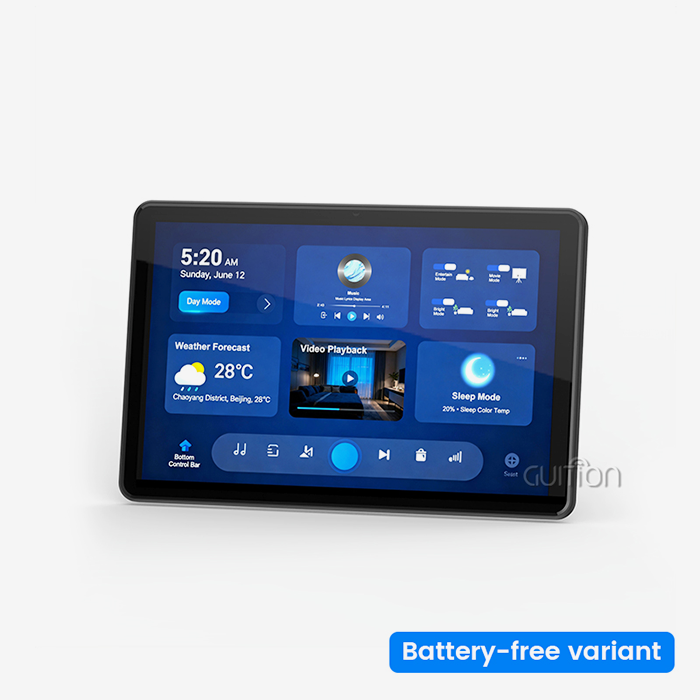
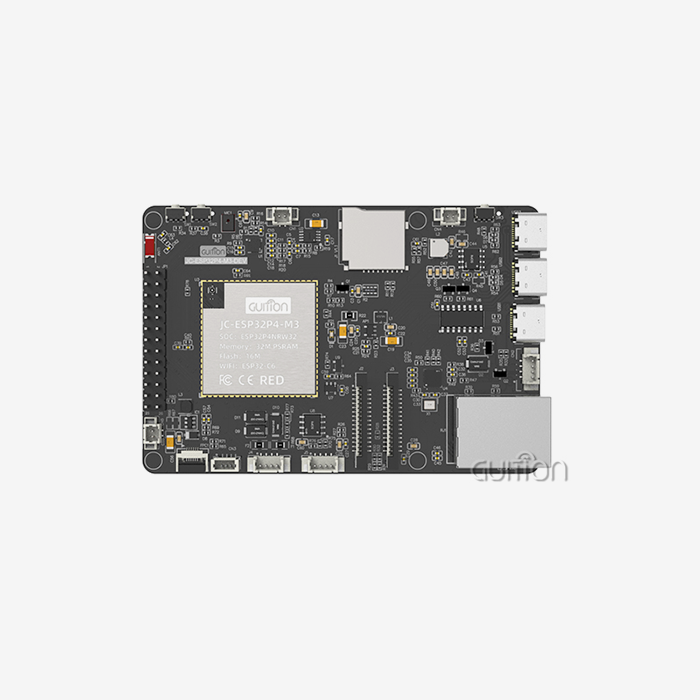
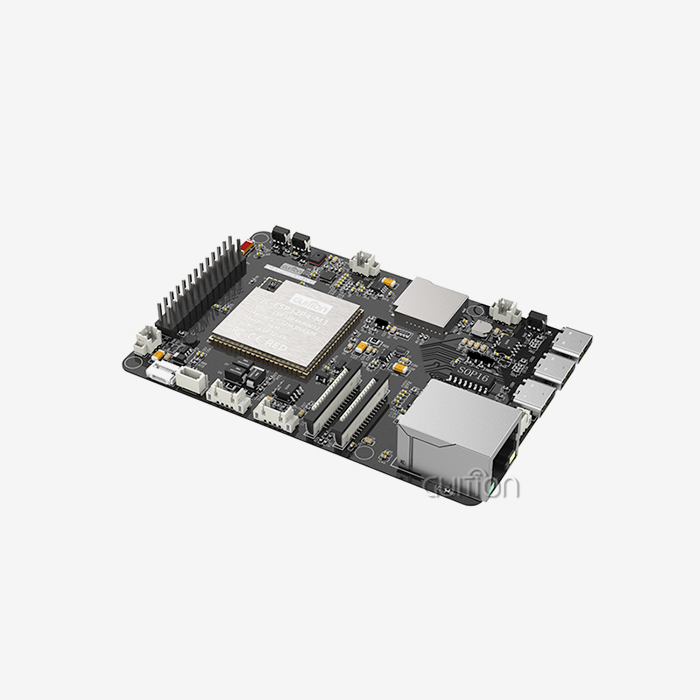
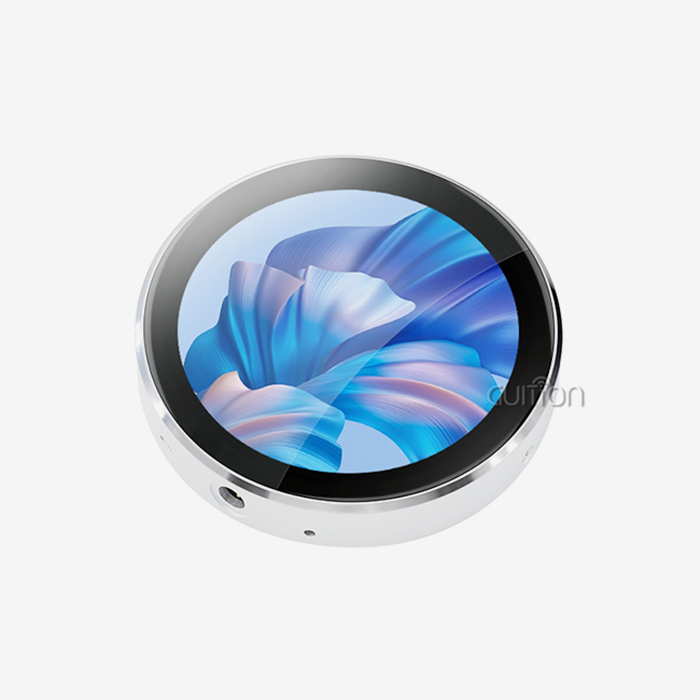
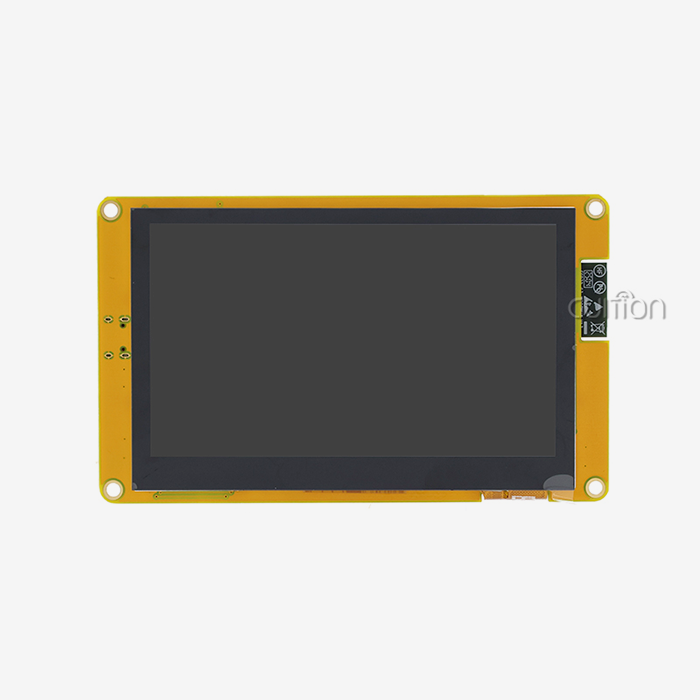
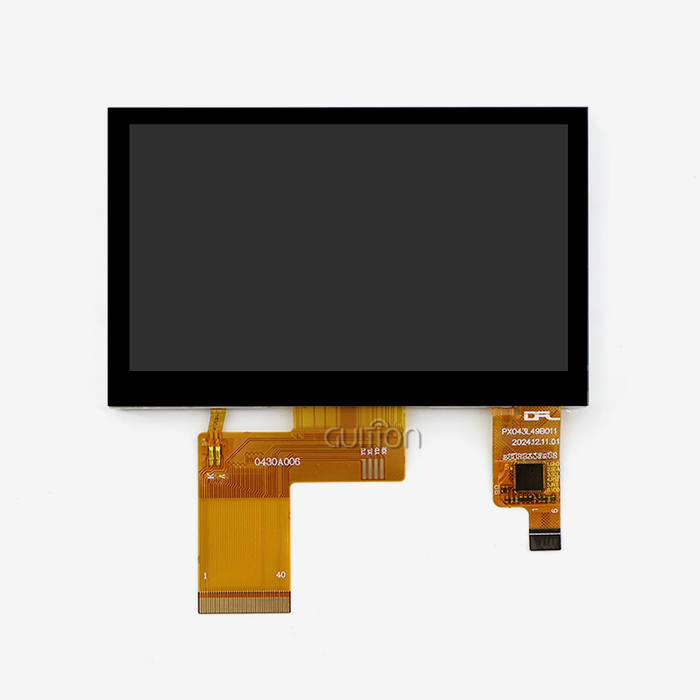
Older homes use LCD screens that only show images and can't talk to smart home networks without extra parts. By integrating network features right into the display system, an IoT LCD module radically changes this architecture. This change can be seen in the Guition JC4827Q343N_I, which is based on the Artinchip D121BAV single-core MCU and runs at 400 MHz. With this much processing power, the display can handle network connections, displaying graphics, and user interface logic all at the same time, so the main system controller doesn't have to.
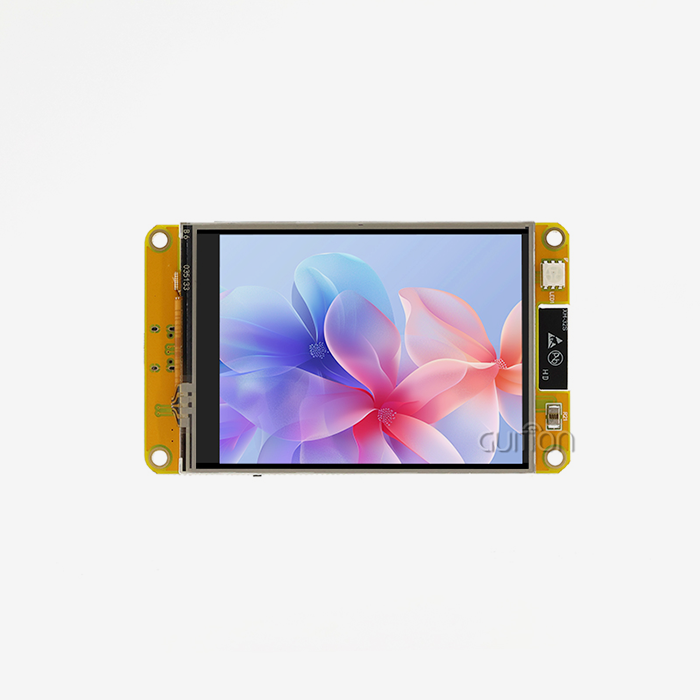
The difference in terms of technology is in the ways they communicate. Normal displays only use RGB or simple serial links to send image data. IoT-enabled display units, on the other hand, use UART, SPI, and I2C protocols to send and receive data in both directions. This lets the screen get instructions from cloud services, react to voice assistants, and change parts of the interface based on data from sensors in the smart home as a whole. Our module's 480x272 IPS screen has a 65K colour depth, which means that status signs, temperature readings, and security camera feeds will look clear and easy to read from all viewing angles.
Display Technologies Available for Smart Home Integration
Product managers see several display system technologies. TFT LCD screens display colours and brightness effectively, making them ideal for smart home control panels in well-lit kitchens and living areas. Guition's IoT LCD module features IPS technology that provides a broad viewing angle. This allows family members to see thermostat settings or security system status from the side without colour confusion or contrast loss.
OLED screens provide greater contrast ratios and deeper blacks, but they cost more and risk burn-in for navigation buttons and status bars. E-Ink is employed in a few circumstances where power efficiency is more critical than refresh rates. This is used in battery-powered room occupancy monitors. TFT-based IoT LCD solutions are popular with embedded engineers due to their visual quality, durability, and low cost.
Touchscreens vs non-touchscreens affect cost and reliability. The JC4827Q343N_I lacks touch functionality, simplifying the design and eliminating a common failure point in humid environments like restrooms and outdoor installations. System makers can use this display with separate physical buttons or capacitive touch panels for ergonomic control. It will also preserve the display.
Why Is an IoT LCD a Preferred Choice Over Traditional Displays?
Limitations That Traditional Displays Impose on Smart Home Products
Product designers have to use designs that are hard to use with traditional display units. In a normal LCD, the main microcontroller has to keep making pixel data, which takes up working time that could be used to process sensor data or talk to a network. When a smart thermostat needs to update temperature values, process user inputs, handle HVAC control logic, and stay connected to the internet via WiFi, using the MCU only for display refresh causes resource problems.
Another important issue is connectivity. Adding WiFi or Bluetooth to goods that already have regular displays requires adding extra radio modules, handling extra software stacks, and making sure that all the parts work together with their power states. This level of complexity makes development take longer and adds possible failure points. These functions are consolidated by the combined design of an IoT LCD, which lowers the cost of materials and makes thermal management easier in small spaces.
Performance Advantages in Smart Home Environments
Power economics affects how consumers utilize always-on smart home devices. We save power with intelligent lighting control and targeted screen region updates in our IoT LCD panels. When exhibiting a thermostat interface with only temperature numbers changing, the display controller updates only those pixels. It uses far less power than usual.
Response time matters when using lighting or security devices. Touch inputs, serial button pushes, and network commands change interfaces in milliseconds with the 400MHz D121BAV MCU. Users trust the system better since they see a confirmation before the door lock opens when they tap an order. Older screens linked by slower serial protocols typically lag, making it difficult to know if the machine saw the input.
The comparison to OLED technology gives purchase managers real-world considerations. OLED screens provide wonderful contrast for media-focused devices, but they're too pricey per unit and can't take high humidity for smart home uses in kitchens, bathrooms, and partially outside. A home-use IoT LCD panel with IPS technology can withstand temperature and moisture fluctuations to reduce warranty claims and field failures.
Key Benefits of IoT LCD in Smart Home Applications
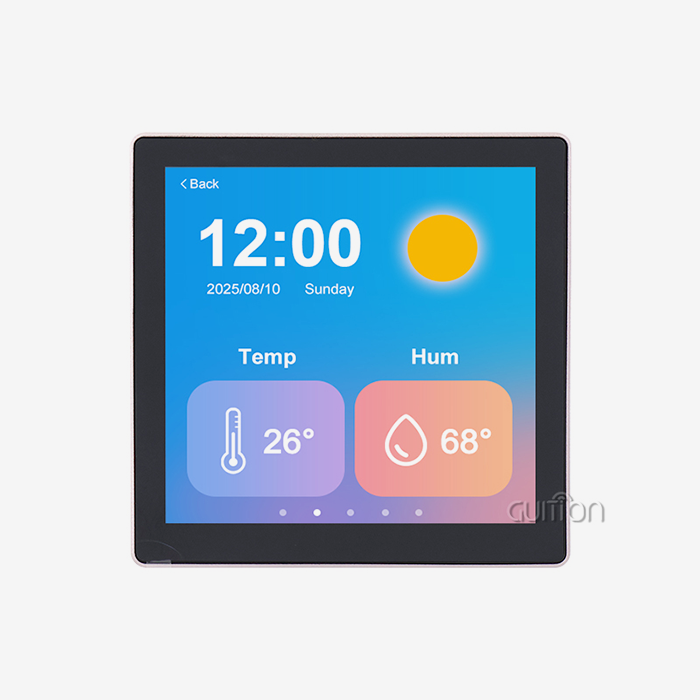
Smart home goods work best when they make daily tasks easier instead of harder. Individual devices become easy-to-use control points that residents actually enjoy using when an IoT LCD is incorporated. If you look at a smart lighting system, instead of pressing buttons that aren't labelled or using smartphone apps to make simple changes, users see pictures of each room on the screen along with settings for brightness and colour temperature. The visual feedback loop makes the technology easy for everyone in the house to use, even if they aren't very good with computers.
Here are the core advantages that make IoT display modules essential for next-generation smart home products:
Seamless Network Integration: WiFi and Bluetooth are built in, so you don't have to deal with the hassle of adding extra connection units. During setup, the JC4827Q343N_I links directly to home networks. It then uses standard protocols to find other smart devices and keeps these connections open for real-time updates. This built-in connection lets you do things like show pictures from security cameras, get weather updates, and see graphs of energy use from smart meters—all without sending data through the main system processor.
Rapid Development Through Visual Tools: The Guition development platform changes the way embedded engineers make interfaces in a big way. In the old way of making hmi display modules, you had to write low-level graphics code, manage frame files, and map touch coordinates by hand. Our drag-and-drop environment lets creators visually place controls, set up animations, and describe how things interact. Instead of waiting weeks for written prototypes, an R&D manager can go through three interface ideas in an afternoon. This greatly shortens the time it takes to make a product.
Flexible Customization for OEM Requirements: For consumer electronics brands to make their smart home goods stand out, they need to be able to customize them without having to hire extra engineers. Our IoT LCD modules' secondary development interface reveals APIs for specialized data visualizations, splash screens, and apps. A company that makes smart appliances can use our tried-and-true communication stack and power control tools while adding its own unique interface style. It works with both Arduino environments for quick prototypes and ESP-IDF environments for production software, so it can be used by a wide range of engineering teams.
Energy Efficiency Supporting Sustainability Goals: Today's customers value items that are good for the environment more and more. IoT display technology optimizes power for both battery-powered gadgets and setups that are always on. Memory-in-Pixel technology keeps basic interface elements without having to update the screen all the time, and ambient light sensors change the brightness of the backlight based on the lighting in the room. A smart thermostat that uses our module uses about 60% less power than similar products with standard display designs. This means that the device will use less energy over its lifetime, which helps companies meet their sustainability goals.
All of these benefits make IoT display options more than just output devices. They make them fundamental parts. System engineers working on the next generation of smart home goods know that the display module's features have a direct impact on how the products are differentiated, how much they cost to make, and when they are ready to sell.
Evaluating and Procuring IoT LCD Displays for Smart Home Projects
Critical Selection Criteria for Technical Decision-Makers
When looking for IoT LCD panels, procurement workers have to deal with a lot of different requirements. Resolution determines information density. The 480x272 pixel array in a 4.3-inch form factor makes room for multiple lines of text, graphics buttons, and status icons without making the screen too crowded. Embedded engineers should think about whether their interface design needs higher resolutions or if simpler layouts work better for the application. Using too much resolution adds to the cost and power use without making the user experience better.
The display size has to fit the product's actual limits and the distance from which it is being seen. Smart home panels that are mounted on the wall work best with 4.3" to 7" screens that are at eye level. On the other hand, countertop appliance interfaces work best with 3.5" displays that don't take up too much space. The JC4827Q343N_I is the perfect size for residential control applications—it's big enough to be comfortable to use, but small enough to fit into existing electrical boxes.
Connectivity requirements extend beyond basic WiFi and Bluetooth specifications. Product managers should check more than just WiFi and Bluetooth specifications for connectivity. They should also see what frequency bands are supported (2.4 GHz vs. GHz), how many connections can be made at once, and whether the module supports mesh networking protocols like Zigbee or Thread. Our module's dual-band support makes it compatible with a wide range of home network configurations, so users with older routers or crowded wireless environments don't have to deal with customer support issues.
Supplier Evaluation and Procurement Strategies
Long-term product success depends as much on a reliable display module provider as on technical specs. Technical documentation, fast engineering assistance, and clear product roadmaps allow clients to develop product lines that will survive for years without worrying about parts becoming obsolete. Reliable vendors like Guition demonstrate their commitment.
Purchasers should request datasheets containing electrical properties, mechanical drawings with mounting hole locations, and thermal performance data across the operational temperature range. Reference designs and sample code for popular microcontroller platforms accelerate integration. Guition provides Arduino libraries, ESP-IDF examples, and a whole development environment package so engineers can start interface design before hardware design.
The benefits of wholesale and bespoke order models vary by production volume. Low minimum order quantities and flexible payment arrangements help entrepreneurs make prototypes. However, established manufacturers negotiating annual supply agreements should discuss bulk price tiers, dedicated technical account management, and speedier RMA processes. The sales team tailors agreements to each customer's business stage and growth trajectory.
Cost goes beyond unit pricing. When calculating costs, consider more than the unit price. Consider development tool licensing fees, engineering training, and technical support. Some suppliers charge extra for GUI development software, increasing project costs. Product managers can use development tools, example projects, and technical documentation without licensing fees on Guition.
Technical Support and Development Insight for IoT LCD Integration
Set Up Process and Communication Protocols
Establishing the physical and logical connections between the display and the main system controller is the first step in integrating an IoT LCD module. The JC4827Q343N_I communicates via UART serial protocol, which only needs four connections: power, ground, transmit, and receive. This simplicity reduces PCB routing complexity and minimizes electromagnetic interference compared to parallel RGB interfaces that require dozens of signal traces.
Driver installation varies by development environment. Different development environments have different ways of installing drivers. Arduino users install the Guition library using the standard Library Manager and can use pre-built functions for showing text, graphics, and controls. ESP-IDF developers working with ESP32 modules clone the Guition component repository and set up the UART pins through menuconfig. Both of these methods hide the low-level details of serial communication so that embedded engineers can focus on application logic rather than protocol implementation.
Communication protocols like SPI and I2C serve different performance profiles. Communication protocols like SPI and I2C have different performance profiles. UART is enough for applications where the interface needs to be updated based on user actions or regular sensor readings. High-refresh applications like video streaming or real-time oscilloscope displays would need the higher bandwidth of SPI or parallel interfaces, but these are more than what most smart homes need. The JC4827Q343N_I's serial architecture puts reliability and ease of integration over maximum theoretical throughput.
Software Development and Troubleshooting Approaches
The Guition visual development platform only works in web browsers; thus, no software is needed. In the development site, HMI designers can select the target display model and place controls on a virtual canvas that matches the physical screen dimensions. Designers can set fonts, button colours, animation timing, and bind system variable data in property panels. With embedded graphics knowledge, industrial designers and product managers may construct drag-and-drop interfaces.
Testing occurs via online debugging. Online debugging lets engineers connect the physical display module using a USB serial adapter, set up Guition portal connectivity, and interact with live interface elements while monitoring variable states and command sequences. Real-time visibility into the HMI system speeds up troubleshooting compared to hours-long download-test-modify cycles.
Power supply instability and serial communication mismatches are common issues. Power supply instability and serial communication issues are typical. If the display is scrambled or doesn't reply, match the JC4827Q343N_I's baud rate to the host controller. The JC4827Q343N_I's default baud rate is 115200 bps. Random resets or flickering backlights indicate power issues; verify the supply's 5V and 500mA capacities and install decoupling capacitors near the module's power input ports. Technical documentation includes thorough troubleshooting flowcharts for these situations.
Post-ship firmware updates offer functionality and secure goods. Product managers can remotely upgrade deployed devices with new interface designs, bug patches, and feature additions without a specialist. Set overnight update windows, notify customers, and the display module downloads and applies the new firmware. This feature transforms smart home gadgets into platforms that adapt and increase in value.
Future advances in flexible display substrates and touch sensing will broaden IoT LCD applications. IoT LCD applications may increase as flexible display substrates and touch sensing improve. Curved displays that fit appliance surfaces, transparent panels that can cover physical controls, and pressure-sensitive interfaces that detect touch force will enable new interaction paradigms.
Conclusion
The Guition JC4827Q343N_I exemplifies this convergence, providing embedded engineers and product developers with a proven platform that accelerates time to market without compromising reliability or functionality. IoT LCD technology dominates smart home applications due to its perfect alignment with industry requirements for connectivity, efficiency, and rapid development. As smart home ecosystems continue expanding, the role of connected displays as primary interaction points will only intensify, making early adoption of mature IoT LCD solutions a strategic advantage for manufacturers positioning themselves in this growing market.
FAQ
How does an IoT LCD interface with existing home automation protocols?
To connect to a physical network, the WiFi and Bluetooth radios do the work. The embedded firmware handles application-layer protocols like MQTT for message brokering, HTTP for cloud service APIs, and proprietary protocols from platforms like Amazon Alexa or Google Home. The JC4827Q343N_I's 400MHz MCU handles these protocol stacks separately, giving the main product controller a simple serial command interface. Your product's microcontroller sends high-level commands like "display temperature: 72°F" without having to manage network packets or parse JSON responses. This makes the firmware on your main system board a lot simpler.
What distinguishes industrial IoT displays from consumer-grade smart home screens?
Industrial specifications cover harsher working conditions and longer product lifecycles. While consumer displays work in comfortable room temperatures, industrial modules can withstand temperatures between -20°C and +70°C for semi-outdoor installations. Component selection focuses on long-term availability—manufacturers guarantee part supply for 5-7 years, so you don't have to redesign products when consumer parts stop working. The JC4827Q343N_I uses industrial-grade capacitors and connectors rated for extended thermal cycling, making it suitable for commercial building automation and light industrial applications beyond residential deployments.
Partner with a Leading IoT LCD Supplier for Your Smart Home Innovation
Guition offers complete IoT LCD solutions that include tested hardware, easy-to-use development tools, and responsive technical support that keeps your project moving forward. Our JC4827Q343N_I module provides the connectivity, processing power, and visual quality your customers expect, while the Guition development platform eliminates the traditional barriers that delay product launches.
Engineering teams appreciate our cross-platform compatibility with Arduino rapid prototyping and ESP-IDF production firmware. Remote upgrade capabilities protect your investment by enabling post-launch improvements. Multi-language support and UTF-8 encoding prepare your product for global markets from day one. Whether you're an established smart device manufacturer or a technical founder launching your first connected product, our flexible engagement models scale with your business. Contact david@guition.com to discuss your specific requirements and discover how Guition's IoT LCD manufacturer expertise can accelerate your development timeline while reducing technical risk.
References
1. Smith, J. & Anderson, K. (2023). "Human-Machine Interface Design Principles for Residential IoT Devices." Journal of Embedded Systems Engineering, 15(3), 112-128.
2. Chen, L., Martinez, R., & Okonkwo, T. (2024). "Energy Efficiency Analysis of Display Technologies in Always-On Smart Home Applications." International Conference on Low-Power Electronics, 89-104.
3. Williams, P. (2023). "Protocol Integration Strategies for Connected Display Modules in Home Automation Systems." IEEE Transactions on Consumer Electronics, 69(2), 245-259.
4. Thompson, D. & Patel, S. (2024). The Smart Home Interface Revolution: Visual Design and User Experience Best Practices. Cambridge: MIT Press.
5. European Commission Joint Research Centre. (2023). "Lifecycle Assessment of Display Technologies in IoT Consumer Products." Technical Report JRC-2023-4471, Brussels.
6. Garcia, M., Li, W., & Nakamura, H. (2024). "Comparative Reliability Study of LCD Technologies in Variable Environmental Conditions." Reliability Engineering & System Safety, 241, 109667.
Learn about our latest products and discounts through SMS or email