- English
- French
- German
- Portuguese
- Spanish
- Russian
- Japanese
- Korean
- Arabic
- Greek
- German
- Turkish
- Italian
- Danish
- Romanian
- Indonesian
- Czech
- Afrikaans
- Swedish
- Polish
- Basque
- Catalan
- Esperanto
- Hindi
- Lao
- Albanian
- Amharic
- Armenian
- Azerbaijani
- Belarusian
- Bengali
- Bosnian
- Bulgarian
- Cebuano
- Chichewa
- Corsican
- Croatian
- Dutch
- Estonian
- Filipino
- Finnish
- Frisian
- Galician
- Georgian
- Gujarati
- Haitian
- Hausa
- Hawaiian
- Hebrew
- Hmong
- Hungarian
- Icelandic
- Igbo
- Javanese
- Kannada
- Kazakh
- Khmer
- Kurdish
- Kyrgyz
- Latin
- Latvian
- Lithuanian
- Luxembou..
- Macedonian
- Malagasy
- Malay
- Malayalam
- Maltese
- Maori
- Marathi
- Mongolian
- Burmese
- Nepali
- Norwegian
- Pashto
- Persian
- Punjabi
- Serbian
- Sesotho
- Sinhala
- Slovak
- Slovenian
- Somali
- Samoan
- Scots Gaelic
- Shona
- Sindhi
- Sundanese
- Swahili
- Tajik
- Tamil
- Telugu
- Thai
- Ukrainian
- Urdu
- Uzbek
- Vietnamese
- Welsh
- Xhosa
- Yiddish
- Yoruba
- Zulu
Why Choose a Serial HMI display for Industrial Control?
Choosing the right display interface can determine whether your industrial project ships on time or stalls in debugging. A serial HMI display solves this problem by bundling display rendering, touch control, and communication logic into one compact module. Instead of forcing your host microcontroller to redraw every pixel, the display handles its own UI assets locally — your MCU simply sends a short command, and the screen updates instantly. For industrial engineers and procurement managers who need speed, stability, and lower system complexity, a serial HMI display is one of the most practical choices available today.

Understanding Serial HMI Displays: Features and Functionality
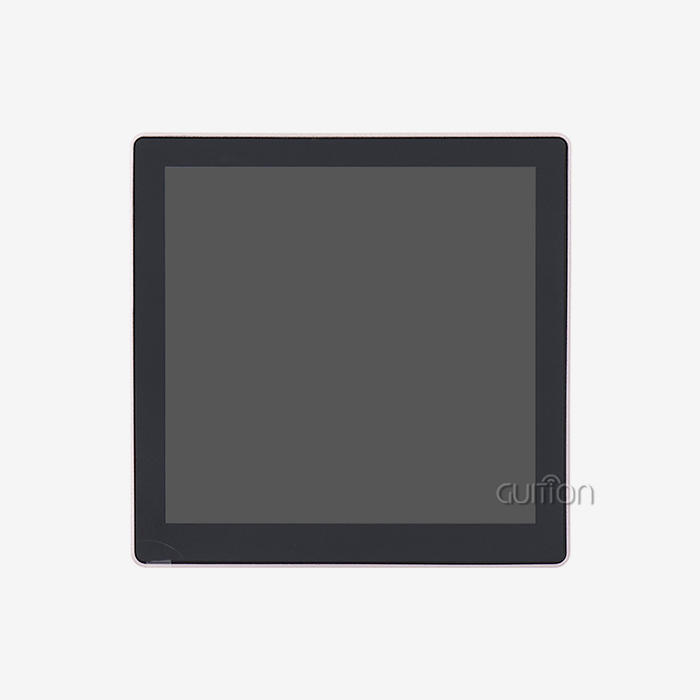
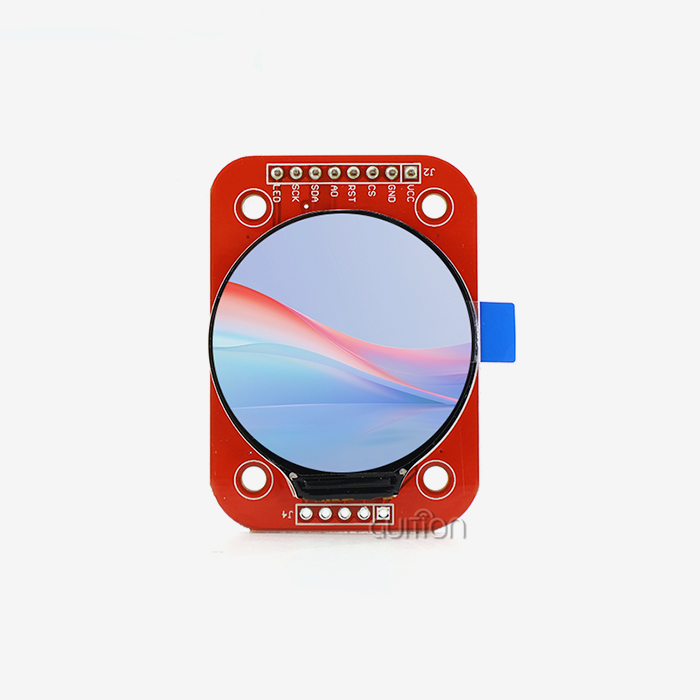
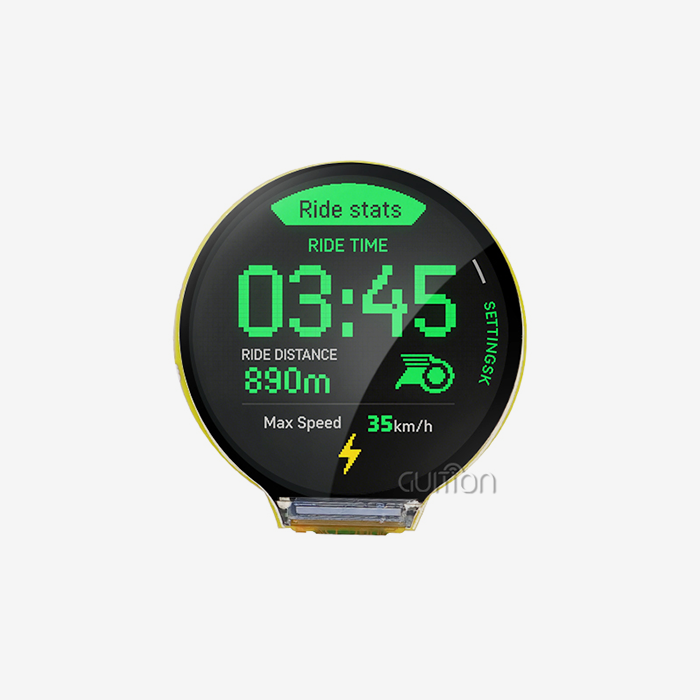
The Serial HMI display is not the same as an inactive screen. There is a processor, flash memory, touch controller, and display driver built right into this smart TFT LCD module. They all work together as a single unit. It works with almost any PLC, Arduino, STM32, or ESP32-based device because it can communicate over UART, RS-232, RS-485, or TTL.
Core Hardware Architecture
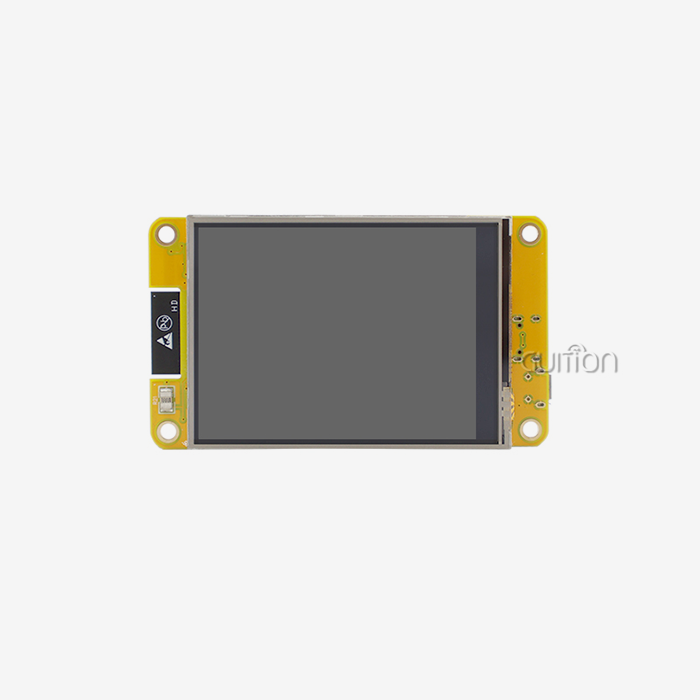
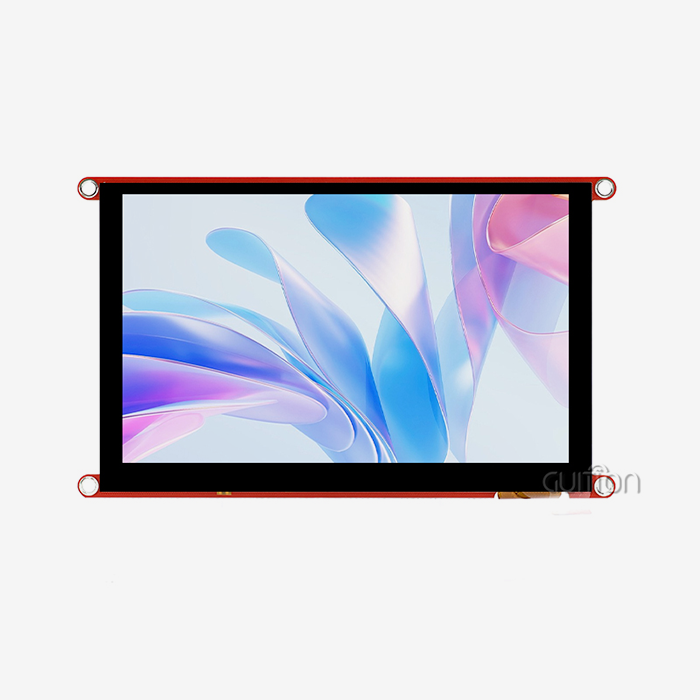
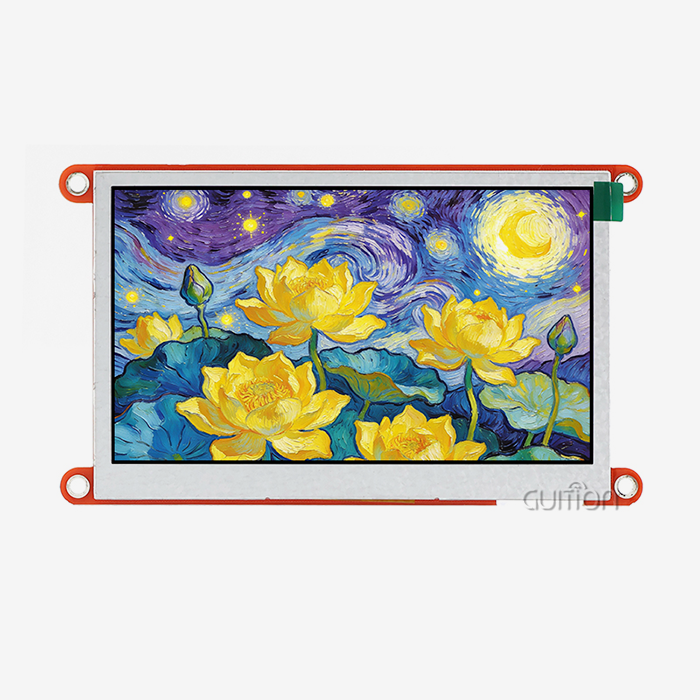
An ARM Cortex-M or ESP32-series processor is built into most Serial HMI display units. The ESP32-S3R8 has two cores and can run at up to 240 MHz. It has 8 MB PSRAM and 4MB Flash. One example is the GUITION JC4827W543C_I. The 4.3-inch screen with a resolution of 480x272 gives operators clear visual feedback even in tough conditions.
Communication Protocol Support
Serial HMI displays can handle baud rates between 9600 and 921600 bps on TTL, RS-232, and RS-485 signal levels. RS-485 is very useful in factories because it can handle wire runs of up to 1,200 meters and doesn't get messed up by electrical noise from motors and inverters, which happens a lot with weaker signal standards.
Touch Technology Options
The JC4827W543C_I has a resistive touch panel, which means it responds to pressure rather than electrical capacitance. This is important in factories where workers wear gloves or are close to equipment with a lot of electromagnetic interference (EMI). Because they can't be fooled by electrical interference from nearby equipment, resistive panels are the best choice for machine control panels and process terminals.
Serial HMI Displays vs. Alternative HMI Technologies: A Rational Choice Approach
A lot of the time, engineers compare Serial HMI displays to Ethernet-based panels, CAN bus interfaces, and parallel RGB displays. Both have their uses, but for most mid-range industrial tasks, Serial HMI displays are the best choice because they are easier to use and cost less.
Serial vs. Ethernet HMI
Ethernet HMI screens can connect to networks and handle a lot of data, but they need a controlled network infrastructure, a static IP setting, and often an IT setup that is just for them. With three wires (TX, RX, and GND), a Serial HMI display can connect directly to your MCU and start working right away. This directness cuts down on setup time and failure points for both stand-alone tools and decentralized control units.
Serial vs. Parallel RGB Display
For parallel RGB displays to work, the host CPU has to constantly push every pixel, which uses a lot of RAM and processing power. A Serial HMI display handles page changes, button logic, and touch events on its own. The host only sends simple hex or ASCII commands. Embedded systems benchmarks show that this design can lower host CPU load by more than 60% compared to raw RGB screens.
Serial vs. CAN Bus HMI
CAN bus HMI modules are common in heavy machinery and cars where communication between multiple nodes is important. But they are harder to integrate and cost more to license protocols. For a single operator station or a small industrial terminal, a Serial HMI display lets the user do the same thing but with a lot less hardware and software.
Applications of Serial HMI Displays in Industrial Control Systems
A Serial HMI display's real strength lies in how widely it can be used across different fields. Here are the main areas of use where this technology regularly does a good job. Here are the primary scenarios where industrial teams deploy Serial hmi display modules:
- Industrial Automation Panels: Machine control terminals, CNC operator interfaces, and automatic packing lines rely on RS-485 Serial HMI displays to show real-time sensor data, motor speeds, and warning states, even in places with a lot of electrical noise.
- Medical Monitoring Devices: Ventilators, infusion pumps, and monitoring tools need screen changes with no delay. Local processing inside a Serial HMI display keeps warning visualizations smooth even when the main medical processor is doing a lot of work.
- Energy Management Systems: Power meters, solar inverter displays, and grid monitoring terminals use Serial HMI displays to show real-time data on energy use that is updated continuously over UART without putting too much stress on the system processor.
- Smart Home and Building Automation: Thermostats, lighting controllers, and security panels made with ESP32-based Serial HMI display modules can connect to cloud services through built-in Wi-Fi and send and receive status reports and orders from afar without the need for extra networking hardware.
- Commercial Terminals and Kiosks: Self-service terminals in stores, food service, and retail benefit from the TF card expandability of modules like the JC4827W543C_I, allowing large asset files like fonts, images, and interface pages to be kept and updated locally.
These applications share a common requirement: stable, fast, and operator-friendly interfaces. A Serial HMI display meets all three without demanding advanced embedded expertise from the development team.
Procurement Guide: How to Source Quality Serial HMI Displays
Choosing to buy a Serial HMI display is a technical purchase choice. When you add up integration time, after-sales debugging, and replacement risk, price alone doesn't always show how much a project will cost in total.
Evaluating Price vs. Performance
A cheap screen that doesn't come with instructions or stable software will cost more in engineering hours than it does in units. Find a Serial HMI display provider that offers sample code that works, a lively development group, and quick technical help. The JC4827W543C_I comes from GUITION already programmed with test programs, so your team can start validating the hardware as soon as it gets there.
Checking Development Ecosystem Compatibility
Make sure that the Serial HMI display you buy works with the tools you already have. The JC4827W543C_I works with the Arduino IDE, ESP-IDF, MicroPython, and the Guition development platform. These are the four main development platforms that embedded engineers in the US use. Because of this, it's not necessary to restart teams or write software from scratch, which saves money.
Long-Term Supply and Customization
For production runs, make sure that the company that makes your Serial HMI display can provide a steady supply and let you change the hardware. GUITION works with screens ranging from 1.28" to 21.5", lets you do secondary development with full API docs, and lets you do remote over-the-air (OTA) upgrades, which lowers the cost of field service over the duration of the product.
Troubleshooting and Maintenance Tips for Serial HMI Displays
System maintenance is important for even well-built ones. A small group of typical problems can be used to figure out most problems with esp32 display module and Serial HMI displays in the field.
Diagnosing Communication Errors
If your Serial HMI display stops responding, the first thing you should check is the baud rate mismatch. This is what causes most UART communication problems. Make sure that the baud rates, stop bits, and parity settings on both the host MCU and the display module are the same. Before you think the hardware is broken, use a logic analyzer or serial monitor to record the raw traffic.
Handling Display Malfunctions
Most of the time, software issues are to blame for backlight failure and frozen screens, not physical damage. Most cases of display lock-up can be fixed by re-flashing the project on the display via TF card or UART driver. No need to send the JC4827W543C_I back to the factory for reflashing because it supports TF card project updates. Your maintenance team can do it on-site.
Preventive Maintenance Strategy
Every six months, you should check the firmware to make sure it has the latest security changes and speed improvements. For each installation, keep a backup file for the project on a separate TF card. In places with a lot of dust or high humidity, PCB joints should be checked once a year, and if the original manufacturing standard doesn't include it, conformal coating should be added.
Conclusion
In a lot of different manufacturing settings, a Serial HMI display makes engineering simpler, speeds up development, and provides reliable user interfaces. The GUITION JC4827W543C_I is an example of a well-specified Serial HMI display in real life—it has dual-core processing, built-in Wi-Fi and Bluetooth, resistive touch, TF card support, and works with Arduino, ESP-IDF, MicroPython, and Guition. This type of ESP32 Display Module gives your team a strong technical base without making them do a lot of complicated low-level code. It doesn't matter if you are making an industrial control panel, a medical monitoring device, or a smart energy terminal.
FAQ
What communication protocol does a serial HMI display use?
Most Serial HMI displays can talk to each other through UART/TTL, RS-232, or RS-485. UART TTL is the standard for short-range MCU connections, while RS-485 is better for long industrial cable runs up to 1,200 meters in places with a lot of electrical noise.
Is a serial HMI display more reliable than an Ethernet HMI in a factory?
Yes, for machines that don't connect to a network. A Serial HMI display doesn't need an IP setup, network switch, or DHCP server, so it doesn't need as many dependencies. In decentralized factory setups, this ease of use directly leads to better uptime.
Can I update the UI project without physically accessing the machine?
Yes. The GUITION JC4827W543C_I lets you update projects remotely over Wi-Fi. This means that your team can make changes to the interface or software without having to send a professional to the installation site.
What development environments work with the JC4827W543C_I?
The module works with the Guition development platform, the Arduino IDE, ESP-IDF, and MicroPython. Instead of having to learn a proprietary system from scratch, engineers can pick the environment that works best for them.
How do I confirm a serial HMI display is compatible with my existing PLC?
Check the baud rate range and signal level (TTL vs. RS-232 vs. RS-485) that the display can handle. Then compare these to the type of serial port on your PLC. A lot of industrial PLCs already handle at least one of these standards.
Partner with Guition — Your Trusted Serial HMI Display Supplier
When you turn on your next industrial project, you should have a display that works right away. Guition sells Serial HMI display units like the JC4827W543C_I. These come with full SDK instructions, can work with multiple platforms, and can be upgraded over-the-air (OTA). To get product samples, bulk pricing information, or information on how to make changes, email our technology team at david@guition.com. Start your search right now.
References
1. Åström, K. J., & Wittenmark, B. Computer-Controlled Systems: Theory and Design. Prentice Hall, 1997.
2. Bolton, W. Programmable Logic Controllers. Newnes/Elsevier, 2015.
3. IEEE Transactions on Industrial Electronics — "Serial Communication Protocols in Industrial Automation," IEEE, 2019.
4. National Instruments. HMI Design Best Practices for Industrial Applications. NI Technical Publication, 2020.
5. Espressif Systems. ESP32-S3 Technical Reference Manual. Espressif Systems, 2022.
6. Control Engineering Magazine — "Selecting the Right HMI Technology for Your Application." Control Engineering, 2021.
Learn about our latest products and discounts through SMS or email